
Explore Popular AI Setup Prompts
Discover a variety of ai text to image template options designed to highlight the best gaming aesthetics. From neon lighting to sleek minimalism, find everything you need to generate stunning ai gaming setup photos.
Loading more gaming setups...
 Category:
 Duration:
 Aspect Ratio:
Why Use AI For Gaming Setup Photos?
Designing a dream gaming desk setup takes time and inspiration. By utilizing Filmora's advanced AI text-to-image technology, you can instantly render photorealistic ai gaming setup photos to test out neon lighting, monitor arrangements, and cyberpunk aesthetics before you ever spend a dime on real gear.
Visualize Your Dream Gaming Room 🌌
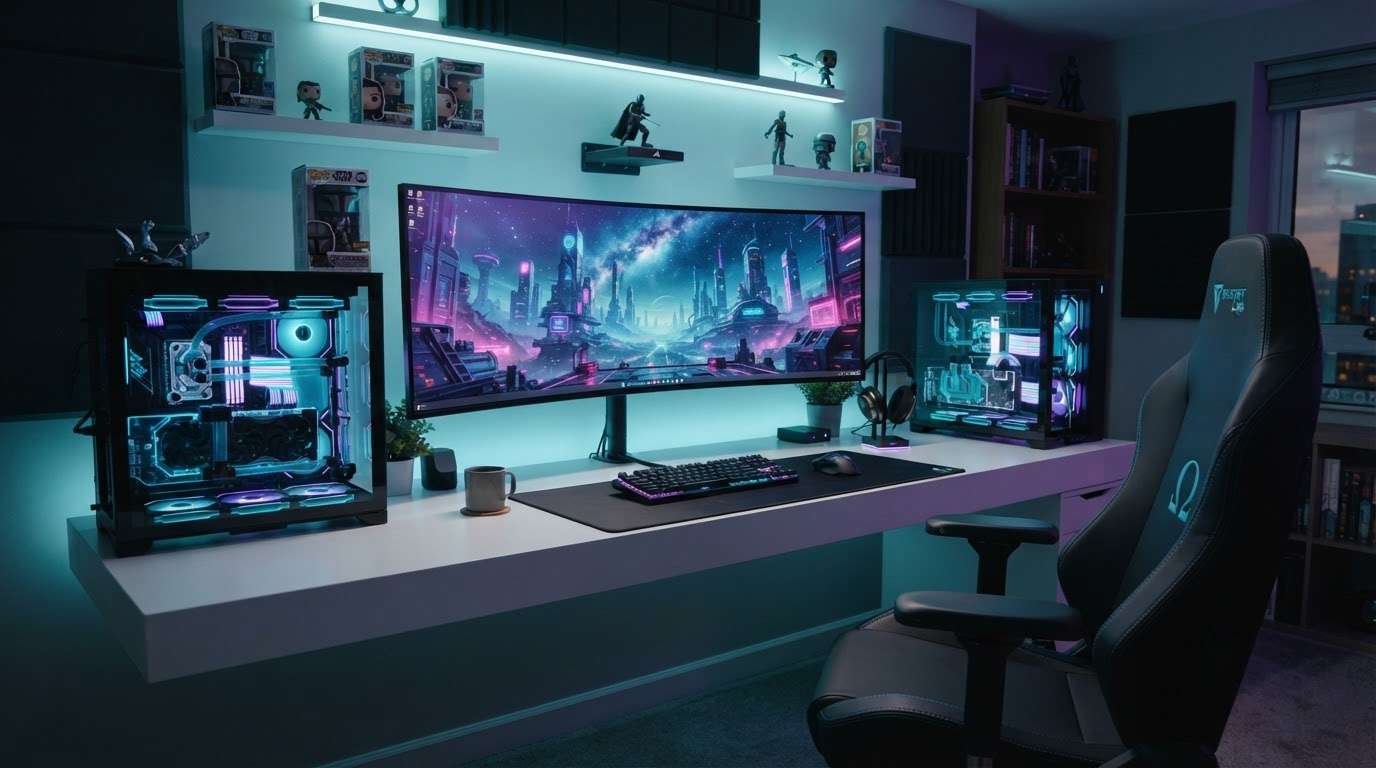
Visualize Your Dream Gaming Room 🌌
Don't just guess what your new gear will look like. Use Filmora's AI Image Generator to render hyper-realistic ai gaming setup photos before you buy a single LED strip. Choose from advanced models like GPT Image 2 or Nano Banana 2 for pixel-perfect aesthetics.
- Endless Aesthetics - Test out cyberpunk, minimalist, or kawaii themes instantly.
- Precise Customization - Define your exact gaming desk setup using simple text prompts.
- High-Resolution Output - Get crystal clear images of your future pc gaming setup.
Elevate Your Stream Overlays 🎥
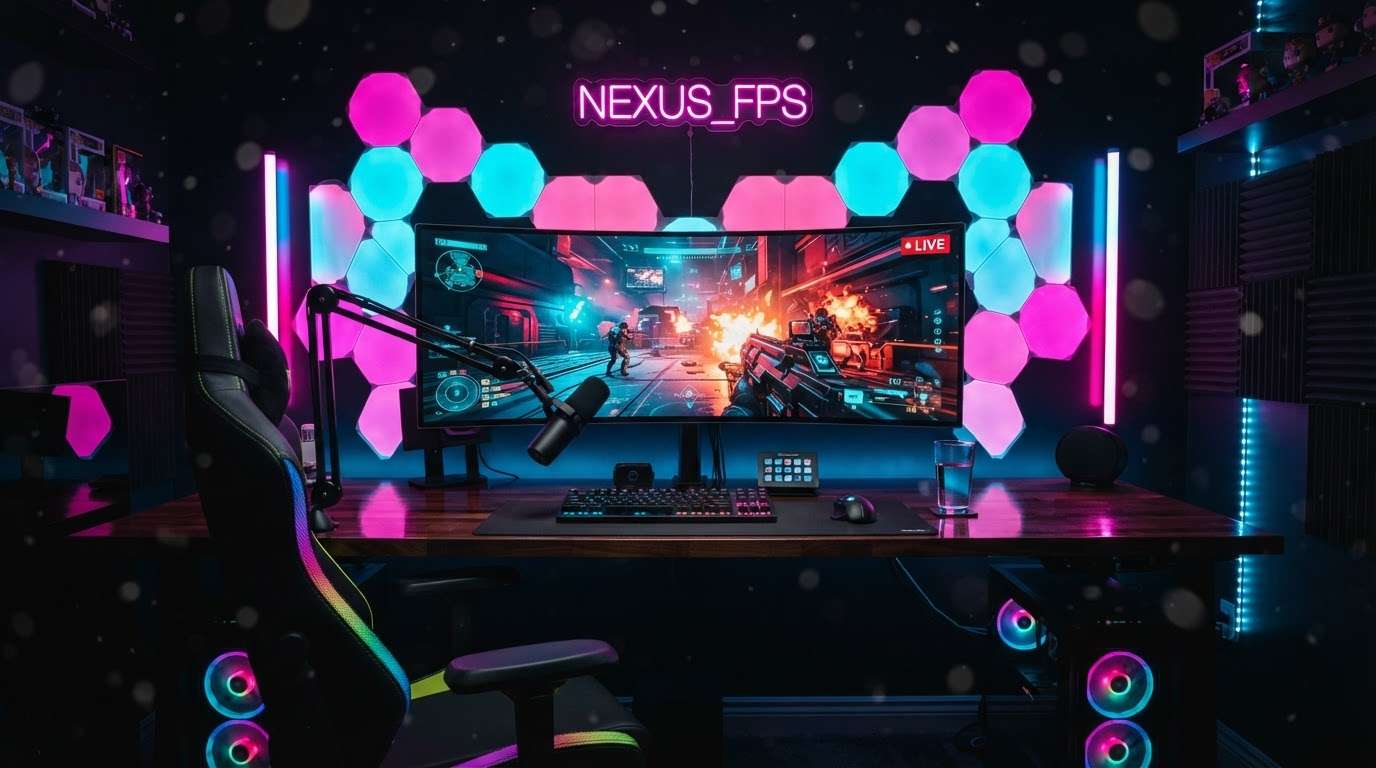
Elevate Your Stream Overlays 🎥
Stand out on Twitch and YouTube by integrating custom AI-generated backgrounds. Filmora makes it incredibly simple to create unique backdrops that match your brand and keep your audience captivated during every stream.
- Unique Branding - Craft a digital streaming room nobody else has.
- Seamless Integration - Drop your ai gaming setup photos right into your video timeline.
- Versatile Formats - Generate images perfectly sized for 16:9 videos or vertical shorts.
The Ultimate AI Text-To-Image Template Engine 🤖
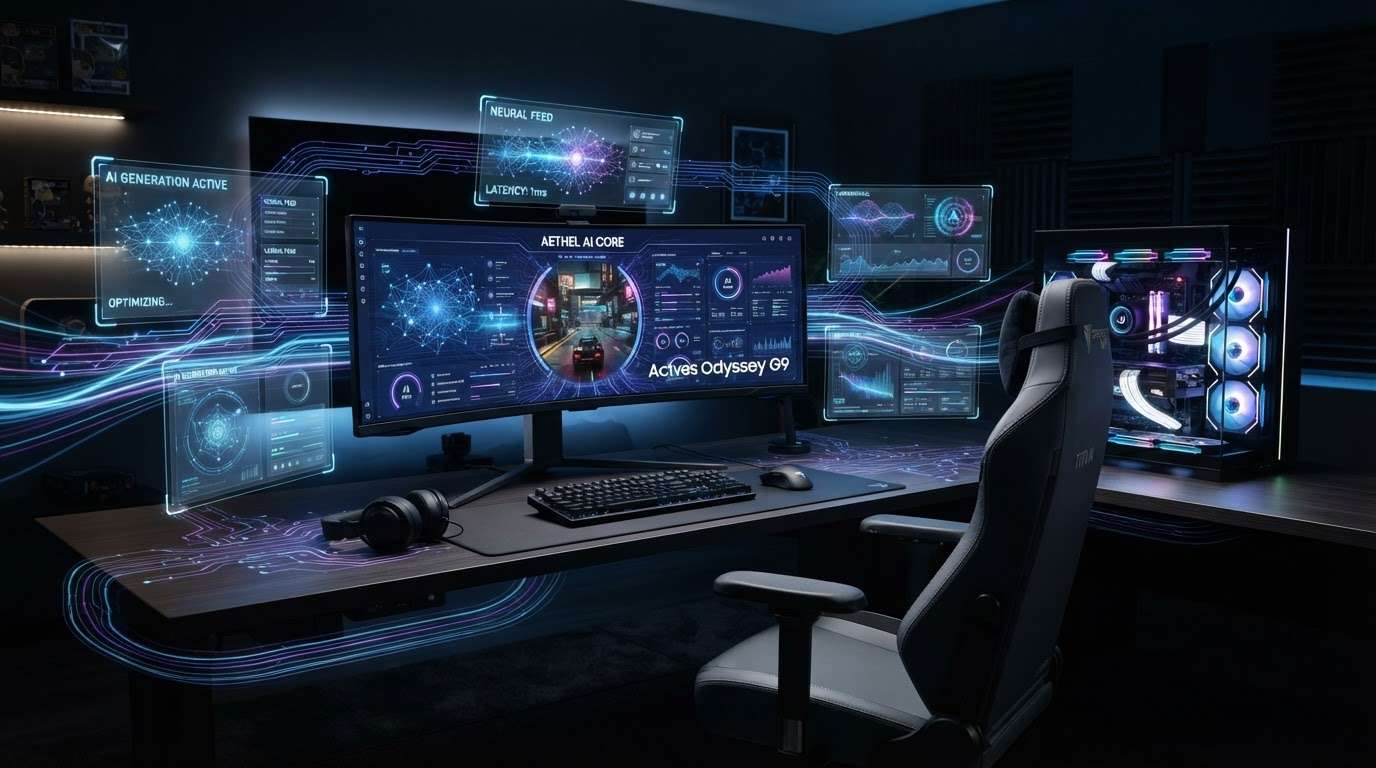
The Ultimate AI Text-To-Image Template Engine 🤖
Why juggle multiple browser tabs when Filmora has everything built-in? Access the power of GPT Image 2, Nano Banana 2 , and Nano Banana Pro directly within your video editor to craft the perfect pc gaming setup without breaking a sweat.
- All-In-One Workflow - Generate, edit, and animate in one software.
- Advanced Understanding - The AI perfectly interprets your ai text to image template instructions.
- Multiple Model Choices - Pick the specific AI brain that fits your artistic vision.
Share Your Setup Ideas Instantly 🚀
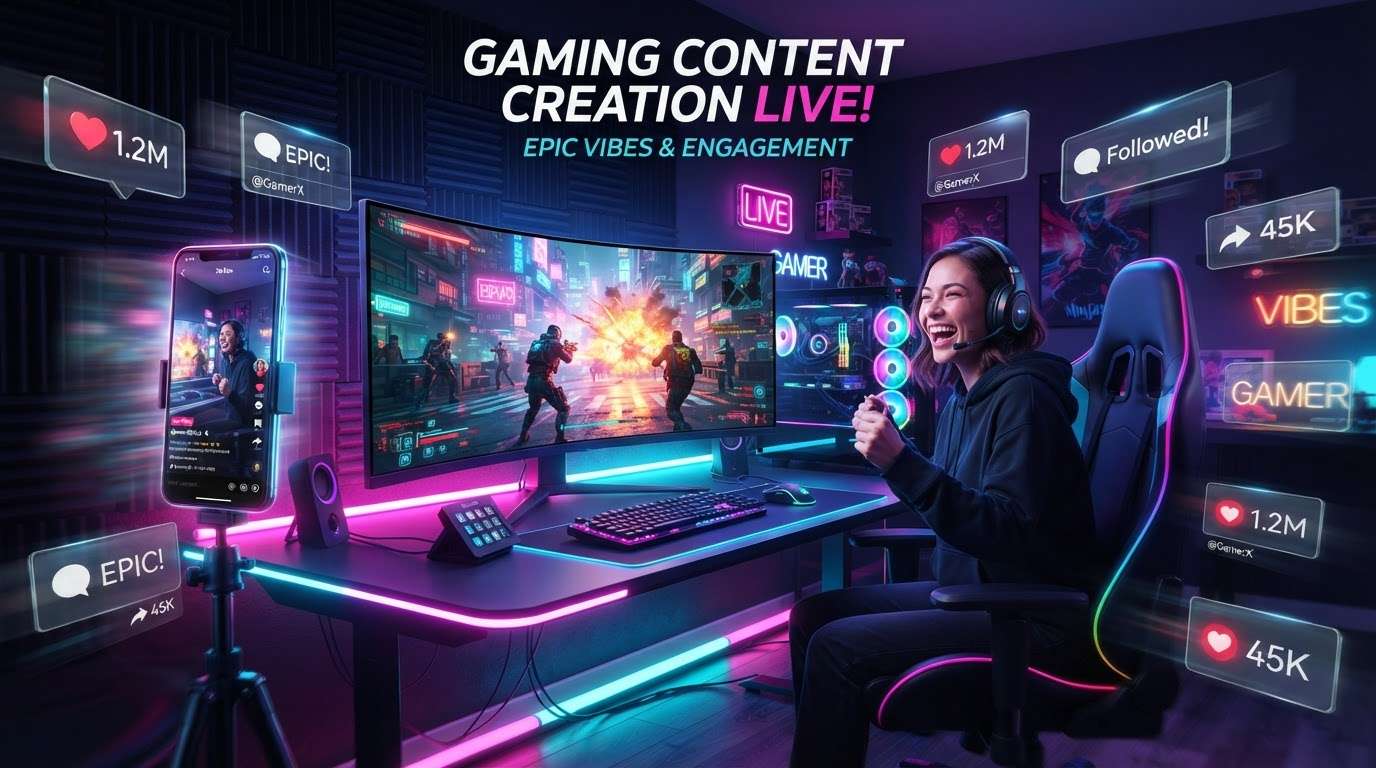
Share Your Setup Ideas Instantly 🚀
Built the coolest virtual gaming desk setup? Filmora lets you animate your generated images, add dynamic effects, and export them directly to social media to wow the PC master race community.
- Instant Social Export - Push your designs to TikTok or Instagram in seconds.
- Dynamic Motion - Add camera zooms and pans to your static ai gaming setup photos.
- Vibrant Color Grading - Enhance the neon glow with Filmora's professional color tools.
Frequently Asked Questions About AI Gaming Setup Photos
How to Generate AI Gaming Setup Photos
Turn your wildest rig ideas into high-quality visuals using Filmora's powerful text-to-image AI tools. 🖥️
Step 1 Write Your Text Prompt

Step 2 Select the AI Model

Step 3 Generate & Export

-
1:Write Your Prompt
Open Filmora and navigate to the AI Image feature. Describe your dream pc gaming setup—include details about lighting, monitors, and peripherals. ⌨️ -
2:Select the AI Model
Choose the best engine for your vision. Filmora lets you pick from GPT Image 2, Nano Banana 2, or Nano Banana Pro to perfectly render the textures of your gaming desk setup. 🧠 -
3:Generate & Export
Click Generate and watch your ai gaming setup photos come to life! Add final touches like color grading, then export to share your ultimate setup with the community. 🌟
