Explore Raccoon Cartoon Prompts
Browse raccoon cartoon prompts for stickers, storybook scenes, mascot badges, cozy forest characters, and social-ready illustrations. Use each idea to generate character images for video templates, thumbnails, classroom projects, merch mockups, and playful brand concepts.
Loading more raccoon cartoon prompts...
 Category:
 Duration:
 Aspect Ratio:
Why Use Raccoon Cartoon Prompts for Character Design?
Raccoons already have strong visual personality: masked eyes, striped tails, curious paws, and playful expressions. Clear prompt writing helps AI turn those details into charming characters for stickers, books, mascots, and short-form content.
Create a Memorable Cartoon Character Fast
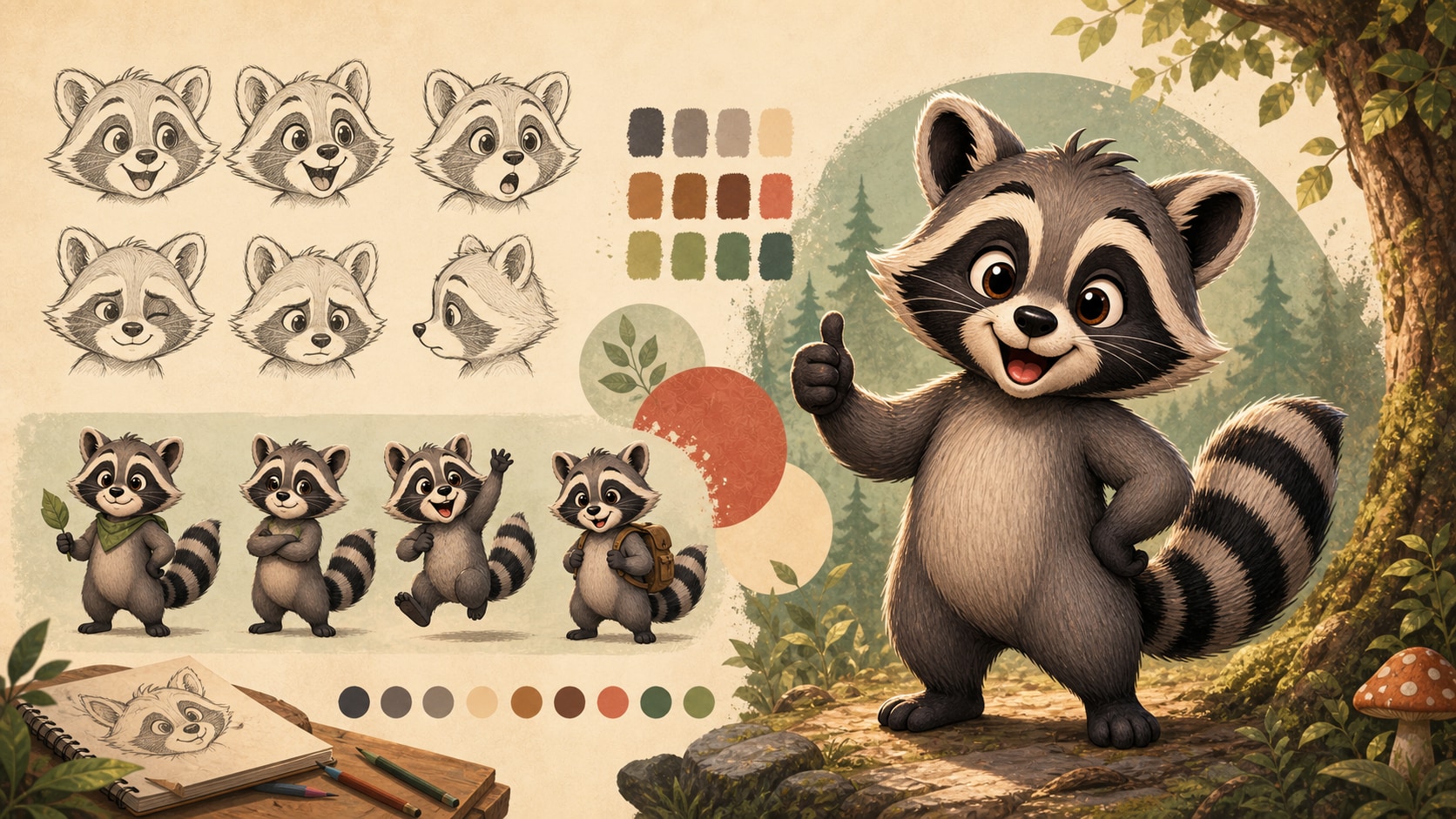
Create a Memorable Cartoon Character Fast
Start with the raccoon personality before the art style. A shy forest helper, bold mascot, cozy bedtime character, or mischievous snack thief will give your raccoon cartoon prompt a clearer creative direction.
- Character Clarity - Describe expression, pose, outfit, and personality in one focused sentence.
- Cute Details - Use round shapes, bright eyes, tiny paws, and a fluffy striped tail.
- Style Control - Specify storybook, sticker, mascot, 3D, watercolor, or flat vector cartoon style.
Design Stickers, Mascots, and Logo Badges
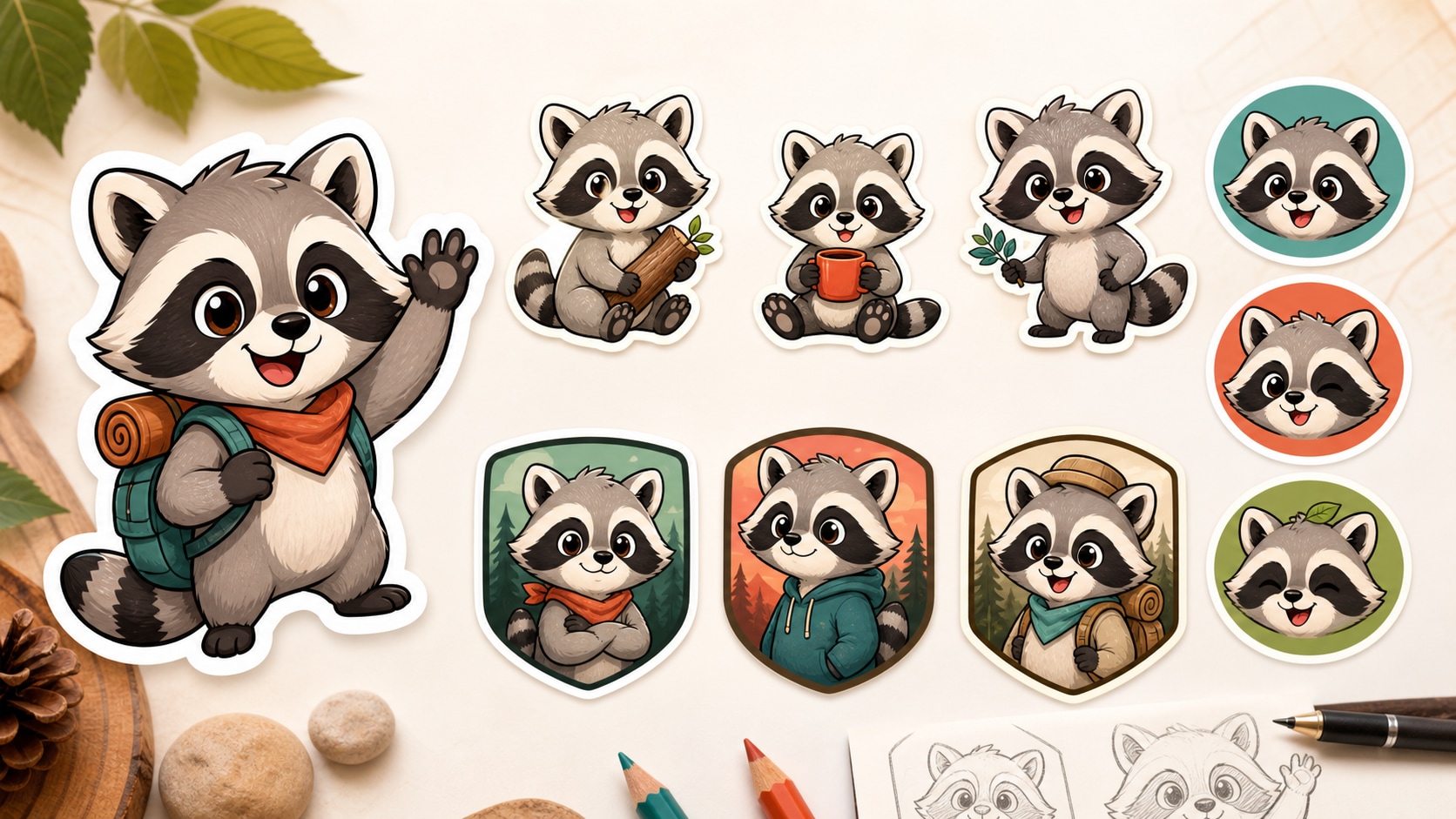
Design Stickers, Mascots, and Logo Badges
A cartoon raccoon sticker prompt works best when the subject is simple, readable, and expressive. Filmora can help generate clean mascot-style characters you can later place into thumbnails, videos, or branded layouts.
- Sticker Shapes - Ask for bold outlines, centered composition, and a clean background.
- Mascot Energy - Add props like backpacks, acorns, paintbrushes, lanterns, or explorer hats.
- No Messy Text - Generate the character without readable words, then add final labels later.
Build Kids Book and Story Scenes
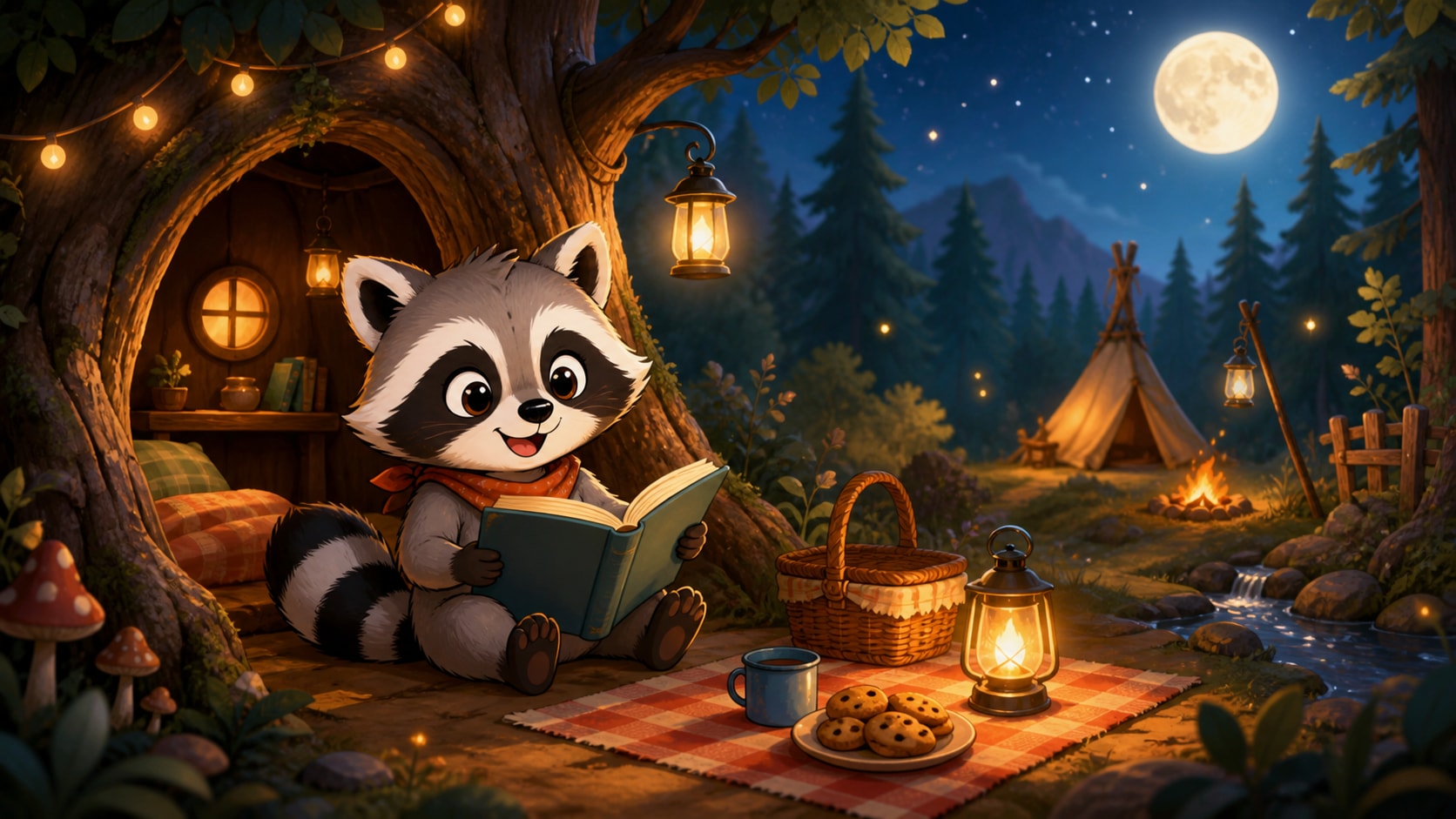
Build Kids Book and Story Scenes
For a kids book raccoon illustration prompt, describe the setting and gentle story moment. Forest paths, tree hollows, moonlit campsites, picnic blankets, and tiny lanterns can make each image feel warm and narrative.
- Scene Setting - Use cozy forests, tree houses, gardens, campsites, or rainy puddles.
- Soft Mood - Choose warm light, friendly colors, and gentle facial expressions.
- Series Potential - Keep outfit and character details consistent across several prompts.
Turn Cartoon Raccoons into Video Assets
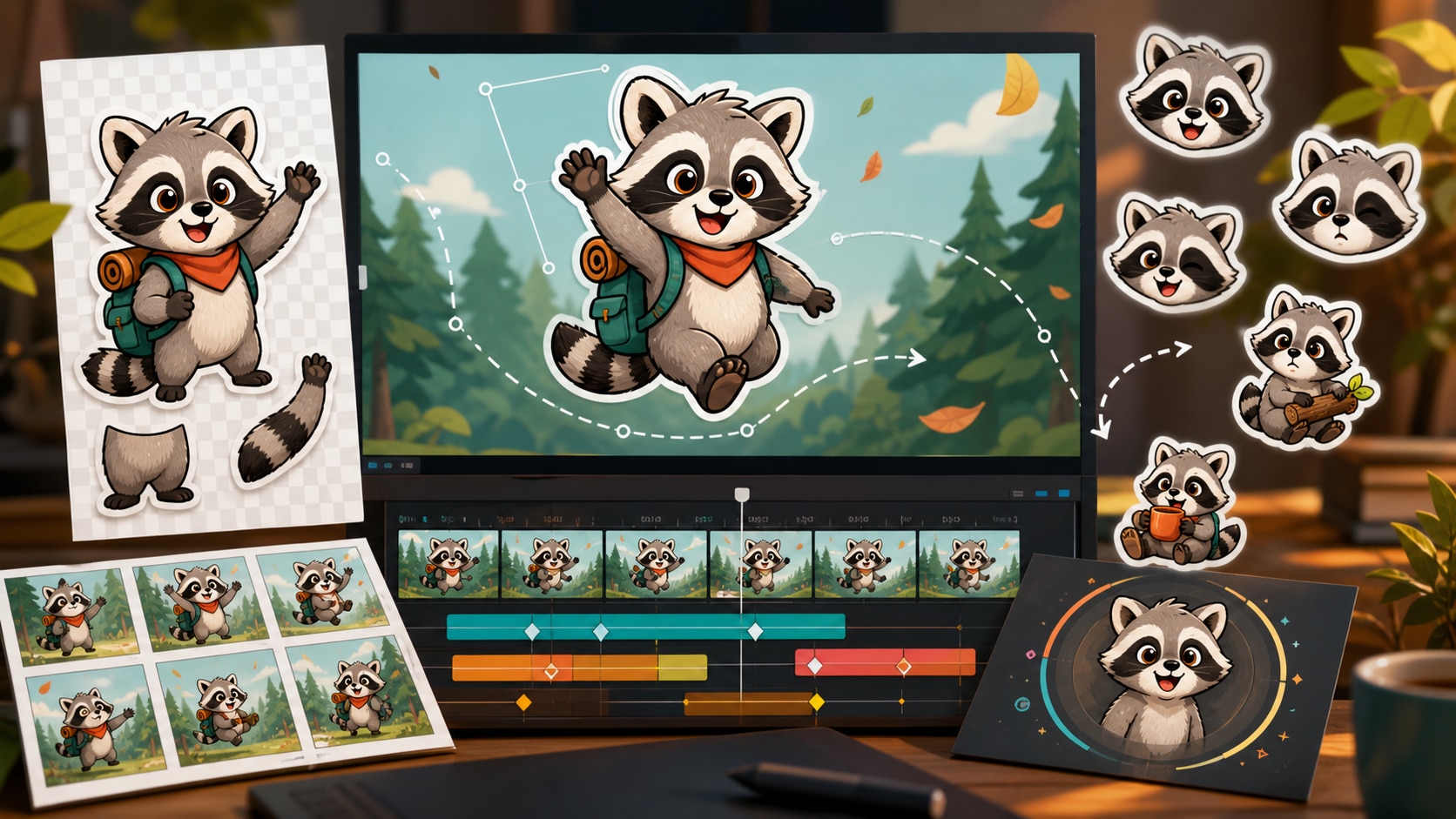
Turn Cartoon Raccoons into Video Assets
Once your raccoon artwork is generated, bring it into Filmora to create animated stickers, intro cards, social shorts, or educational visuals. A still raccoon cartoon character can become a moving story element.
- Motion Ideas - Animate blinking, waving, bouncing, lantern glow, or falling leaves.
- Video Layers - Use the character as an overlay, title companion, or scene transition.
- Fast Export - Create still images and motion versions from the same prompt concept.
Frequently Asked Questions About Raccoon Cartoon Prompts
How to Generate Raccoon Cartoon Images With Prompts
Turn a simple raccoon idea into a sticker, mascot, storybook character, or video-ready cartoon asset using Filmora's AI image workflow.
Step 1 Choose a Raccoon Character Prompt

Step 2 Set the Style and Ratio

Step 3 Generate, Edit, and Animate

-
1: Choose a Raccoon Character Prompt
Pick a prompt style such as cute sticker, forest storybook scene, mascot logo badge, sleepy bedtime raccoon, or explorer character. -
2: Set the Style and Ratio
Paste the prompt into Filmora's AI Image tool, choose 1:1, 9:16, or 16:9, and refine the cartoon style, mood, and no readable text instruction. -
3: Generate, Edit, and Animate
Generate the raccoon cartoon, adjust color or outlines, add clean titles if needed, then animate it as a sticker, intro element, or social video asset.
Raccoon Cartoon Prompts: Create Stickers, Mascots, and Storybook Characters
Looking for the perfect raccoon cartoon prompt? From cute stickers and mascot badges to forest story scenes, playful logo concepts, and kids book illustrations, Filmora helps you generate, refine, animate, and export character artwork in one workflow.