


 TL;DR:
Choosing the right AI anime generator depends on your specific needs: Midjourney and Stable Diffusion excel at text-to-image creation from scratch, Fotor is ideal for quick photo-to-anime conversions, and Wondershare Filmora is best for transforming static anime art into animated video content.
● For original text-to-image generation, Midjourney delivers cinematic results through its dedicated Niji mode but strictly requires a paid subscription, whereas Stable Diffusion offers maximum control over fine details but demands a high-end GPU and technical setup.
● Fotor provides the fastest solution for beginners converting real selfies into anime styles without complex prompting, while Artbreeder replaces text prompts with visual gene sliders specifically to maintain facial consistency for character design rather than full scene generation.
● Content creators needing dynamic outputs can use Wondershare Filmora to animate generated still images directly on a video timeline, though utilizing free specialized tools like PixAI and Leonardo AI to maintain consistent visual styles will restrict your workflow to daily credit limits.
Ask AI for a summary
 ChatGPT
 Perplexity
 Gemini
 Claude
 Grok
Grok
What used to take artists years to master creating anime art can now be done in seconds with AI anime generators. But the catch is, not all tools deliver the same quality. Some excel at turning selfies into anime portraits, while others are better at generating detailed characters, backgrounds, or full scenes. Style consistency, customization, and output quality can vary a lot.
To save you the time of testing everything yourself, we tested dozens of tools and narrowed them down to the top 8 AI anime art generation tools that actually produce quality results. Some are best for converting photos, others for building characters from text, and a few handle full scene generation surprisingly well.
Part 1. What Is an AI Anime Generator?
An AI anime generator is a tool that creates anime-style visuals using artificial intelligence, typically through two main approaches:
- Text-to-image
- Image-to-image
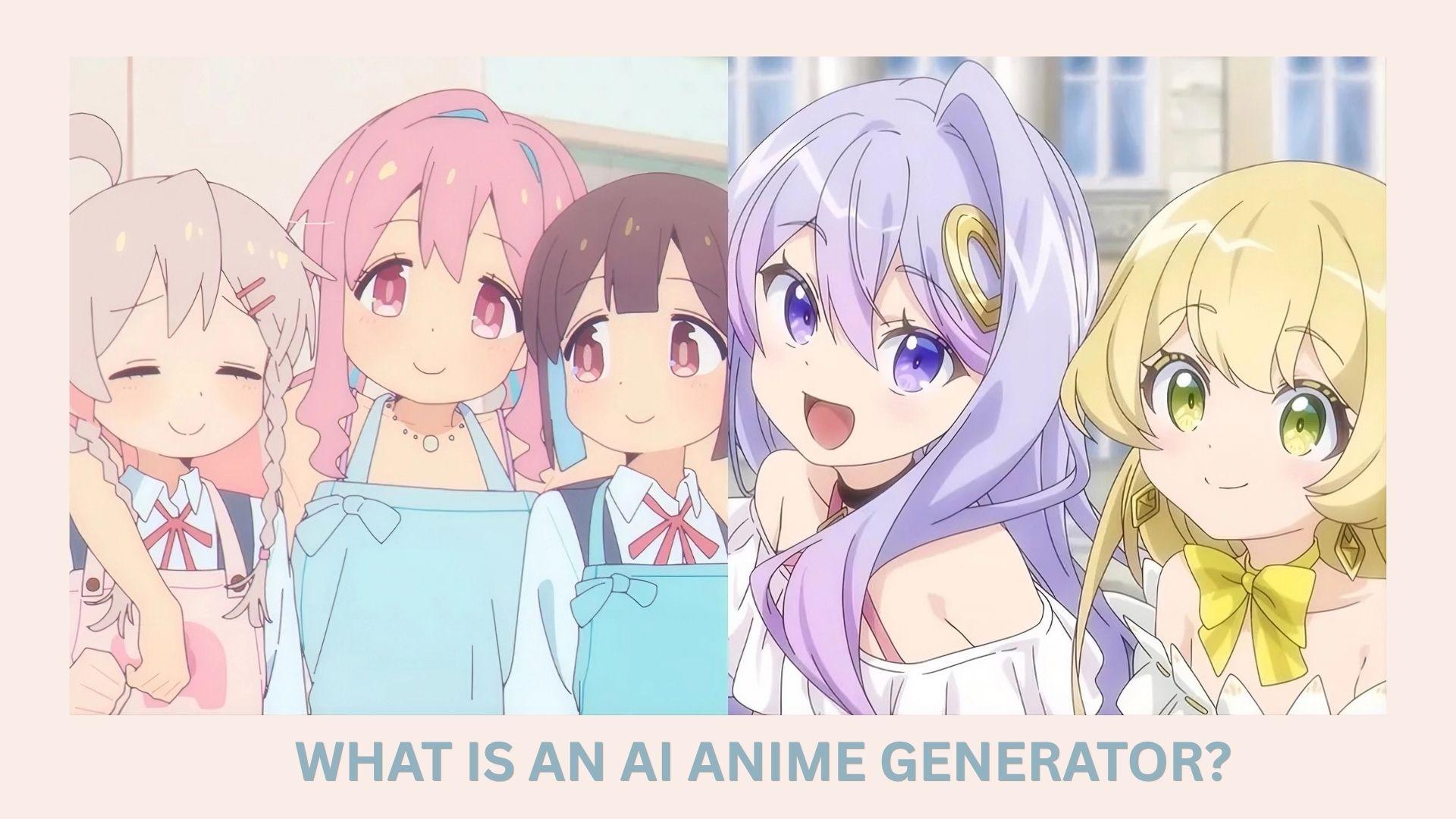
With text-to-image, you describe a character, scene, or mood, and the AI turns that prompt into a fully rendered AI-generated anime character. With image-to-image, you upload a photo, and the AI transforms it into an anime version while preserving key features such as pose or composition.
However, results can vary widely across tools, which is what makes finding the right one tricky. These differences typically depend on several key factors:
- Training data: The quality and style of the dataset used to train the AI directly affect the output. Models trained on high-quality, diverse anime artwork tend to produce more detailed and stylistically accurate results.
- Prompt quality: The way you describe your idea matters a lot. Clear, specific prompts with details about appearance, mood, lighting, or background often lead to more refined and intentional outputs.
- Style control: Some tools give you more control over the final look, such as choosing anime styles, adjusting colors, or refining character features. The more control you have, the easier it is to avoid generic-looking results.
To keep things practical, we tested each AI anime generator by actually using it to create anime images, not just reviewing features. We tried both text prompts and photo-to-anime conversions to see how well each tool performs in real scenarios.
- Output quality: How sharp, detailed, and visually appealing the final anime images look
- Style consistency: Whether the tool maintains a coherent anime style across different prompts
- Ease of use: How beginner-friendly does the interface and generation process feel
- Customization options: The level of control over styles, poses, colors, and details
- Speed and reliability: How fast images are generated and how consistent the results are
- Free vs paid value: What you actually get without paying, and whether upgrades are worth it
Our Top 3 AI Anime Generator Picks
If you don’t want to test dozens of tools yourself, these three stand out for different reasons, depending on what kind of anime art you want to create.


Part 2. Quick AI Anime Generator Comparison Table
To help you quickly spot the differences, here’s a side-by-side comparison of the most popular AI anime generators based on real usage, features, and strengths.
| Tool | Best for | Free plan | Input type | Key strengths |
| Wondershare Filmora | All-in-one anime + video creation | Yes (limited) | Text-to-image, image-to-video | Combines anime generation with editing, effects, and content creation tools |
| Midjourney | Fast, high-quality anime visuals | No (paid) | Text-to-image | Cinematic, highly polished outputs with strong composition and lighting |
| Fotor AI Anime Generator | Anime from photo (beginner-friendly) | Yes (limited) | Text-to-image, image-to-image | Super easy to use, quick results, built-in editing tools |
| NightCafe | Text-to-anime art with community features | Yes (credits-based | Text-to-image | Multiple AI models, an active community, and daily free credits |
| Artbreeder | Anime characters & waifus | Yes | Image-to-image | Strong character customization and blending features |
| PixAI | Free anime-focused generation | Yes | Text-to-image, image-to-image | Trained specifically on anime, strong style accuracy, and character consistency |
| Stable Diffusion | High-quality, customizable anime art | Yes (open-source) | Text-to-image, image-to-image | Full control, supports LoRA models for anime styles |
| Leonardo AI | Custom anime styles & workflows | Yes (limited) | Text-to-image, image-to-image | Advanced controls, multiple models, professional-level features |
|
Show More
Show Less
|
||||
Part 3. Best AI Anime Generators (Tested & Ranked)
The table gives you a quick overview, but numbers and labels only tell part of the story. Below, we break down each tool for creating AI anime art in detail, so you know exactly what to expect before you commit to one.
1. Wondershare Filmora (Best All-in-One Anime Generator)
Wondershare Filmora is an AI anime generator that does it all. You can use it to turn your photo into different anime-style art, generate characters from text prompts, or create full AI anime scenes and turn them into videos complete with motion, effects, transitions, and background music.
Filmora is built around a video editing timeline, so its ability to take anime art from generation to finished video is unmatched compared to most standalone AI anime character generators.
- Image Style Transfer to instantly convert photos into anime styles using its AI tool
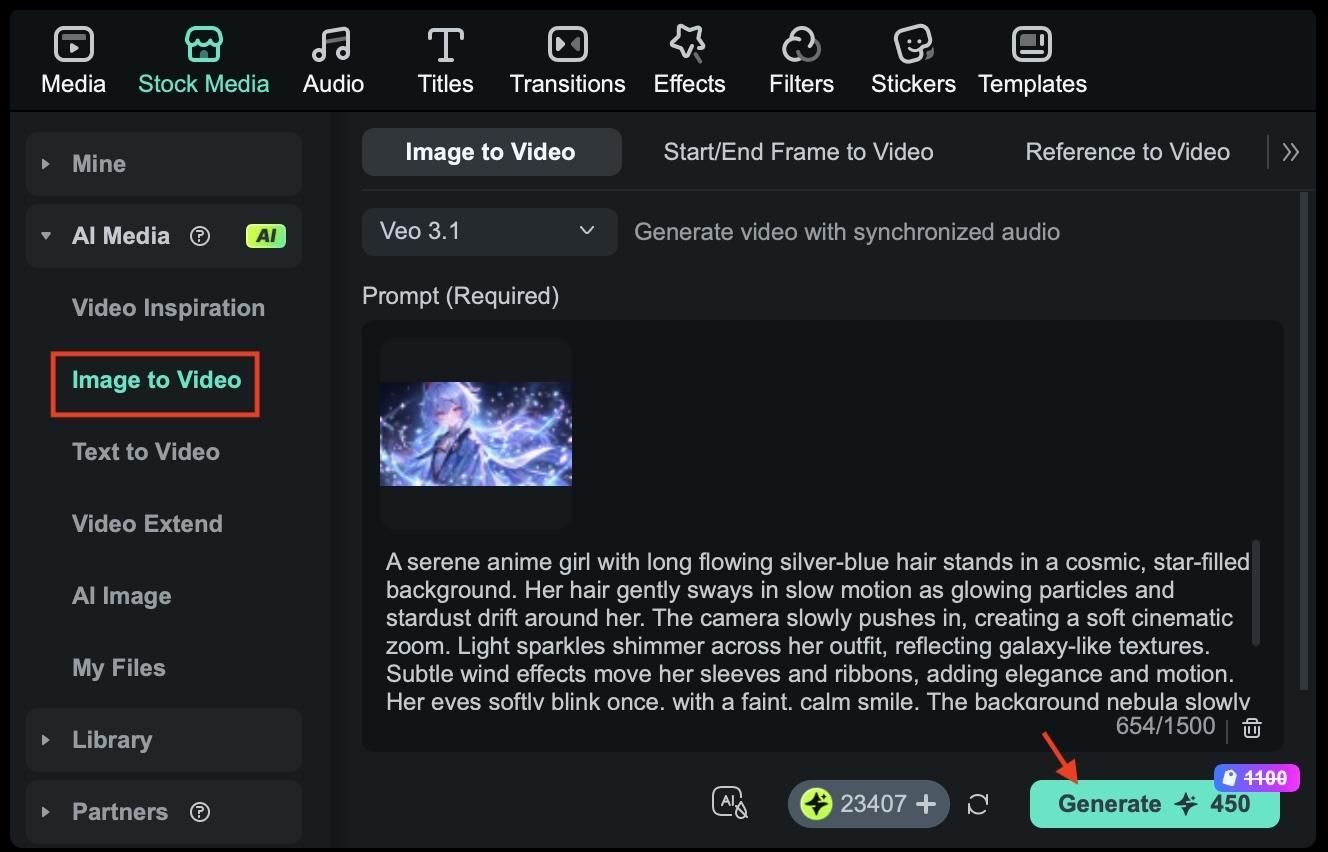
- Image to Video to turn static anime images into animated clips with motion effects
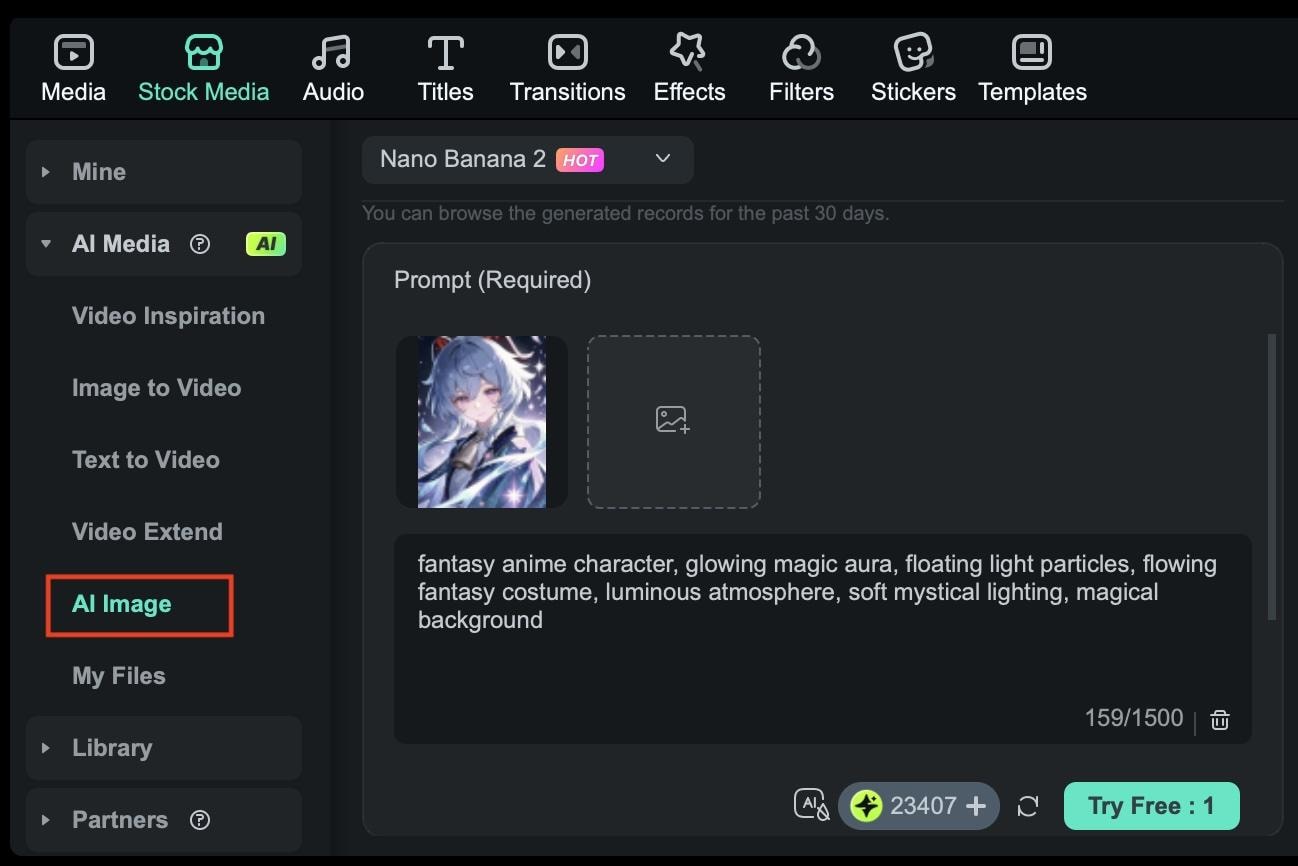
- AI Image (Nano Banana 2 & Nano Banana Pro) to generate anime visuals from text with different quality levels and styles
- Built-in editing tools for effects, transitions, subtitles, and audio
Creators who want both anime generation and video editing in one workflow, especially for TikTok, YouTube Shorts, or Reels.
- Not as flexible as specialized tools when customizing anime styles
- Advanced AI features may require an internet connection and credits
Free plan available with watermarked exports. Full subscriptions and perpetual license pricing are available on Filmora’s pricing page. AI credits may be required separately, depending on usage (varies by feature).
 Secure Download
2. Midjourney (Best for Fast & Simple Anime Creation)
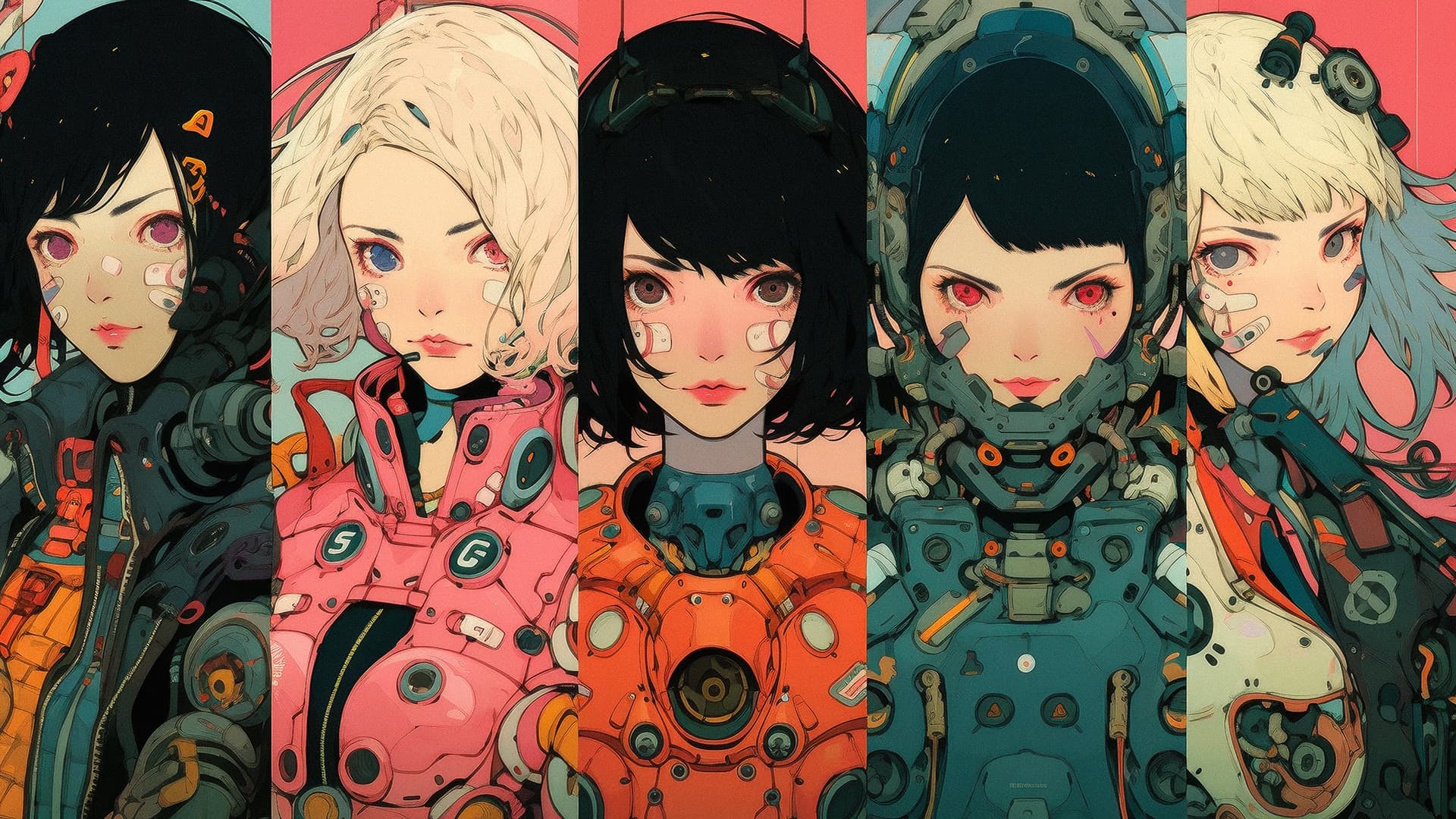
Midjourney is a popular anime AI generator known for producing high-quality AI anime art from text prompts. It runs through Discord and its web interface rather than as a standalone app. Midjourney’s Niji mode is specifically calibrated for anime aesthetics, as it understands style conventions like cel shading, expressive character poses, dramatic lighting, and the visual language of different anime genres.
- Text-to-image anime AI art generator
- Niji mode, adedicated anime-style model that understands genre-specific aesthetics (shonen, shojo, isekai, etc.)
- Supports aspect ratio control, style weighting, and multi-prompt blending for precise results
- Generate images through the web app or Discord, upscale, or create variations directly in the interface
Users who want fast, polished AI anime image generator results.
- No free plan; you must subscribe to generate AI anime art
- Limited fine control
- Basic: $10/month (~200 Fast Mode images)
- Standard: $30/month (15 Fast GPU hours + unlimited Relax Mode)
- Pro: $60/month (30 Fast GPU hours + Stealth Mode for private generations)
- Mega: $120/month (60 Fast GPU hours, highest volume)
3. Fotor AI Anime Generator (Best for Anime from Photo)
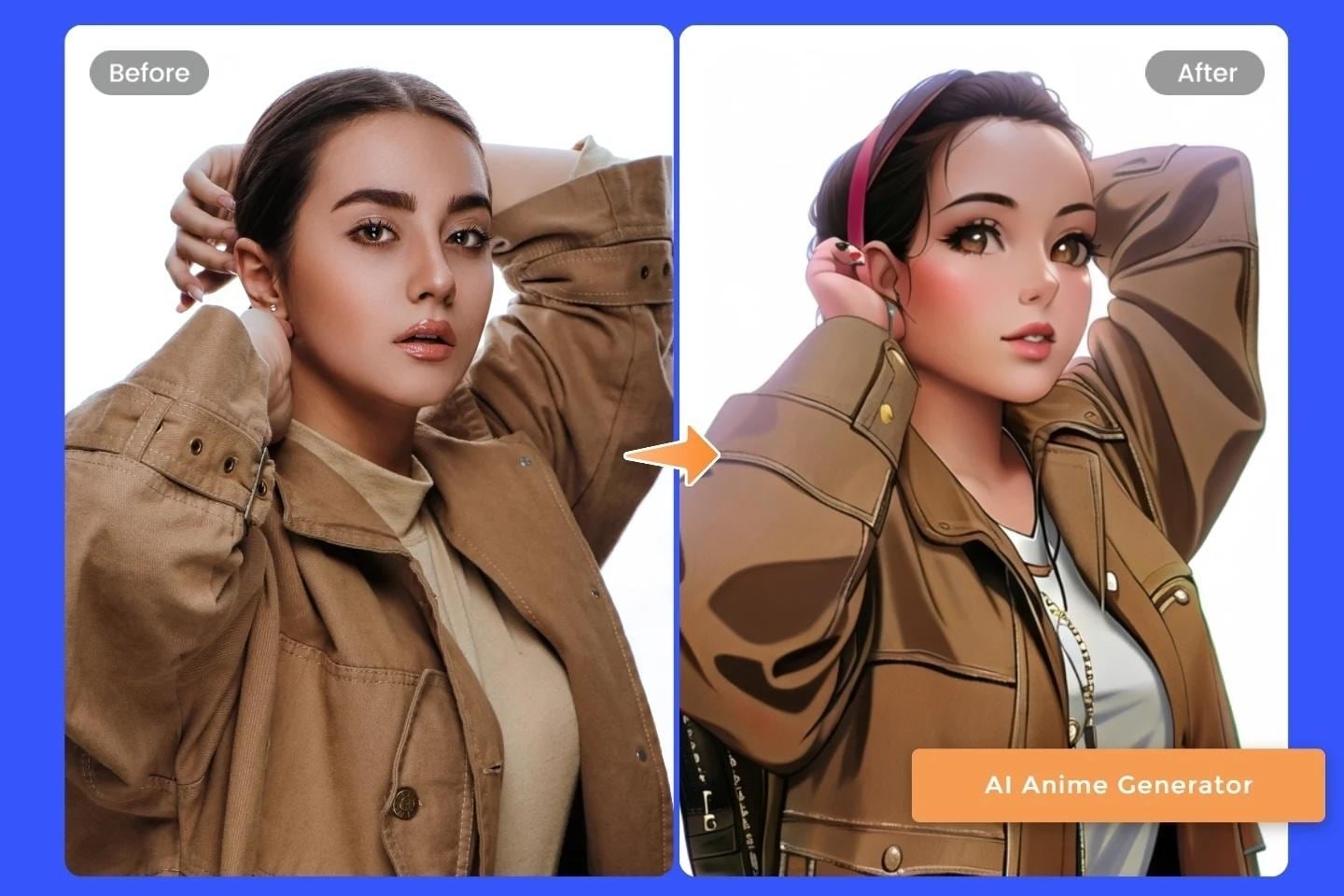
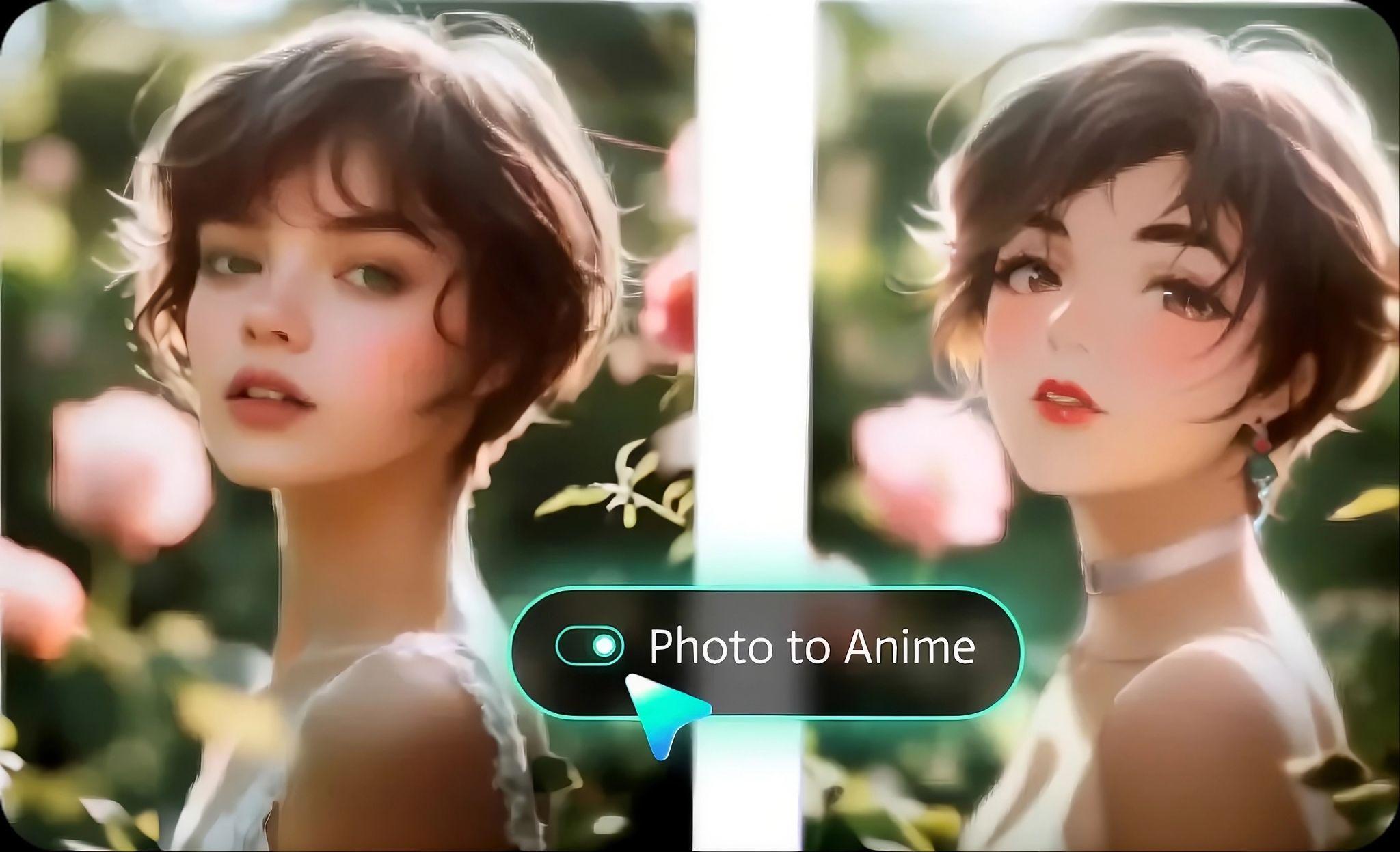
Fotor is a beginner-friendly tool that quickly turns real photos into anime-style images. It works well for creating AI-anime pictures from selfies or portraits while preserving the original look. It also supports simple text prompts, but its main strength is a fast and easy photo-to-anime AI generator.
- Photo to anime conversion to upload a photo and instantly turn it into anime while preserving key facial features.
- Ready-made styles you can apply in one click, such as soft, colorful, or more detailed anime looks.
- Generate anime images from short prompts, though with limited control.
- Basic tools to adjust colors, lighting, and sharpness after generating the image.
Beginners who want fast anime transformations without learning prompts
- Limited control over fine details
- Outputs can feel templated compared to advanced tools
- Free plan available
- Pro: $8.99/month
- Pro+: $19.99/month
- AI credits required for high-resolution generations
4. NightCafe (Best for Text-to-Anime Art)
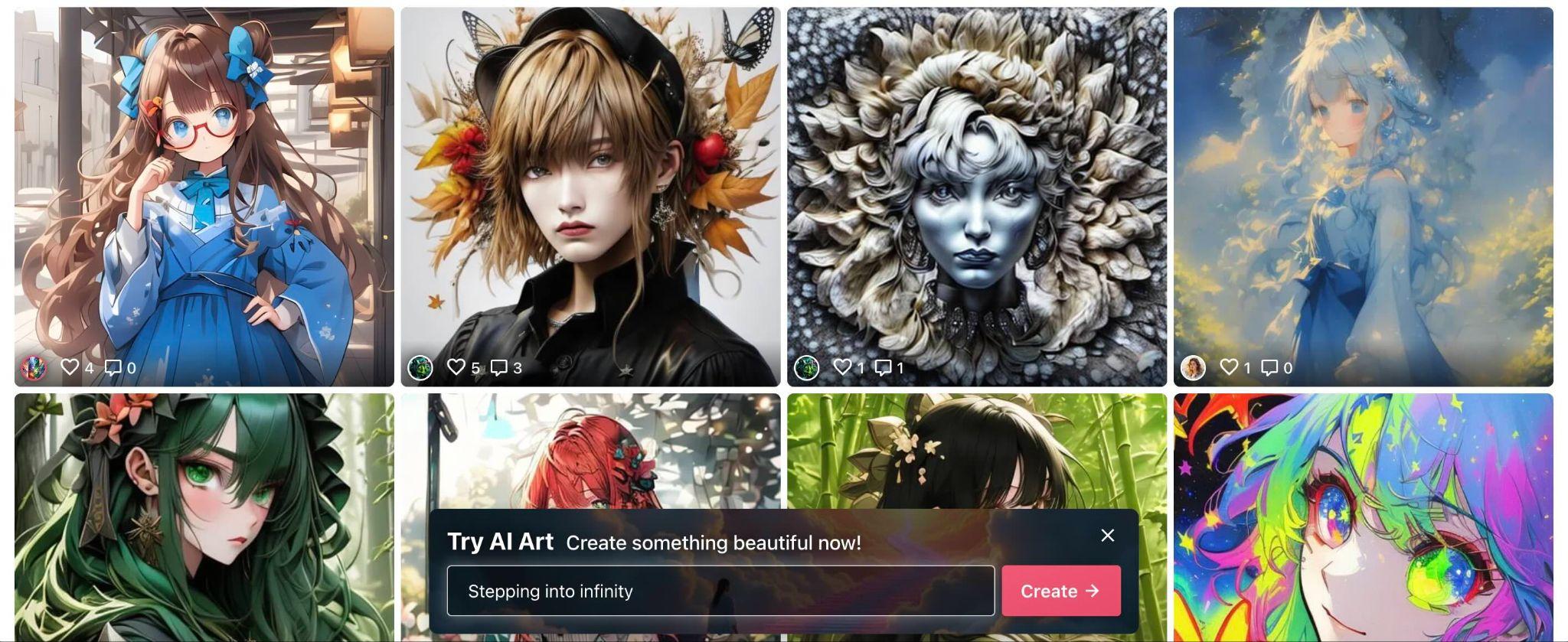
NightCafe lets you generate AI anime art from text using different AI models in one place, including DALL·E 3, Stable Diffusion XL, Flux, HiDream, and others. You can use it to compare how different AI systems interpret the same prompt, which is useful for learning what each model handles well.
- Multiple models (Stable Diffusion, DALL·E, etc.)
- 5 free credits per day, which resets daily at midnight UTC
- Community challenges and sharing
- Prompt-based anime generation
Creators who want to explore and compare multiple AI models, learn prompt engineering through community feedback, and generate anime AI pictures.
- The credit system can limit frequent use
- Quality varies depending on model selection
- Free tier: daily credits (typically ~5 credits/day)
- Paid plans start at $5.99/month (extra credits)
- Each generation can cost 1–4 credits, depending on settings
5. Artbreeder (Best for Anime Characters & Waifus)
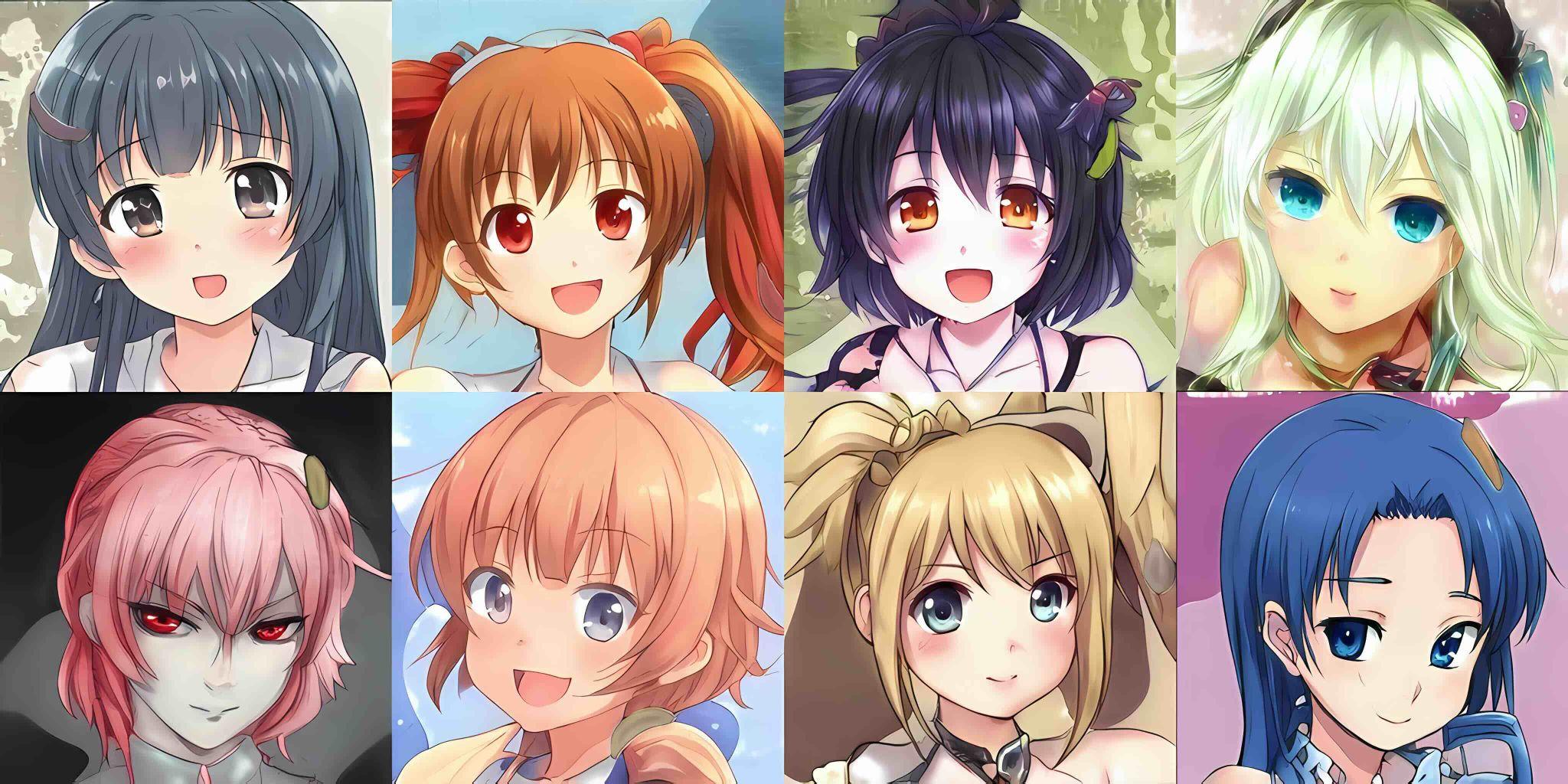
Artbreeder operates through several distinct creation modes: Splicer, Collager, Composer, Prompter, and Animator. For generating anime AI characters, Splicer and Composer are the most relevant.
Splicer lets you mix and evolve variations of a base image by controlling visual "genes" with sliders. Meanwhile, Composer lets you designate one image as the style reference and another as the content reference, then blending them together.
- Image blending (gene editing style sliders)
- Character customization (face, hair, expression)
- Anime portrait generation
- Collaborative remixing
Users who want to design a specific anime character face through visual controls, or who find text prompting frustrating for character work.
- Less suitable for full scenes or action shots
- More limited style variations compared to newer AI tools
- Free plan available (limited downloads and features)
- Starter: $8.99/month
- Advanced: $18.99/month
6. PixAI (Best Free AI Anime Generator)
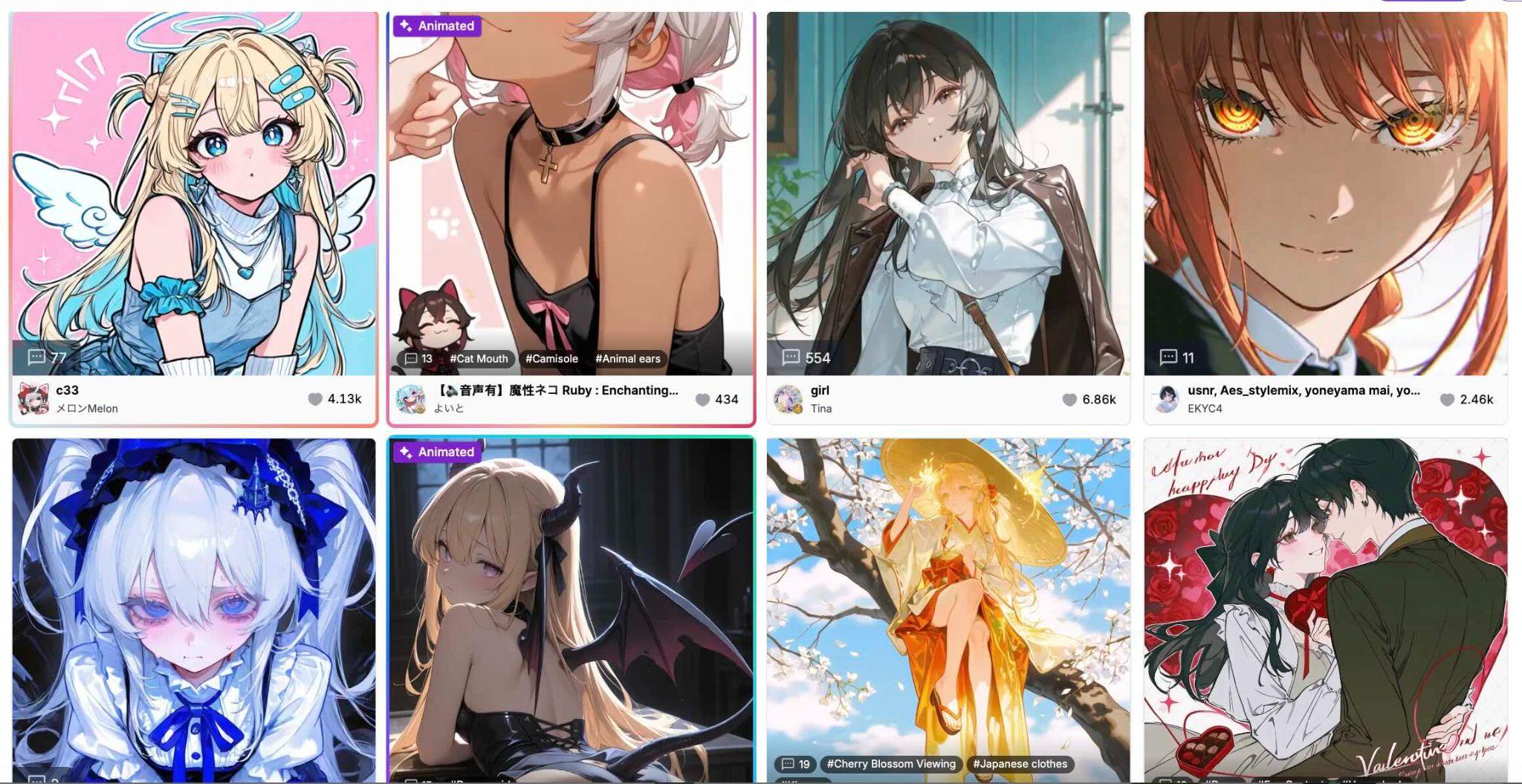
PixAI is one of the best AI anime generators that supports both text-to-image and image-to-image workflows, with LoRA support. Since it’s built specifically for anime, the results tend to match anime styles more closely than general AI tools.
- The AI is trained on anime-style datasets, giving it a better understanding of elements like line art, shading, and proportions.
- You can create from scratch or refine an existing image.
- Pre-configured settings that apply a specific look (e.g., soft lighting, detailed shadows, or a certain anime aesthetic) without needing manual adjustments.
- LoRA is a small add-on that can help you keep a character’s look consistent across multiple images.
Users are looking for a free anime AI art generator with more consistency.
- The credit system limits heavy usage
- The interface can feel complex for beginners
- Free plan with daily credits
- Paid credits available (varies by usage)
- Generations typically cost a few credits, depending on quality settings
7. Stable Diffusion (Best for High-Quality Anime Artwork)
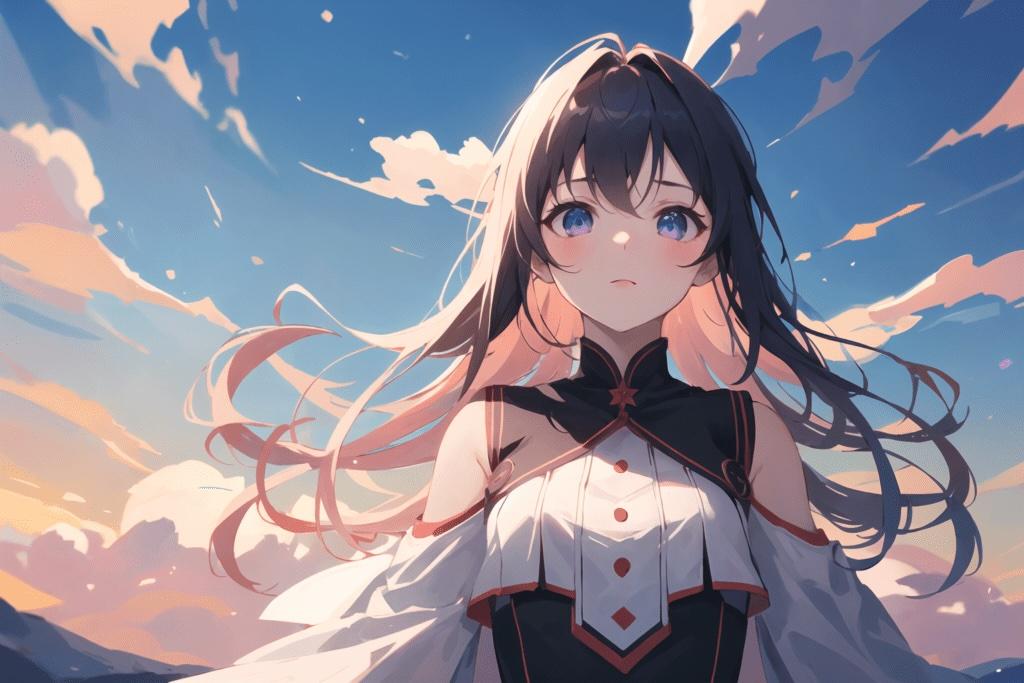
Stable Diffusion offers one of the highest levels of control in anime image generation. It’s widely used by people who want to fine-tune every detail, from composition to style.
- Custom models, specifically trained for the anime style, which improve accuracy compared to general models.
- You can adjust settings such as prompt weight, image guidance, and sampling steps. This gives you deep control over how images are generated.
- Image-to-image refinement, where you can upload an image and guide the AI to restyle or improve it.
- Flexible setup; you can run it locally or through online platforms.
Advanced users who want maximum control over style and quality
- Setup can be technical
- Requires a good GPU for best performance
- Free (10 credits per day)
- Pro: $10/ month (billed yearly)
- Max: $20/ month (billed yearly)
8. Leonardo AI (Best for Custom Anime Styles)
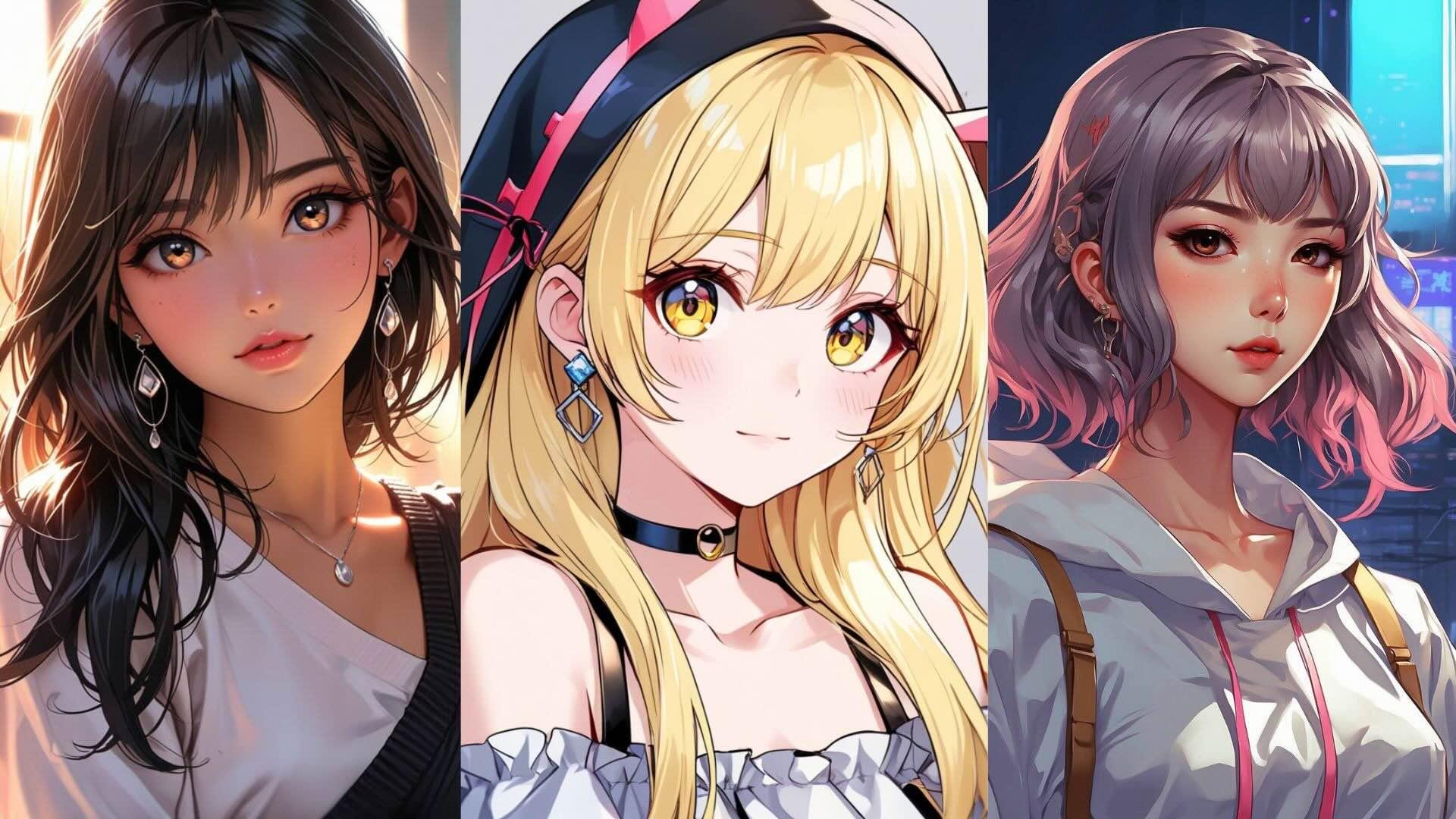
Leonardo AI is designed to generate consistent visuals across multiple images, useful for projects like games or content series. The interface is web-based, with an AI Canvas tool for inpainting, outpainting, and in-place edits.
- You can train the AI on a specific style so future images match that look.
- Ready-made visual styles you can apply quickly, helping you get consistent results without starting from scratch.
- Built-in prompt tools that automatically expand or refine your prompt, adding details you might have missed.
- Generates sharper images with better detail.
Users who need consistent AI anime art across projects.
- A credit-based system can limit usage
- Slight learning curve for beginners
- Free plan: ~150 tokens/day
- Paid plans start at $10/month
- Each generation typically costs 1–8 tokens based on settings
Part 4. How to Refine Anime AI Outputs
Most AI-powered anime generators are indeed great at producing visuals, but the results are usually static. You get a single image, not a complete piece of content. For creators, especially those working on social media or video platforms, that’s only the starting point. To make the output feel more engaging, you still need motion, storytelling, and proper editing.
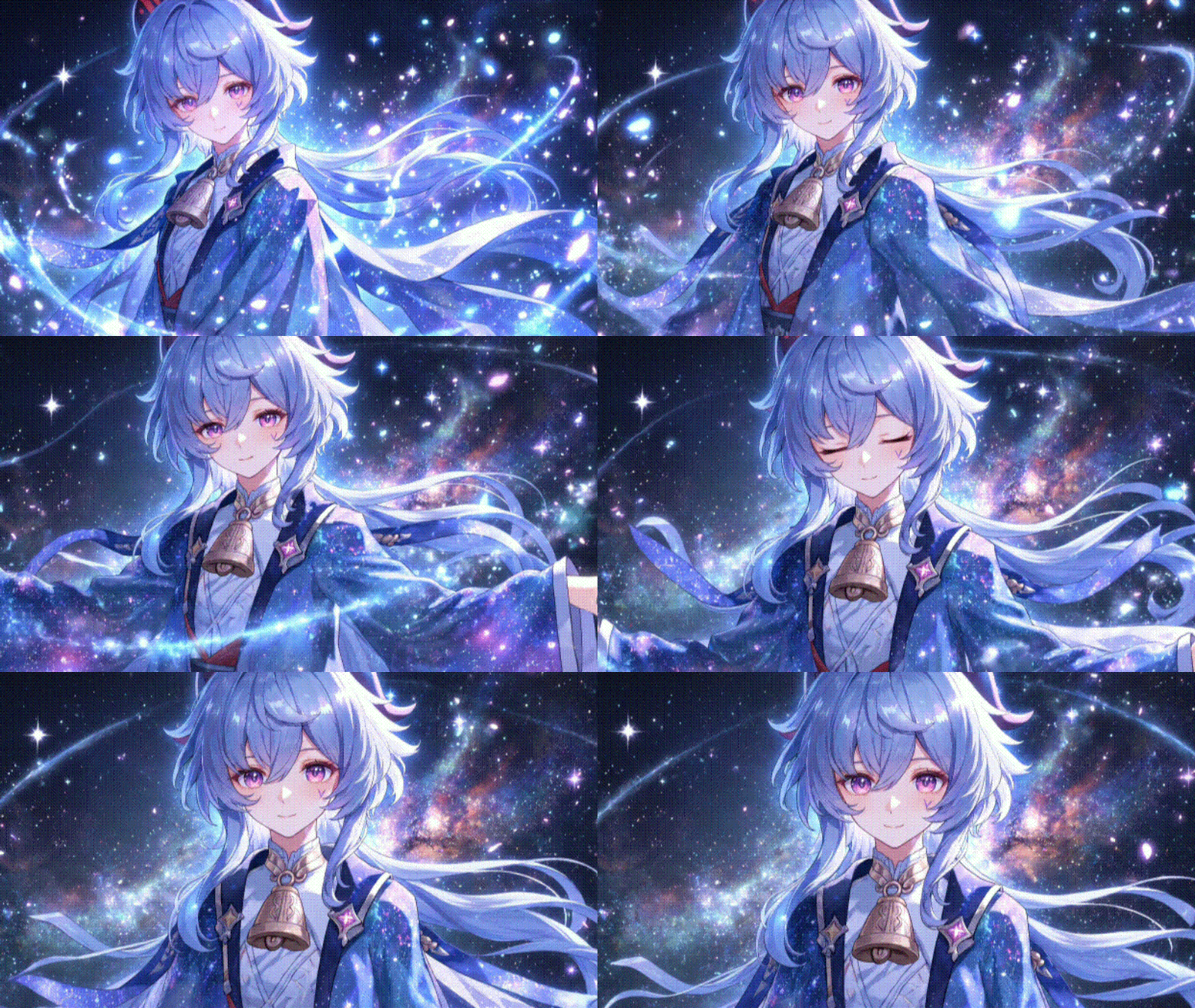
A more effective workflow is to combine image generation with video tools. Rather than stopping at a still image, you can transform it into something more dynamic and engaging to watch. To go beyond generating anime images, Filmora is the tool that can do the job well.
Step 1: Generate anime images - Start with any AI anime generator to create your base visuals, whether from text prompts or photos.
Step 2: Animate with AI Image to Video - Import your images into Filmora and use its AI Image to Video feature to add motion, camera movement, or subtle animation effects.
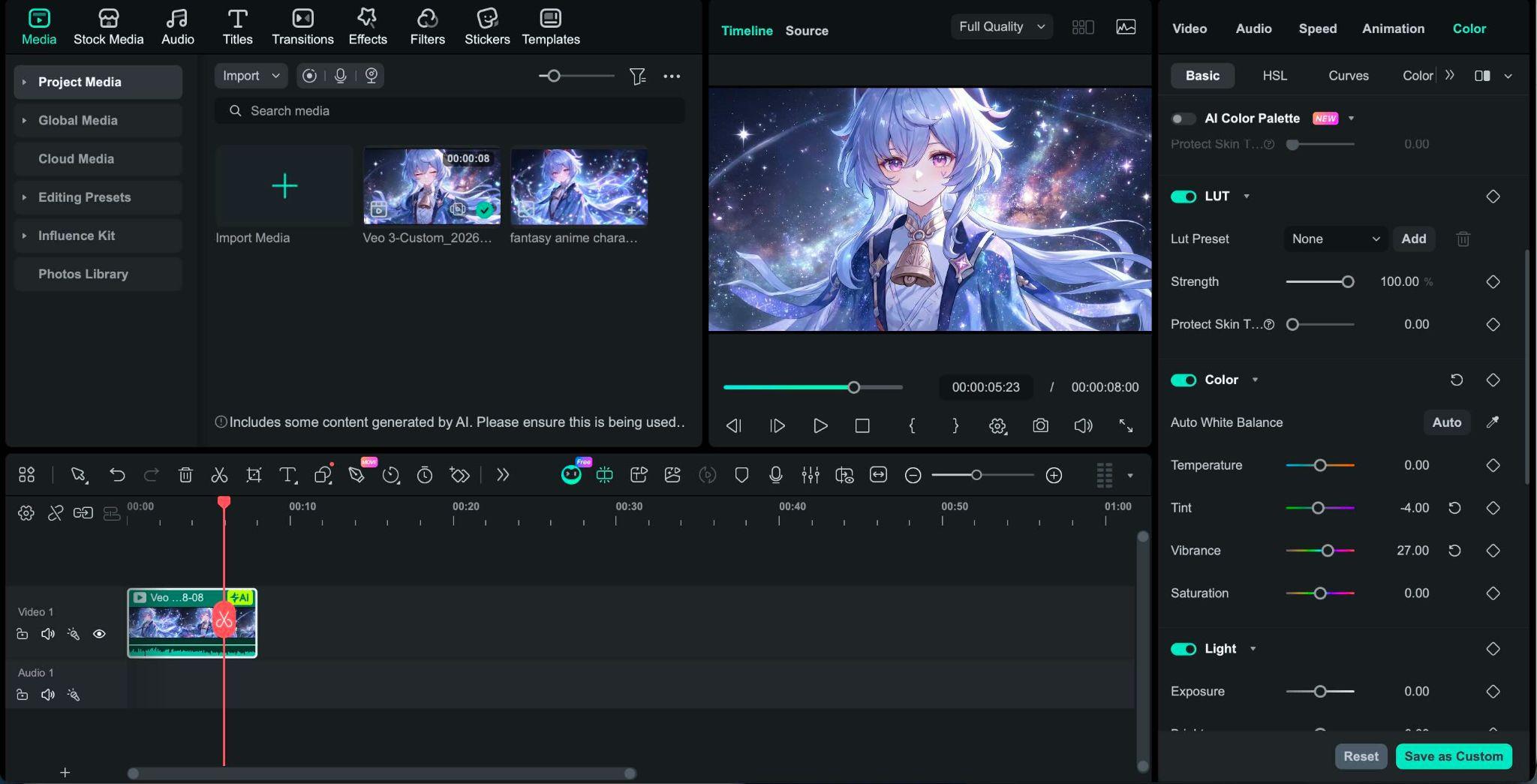
Step 3: Enhance with editing tools
- Color correction tools to improve tone, lighting, and overall mood
- Effects and transitions to make scenes feel smoother and more cinematic
 Secure Download
Part 5. How to Choose the Right AI Anime Generator
With so many options available, choosing the right AI anime generator really depends on how you plan to use it. Different tools are built for different workflows, and understanding that makes the decision much easier.
For text-to-image creation (original characters & scenes)
If you want to create AI-generated anime characters or full scenes from scratch, go for tools like Midjourney, Stable Diffusion, or Leonardo AI. These tools rely on detailed prompts and are best for creative control. The better your prompt, the more accurate and expressive the result.
For image-to-anime (photo conversion)
If your goal is to turn selfies or real images into anime, tools like Filmora, Fotor, and PixAI can do it for you. They preserve key elements such as pose and facial structure while applying anime styles, making them ideal for quick transformations.
For anime character design and consistency
If you want to create recurring characters (for stories, games, or branding), choose tools like Artbreeder or PixAI. These platforms allow more control over facial features, styles, and variations, which helps maintain consistency across multiple images.
For content creators (image + video workflow)
If your goal is to create content for TikTok, Reels, or YouTube, Filmora is the tool that brings everything together in one place. You can generate AI anime images and then turn them into motioned, effect-laden videos in one workflow.
Conclusion
AI anime generators have made it easier than ever to turn ideas, prompts, or photos into stylized anime visuals in seconds. Still, the real difference comes from how you use them. Some tools are better for quick transformations, while others give you deeper control over characters and style.
For creators, the process doesn’t stop at generating an image. Adding motion, refining visuals, and shaping a story can take your results much further. The tools in this list cover different needs, so the best choice depends on your workflow and how far you want to take your anime creations.
FAQs
-
Can AI turn a photo into anime?
Yes. Many tools support image-to-anime conversion, where you upload a photo, and the AI transforms it into an anime-style image. Tools like Fotor and PixAI are commonly used for this because they preserve facial features while applying anime styles. -
Are there free AI anime generators?
Yes, some platforms offer free access with limitations. Tools like PixAI, NightCafe, and Leonardo AI provide daily credits or tokens, so you can try them without paying. -
How do I generate anime characters with AI?
Simply type a description of your character, and the AI creates it. Tools like Midjourney and Stable Diffusion work well for this. -
Why does AI anime art sometimes look weird or inconsistent?
It happens usually because the prompt is too simple or the tool has limited control. Adding more details or using better tools can improve the results.
