


 TL;DR:
Although AI cannot perfectly restore original pixels heavily obscured by emojis, Wondershare Filmora provides the most realistic reconstruction for complex facial details, while web tools like Media.io offer convenient solutions for quick, small-scale edits.
● AI emoji removers reconstruct missing image details rather than revealing original data, making it impossible to fully restore realistic facial features if a large emoji heavily covers the face.
● Filmora operates offline on Windows, Mac, iOS, and Android to handle large emoji coverage and skin texture blending, whereas online alternatives like insMind and FlexClip struggle with detailed face restoration and textured backgrounds.
● Browser-based options allow immediate processing without software installation, but their free versions impose strict limitations such as export resolution caps, watermarks, or the need for paid upgrades to download high-quality JPG and PNG files.
Ask AI for a summary
 ChatGPT
 Perplexity
 Gemini
 Claude
 Grok
Grok
Removing emojis from photos isn’t always an easy fix. Since emoji placement and size can vary a lot, the final result depends on how much of the image is covered. The larger the emoji and the more detail it blocks, the harder it is to fully restore what’s underneath.
However, today’s AI-powered emoji removers from a photo do a surprisingly good job. To save you the trial-and-error, we’ve rounded up the best emoji removers you can use on any device you prefer, so you don’t have to test dozens of tools yourself.
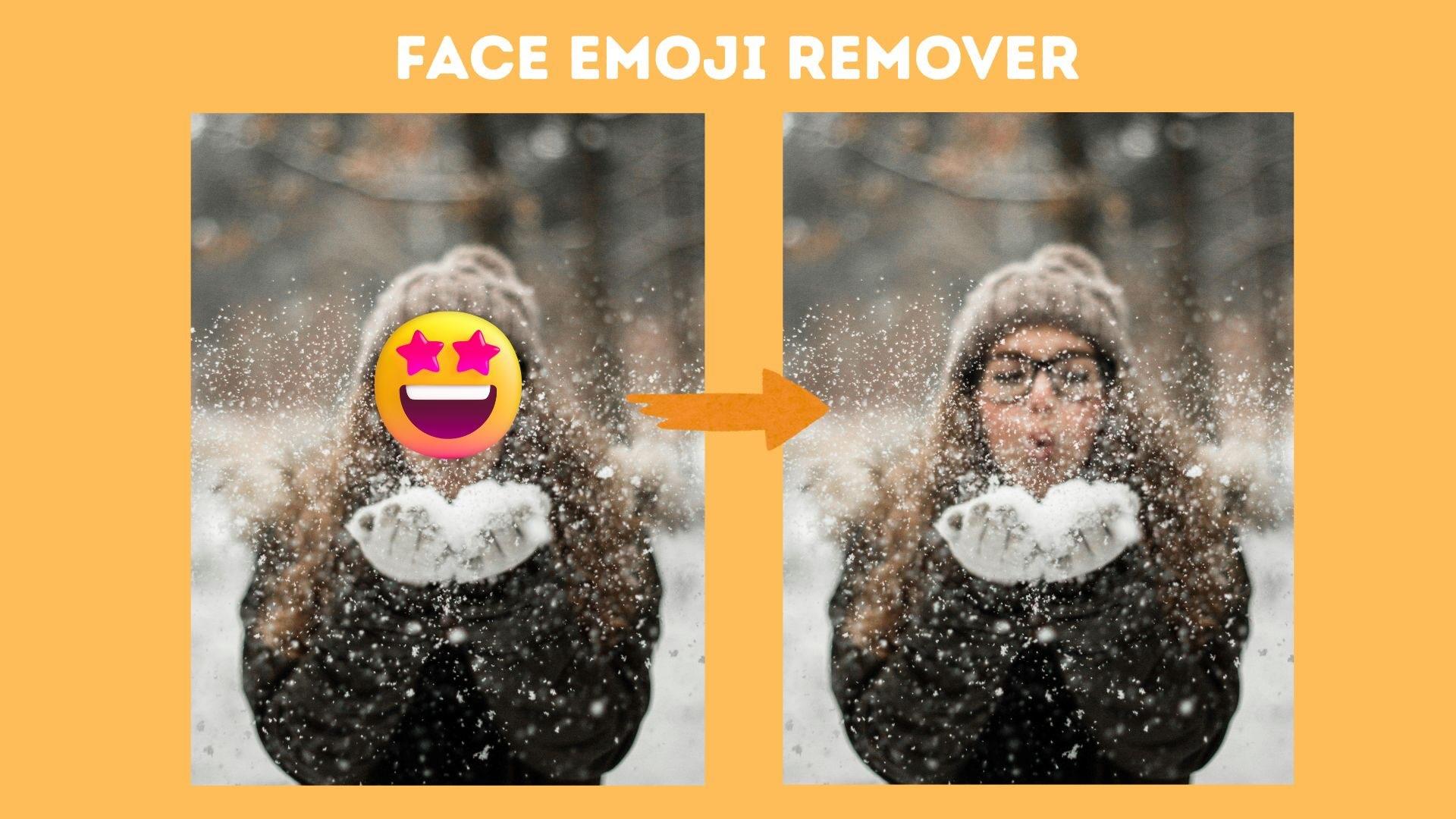
To ensure that every emoji removal tool from photos in this list actually works in real-life situations, we tested each tool using the same practical approach. Instead of relying on claims, we focused on visible results, ease of use, and the limitations of the free version:
- Different types of emojis: We tested standard emojis, face-covering emojis, stickers, and WhatsApp or Instagram-style emoji overlays to see how well each tool handled different designs and levels of transparency.
- Small, medium, and large emojis coverage: Each tool was tested on slightly covered photos and heavily covered images. This helped reveal whether the AI could intelligently reconstruct missing details or only functioned for minor edits.
- How natural the results look: We examined skin texture, facial symmetry, background, and edges to see if the edited areas blended naturally or looked blurry, distorted, or obviously edited.
- Free limitations, watermarks, and export quality: We note which tools are completely free, which add watermarks, resolution limitations, or daily limits, and which require paid upgrades for high-quality downloads.
Our Top 3 Emoji Remover Picks
Based on our hands-on testing, these three emoji remover tools offer the best balance between results, ease of use, and accessibility for removing emojis from photos.



Top 8 Emoji Removers for Photos (Tested & Compared)
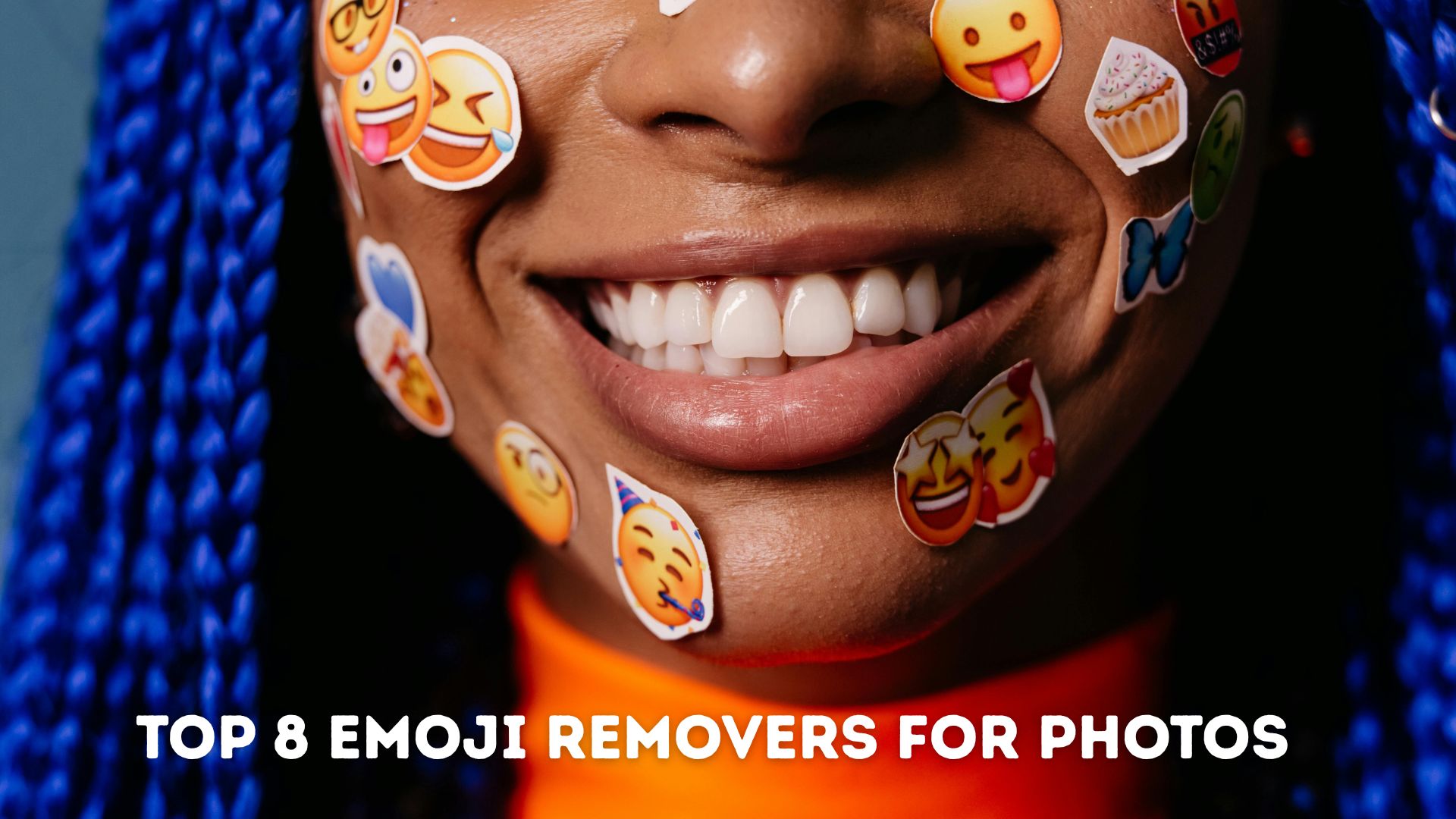
Before we get into the details of face emoji remover tools, below is an overview of the best emoji removers we tested from various photo tools, covering platform compatibility, price, removal quality, output format, and offline usage.
| Platforms | Pricing Plans | Removal Quality | Output Image Format | Offline Usage | |
| Filmora | Windows, Mac, iOS, Android | Free tier + Paid plans | ⭐⭐⭐⭐ (AI-powered emoji removal) | JPG, PNG | On desktop/mobile apps |
| Media.io | Web (Online) | Free online | ⭐⭐⭐ (Good for web quick fixes) | JPG, PNG | |
| insMind | Web | Free online | ⭐⭐⭐ (Simple remove, maintains quality) | JPG, PNG | |
| FlexClip | Web | Free & Paid upgrades | ⭐⭐⭐ (Auto-detects and removes emojis) | JPG, PNG | |
| PxBee | Web | Free online | ⭐⭐⭐ (No signup, no watermark) | JPG, JPEG, PNG, WEBP | |
| Fotor | Web, iOS, Android, Desktop | Free + Subscription | ⭐⭐⭐ (AI-powered object & emoji removal) | JPG, PNG | On mobile pp |
| Emoji Remover from Photo | Android (App) | Free | ⭐⭐ (Some versions are cimical/prank-style) | JPG/PNG typical | On mobile app |
| Photo Retouch | iOS & Android | Free + in-app | ⭐⭐⭐ (General object removal tool with emoji erase) | JPG, PNG | On mobile app |
|
Show More
Show Less
|
|||||
 Secure Download
1. Wondershare Filmora (Mac/Win)

Wondershare Filmora features Object Remover, which can double as a solid face emoji remover. After removing the emojis from the photo, it can restore missing details by blending in surrounding areas, even when emojis cover large parts of the image.
Since the tool lives inside a full video editor, you can do a lot more than just remove emojis and fine-tune the result to make it blend more naturally. You can make color correction, apply filters or effects, and export everything in one place.
Free version available with watermarks, paid plans unlock full features
- AI Object Remover optimized for complex areas like faces and skin
- Better texture reconstruction compared to browser-based tools
- Works fully offline after installation
- Natural-looking reconstruction
- Works well for small to large emoji coverage
- Stable output quality for high-resolution photos
- Works on both photos and videos
- Not ideal if you only need a one-time or quick online edit
- The free version has export limits
- Upload your photo and access the AI Object Remover tool
- Brush over the emoji area you want to delete
- Filmora will remove the emoji and restore the background or details
For detailed steps, read our article on how to remove emojis from a photo.
Secure Download2. Media.io (Online)
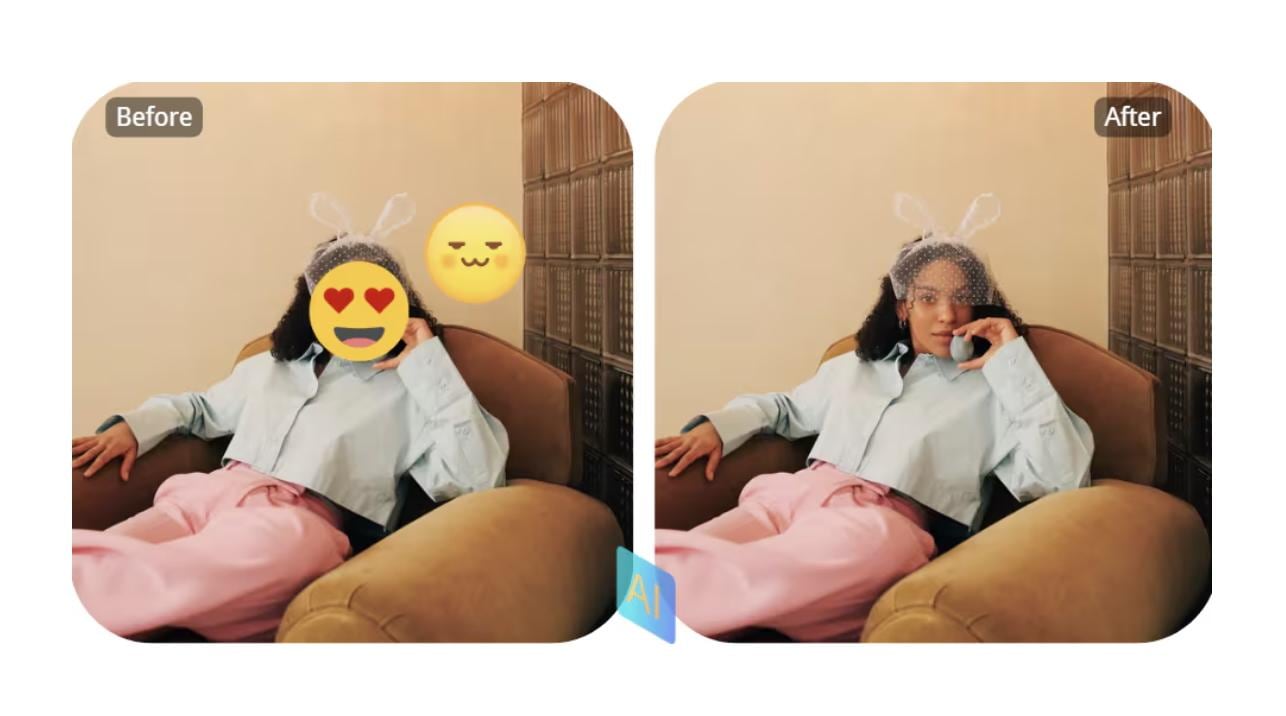
Media.io is an easy-to-use emoji removal tool for online photos that allows users to remove emojis from photo files directly in a web browser. You just need to select the area where the emoji appears, and Media.io is smart enough to fill in the missing parts and blend the background so the photo looks natural again.
Free online use, paid export options
- Fast online emoji remover with minimal learning curve
- Suitable for casual users and first-time edits
- No installation or technical setup required
- Works well for small emojis and stickers
- Less accurate on large face emojis
- Free exports may have resolution limits
- Upload your image
- Mark the emoji area
- Export the cleaned photo
3. insMind (Online)
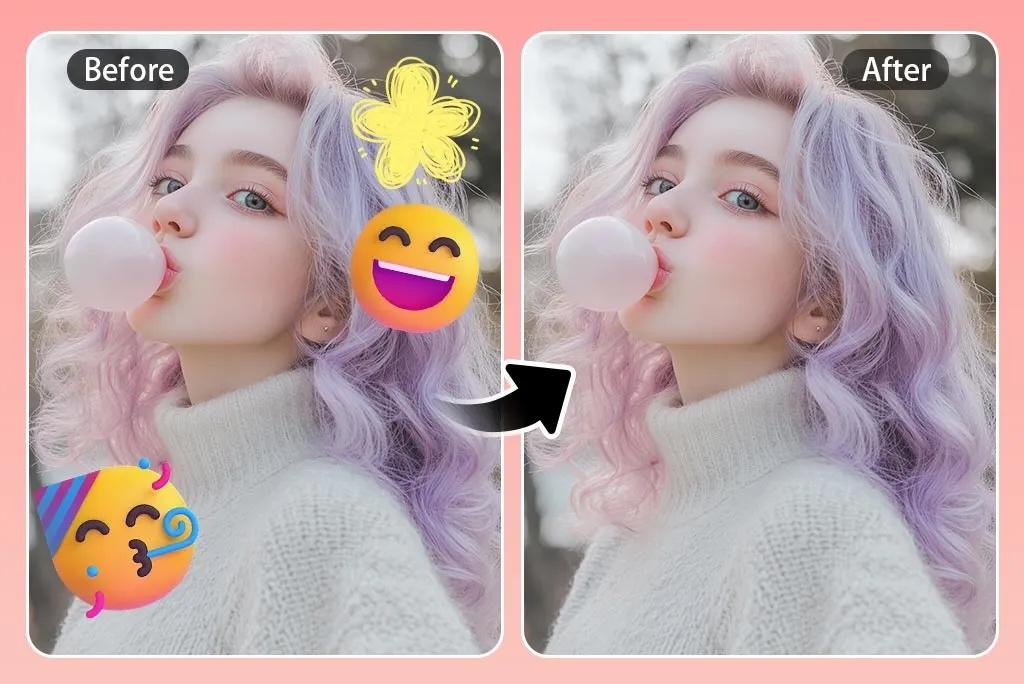
insMind is a lightweight emoji remover from photos online that helps users remove emojis from photos using AI-based object removal. It’s best suited for small to medium emoji coverage on photos and simple backgrounds.
Free online with watermark and limited export
- Lightweight emoji remover focused on simplicity
- Clean interface without distracting tools
- Good balance between speed and accuracy
- No account required for basic use
- Limited manual refinement options
- Significantly reduced results on textured backgrounds
- Upload photo
- Highlight emoji
- Download result
4. FlexClip (Online)
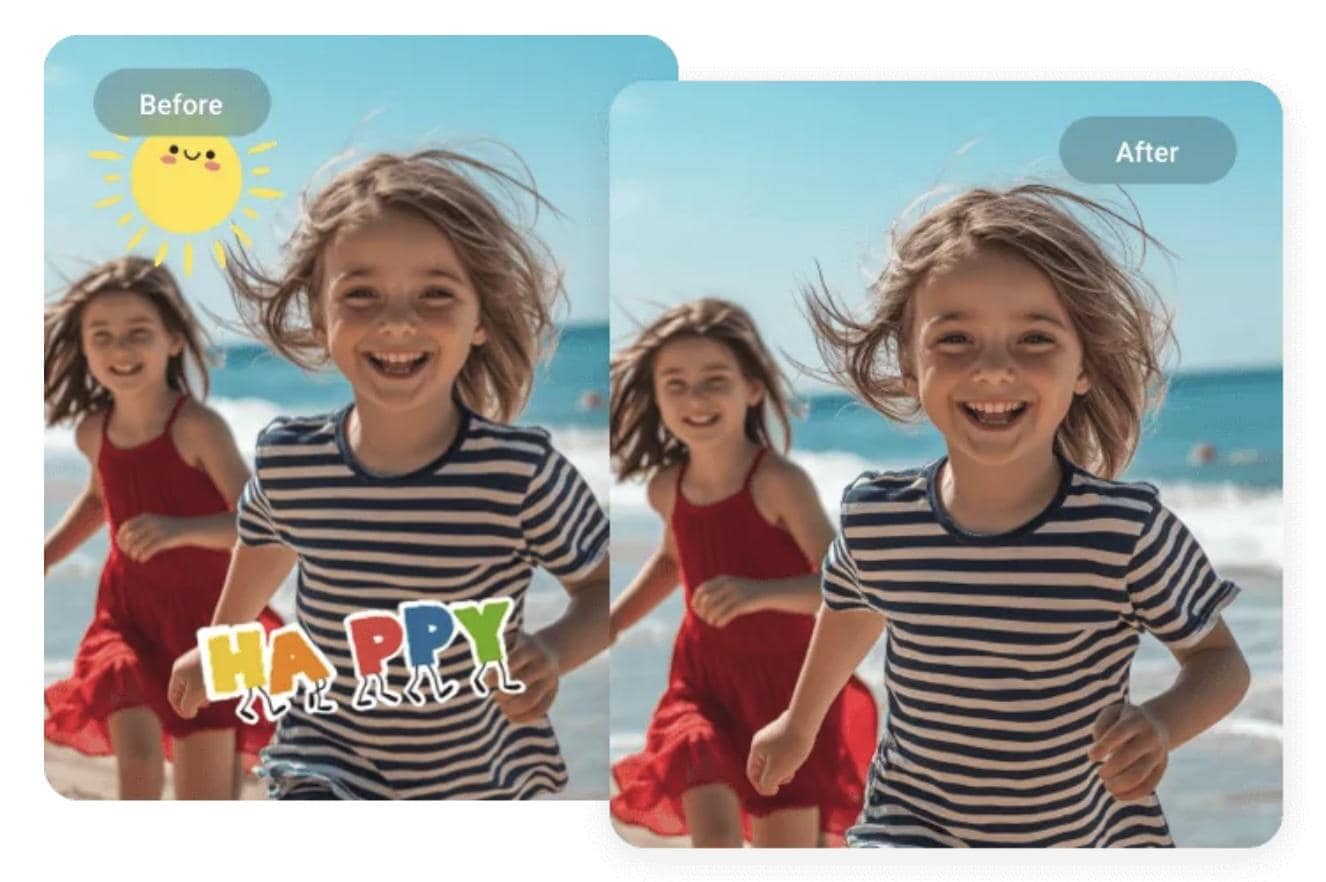
FlexClip offers an AI-powered emoji remover from photos online as part of its object removal tools. It allows users to remove emojis from photos quickly, which makes it a great choice for social media and casual photo editing.
Free with paid upgrades
- AI-powered object removal is built into a broader creative platform
- Suitable for content creators working with social visuals
- Handles emoji stickers better than flat emojis
- Smooth workflow for quick edits
- Free plan restricts export quality
- Less precise for detailed face restoration
- Upload image
- Brush over the emoji
- Export edited photo
5. PxBee (Online)
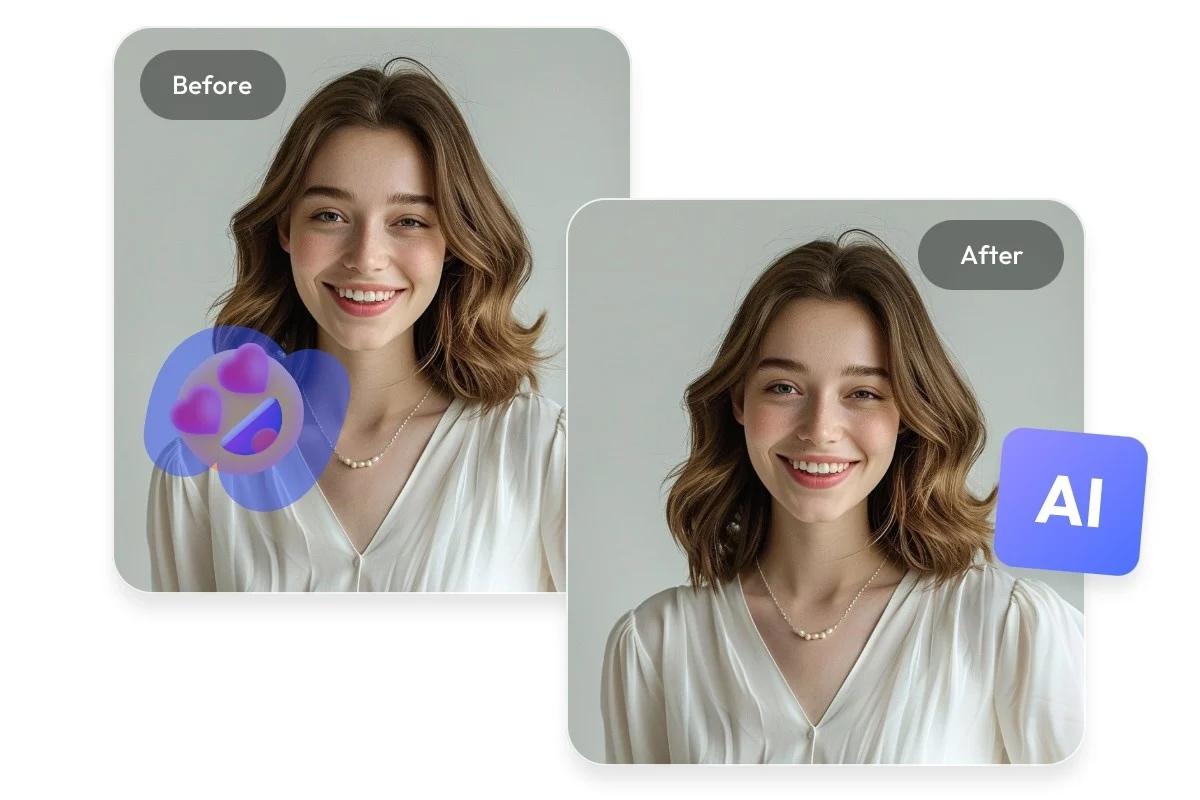
With PxBee, you can remove emoji from a picture online free, either by selecting them manually or using the auto remove option. Another nice bonus is that you don’t even need to sign up to use it. The results are usually pretty clean, and it can restore details well in most cases, as long as the image is high quality and the emoji doesn’t cover too much of the photo.
Free online tool
- Free emoji remover with no watermark
- Supports more output formats than most online tools
- No signup or login required
- Super fast processing for simple edits
- Basic AI reconstruction
- Not suitable for faces or detailed subjects
- Upload photo
- Select the emoji area with the brush tool
- Download image
6. Fotor (Online)
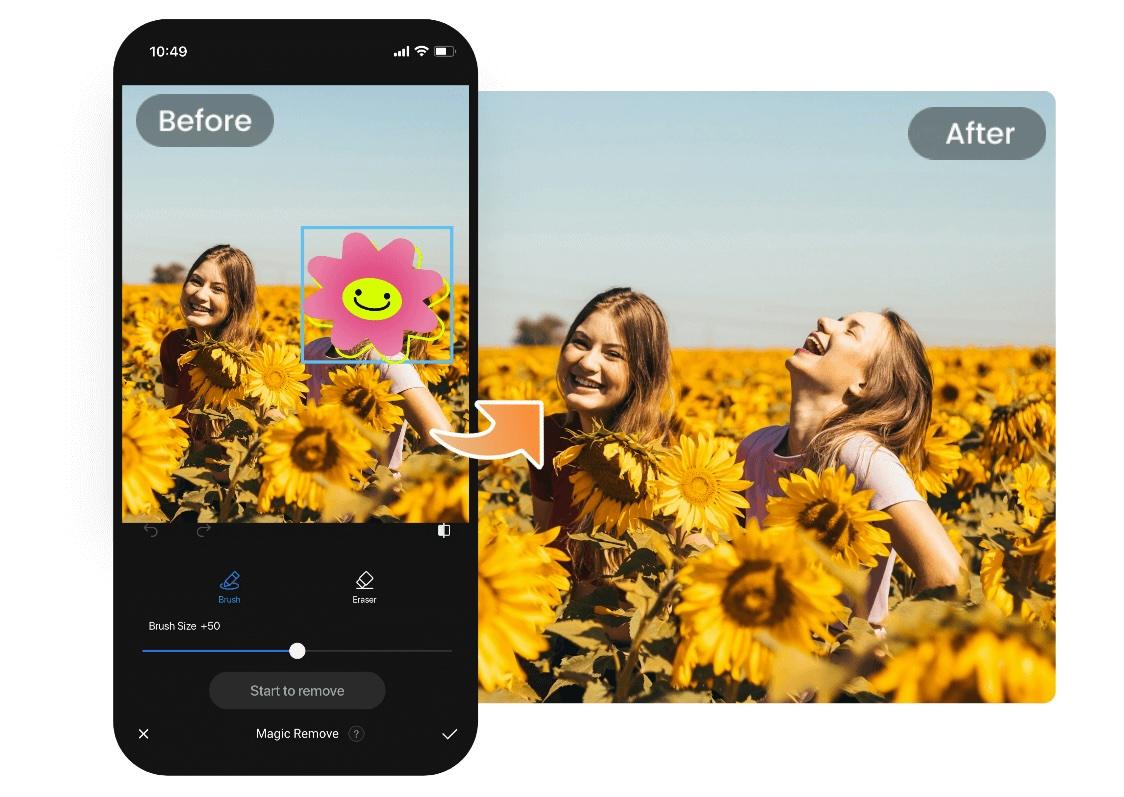
Fotor is powered by AI Object Remover, which functions as an emoji remover from photos for online and mobile users. This feature helps remove emojis from pictures while maintaining image quality, especially for non-face areas.
Free version, Pro subscription available
- Multi-platform AI object remover with emoji support
- Consistent performance for non-face objects
- Works across web and mobile apps
- Cleaner edges compared to basic online tools
- Best results available in the Pro plan
- Slower processing on large images
- Upload image
- Brush over the emoji
- Export final image
7. Emoji Remover from Photo App (Android)
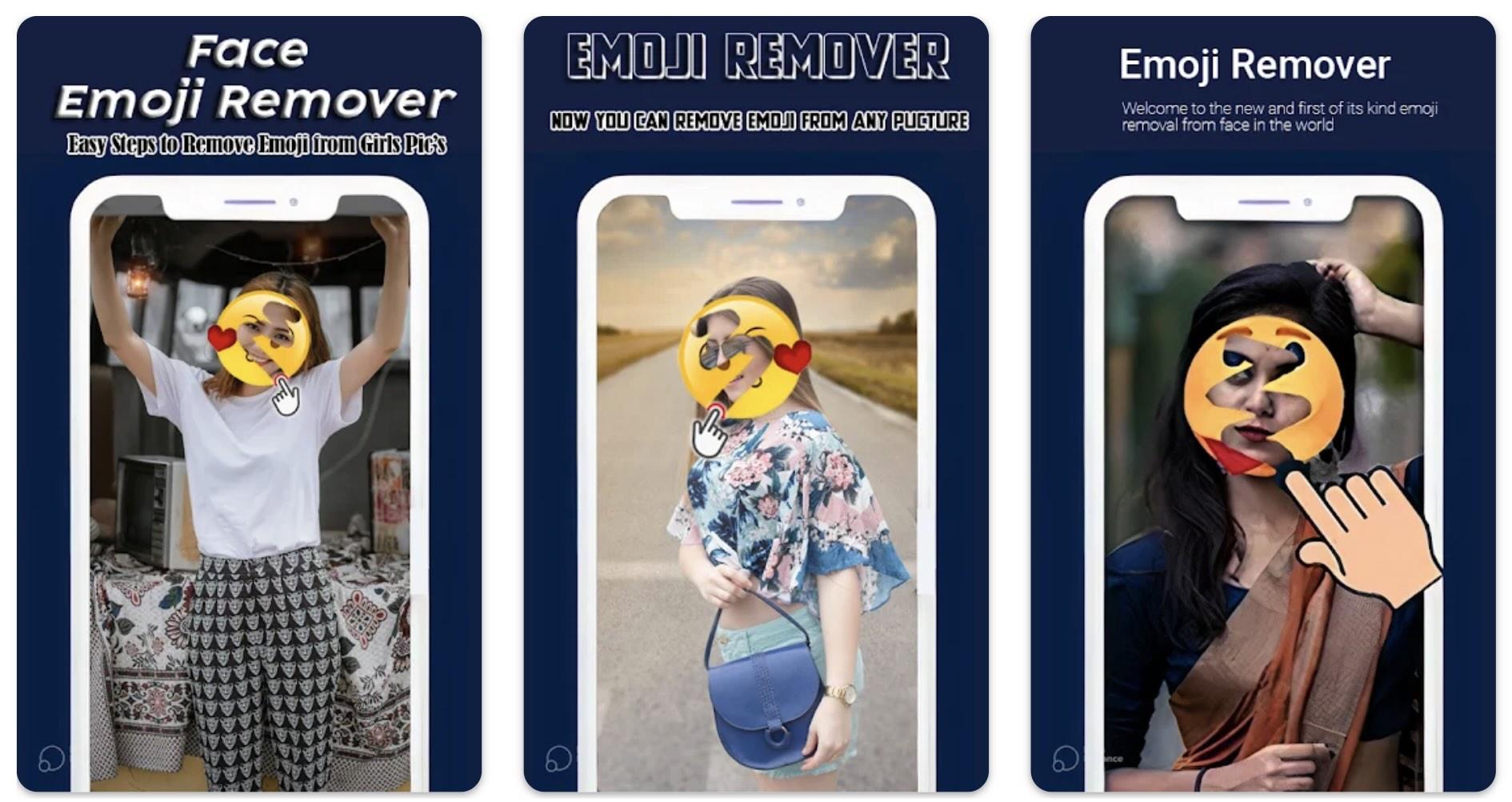
The Emoji Remover from Photo app is a mobile emoji remover tool designed to remove emojis from photo images on Android devices. This app is designed to quickly remove emojis directly on your phone without complicated editing steps.
Free with limited features
- Mobile-based emoji removal app for quick fixes
- Designed for casual editing rather than precision work
- Works offline on Android
- Simple tap-and-remove workflow
- Inconsistent AI accuracy
- Some versions focus more on creativity than realism
- Open photo in app
- Mark emoji
- Save the edited image
8. Photo Retouch (iOS)
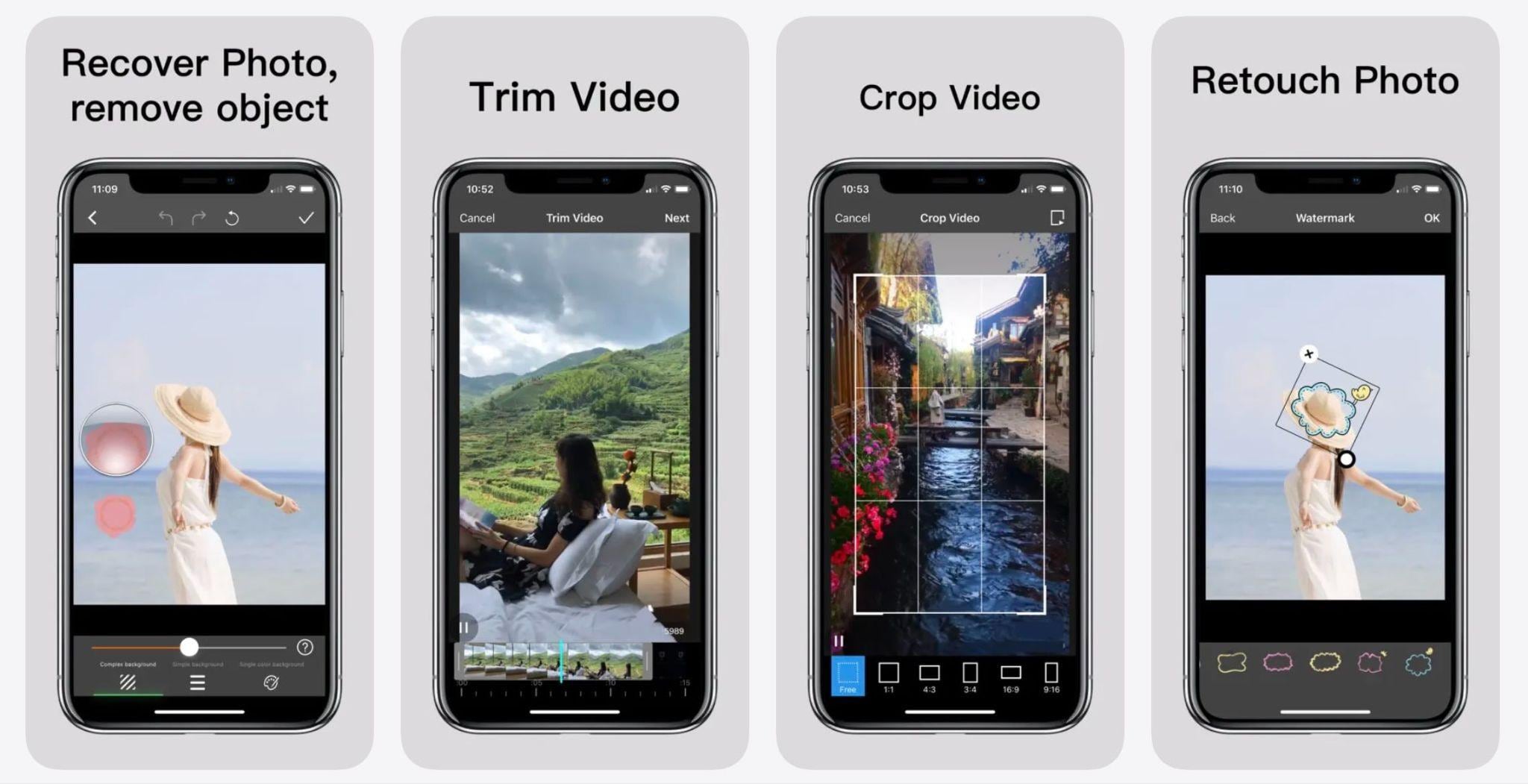
Photo Retouch is an iOS emoji remover from a photo app that allows users to remove emojis from pictures using touch-based object removal tools. It’s commonly used for deleting stickers, emojis, and unwanted objects from iPhone photos.
Free with in-app purchases
- Touch-based object removal optimized for iPhone users
- Handles emojis, stickers, and small objects well
- Good control with manual brushing
- Offline usage supported
- Ads in the free version
- High-quality exports require purchase
- Import photo
- Brush over the emoji
- Export cleaned image
Conclusion
Removing emojis from photos used to feel hit-or-miss, but modern AI tools have made the process much more reliable. For needs ranging from quick online emoji removal to mobile apps for casual editing and desktop solutions for detailed face emoji removal, there's now a tool to suit every workflow and need.
The key is to choose based on how much of the image is covered by emojis and how natural the final result should be. For clean and realistic recovery, AI-powered editors like Filmora’s Object Remover clearly excel. You can select the area to remove, and Filmora’s AI will fill in the missing parts using surrounding details.
Secure DownloadFAQs
-
Can an emoji remover restore what’s behind the emoji perfectly?
Not always. Emoji removers use AI to rebuild missing details, reconstruct missing details, rather than restoring the original pixels. The results depend on the size of the emoji, its position, and the complexity of the background, with smaller emojis usually producing cleaner results. -
Can I remove emojis from photos for free?
Yes. Many tools offer a free emoji remover from a photo, especially online options. However, free versions often limit image resolution, add watermarks, or restrict daily usage. -
Which emoji remover works best for face emojis?
For removing face emojis, tools with advanced AI reconstruction perform best. Desktop editors like Filmora typically deliver more natural facial details compared to basic online emoji removers. However, if the emoji covers most of the face, it becomes very hard, and often impossible, to fully restore realistic features, since the original facial data is no longer there.
