


If you’re looking for one platform for AI image generation, image editing, and image-to-video, then try Dzine AI. Its workflow is simple, but it provides more creative control than many basic AI image generators out there. You can start with the free plan before upgrading to a paid plan.
But before you commit to that, though, this Dzine AI review will walk you through its features, pricing, pros and cons, and whether it's the right AI design tool for you.
Part 1. What Is Dzine AI?
Dzine AI is an online platform that generates and edits images and videos using artificial intelligence. It started out as Stylar AI, an image generator known for applying different visual styles to a single image. On July 10, 2024, Stylar rebranded as Dzine and expanded into a full AI image and design workbench.
The term “Dzine” was derived from the word “design.” Everyone behind Dzine is SeeKoo LLC, a privately owned U.S. company. The latest tools of the program include text-to-image, image-to-image, text-to-video, image-to-video, lip sync, and others.
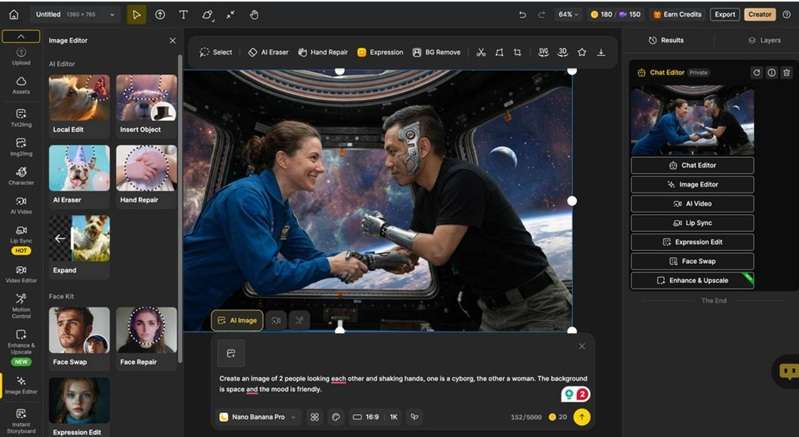
Part 2. Where Can You Access Dzine AI?
You can access Dzine AI directly through its official web platform by visiting the Dzine official website at https://www.dzine.ai/. It functions as an online, browser-based studio requiring no heavy local software installation. The following is an overview of how the platform looks and operates upon logging in.
Platform Access Details
- Web Browser: Accessible on browsers via the Dzine Tools Hub.
- Account Requirement: Free sign-up grants initial registration credits to test features.
- API Access: Developers can integrate capabilities using the Dzine API Portal.
Part 3. Dzine AI Pricing: Free and Paid Plans
You can try Dzine AI free after creating an account. New users receive 100 free credits, valid for 12 months. These credits can be used across Dzine’s image, video, and other AI tools. However, the platform has removed its previous offer of 32 free credits per day, so the initial allowance may run out quickly when testing video models.
For a full Dzine AI pricing breakdown, check out this table.
| Plan | First-Month Offer | Standard Price | Monthly Credits | Credit Rollover | Best For |
| Beginner | $4.49 | $8.99/month or $84/year | 1,000 | No rollover | Casual users testing image and short-video tools |
| Creator | $12.49 | $24.99/month or $240/year | 6,000 | Up to 3 months | Regular creators producing images and videos |
| Master | $29.99 | $59.99/month or $600/year | 9,000 | Up to 3 months | High-volume creators needing unlimited image generation |
| Master Pro | $74.99 | $149.99/month or $1,440/year | 30,000 | Up to 3 months | Studios and professionals producing videos at scale |
Earn Commissions with the Dzine AI Affiliate Program
Another way to earn extra value from Dzine is that it gives you an opportunity to earn through the Dzine AI Affiliate Program. Anyone can join. However, self-referrals are strictly prohibited.
- Commission Rate: 30% on new referrals
- Cookie Duration: 30 days
- Maximum Commission Period: Up to 12 months per referral
- Analytics/Tracking: Live tracking via Rewardful
How to Apply for the Dzine Affiliate Program
- Visit the official Dzine Affiliate Program Page.
- Click Apply Now to complete the brief partner application form.
- Once approved, grab your unique referral link to start sharing and tracking your earnings.
Part 4. Let’s Review The Main Dzine Features That Stand Out
Dzine AI lists so many image, video, and editing tools that we were doubtful when we first explored the platform. But after looking through the main options, the toolkit felt more practical than expected.
1. AI Image Generation
The Dzine AI image tool helps with text-to-image and image-to-image generation. You can pick from models like Z-Image, Nano Banana Pro, Seedream 4.5, Midjourney, and more. Having these models together makes it easier to compare different visual styles.
2. AI Video Generation
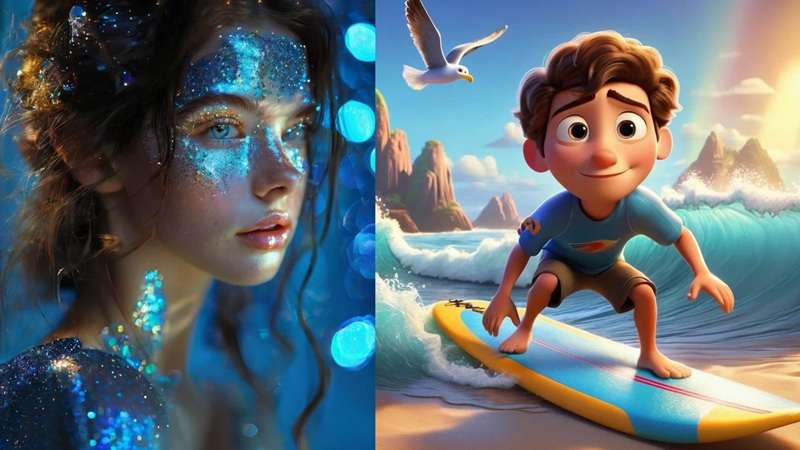
The Dzine AI video generator includes text-to-video, image-to-video, motion control, and reference-to-video, supported by models like Sora 2, Kling 2.6, Hailuo, Wan 2.6, Veo 3.1, and more. The model selection looks appealing because the same idea can produce noticeably different motion and detail depending on the option used.
3. AI Editor: AI Remover, Enhancer, and More
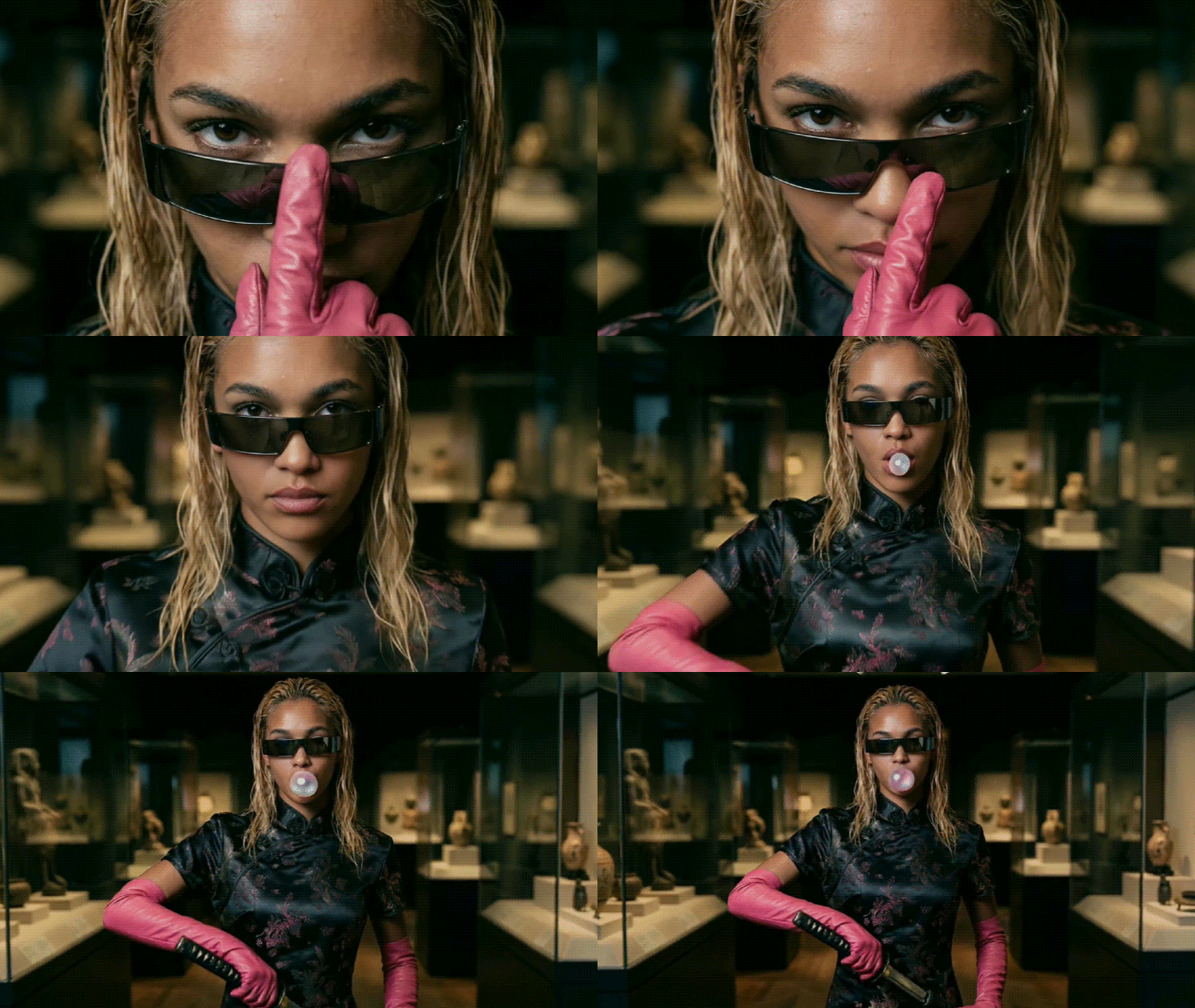
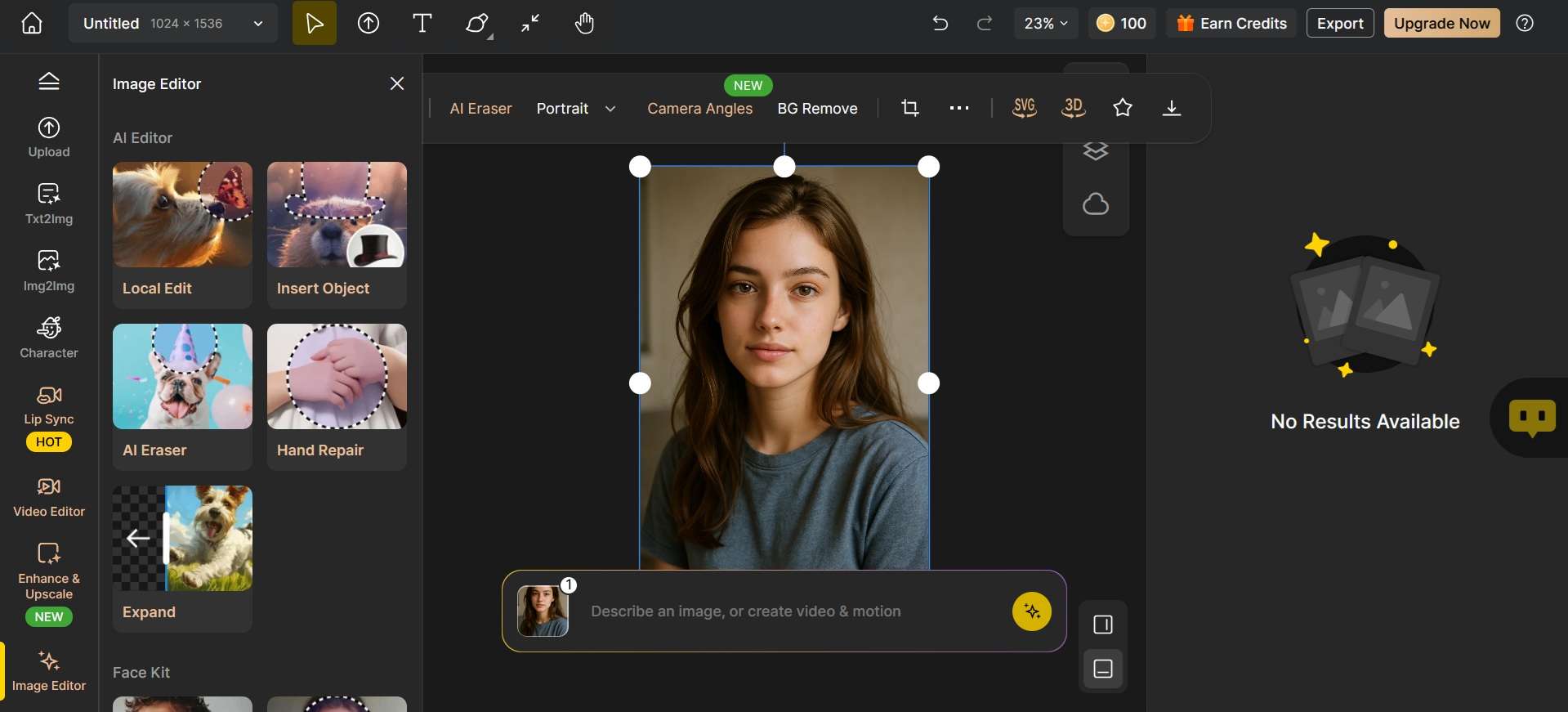
Not only for generating images and videos, but Dzine AI can also be useful for a quick touch-up. Its AI Editor includes AI Image/Video Editor, Chat Editor, AI Photo/Video Enhancer, Change Text in Image, Watermark Remover, Object Remover, and Magic Eraser.
4. AI Filters
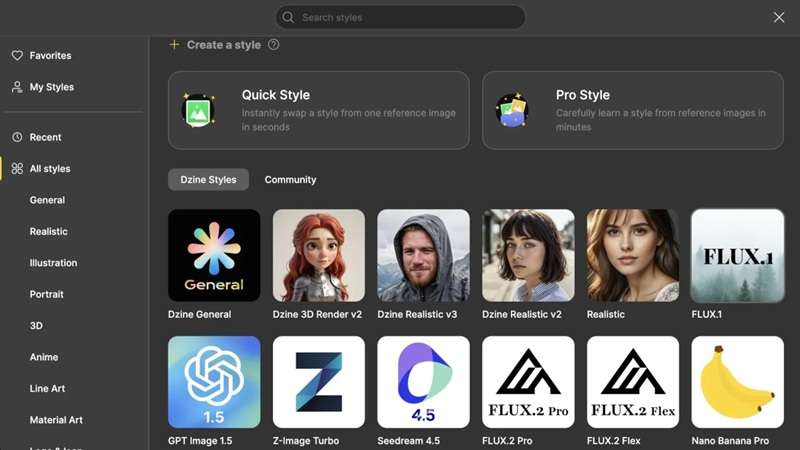
Dzine can turn regular photos into watercolor art, digital paintings, and other visual styles. The feature feels similar to Midjourney’s Style Reference. You can choose styles from a simple menu and explore styles shared by others. Some of the available filters are Vtuber Transfer, Ghibli Studio, Pixar, Anime, funny filters, and even more niche tools like a clothes changer.
5. Lip Sync
The Dzine AI lip sync is a premium feature that lets you select a voice, enter a script, and animate a character’s mouth. The result may need more than one generation, but it can be useful for talking portraits, animated characters, and short dialogue clips.
Part 5. Is Dzine AI Worth It? Here's What Users Think
User feedback on Dzine AI is mixed. Some reviewers value its wide model choice, lip-sync quality, regular updates, and helpful support team. Others report billing surprises, wasted credits, uneven results, and a difficult start. Since the public review pool is still small, a few strong complaints can have a clear impact on the overall score.
Overall User Ratings (as of August 2026)
| Source | Score | Review Basis |
| Trustpilot | 3.0/5.0 | Around 45+ reviews |
| Cross-Platform Average | 3.6/5.0 | About 32 verified ratings |
| Editorial Score | 3.2/5.0 | Weighted feature and user-feedback analysis |
What Users Like (and Don't Like) About Dzine AI
- Multiple AI tools in one platform
- Fast image and video generation
- Frequent AI model updates
- Offers detailed control over styles and compositions
- Accessible even for those with minimal design experience
- Suitable for various industries including marketing, animation, and e-commerce
- Strict no-refund policy, even for unused subscription periods or accidental charges
- Confusing billing and subscription renewals, especially on mobile
- Credits can be wasted on failed generations
- Inconsistent output quality
- A few long-term users report generation speed slowing down significantly after months of use
- The free version includes watermarks and restricted credits
Our Honest Verdict
According to this Dzine AI review, the platform is user-friendly for AI image/video generation and editing. With its toolset, beginners, designers, marketers, and pros can get along, as the core is not too technical. The free credits upon sign-up are useful and enough for generating a few images or videos, not just a single test run.
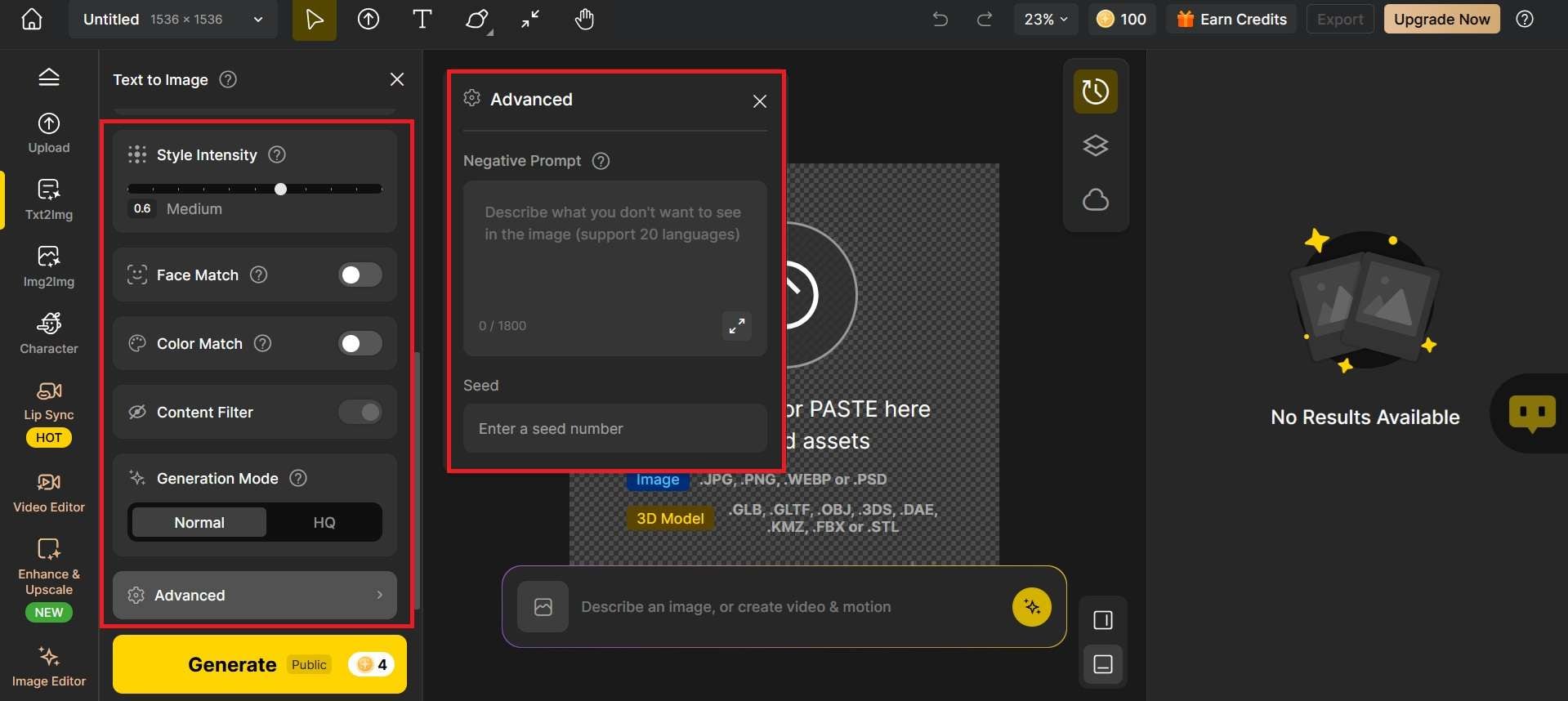
Both the image and video generators also include additional settings like Face Match, Color Match, Content Filter, Style Intensity, and Negative Prompt or Seed that let you fine-tune the output beyond what the base prompt gives you.
The major downside is the options available, which can feel a little disorientating during the first few classes. Dzine AI's lip sync also still needs work. The expression is stiff, which makes it look more like lip sync than natural speech.
All in all, if you want strong visual tools for creating in a single setting, it is worth exploring Dzine, so long as you are okay with spending some time learning the ropes.
Part 6. Take Your Dzine AI Creations Further with Filmora
Merely creating AI images is not the end of creativity. If you want to convert those pictures into compelling videos, add professional editing to them, or create stuff for social media, you will still require a video maker.
The editing tools provided by Wondershare Filmora will help you fuse your favourite AI assets, enhance audio, add captions, apply effects, and publish. Filmora lets you turn images and clips created by AI into a polished video using advanced editing as well as AI-powered production tools that are more robust than what Dzine AI offers.
Filmora is available for download as desktop software and a mobile app. Filmora Desktop is better for layered projects and detailed audio work. Filmora Mobile is useful for quick edits and social publishing.
Key Features of Filmora
1. AI Image to Video: Animate images created in Dzine AI with realistic camera movement and AI motion effects.
2. AI Text to Video: Create extra video scenes from text prompts, all without leaving your editing environment.
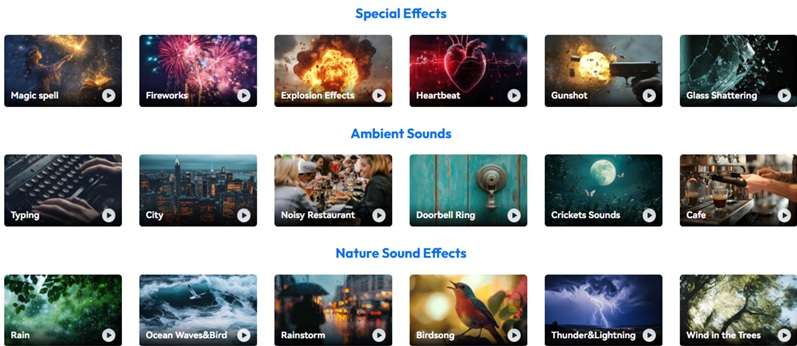
3. AI Music Generator & AI Sound Effects: With the AI music generator and AI sound effects app, you can create background music and sound effects right inside your video as per your needs without having to look for them elsewhere.
4. Auto Captions: Automatically generate accurate captions and customize them for your social copy.
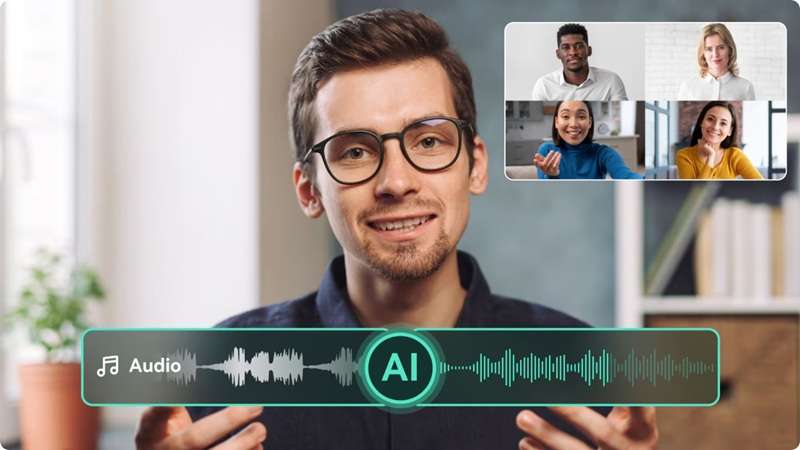
5. AI Voice Enhancer & Audio Denoise: AI Voice Enhancer can remove noise from your recordings and enhance the voice audio quality.
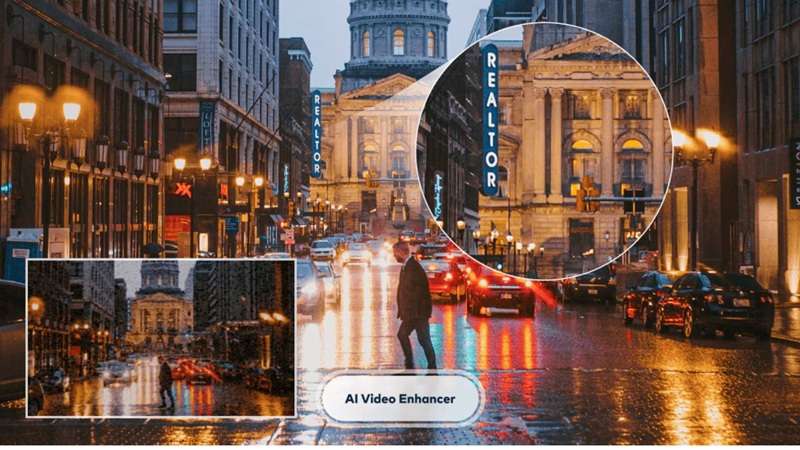
6. AI Video Enhancer: Amplify the quality of your video to increase the sharpness of your AI video before publishing.
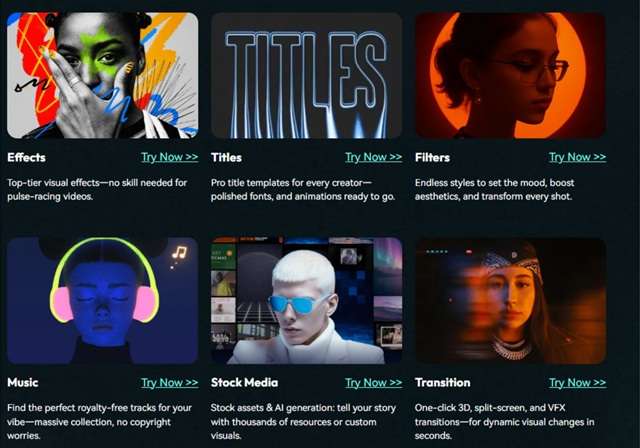
7. Creative Assets Library: Built-in Templates, Transitions, Titles, Stickers, Music, and Effects will help you speed up your editing.
8. Multi-track Timeline: Combined images, video, voiceover, music, captions, and overlays all on one multi-track timeline with full editing.
 Secure Download
Conclusion
This Dzine AI review presents a broad creative platform with strong image generation, video models, editing tools, styles, face controls, and lip-syncing. The main attraction is having so much in one browser. But before you pay, be sure to take notice of renewal terms, uneven results, and a very busy interface. The free plan is good for simple testing, and the paid tiers will suit a regular creator.
When the visuals are prepared, Filmora can get to work finishing, arranging clips, polishing audio, adding captions, applying effects, and sharpening exports. It gives a Dzine AI image-to-video project the structure and polish needed for publishing.
FAQs About Dzine AI
-
1. How do Dzine AI promo codes affect renewal pricing?
Discounted prices for your first subscription may be available through a Dzine AI promo code, but not for the renewal prices. Once the offer has expired, standard renewal pricing will take effect. -
2. Is Dzine AI better than Leonardo AI?
It depends on the task. Dzine AI is better for users who want image generation, video models, editing, and lip sync in one platform. Leonardo AI is stronger for advanced image creation, custom model training, and consistent characters or styles. Choose Dzine for broader creative tools; choose Leonardo for deeper image control. -
3. Can I edit Dzine AI images and videos in Filmora?
Yes. Export the Dzine image or clip, then import it into Filmora. You can trim footage, animate stills, add captions, generate music and sound effects, clean narration, apply transitions, and combine assets on a multi-track timeline.
