Explore Hamster Image Prompts
Browse hamster image prompts for cozy pet portraits, funny character scenes, tiny outfits, food moments, bedroom miniatures, and social-ready visuals. Use these prompt ideas for video templates, pet reels, thumbnails, profile posts, stickers, and creative campaigns.
Loading more hamster image prompts...
 Category:
 Duration:
 Aspect Ratio:
Why Use Hamster Image Prompts for Cute Pet Content?
Hamsters are tiny, expressive, and easy to make visually memorable when the prompt names their pose, fur texture, paws, props, and scale. Good prompt structure helps AI create cute images that are still clean enough for thumbnails and social design.
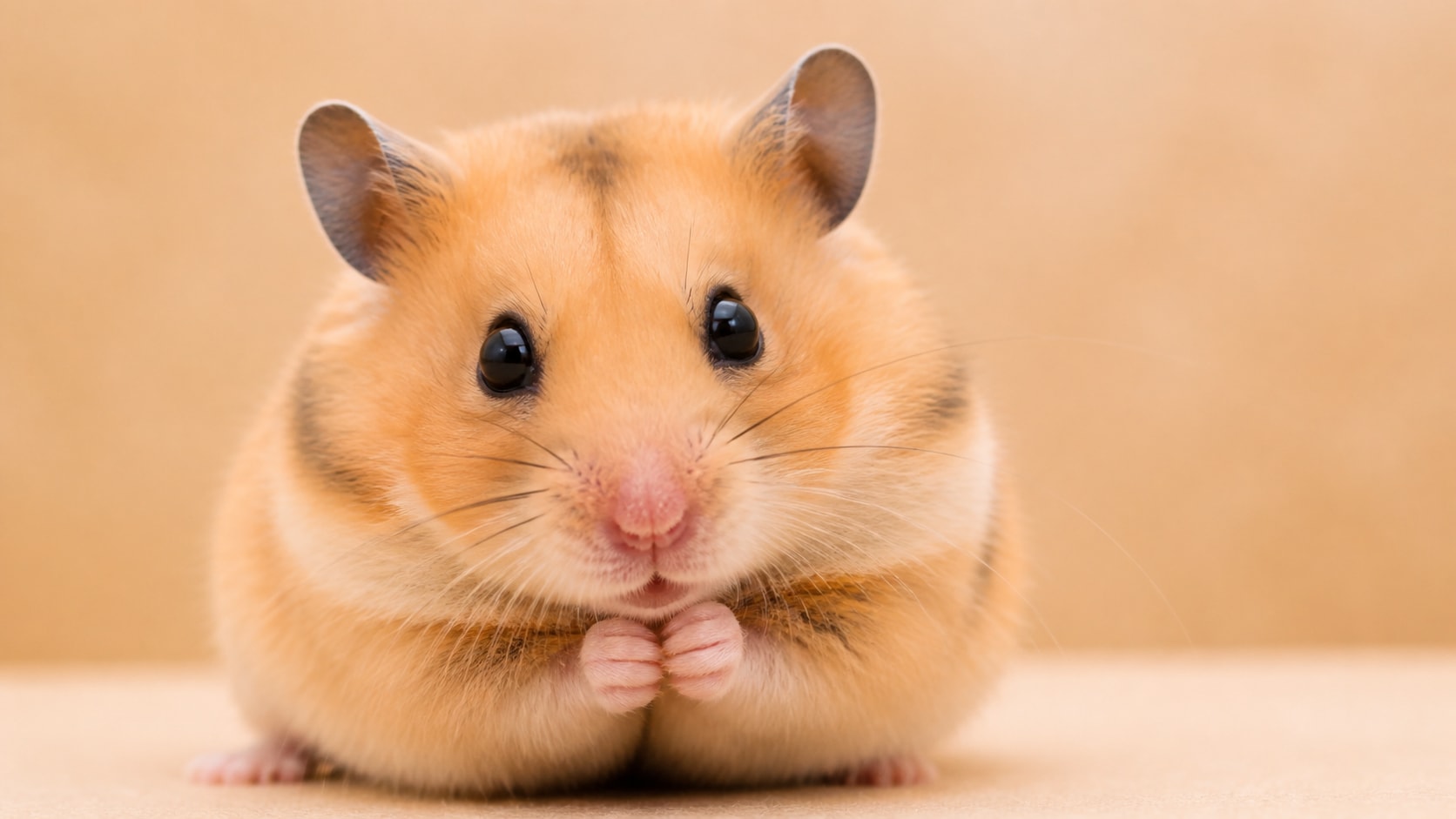
Create Cute Hamster Portraits
Create Cute Hamster Portraits
A strong cute hamster AI image prompt starts with face detail. Mention round cheeks, shiny eyes, tiny paws, soft fur, and a simple background so the subject feels instantly charming.
- Cute Detail - Use round cheeks, tiny ears, small paws, and gentle eye contact.
- Photo Polish - Add studio lighting, soft bokeh, macro lens, or natural window light.
- Clean Framing - Keep the hamster centered or slightly offset for easy cropping.
Design Funny Hamster Scenes
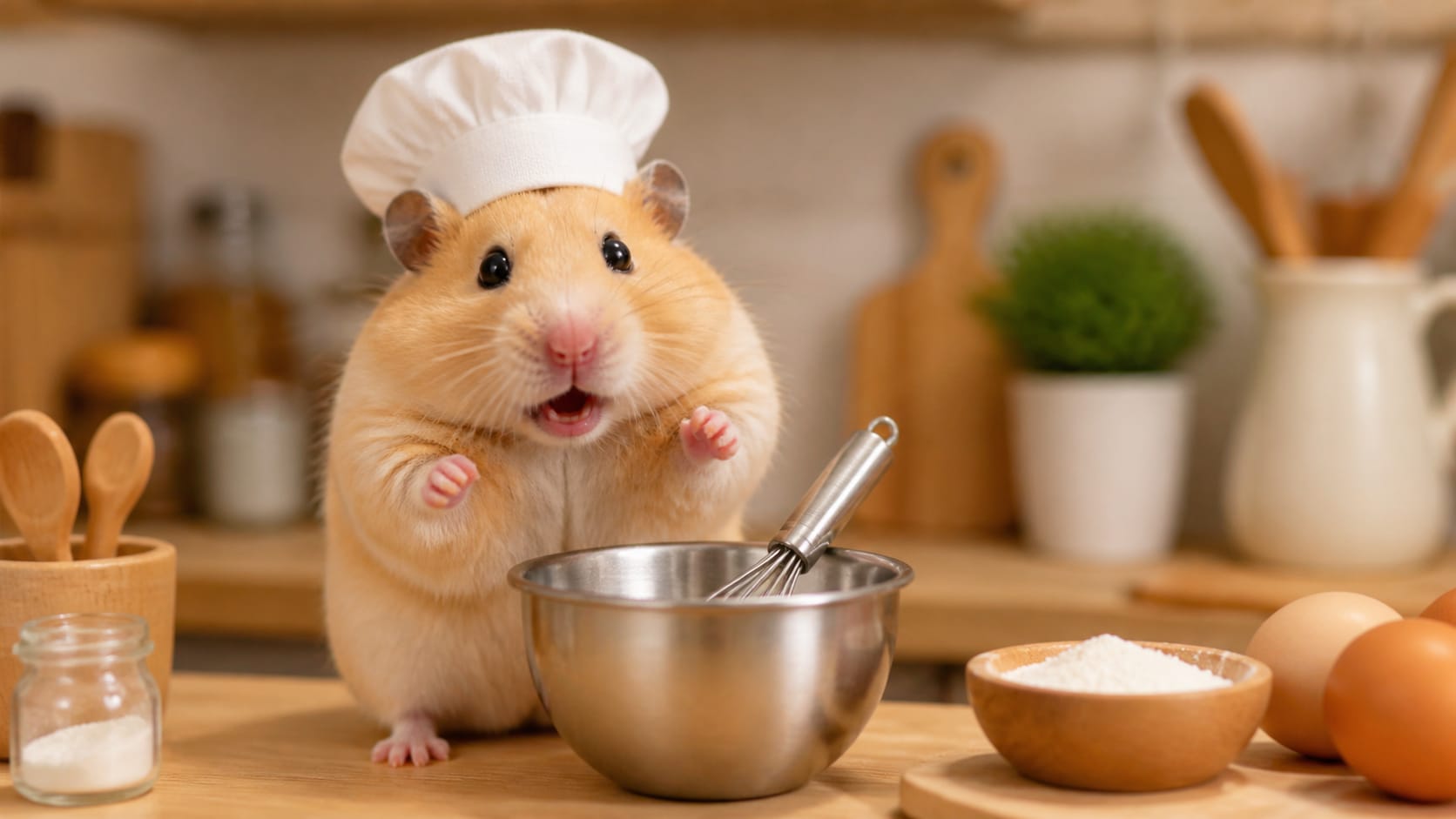
Design Funny Hamster Scenes
For funny hamster prompts for AI art, add one clear prop or action: a chef hat, tiny sweater, miniature book, snack bowl, or toy room. Specific scale cues make the scene readable.
- Simple Prop - Choose one tiny object that tells the joke without clutter.
- Action Cue - Use eating, waving, cooking, reading, exercising, or peeking.
- No Messy Words - Avoid generated labels; add final captions later in Filmora.
Build Instagram-Ready Pet Aesthetics
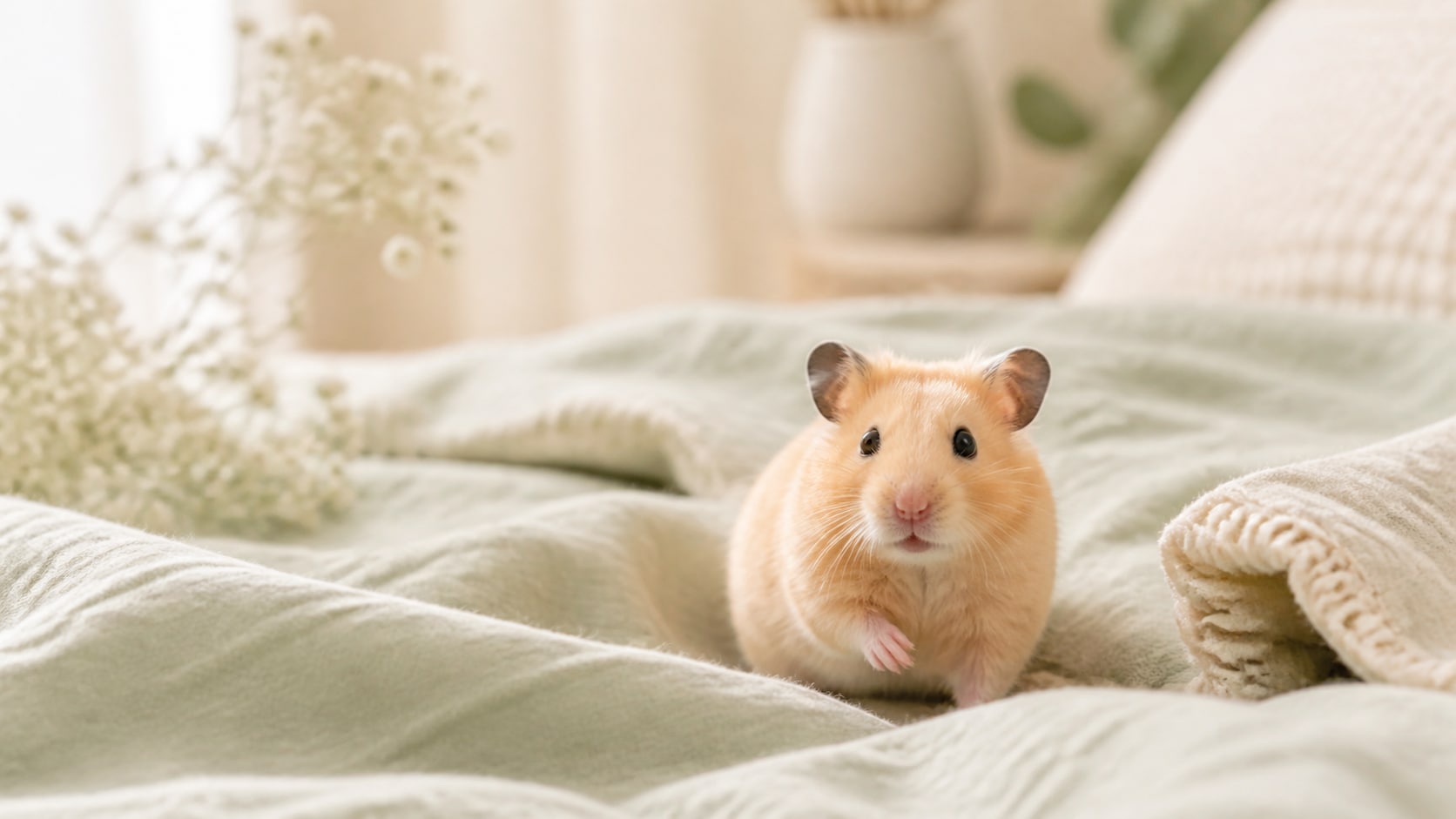
Build Instagram-Ready Pet Aesthetics
A hamster aesthetic photo prompt should control palette, background, and texture. Pastel bedding, clean desk scenes, flower props, soft daylight, and simple composition work well for feed posts.
- Palette Control - Use soft pastels, warm neutrals, cozy wood, or clean studio colors.
- Social Crop - Generate square portraits for feeds and vertical covers for stories.
- Texture - Mention soft bedding, tiny fabric, wood grain, paper props, or plush backgrounds.
Turn Hamster Images into Video Moments
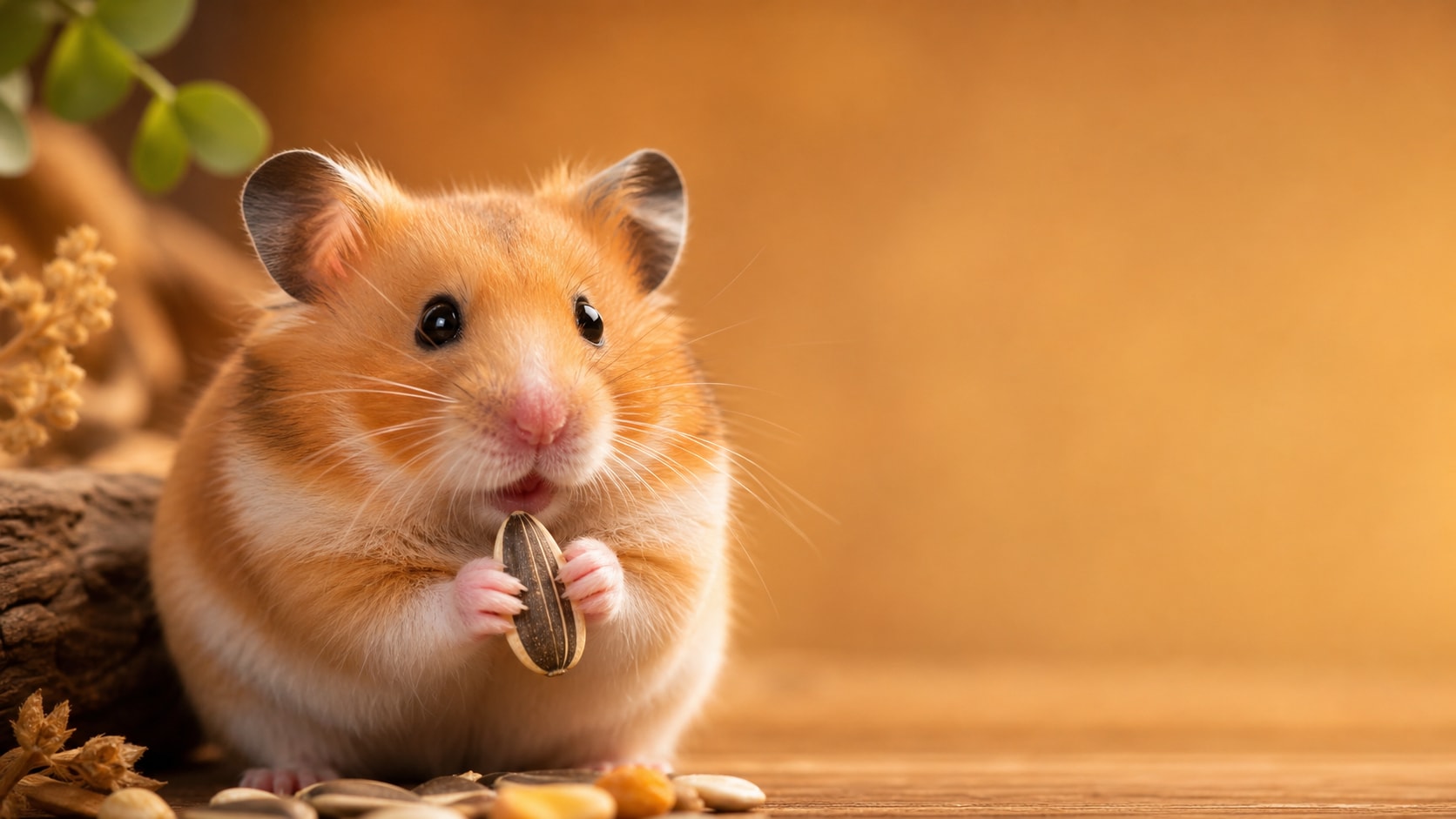
Turn Hamster Images into Video Moments
After generating a hamster still image, use Filmora to add zooms, stickers, captions, music, or playful transitions. A cute hamster AI image can become a pet reel intro, reaction visual, or thumbnail.
- Motion Ideas - Animate blinking, snack crumbs, wheel motion, camera zoom, or a gentle bounce.
- Thumbnail Use - Keep the face large and expressive for small-screen readability.
- Fast Export - Resize one generated image into feed, short, and banner formats.
Frequently Asked Questions About Hamster Image Prompts
How to Generate Hamster Images With Prompts
Turn a small pet idea into a realistic hamster portrait, funny character scene, or social-ready visual using Filmora's AI image workflow.
Step 1 Choose a Hamster Prompt

Step 2 Set Style and Ratio

Step 3 Generate, Edit, and Export

-
1: Choose a Hamster Prompt
Pick a prompt style such as realistic portrait, tiny clothes scene, snack photo, funny character, or aesthetic Instagram image. -
2: Set Style and Ratio
Paste the prompt into Filmora's AI Image tool, choose 16:9, 9:16, or 1:1, and refine fur detail, lighting, props, and no readable text instructions. -
3: Generate, Edit, and Export
Generate the hamster image, polish color and crop in Filmora, add motion or captions if needed, then export it for pet posts, reels, or thumbnails.
Hamster Image Prompts: Create Cute Pet Photos and Funny AI Scenes
Looking for the perfect hamster image prompt? From realistic portraits and snack close-ups to tiny sweaters, miniature rooms, funny pet scenes, and social-ready compositions, Filmora helps you generate, refine, animate, and export cute hamster visuals in one workflow.