Explore Sugar Glider Image Prompts
Browse sugar glider image prompts for soft pet portraits, nocturnal branch scenes, studio photography, fruit-feeding moments, forest wallpapers, and action shots. Use each idea to generate images for video templates, thumbnails, social posts, pet content, and educational visuals.
Loading more sugar glider image prompts...
 Category:
 Duration:
 Aspect Ratio:
Why Use Sugar Glider Image Prompts for AI Pet Visuals?
Sugar gliders have memorable details: oversized eyes, soft gray fur, tiny paws, wing-like membranes, and a nocturnal personality. A strong prompt balances cuteness, animal accuracy, lighting, and composition so the final image feels intentional instead of generic.
Create Cute Sugar Glider Portraits
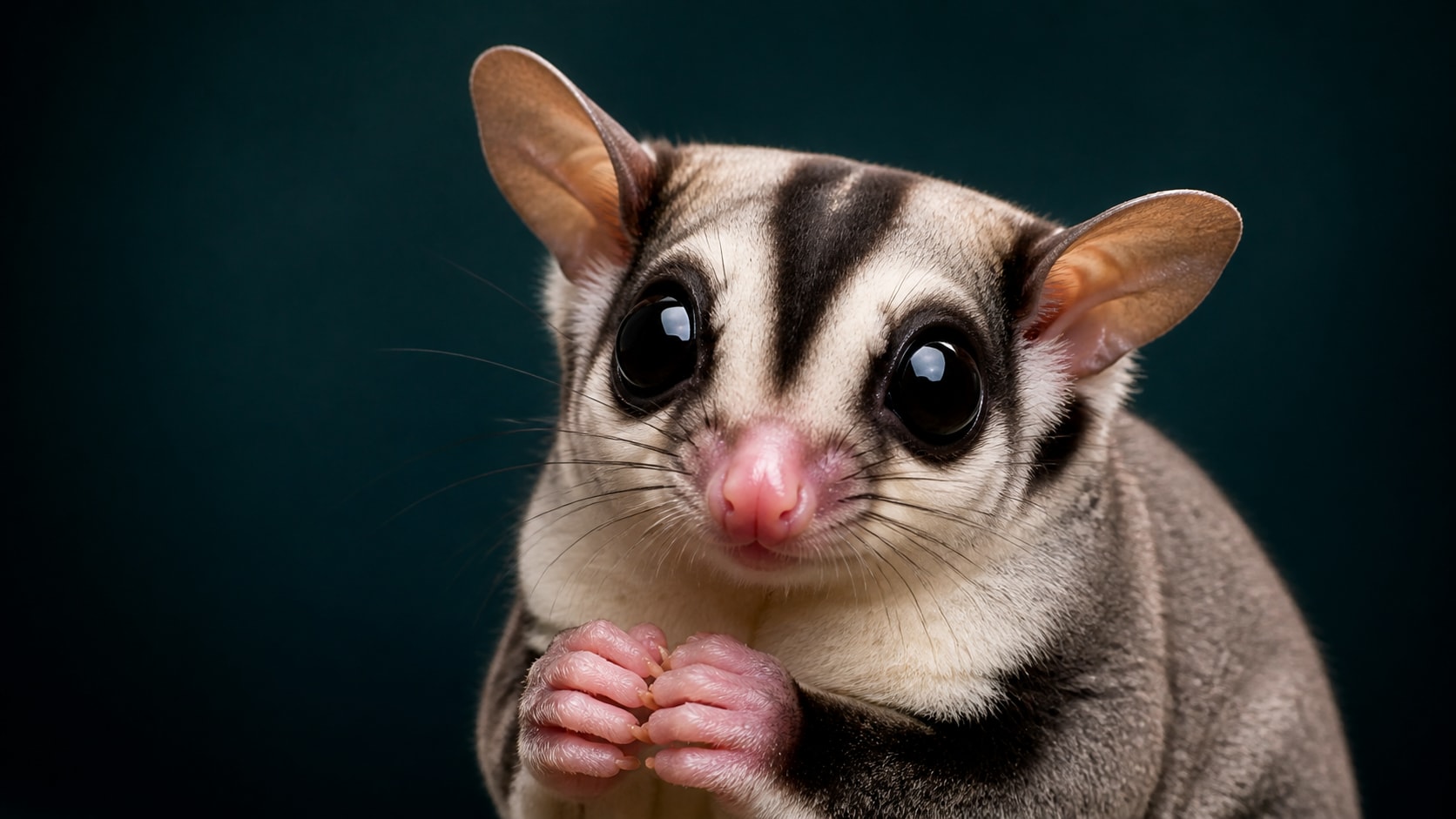
Create Cute Sugar Glider Portraits
A cute sugar glider prompt works best when it describes expression, eye contact, fur texture, and the tiny hand-like paws. Add soft light and a clean background to make the pet portrait feel warm and usable.
- Face Detail - Mention large glossy eyes, small ears, delicate whiskers, and soft gray fur.
- Pet Mood - Use cozy, curious, gentle, playful, or sleepy expressions.
- Camera Feel - Add close-up portrait, macro lens, shallow depth of field, or studio pet photo.
Capture Gliding Action Shots
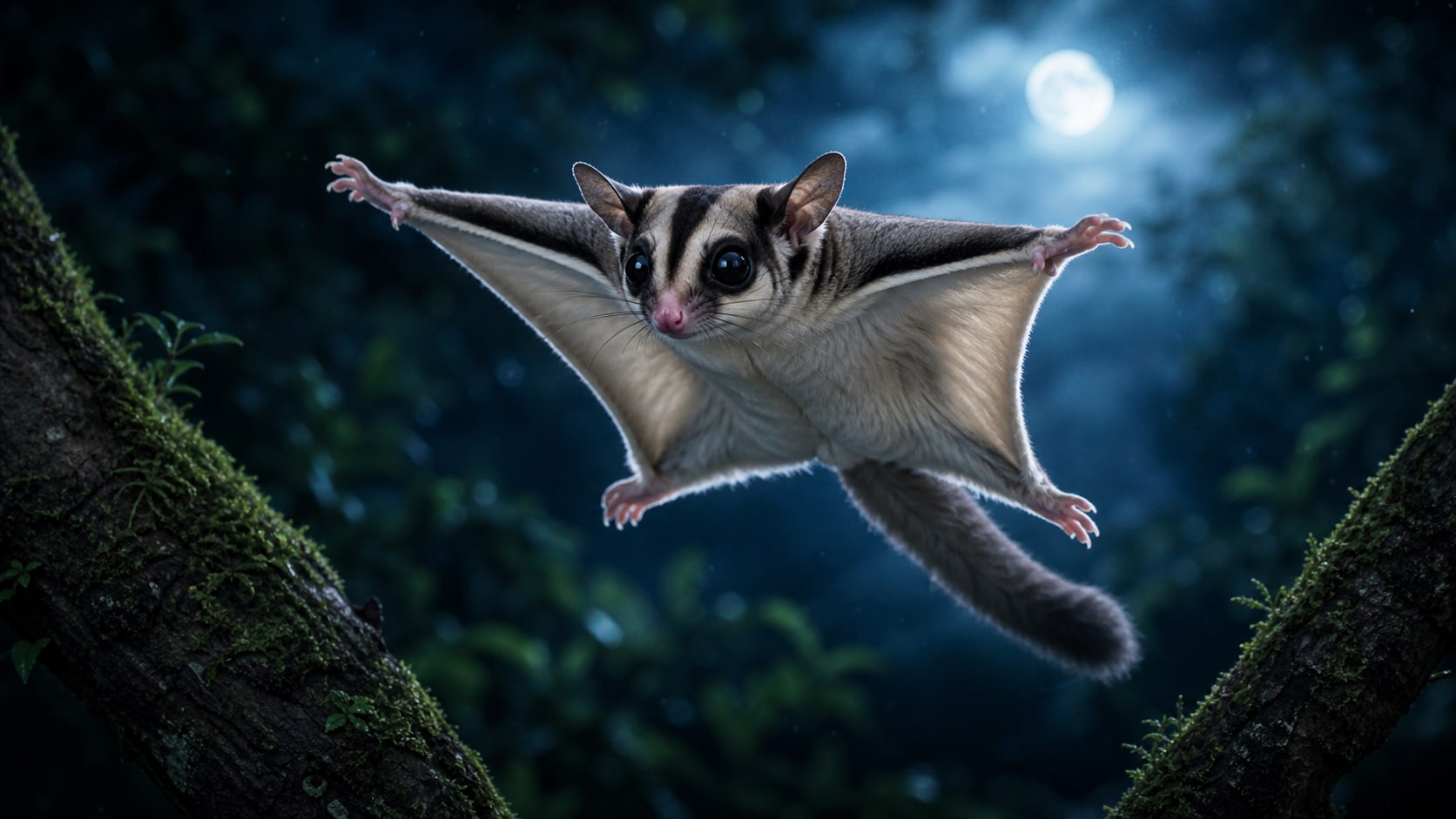
Capture Gliding Action Shots
For sugar glider gliding action shot AI prompts, describe the stretched membrane, tree-to-tree motion, and background blur. This helps the image read as movement instead of a static animal pose.
- Clear Motion - Use mid-glide, wings spread, motion blur, and forest depth.
- Natural Setting - Place the scene among branches, moonlit trees, or indoor climbing toys.
- Readable Pose - Keep the animal centered with the face and membrane visible.
Build Wallpapers and Social Covers
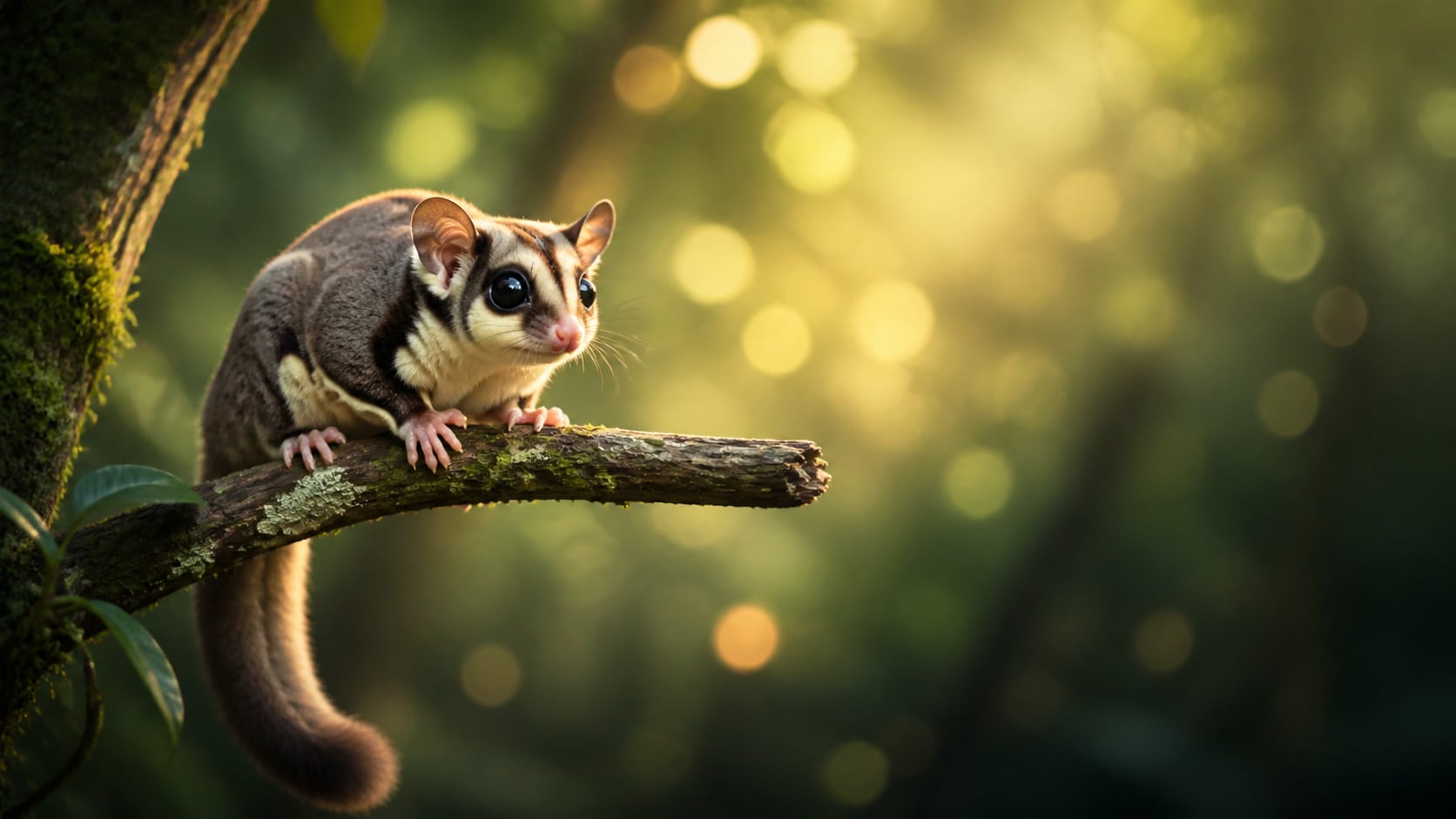
Build Wallpapers and Social Covers
A sugar glider wallpaper AI prompt needs clean framing and enough negative space for cropping. Describe soft bokeh, forest glow, branch silhouettes, and a calm pose for phone covers, banners, and thumbnails.
- Wide Layouts - Use 16:9 for website banners, desktop wallpaper, and video backgrounds.
- Vertical Covers - Use 9:16 for phone wallpapers, reels, shorts, and story covers.
- Clean Space - Keep the background uncluttered so the subject remains easy to crop.
Turn Sugar Glider Images into Video Assets
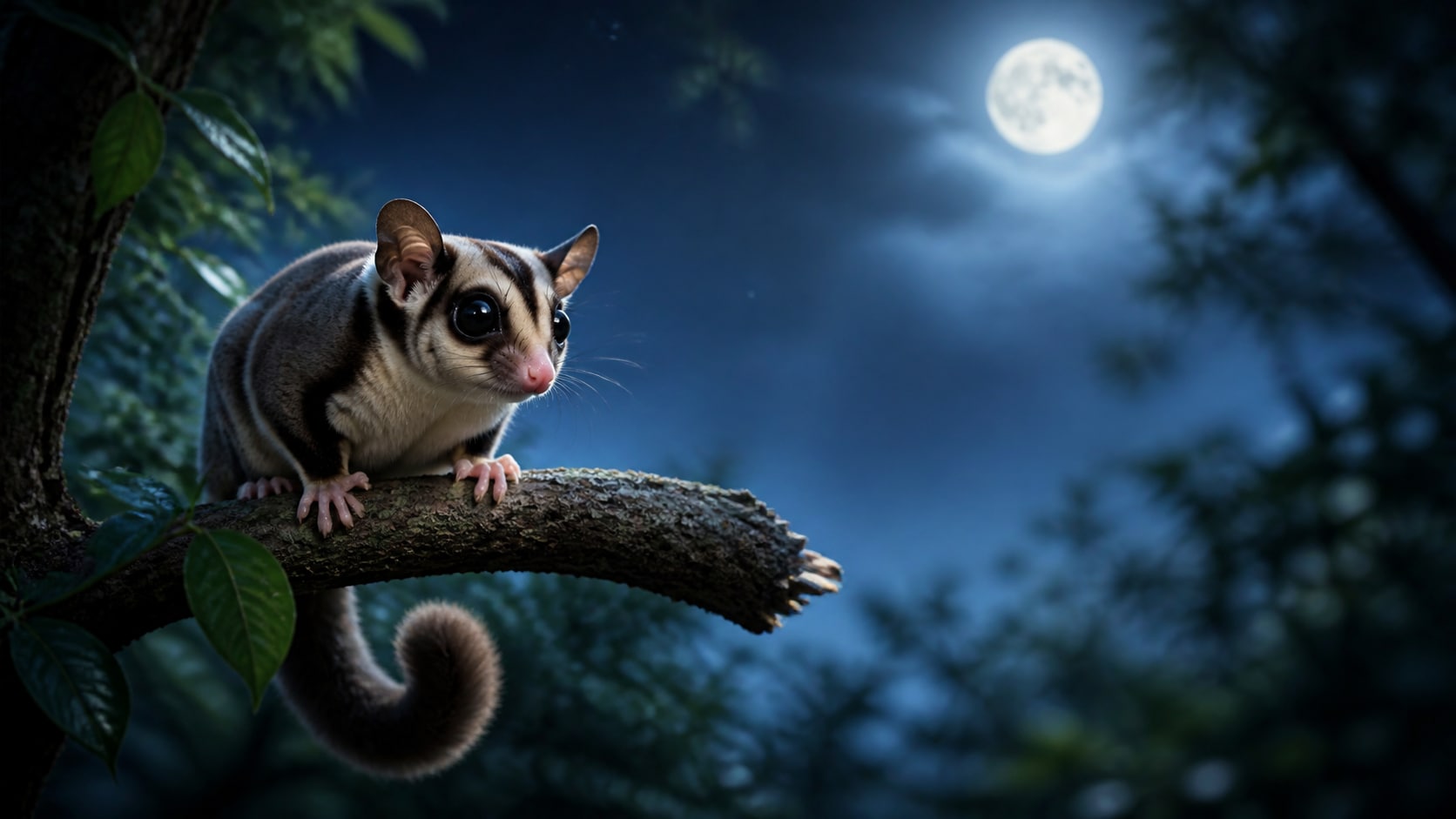
Turn Sugar Glider Images into Video Assets
Once your sugar glider image is generated, bring it into Filmora to add gentle camera motion, leaf movement, light flicker, captions, or pet channel branding. A still sugar glider AI image can quickly become a short-form visual.
- Motion Ideas - Animate eye sparkle, drifting leaves, moonlight, branch sway, or a slow zoom.
- Video Layers - Use the image as a thumbnail, intro card, sticker-style overlay, or pet story scene.
- Fast Export - Generate still images first, then resize and animate for each channel.
Frequently Asked Questions About Sugar Glider Image Prompts
How to Generate Sugar Glider Images With Prompts
Turn a cute sugar glider idea into a polished pet portrait, wallpaper, action shot, or video-ready image using Filmora's AI image workflow.
Step 1 Choose a Sugar Glider Prompt

Step 2 Customize Style and Ratio

Step 3 Generate, Refine, and Export

-
1: Choose a Sugar Glider Prompt
Pick a prompt style such as close-up portrait, gliding action shot, cozy pet scene, studio photo, or forest wallpaper. -
2: Customize Style and Ratio
Paste the prompt into Filmora's AI Image tool, choose 16:9, 9:16, or 1:1, and refine lighting, fur detail, setting, and no readable text instructions. -
3: Generate, Refine, and Export
Generate the sugar glider image, polish color and crop in Filmora, add motion if needed, then export it as a cover, thumbnail, or short video asset.
Sugar Glider Image Prompts: Create Cute Pet Portraits and Wallpapers
Looking for the perfect sugar glider image prompt? From realistic portraits and cozy pet scenes to gliding action shots, fruit-feeding moments, studio photos, and dreamy wallpapers, Filmora helps you generate, refine, animate, and export adorable animal visuals in one workflow.