
Explore Popular Student ID Prompts
Browse our massive collection of 40+ text guides to find the exact aesthetic you need. Whether you want a vintage prep look or a modern university vibe, using the right student id card prompt makes generating your custom badge easier than ever.
Loading more student ID prompts...
 Category:
 Duration:
 Aspect Ratio:
Why You Need the Perfect Student ID Card Prompt
Whether you are reviving a nostalgic trend or creating a fun avatar for your next social post, using a precise student id card prompt ensures your results are flawless and highly detailed.
Leverage Powerful AI Models
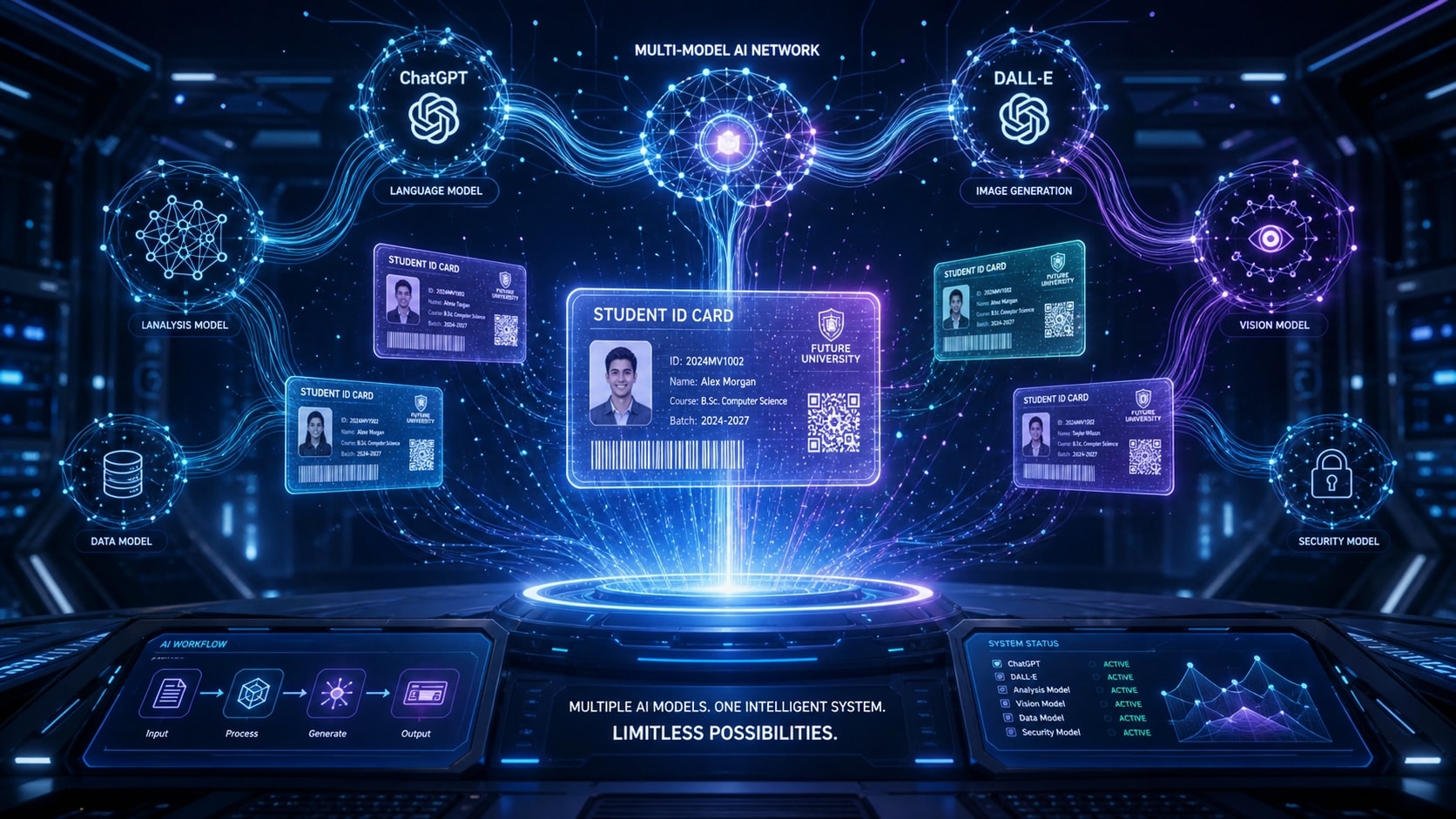
Leverage Powerful AI Models
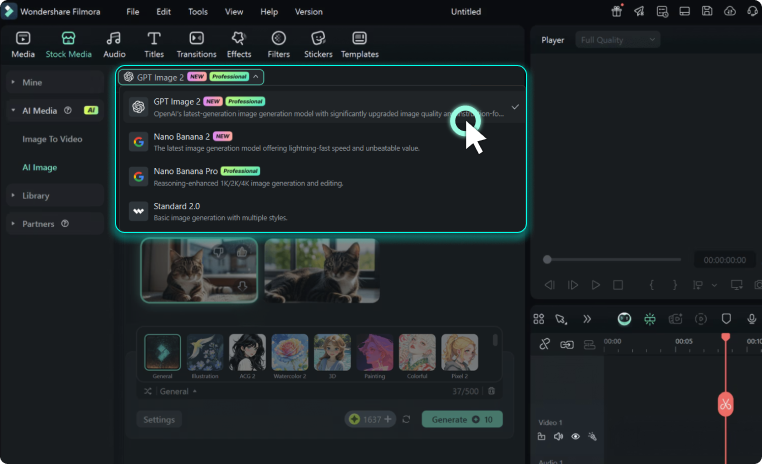
Filmora isn't just a basic editor; it incorporates robust engines directly within the workspace. By using a gemini student id card command or standard text prompt, you unlock top-tier generation power natively. Switch effortlessly between GPT image 2 or Nano Banana Pro.
- All-in-One Generator - No need to jump between external tools.
- Flexible Options - Choose your preferred AI engine natively.
- Premium Quality - Access top-tier generation capabilities instantly.
Achieve Ultra-Realistic Textures
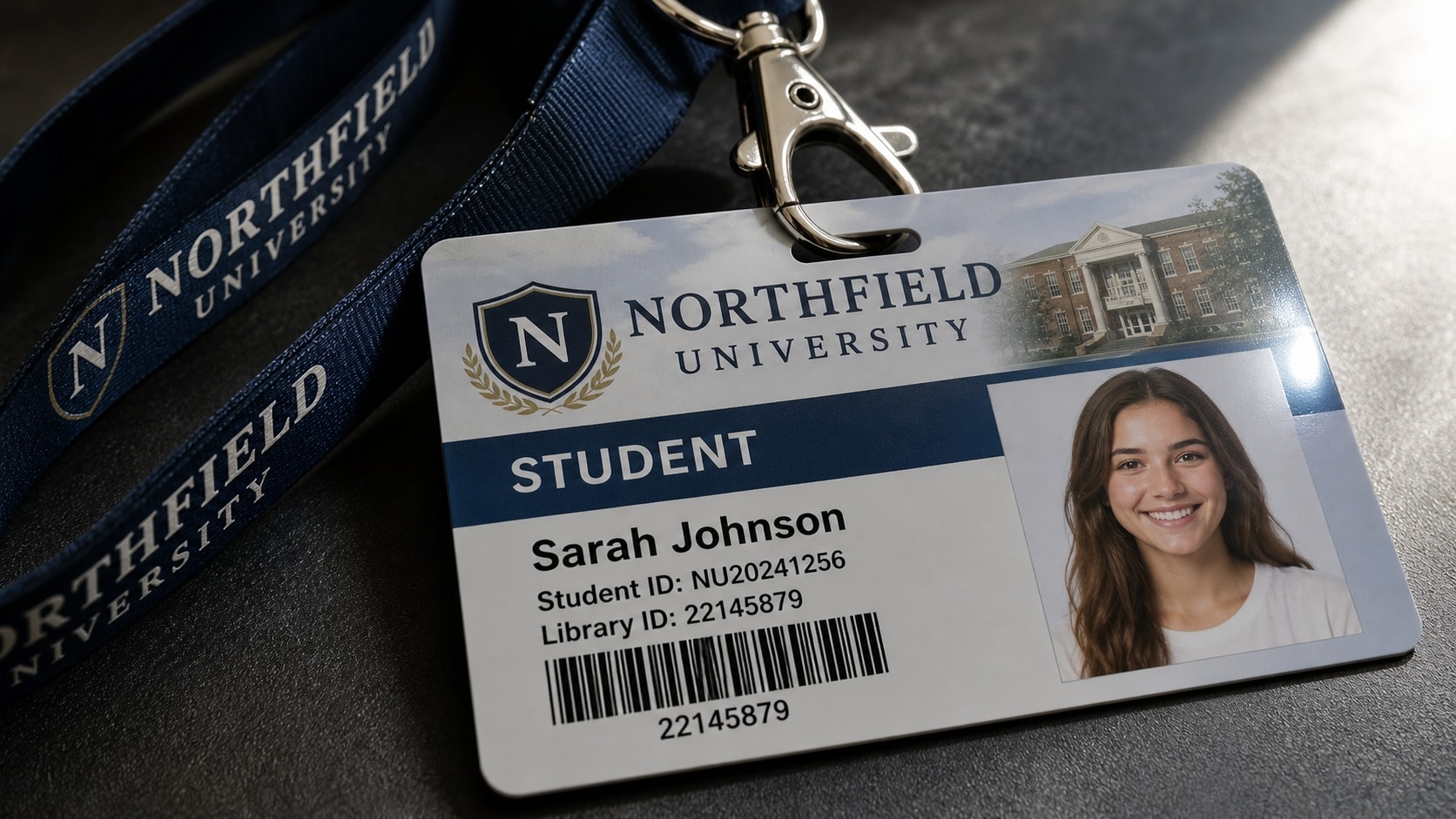
Achieve Ultra-Realistic Textures
The secret to a viral post lies in the details. A high-quality student id card photo prompt ensures the final image features authentic lanyards, realistic badge reflections, and proper facial lighting that mimics professional school photography.
- Authentic Lighting - Replicate the standard flash of a school picture day.
- Crisp Details - Ensure text and barcode elements look believable.
- Custom Styles - Go vintage or modern with a simple keyword tweak.
Seamless Video and Image Integration
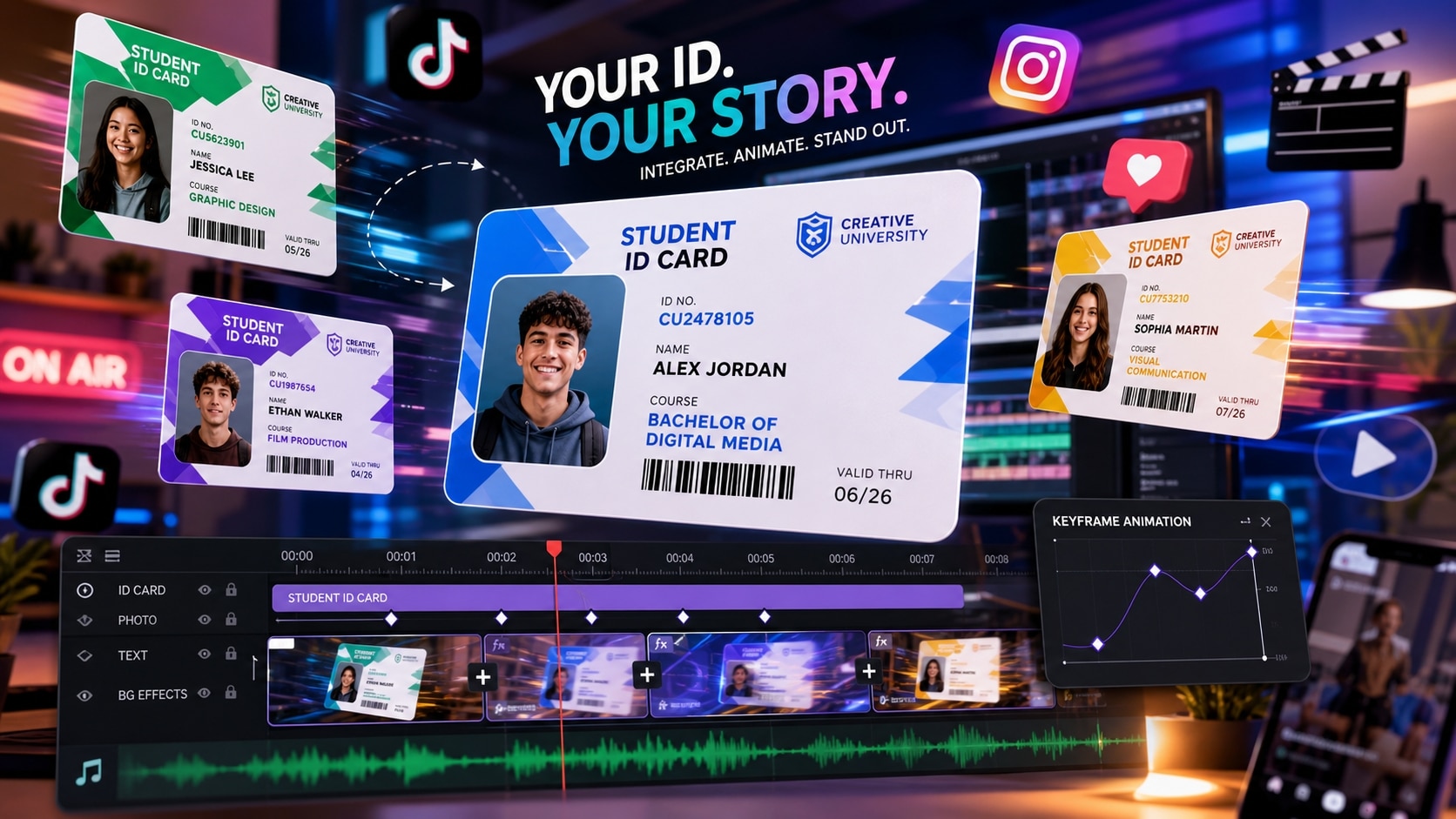
Seamless Video and Image Integration
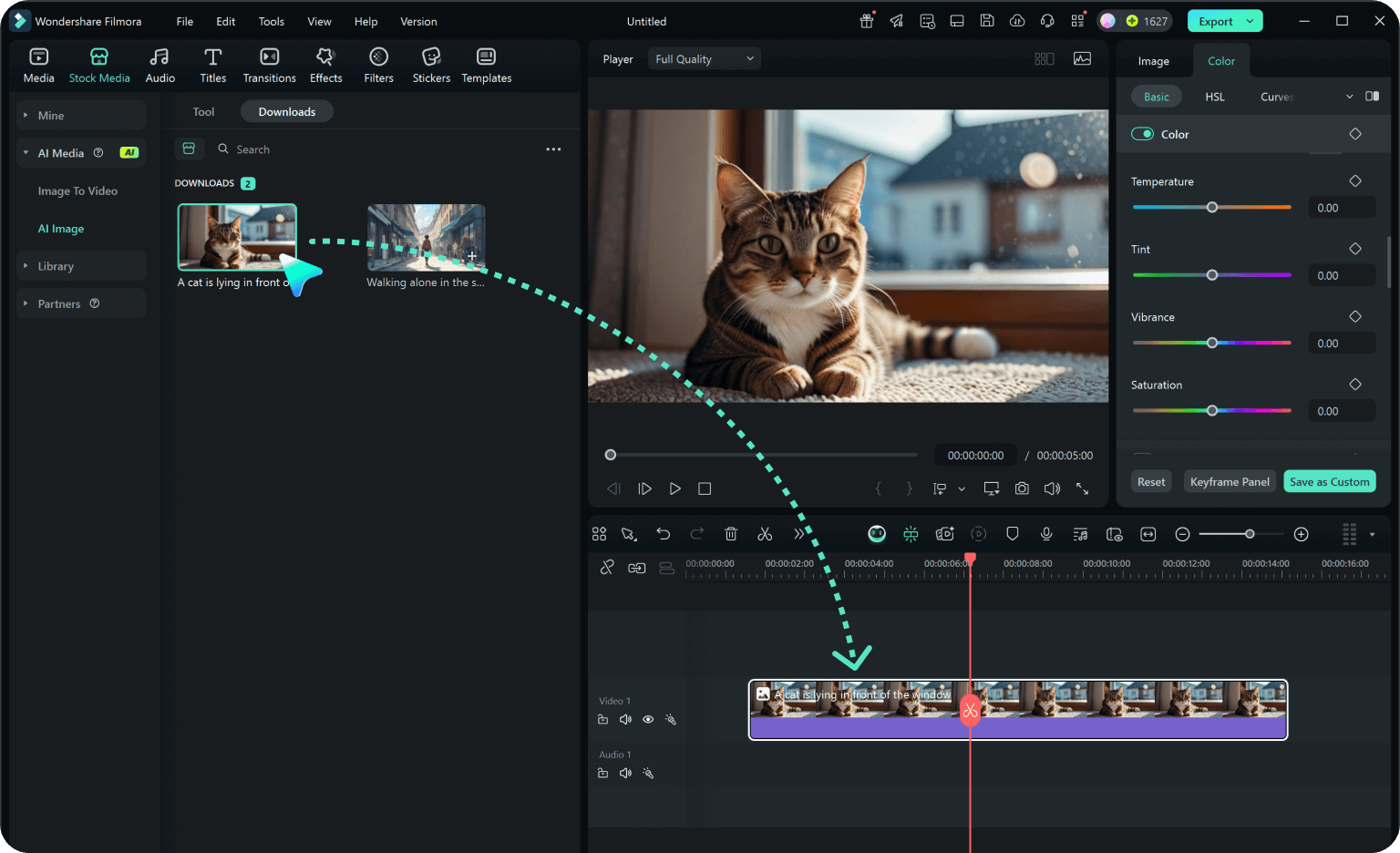
Once your gemini ai school id card photo prompts yield the perfect picture, instantly drag it onto your timeline. Filmora lets you animate your new ID card, add trending transitions, and prepare it for TikTok or Instagram Reels in seconds.
- Instant Animation - Bring static badges to life with keyframing.
- Trending Templates - Use our extensive video templates library to fast-track your edits.
- AI Enhancements - Upscale and refine your avatar.
Refine With Advanced Image Processing
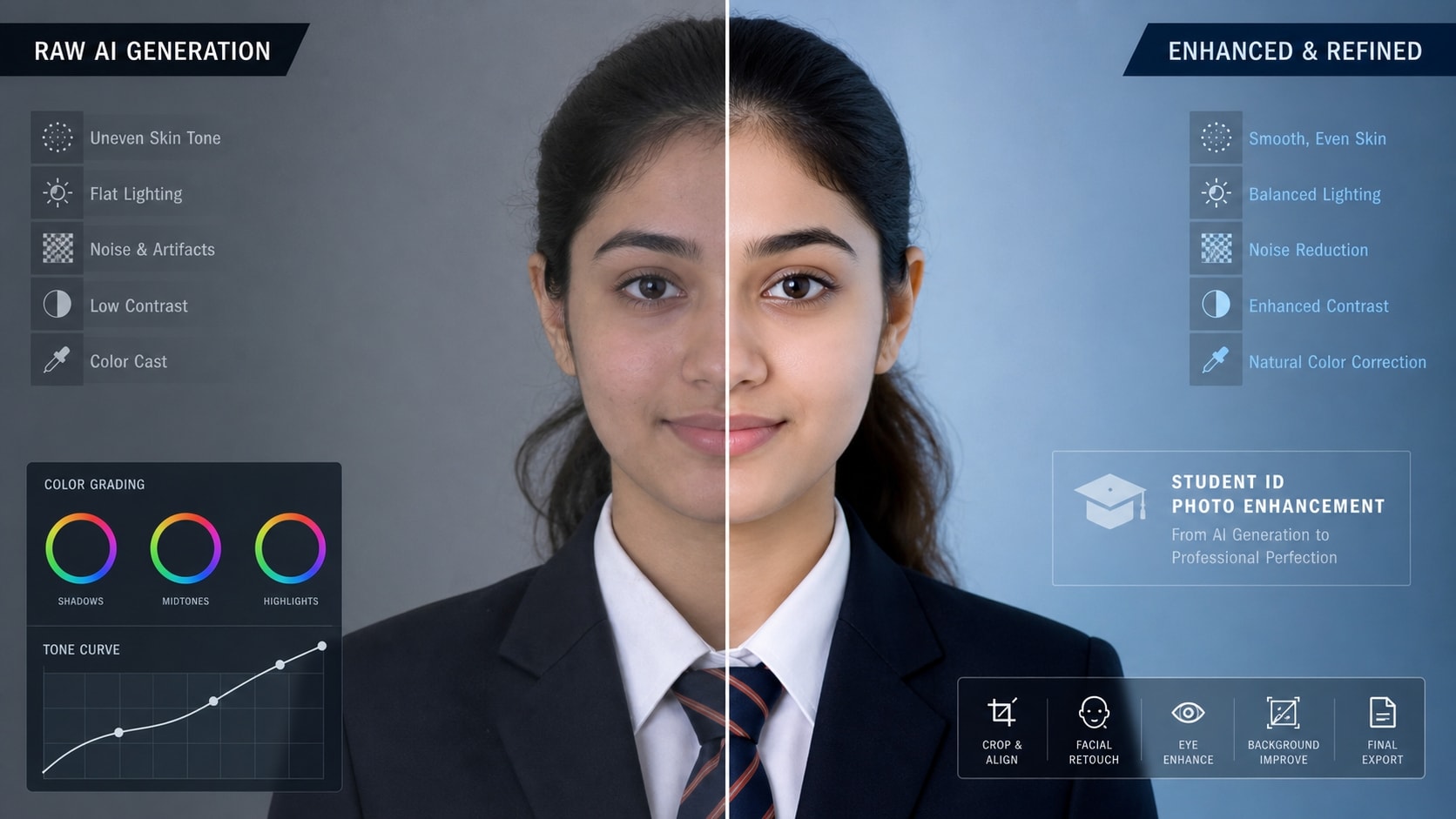
Refine With Advanced Image Processing
Sometimes an AI-generated portrait needs a little touch-up. With tools like GPT image 2 processing built-in, refining your prompt for student id card avatars ensures your final output is flawless. Adjust color grading, remove unwanted artifacts, and add cinematic flair effortlessly.
- AI Color Correction - Match your generated ID to real-world aesthetics.
- Blemish Removal - Polish the generated face for absolute perfection.
- Easy Export - Share in high resolution instantly.
Frequently Asked Questions About Student ID Card Prompts
How to Generate an ID Card With a Student ID Card Prompt
Transform your regular selfies into viral aesthetic badges using Filmora's built-in AI generators. Master the prompt student id card gemini technique today! 🎒🎓
Step 1 Enter Your Prompt

Step 2 Customize Your Settings
Step 3 Generate & Animate
-
1: Enter Your Prompt
Start by opening Filmora's AI Image Generator. Input your detailed student id card prompt for chatgpt or a gemini ai school id card prompt. Select the built-in Nano Banana Pro or GPT image 2 model to process your text. ⌨️✨ -
2: Customize Your Settings
Fine-tune the aspect ratio and style settings for your gemini ai prompt photo for school card. For the best result, ensure your prompt for student id card specifies a clear portrait, a lanyard, and realistic school lighting. 📸🏫 -
3: Generate & Animate
Click generate to process the student id card photo prompt. Once your gemini student id card is ready, drop it onto the timeline. Add trending effects and export your final video for social media! 🚀🔥
Student ID Card Prompts: Generate Perfect School ID Photos with AI
Looking for the perfect student ID card prompt? From clean studio portraits and standard school ID poses to passport-style headshots and formal uniform photos — Filmora helps you turn your identification photo ideas into flawless AI-generated images. Generate, edit, and enhance your school ID visuals all in one seamless workflow.




