
Explore Popular Motion Blur Prompt Styles
Discover a variety of motion blur photo prompt options designed to add speed and drama to your visuals. Whether you need a motion blur ai prompt or a motion blur magazine style prompt, find exactly what you need to make your art pop.
Loading more motion blur prompts...
 Category:
 Duration:
 Aspect Ratio:
Why Use a Motion Blur Prompt?
A motion blur effect prompt is more than just a filter—it brings static images to life. Whether you are crafting a motion blur photo prompt for editorial portrait use or just having fun, mastering a motion blur chatgpt prompt adds unparalleled energy to your creations. You can even try these concepts in video templates.
Add Cinematic Speed and Drama
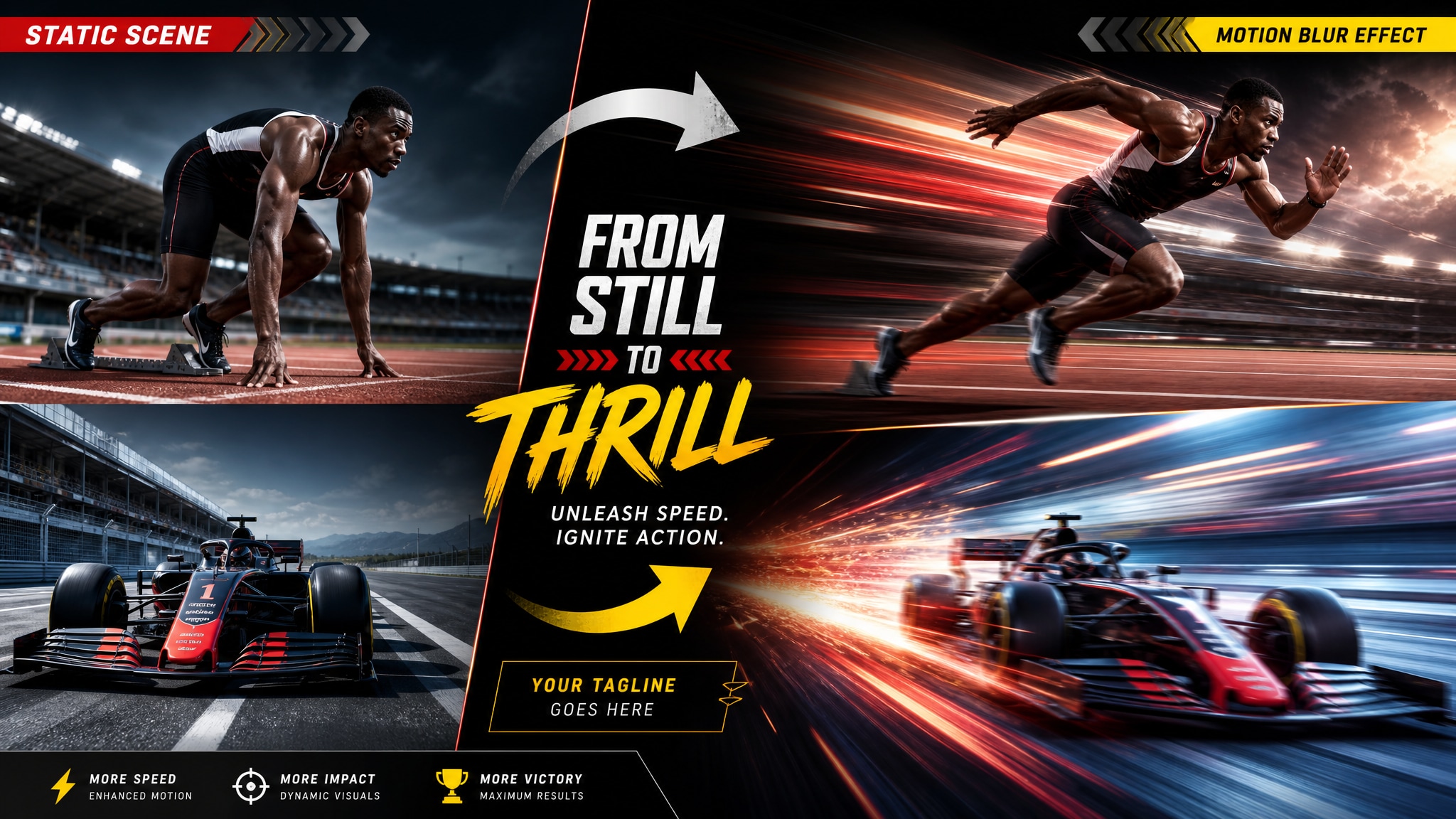
Add Cinematic Speed and Drama
Utilize a cinematic motion blur prompt to instantly inject a sense of high speed and dramatic action into your AI-generated images, transforming flat visuals into dynamic art pieces.
- Action Shots 🏃♂️ - Perfect for sports or racing imagery.
- Dramatic Edge 🎬 - Adds visual tension and deep emotion.
- Visual Flow 🌊 - Naturally guides the viewer's eye across the frame.
Craft Magazine-Quality Editorial Portraits
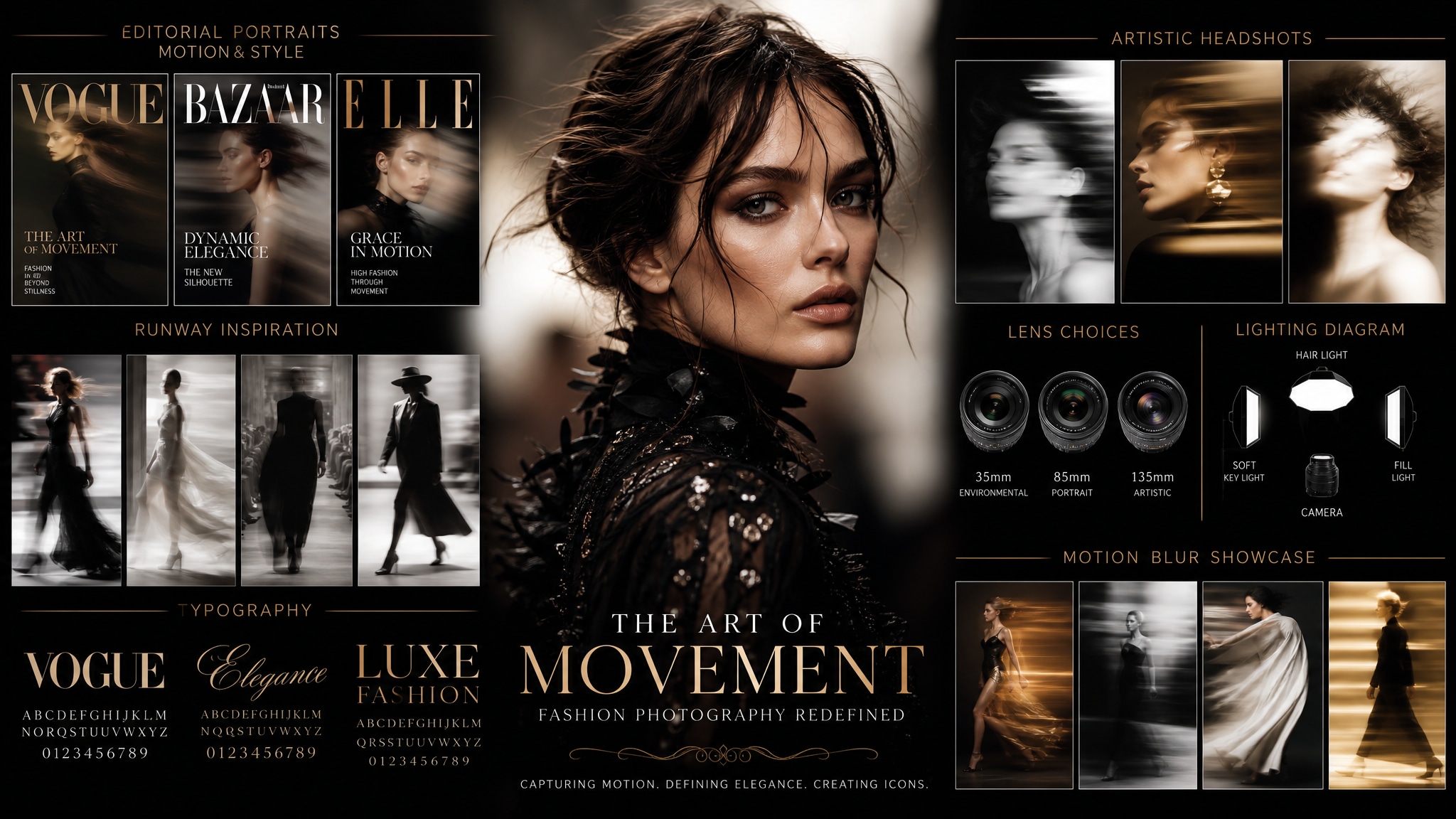
Craft Magazine-Quality Editorial Portraits
Achieve high-end photography aesthetics by using a prompt for magazine quality portrait with motion blur effect. This elegant technique elevates standard headshots into high-fashion, professional-grade editorial masterpieces.
- High Fashion 👗 - Create breathtaking runway-inspired looks.
- Artistic Flair ✨ - Beautifully blur backgrounds to isolate subjects.
- Editorial Style 📸 - Mimic Vogue-level photography instantly.
Boost Engagement With Viral Aesthetics
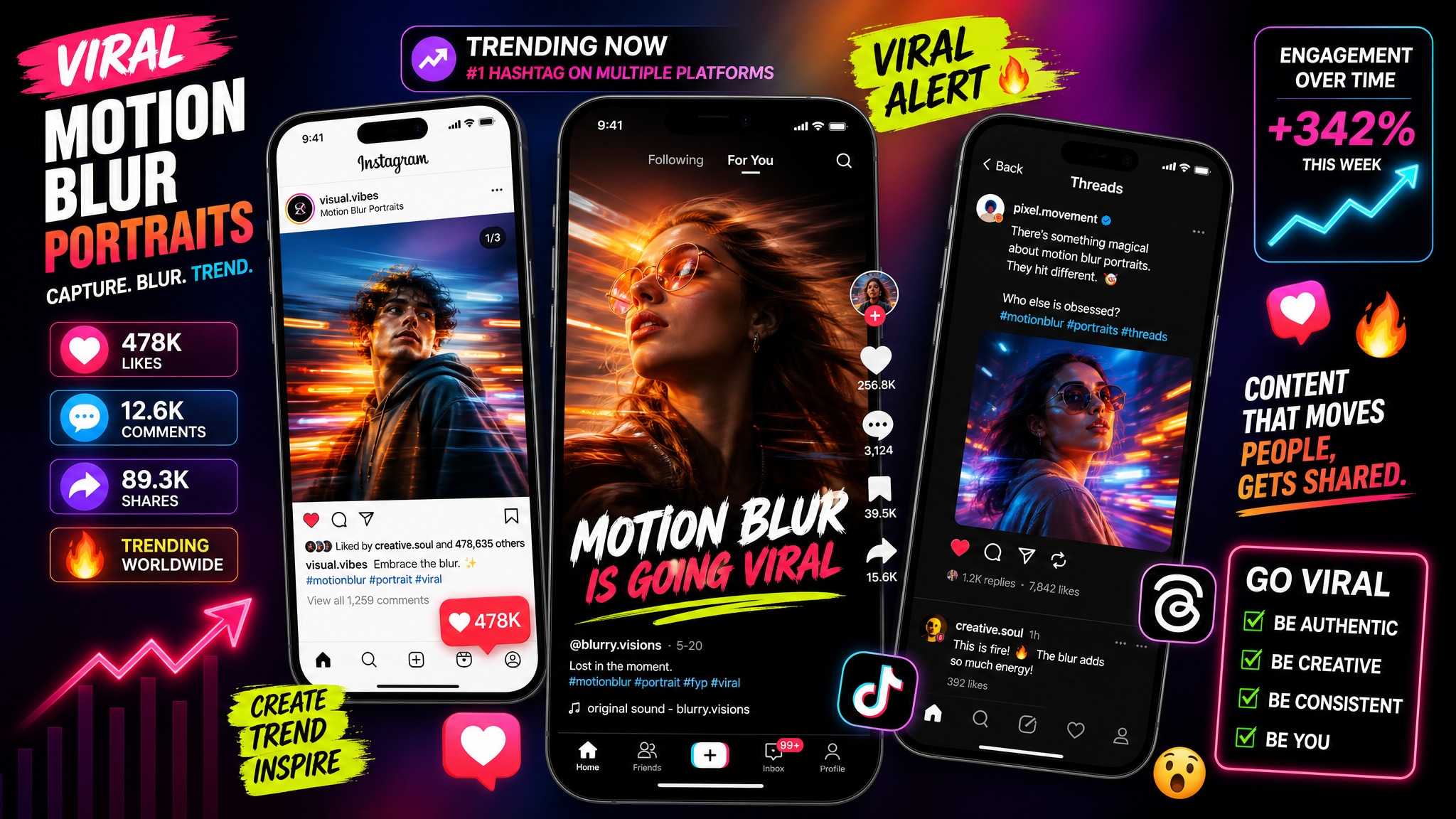
Boost Engagement With Viral Aesthetics
A viral motion blur prompt is the absolute secret to standing out on modern social media platforms. Capitalize on the trendy motion blur portrait prompt style that continuously dominates TikTok, Threads, and Instagram.
- Trend Setting 🔥 - Join the massive viral wave seamlessly.
- Stop the Scroll 📱 - Highly eye-catching visual movement.
- More Likes ❤️ - Proven aesthetics that audiences love to share.
Seamless Integration With AI Tools
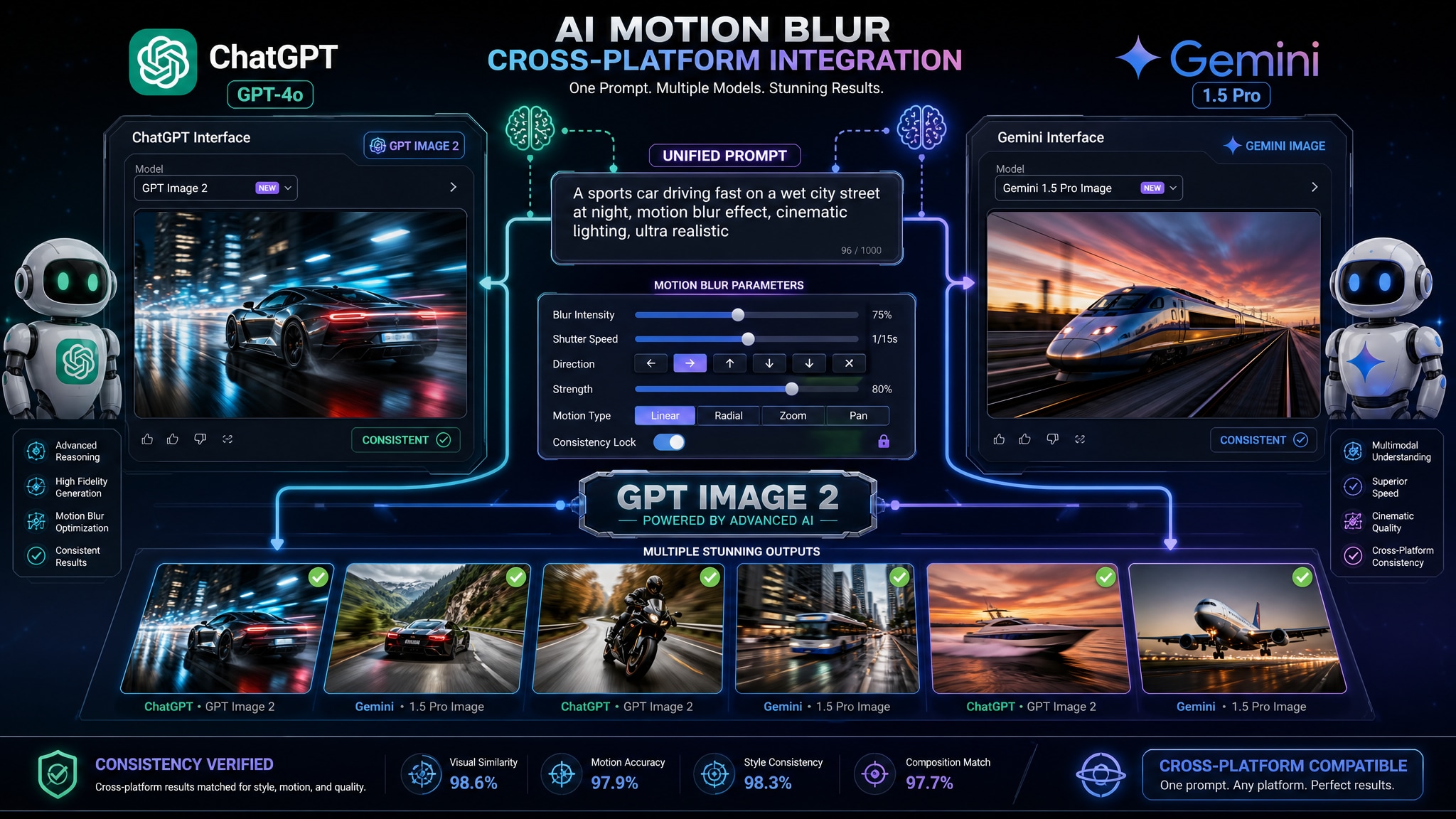
Seamless Integration With AI Tools
Whether you prefer a chatgpt motion blur prompt or a motion blur prompt gemini, these text inputs work flawlessly across various top-tier AI generation engines like GPT image 2 to deliver stunning results.
- Cross-Platform 🤖 - Works perfectly on Gemini and ChatGPT.
- Easy Tweaks ⚙️ - Effortlessly adjust speed and direction parameters.
- Consistent Results 🎯 - Highly reliable and reproducible artwork.
Frequently Asked Questions About Motion Blur Prompts
How to Use a Motion Blur Prompt for Stunning Visuals
Transform your static ideas into dynamic masterpieces using Filmora's AI and our viral motion blur prompt collection. 🚀
Step 1 Choose a Cinematic Motion Blur Prompt

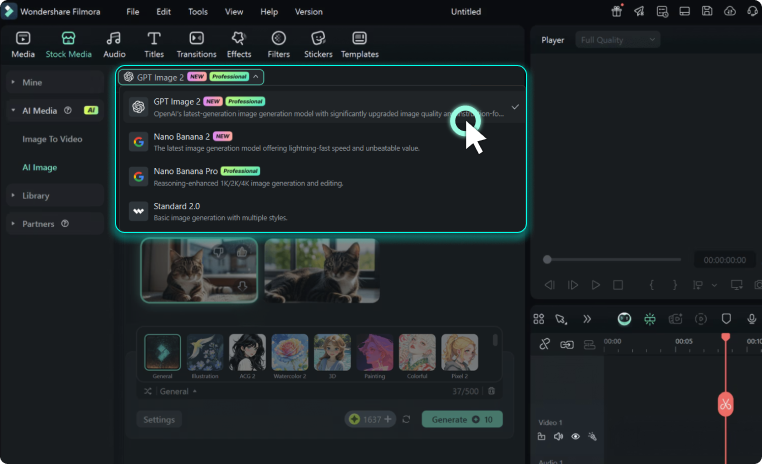
Step 2 Input Your Motion Blur AI Prompt
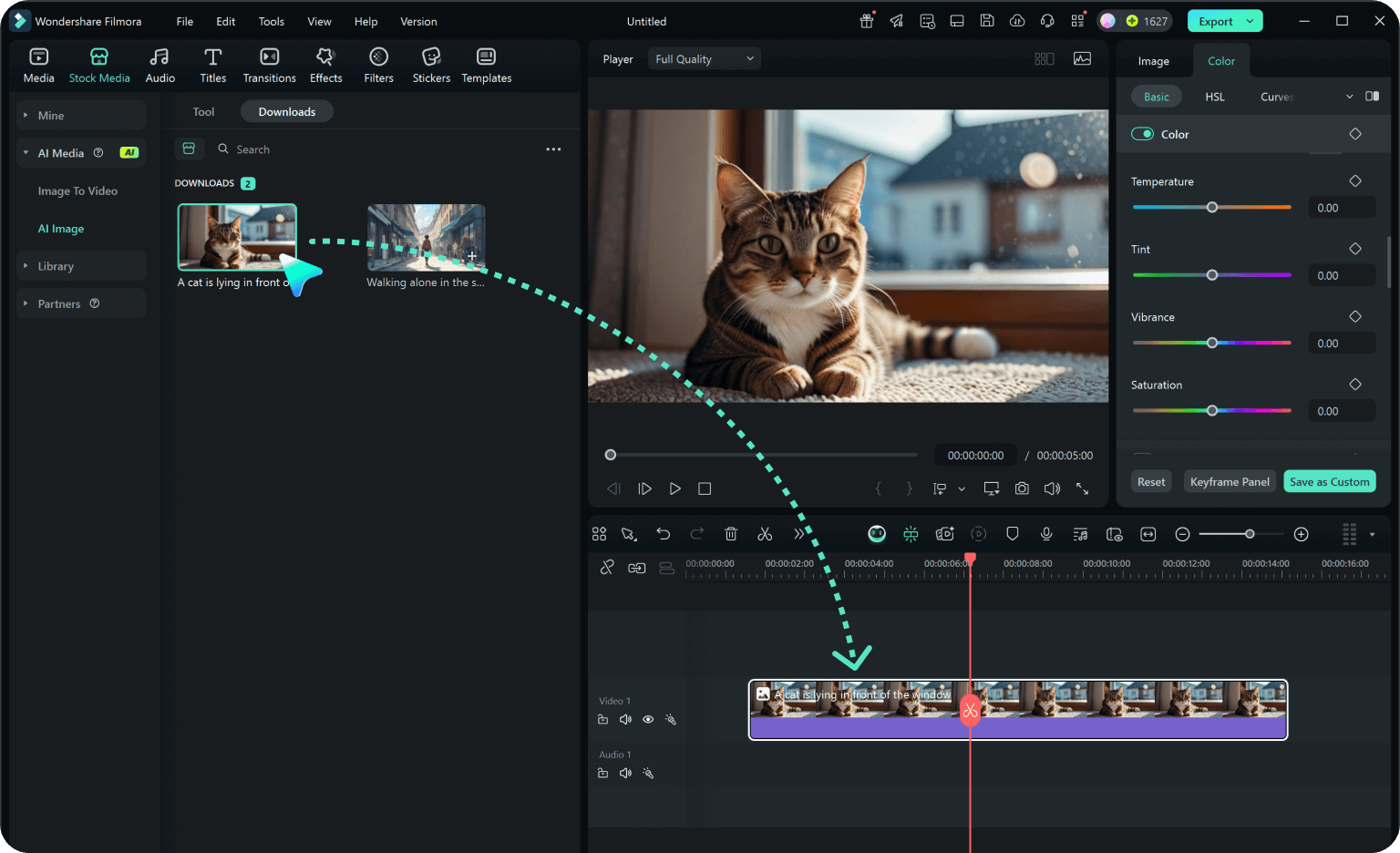
Step 3 Generate Your Magazine Quality Portrait
-
1: Choose a Cinematic Motion Blur Prompt
Browse our library of ideas and select a motion blur effect prompt, such as a motion blur magazine-style prompt, to set the foundation for your dynamic image. 📸 -
2: Input Your Motion Blur AI Prompt
Paste your motion blur image prompt into Filmora ai image generator (powered by GPT image 2 and Nano Banana Pro/2). Whether using a motion blur prompt gemini or a chatgpt motion blur prompt, make sure the details are precise. ✨ -
3: Generate Your Magazine-Quality Portrait
Hit generate to see your prompt for a magazine-quality portrait with a motion blur effect come to life! Download and share your stunning motion blur portrait prompt results on social media. 🌟
Motion Blur Prompts: Add Dynamic Movement to Your AI Images
Looking for the perfect motion blur prompt for Gemini or ChatGPT? From cinematic action shots and fast-moving subjects to creative long-exposure effects and editorial portraits with a sense of speed — Filmora helps you generate and refine dynamic, movement-rich AI images. Create, edit, and enhance motion effects all in one seamless workflow.




