
Explore Popular Double Exposure Prompts for ChatGPT
Browse through a stunning gallery of double exposure prompts for ChatGPT. From cinematic double exposure couple portraits to double exposure prompts for women, men, family, and nature scenes, find the perfect inspiration for your next AI masterpiece — all optimized for ChatGPT and Filmora.
Loading more double exposure prompts...
 Category:
 Duration:
 Aspect Ratio:
Why Use Double Exposure Prompts with ChatGPT & Filmora?
A double exposure prompt for ChatGPT is a powerful way to blend portraits with nature, cityscapes, or abstract art. Using ChatGPT to generate the image and Filmora's AI tools to refine and animate it, you can create stunning cinematic double exposure portraits in minutes — then turn them into videos for social media.
Generate Cinematic Double Exposures with ChatGPT
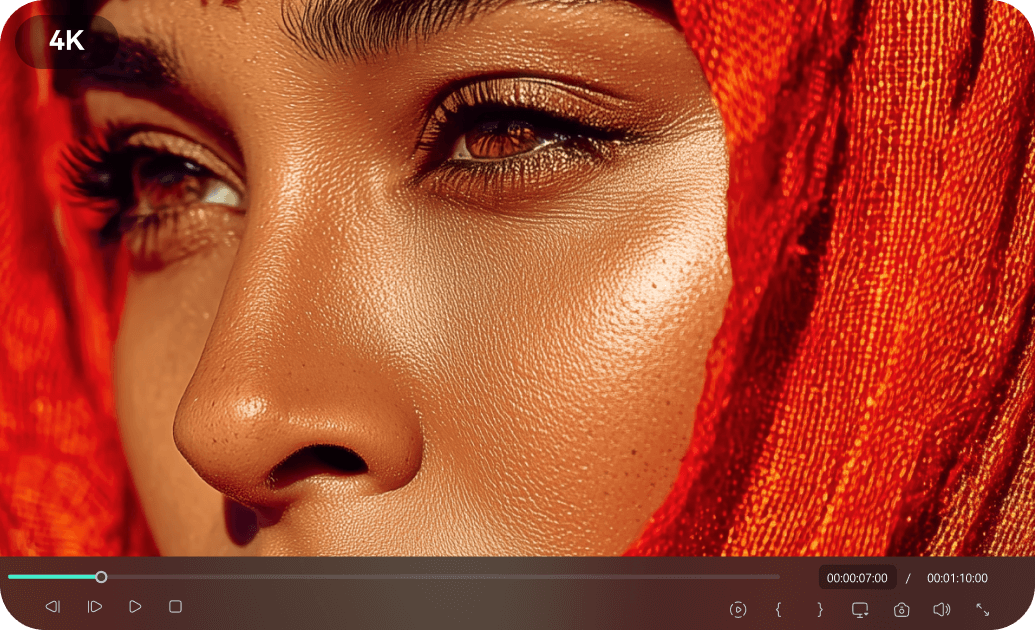
Generate Cinematic Double Exposures with ChatGPT
Use our chatgpt double exposure prompts to create stunning cinematic double exposure of us in profile or with a sunset beach landscape. Paste your prompt into ChatGPT — or directly into Filmora's AI image generator (powered by GPT Image 2 and Nano Banana 2) — and generate breathtaking 4K images in seconds.
- ⚡ Fast Generation - Generate high-quality double exposure images in seconds.
- 🎨 Versatile Themes - Prompts for couples, family, men, women, nature & more.
- 🖼️ Ultra HD Output - Export up to 4K resolution for print or social media.
Turn Your Double Exposure Art into Videos

Turn Your Double Exposure Art into Videos
Why stop at a static image? With Filmora's AI image-to-video feature, your double exposure prompts for ChatGPT results can be transformed into animated social media reels. Add motion effects, transitions, text overlays, and background music — all within Filmora's intuitive timeline.
- 🎬 AI Image-to-Video - Bring your double exposure art to life with one click.
- 📱 Ready for Reels & TikTok - Export in 9:16 vertical format optimized for social media.
- 🎵 Royalty-Free Music & SFX - Access thousands of tracks to match your mood.
Thousands of Video Templates & Text Styles

Thousands of Video Templates & Text Styles
Already generated your double exposure prompt for ChatGPT output? Take it to the next level with Filmora's library of video templates. Whether you need a cinematic intro, a wedding slideshow, or a cultural montage, there's a template ready. Add animated text styles, stickers, and filters to make your content unique.
- 📁 2.9M+ Assets - Templates, stickers, transitions, and effects at your fingertips.
- ✍️ Animated Text - Dozens of calligraphy and motion typography styles for titles.
- 🎨 Creative Graphics - Ready-to-use elements for any theme.
Optimized for ChatGPT, GPT Image 2 & Nano Banana 2
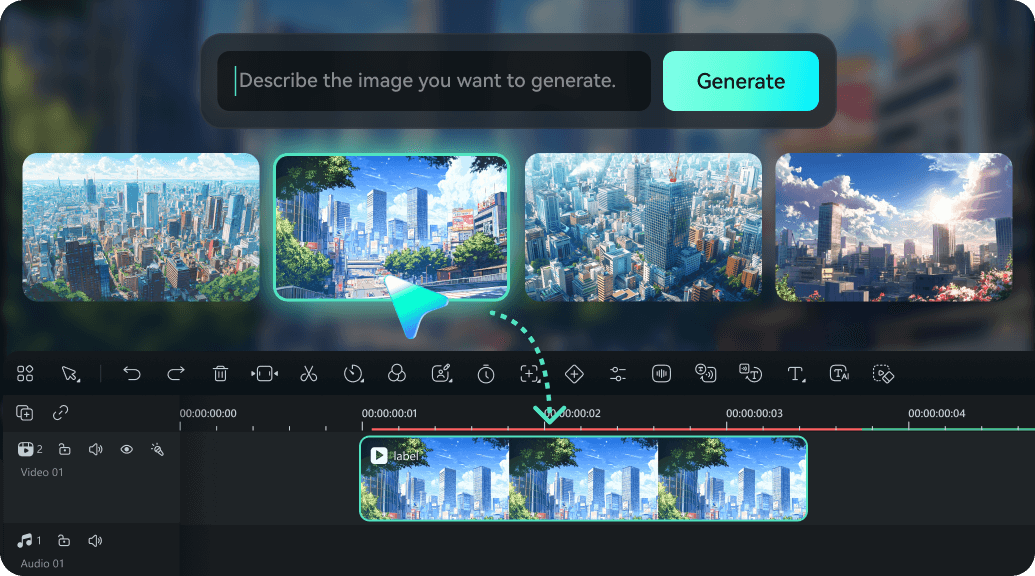
Optimized for ChatGPT, GPT Image 2 & Nano Banana 2
Our double exposure prompts for ChatGPT work seamlessly with ChatGPT and other AI tools. But for the best end-to-end experience, use Filmora's built-in AI image generator — it supports GPT Image 2, Nano Banana 2, and more, so you can generate, edit, and convert your art into videos without leaving one software.
- 🔧 All-in-One Workflow - Generate, edit, animate, and export — no switching tools.
- 🤖 Multiple AI Models - Choose the model that best fits your creative vision.
- 💾 One-Click Export - Save as image (PNG/JPG) or render as MP4 for sharing.
Frequently Asked Questions About Double Exposure Prompts for ChatGPT
How to Generate a Double Exposure Portrait with ChatGPT & Filmora
Follow these simple steps to transform your vision into a stunning double exposure image and video using ChatGPT prompts and Filmora's AI tools. ✨
Step 1 Copy a Double Exposure Prompt

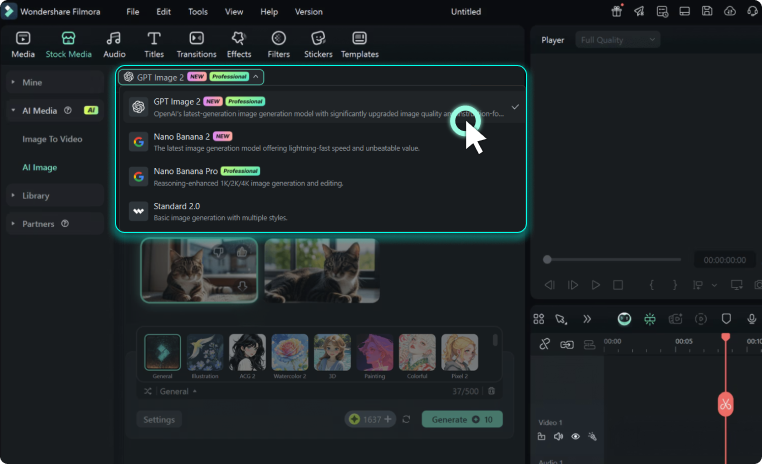
Step 2 Generate Your Image
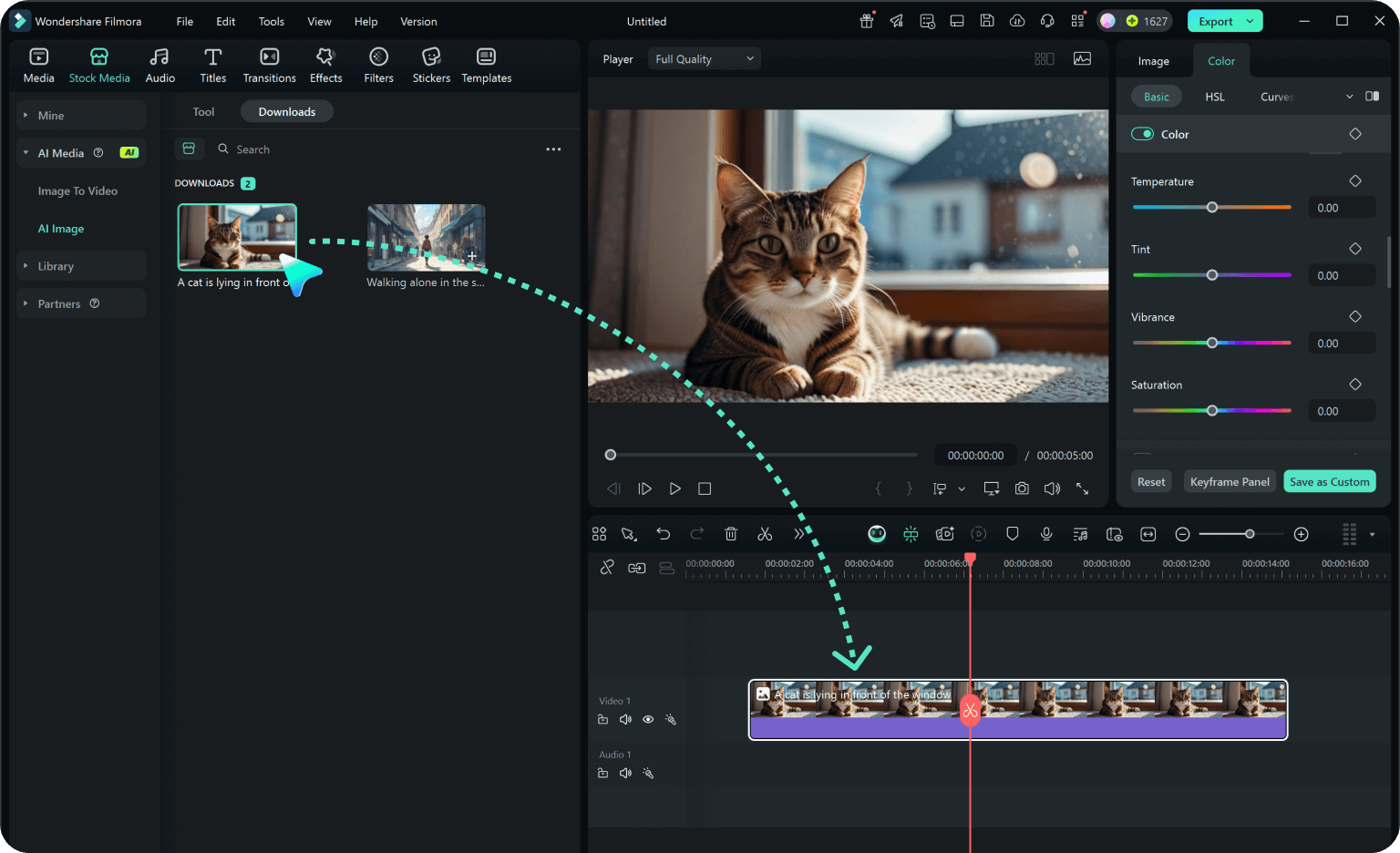
Step 3 Turn It Into a Video & Share
-
1:Copy a Double Exposure Prompt
Browse our library and copy your favorite double exposure prompt for ChatGPT — for couples, family, women, men, or nature scenes. 📋 -
2:Generate Your Image
Paste the prompt into ChatGPT or Filmora's AI image generator. Choose GPT Image 2 for best results. Your 4K double exposure art will be ready in seconds. ⚡ -
3:Turn It Into a Video & Share
Import your image into Filmora. Use AI image-to-video to add motion, apply a video template or animated text, add music, and export as MP4. Share your art! 📱
More Than Just Double Exposure Prompts for ChatGPT
Filmora isn't just an AI image generator — it's a complete creative studio. Generate stunning double exposure portraits using our chatgpt double exposure prompts, then turn your static images into dynamic videos with AI image-to-video. Access 2.9M+ video templates, animated text styles, royalty-free music, and more — all in one seamless workflow. And that's not all — explore even more creative prompt categories below.








