

 TL;DR:
While browser-based generators like Canva and FlexClip offer quick drag-and-drop text animations for social media, comprehensive desktop software like Wondershare Filmora provides the most extensive customization, offline access, and over 39,000 templates for professional video integration.
● Free online tiers on platforms like Renderforest and FlexClip apply watermarks to final exports and require constant internet connectivity to render projects.
● Animaker utilizes AI for text-to-animation and voiceovers in 180 languages to build explainer videos, presenting a steeper learning curve than basic banner creators like Textanim.
● Project export requirements determine compatibility, requiring MP4 or MOV for high-quality video workflows, SVG or Lottie via Loading.io for scalable web development, or specialized platforms like Vectary for true 3D object manipulation.
Ask AI for a summary
 ChatGPT
 Perplexity
 Gemini
 Claude
 Grok
Grok
Creating eye-catching animated text is now essential for standing out in today’s digital world. You can create these effects in just a few clicks with an animated letters generator. Instead of spending hours in complex software, you can design beautiful motion graphics in minutes.
These tools are fast, fun, and surprisingly powerful. Let's explore the top free and paid animated letter makers to help you create stunning motion graphics that stand out.
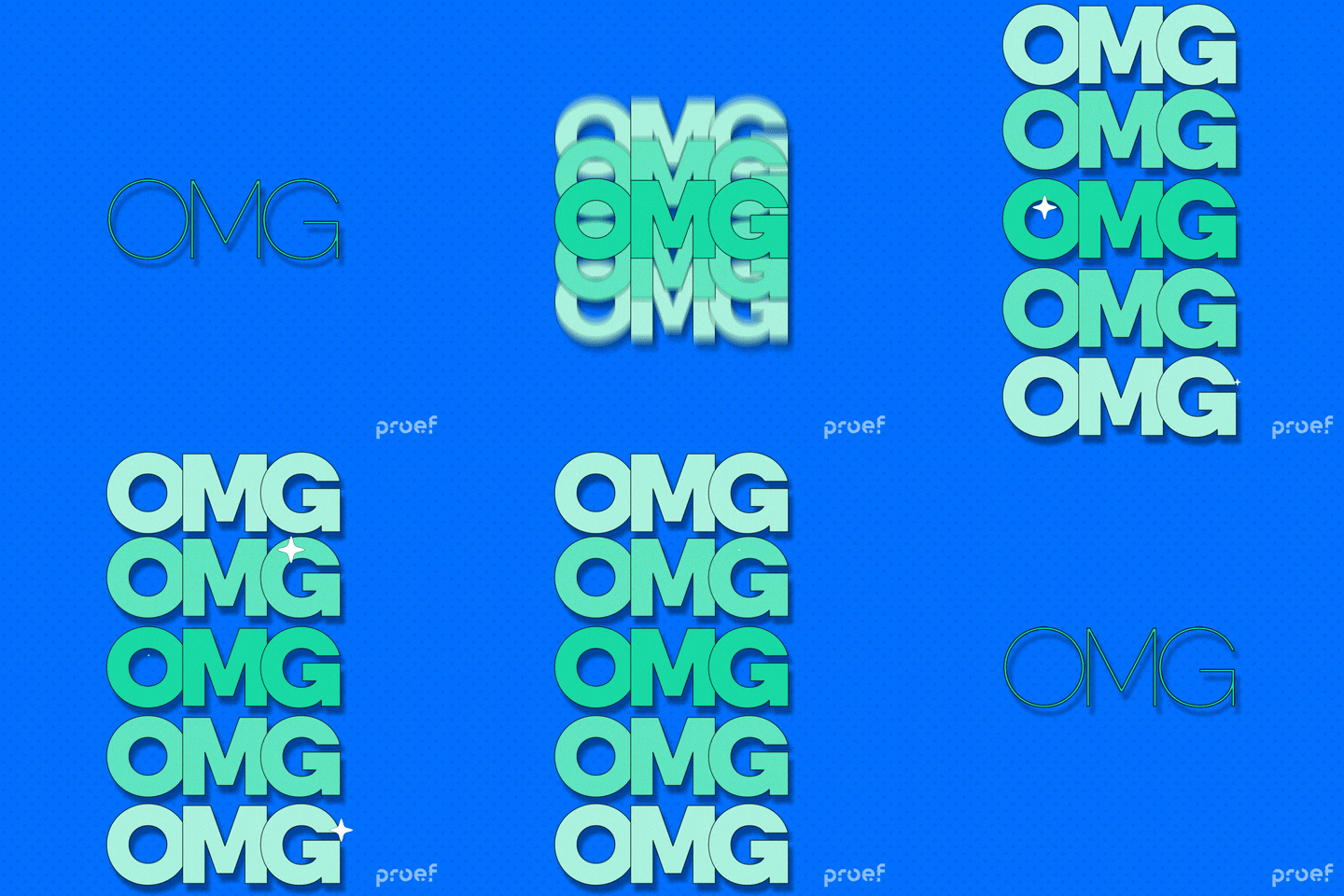
Part 1. What are Animated Text/Letter Generators?
Animated text generators are tools that turn still words into moving designs. They add motion, glow, and texture, making text more eye-catching and dynamic. These tools work as shortcuts to professional animations that usually take hours to create in advanced software.
An animated letter generator follows a simple process. Type your text, choose a style, adjust fonts and colors, then export it as a video, GIF, or image. Some of the popular effects are typewriter animations, bouncing letters, fade-ins, rotations, and 3D animated text options.
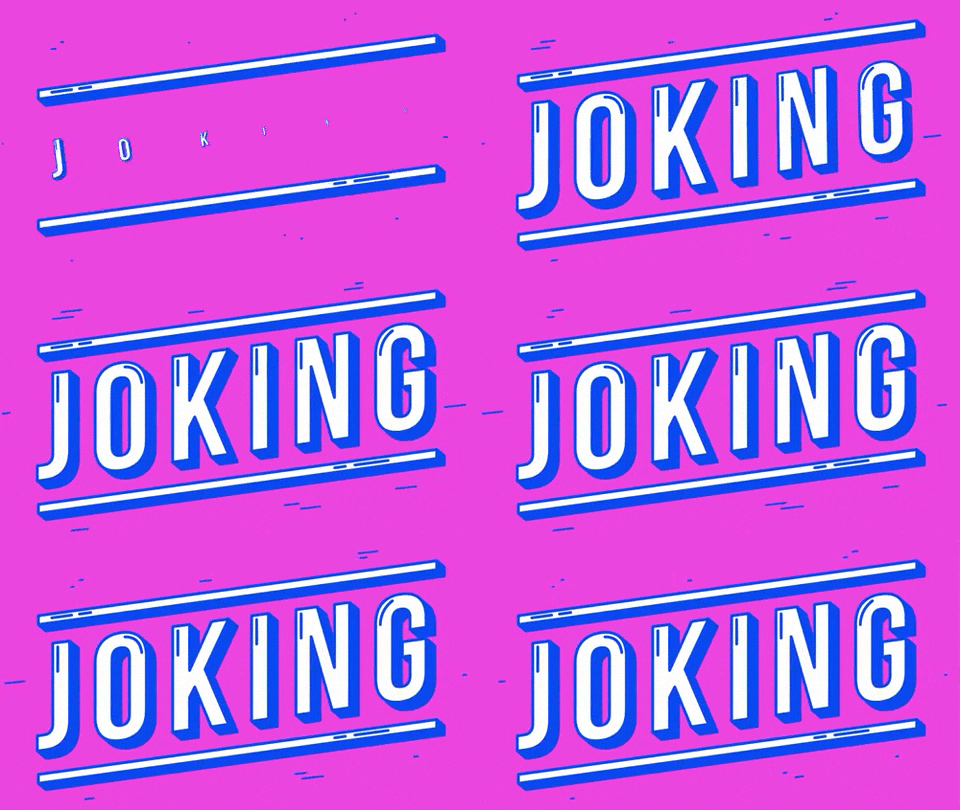
Each tool has its own purpose:
- A glitter GIF text generator adds sparkling effects for social posts or greetings.
- A flashing text generator creates pulsing movement that draws attention.
- 3D text animation online tools bring cinematic depth and make your words stand out instantly.
The main advantage of using an animated letters maker or a blingee text generator is simplicity. They are easy to use and don’t need design experience or expensive software. Most tools have drag-and-drop controls, instant previews, and ready-made templates. These features help you create animations quickly.
Part 2. Why Use an Online Animated Text/Letter Generator?
Online animated text generators have become increasingly popular for good reasons. They offer unique advantages that make them ideal for both beginners and experienced creators.
Part 3. Our Top Picks for Animated Text/Letter Generators
Choosing the right animated letters generator can impact your content quality and workflow. We've tested several platforms. Then, we compiled this list of eight top-performing tools.
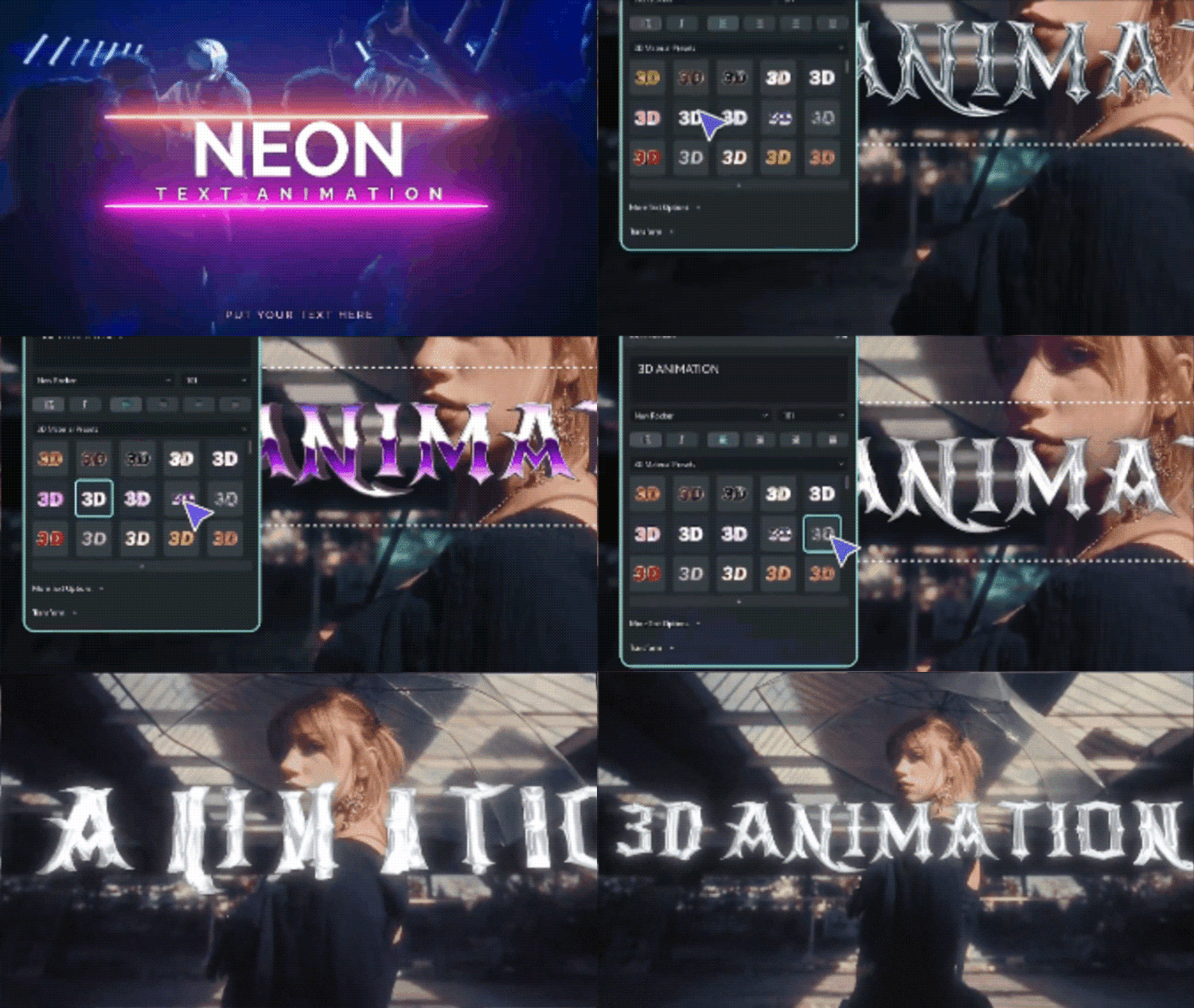
1. Wondershare Filmora's Integrated Text Animation Features
 Secure Download
Most animated letters maker tools operate solely online with limited capabilities. Meanwhile, Wondershare Filmora stands out as a comprehensive desktop solution. It transforms your entire video creation workflow. This tool acts as an advanced animated letters maker fully integrated into production.
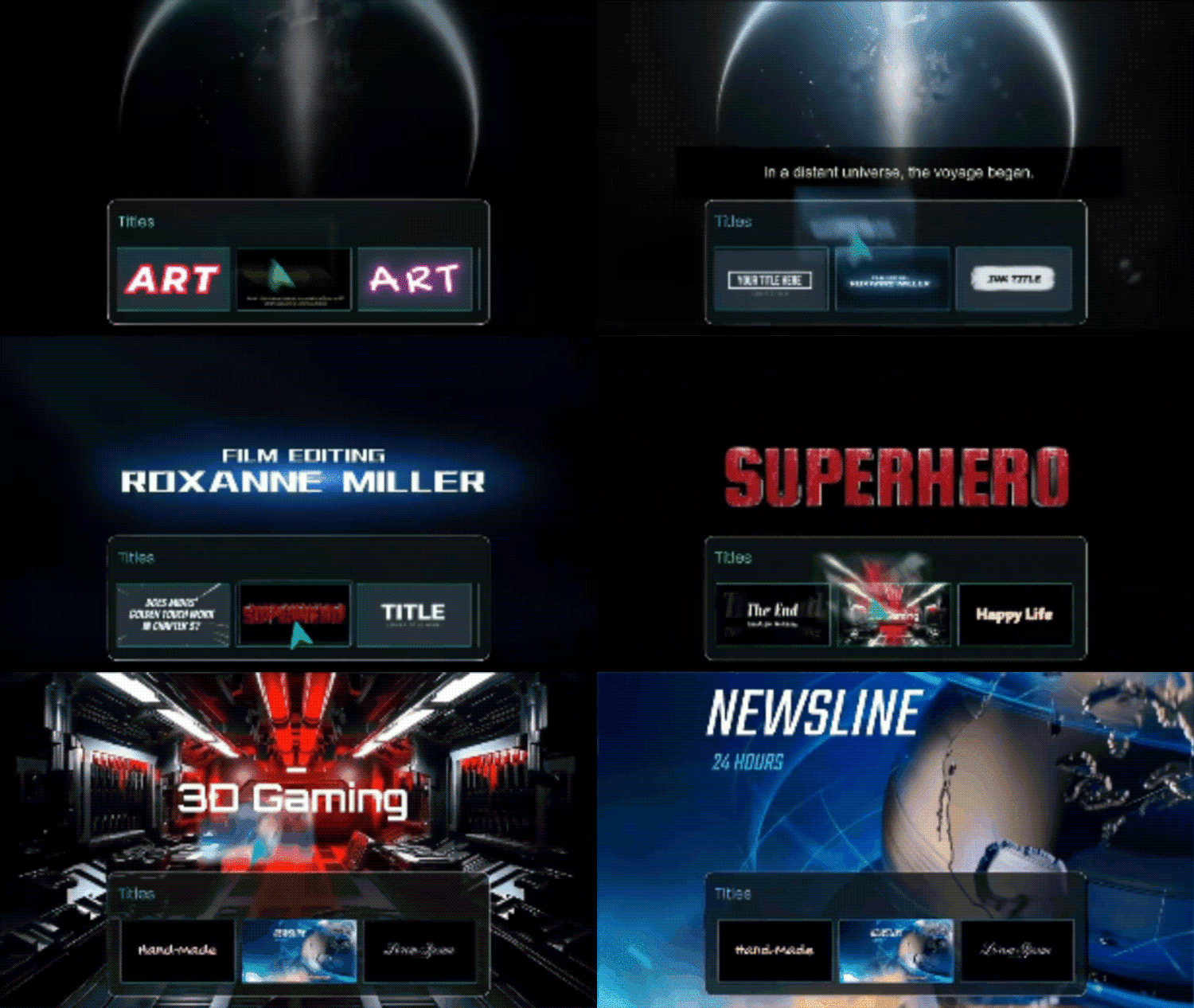
Filmora offers 39,000+ Text Animation templates, far exceeding what most online generators offer. It is compatible with PC, Mac, Android, iPhone, and iPad. So, you can begin editing on one device and complete it on another seamlessly.
- Professional-grade features at accessible pricing
- Complete integration with video editing eliminates workflow disruptions
- No file size or export limitations common with free online tools
- Continuous updates with new templates and features
- One-time purchase or subscription grants access to millions of creative assets
- Works offline, no internet dependency for core features
- Requires software download and installation
- Over 200+ pre-designed text animation templates, including 3D Text, Subtitles, and Lower Thirds
- Full customization for font, color, size, and motion paths
- Auto Reframe automatically adjusts animated text videos to fit social media formats
- AI animated text generator with text-to-animation capabilities
- High-quality video export in multiple formats without compromising on quality
2. FlexClip
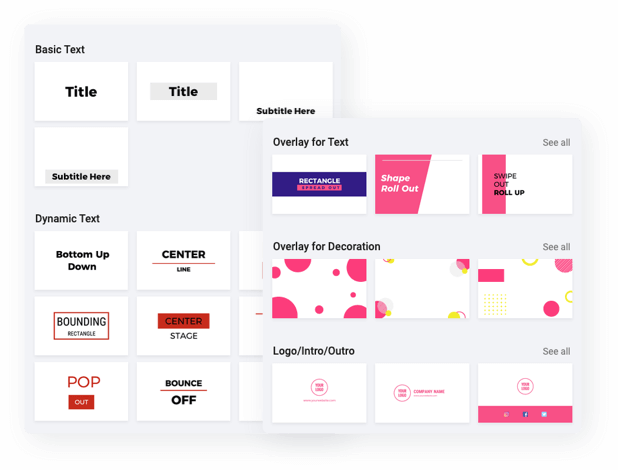
FlexClip is an animated text generator with over 1,000+ editable templates. It includes YouTube, TikTok, and Instagram-specific animations. For example, subscribe buttons, profile titles, lower thirds, and news titles. This browser-based platform excels at creating quick social media content. It is also supported by an extensive template library.
- An extensive template library saves time on design decisions
- Works directly in the browser without any software installation
- AI features automate repetitive tasks like subtitle generation
- Free version available for testing features
- Social media-optimized templates and aspect ratios
- Watermark appears on free version exports
- Requires internet access for full functionality
- Limited offline capabilities
- Premium features are locked behind a subscription
- 32 text animation styles, including cinematic typewriter effects, bounce, and burst animations
- 13 text styles such as neon, glitch, and 3D effects
- Access to 74,000+ royalty-free music tracks
- AI-powered tools, including text-to-speech and auto subtitle generation
- Offers multiple aspect ratio options designed for different social platforms
3. Canva
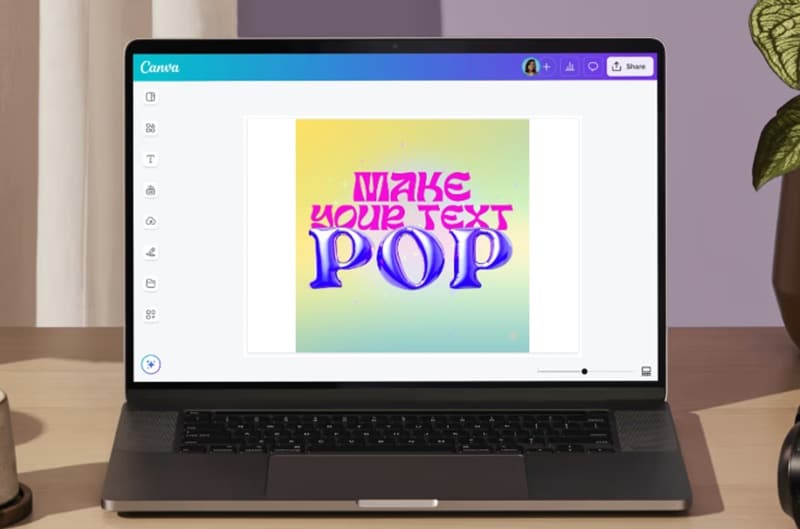
Canva’s animated text maker lets users add motion to designs for presentations, cards, and videos. Users can pick a font and click the “Animate” button to bring text to life. It is known for its simple design tools and easy interface. It applies the same approach to animation. So, it is a reliable blingee text generator alternative.
- Intuitive interface suitable for complete beginners
- Seamless integration with other Canva design tools
- Free tier includes basic animation features
- Extensive library of fonts and design elements
- Real-time collaboration capabilities for team projects
- Limited advanced animation controls compared to dedicated video editors
- Animation options are less sophisticated than specialized tools
- Requires account creation to access features
- Premium templates and assets require a paid subscription
- Various animation styles, including typewriter and flickering neon signage effects
- Integration with Canva's comprehensive design ecosystem, including templates, fonts, and graphics
- Simple one-click animation application
- Cloud-based project storage and collaboration features
- Export options for social media, presentations, and video formats
4. Animaker
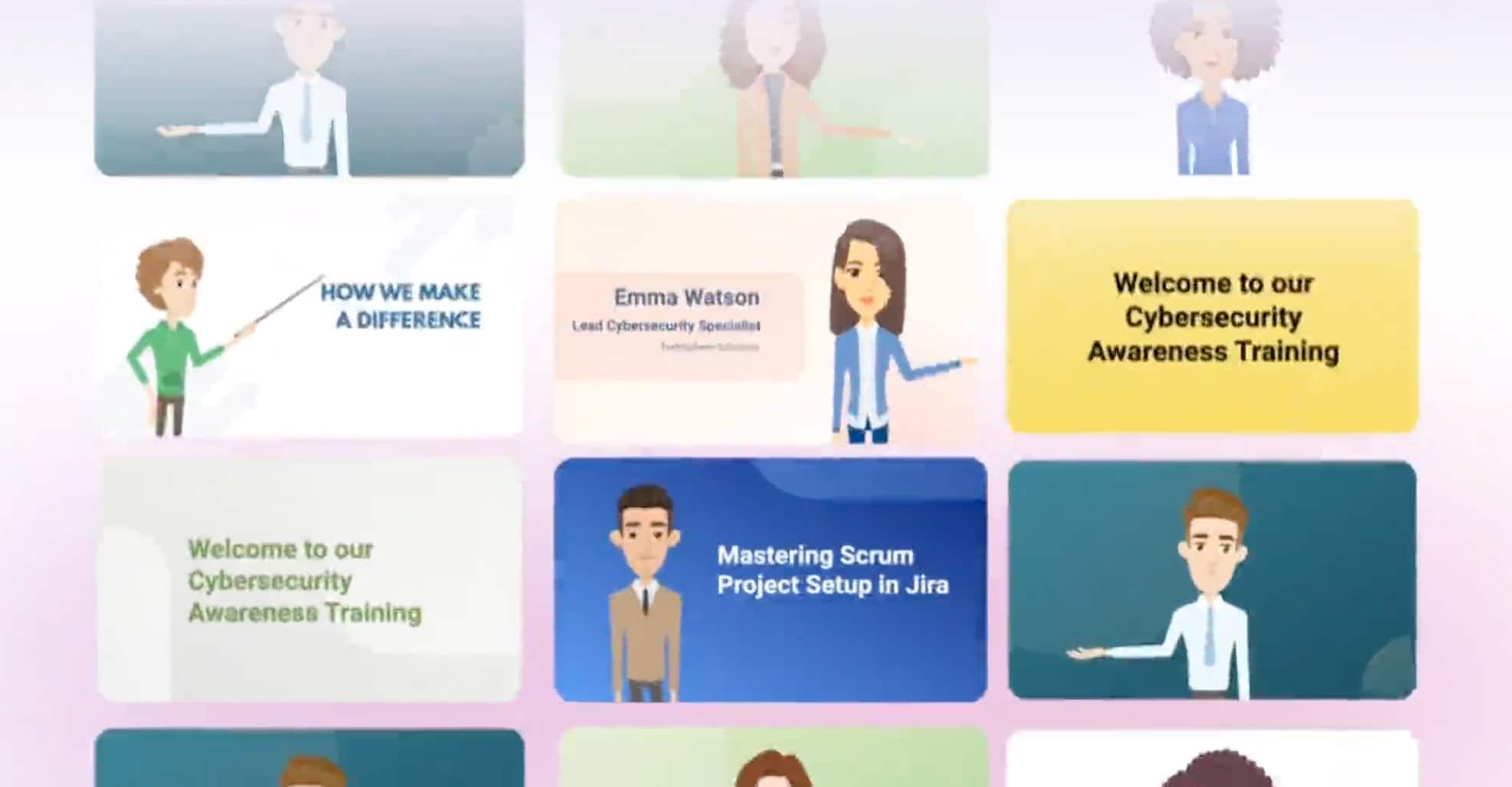
Animaker is one of the best animated text generators. It offers ready-made templates that let users add music, backgrounds, fonts, and images. Animaker also supports custom font uploads for consistent branding. What sets this platform apart is its AI-powered automation. It simplifies and speeds up the entire animation process.
- AI automation significantly reduces production time
- Extensive multilingual support with a vast voice library
- Character animation capabilities extend beyond simple text
- Template variety suits different industries and use cases
- Combines text animation with broader video creation tools
- Learning curve for advanced AI features and character animation
- Premium features require a subscription
- It can be overwhelming for users seeking simple text animation only
- Rendering times may vary based on project complexity
- AI-powered text-to-animation tool with style-matched animated props and backgrounds
- AI voice options in 180+ languages with 1800+ voice choices
- Ready-made templates with full customization capabilities
- Custom font upload support for brand consistency
- Character animation features for creating explainer videos
- Comprehensive library of music, sound effects, and backgrounds
5. Adobe Express
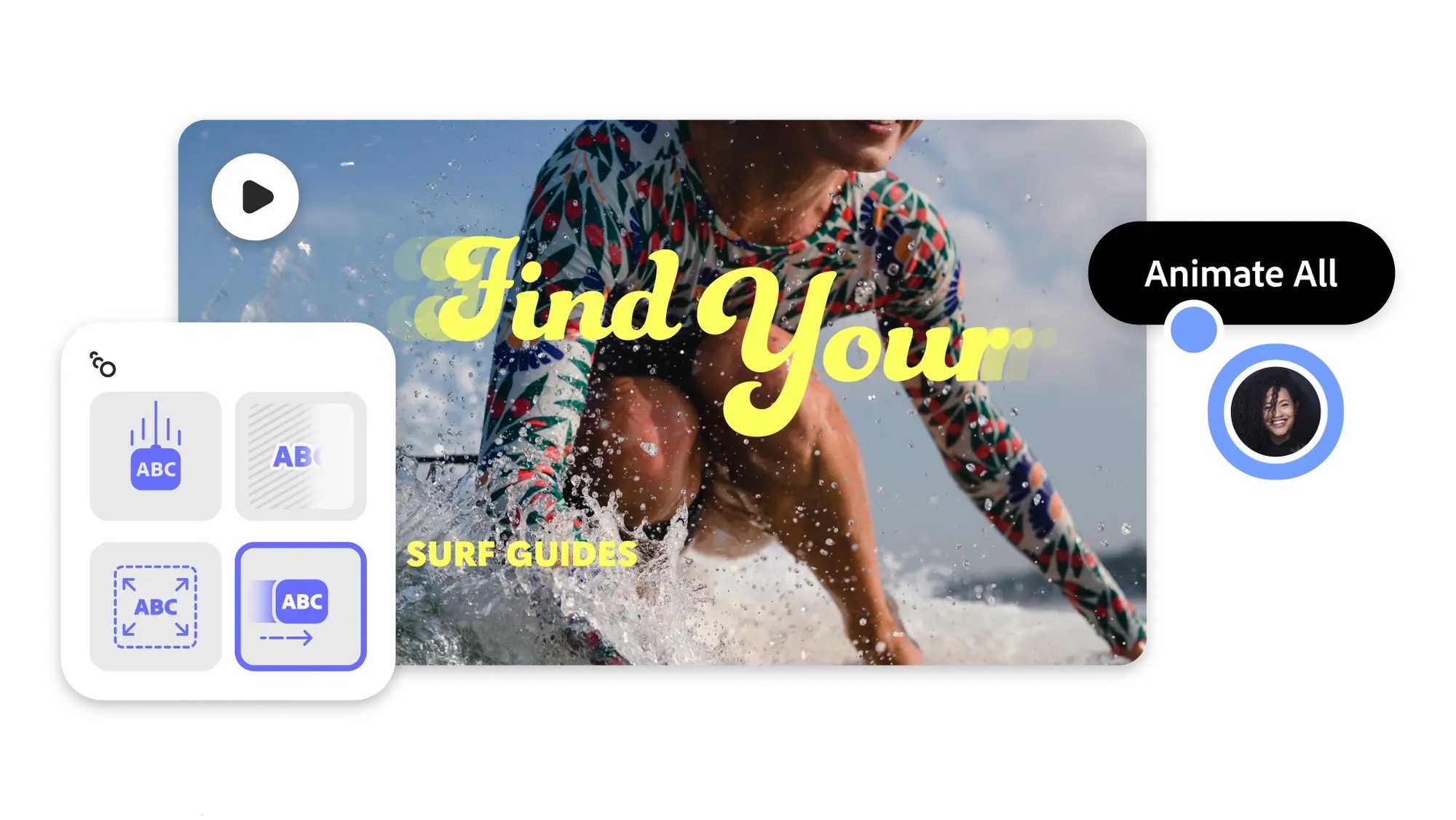
Adobe Express is a strong editor. It has an animated text maker. You can create eye-catching text effects in just minutes. It supports popular animation styles such as neon, typewriter, and text shine. It’s part of the Adobe ecosystem. It combines professional tools with an easy-to-use online interface. So, it serves as both a glitter GIF text generator and a versatile animation platform.
- Professional quality output with Adobe's reputation for excellence
- Integration with Photoshop, Illustrator, and other Adobe tools
- Extensive font library included
- Works across desktop and mobile devices
- Regular updates with new features and templates
- Subscription required for full feature access
- It may be overwhelming for beginners unfamiliar with Adobe products
- More expensive than standalone animated letters maker tools
- Some advanced features require familiarity with the Adobe ecosystem
- Professional-grade animation presets, including neon, typewriter, and shine effects
- Seamless integration with the Adobe Creative Cloud ecosystem
- Multiple export formats for web, social media, and print
- Mobile and desktop compatibility for cross-platform workflow
- Access to the Adobe Fonts library with thousands of typefaces
6. Loading.io
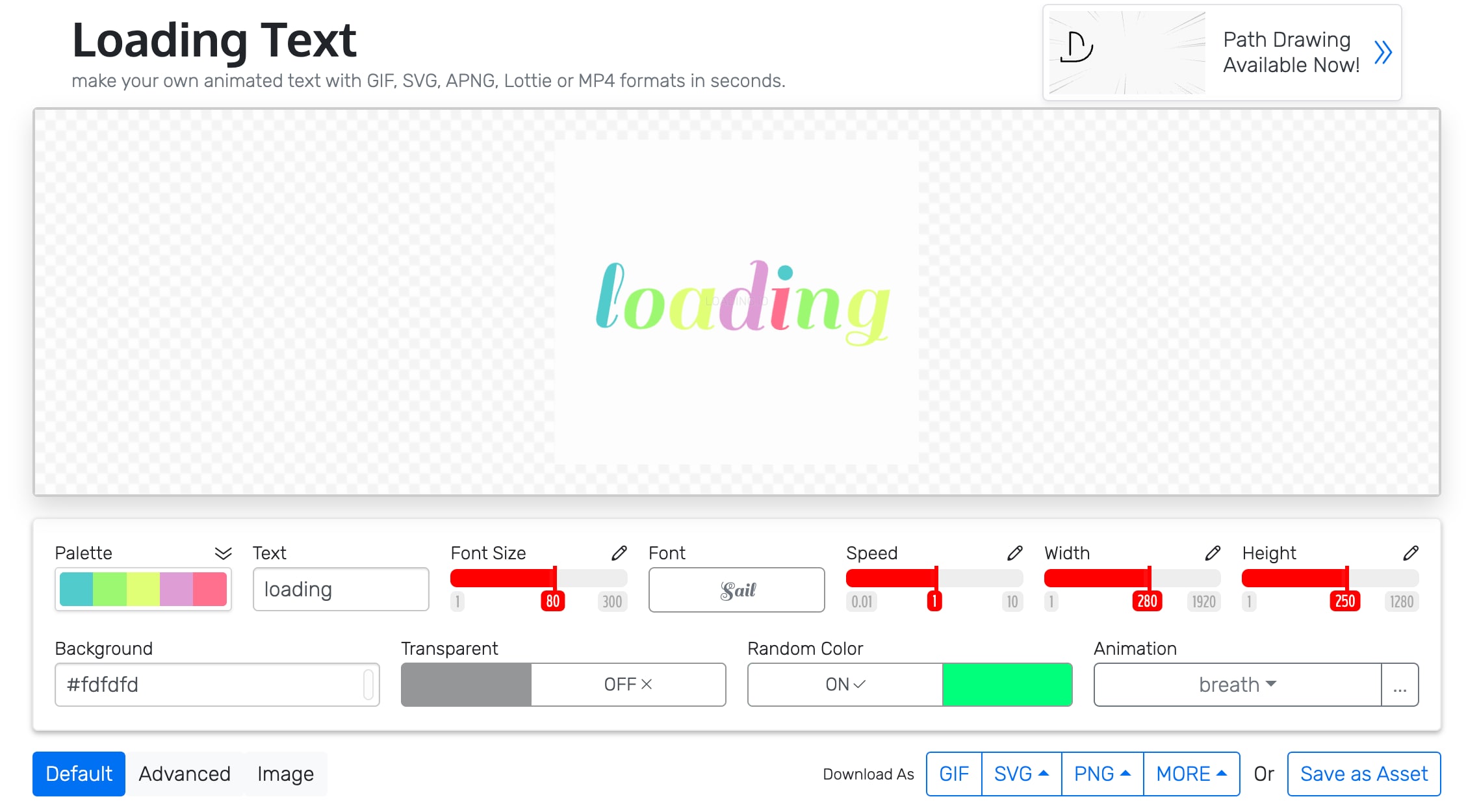
Loading.io is a tool for creating animated text. It works with SVG, Lottie, GIF, PNG, and MP4 formats. It includes over 100 built-in animation effects for flexible design options. This platform stands out as a 3D text animation online tool. It is ideal for web developers and designers who need high-quality, scalable animations.
- High-quality vector output maintains quality at any resolution
- Multiple format support (SVG, Lottie, GIF, PNG, MP4)
- Excellent for web developers needing scalable animations
- Transparent background support for versatile integration
- Lottie format support for modern web animations
- Most advanced 3D animations require a paid subscription
- The interface is less intuitive for non-technical users
- Steeper learning curve than simplified online generators
- Limited templates compared to consumer-focused platforms
- Supports 800+ fonts with various style presets
- Provides both SVG-based animations and 3D text animation in raster formats
- Offers comic effects, 3D text, and multiple filters
- Vector-based output ensures perfect scaling at any size
- Multiple export formats, including web-optimized options
7. Textanim
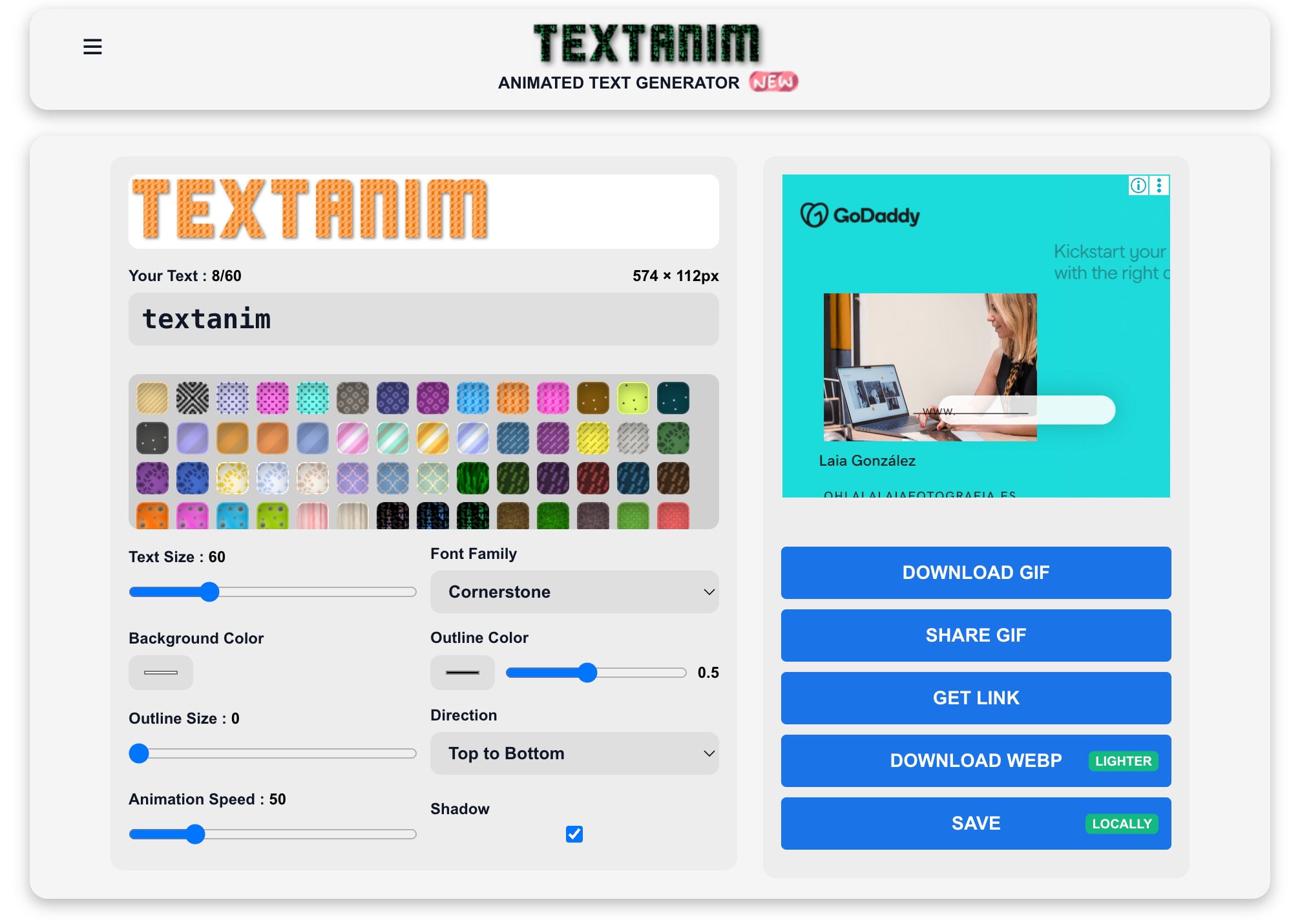
Textanim is a simple text animation app. It lets anyone create animated text with various letter styles, colors, and patterns. The platform focuses on ease of use and quick results. It's perfect for small projects or anyone wanting a simple flashing text generator.
- Extremely beginner-friendly with a minimal learning curve
- Quick results perfect for simple projects
- No overwhelming features for basic text animation needs
- Good for creating social media graphics and banners
- Fast rendering and export times
- Limited advanced features compared to comprehensive platforms
- Fewer template options than competitors
- Basic customization capabilities
- Less suitable for professional or complex animation projects
- Simple interface designed for banner and logo creation
- Multiple color and pattern combinations
- Animated letters with various motion effects
- Straightforward export process with common formats
- Mobile-friendly interface for on-the-go creation
8. Renderforest
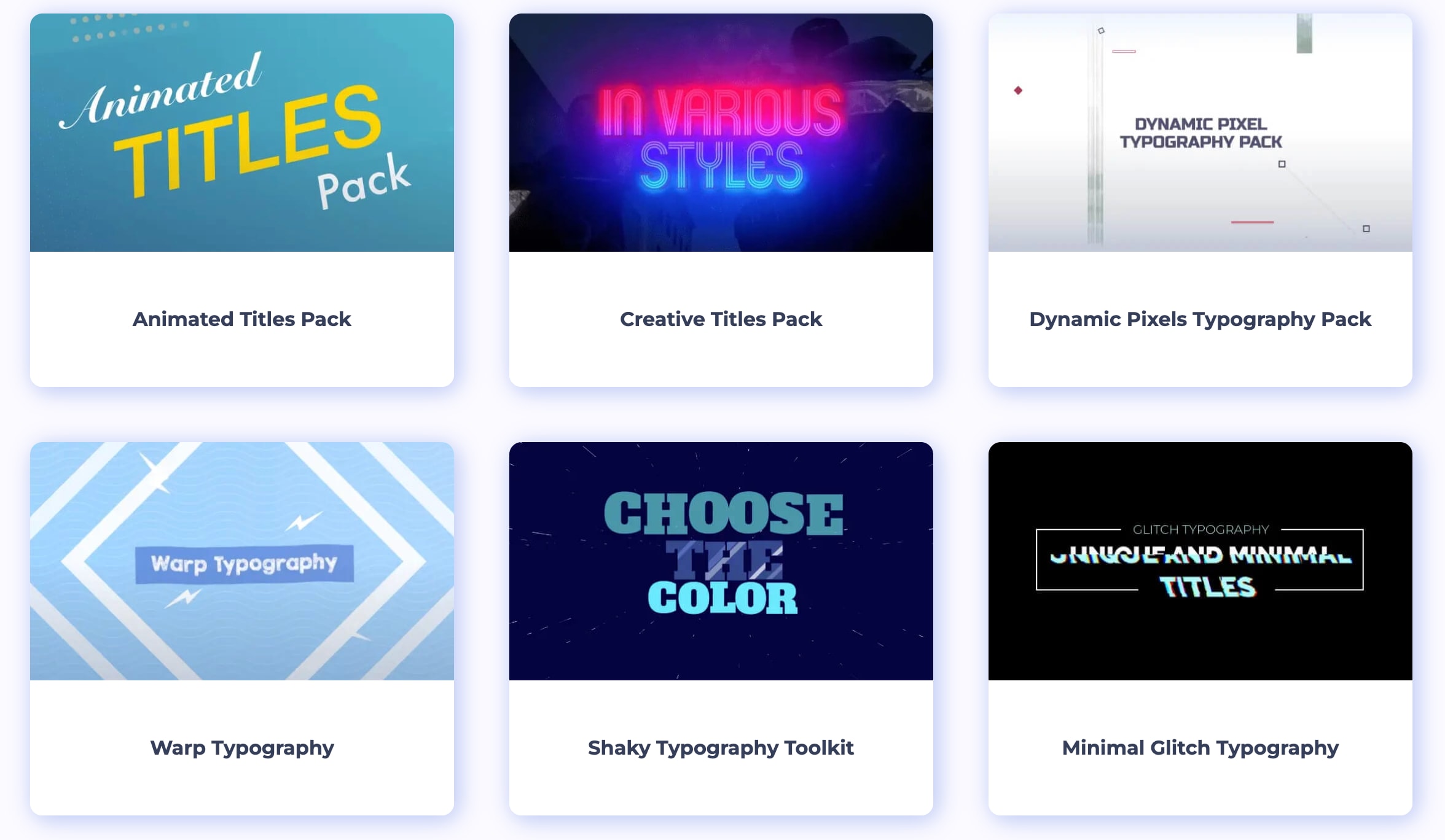
Renderforest is a free animated text generator. It offers a wide range of customizable typography templates for users to edit and share. This cloud-based platform provides a good balance between functionality and accessibility. So, it is a dependable animated letters generator for different types of content.
- Free tier available for testing and basic projects
- No software installation or system requirements
- Template variety covers different content needs
- Easy sharing options for social media platforms
- Cloud storage keeps projects accessible anywhere
- Rendering times can be slow on the free plan during peak hours
- Watermark appears on free version exports
- Limited exports per month on the free tier
- The queue system may delay project rendering
- Premium features require a subscription upgrade
- Cloud-based platform requiring no downloads
- Diverse typography templates across multiple styles
- Customization options for fonts, colors, and animation effects
- Direct social media sharing capabilities
- Video rendering in multiple resolutions
Part 4. Specialized Online Generators for Specific Effects
Flexible platforms are great, but specialized tools often create better results for specific visual styles. These generators focus on individual effects that general-purpose tools often overlook. They are faster, more precise, and ideal for users with targeted creative needs.
For Glitter Text/GIFs
A glitter GIF text generator makes shiny text that sparkles with moving glitter. It works well for greeting cards, social media posts, and celebratory designs.
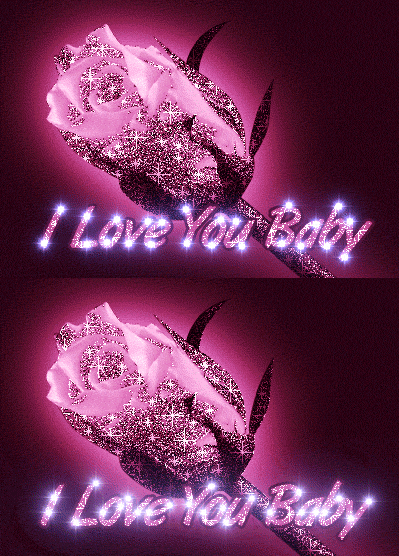
Tools like Glitter-Graphics.com and PicMonkey provide a wide selection of glitter styles. You can adjust color, animation speed, background, and font. Most export directly as animated GIFs for instant sharing.
The advantage of these tools lies in their preset libraries. They simulate how glitter moves and reflects light. It creates realistic sparkle effects that general animated letter makers often cannot match.
For Flashing/Neon Text
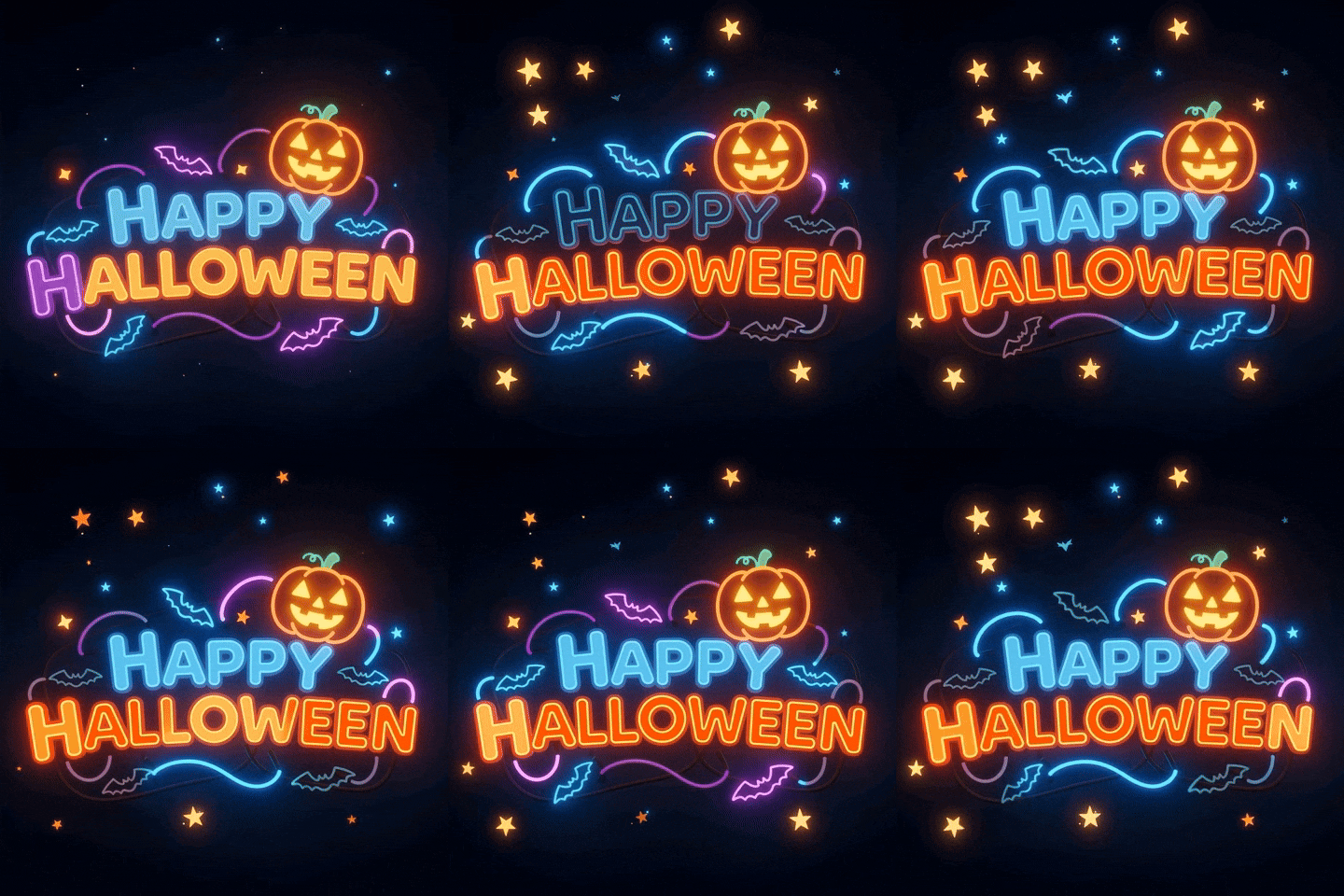
Flashing and neon effects are perfect for grabbing attention. Popular tools such as CoolText.com and TextStudio offer many flashing styles. It includes smooth pulses, rapid blinks, color-shifting neon, and strobe effects. You can adjust flash speed, glow intensity, and shadow depth with ease.
A dedicated neon text generator recreates the look of real neon signs. Its glow physics, tube-like lettering, and light diffusion create a realistic finish. These tools achieve more depth and accuracy than standard animated letters generator platforms.
For 3D Animated Text
Three-dimensional text adds realism and depth that flat animations lack. A 3D animated text maker focuses on lighting, texture, and movement to create professional results.
Platforms like Vectary and Spline provide full 3D design tools. You can rotate text, apply materials, adjust lighting, and animate camera motion. For easy 3D text animation online, try Loading.io or Animaker. They use layering to create a 3D effect.
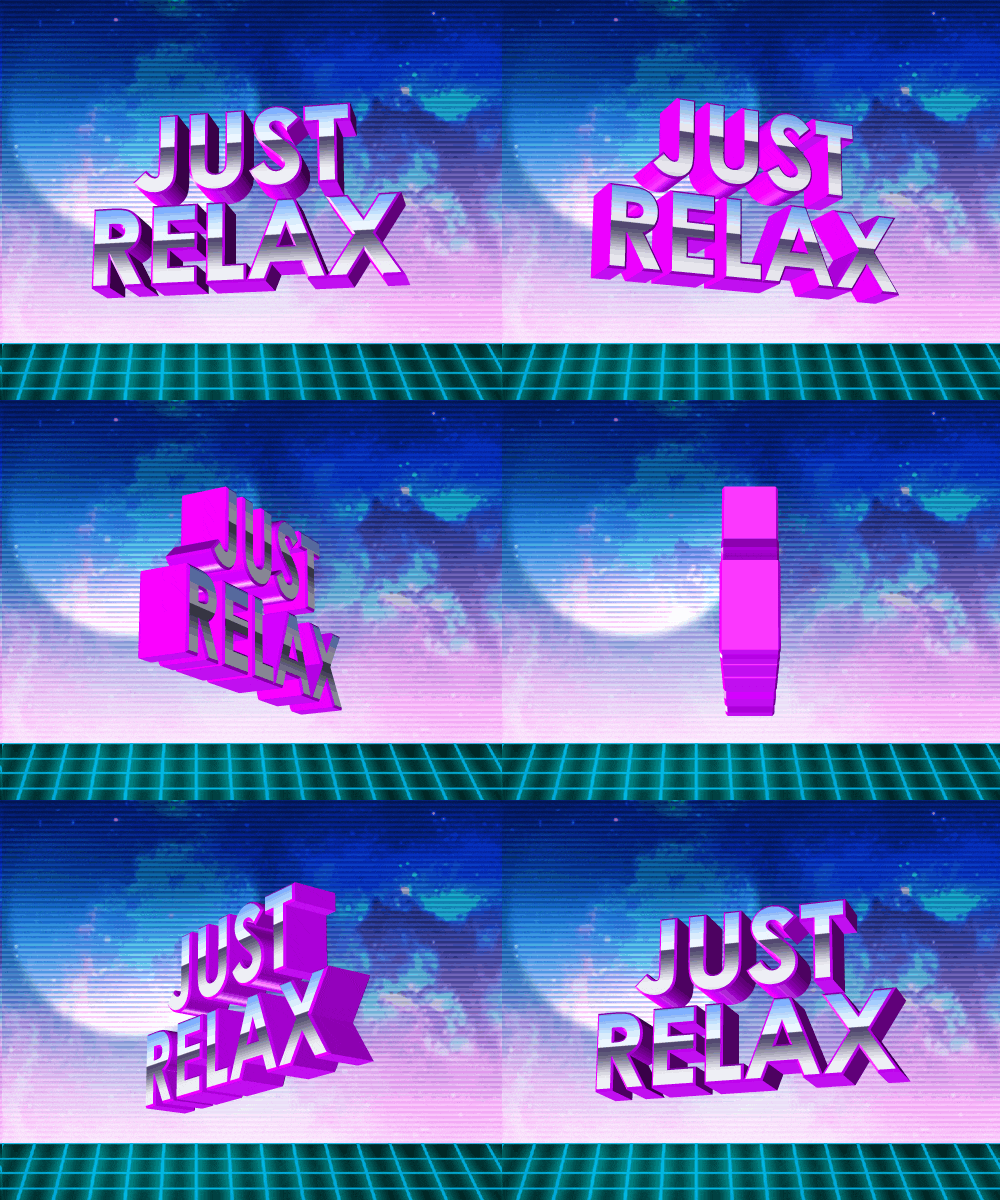
Filmora also offers powerful 3D text options within its video editor. It combines animation and video in one place, so you won’t need to switch platforms. This setup works best for creators who include 3D text in larger video projects.
The strength of specialized 3D tools lies in full creative control. They let you refine lighting, perspective, and movement. It treats text as a true three-dimensional object instead of a preset animation.
Part 5. How to Choose the Best Text/Letter Animation Creator for You
Selecting the right animated letters generator depends on your specific needs. Consider these key factors to find the perfect tool for your workflow.
1. Ease of Use
Match the platform to your technical background. Beginners can use Canva or FlexClip for simple drag-and-drop editing. Experienced users may prefer Filmora or Adobe Express. These tools combine accessibility with advanced options. Technical creators can explore Loading.io for greater precision and manual control.
2. Animation Styles and Effects
Different projects need different looks. A glitter GIF text generator produces sparkle for social media content. A flashing text generator creates bright visuals for promotions and digital banners. For added realism, a 3D animated text maker gives true depth and cinematic motion.
Filmora stands out for its 3D effects, professional templates, and smooth animations. It handles everything from subtle lower-thirds to dramatic titles in a unified workspace.
3. Export Formats and Quality
Export choices determine where you can use your animations. Use GIF files for websites and social media. Choose MP4 or MOV formats for higher-quality video production. Check resolution and aspect ratio before exporting to match platform needs.
Filmora supports multiple formats and resolutions without losing visual quality. Loading.io also offers SVG vector exports that maintain sharpness for web applications.
4. Cost Considerations
Budget always matters when choosing creative tools. Many platforms provide free versions with export limits or watermarks. Paid plans usually include advanced templates and extended export options.
Filmora offers strong value with flexible purchase plans and a large asset library. A single subscription can replace several smaller tools, saving time and long-term costs. Evaluate how often you’ll use premium features before upgrading.
5. Customization Options
Customization defines how much creative control you have. A blingee text generator offers quick preset styles for simple projects. Advanced editors allow control over fonts, timing, colors, and motion paths.
Filmora includes keyframing, motion tracking, and layered effects for full flexibility. Determine if you need brand-specific fonts or unique text motion for your designs.
Pro Tip:
For serious video creators, integrated software such as Filmora is a better choice. It unifies text animation, editing, and audio features in one reliable system. This all-in-one setup streamlines projects and produces consistent, professional-quality results.
Conclusion
Animated text is now a key element in modern digital storytelling. It adds motion, personality, and energy to videos, presentations, and social media posts. So, it helps content stand out in crowded feeds. Specialized tools like flashing text generators deliver creative effects for specific purposes. They’re ideal for adding glow, sparkle, or unique textures to short clips or online visuals.
For creators who want more flexibility, integrated software offers a complete solution. Filmora combines text animation, video editing, and design tools in one workspace. Its features and template library make it easier to produce high-quality results quickly.
Ultimately, the best animated letters maker is the one that fits your creative goals. Pick a tool that fits your workflow. Check out its features, then bring your ideas to life with lively animated text.

FAQs about Animated Text/Letter Generators
-
Can I make animated letters for free?
Yes, many tools let you create animated text without cost. Free animated letters generators often include templates for simple animations. However, free versions may add watermarks or limit export quality. If you need advanced options, tools like Filmora offer premium templates. It also provides full customization with professional results.
-
What's the best animated text generator for Instagram/TikTok?
For social media, choose a tool that supports the right aspect ratio. Filmora is one of the best options. It automatically resizes your projects for platforms like Instagram Reels, YouTube Shorts, and TikTok. The Auto Reframe feature keeps your text centered and scaled well. It works for formats like 9:16 vertical and 1:1 square.
-
Can I use these animated letters for videos?
Yes, animated text can easily enhance video content. Most online tools allow you to export animations as MP4 or MOV files for quick use. If you want direct video integration, Filmora is ideal. It lets you add animated text within your editing timeline and sync it with audio. Furthermore, it adjusts every motion detail without switching between platforms.
