


It feels like AI-generated content is taking over every corner of the internet, whether it's powering high-budget marketing campaigns or filling your feed with hilarious meme videos. But many popular AI video tools still place strict limits on what you can create, which can be frustrating when you want more creative freedom.
Finding an AI video generator with no restrictions can also be tricky, especially with so many tools making different claims about their filters. To save you the hassle, we’ve rounded up some of the best uncensored AI video generators, so you can make unfiltered AI video content on your own terms.
Not every AI video generator that uses the word “uncensored” actually offers the same level of freedom. Some still block certain prompts, while others provide access to open or less-restricted models.
To separate truly flexible tools from platforms that just use marketing buzzwords, we evaluated every unrestricted AI video generator using five specific criteria:
- Prompt Moderation & Filter Strictness: Does the platform pre-scan text prompts or block mature, dark, or NSFW keywords?
- Input Image Freedom: Can users upload unblurred reference images without receiving safety flag errors?
- Output Quality & Motion Realism: High frame rates, smooth movement, and prompt adherence without visual artifacts or unwanted blurring.
- Creative Controls: What can you change in the settings? Think aspect ratio, clip length, resolution, start and end frames.
- Accessibility & Value: Free credit tiers, transparent pay-as-you-go options, or simple setup for local self-hosting.
⚠️Disclaimer
Making illegal content is prohibited in most countries. That includes any sexual content involving minors, intimate content of real people made without their consent, and material that threatens or incites violence. We don't recommend these uncensored video generators for any of that. We list them so you can create with fewer limits, but still appropriately and lawfully.
Our Top Picks for AI Video Generators With Fewer Restrictions
If you're in a hurry and want to jump straight to the best uncensored video maker options, here are our top three recommendations right out of the gate.


This is a video-first studio with text-to-video, image-to-video, video-to-video, lip sync and built-in image and audio tools. Plus, you get access to top open models like Wan 3.0 and Seedance under one roof with minimal filtering.
Part 1. At a Glance: Comparing the Best Unfiltered Generators
Each tool approaches video generation a little differently. Here is a quick breakdown comparing all six uncensored video generators side-by-side so you can see how their pricing, inputs, and moderation levels match up:
| Tool | Free / Paid | Filter Level | Input | Best For |
| Unlucid AI | Free Gems daily / Gem packs from $8.99 | Fully Uncensored | Text & Image | Quick, effect-based animation |
| VideoAny | Free trial credits / Plans from $19.99/month | Minimal pre-filters (NSFW supported) | Text, Image & Audio | Model variety and all-in-one creation |
| ZenCreator | Credit packs from $19.99 (Never expire) | Unrestricted artistic freedom | Text & Image | Character motion & realistic face consistency |
| DreamUtopia | Free preview / Paid token tiers | Zero image pre-scans | Text & Image | Anime, dark fantasy, and stylised motion |
| HACKAIGC | Free version / Paid subscriptions start at $20/month | Completely Unfiltered | Text & Image | Adult visual synthesis & mature themes |
| Nocensor.ai | 35 free starter credits / Credit bundles start at $9.99/month | 100% Uncensored | Text & Image | Direct text-to-video with zero prompt blocks |
|
Show More
Show Less
|
||||
Part 2. Best Uncensored AI Video Generators: 6 Tools With Fewer Limits
Now, it's time to go deeper. We'll walk through all six uncensored video makers in the same format, so you can compare them without flipping back and forth.
Reminder: These tools aren't meant for illegal content. Our recommendations are intended exclusively for creators seeking legitimate artistic freedom, dark storytelling, mature themes, and unrestricted creative experimentation.
1. Unlucid AI
Our first recommendation is Lunacid AI, and it is a worthy free uncensored AI video generator. Its calling card is a library of 15+ video effects that animate a still picture, which makes it the easiest on-ramp of the six if you'd rather click a template than write a long prompt. You get 10 free gems (like credits) once you make an account, as well as 5 daily free gems every time you log in.
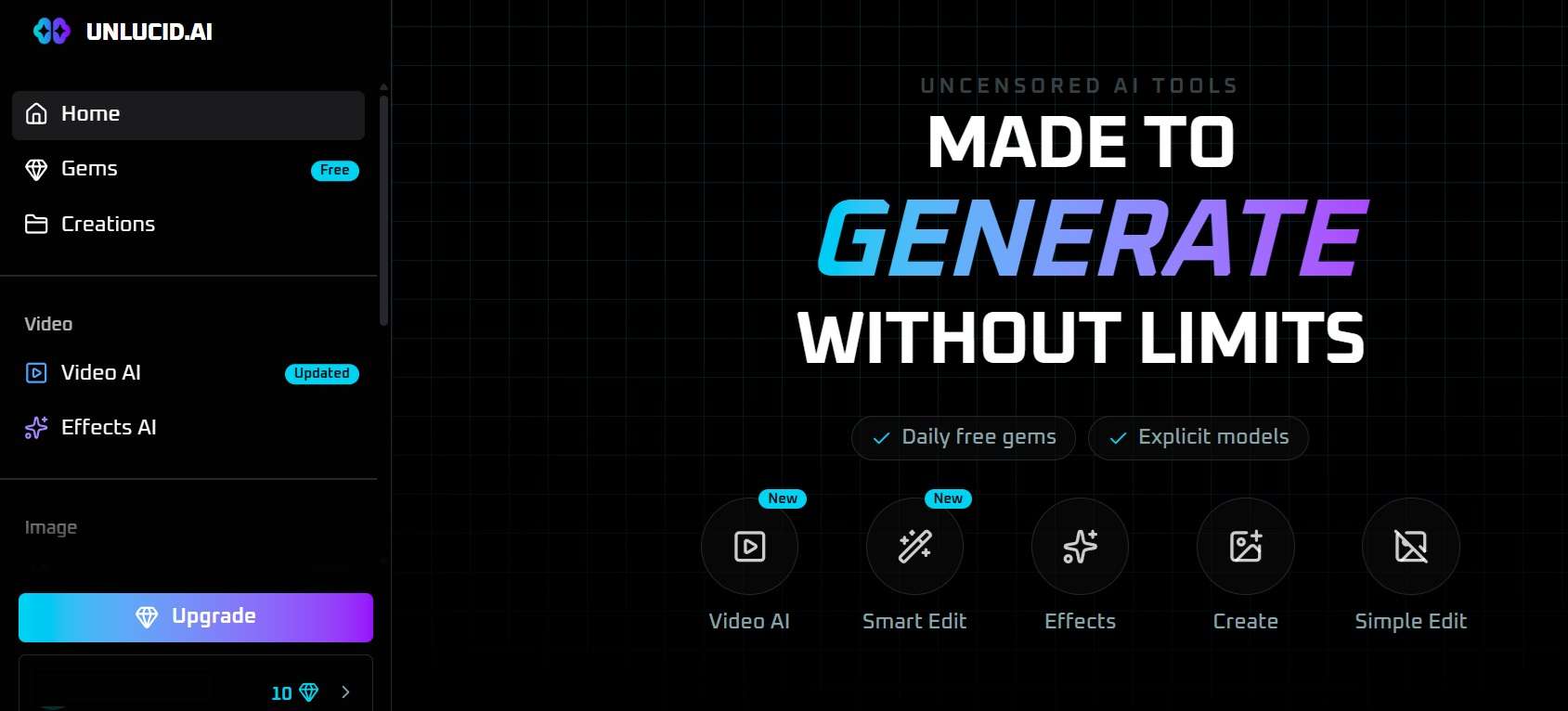
- Over 15 preset motion AI effects.
- Integrated uncensored image generator with seed controls.
- In-painting editing (object removal and replacement).
- Gem credit model where unused credits never expire.
- The effect-based approach makes it easy to experiment without writing complicated prompts.
- Image generation, editing, and animation are available in one place.
- Lacks fine-grained camera motion keyframing for professional film setups.
- Video generation is capped at short clip lengths.
Online.
Free daily gems upon login. Paid gem bundles start at $8.99 for 120 gems (no subscription required).
2. VideoAny
Continuing down our list, VideoAny acts as a centralized playground for leading open-weights models like Wan 3.0, MiniMax, and Seedance 2.5. Other models have their own policies and may reject certain prompts. So, if you're choosing VideoAny specifically as an uncensored AI video generator, make sure you select the appropriate model instead of assuming every model has the same rules.
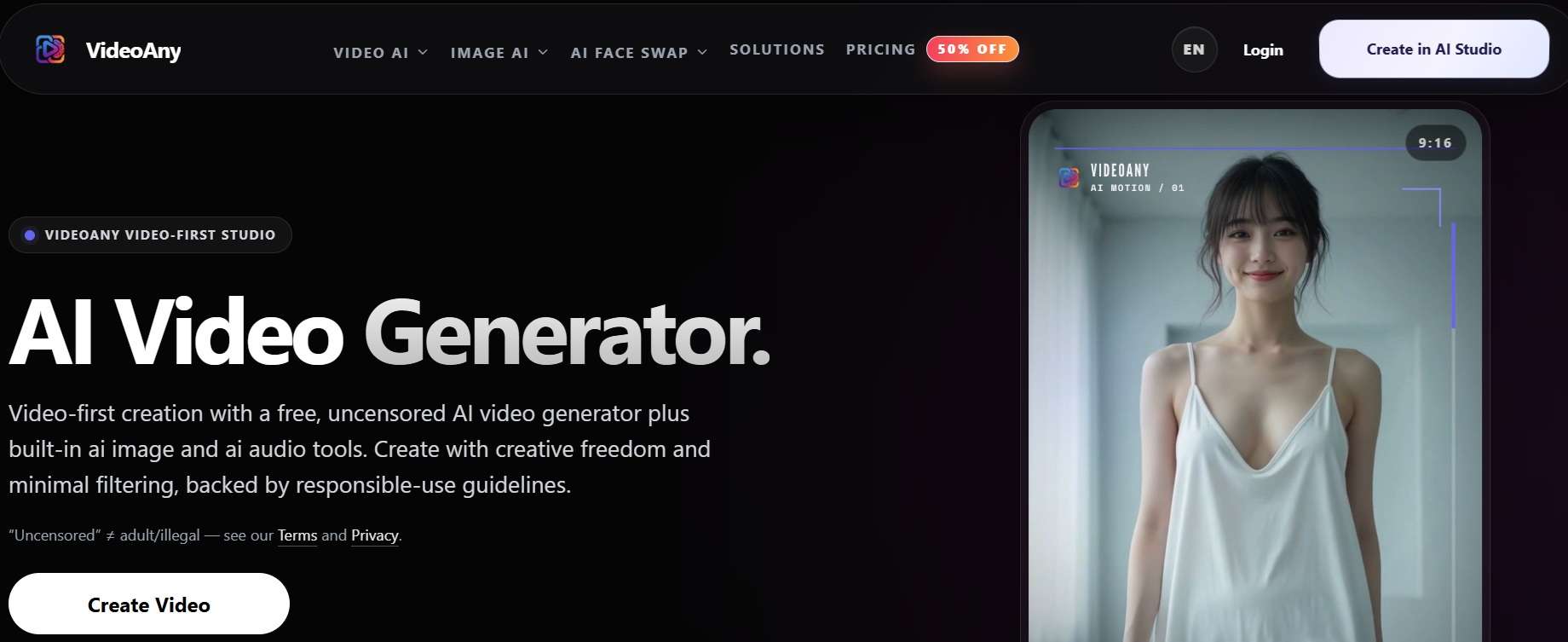
- Multi-model switcher (Wan 3.0, Seedance 2.5, MiniMax H3).
- Preset effects like hugging, bullet time and talking animals.
- Supports high-resolution exports up to 4K.
- Integrated AI audio and music generator.
- It's the most complete package here, and you can start with free credits before spending anything.
- Supports long clips (up to 30 seconds) with audio synchronization.
- The credit cost varies drastically depending on which engine you select.
- The uncensored mode only works on VideoAny's own model, since third-party models keep their own safety filters.
Online.
Free tier with trial credits available. Paid plans start at $19.99 per month for 400 credits (no renewal).
3. ZenCreator
Another reliable uncensored AI video generator online is ZenCreator. It advertises text-to-video, image-to-video, and face-swap video tools, with options for adult-oriented content. It takes the storytelling slot because start/end-frame control and face tools make it easier to carry a character from one clip to the next.
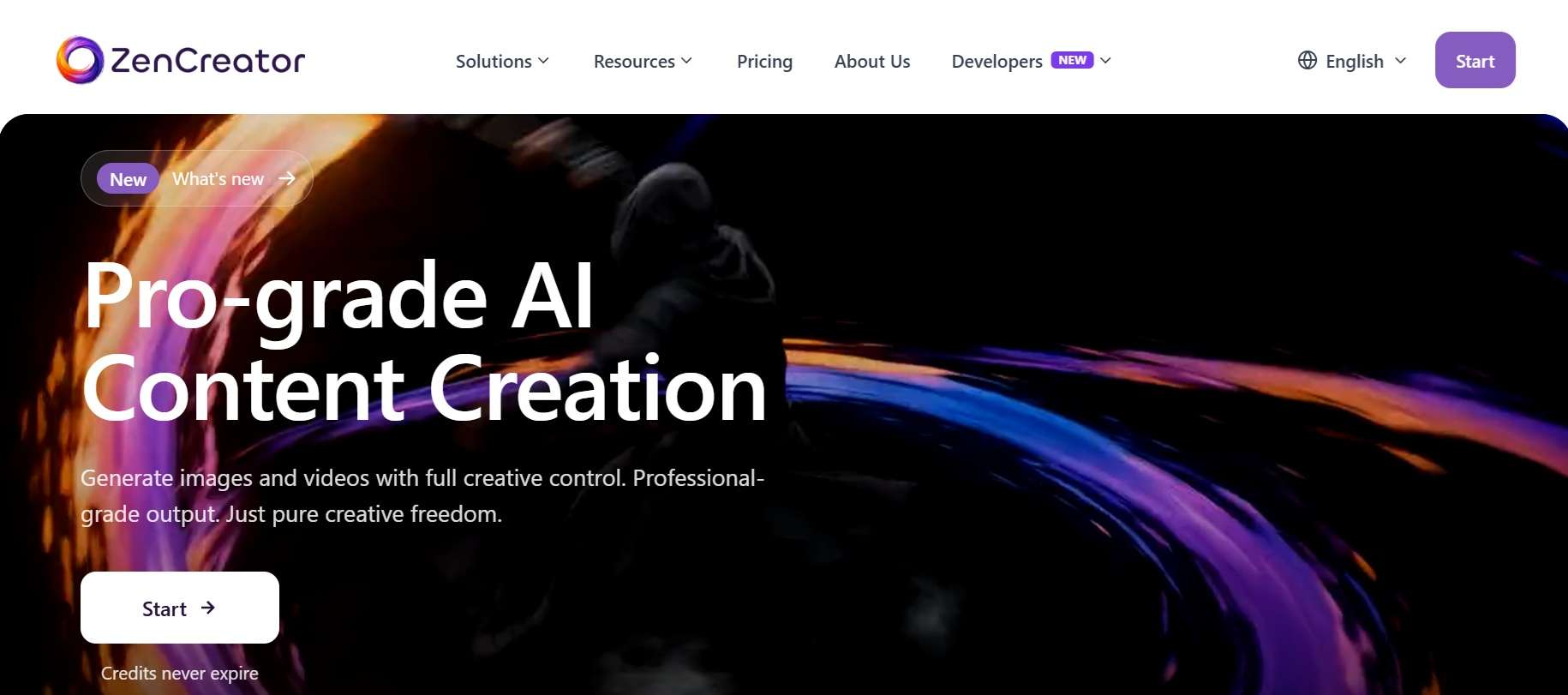
- NSFW text-to-video generation.
- High-precision facial consistency across multiple visual generations.
- Unrestricted character motion engine.
- Multiple video engines, including Seedance Pro, Kling 2.6 and Wan 2.2.
- One credit balance works across all its tools, and costs per clip are listed up front.
- Text and image inputs give you more than one way to start a generation.
- There are no free trial credits.
- Filters are reduced, not removed, on at least some models.
Online.
Pay-as-you-go credits, starting at $19.99 for 200 credits.
4. DreamUtopia
There's also DreamUtopia. It's a solid AI video generator with no filters, covering text-to-video and image-to-video. There are three different generation tiers (lite, medium, pro) and features such as first-and-last-frame control. And you get to try Lite generation once without paying anything.
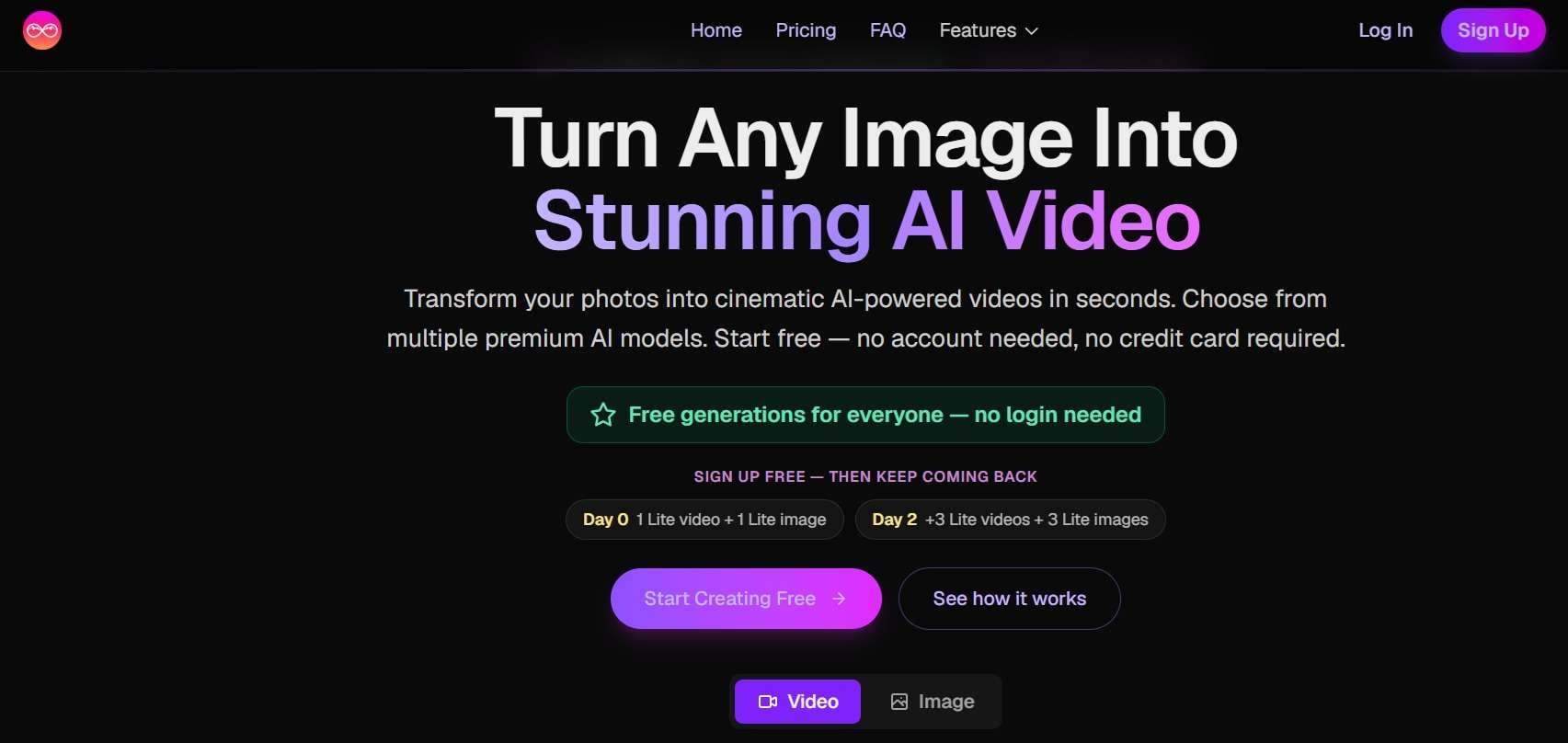
- Pre-scan bypass for custom image-to-video uploads.
- Specialized anime, fantasy, and photorealistic motion styles.
- Wide file support, including JPG, PNG, WebP and TIFF.
- Custom camera motion controls.
- Accepts reference images that major corporate tools instantly flag.
- First-and-last-frame controls can help guide the beginning and end of a clip.
- There are ads on the website if you use the free account.
- The generation speed is relatively slow.
Online.
Credit packs starting at $5.
5. HACKAIGC
Moving on, HACKAIGC explicitly promotes NSFW video generation, but it is more fitting as a platform created for mature storytelling, adult visual synthesis, and unrestricted artistic projects. The video side handles text-to-video, image-to-video and clip extension, which makes it a good choice for an uncensored text-to-video generator.
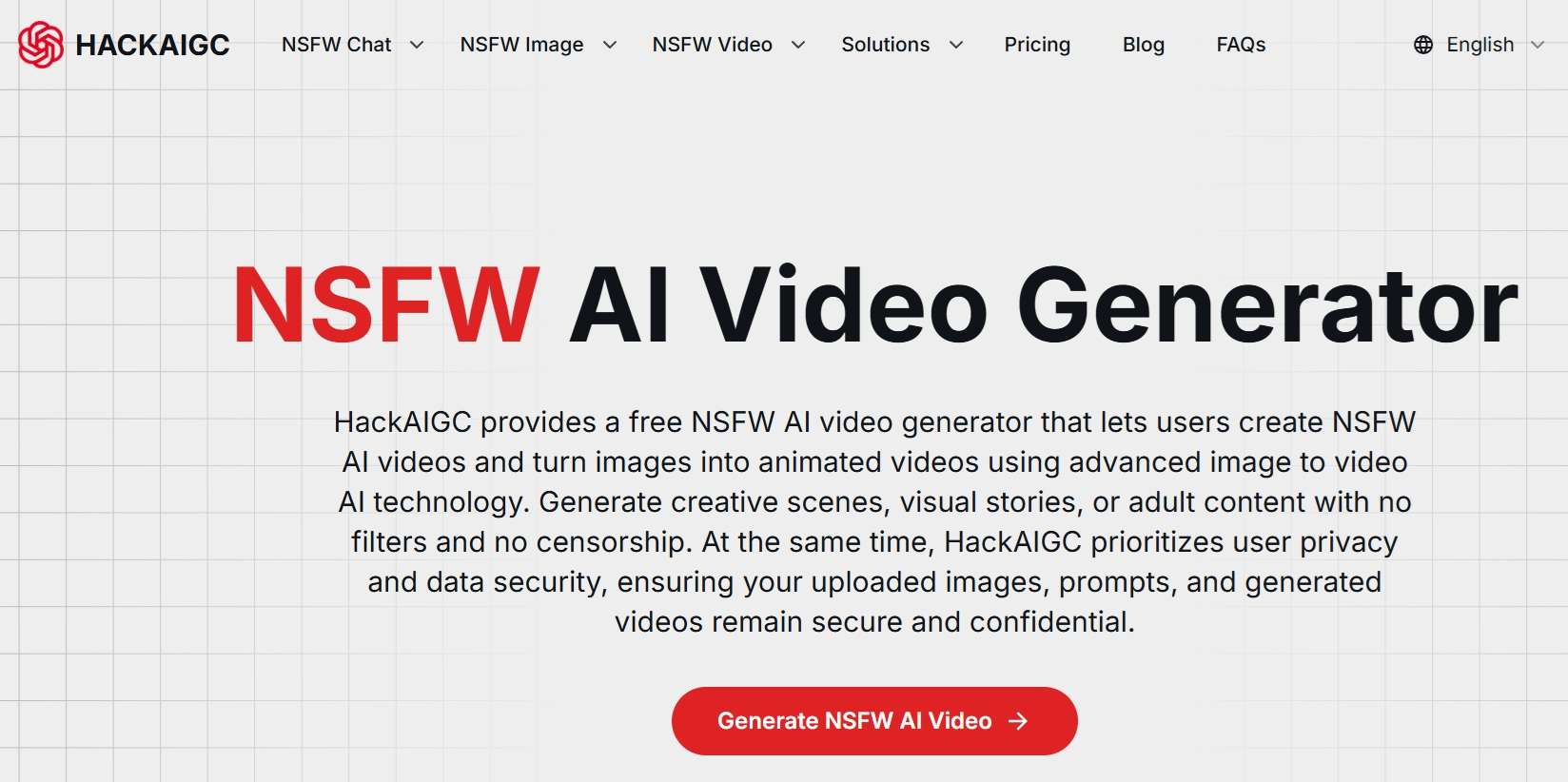
- Completely unfiltered text-to-video engine.
- Prompt preservation (words are not automatically swapped or censored).
- Minimalist web dashboard for rapid generation.
- Video extension tools.
- Direct and quick, no complex menus or node trees to set up.
- The same service includes image tools that can help prepare visuals before animation.
- The free tier is not enough to generate AI videos.
- Video clip duration is capped at standard short-form lengths.
Online.
Free version is available. Paid plans start at $20 per month.
6. Nocensor.ai
And finally, here is our last uncensored AI video generator recommendation. Nocensor.ai focuses on pure text-to-video and image-to-video creation without background content moderation algorithms monitoring your work. It’s a straightforward tool designed to give you direct control over your visual seeds and output styles.
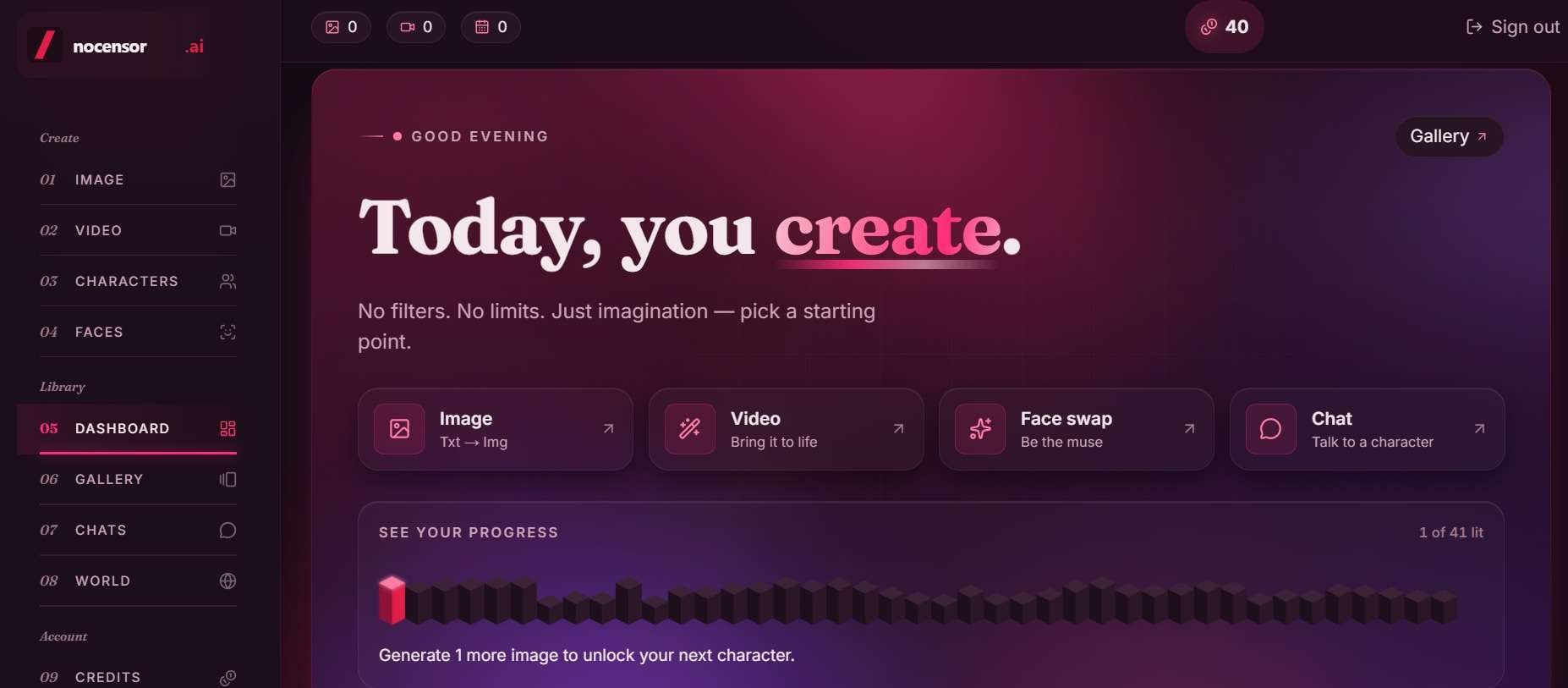
- Direct prompt-to-motion engine with zero keyword blocks.
- Uncensored chat for brainstorming scripts and prompts.
- Additional image-generation and image-editing tools.
- Pay-per-use credits rather than a mandatory monthly video subscription.
- Clip chaining makes longer, more connected scenes much easier.
- Keeps generated content completely private by default.
- Lacks advanced post-editing timeline features.
- Its marketing relies on face-swap and photo-altering tools that are easy to abuse with real people's pictures, so don't go there.
Online.
Free starter points upon account registration. Top-up credits start at $9.99 per month for 1,050 credits.
Part 3. Which Unrestricted AI Video Generator Should You Use?
Now, you've seen our review of top AI video generators with no filters. Six tools are a lot to choose from, so let's make it simple. Use this guide to narrow down the list.
| Your Needs | Our Recommendations | Reasoning |
| For Beginners & Fast Creative Projects | Unlucid AI | Ready-made effects make image animation easy to try |
| For Advanced Users | VideoAny or ZenCreator | Gives you access to multiple open models and custom resolution settings under one umbrella |
| For Text-to-Video Generation | HACKAIGC or Nocensor.ai | Built specifically to process raw text prompts without changing your wording or flagging sensitive keywords. |
| For Image-to-Video Generation | DreamUtopia or ZenCreator | They bypass source-image pre-scans and maintain face consistency |
| For Free or Low-Cost Generation | Unlucid AI or VideoAny | Both offer free daily credit log-ins so you can test concepts without paying first |
|
Show More
Show Less
|
||
Bonus: Create Long Content More Safely With Filmora
Above, you've got your shortlist of uncensored AI video generators. Before you hit generate, though, let's talk about using them well. Fewer filters mean the tool won't stop you, so the judgment has to come from you. Making content responsibly and keeping it right for your intended audience isn't a buzzkill. It's what keeps your channel, your accounts, and your reputation safe.
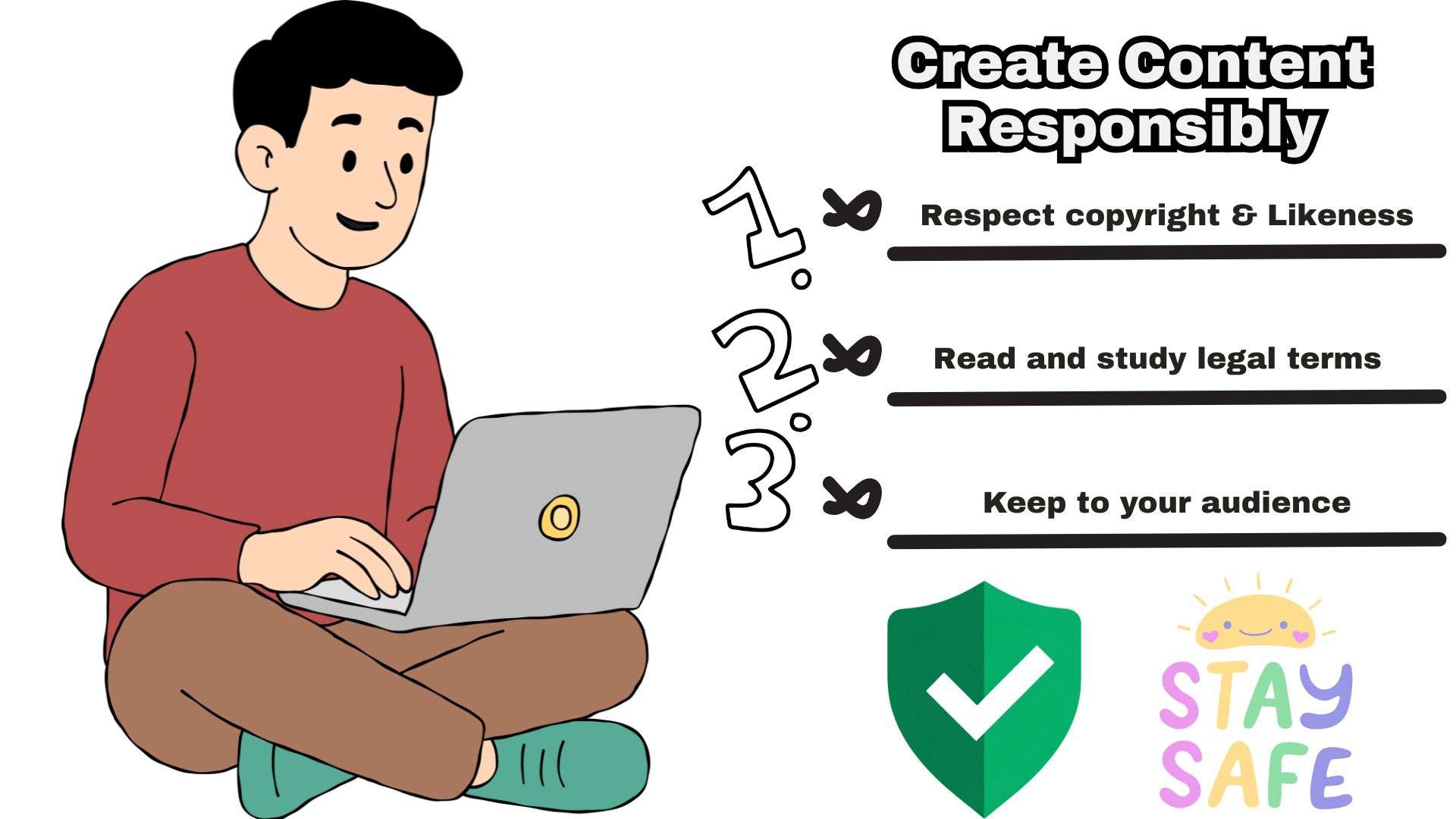
Please remember these important points when you're creating:
- Only use faces and photos you have the right to use.
- Don't make intimate content of real people.
- Keep it right for your audience.
- Respect copyright and likeness.
- Read each tool's terms.
There’s also another problem to address: all of these uncensored AI video generators only produce short clips. If you're aiming for something longer than a few seconds, you'll need a complete video editor, and there's no better pick than Wondershare Filmora.
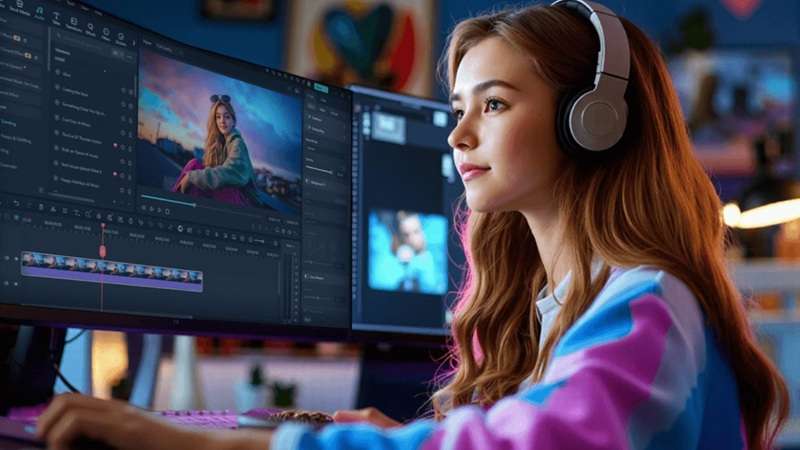
Filmora is an all-in-one editor with its own AI video generator, which can be used safely and legitimately and is powered by leading models such as Veo 3.1 and Seedance 2.0. Here's what you can do with it.
1. Generate AI Videos More Responsibly
Filmora offers built-in safeguards for its AI Text to Video and AI Image to Video tools to help ensure that generated content follows applicable content policies. You can use its AI video generator to turn your ideas into clips while keeping your creations appropriate for your intended audience.

2. Write Your Script with AI Copywriting
You can draft full video scripts and storyboards using Filmora’s AI Copywriting tool. Once your script is ready, you can decide which clips to generate using standard engines and which require unfiltered generators.
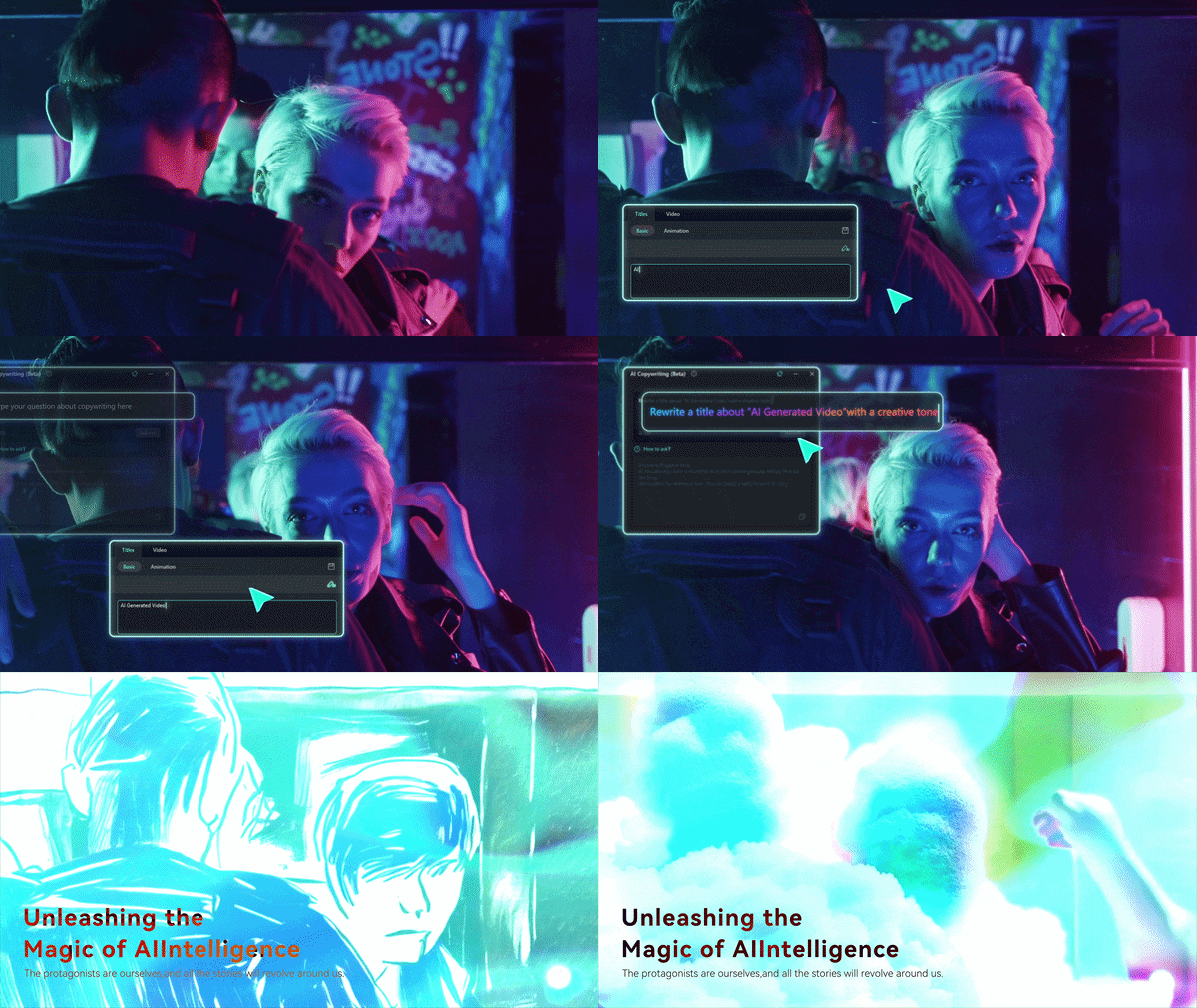
3. Extend Your Short Clips
Most uncensored generators output short 5-to-10-second clips. Filmora’s AI Video Extender lets you stretch short generated shots smoothly so they fill your scene without awkward cuts.
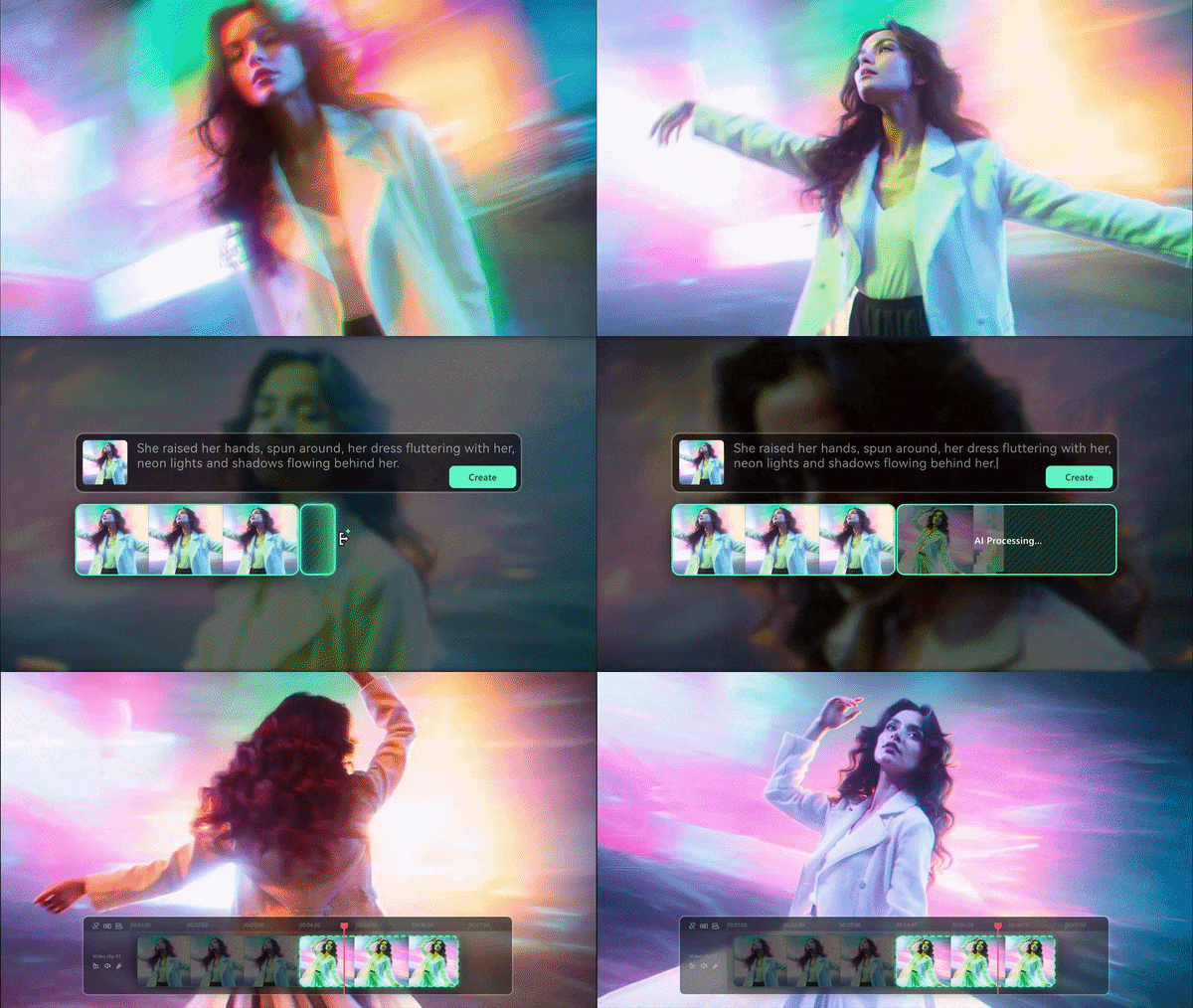
4. Stitch Your Clips in One Project
Drop every clip onto Filmora's multi-track timeline. You can trim and reorder, add transitions and layer titles, voiceover and music until six loose clips feel like one video.
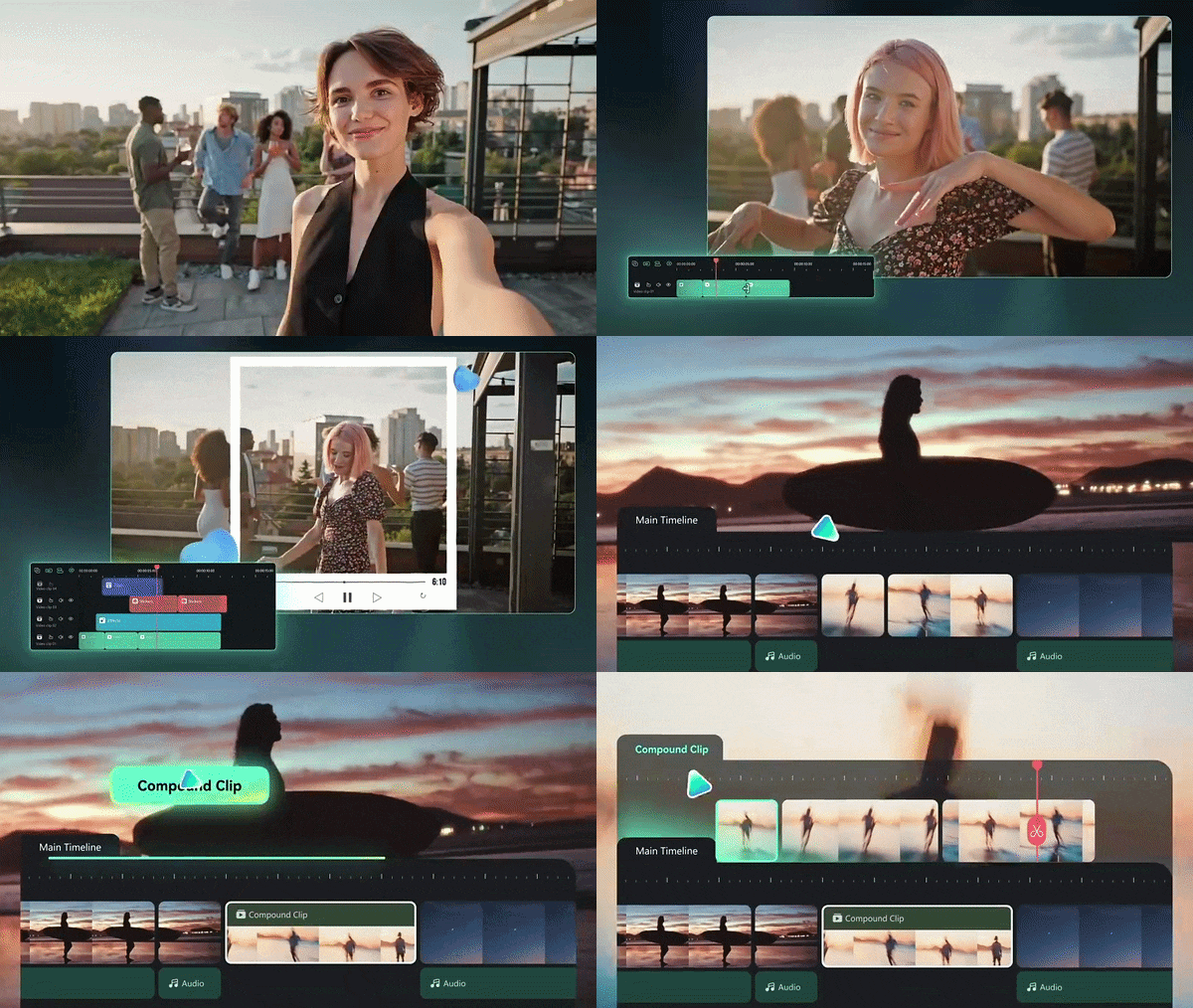
5. Enhance Your Overall Project
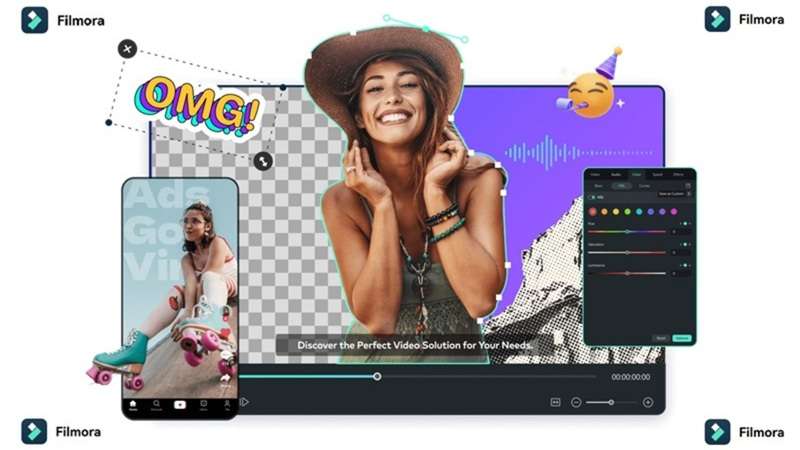
Filmora comes with a big media library plus AI-powered finishing tools. Once your scenes are arranged, you can add filters, video effects and background music, then polish the look with AI tools for enhancement and color.
 Secure Download
Conclusion
Choosing an uncensored AI video generator takes more than finding a site that promises fewer filters. The six tools above give you very different kinds of freedom, but be sure to keep your content lawful, consensual, and right for your audience, and you'll get the creative room you wanted without the headaches.
Once you've generated your raw visual assets, bring them into an editing suite like Filmora. This all-in-one video editor can help you arrange scenes, refine audio, add effects, and turn separate generations into a complete video.
FAQs
-
Why do some AI video generators call themselves uncensored but still reject prompts?
Many hosted platforms use third-party cloud infrastructure (like AWS or Microsoft Azure) that imposes mandatory moderation filters at the server level. Even if a platform wants to be 100% unfiltered, their hosting provider may force them to run basic text scans to prevent severe policy violations. -
Do uncensored AI video generators allow copyrighted characters?
Some won't block the prompt, but that's not the same as it being okay. Copyright and trademark rules still apply to what you make and share, so a cartoon icon or movie character in your clip can lead to takedowns or worse once you publish. -
Is using an uncensored AI video generator legal?
Yes, using an uncensored video generator is completely legal for creative, artistic, and educational purposes. However, generating illegal content (such as non-consensual imagery or explicit material involving minors) is strictly illegal under international laws regardless of the tool used. -
Why do mainstream tools like Runway and Sora restrict content so heavily?
Mainstream tools target enterprise clients, corporate advertisers, and major Hollywood studios. To protect corporate brand partnerships and comply with strict investor guidelines, they enforce aggressive prompt filters that block anything remotely dark, mature, or controversial.
