


 TL;DR:
DreamCut AI is an all-in-one Mac and browser workspace tailored for beginners needing fast screen recordings and AI-generated content, though its high cost and lightweight canvas limit its use for complex video production.
● The core video editor and screen recorder are strictly limited to the Mac app, requiring a paid subscription starting at $25 per month after a 3-day trial, with all AI capabilities strictly capped by monthly token quotas.
● The platform accelerates basic workflows by combining automated zoom and cursor animations for screen captures with native media generation powered by ElevenLabs, Seedance 2.0, Grok Imagine Video, and Google Veo.
● Wondershare Filmora is the necessary alternative for creators building structured, story-driven videos under specific conditions, providing the precise frame-by-frame pacing, multi-layered visual effects, and timeline control that DreamCut AI currently lacks.
Ask AI for a summary
 ChatGPT
 Perplexity
 Gemini
 Claude
 Grok
Grok
Can one tool handle video editing, screen recording, and AI content creation without cutting corners on any of them? DreamCut AI tries to do exactly that. It brings video editing, screen recording, and AI content generation into a single workspace.
For a tool that covers that much ground, it does a lot of things well. But a few features don't quite land yet. This review explores how the DreamCut AI video editor performs in practice, including its AI features, editing experience, and export quality. It also covers pricing details and highlights where the tool delivers well and where it still feels limited.
Part 1. What is DreamCut?
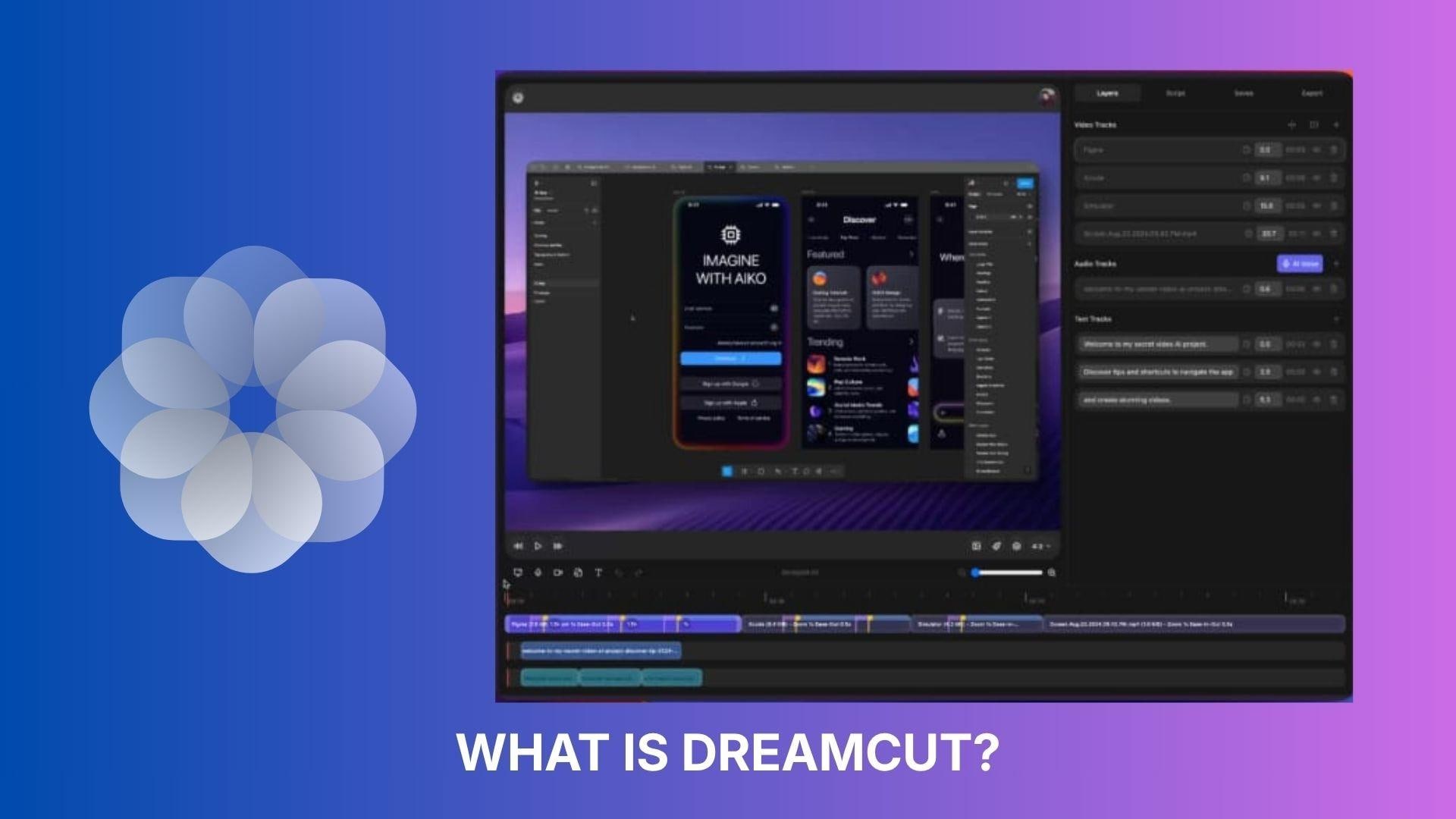
DreamCut AI is an AI-powered video editing and screen recording workspace that runs both as a Mac app and in the browser. Unlike most video editors that focus on one thing, DreamCut AI combines editing, screen recording, and AI content generation into a single platform.
It's built for people who want to go from raw footage to finished video without bouncing between multiple tools. The AI handles tasks like auto-captioning, content generation, and editing assistance, while the core editor gives you a familiar timeline-based workspace to work from.
Common use cases include:
- Tutorial and educational videos with screen capture
- Quick social media content creation
- AI-assisted video production with minimal setup
Part 2. Core Features That Define DreamCut
Most DreamCut AI tools are available on the browser, but the video editor, screen recorder, and some AI features are only accessible on the Mac app.
Screen Recorder (Mac Only)
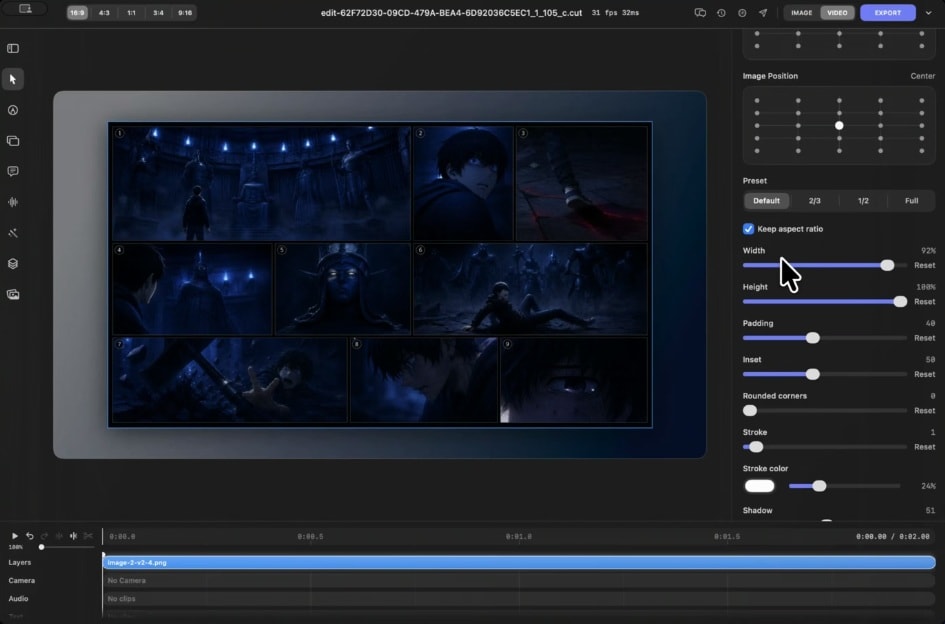
Dreamcut’s screen recorder lets you capture your screen, individual windows, camera, and microphone at the same time. It includes zoom edits, mouse follow, click animations, and cursor rotation, so your recordings already look polished without needing to fix them in the editor afterward. You can also choose from layout presets, camera presets, and different aspect ratios before you start recording.
Video Editor (Mac Only)
The video editor handles multi-clip timelines with drag-and-drop support for images and videos. It also comes with a reusable media library, version history, and copy-paste workflows across projects. It's not the most feature-heavy editor out there, but it covers the basics well and keeps things organized without a steep learning curve.
AI Voice
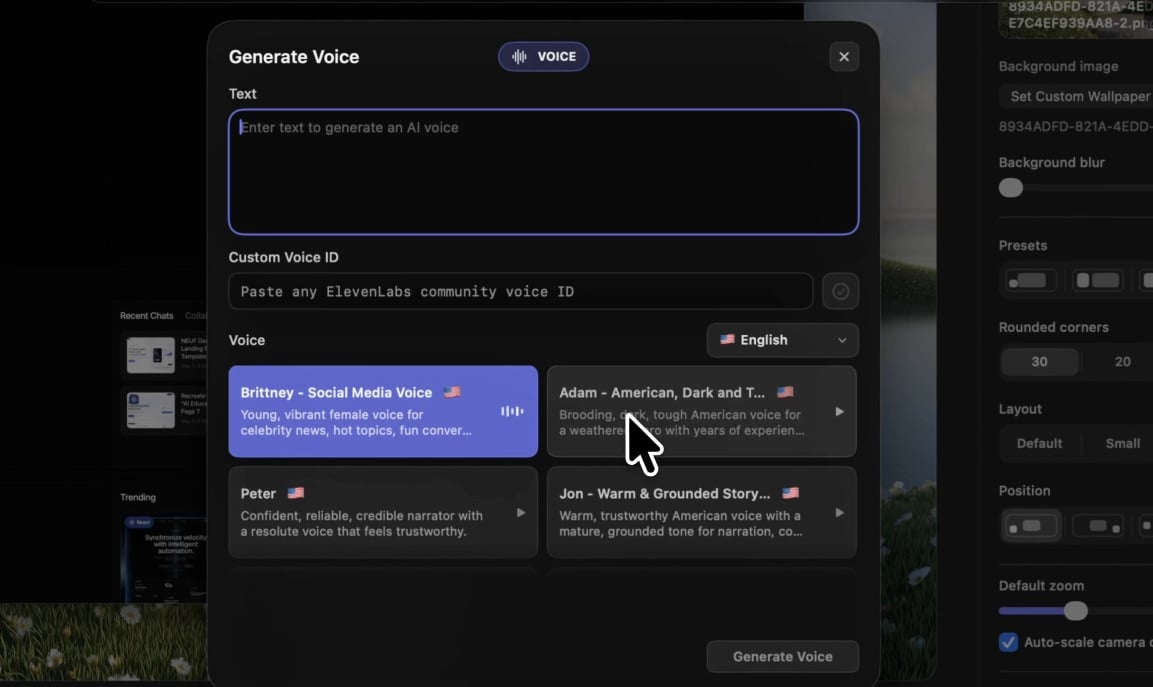
DreamCut's AI voice generator is powered by ElevenLabs for text-to-speech. You can pick from the available voices on the platform, or paste a specific ElevenLabs voice ID to use your own approved voice or any community-approved voice from the ElevenLabs library.
It also comes with a handful of voice-related tools to help clean up and work with audio:
- Transcribe Audio: converts spoken audio from your video into text
- Remove Background Noise: strips out ambient noise from your recordings
- Clean Audio: polishes your voice track for a clearer, more professional sound
- Detach Audio: separates the audio track from your video file so you can edit it independently
Image and Video Generation
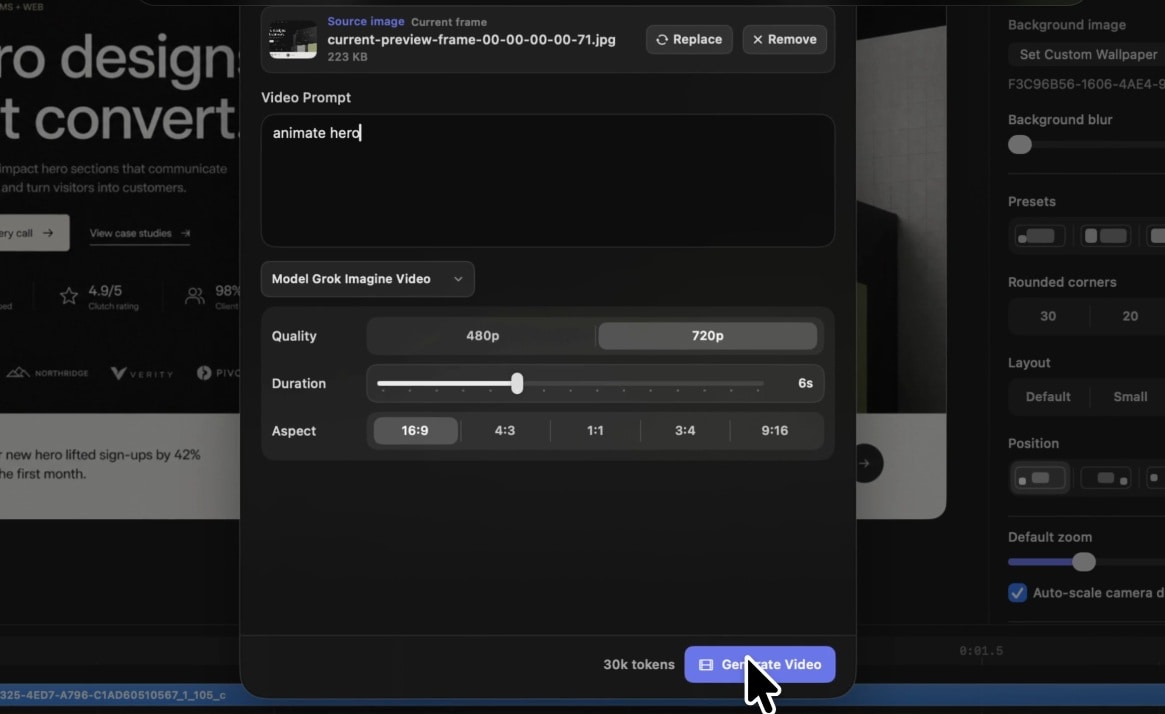
DreamCut integrates several AI generation models, including Seedance 2.0, Grok Imagine Video, and Google Veo, to generate videos, B-roll clips, images, and YouTube thumbnails without leaving the editing workflow.
Chat Assistant
DreamCut's built-in AI chat assistant works in two ways. First, it can help with editing decisions like reasoning through structure changes or suggesting how to reorganize your timeline. Second, it handles content creation tasks like writing scripts, captions, and video descriptions.
Part 3. DreamCut Workflow and Editing Experience
The editing experience in DreamCut AI focuses on a visual canvas alongside a lightweight timeline. Clips, audio, and captions can be arranged with immediate on-screen feedback, while an inspector panel allows quick adjustments to timing, layout, and styling.
The interface feels structured yet intuitive, so users can focus on content arrangement and fine-tuning details without dealing with complex editing settings.
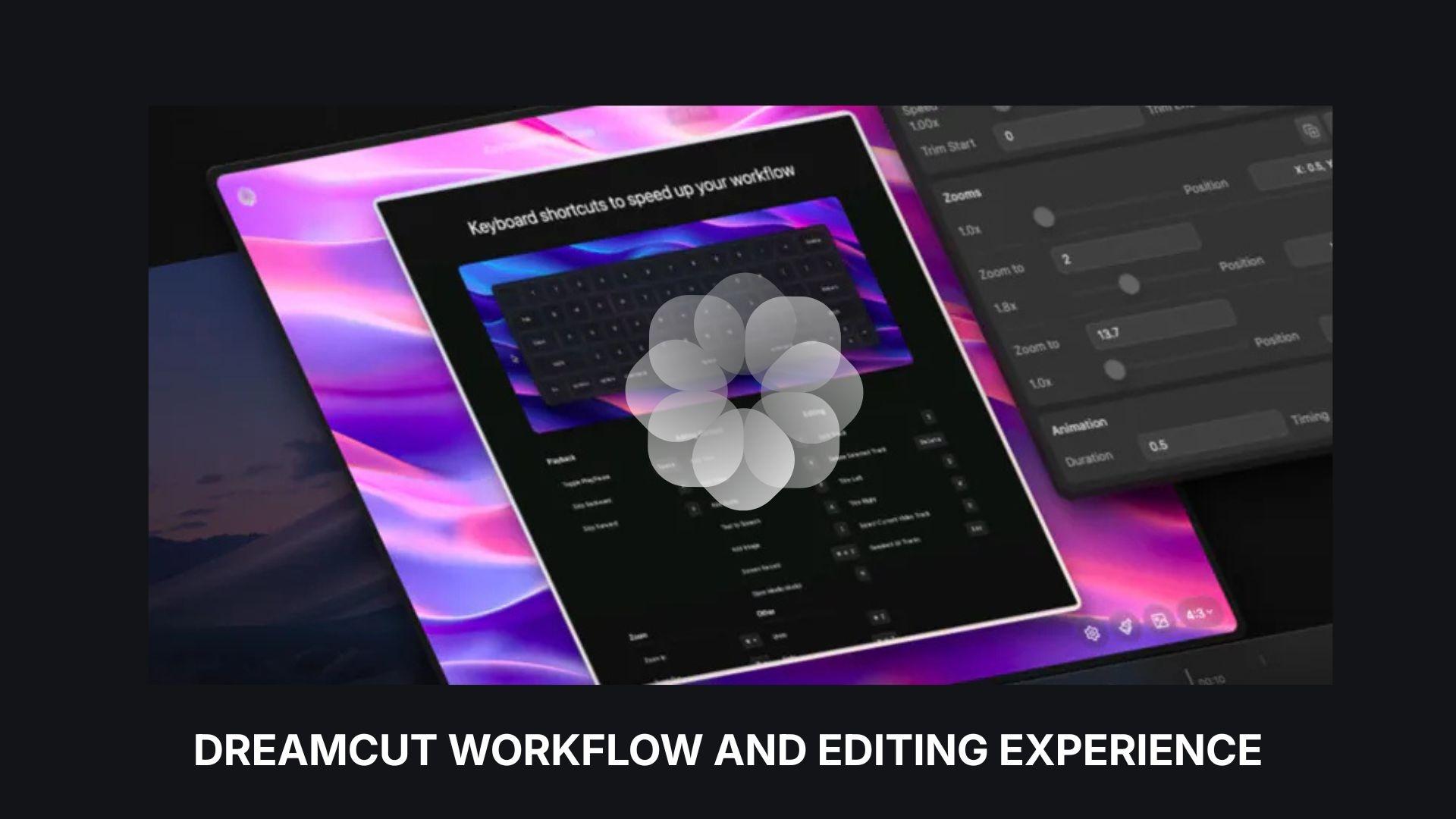
Editor Interface
- Clean layout with clear separation between canvas, timeline, and controls
- Real-time editing and visual feedback make it easy to understand changes
- Lacks the depth and layered complexity of professional timeline editors
DreamCut AI video editor uses a canvas-based editor combined with a lightweight timeline, designed to keep editing visual and intuitive. The main workspace includes drag-and-drop elements, a real-time preview, and an editor panel for adjusting details such as timing, colors, and animations.
Ease of Use & Editing Performance
Using DreamCut AI feels focused on getting from raw footage into a finished video without a long setup. The browser-based system loads quickly, and most actions, from trimming clips to adding AI elements, happen with immediate visual feedback.
Ease of use:
- Simple layout with minimal learning curve
- Drag-and-drop editing makes basic tasks easy to learn
- Suitable for beginners and fast-paced content creation
Editing performance:
- Real-time preview responds well during basic edits
- Performance can vary depending on the browser and internet stability
- Runs most smoothly on Google Chrome
- Less precise for detailed, multi-layered editing projects
Part 4. Pricing: What You Actually Get for Free
Unfortunately, DreamCut AI doesn't offer a free plan. It only gives you a 3-day free trial to test things out. Available plans include: Pro, Max, or Ultra. All three plans include 4K export, unlimited projects, and unlimited recordings.
DreamCut AI Pricing Plans Overview (2026)
| Pro | Max | Ultra | |
| Pricing | $25/mo or $250/yr | $50/mo or $500/yr | $100/mo or 1,000/yr |
| Monthly AI Tokens | 2,000,000 | 5,000,000 | 12,000,000 |
| AI Voices | ~3 hours/mo | ~7.5 hours/mo | ~18 hours/mo |
| AI Images | ~100 images/mo | ~250 images/mo | ~600 images/mo |
| AI Videos | ~200 sec/mo | ~500 sec/mo | ~1,200 sec/mo |
Part 5. DreamCut Pros and Cons
Based on the DreamCut AI features and workflow, the user experience prioritizes ease and speed, though there are some obvious trade-offs as the platform continues to develop.
- Combines editing, screen recording, and AI tools in one platform
- Built-in screen recorder with zoom and audio capture works reliably
- AI features cover voice generation, image creation, and content assistance
- Multi-track editing and caption tools are already supported
- Still labeled as “in development,” so features and stability can change
- AI usage is limited by tokens and monthly quotas
- Pricey compared to similar AI video editors, with no free tier available
- Editing depth is more limited than traditional timeline-based software
- Performance depends on the browser and the internet connection
- The interface can feel unfamiliar to users used to conventional editors
Part 6. When You Need More Than Automation – Try Filmora
As flexible as DreamCut AI video editor is for quick creation, there are some situations where automation alone isn’t enough, especially when projects need tighter control over timing, visuals, and overall structure.
For more detailed editing, you can try Wondershare Filmora. Filmora uses a timeline-based system that gives you precise control over clips, layers, and effects, while still integrating AI tools to speed up parts of the process.
Filmora includes features like screen recording, AI text-based editing, AI image and video generation, AI audio tools, and more, but they work alongside manual editing rather than replacing it. What stands out is the level of control:
- Adjust the pacing frame by frame
- Layer multiple visuals, effects, and transitions
- Build structured, story-driven edits instead of relying on automation
In practice, the difference depends on how much control you need. DreamCut AI works best for quick, streamlined production with minimal setup. Wondershare Filmora gives you more control over timing, layering, effects, and structure, which makes it a better choice for polished, story-driven videos.
 Secure Download
Conclusion
DreamCut AI offers a fresh approach to video creation by combining recording, editing, and content tools in a single environment. It works well for quick projects, tutorials, and creators who prefer a simpler setup without managing multiple apps. At the same time, its current limitations in editing depth and reliance on usage-based AI features make it less suitable for more detailed work.
For projects that require stronger control over pacing and storytelling, tools like Filmora are more flexible. Choosing between them depends on whether you value speed or control more in your workflow.
FAQs
-
Is DreamCut suitable for beginners?
Yes. DreamCut AI uses a visual canvas and simple drag-and-drop controls, which makes it easier to learn than traditional editors. Its workflow is designed to help users edit videos without needing advanced technical skills. -
Does DreamCut require installation?
It depends on the features you want to use. The Mac app requires installation for the video editor, screen recorder, and some AI features. The browser-based platform requires no installation and is where most AI tools are accessible. -
Can DreamCut replace professional editing software?
Not completely. DreamCut is suitable for quick edits, tutorials, and AI-assisted content, but it doesn’t offer the same level of precision and advanced control as professional editing tools. It’s better suited for speed and simplicity than complex production work. -
What tool is better for more advanced editing?
For detailed editing, Wondershare Filmora is a stronger option. It provides full timeline control, layered editing, and more flexibility for building polished, story-driven videos, while still including AI features to support the workflow.
