

 TL;DR:
Hula AI Video Generator by Prequel is a legitimate mobile app for transforming static photos into viral social media animations, but frequent users may find the $9.99 weekly Pro subscription necessary to bypass the free version's watermarks and duration limits.
● Accurate face tracking for the Baby Generator and Photo Dance features requires clear, forward-facing, well-lit photos and a stable internet connection for processing.
● Users must avoid downloading unofficial modded APK files to bypass paywalls, as these frequently contain hidden malware that compromises device security and personal data.
● Professional creators requiring precise timing control, high-resolution exports, and an escape from weekly subscription models should utilize desktop alternatives like Wondershare Filmora.
Ask AI for a summary
 ChatGPT
 Perplexity
 Gemini
 Claude
 Grok
Grok
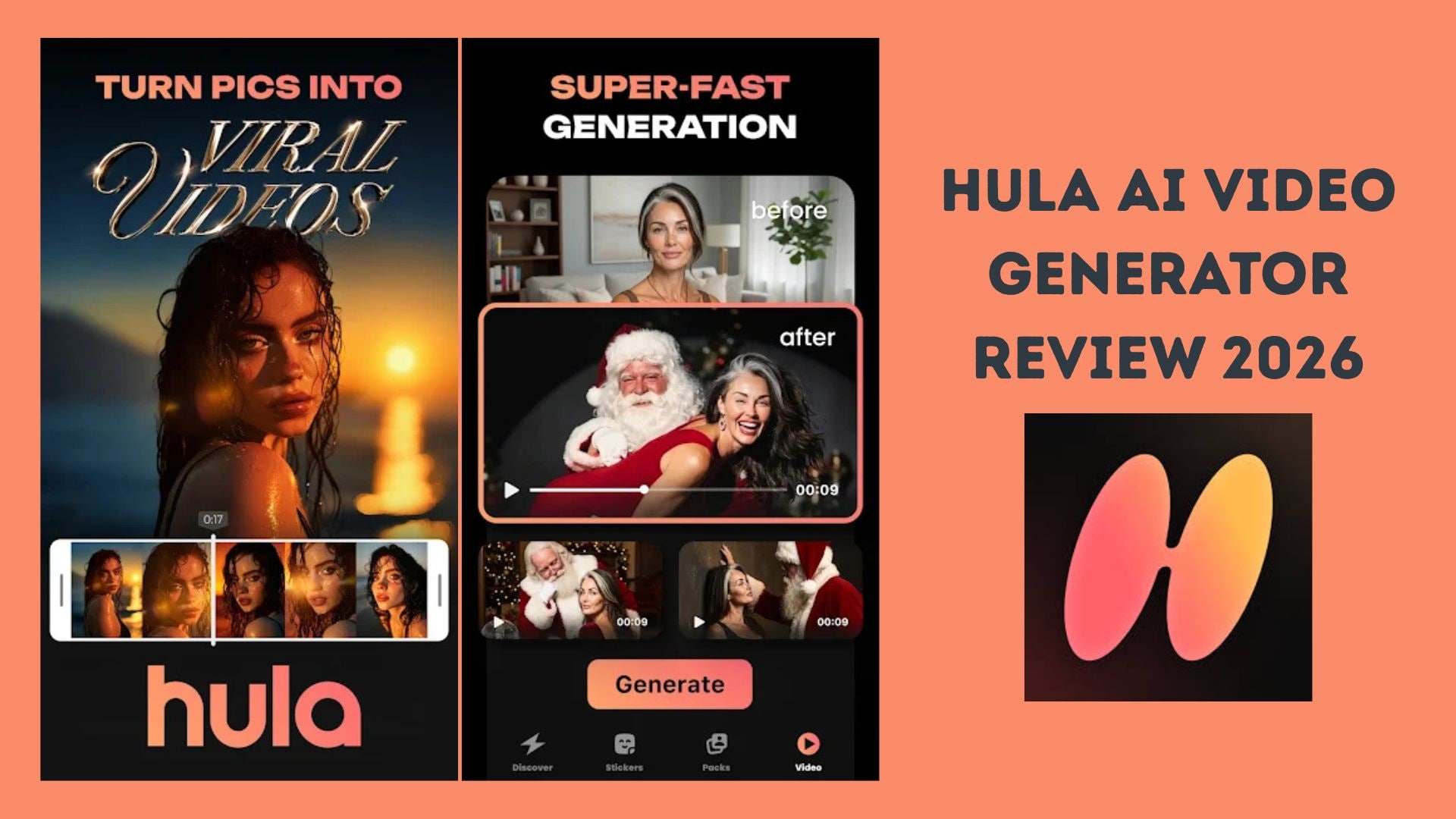
Scroll through TikTok or Instagram in 2026, and you’ll likely see viral AI photo dance videos created by the Hula AI Video Generator. Developed by Prequel, this app has taken social media by storm, allowing users to transform static images into animated masterpieces. But is the Hula AI app safe to use, and does the Hula AI baby generator really work? In this comprehensive review, we’ll dive into its features, costs, and the best professional alternatives for PC.
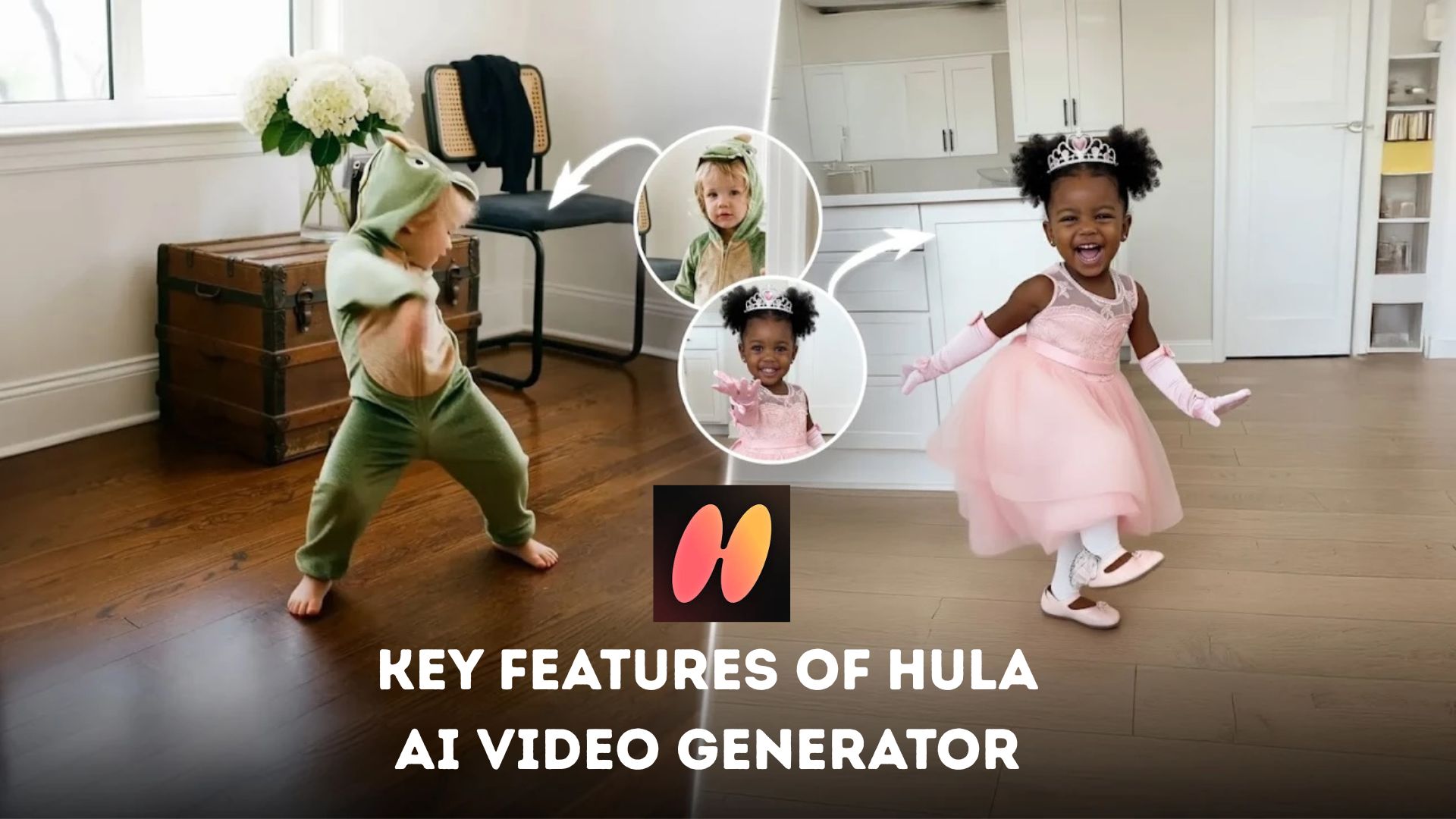
Part 1. Key Features of Hula AI Video Generator
To get to know Hula AI video generator, you need to know what it offers first.
Part 2. Hula AI Video Generator Reviews: Pros & Cons
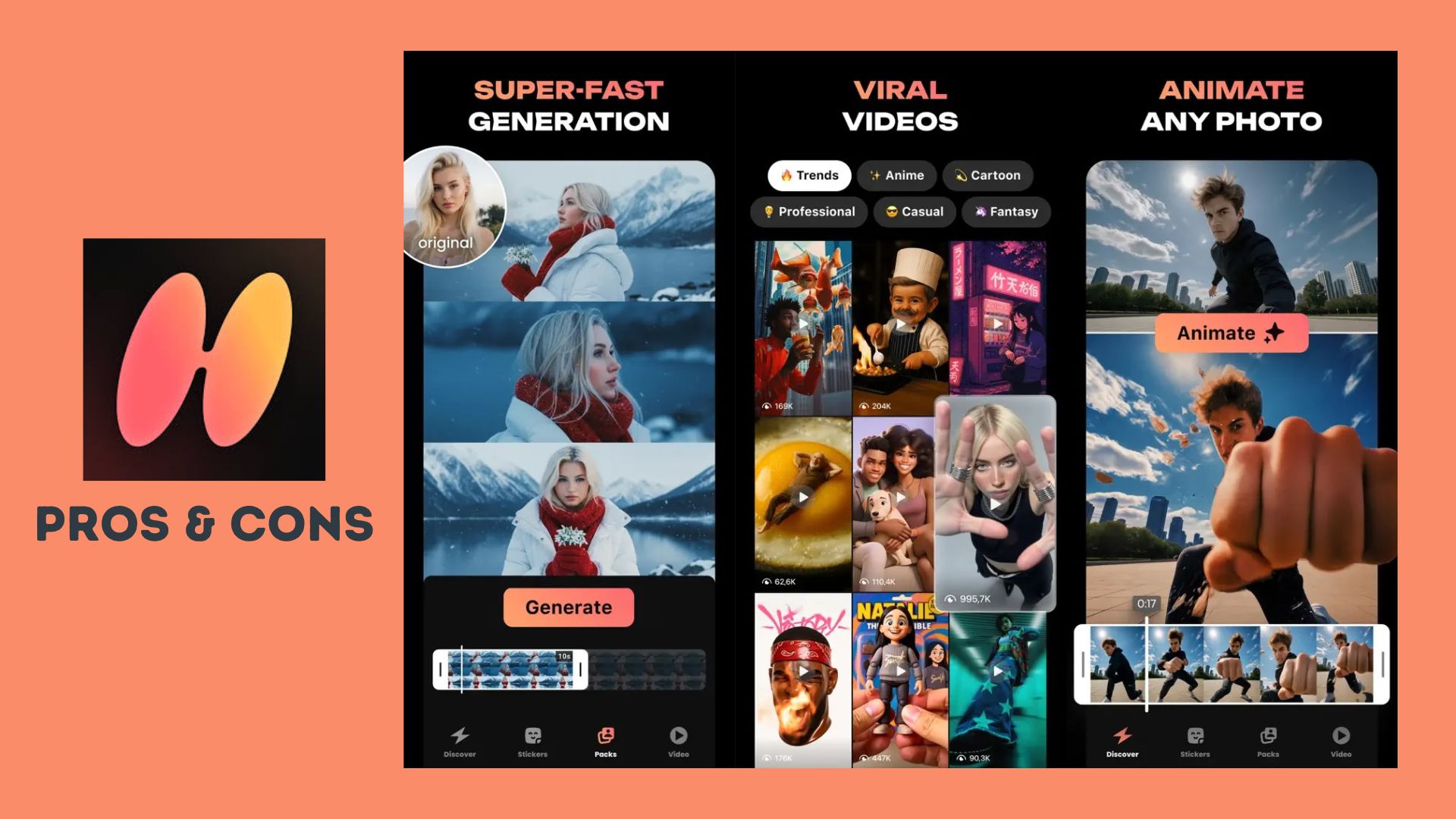
Based on Hula AI video generator reviews, the app receives mostly positive feedback from users who enjoy its fast and entertaining AI effects, especially for social media content. On the App Store, many reviews highlight how easy the app is to use, while some also point out limitations tied to the free version.
- Super easy to use, even for beginners with no editing experience
- Fast AI photo-to-video processing with smooth dance animations
- Highly optimized for TikTok and Instagram trends
- Fun variety of filters, including baby generator, anime, and cartoon styles
- Option to export creations as custom stickers for iMessage and WhatsApp
- The free version includes watermarks and limited effects
- Some premium styles require a subscription to access
- AI results can vary depending on photo quality and lighting
- The short video duration may feel limiting for some creators
Overall, App Store feedback indicates that users perceive Hula AI as a fun and addictive hula AI video generator for casual content creation, although many would like to see more flexibility and better value in the free version.
Part 3. Hula AI Price: Is Hula AI Video Generator Free or Safe?
The Hula AI video generator is free to download and lets you try many of its fun features right away. You can create basic AI-powered clips, explore photo-to-video effects, and share your creations on social media without paying anything.
At the same time, the free version has some limitations that may lead creators to consider a paid upgrade.
Pricing: Free Version vs. Pro Subscription
Free Version
- Free to download and use with no upfront cost
- Includes basic animations, photo dance effects, and AI features
- Exported videos include a watermark
- Premium filters, advanced styles, and longer clip durations are limited
Hula AI Video Generator Pro ($9.99/week)
- Removes all watermarks for clean, share-ready videos
- Unlocks full access to the premium AI styles and effects library
- Delivers higher-quality animations with smoother motion
- Offers early access to new features, updates, and trending effects
For casual users, the free version is sufficient for having fun and experimenting. If you frequently create content or want outstanding quality without limitations, a weekly pro subscription may be worth considering.
⚠️ Warning about APK and Mod Downloads
Many people searching for the Hula AI video generator pro APK are looking for ways to access premium features without payment. It is important to understand the risks involved:
- Unofficial APK or mod files often come from untrusted sites
- These modified files may contain hidden malware, spyware, or adware
- Installing these files can compromise the security of your device and personal data
- You may lose access to official updates and support
To protect your device and privacy, it is highly recommended to download Hula AI only from official sources such as the Apple App Store or Google Play Store and avoid modified versions. This ensures you get safe and stable performance and regular updates.
Part 4. How to Use Hula AI to Create Viral Content
Creating viral videos with the Hula AI video generator is quick, which is why so many clips go viral on TikTok and Instagram. With the right steps and a few smart tips, you can get noticeably better results from the app.
How to Use Hula AI Video Generator
Download Hula AI from the official app store and open the app. Then, follow the steps below:
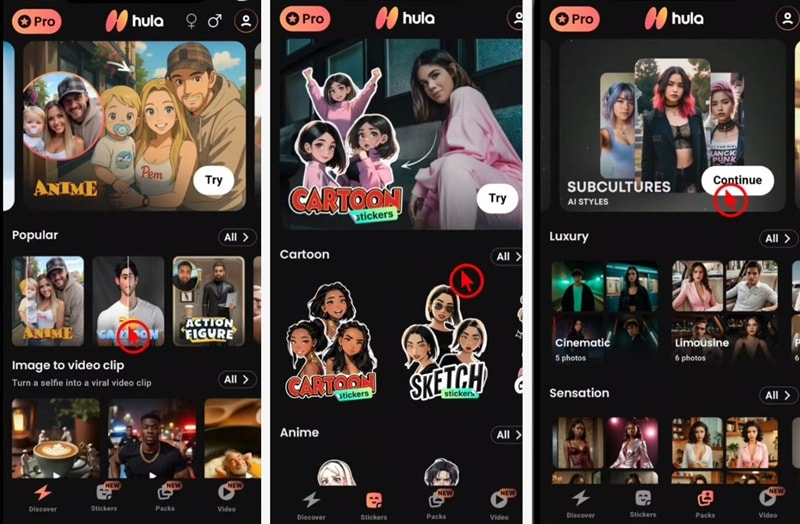
If you want a quick visual walkthrough of how Hula AI works in action, check out this step-by-step video tutorial:
Tips for Best Results
- Use high-resolution photos with good lighting and sharp focus
- Ensure faces are clearly visible and not covered by sunglasses or hands
- Choose photos facing forward for more accurate face tracking
- Avoid overly dark shadows or filters before uploading images
- Adjust the animation style to match the mood of the photo for more natural movements
Part 5. Best Hula AI Alternatives for PC (Filmora Integration)
Although Hula AI video generator is fun and convenient on mobile devices, many creators eventually want more control than a mobile app can offer. Using a PC editor provides more creative freedom, higher export quality, and fewer limitations compared to weekly subscription apps.
Why Use a PC Editor Instead of a Mobile App
- More precise control over timing, effects, and transitions
- Higher resolution exports without heavy compression
- One-time or flexible pricing instead of binding weekly subscriptions
- Easier multitasking with audio, text, and layered visuals
While Hula AI is great for quick mobile edits, professional creators often need the precision of a desktop editor. Wondershare Filmora serves as the premier Hula AI alternative for PC, offering advanced AI Image-to-Video tools and higher export quality without the restrictive weekly subscriptions of mobile apps.
 Secure Download
Moreover, Filmora is also available as a mobile app. It offers similar core tools, but with the added convenience of editing and generating videos on the go.
Filmora AI Features Worth Exploring
- AI Image-to-Video: Turn still images into animated clips with smooth motion, which are ideal for storytelling and social media.
- AI Portrait: Automatically detect and separate subjects from backgrounds for clean edits and creative effects.
- AI Text-to-Video: Convert scripts or ideas into structured video scenes with visuals, text, and music.
- AI Mate: Get step by step editing suggestions and tool recommendations as you work.
- AI Subtitle Generator: Auto generate captions and sync them to spoken audio.
- AI Video Enhancer: Upscale and sharpen low quality footage, powered by advanced models like Topaz, for a cleaner final result.
Check the full features of Filmora here.
Conclusion
Hula AI Video Generator proves why it continues to trend in 2026. Its ability to turn simple photos into lively dance videos and AI avatars makes it fun, fast, and highly shareable on social media. The free version is ideal for casual experimentation, while the Pro plan unlocks more creative freedom for frequent creators.
However, users should stay cautious and avoid unofficial APK or mod versions due to security risks. For those seeking deeper control and long-term flexibility, desktop tools like Filmora offer a strong alternative. Overall, Hula AI is a great fit for playful, viral content, especially for content creators focused on mobile platforms.

FAQs
-
Is Hula AI Video Generator safe to use?
Yes, Hula AI is safe when downloaded from official app stores. To avoid security risks such as malware or data leaks, it is recommended to stay away from unofficial APK or mod versions. -
Does Hula AI Video Generator work offline?
No, Hula AI requires an internet connection. Its AI processing happens online, so you need a stable internet connection to generate videos and animations. -
Can I use Hula AI videos for commercial content?
This depends on the app’s licensing terms and your subscription plan. For business or monetized use, it is recommended to review the official terms or upgrade to the Pro version for fewer restrictions.
