


Coming up with content ideas for YouTube, TikTok, Instagram, and other platforms takes time. Not to mention that you often need separate AI tools for video, image, and music generation, forcing you to hop between apps just to finish one piece of content. As a solution, Vadoo AI combines these tools on a single platform.
Vadoo AI lets you create videos, images, music, podcasts, and short clips in one place to speed up content creation. In this Vadoo AI Review, we will discuss the features, pricing, pros, and cons of Vadoo AI to find out if it works for you.
Part 1. What Is Vadoo AI?
Vadoo AI is the online all-in-one AI generation and editing solution, accessible at https://www.vadoo.tv/. You can create podcasts, captions, music, images, AI videos, and much more. Although it is very powerful at almost everything, its true power lies in making and editing stunning-looking videos from text.
The Vadoo AI video generator creates scenes, including visuals, B-rolls, voiceovers, background music, animated captions, and transitions, from a single text prompt or image. The tool is able to resize videos for TikTok, Instagram, YouTube, etc. For creators looking to make good-quality choices, this offers a great video option without spending much.
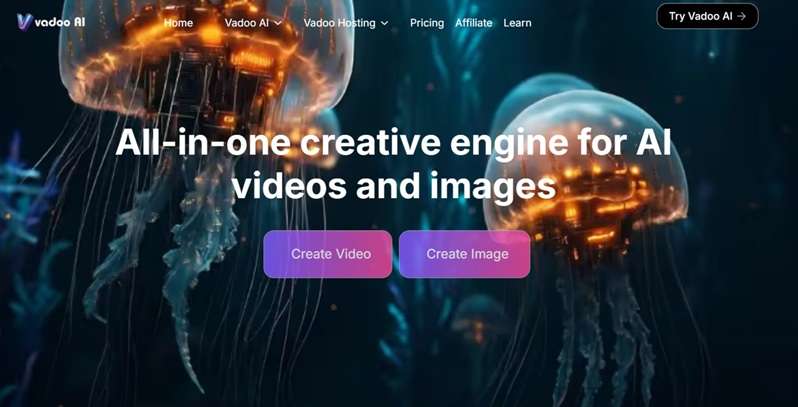
Part 2. Vadoo AI Review: Exploring Its Best Features
Now that you understand Vadoo AI, let’s look at its main tools. The platform includes several AI features that support each stage of video creation.
Vadoo AI Video Generator
The Vadoo AI video generator can turn a text prompt or image into a video. You can choose the video length and dimensions before creating it. After generation, you can remix the result or improve it with other AI editing tools.
Image Generator
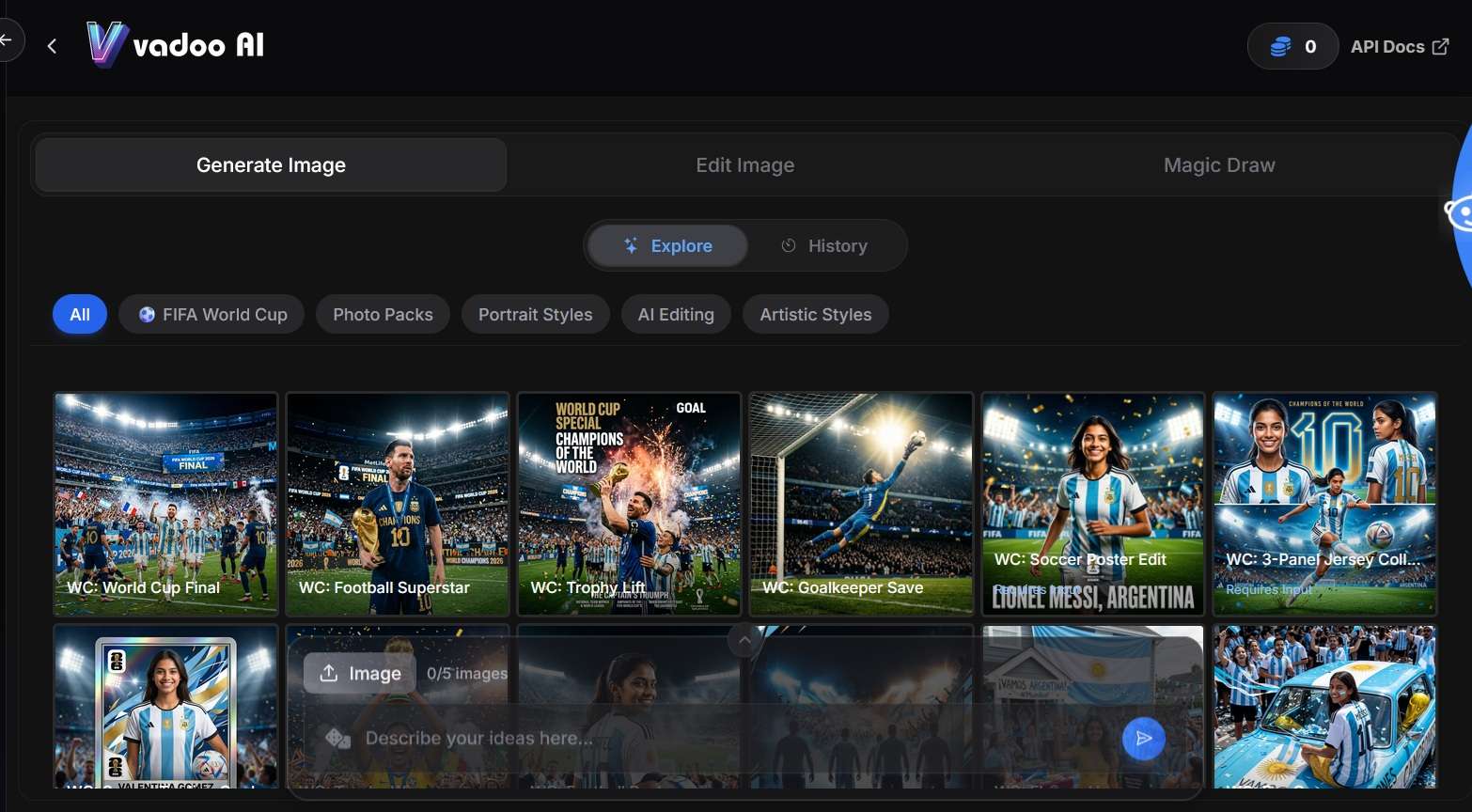
Similar to its video generator, Vadoo AI image generator turns text prompts into visuals you can use as standalone content or as a starting point for video generation. You can adjust style, aspect ratio, and resolution before generating.
Multiple AI Models
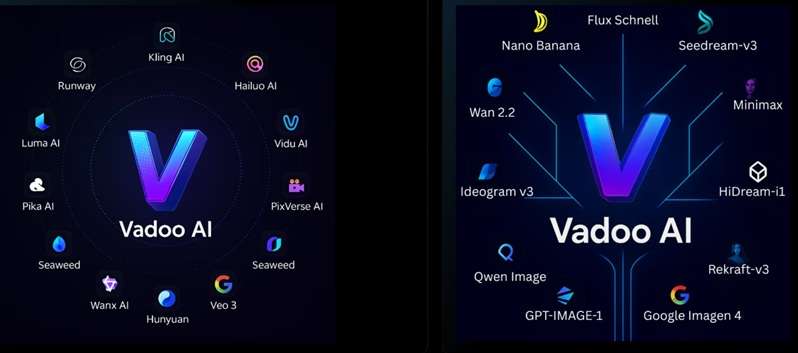
Vadoo AI gives you access to several popular AI models. These include Kling, Minimax/Hailuo, Veo3, Pixverse, Midjourney, ElevenLabs, Suno, and more. You can select a model based on the type of content you want to create.
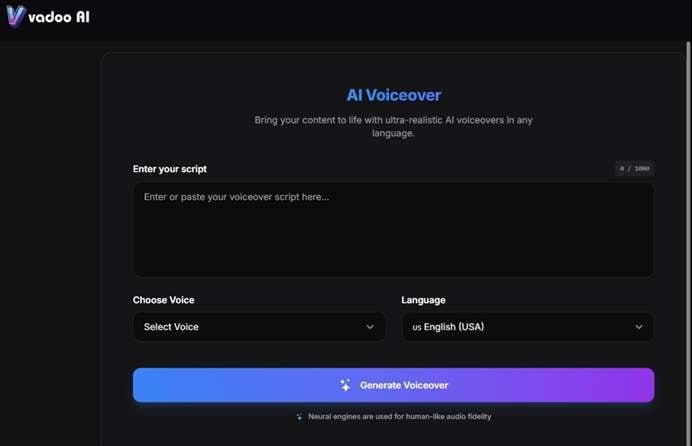
AI Voiceovers
The platform creates natural-sounding voiceovers in different languages and tones. It uses ElevenLabs and OpenAI technology. You can select a voice by accent, gender, or emotion without recording your own audio.
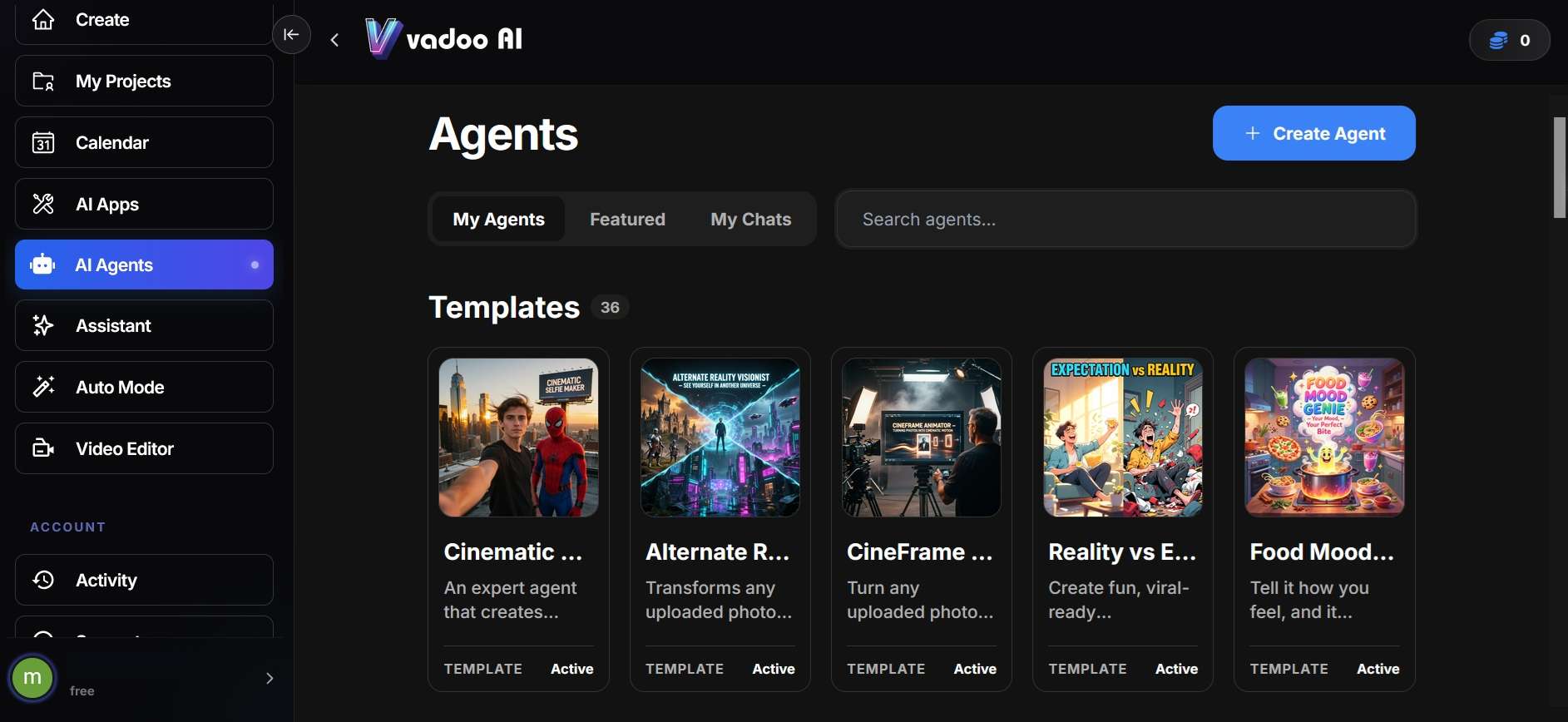
AI Agent
Vadoo AI's AI Agents handle the content pipeline end-to-end, from prompt to published post, without you managing each step manually. Paired with Auto Mode, this feature can automatically publish videos to your connected social platforms on a set schedule, with posting frequency tied to your plan.
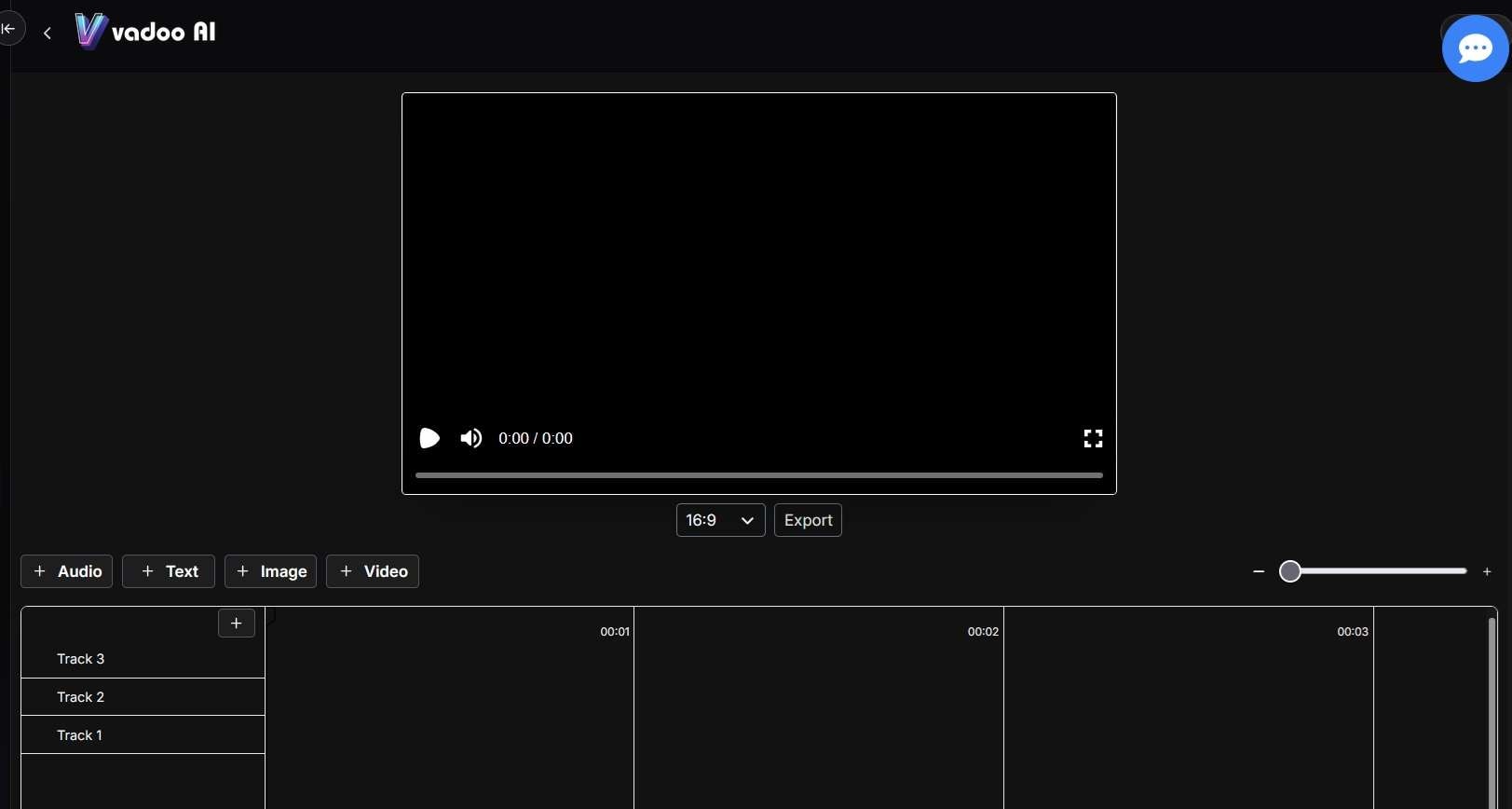
AI Video Editor
Vadoo AI includes a dedicated Video Editor within its dashboard, separate from the text-to-video generator. It gives you a simple timeline-based workspace to fine-tune AI-generated clips, add or rearrange scenes, and adjust captions, transitions, and audio after the initial generation.
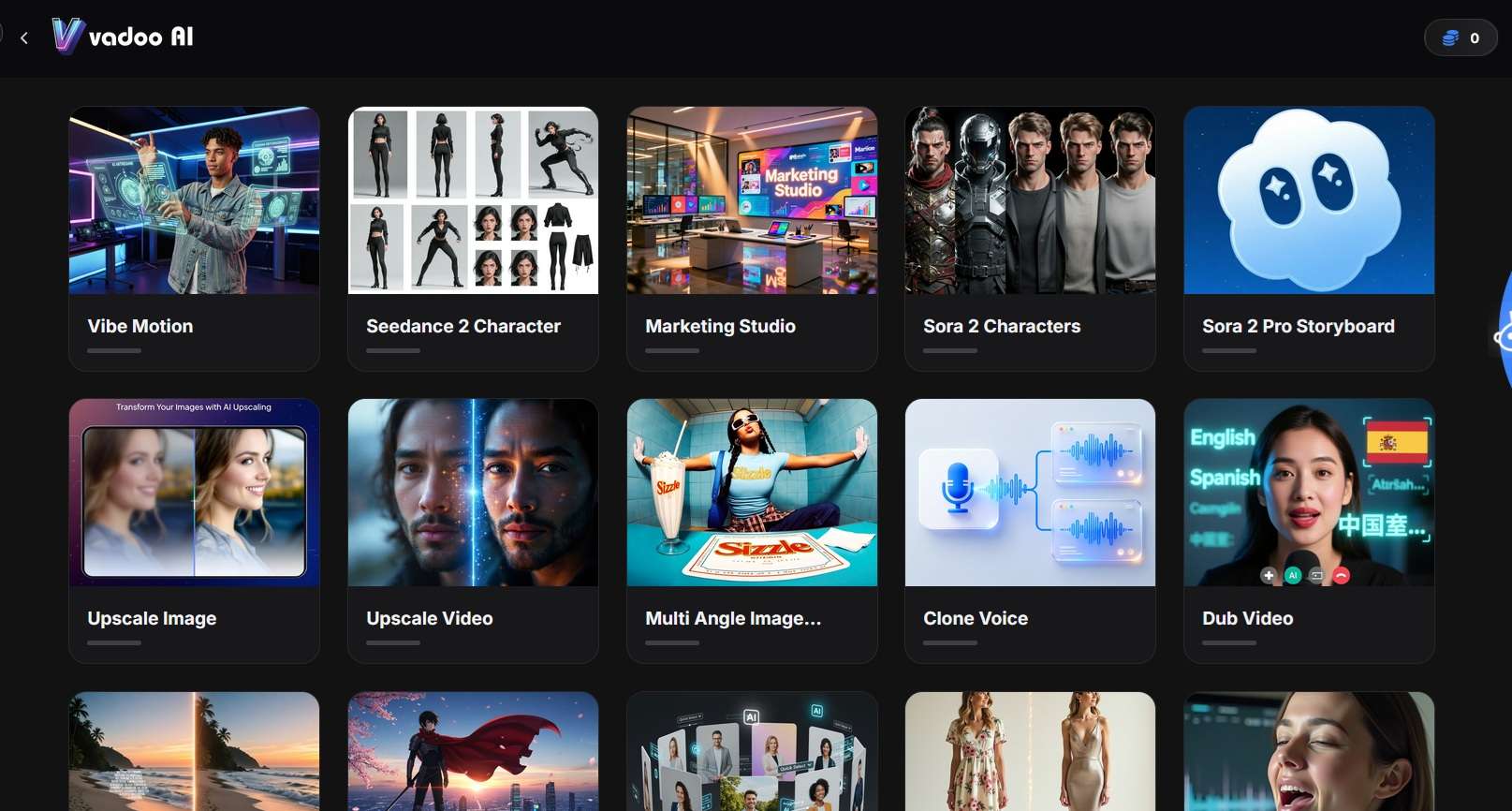
AI Apps
The AI Apps library covers the production tasks that usually mean switching to a separate tool. It includes lip sync, voice cloning, video dubbing, watermark removal, motion capture, image and video upscaling, product shots, background removal, and outfit or hairstyle changes, along with tools like AI Influencer and UGC Video for building virtual presenters or e-commerce content.
With over 40 tools in the library, this is where Vadoo AI's "all-in-one" claim comes through most clearly.
Part 3. Vadoo AI Pricing
You can have a chance of getting Vadoo AI free credits by joining its Discord server. Otherwise, Vadoo AI doesn't offer a free plan, a free trial, or free credits upon registering. There are subscription plans and an official Lifetime Deal.
Vadoo AI Subscription Plans
| Plan | Price* | Monthly Credits | Unlimited Generations | Best For |
| Starter | $19/month | 1,500 | - | Beginners and light content creation |
| Pro | $39/month | 3,500 | - | Regular creators who publish often |
| Advance | $99–249/month | 10,000 | Veo3.1 Fast, Nano Banana, Suno | Agencies, teams, and high-volume users |
|
Show More
Show Less
|
||||
*) Pricing is subject to change depending on ongoing promotions and plan updates. Always check the latest Vadoo AI pricing on the official site.
All paid plans remove the watermark and support AI videos, images, music, podcasts, captions, B-roll, and transitions. Higher plans add more credits, parallel tasks, templates, and unlimited generations for selected AI models.
Vadoo AI Lifetime Deal
The Vadoo AI lifetime deal uses a one-time payment, but each plan still has a monthly credit limit.
| Plan | One-Time Price | Monthly Credits | Storage | Best For |
| Plan 1 | $89 | 500 | 10GB | Occasional users |
| Plan 2 | $179 | 1,000 | 20GB | Regular creators |
| Plan 3 | $349 | 2,000 | 40GB | Agencies and heavy users |
|
Show More
Show Less
|
||||
Each tier includes watermark-free video, AI script, clipping captions generation, and ElevenLabs BYOK. It also adds custom fonts, transitions, and B-roll. Before purchasing, estimate the number of credits every month your preferred AI models will consume.
Part 4. Vadoo AI Review: Real User Experience
User feedback for Vadoo AI has been predominantly positive, with the platform earning a 4.3/5 overall rating on AppSumo (161 reviews) and a 4.6/5 average across G2 (482 reviews). If you search "Vadoo AI Reddit," you'll find fewer dedicated threads than you might expect for a tool this size, so most detailed feedback lives on AppSumo and G2 instead.
Based on our testing and this available feedback, there are a few strengths and limitations:
- Ease of Use: Many users claim that Vadoo AI is quite simple to use.
- Output Quality: The platform's AI-generated videos are professional-quality and highly rated by users.
- Speed & Performance: When speed, consistency, and the amount of output are more important than creativity, Vadoo is ideal. If hands-on creative control is a high priority, a traditional video editor or a hybrid workflow will be best.
- Value for Money: Vadoo AI’s lifetime deal is often called out as a better value than monthly subscriptions.
Concerns Mentioned
- Credit System: Some users have noted limitations with the credit system and occasional deductions for unsuccessful outputs.
- Voice Options: A few users have requested more AI voice options and voice cloning capabilities.
- Script Length Limitations: Long scripts may require adjustments or selection of longer video options.
Our Honest Verdict
If you’re questioning, “Is Vadoo AI a good tool?” the answer depends on your use. While it is useful for quick and short-form production, when you need control over everything, you cannot replace a full editor.
- Fast short-form video generation
- Simple workflow with no editing skills required
- Clear, well-timed automated captions
- Formats designed for Shorts, Reels, and TikTok
- Useful for creating several videos in one session
- Limited control over clips and transitions
- Repeated use may produce similar stock-style visuals
- AI voices can sound neutral
- Not suitable for cinematic or long-form projects
- Inconsistent subscription pricing between the workspace and website
Who Should Buy It?
✅ Vadoo AI is best for:
- Faceless, educational, quote, or narration channels
- Beginners who need ready-to-post short videos
- Marketers focused on speed and regular output
- Creators turning scripts, articles, or ideas into videos
❌ Vadoo AI may feel restrictive for:
- Personal brands that rely on original visuals or personality
- Filmmakers and experienced video editors
- Long-form YouTube creators
- Users who need detailed control over storytelling, clips, and transitions
Part 5. Edit Your AI Content Further with Wondershare Filmora
Vadoo AI is a practical choice for fast content generation. However, its automated workflow offers limited control over individual scenes. Stock footage might also seem repetitious. Additionally, the caption is out of sync, and the sound needs work.
Making the first draft with Vadoo AI and doing post-production with Wondershare Filmora can be pretty useful. Filmora is a timeline-based video editor featuring AI tools. Creators can modify everything from clips to branding in just one project.
With the new updates, Filmora brings some new improvements, such as easier split-screen media replacement. Moreover, you can now export LUTs and thumbnails. Furthermore, this new update adds new retouching controls, multi-mask editing, and multi-frame effects. These modifications allow content creators to control how the AI-generated video will look.
What Does Filmora Offer?
AI Image to Video: Vadoo AI creates quick image-based clips, while Filmora lets you animate images and refine the result on a full timeline.
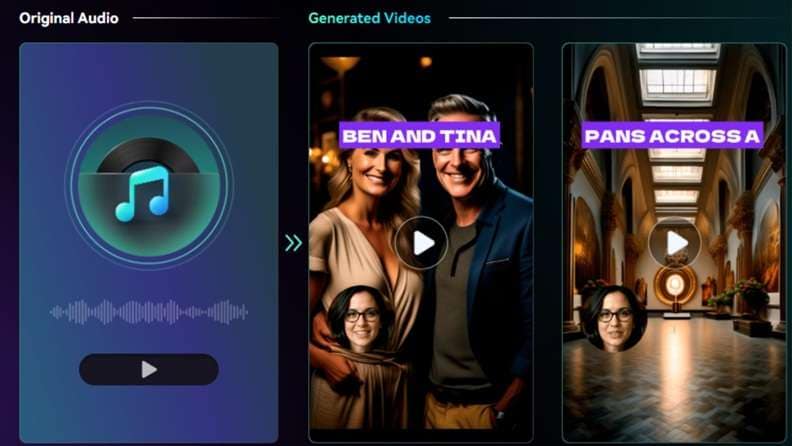
AI Audio to Video: Turn podcasts, music, or voice recordings into visual content, then replace scenes, adjust captions, and improve pacing.
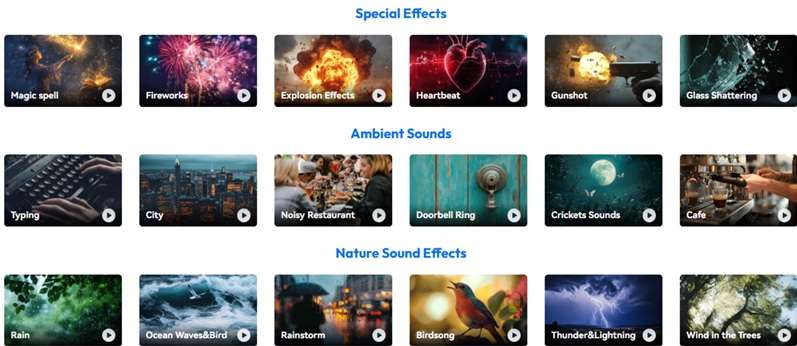
AI Music Generator and AI Sound Effect Generator: Generate music and sound effect of your choice with the customizable AI music generator and AI sound effect generator in the Filmora Video Editor.
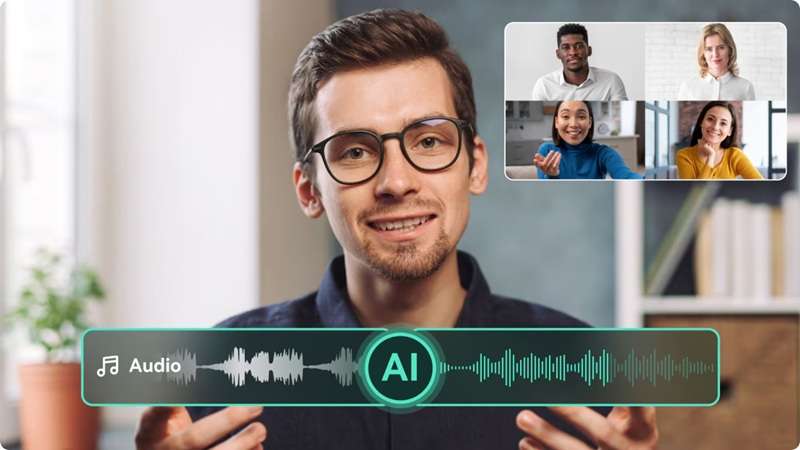
AI Voice Enhancer and AI Audio Denoise: Refine the voice of your video with AI Voice Enhance and AI Audio Denoise. Remove wind, hiss, hum, echo, etc.
Auto Captions: Generate editable captions and control their timing, font, position, animation, and translation.
Smart Short Clips: Cut short significant moments from long videos and prepare them for TikTok, Instagram Reels, and YouTube Shorts.
Multi-Track Editing: With multi-track editing, you’ll be able to separately edit video, audio, captions, music, effects, and branding without building the entire project from scratch.
 Secure Download
Conclusion
This Vadoo AI review finds a broad content platform built for speed. It combines video, image, music, podcast, and caption tools in one simple workspace, allowing you to use it for use faceless channels, marketers, and more. The primary trade-offs include credit limits, reduced control over the scenes, repeated stock visuals, and less competent long-form editing.
When comparing Vadoo AI pricing, the subscription and lifetime options cater to different output levels, making monthly usage a critical determinant of choice. When a first draft is ready, Filmora gives additional control over the timeline for refined pacing, sound, captions, branding, and delivery for platforms.
FAQs
-
1. Is Vadoo AI safe?
The privacy policy and terms of Vadoo AI cover data collection and the use of services. Based on my analysis, general content generation is free of charge. However, private files and client data or copyrighted materials must not be uploaded without explicit permission. -
2. Is Vadoo AI legit?
Yes. It is an active platform operated by Vadoo Internet Services Private Limited. The company provides official pricing, support details, legal policies, and developer documentation. -
3. Is Vadoo AI good?
It is useful for faceless videos, social clips, podcasts, captions, and fast content production. However, credit limits, neutral voices, repeated visuals, and limited scene control may affect advanced projects. -
4. Does Vadoo AI have an API?
Yes. The Vadoo AI API supports video generation, captions, podcasts, short clips, images, and credit-balance checks. It uses API keys for access and webhooks to return completed video details.
