


 TL;DR:
Vyond is a cloud-based animation platform optimized for businesses to quickly generate structured training and explainer videos using pre-built templates, though it lacks the creative flexibility required for custom mixed-media projects.
● The software operates exclusively in the cloud without offline editing capabilities and requires a minimum investment of $99 per month or $699 annually for the base Starter plan.
● Content generation relies strictly on assembling pre-made assets via Vyond Studio or AI prompts via Vyond Go, making it unsuitable for product demos requiring screen recording or documentary-style live footage.
● Wondershare Filmora serves as a superior alternative for creators who require advanced editing flexibility, offering a desktop application with full timeline control for mixing real video clips with AI-generated animations and auto-captions.
Ask AI for a summary
 ChatGPT
 Perplexity
 Gemini
 Claude
 Grok
Grok
Creating animated videos still isn’t as simple as it looks, so Vyond offers a solution to make the whole process more approachable and less time-consuming.
Since 2007, Vyond has served over 20,000 companies, including 65% of the Fortune 500. It’s known for its character-based animations and ready-to-use templates to help beginners make animation videos fast and simple.
But that kind of adoption doesn't automatically mean it's right for you. This review covers Vyond's key features, pricing, and real limitations worth considering before you decide to use it.
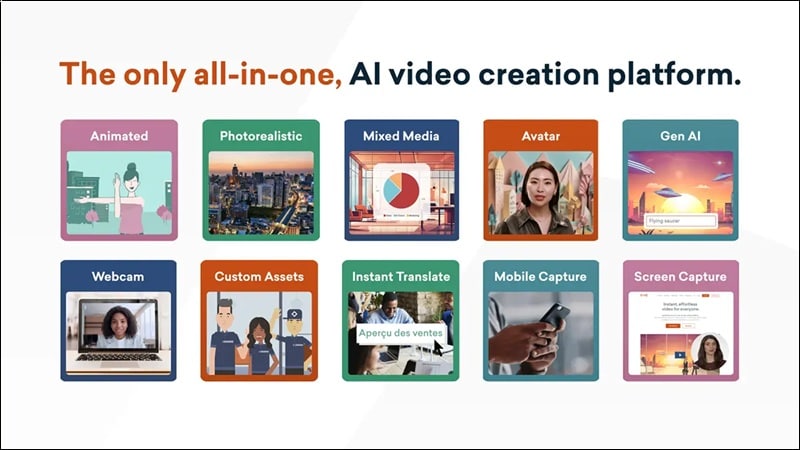
Part 1. What Is Vyond?
Vyond is a shortcut to animated storytelling without the usual technical complexity. It runs entirely web-based, but there’s also a mobile app for anyone who wants to edit on the go. The Vyond app is available for download on iOS and Android.
Vyond is especially popular among companies creating training or marketing videos, educators turning lessons into visuals, and content creators who want to tell stories faster without diving deep into animation skills.
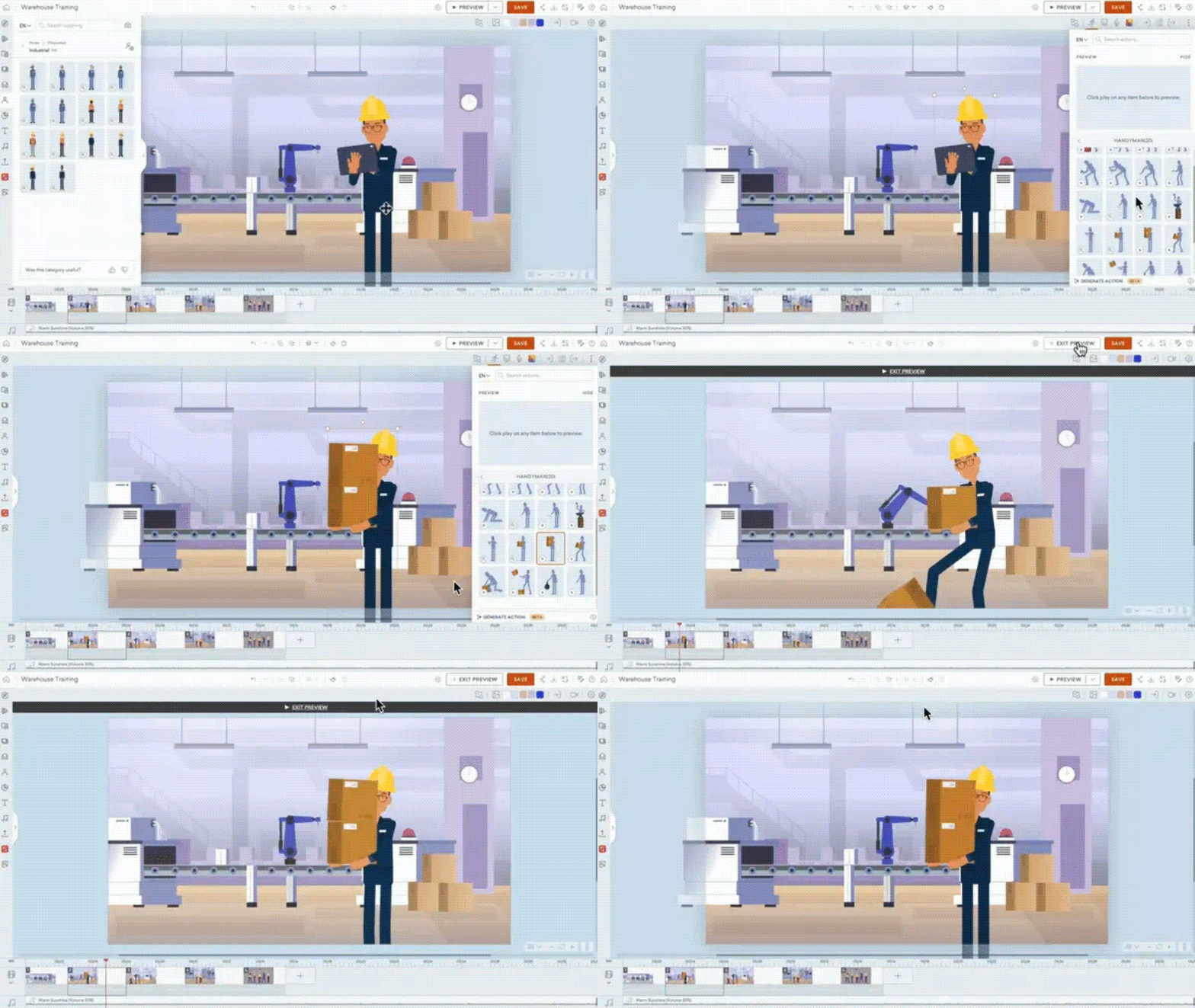
Vyond's biggest advantage is the drag-and-drop workflow. You work with pre-made characters, scenes, and templates, and then customize them to fit your message. The process feels more like assembling a story than animating one, which is why many beginners can adapt quickly.
Vyond video maker runs on two main tools:
- Vyond Go: The AI-powered instant video maker where you type a prompt and get a full video in seconds.
- Vyond Studio: The full-featured editor for deeper customization with drag-and-drop controls, timeline editing, and layered elements.
You can use it by heading to Vyond website at https://www.vyond.com/.
Part 2. Key Features of Vyond Animation Tools
Each feature of Vyond is designed for ease of use, so instead of figuring out how to animate, you can focus on what you want to say.
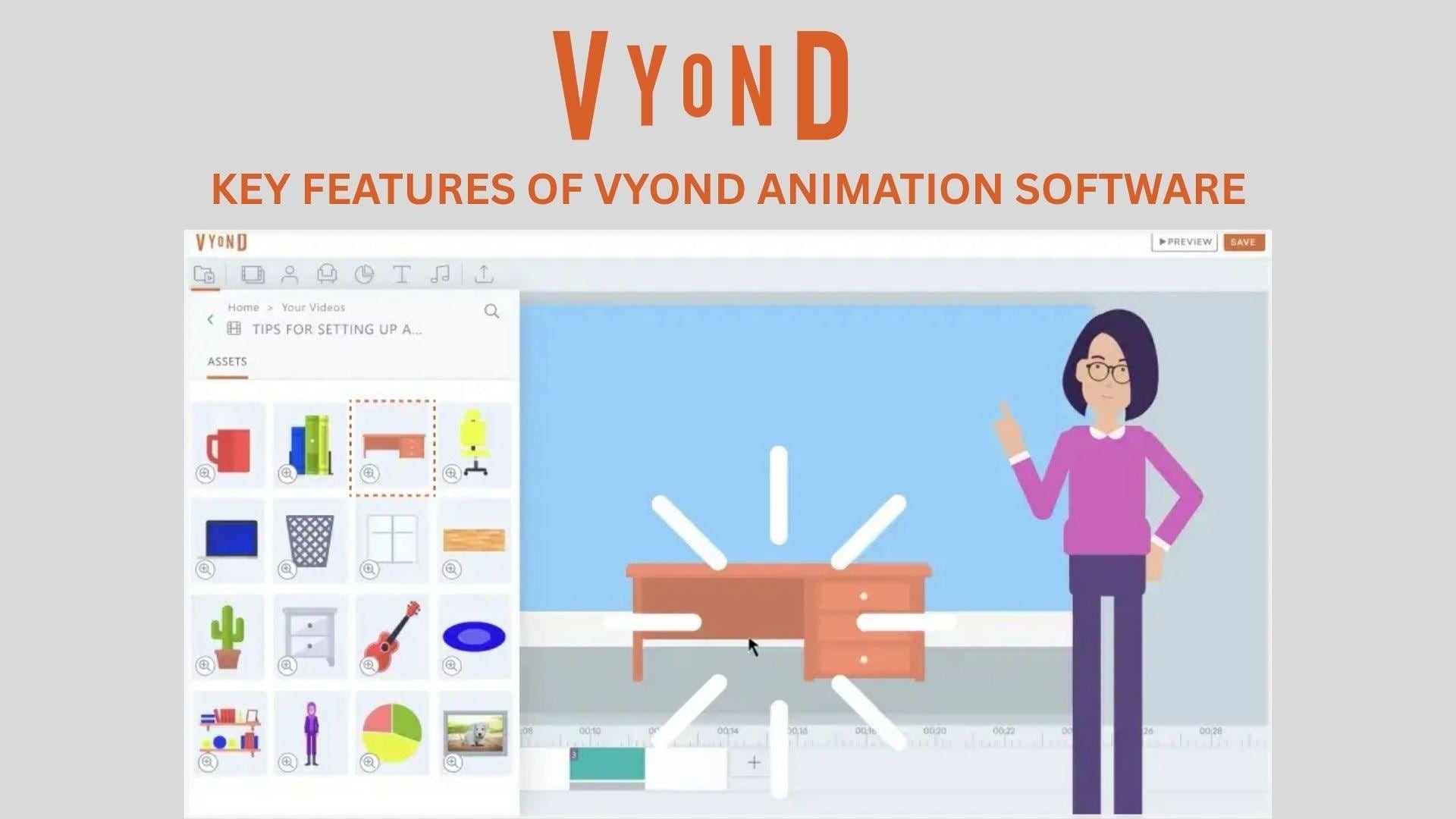
Character Animation System
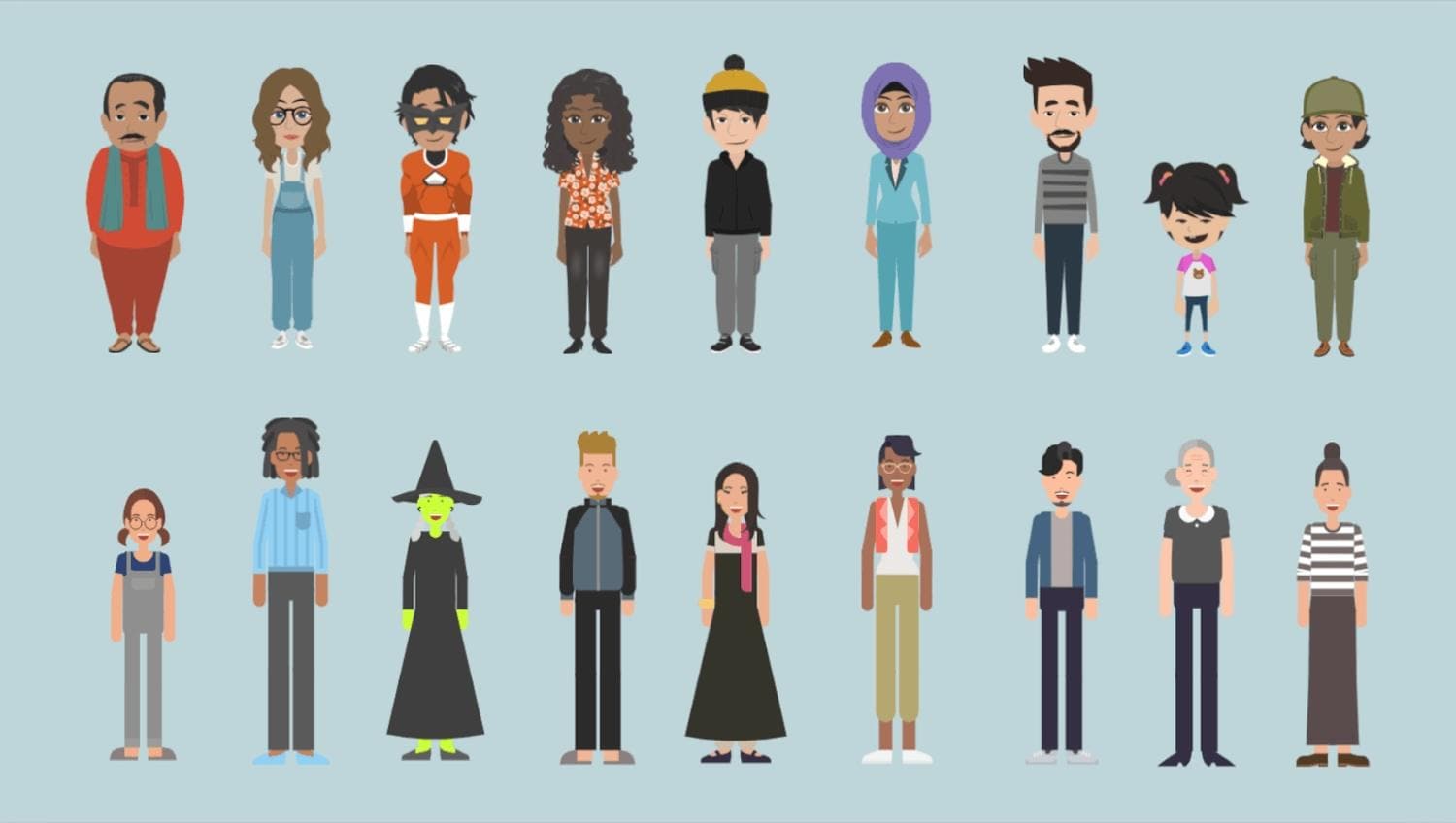
Vyond’s characters are the core of Vyond’s identity. The system is to help you create animated characters without technical skills. It comes with:
- Pre-animated actions like walking, talking, and gestures
- Customizable characters (outfits, roles, expressions)
- Automatic lip-sync with voice-overs
- Emotion presets to match dialogue tone
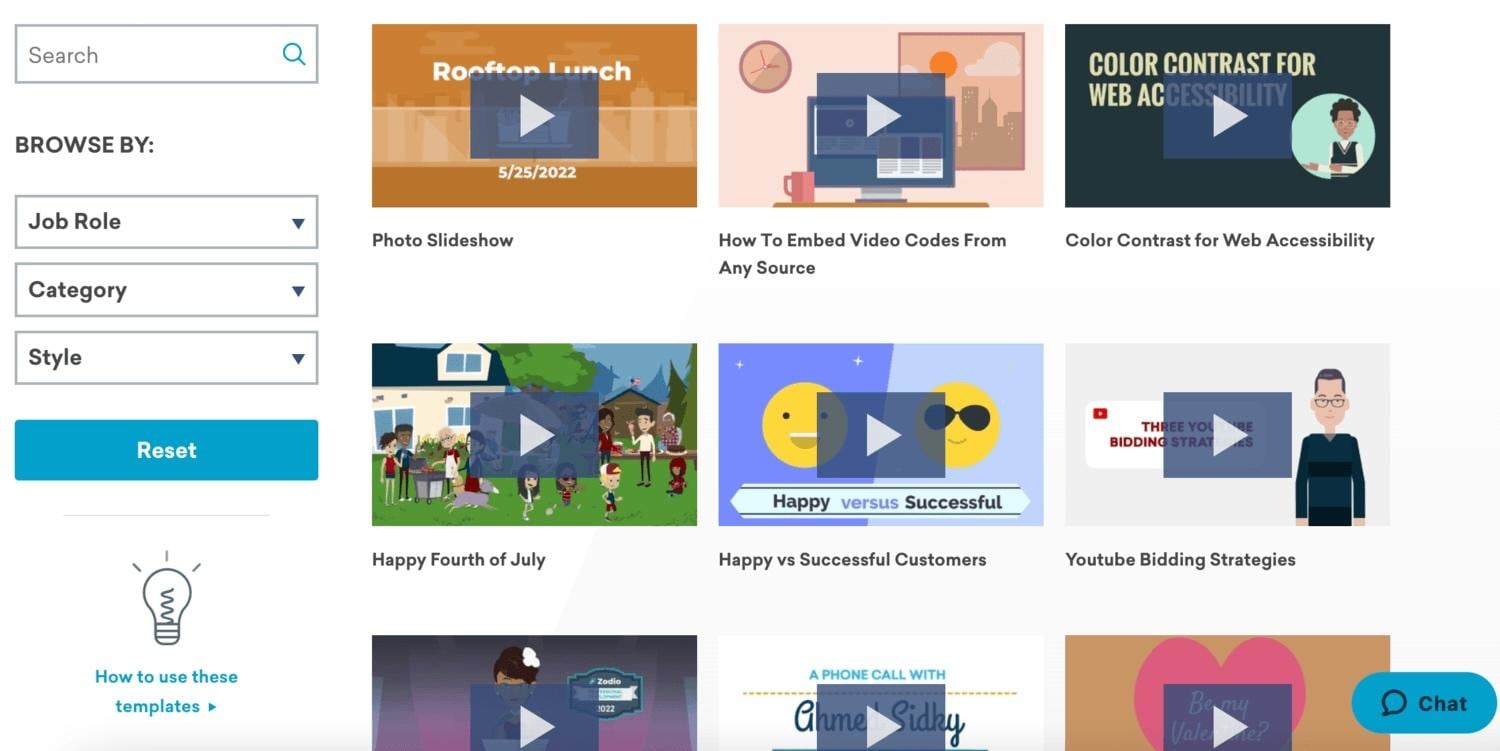
Ready-Made Templates
Templates are what make Vyond animation feel fast and beginner-friendly. You’re not starting from scratch; you’re starting from a proven structure.
- Ready-to-use scenes for marketing, training, and storytelling
- Easy content replacement (text, visuals, characters)
- Consistent design style across videos
- Significantly speeds up production
AI Video Creation Tools
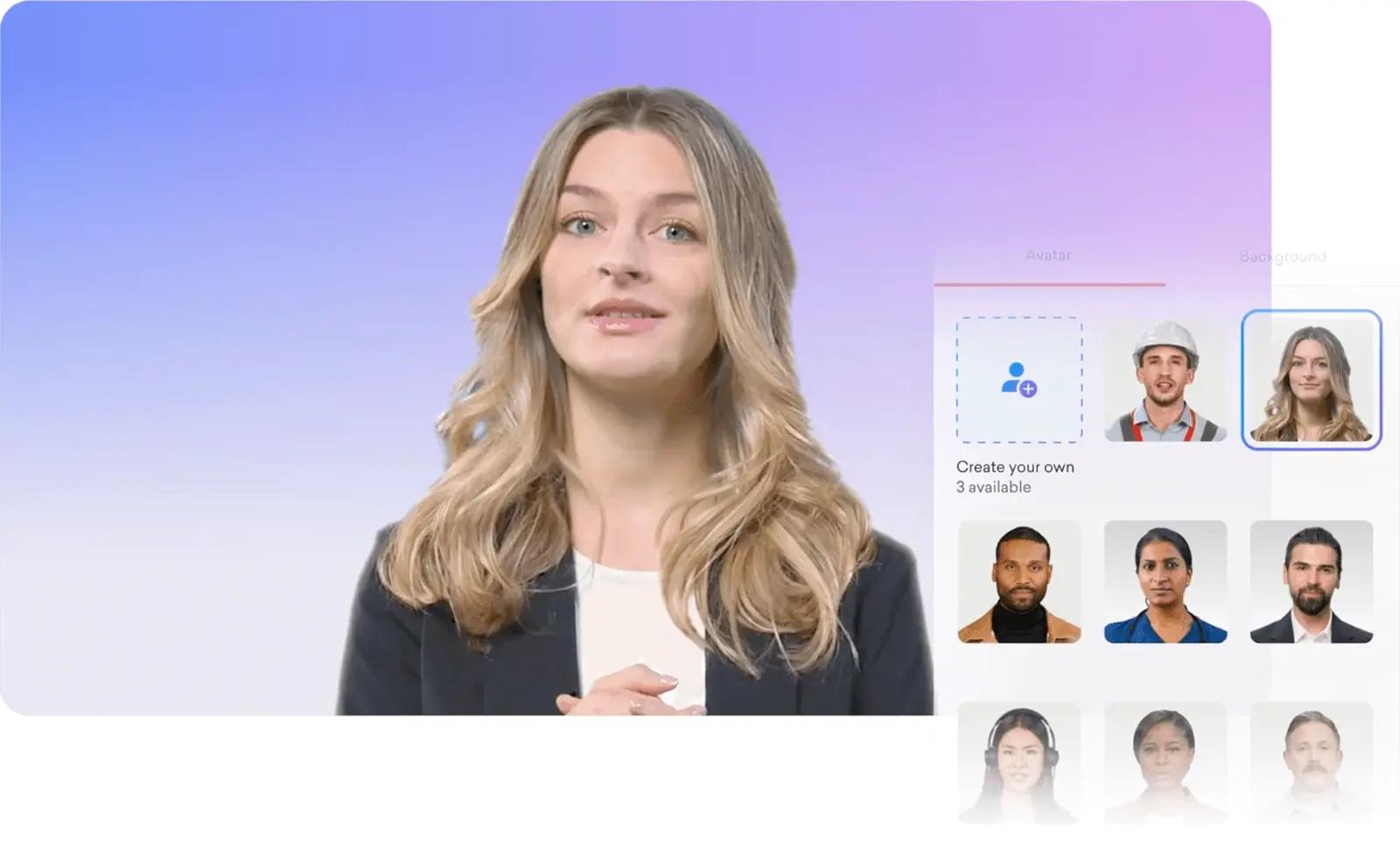
Vyond is gradually adding AI to reduce manual work and speed up the creative process.
- Text-to-video assistance for faster scene creation
- AI-generated voiceovers
- Smart suggestions for layouts and scenes
- Helps reduce creative blocks when starting a project
Scene Builder & Timeline Editing
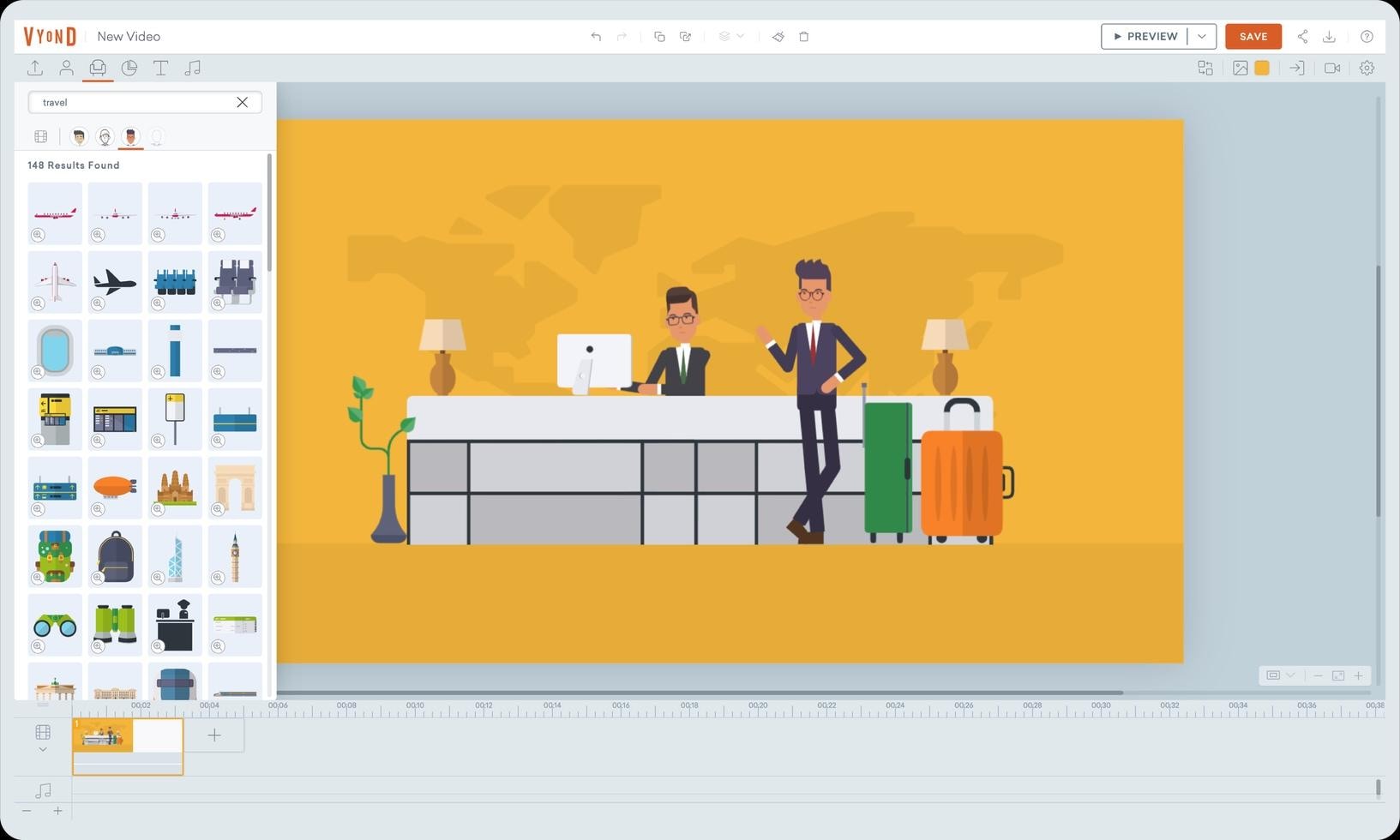
Vyond video maker keeps editing simple, but still gives you control over timing and flow. Its editing features include:
- Drag-and-drop scene arrangement
- Timeline-based control for animations and transitions
- Easy layering of elements (text, characters, props)
- Smooth scene-to-scene storytelling
Voiceover & Audio Tools
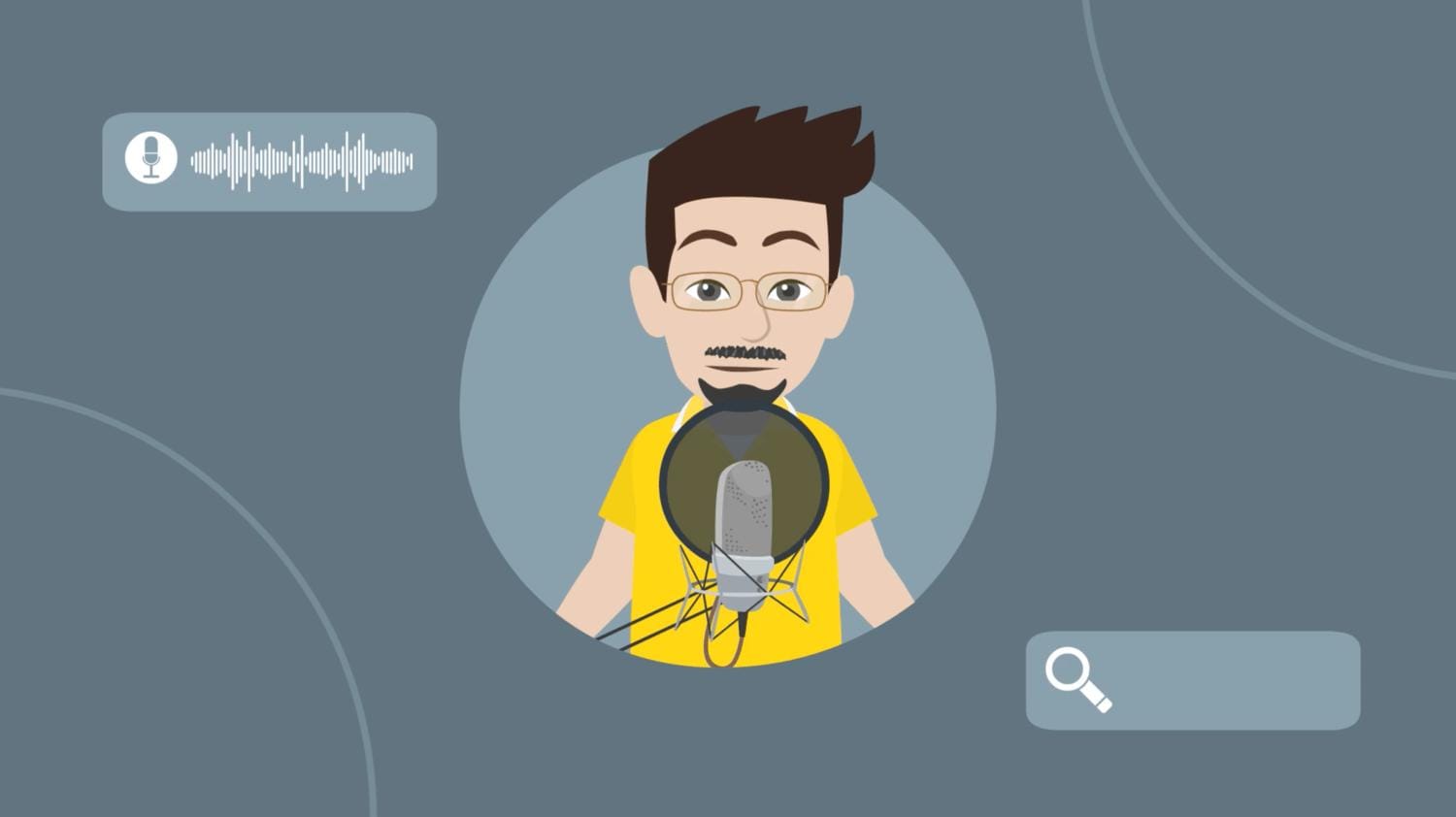
Good audio can make or break a video, and Vyond keeps this part simple and accessible:
- Upload your own voice recordings
- Built-in voice options for quick narration
- Background music and sound effects library
- Sync audio easily with character animations
Part 3. What Can You Actually Create with Vyond?
Once you get familiar with Vyond, the focus shifts from learning the tool to understanding what it does best. The platform is designed for structured storytelling, which makes it highly effective for certain types of content.
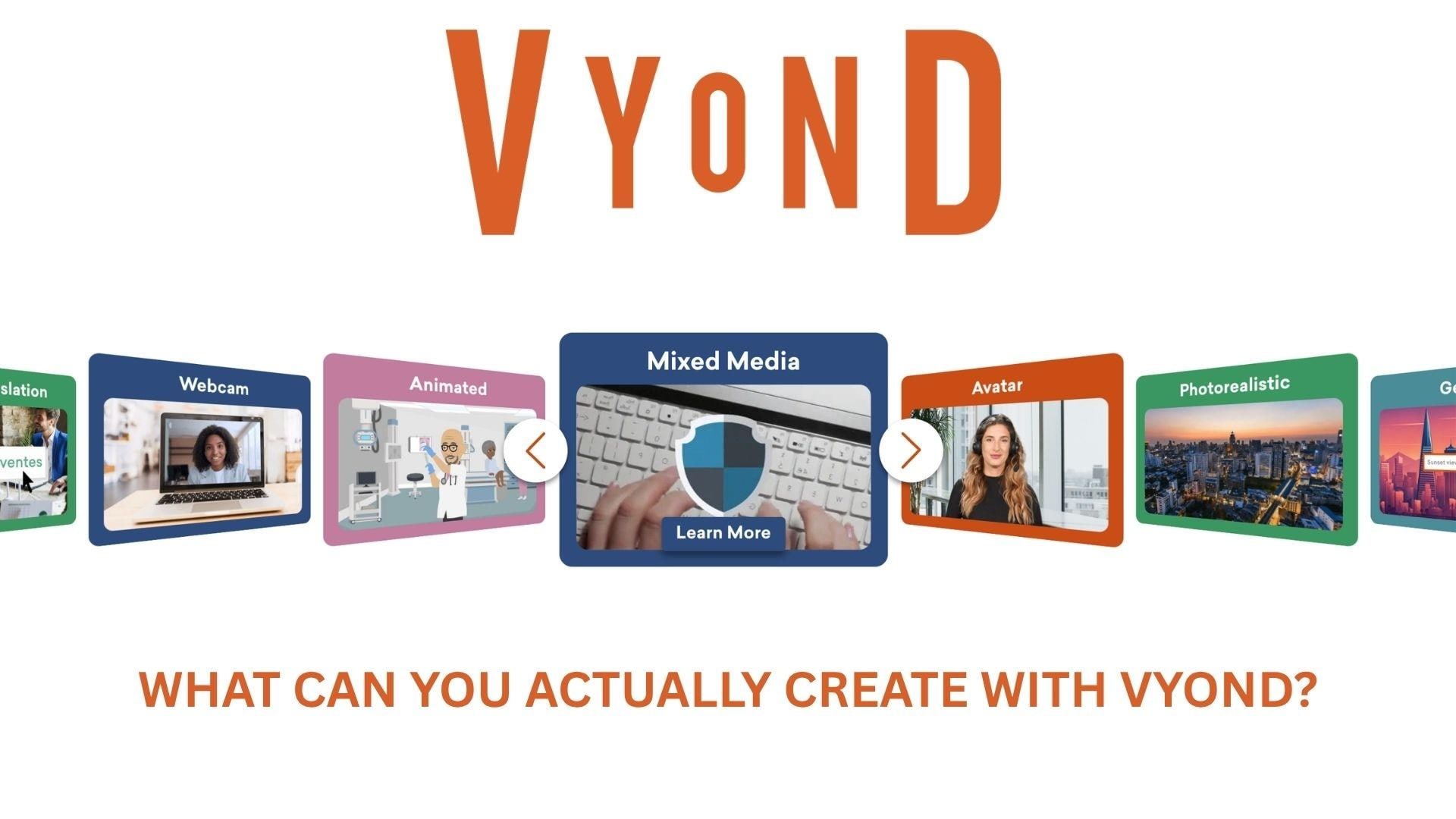
- Explainer videos. Vyond videos are perfect for breaking down ideas, products, or services into simple, visual stories. Its characters and templates make it easy to turn complex topics into something clear and engaging.
- Corporate training and onboarding videos are where Vyond gets used most in practice. You can create onboarding materials, internal training, or policy explanations that feel more dynamic than traditional slides.
- Social media content for platforms like Instagram or LinkedIn works well, especially for educational or promotional content that needs to grab attention quickly.
- YouTube storytelling videos. Many of Vyond’s templates are ideal for simple narrative content, such as educational channels or story-based videos, where characters and dialogue carry the message.
On the contrary, Vyond is not built for product demos that need screen recording depth, documentary-style content, or anything that requires combining live footage with animation in a flexible way. The template-first approach keeps things fast, but it also keeps things within a defined visual lane.
Part 4. Vyond Pricing: Is It Worth It?
Before you commit to Vyond, cost becomes a more serious consideration. It’s not the cheapest tool in this field, and understanding what you actually get at each tier makes a big difference in deciding if it’s worth it.
Vyond uses a per-user subscription model, with both monthly and annual billing (annual plans are significantly cheaper).
| Plan | Starter | Professional |
| Best For | Individuals, freelancers | Small teams, businesses |
| Price (Monthly) | $99/month | $199/month |
| Price (Annual) | $699/year (~$58/mo) | $1,199/year (~$100/mo) |
| Core Animation Tools | ||
| AI Video Tools (Text-to-Video, Avatars) | ||
| AI Credits / Month | ~10,000 | ~20,000 |
| Templates & Characters | Full access | Full access |
| Stock Assets (Shutterstock) | 4M+ assets | |
| Team Collaboration | ||
| Language Translation | 70+ languages | |
| Brand Management Tools | ||
| Security (SSO, enterprise controls) |
There are also two higher-tier plans available on an annual basis only: the Enterprise plan at $1,649/year and the Agency plan at $1,999/year. Check out the full Vyond pricing here.
So, Is Vyond Worth It?
Vyond subscription pricing reflects its positioning as a fast, business-focused animation tool, not a budget-friendly content creation app.
- If your goal is to produce professional-looking videos quickly, without hiring a full production team, the cost can make sense. It’s built to save time, not money.
- If you’re looking for flexibility, creative freedom, or a more affordable solution, this is where many users start exploring alternatives.
Part 5. Vyond Pros, Cons, and Review After Testing
After creating with Vyond, one thing becomes clear: it delivers exactly what it promises, but only within a certain lane. It’s designed for speed and simplicity. But at the same time, that structure also has some drawbacks that you’ll start to notice the more you use it.
- Very easy to use, thanks to its drag-and-drop interface and ready-made assets that help beginners get started quickly
- Fast video production, with templates and pre-animated actions that cut down creation time significantly
- High-quality templates and characters, allowing you to easily create polished videos
- Great for business and training content, especially when clarity and structure matter more than creativity
- Limited creative flexibility, especially if you want something highly unique or custom
- Animations can feel repetitive, as many users rely on similar templates and character styles
- Not ideal for advanced editing, with fewer controls compared to full video editing tools
- Asset variety can feel limited, particularly for niche topics or specific visual styles
- Pricing feels expensive, especially for individual creators or casual users
Quick Review Takeaway
Vyond is best suited for creating structured videos quickly and efficiently, but it might not be the right choice if you want greater creative control or budget-friendly options.
Part 6. Best Alternatives to Vyond for a More Flexible Editing
Though Vyond is great for structured animations, it can feel restrictive when you want more control or different content styles. There’s also no Vyond animation software if you need desktop access.
For those looking for apps like Vyond but with more room to grow, one of the best options right now is Wondershare Filmora. Filmora gives you real editing flexibility without sacrificing speed. It's a full video editor that handles everything from timeline-based editing and effects to AI-generated clips and auto captions, all in one place.
Wondershare Filmora – Best for Flexible Editing with AI Tools
If Vyond is about assembling animations, Filmora is about editing anything you want.
- More flexible editing, with full timeline control, effects, transitions, and layering that go beyond template-based animation
- AI text-to-video tools, allowing you to turn prompts, scripts, or ideas into ready-made animation videos in minutes
- Auto captions and subtitle tools, which help generate and style captions quickly, instead of doing everything manually
- AI-assisted workflow, including features that generate visuals, match music, and structure scenes automatically
- Suitable for more than animation, from YouTube videos and reels to vlogs, tutorials, and cinematic edits
The biggest difference is creative freedom. With Filmora, you’re not locked into a specific animation style. You can combine footage, animation, AI-generated clips, and effects in one place.
 Secure Download
Conclusion
Vyond simplifies animation creation by turning a complex process into a fast and structured one. It works well for businesses, educators, and anyone who needs clear, professional videos without a steep learning curve.
However, that same simplicity can feel limiting over time, especially if you want more creative freedom or a wider range of content styles. If your priority is speed and consistency, Vyond will meet your expectations. But if you want more flexibility and room to experiment, exploring alternatives like Filmora could be the better move.
FAQs
-
Is Vyond free to use?
Vyond is not fully free. It offers a free trial, but to export videos without limitations or watermarks, you’ll need a paid subscription. -
Can I download Vyond videos?
Yes, you can export and download your finished videos in formats like MP4, GIF, or WebM directly from the platform. -
Does Vyond work offline?
No, Vyond is completely cloud-based, which means you need an internet connection to create and edit videos. You also can’t edit projects offline or download source files. -
What is the best alternative to Vyond?
If you want more flexibility beyond templates, Wondershare Filmora is one of the best alternatives. It offers full video editing control, AI tools like text-to-video and auto captions, and can be used for various types of content beyond animation.
