YouTube Video Editorfor Your Complete Creator Workflow



Your Complete YouTube Creation
Workflow in Filmora
From first idea to final upload, Filmora keeps your entire YouTube creation workflow connected
—so you can create faster and stay focused.
Plan Your Next YouTube Video
Start with a topic, rough concept, or message. Filmora helps turn early ideas into scripts, titles, and descriptions before you start creating.
-
Turn an Idea Into a Script
Use AI Copywriting to develop video ideas, structure talking points,
and draft a script you can refine around your own voice and audience. -
Plan for Long-Form, Shorts—or Both
Shape one idea for different formats, from detailed scripts for long-form
videos to concise hooks for YouTube Shorts.
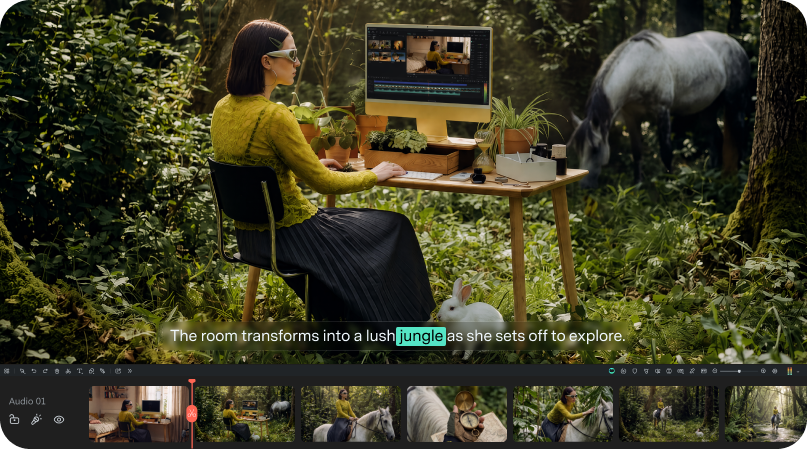
Create, Record & Organize
Your YouTube Footage
Create YouTube videos with AI, record your own footage, or bring in existing media
—then organize everything faster before you start editing.
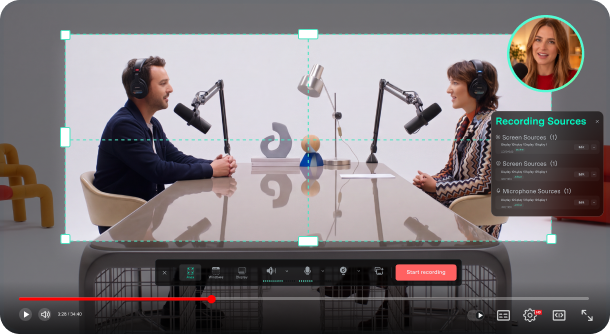
Record Screen, Camera & Audio for YouTube
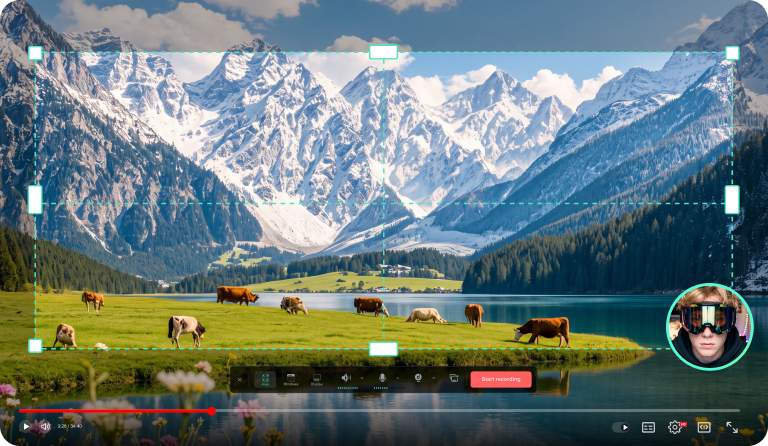
Use Multi-Source Recording to capture your screen, camera, microphone, and system audio as separate editable sources, giving you more control when editing tutorials, reactions, interviews, product reviews, and demos.
Also creating gaming content?
Capture supported games with dedicated
Game Recording
on Windows.
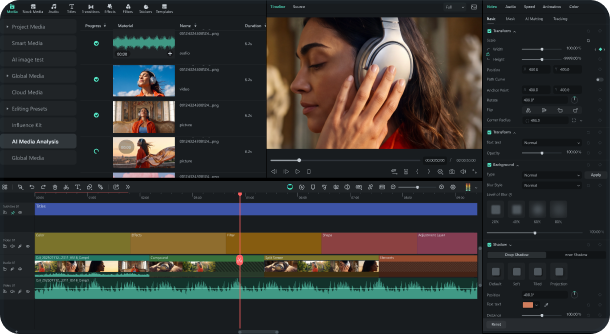
Understand Your Footage Before You Cut
Use AI Media Analysis to surface keywords, descriptions, and editing suggestions, helping you find useful moments faster before you start cutting.
Working with long-form footage?
Spend less time sorting through interviews, podcasts, and tutorials before editing.
Start Faster With YouTube Video Templates & Creative Assets
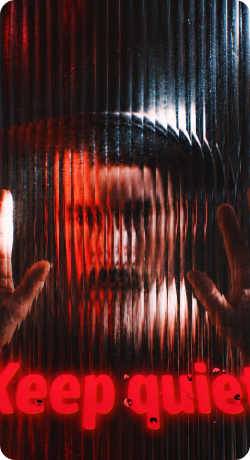
Use ready-made templates, titles, transitions, effects, stickers, and more to give your YouTube video a faster visual starting point.
Creative Assets
for YouTube
Creative Assets for YouTube
Explore titles, transitions, effects, stickers, filters, music, and other creative assets to quickly shape the look and feel of your YouTube videos.
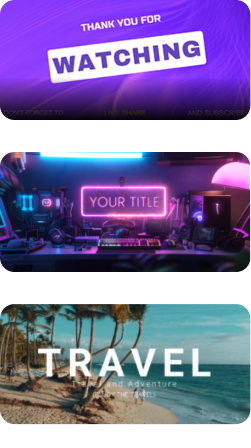
Clean YouTube Outro 02
Cool Technology Opening
Travel Vlog
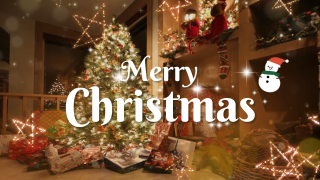
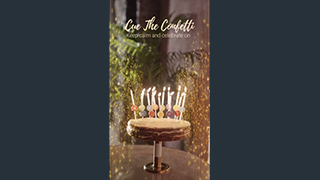
YouTube Templates
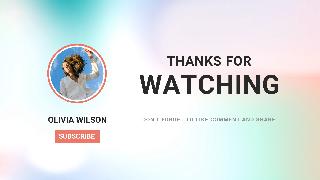

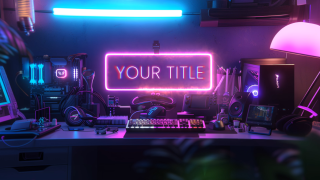
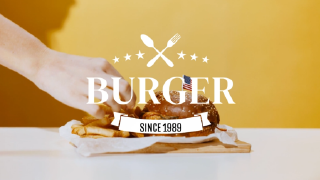

YouTube Templates
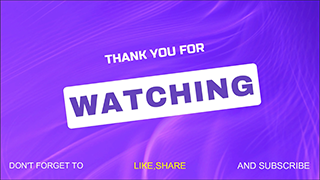
Start faster with YouTube templates for intros, outros, tutorials, vlogs, product reviews, and
Shorts.
Replace the text and media, adjust the style, then continue editing in Filmora's timeline.
Edit Your YouTube Video
With More Control
Bring all your footage together with precise timeline controls, flexible
multi-track editing, and smart tools that help you work faster and stay in control.
-
Cut, Trim & Shape Your YouTube Video
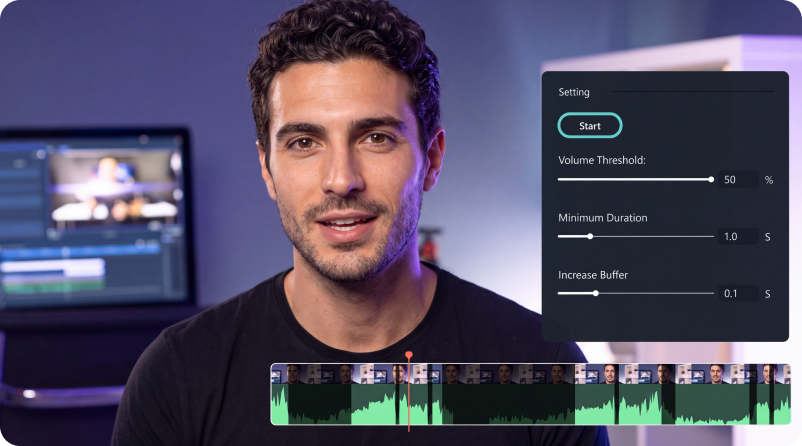
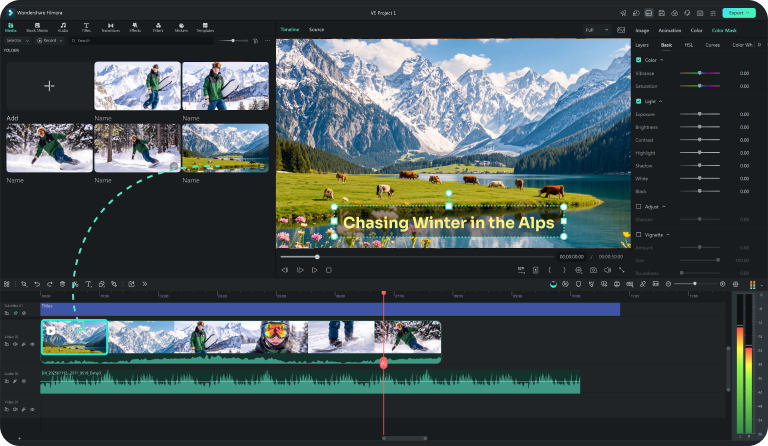
Trim, split, rearrange, and tighten your footage on the timeline. Remove pauses and unwanted sections faster with Silence Detection and text-based editing tools.
-
Clean Up Voice & Finish Captions Faster
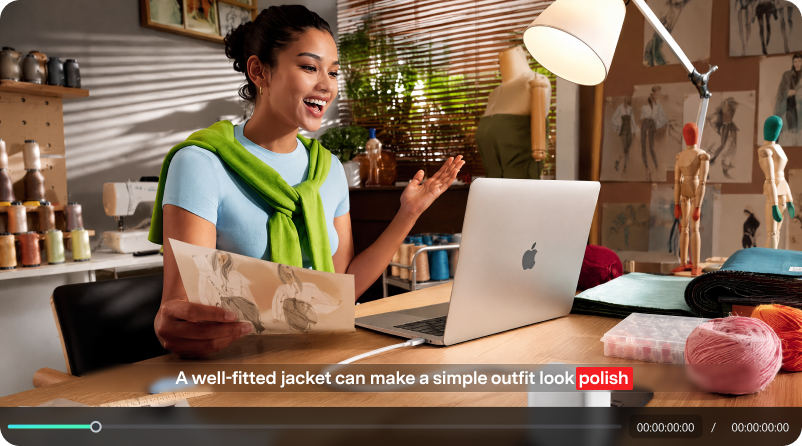
Clean up voice audio, generate captions from speech, correct transcript errors, and style subtitles for tutorials, lessons, interviews, and other dialogue-heavy YouTube videos.
-
Refine Picture & Motion
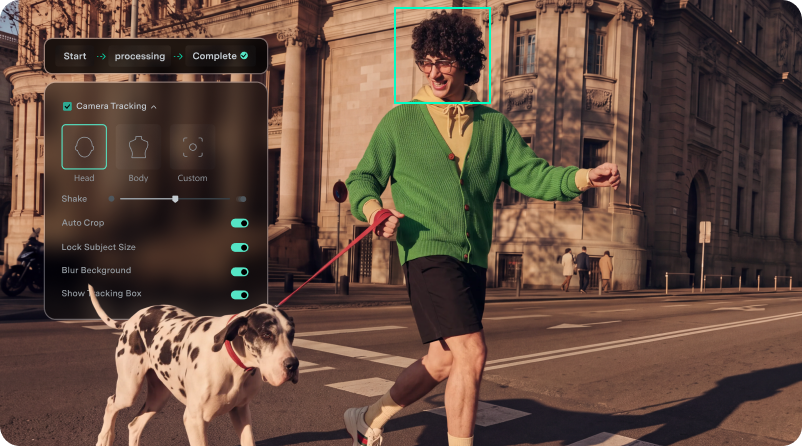
Fine-tune framing, motion, and color with keyframes, Camera Tracking, Auto Color, and other precise visual controls.
-
Keep Larger Projects Easier to Manage
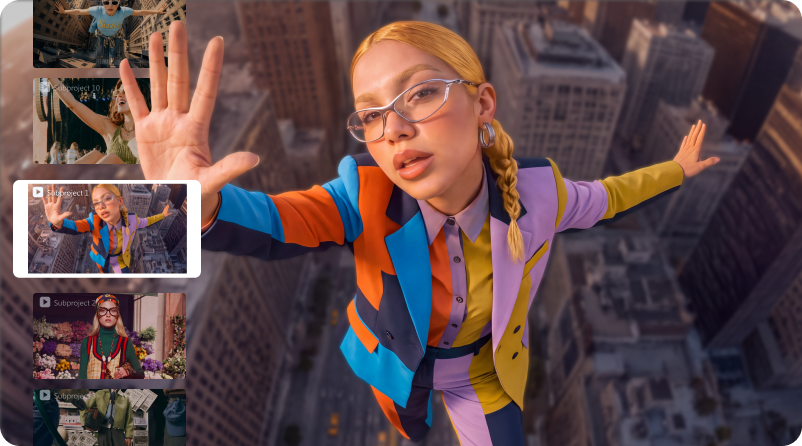
Work across more complex edits with reusable subprojects, multiple timelines, and flexible project structures that make longer videos easier to organize.
Build a Channel Style
Viewers Recognize
Keep intros, titles, thumbnails, colors,
and outros visually consistent so every upload feels like part of the same channel.
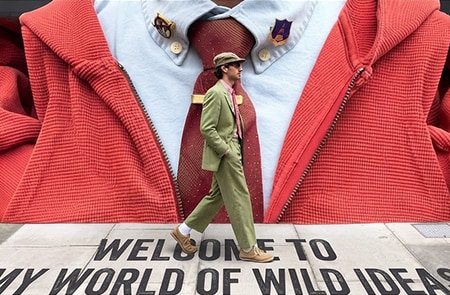
YouTube Intros & Outros
Create consistent YouTube intros, outros, logo reveals, and end screens with reusable templates and creative assets.
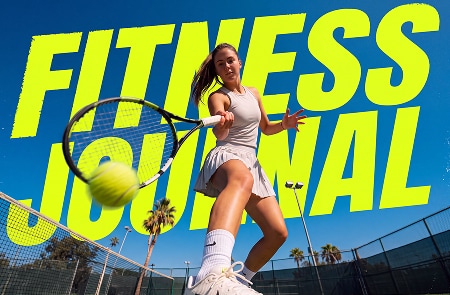
Keep Fonts, Colors & Titles Consistent
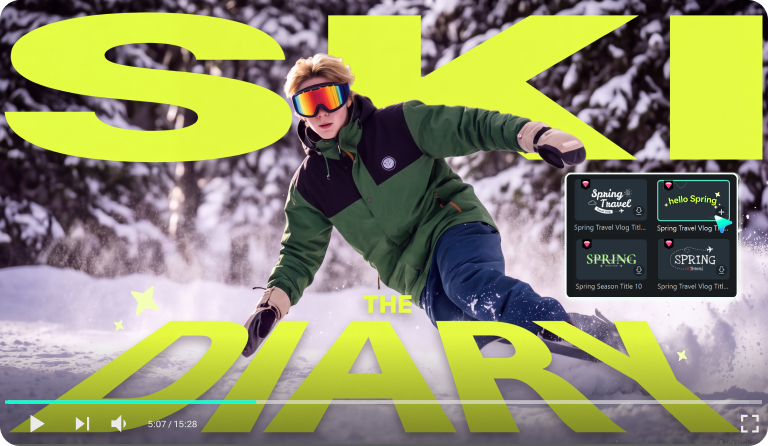
Reuse fonts, colors, lower-thirds, and YouTube title templates to keep a consistent visual identity across your videos.
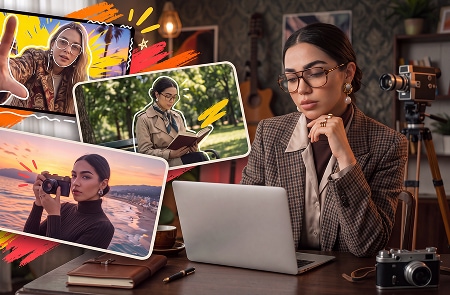
Create Custom YouTube Thumbnails
Use AI Thumbnail Creator to find key frames from your video and customize them with YouTube thumbnail templates, text, colors, logos, and other visual elements.
Publish, Schedule & Review
Your YouTube Videos
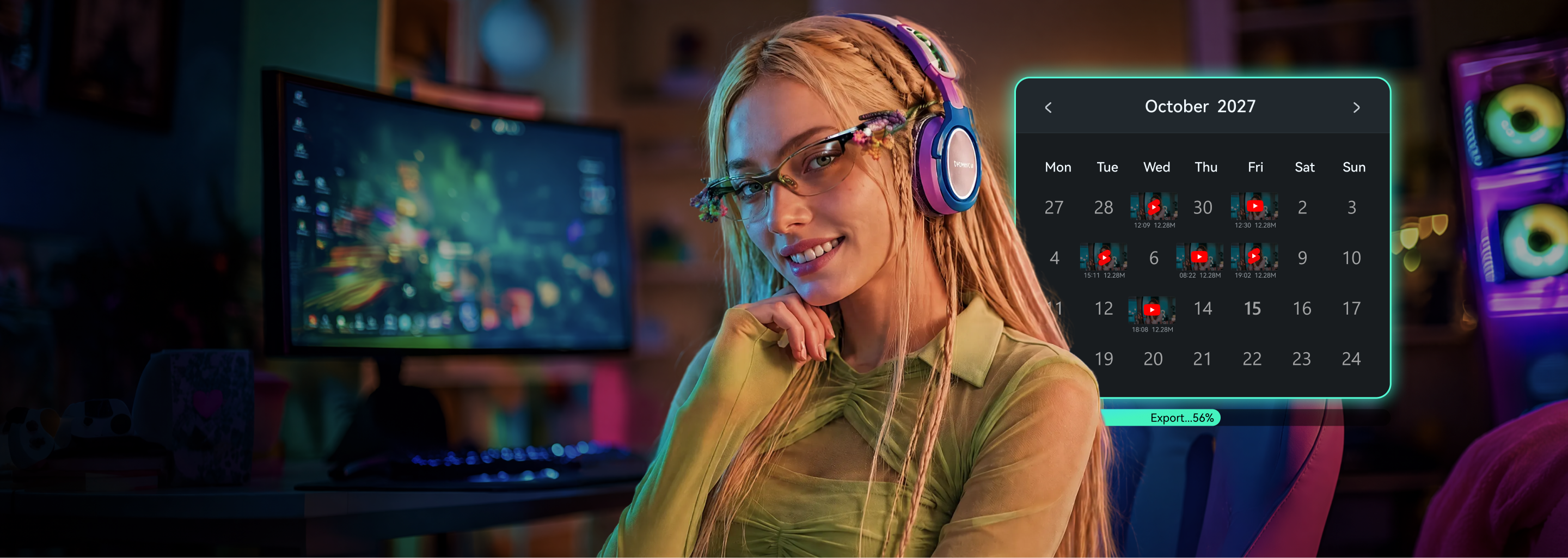
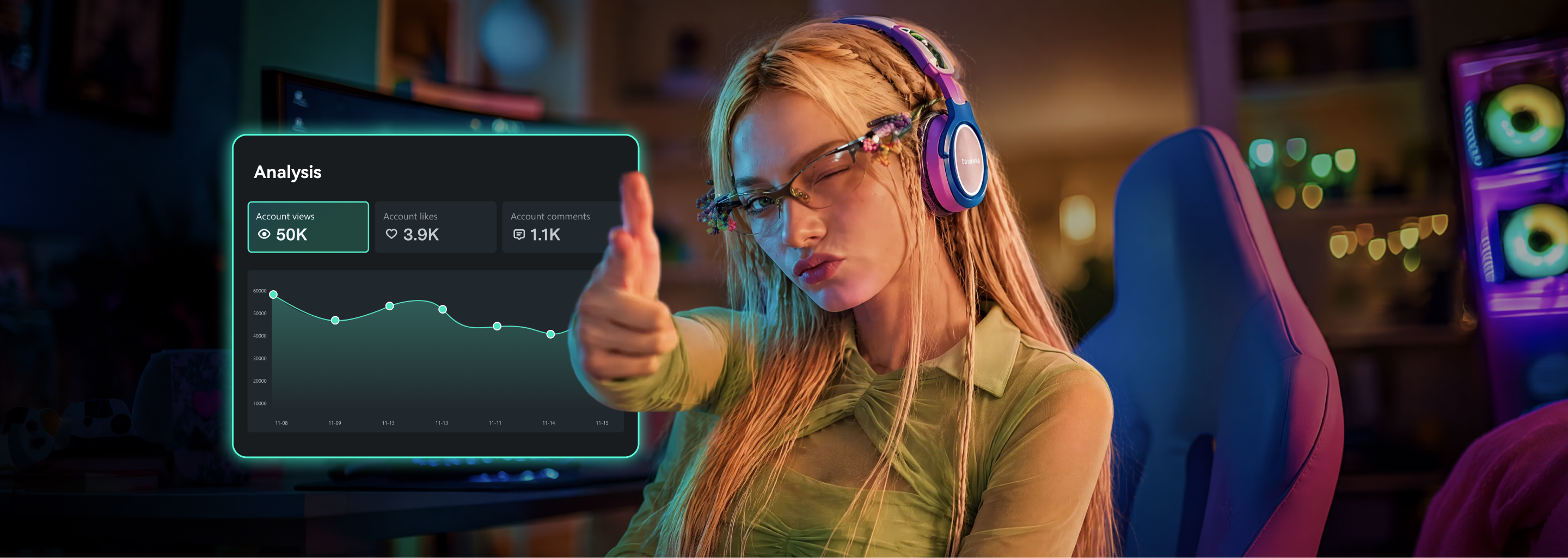
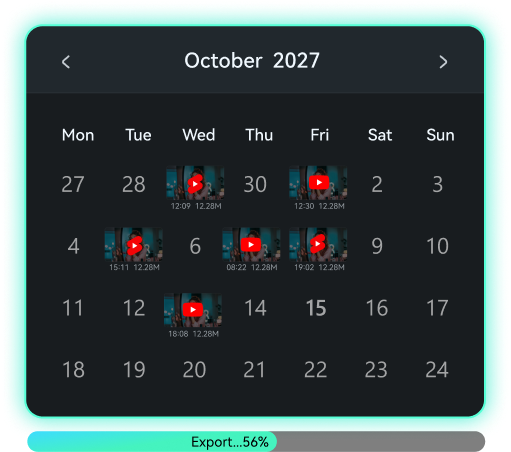
Upload your finished video to YouTube, plan upcoming posts with Social Content Planner,
and review recent performance signals to guide what you create next.
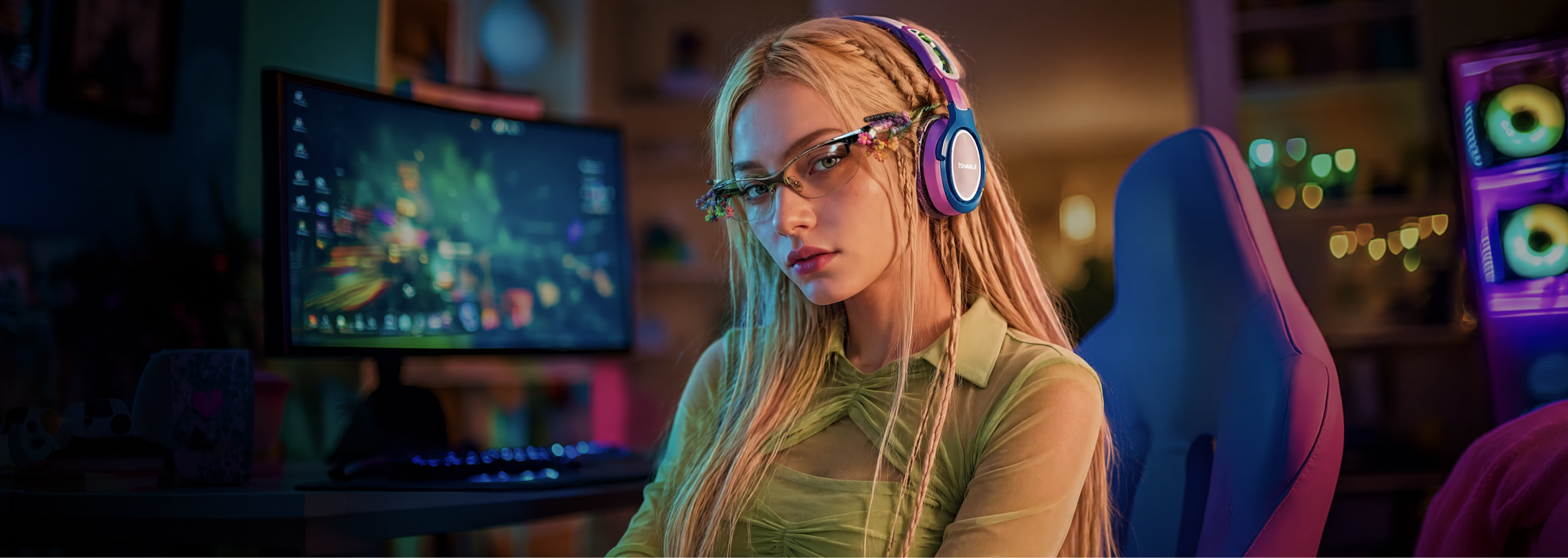
Publish & Schedule
Upload Directly to YouTube
Upload your finished video to YouTube with your preferred export settings, title, description, and tags.
Plan Upcoming Posts
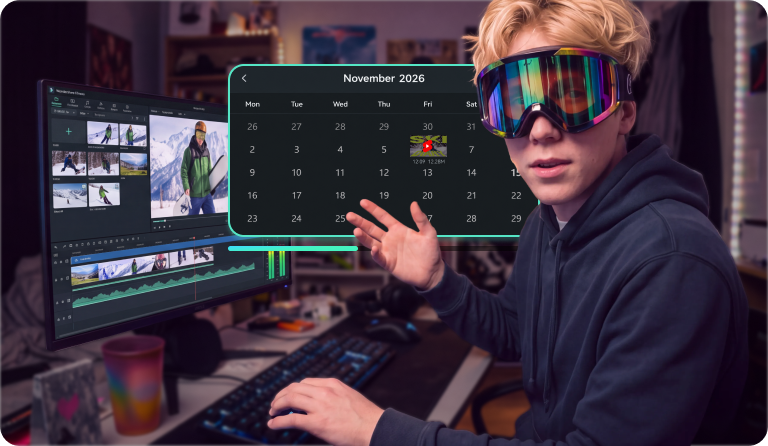
Use Social Content Planner to schedule YouTube posts and organize your content calendar.
Review & Repurpose
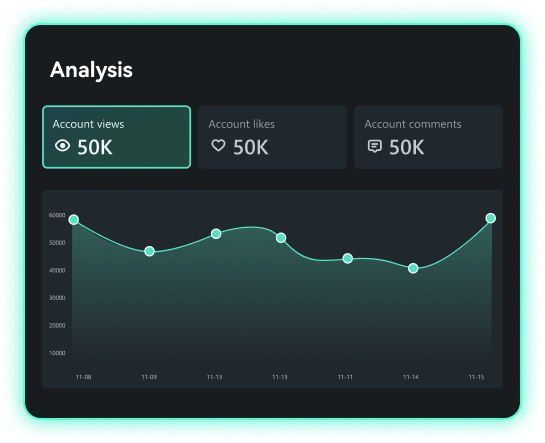
Review Video Performance
Track views, likes, comments, and recent performance signals from your published YouTube videos.
Turn Long Videos Into YouTube Shorts
Use Smart Short Clips to find key moments, reframe them vertically, and create new Shorts with captions.
How to Make a YouTube Video With Filmora
Step 1:
Plan & Start Your Video
Step 2:
Edit Your YouTube Video
Step 3:
Add Your Channel Style
Step 4:
Export & Publish to YouTube
Step 1: Plan & Start Your Video
Step 2: Edit Your YouTube Video
Step 3: Add Your Channel Style
Step 4: Export & Publish to YouTube
Trusted by YouTube
Creators & Influencers Everywhere
Capterra and G2, and used by top influencers to create standout channel content.


Join the Filmora Community
Connect with creators, discover new ideas, and keep up with the Filmora community.


Continue Your YouTube Workflow
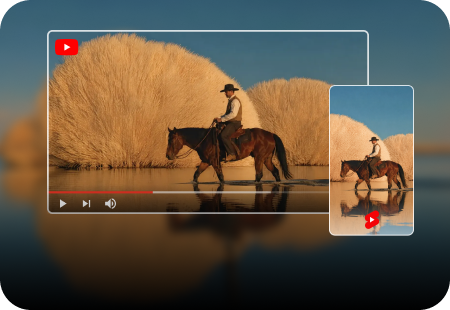

AI YouTube Shorts Maker
Create vertical content from scratch or turn longer videos into YouTube Shorts.
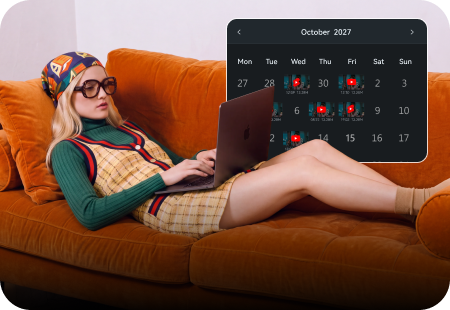
Social Content Planner
Plan and schedule upcoming YouTube and social content from one calendar.
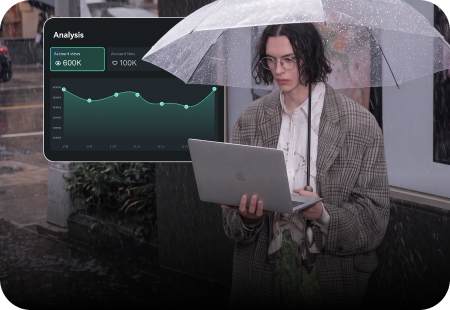
YouTube Monetization Guide
Explore YouTube monetization requirements, channel strategies and publishing considerations.

Frequently Asked Questions
Ready to Create Your Next YouTube Video?
Create your next YouTube video with Filmora—from AI-assisted creation and recording to timeline editing, captions, branding, and publishing. Keep more of your workflow connected and turn ideas or footage into videos ready to share.