

 TL;DR:
Animated video text transforms static typography into dynamic visuals that guide viewer attention, improve reading flow, and reinforce brand identity.
● Choose Wondershare Filmora for quick template-based editing using over 200 presets, Adobe After Effects for complex professional compositing requiring precise graph editors, Cinema 4D for cinematic 3D realism, or online generators like Renderforest for simple browser-based exports.
● Make letter movements feel natural rather than stiff by applying keyframe adjustments like anticipation to build up motion, overlap to flow smoothly from word to word, and squish-and-stretch elasticity for speed and impact.
● Select animation styles based on the specific project tone, utilizing kinetic typography for rhythm-synced explainer videos, bouncy motion for casual content, digital glitch effects for tech projects, or clean reveals for corporate branding.
Ask AI for a summary
 ChatGPT
 Perplexity
 Gemini
 Claude
 Grok
Grok
Are you new to video editing and want to know how creators make text smoother on screen? That effect comes from animated letters, a design technique that turns static text into motion.
Animated alphabet letters have become a staple in modern content like YouTube intros, social media ads, and title sequences. They add style and energy to messages, creating a vibe that static text can't convey.
If you're curious how lettering animation shapes today's visuals, this guide covers everything you need to know. You'll learn what it is, how it's used, and the main techniques behind it. You'll also find where to look for inspiration for your next creative project. Let's get started!
Part 1. What Exactly Are Animated Letters?
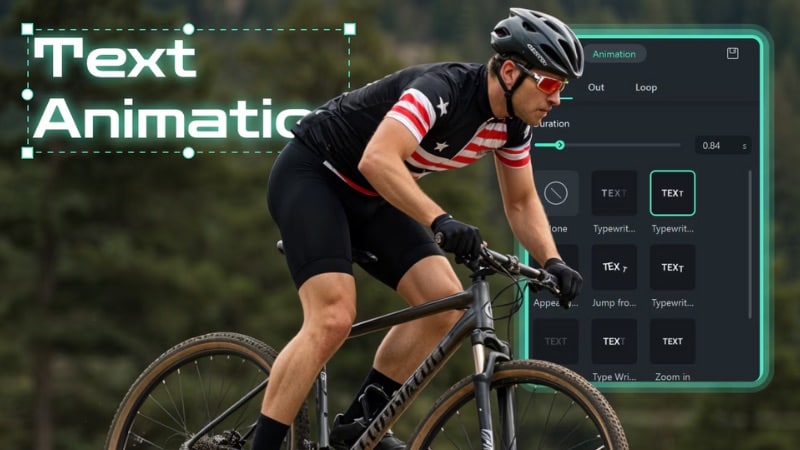
Animated letters in video are text characters that move, transform, or interact in motion. Instead of staying static, they shift, slide, bounce, or reveal themselves over time. In short, they turn ordinary typography into motion visuals that communicate mood and tone.
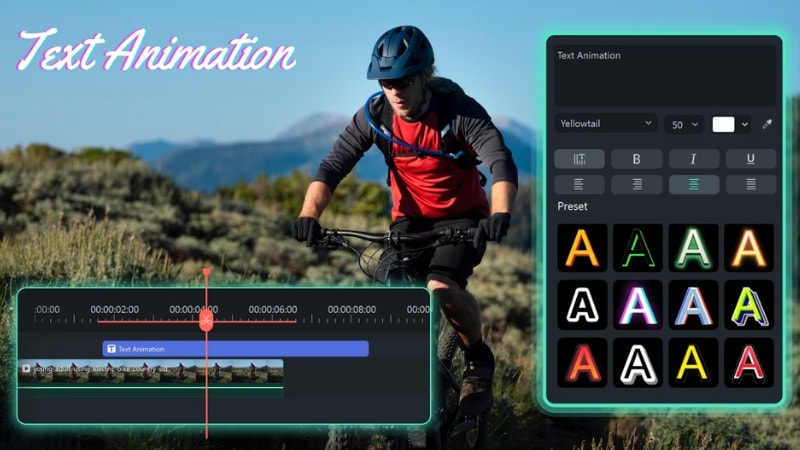
Before digital tools, artists used frame-by-frame techniques to animate text in early cartoons and title sequences. Over time, the process has evolved into digital motion graphics, where software makes lettering animation faster to control timing, color, and transitions.
Now, animated alphabet letters appear in almost every type of video, from short ads to movie credits. They do more than decorate text; they help communicate and connect with viewers. They can:
- Support storytelling: Motion gives words a sense of timing and flow, helping ideas unfold naturally.
- Reinforce branding: Animated logos and titles make names easier to remember and help brands express personality.
- Elevate presentation: Clean letter movement and smooth pacing make visuals feel organized and professional.
- Express tone and mood: The speed, direction, or motion of each letter reflects the energy or atmosphere of the message.
Part 2. Why Animated Letters are Crucial for Modern Content
Animated alphabet letters have become an important part of how creators share information through video. When used well, they help shape a viewer's focus and guide how messages are understood. Here are some reasons why animated letters are crucial in this modern content.
Capturing Audience Attention & Enhancing Engagement
Viewers often react to movement first. Motion letters use that natural response to guide the viewer's eye and hold interest throughout the video. Even simple effects can make a message feel more natural and easy to follow.
The examples below show how motion letter supports viewer focus:
- Smooth transitions between letters keep the viewer focused on key words.
- Gentle motion, such as sliding or scaling, gives text a sense of timing and purpose.
- Consistent pacing across scenes maintains interest without visual overload.
Improving Readability & Information Retention
Motion also helps organize information so that viewers can absorb it one step at a time. Dynamic letters can be arranged to control reading flow and emphasize key points. Here's how animation supports comprehension:
- Sequential reveals help messages unfold clearly and prevent overload.
- Targeted motion highlights important phrases or keywords.
- Balanced timing keeps text movement consistent across different scenes.
Boosting Branding & Visual Identity
Lettering animation has become part of how brands define their voice. It adds personality, reinforces tone, and keeps visuals consistent. Below are ways animated letters help strengthen brand presence:
- Text motion can reflect a brand's character, such as bold, calm, or playful.
- Repeated motion patterns create familiarity across content.
- Consistent color and animation choices build a clear visual identity that viewers recognize instantly.
With Wondershare Filmora, creators can make animated titles and logos using built-in text animation presets, templates, and style controls. These features help produce branded text that looks cohesive and professional across all videos.
Part 3. Exploring the Diverse World of Animated Letter Styles
When searching for animated letters, you'll find many creative styles that bring different rhythms and moods to a video. Each style helps shape how words move and feel on screen. Choosing the right style depends on what emotion or tone you want your visuals to express.
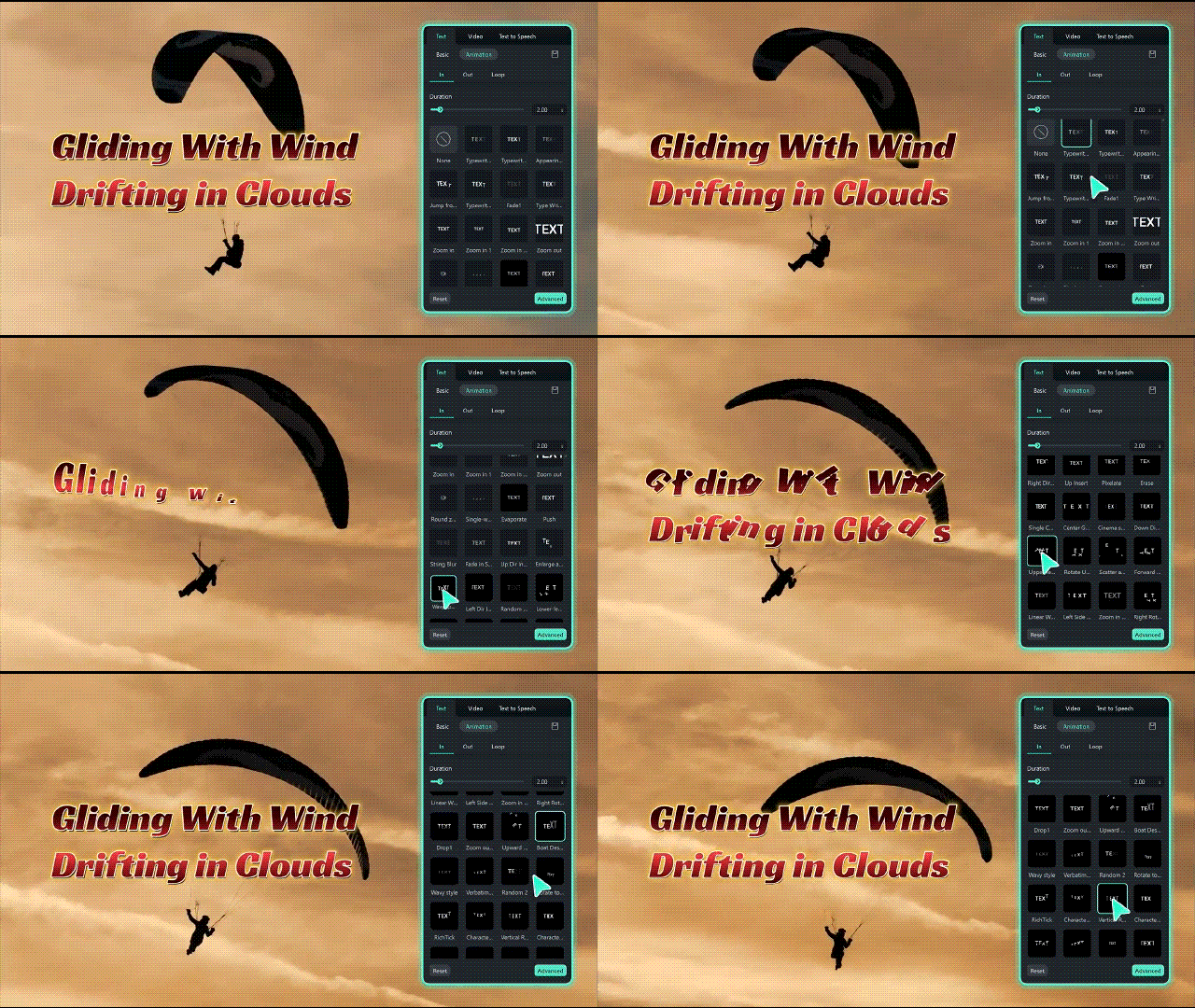
 Secure Download
With Filmora's text animation presets, you can try many of these looks, from smooth reveals to playful bounce effects, right inside the editor.
Here are some of the most popular styles used in lettering animation projects that you can find in Filmora.
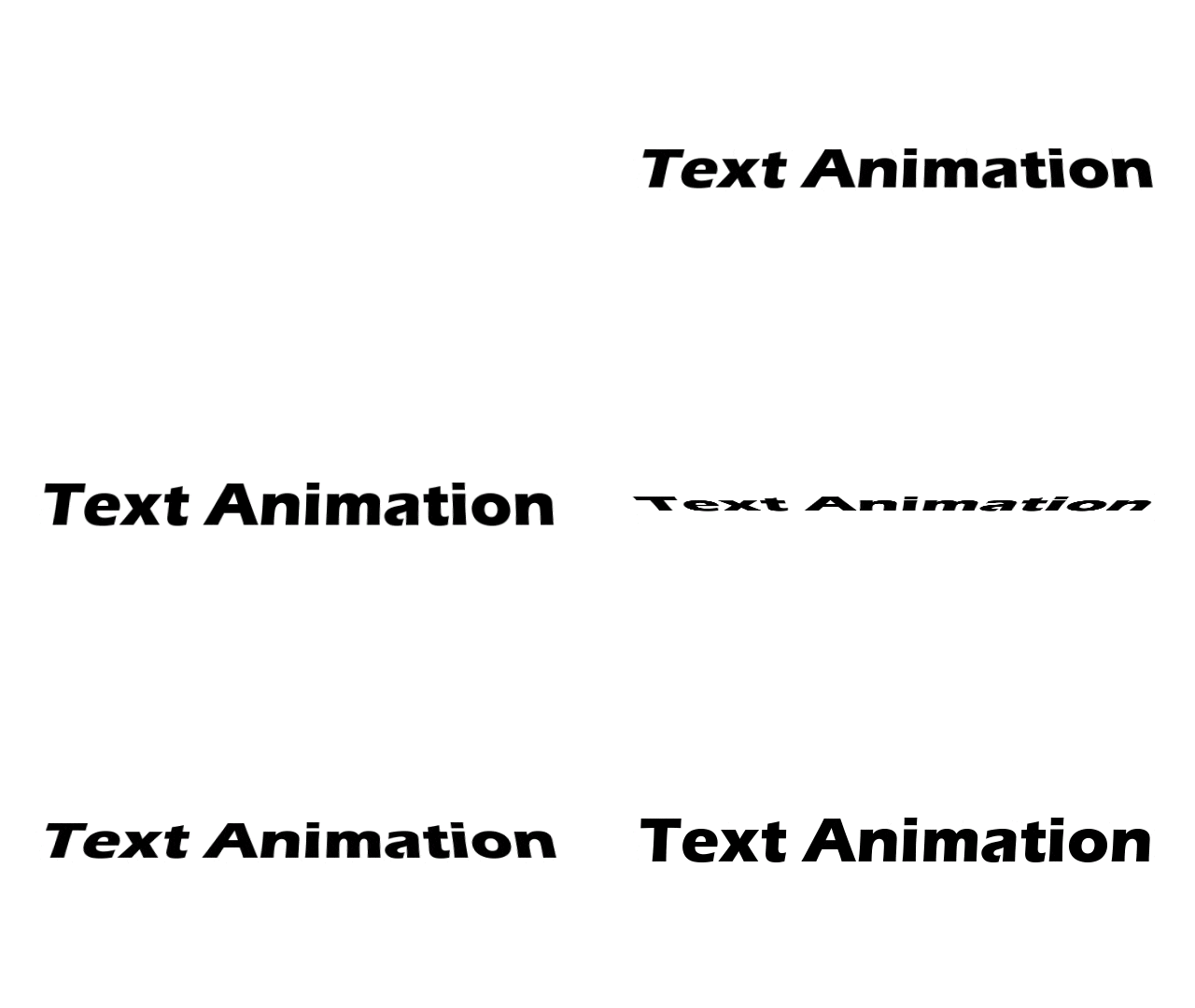
Kinetic Typography
This style emphasizes motion that aligns with the rhythm or emotion of the message. Text may slide, expand, rotate, or move in sync with narration or music. It's common in lyric videos, explainer content, and marketing visuals.
Bouncy & Playful Letters
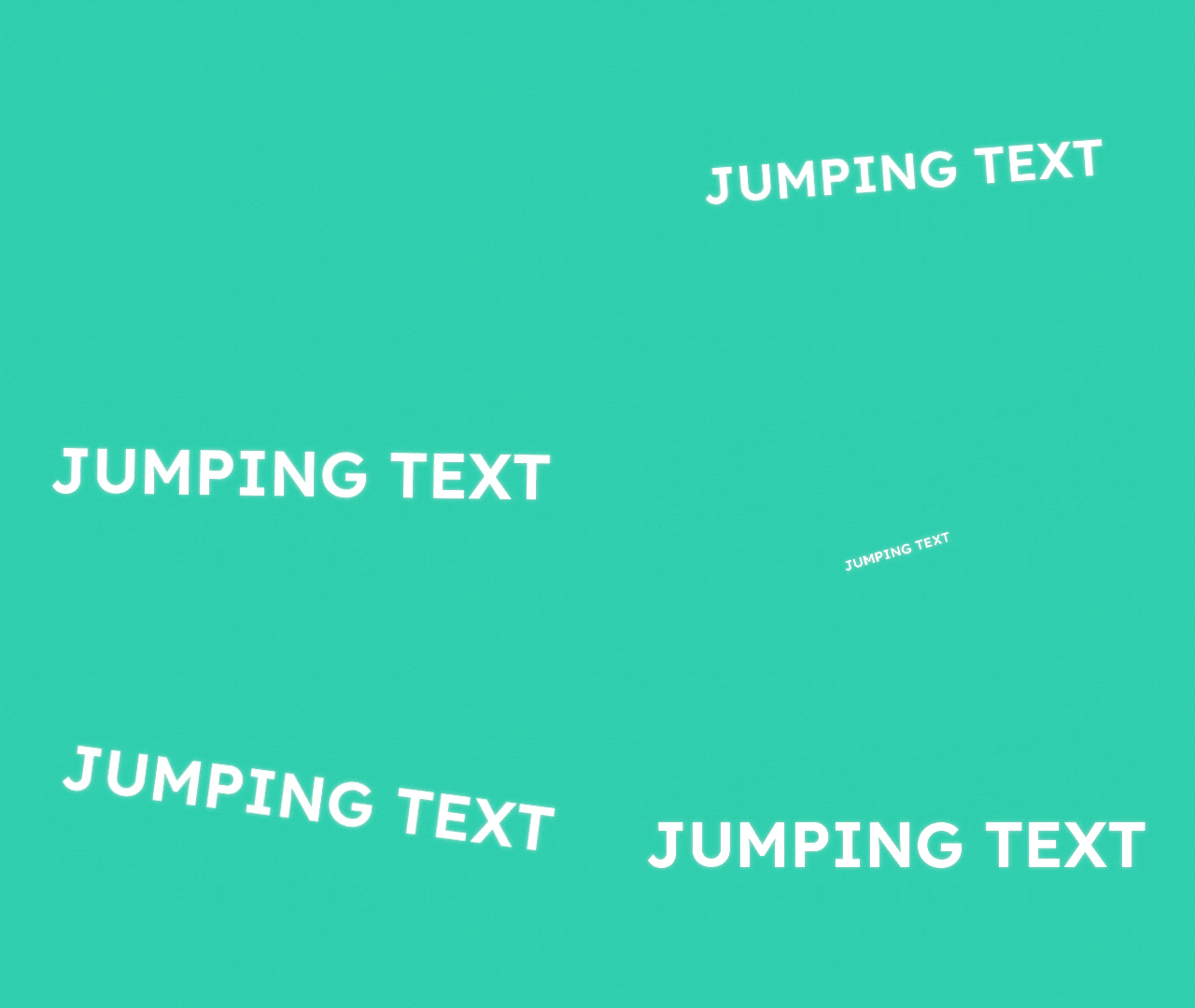
Animated alphabet letters with spring-like motion bring a light, casual feel to your video. Their soft bounce adds rhythm and warmth. This style works well for content that aims to convey fun, energy, and approachability, such as kids' videos or lifestyle edits.
Elegant & Smooth Reveals
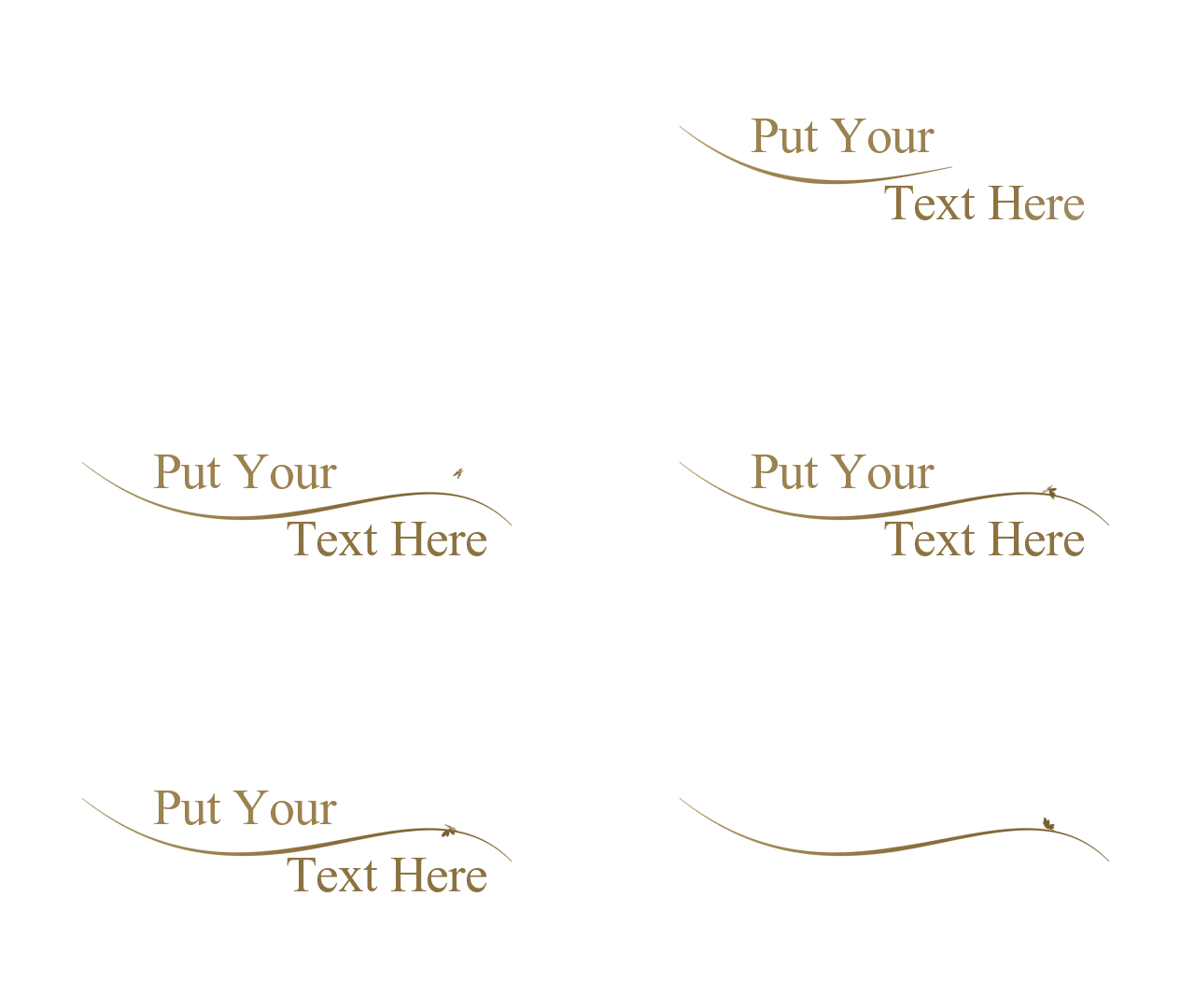
Clean transitions and gentle fades make this lettering animation style have a refined appearance. It suits projects that aim to convey grace, calmness, luxury, and professionalism. For instance, you can use it for corporate intros, product showcases, or minimalist projects.
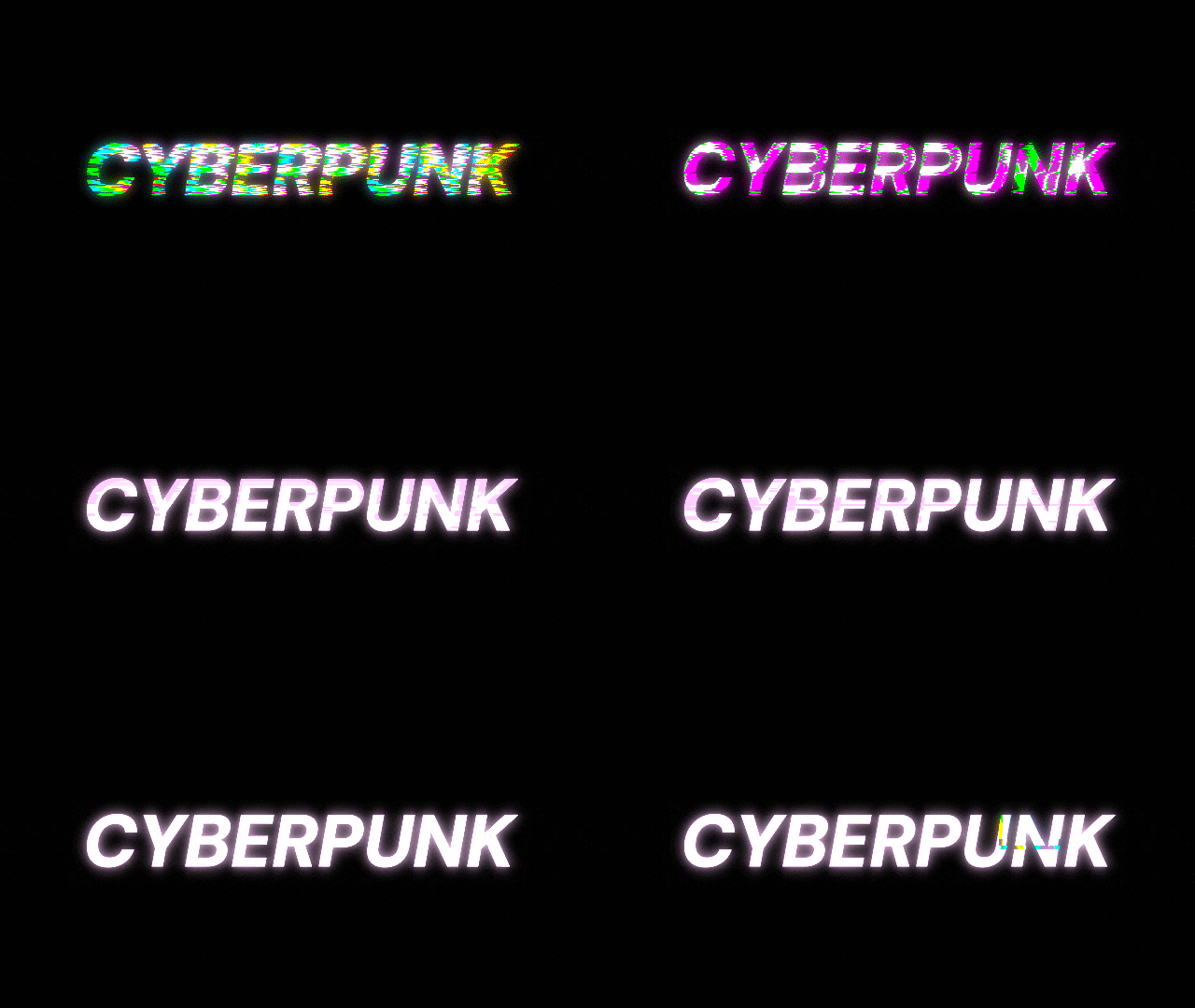
Glitch & Cyberpunk Effects
This animated letters style breaks down text into flickering or distorted fragments before reforming. It gives a digital, futuristic edge that fits tech-driven, intense, or bold projects. For instance, it suits game intros, electronic visuals, or music promos.
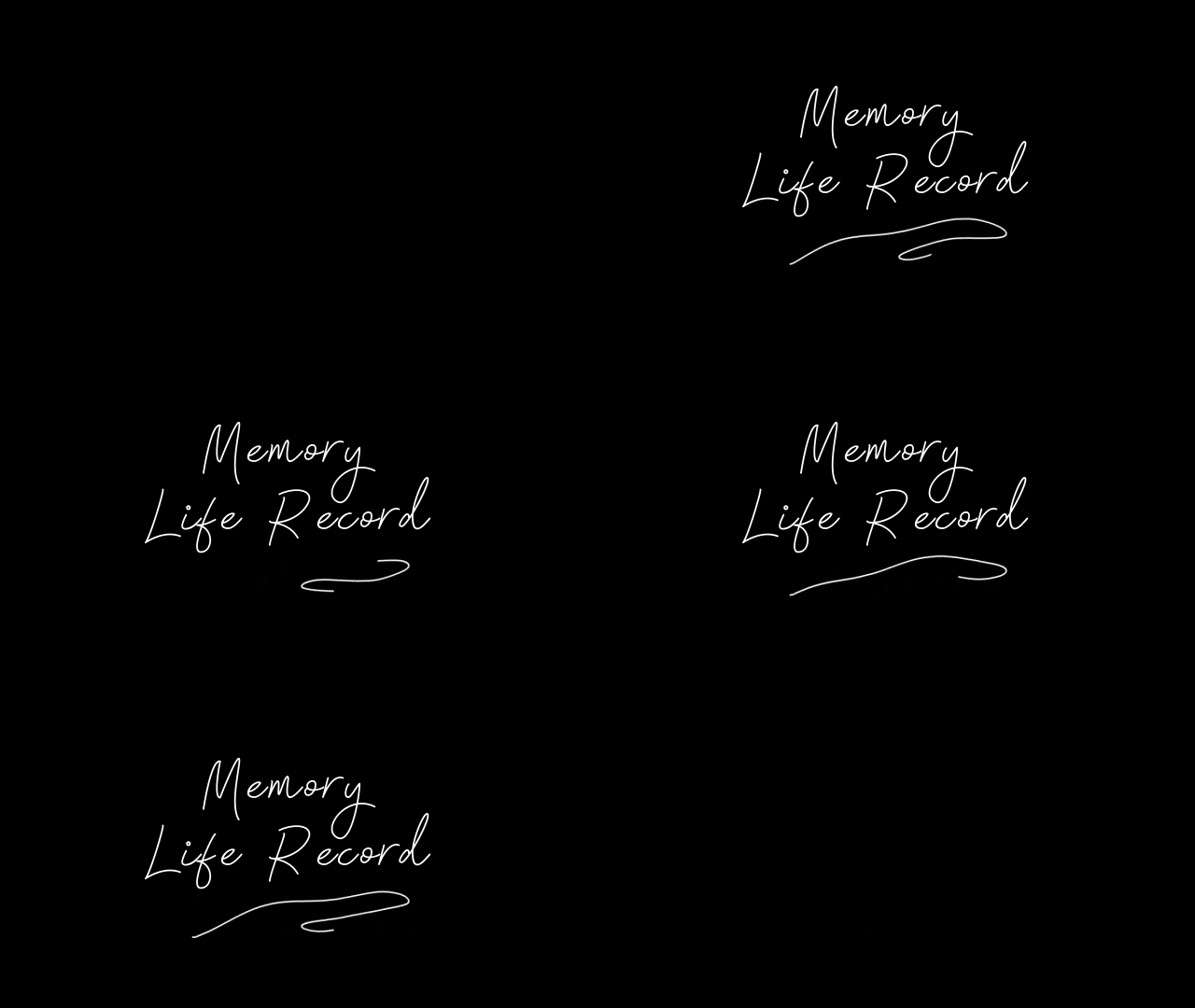
Hand-Drawn & Organic Animations
Each animated letter moves as if drawn or brushed by hand, with small imperfections that feel natural and human. The uneven motion adds warmth and character, making it ideal for projects that aim to look personal, creative, or artistic. This style fits well for logo intros, tutorials, and handmade-style branding.
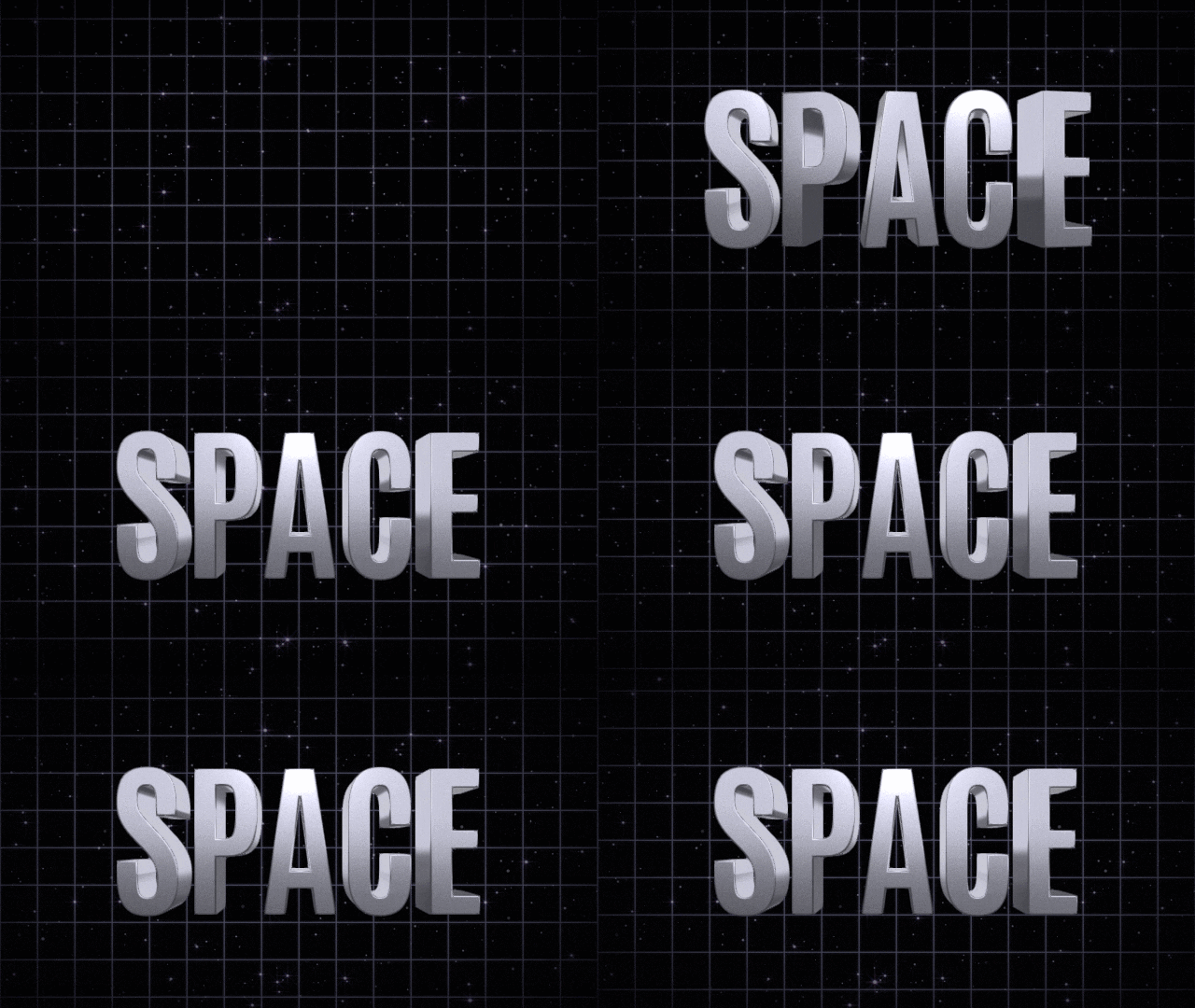
3D & Isometric Lettering
This animated alphabet letters style adds volume, shadow, and perspective, giving text a sense of depth and dimension. It conveys stability, detail, and precision, making it suitable for architectural designs, cinematic titles, or professional visual projects.
Cartoon & Whimsical Alphabet Styles
In this form of lettering animation, letters behave like animated characters that stretch, jump, and react to each other. The exaggerated motion creates humor and charm. It works best for playful, humorous, or nostalgic content such as entertainment and kids' videos.

Part 4. Key Techniques & Principles in Letter Animation
For creating a smooth lettering animation, you need to understand timing, balance, and rhythm. These principles guide how text moves, which helps letters feel natural, balanced, and expressive on screen.
This section explains the key techniques that make text animation look fluid and expressive. Thus, you can apply them directly while editing.
Timing & Pacing
Timing controls how fast your text moves, while pacing defines the rhythm of each transition. Together, they determine how viewers absorb your message and feel its flow.
Here's how different pacing can change the mood of your animated letters:
- Faster pacing adds excitement and energy.
- Slower pacing brings calm and focus.
- Consistent rhythm keeps words clear and easy to follow.
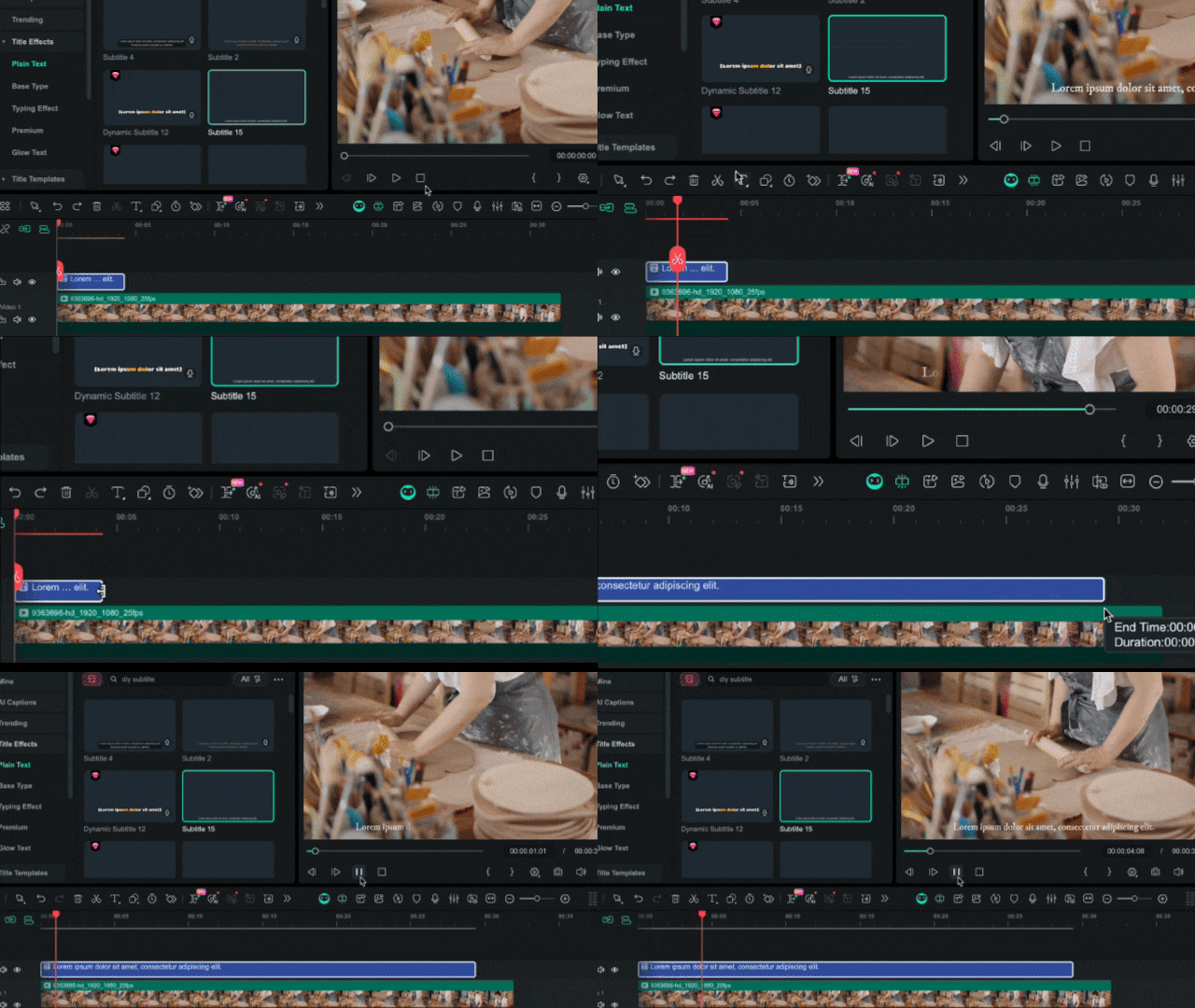
To adjust timing and pacing in Filmora video editor, you can drag the edge of your text clip on the timeline to control animation length. For precise control, right-click on the text clip and select Duration to open the duration settings.
Easing & Anticipation
To make your motion letters move more naturally, it helps to adjust the easing and add a bit of anticipation. Easing controls how motion starts and ends, while anticipation adds a small buildup before the main action. These adjustments make your animation feel smoother and more intentional.
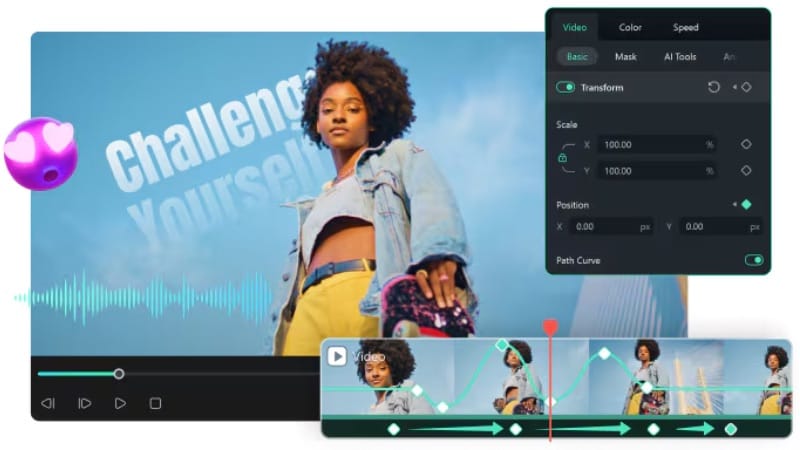
To apply easing and anticipation in Filmora, you can use the Keyframe tool. Select your text clip on the timeline, then open Video > Basic > Transform on the right-side editing panel to start adjusting the movement.
Watch this video to learn more about applying keyframes in Filmora:
Secure DownloadOverlap & Follow Through
When applying animation to text, you can't just stop the animation at once. Adding overlap keeps your motion letters flowing from one letter or word to the next, while follow-through gives the animation a gentle finish. Both help prevent your animated letters from feeling stiff.
Squish & Stretch
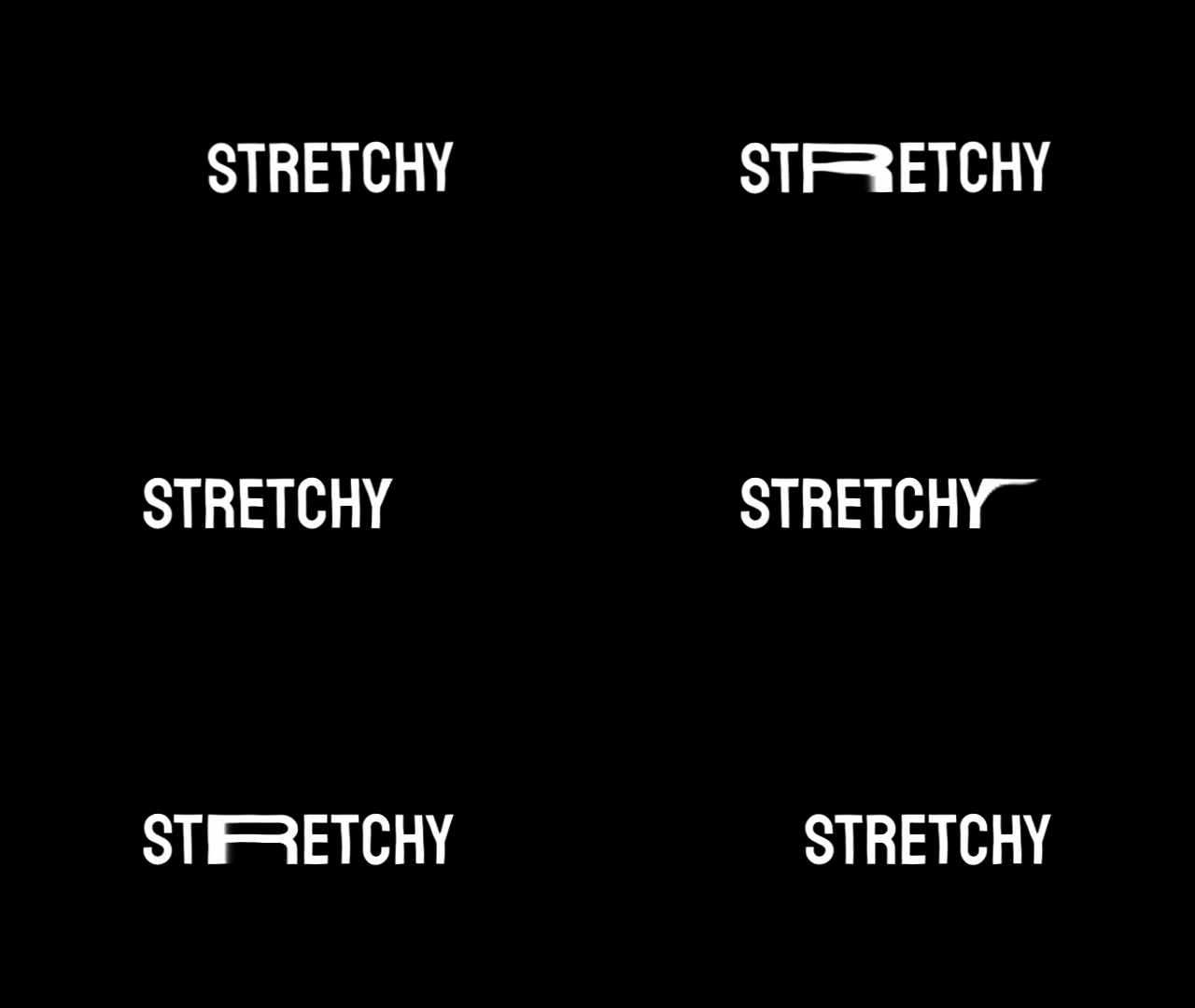
Applying squish and stretch animation to your text can also bring your animated letters to life. When a letter moves quickly, stretching it shows speed; when it lands, squishing it adds impact. The idea is to make the text feel elastic, not rigid.
Spacing (Kerning & Leading)
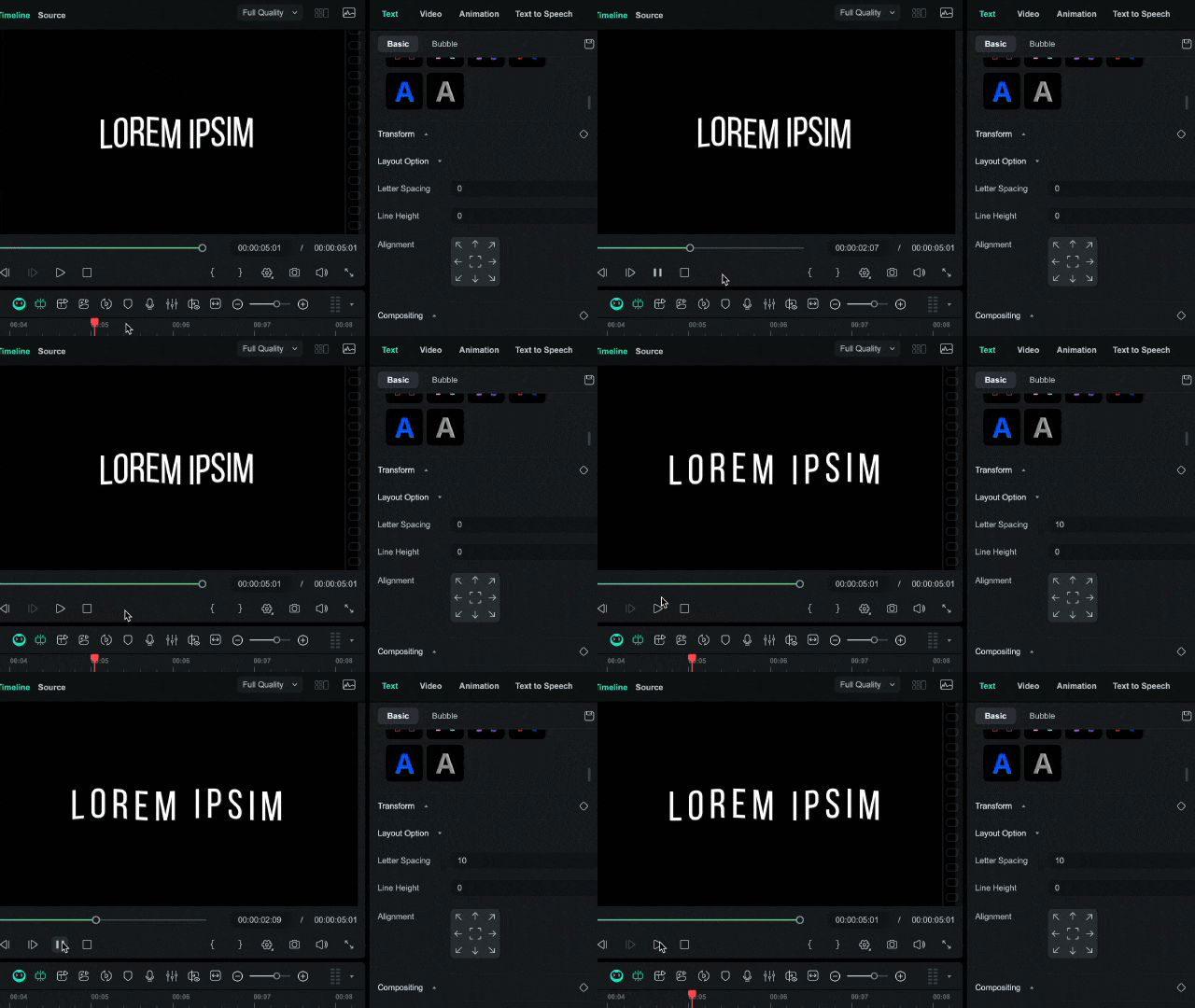
Good spacing keeps your lettering animation balanced and easy to read. Adjusting kerning and line spacing changes how your text flows and interacts as it animates on screen.
- Tight spacing feels sharp and structured.
- Wider spacing feels relaxed and open.
Filmora lets you adjust the letter spacing and line height of its text presets. You can head to the editing panel on the right side of your screen, select Text > Basic > Layout Option. Here, you can also adjust the alignment of the text animation.
Part 5. Popular Software for Crafting Animated Letters
Creating animated alphabet letters is now easier than ever, thanks to the wide range of editing software available. You can choose the one that fits your style and skill level. Here are some of the best tools for different types of creators.
Wondershare Filmora – Your Go-To for Intuitive & Powerful Text Animation
Wondershare Filmora is one of the most accessible editors for creating animated letters. It offers a full set of text animation features designed for all skill levels.
Secure Download- A complete all-in-one solution that lets you edit video, design text, and use built-in AI tools, all within one workspace.
- Over 200 built-in preset templates for titles, intros, and more that you can apply with ease.
- Each preset is customizable. Thus, you can change the fonts, color, and control the timing for smoother dynamic letters.
Creators who want to add text animation in their video without spending hours learning complex software.
Adobe After Effects – The Professional Standard
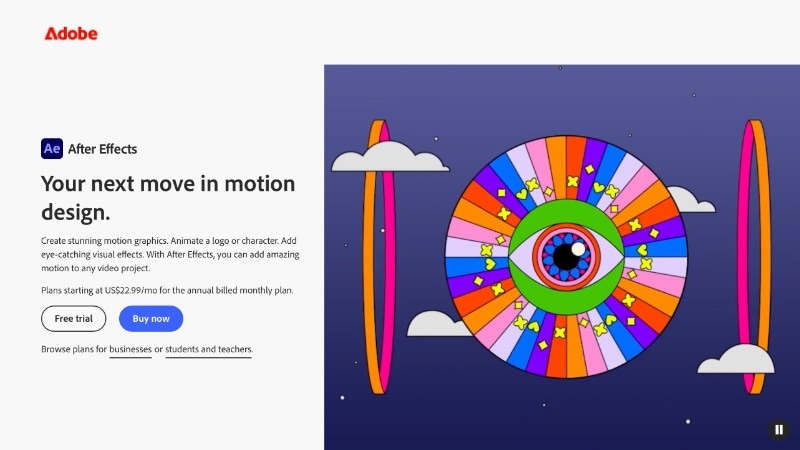
After Effects remains the industry benchmark for motion graphics. It gives you full control to animate motion letters in 2D and 3D space. You can combine layers, masks, and effects into highly detailed compositions.
- Perfect for complex typography, animation, and logo design.
- Deep integration with Adobe Illustrator and Photoshop for importing vector text.
- Keyframe graph editors for precise timing and easing control.
- A vast plugin ecosystem that extends creative possibilities.
Experienced editors and designers who need advanced customization for complex text or logo animations.
But its power comes with a learning curve. It takes more time to master keyframing, graph editors, and compositing. The interface may feel overwhelming at first, but it rewards patience with near-limitless creative control.
Cinema 4D – For Advanced 3D Text Animation
When you want depth, lighting, and realistic movement, Cinema 4D excels at producing 3D animated letters with precision. It supports full 3D modeling and rendering, letting you add lighting and shadows to your typography.
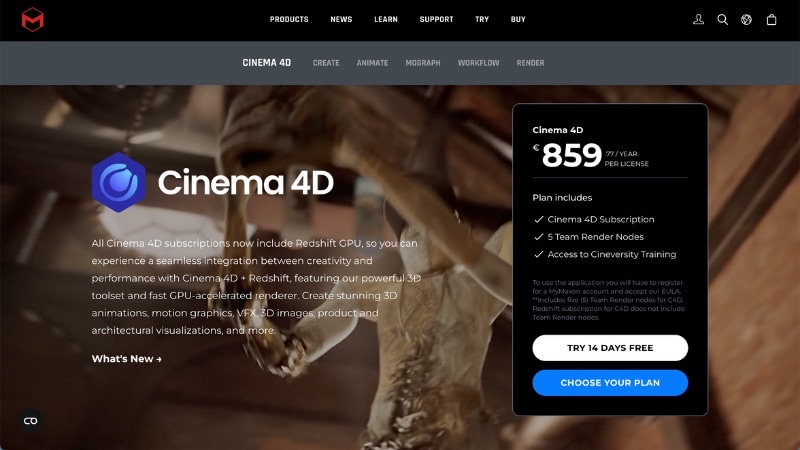
- Advanced 3D lighting and camera tools to add realism.
- Built-in MoText tool for designing 3D dynamic letters with precision.
- Seamless integration with After Effects for hybrid 2D - 3D projects.
Motion designers working on professional 3D text or high-end visual branding.
This tool is popular for title sequences, product showcases, and detailed dynamic letter effects that need cinematic realism.
Online Generators: Quick Tools for Simple Animation
If you just need quick animated alphabet A to Z effects, online tools can save you time. Tools like Renderforest and TextStudio offer prebuilt animation styles that can be customized directly in your browser.

- You can choose from ready-made text animations in many styles.
- Adjust font, color, and motion with simple sliders.
- Export files in formats suitable for social media or marketing use.
Beginners and creators who only need simple, ready-to-export animated text for web or social platforms.
While they don't offer the depth or control of desktop editors, they're perfect for quick projects or casual content creation. You can use them without installation or setup settings.
Part 6. Creative Applications of Animated Letters
Animated alphabet letters have become a key visual element across all types of video content. They do more than just decorate a scene; they guide attention, express tone, and make information easier to remember.
Here are some of the most common ways creators and brands use lettering animation in modern video projects.
Video Intros & Outros
Intros and outros are where dynamic letters shine the most. With motion text, you can give your title sequence a strong identity, introduce names, titles, or taglines. They help set the mood before and after the main discussion of the video.

- Intros: You can use animated letters to introduce your brand or video theme. Smooth text transitions, motion logos, or bouncing words help create an engaging opening.
- Outros: Add closing text that matches your brand tone. You can add a thank-you note, social tag, or call-to-action.
In Filmora, you can explore built-in Title Templates under the Titles tab. It gives a variety of text animations, from cinematic text to minimal fade-ins.
Social Media Posts & Stories
Social platforms thrive on motion. Using animated letters can help you grab attention in crowded feeds and help messages stand out. You can pair motion text with photos, reels, or short clips that match the topic of your video.
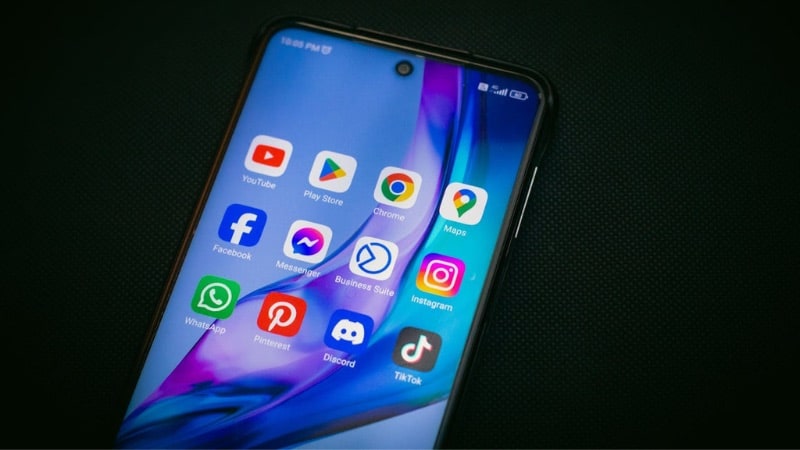
Ideas to try:
- Use lettering animation to emphasize quotes, captions, or a call-to-action.
- Add text animations that slide, pop, or rotate for Instagram Stories or TikTok edits.
- Keep motion short and clear to maintain viewer interest.
Filmora's text animation also has presets with many aspect ratio options. Plus, you can also export your content directly to YouTube, TikTok, and Vimeo.
Explainer Videos & Presentations
When presenting data or teaching a process, animation helps explain ideas visually. Animated alphabet letters guide the viewer's eye from one point to another, making the message easier to absorb.
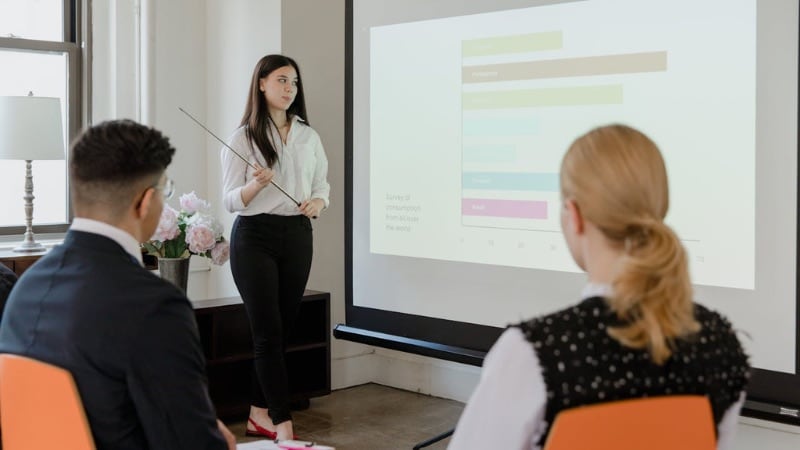
Ways to use animation here:
- Animate key terms or data points to highlight important ideas.
- Sync motion letters with voiceover or narration.
- Use simple transitions, like type-on or fade-up, to structure your information flow.
Branding & Logo Reveals
One of the most powerful uses of lettering animation is in logo reveals. A smooth or dynamic motion helps establish brand personality before any visuals appear. Every movement, fade, rotation, or slide can represent part of your identity.
- Use text motion that mirrors your brand personality: bold, calm, or playful.
- Sync the reveal timing with the background music for added impact.
- Combine animated letters with graphics or icons for a cohesive reveal.
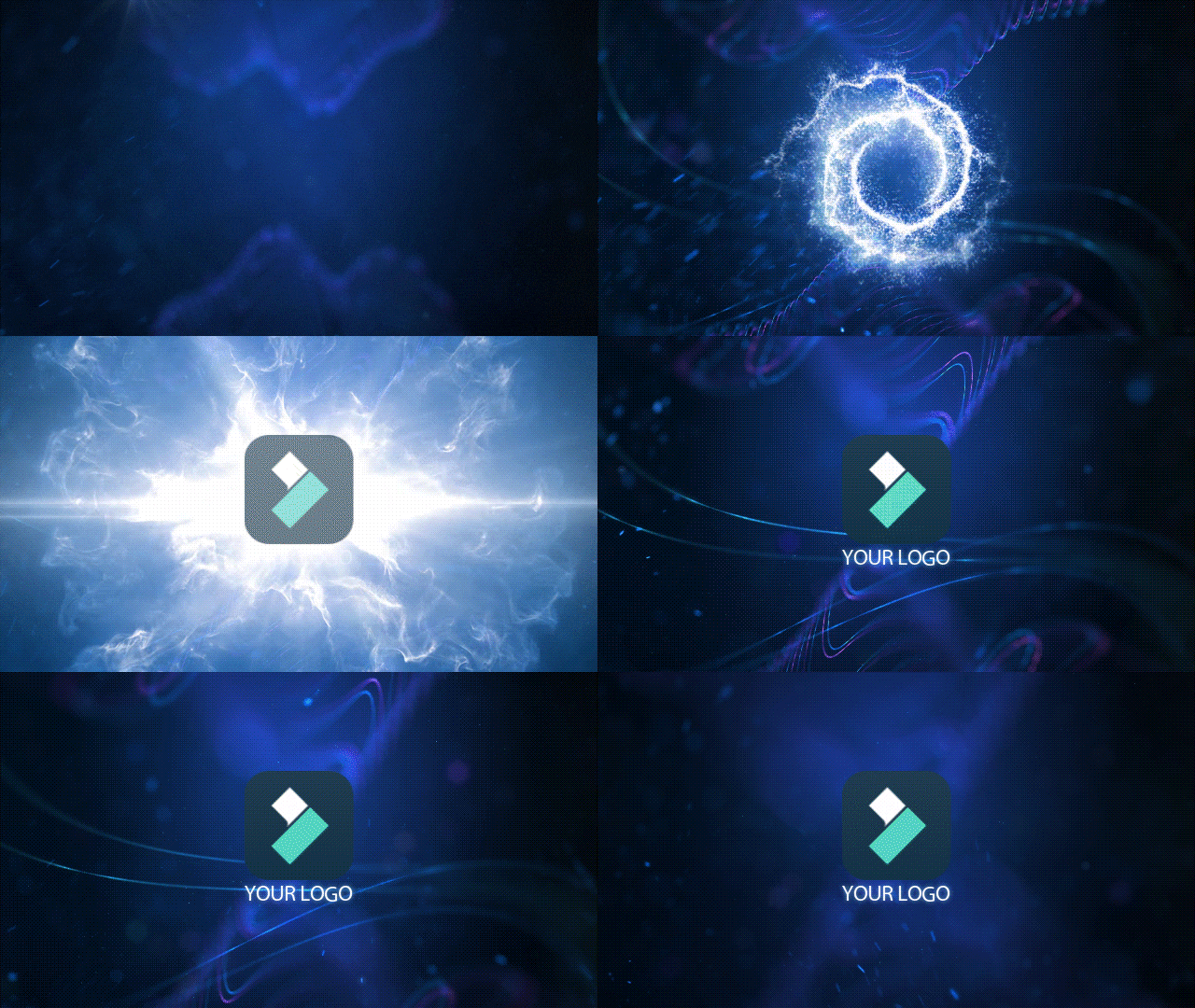
Besides the text animation tool, Filmora also includes a Logo Reveal feature that lets you animate your logo. You can import your logo, choose a title animation, and fine-tune the timing or color without manually stacking many effects.
Part 7. Where to Find Inspiration & Resources
If you want to keep improving your animated letters, looking at what others create can spark fresh ideas. Studying examples can spark new inspirations and help you refine your approach to text animation. Here are places where you can learn and explore new trends.
Design Portfolios
Creative portfolio platforms are great for studying how professionals use lettering animation in real projects. You can search for keywords like “animated letters” or “motion typography” to see examples from across industries.
- Behance – Find curated motion graphics projects and breakdowns from top studios and freelancers.
- Dribbble – Check out short clips and GIFs that showcase lettering animation for branding, UI, and title sequences.
Template Marketplaces
If you need quick inspiration or ready-to-use assets, template marketplaces offer many templates for animated letters. They often include editable examples that show how motion layers and keyframes work together.
Envato Elements and Motion Array provide downloadable text templates you can customize. Study how transitions, easing, and layering are used to make the text animations feel cohesive. Many templates come with editable layers that show you the exact keyframes and timing setup.
Filmora's Extensive Effects Store & Built-in Template Library
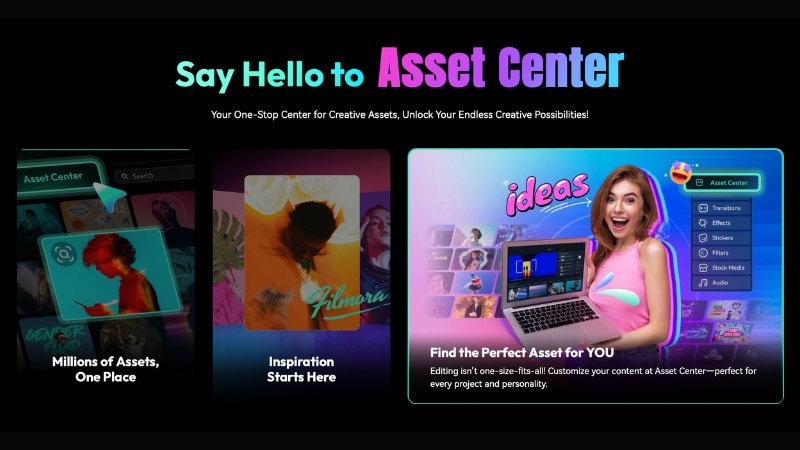
If you're using Filmora, you already have a strong source of creative assets built in. The effects library includes hundreds of text presets, motion packs, and dynamic letter templates ready to apply with one click.
 Secure Download
You can browse the Titles tab to find built-in templates for intros, lower thirds, and captions. It also lets you save your preferred effects in the Favorites section to reuse them across projects.
Conclusion
Animated letters shape how messages move and feel in video content. They turn simple text into motion that carries rhythm, tone, and emotion. Learning how to design animated alphabet letters helps creators communicate ideas more clearly and make visuals feel cohesive.
Lettering animation blends design and timing to control how each word appears on screen. Tools like Filmora make the process easier with ready-made templates and full customization options.
Start using animated letters in your next video to create smoother motion and a more professional look.

FAQs
-
What's the difference between animated letters and kinetic typography?
The main idea is the same: using movement to convey messages. But kinetic typography emphasizes flow and timing. Meanwhile, animated letters also include styles like bouncy, hand-drawn, and 3D looks used for creative or branding purposes.
-
Are there free animated alphabet packs?
Yes, many software and platforms offer free animated alphabet letters you can start with. In Filmora, you'll find many free built-in animated text presets and templates, including new packs added through regular updates.
-
How can I learn letter animation quickly?
The fastest way to learn lettering animation is by using tools with intuitive controls and templates. Filmora is a great place to start since it provides ready-made motion text effects and a simple timeline layout.
