

 TL;DR:
Create custom coffee video footage without physical filming by utilizing Wondershare Filmora's Text-to-Video or Image-to-Video features powered by the Sora 2 AI model.
● The software consolidates AI video generation and standard video editing onto a single timeline, eliminating the need to export and re-import clips to apply trimming, color correction, or audio.
● Users requiring precise control over the scene layout can upload a reference photograph into the AI Image to Video tool to guide the animation process instead of relying solely on text prompts.
● For projects needing standard background filler rather than custom physics simulations, royalty-free HD and 4K B-roll clips are available through Filmora's internal stock tab or external platforms like Pexels, Pixabay, and Mixkit.
Ask AI for a summary
 ChatGPT
 Perplexity
 Gemini
 Claude
 Grok
Grok
Looking for a coffee video for your content, marketing, or something to post, but nothing feels quite right? Why not make your own coffee video exactly how you want it?
Unless you're filming it yourself, most online stock videos tend to look pretty generic and don't always match the style you have in mind. If you are having this kind of problem, your solution is to create coffee videos with AI, where you can control the look without filming it yourself.
We will show you how to create your own custom coffee video with AI and recommend the best sources to get free HD coffee videos for download.
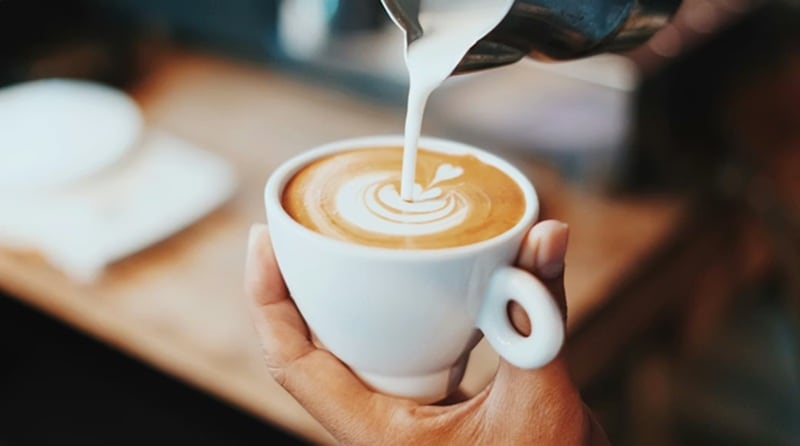
Part 1. Make Your Own Coffee Video With AI (Step-by-Step)
Making your own coffee video with AI is often easier than searching through coffee stock libraries or recording it yourself. You don't have to get frustrated over finding the right shot or worry about styling a good café setup. Yet, the result still looks good and professional.
Everything starts with a simple idea, a text prompt, and an AI video editing tool like Wondershare Filmora. Filmora's AI video generation tools are now powered by advanced models like OpenAI's Sora 2, which means better context understanding to produce better shots.
 Secure Download
After the generation, you can still do the refining on the same timeline in Filmora, like adjusting the clips, trimming shots, and fine-tuning the details just like you would with regular footage. This workflow gives you several benefits, such as:
- Full creative control, where you can rearrange, trim, and combine AI-generated clips freely on the timeline.
- No need to export and re-import files between different tools.
- Easy revisions without starting over.
- Ready for any platform, as you can add music, text, transitions, or adjust colors before exporting.
How to Make a Coffee Video with AI
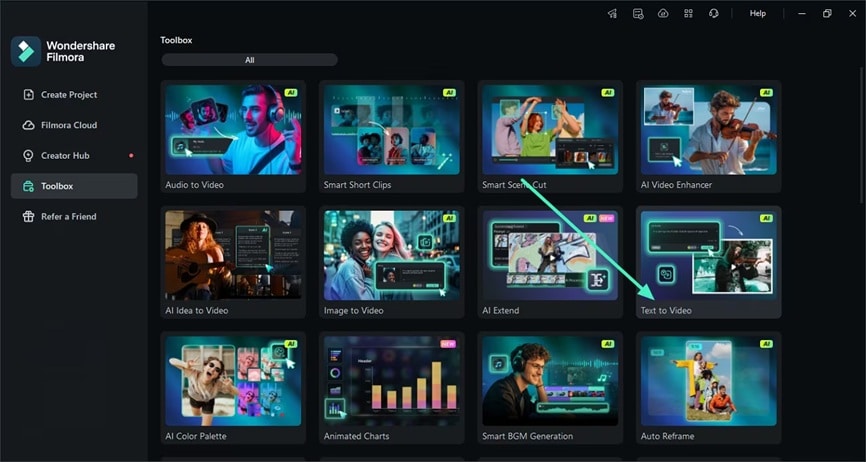
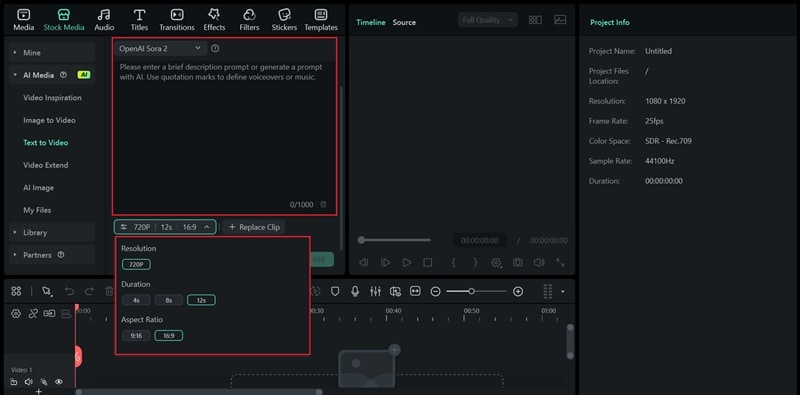
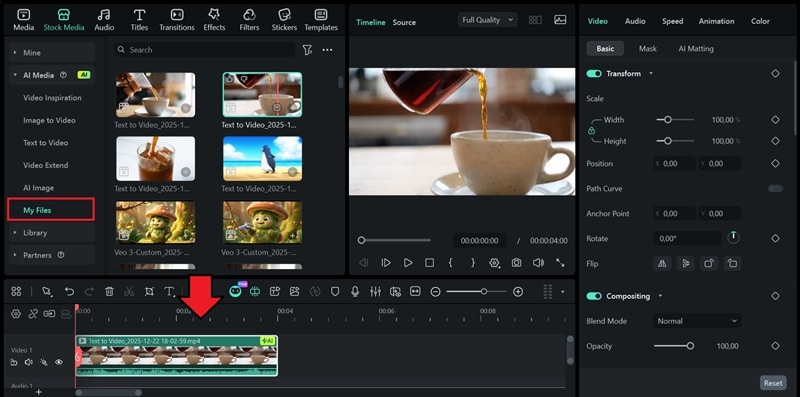
More Ways to Make a Coffee Video in Filmora
Text-to-Video is just one option for creating coffee videos with Filmora. Besides generating scenes from text, you can also try a few other ways to make coffee art videos.
Secure Download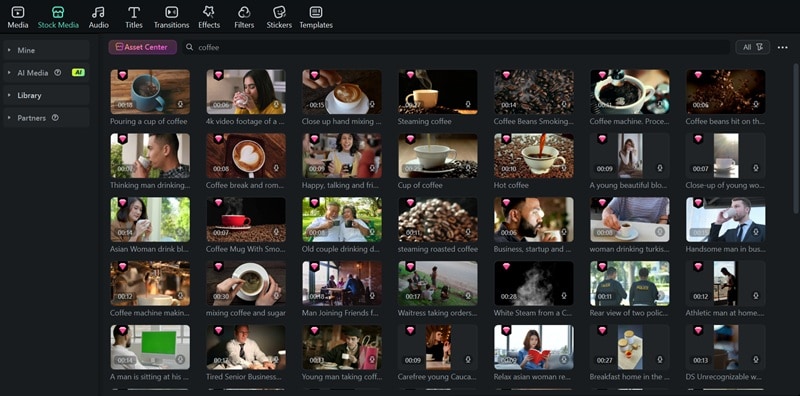
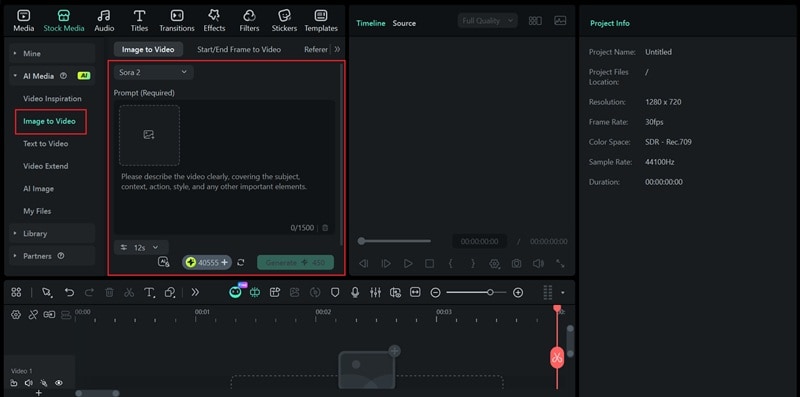
This approach gives you more control over how the scene looks, since the animation builds around your original image. It's also powered by advanced models like Sora 2, so the quality is high enough for making a coffee video.
Bonus: Use Ready-Made Coffee Video Templates in Filmora
If you already have coffee footage and want a faster way to create a polished video, Filmora also offers ready-made coffee video templates inside the editor. These templates are designed for common scenes like latte art, coffee pouring, and café B-roll.
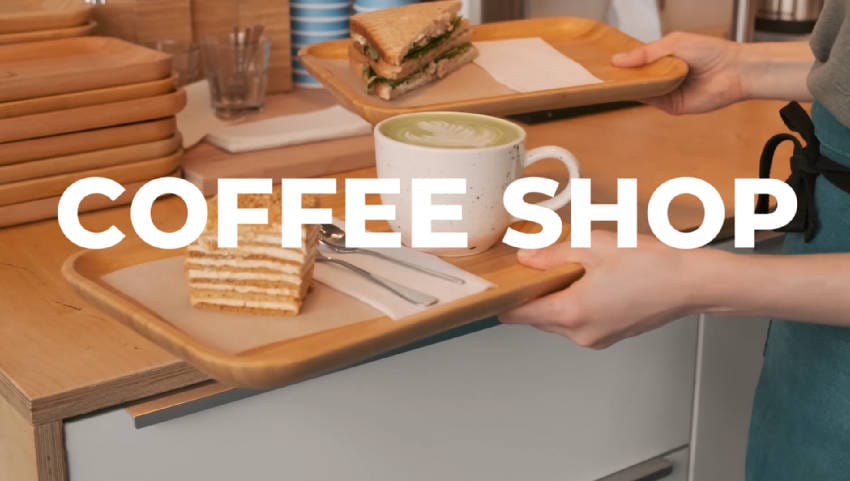


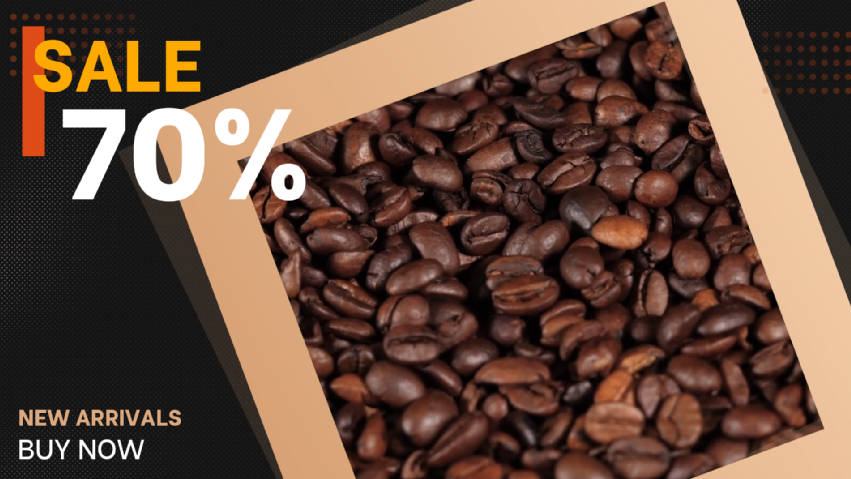





You simply upload your own clips, replace the placeholders on the timeline, and make small adjustments such as text, music, or clip length. This approach saves time while keeping the visual style clean and consistent.
Coffee video templates are especially useful for quick social posts, short promos, or situations where you want a professional result without building everything from scratch.
Part 2. Creative Coffee Video Ideas You Can Make with AI
With Sora 2's improved physics simulation and better scene understanding, you can create any coffee video scenes that look realistic, just the way you want them to be. Below are some types of AI coffee videos you can make using Filmora:
1. AI Coffee Latte Art Pour Slow Motion
Best for: Coffee ads, Instagram Reels or Stories, product highlights, latte art YouTube video.
Prompt: "Slow motion video close-up shot making a latte art coffee."
2. Coffee Pouring Video
Best for: Brand videos, ads, coffee shop promos.
Prompt: "Pouring coffee video, showing natural ripples."
3. Iced Coffee Video with Realistic Liquid Motion
Best for: Summer promotions, social media content, drink menu visuals.
Prompt: "Iced coffee poured over ice cubes in a clear glass. Ice cracks and splashes in slow motion, condensation on the glass, bright lighting, clean background, crisp details."
4. Black-and-white Coffee Making Video Vintage Effect
Best for: Café branding, storytelling videos.
Prompt: "Medium shot, eye-level angle. Black-and-white coffee scene, barista pouring coffee, soft contrast, subtle film grain, classic café mood."
Part 3. Free Resources to Download Coffee Videos Stock Footage
If you don't want to generate coffee art videos with AI or shoot footage yourself, stock video platforms are still a good option. You can use it for quick filler shots, background clips, or simple café B-roll clips. Some of the good sources are:
1. Pexels
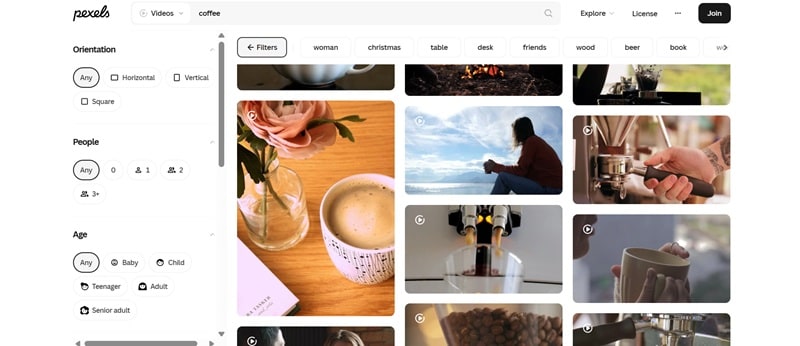
Pexels is a free platform where you can download high-quality coffee videos without signing up. You can filter clips by duration, frame rate, and resolution, which helps when you need a specific format. All videos are free to use, even for commercial projects, as long as you credit the creator when required.
2. Pixabay
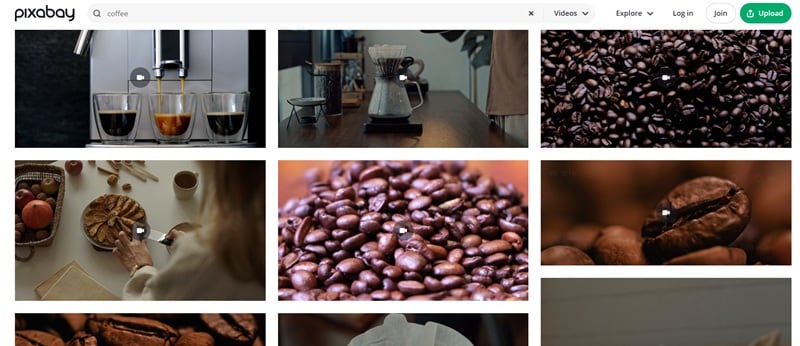
Pixabay is another platform that gives you a collection of hundreds of coffee stock videos in HD and 4K resolution. Most clips come with a royalty-free license, so you can use them in videos, websites, or marketing content without worrying about extra fees.
3. Mixkit
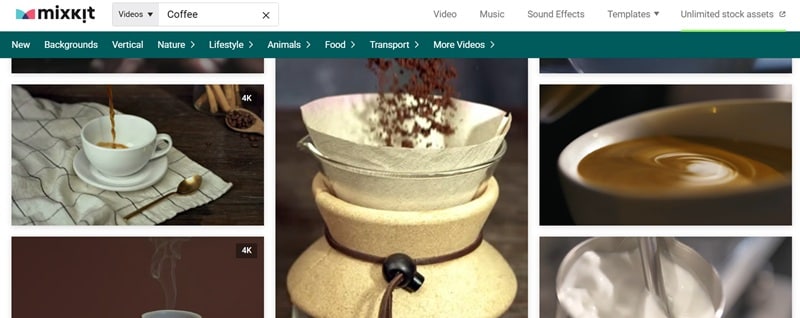
Mixkit also provides free coffee videos in HD and 4K resolution, though the library may be smaller than some other platforms. Most clips are safe for personal and commercial use, and you can filter the results by selecting the tags, like coffee maker, coffee bar, close-up, and more.
Conclusion
Now, you will never be short on coffee videos to add to your content. When nothing quite fits your idea, making your own videos with AI can be the answer to your frustration. You don't need to film anything, set up a proper café backdrop, or worry about camera gear, yet you can still create visuals that look realistic and polished.
Everything can be done inside an AI video editor like Filmora. Filmora makes the process of making and editing coffee videos simple by letting you generate clips from text or images and refine them on the same editing timeline. Besides, you can also find ready-to-use coffee video templates inside its Stock Media library.

