
20+ Spring Break Sales Video Prompts:
Instant AI Copy & Paste
Need to launch a campaign fast? These AI prompts are engineered for the most profitable Spring Break sales themes—from tropical travel deals to neon-soaked party gear. Simply pick your favorite sales video template, paste it into Gemini, and generate a high-converting promo video that stops the scroll. Perfect for Instagram Stories, TikTok Ads, or email marketing headers.
Loading more templates...
 Category:
 Duration:
 Aspect Ratio:
Create Trending Spring Break Sales Videos
with Nano Banana Pro
Prompts
A successful seasonal campaign isn’t just about a discount—it’s about the vibe. With Filmora’s AI tools and Gemini-style prompts, you can create everything from high-energy party invitations to relaxing beach getaway promos. Generate a stunning Spring Break sales video, then refine it with cinematic lighting, energetic music, and bold typography.
Transform Sales Scripts into Spring Break Blockbusters

Transform Sales Scripts into Spring Break Blockbusters
Don't let writer's block slow down your campaign. Simply type your sale announcement, promo code, or party details, and watch as AI weaves it into a dynamic video complete with beach vibes and energetic pacing. It’s the fastest way to turn a text idea into a visual sales asset.
- Instant Text-to-Video Creation – Convert simple text prompts into high-energy promotional videos instantly.
- Keyword Visual Matching – AI automatically matches visuals to keywords like "beach," "party," "sun," and "discount."
- Global Voiceovers – Generate professional voiceovers in multiple languages to reach international travelers and shoppers.
Animate Your Product Photos for Maximum Engagement

Animate Your Product Photos for Maximum Engagement
Static images get scrolled past; moving videos stop the thumb. Upload your swimwear, travel gear, or party accessory photos and let AI add motion, particles, and life to them. This tool is essential for e-commerce brands looking to increase retention on social media feeds during the busy Spring Break season.
- Dynamic Catalog Showcases – Turn static product catalogs into dynamic video reels that highlight features.
- Atmospheric Motion Effects – Add subtle motion like ocean breezes, sun flares, or pool ripples to enhance realism.
- High-Retention Visuals – Maintain high resolution while significantly increasing social media engagement rates.
- Image-to-Video Magic – Make any static product shot into a moving, shareable video ad.
- Built-In Music & SFX – Energetic soundtracks and sound effects ready for TikTok trends and Instagram Reels.
Launch Campaigns Faster with Pre-Designed Spring Templates
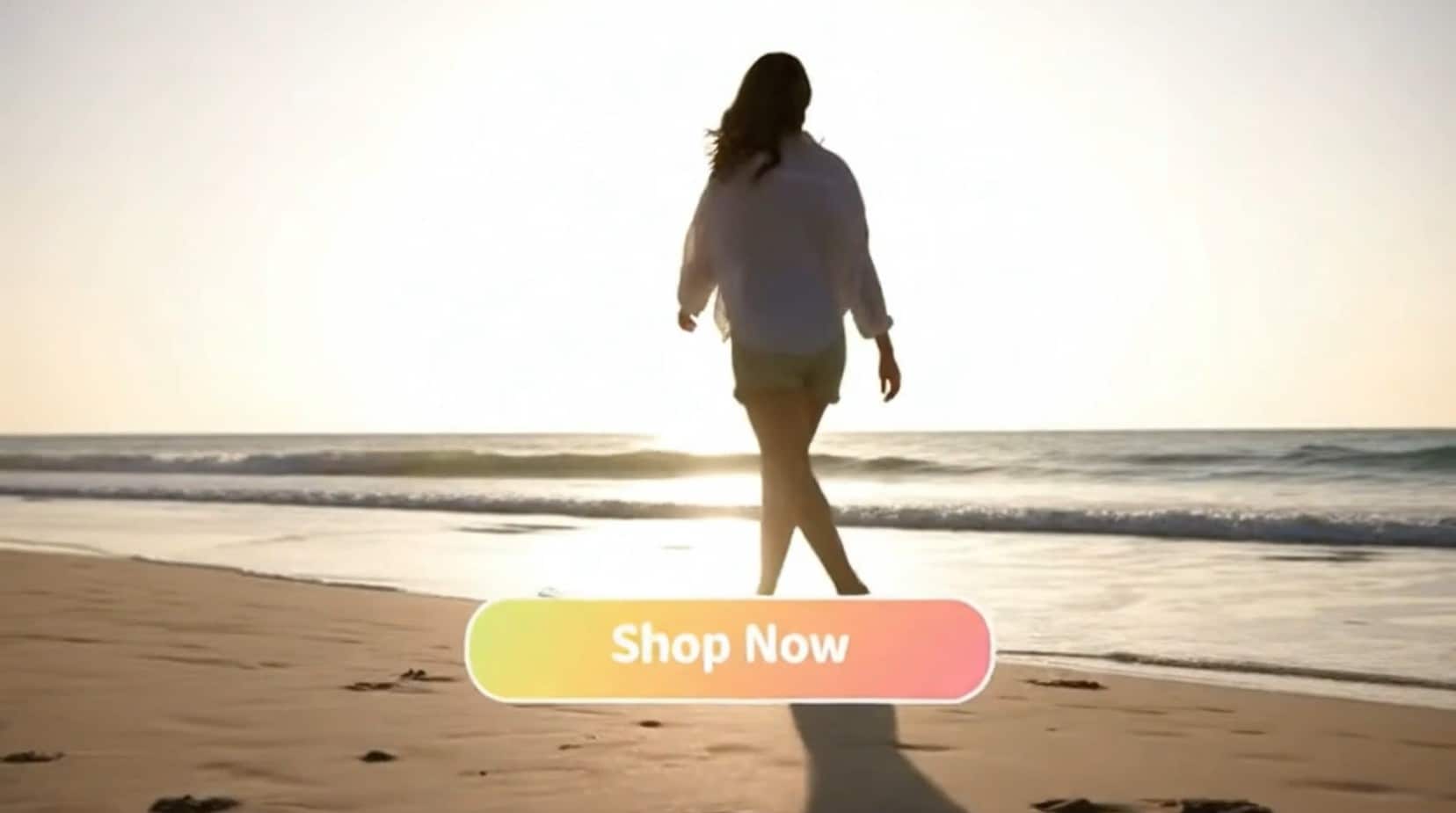
Launch Campaigns Faster with Pre-Designed Spring Templates
Time is money during a flash sale. Skip the design degree and use professionally crafted video templates specifically optimized for Spring Break aesthetics—think neon colors, tropical themes, and bold typography. Just drag, drop, and export.
- 🎨 Seasonal Aesthetic Library – Access a library of "Spring Break" specific video layouts ready for customization.
- ⚡ Drag-and-Drop Branding – Easily swap logos, update prices, and change dates without breaking the visual flow.
- 📱 Multi-Platform Optimization – Optimized aspect ratios for TikTok, Instagram Reels, and YouTube Shorts out of the box.
FAQs About Spring Break Sales Videos & Prompts
How to Create a Spring Break Sales Video with Filmora
Popular on TikTok and Instagram, Spring Break sales videos need to be punchy, colorful, and engaging. This guide shows beginners how to generate a personalized sales video using AI tools—no design experience required!
Step 1 Open the AI Video Generator

Step 2 Enter Your Spring Break Sales Prompt

Step 3 Download and Edit Your Sales Video

-
1:Open the AI Video Generator
Start Filmora, create a new project, go to "AI Tools", and select "Text to Video" or "Image to Video" to get started. -
2:Enter Your Spring Break Sales Prompt
Select the AI model, enter your sales prompt (such as "High energy spring break party promo, 50% off swimwear"), and click "Generate" to instantly create your video. -
3:Download and Edit Your Sales Video
Preview the generated video, click download, drag it into your project to add logos or specific pricing, and export/share it directly.
More Than Just Sales Videos
Filmora isn’t just for making Spring Break sales videos—it also generates stunning photos, AI-powered content, and lets you edit heartfelt moments all in one simple tool.








