


 TL;DR:
Desktop software like Wondershare Filmora provides the most stable 4K upscaling for both anime videos and images using local processing, whereas cloud tools are best for immediate, zero-install file enhancements.
● Pixelbin is the fastest browser-based option for single images but limits unregistered users to one daily generation, while TensorPix focuses on video frame rate control using a 0.5 weekly free credit system.
● OpenArt AI uniquely reconstructs low-quality sketches using a Creative mode, but it consumes enough credits per action to restrict the 40-credit free trial to a single test run.
● Anime image magnification remains accurate between 2x and 4x, as pushing the AI to 8x distorts original artwork by generating fake details and aggressively over-sharpening existing compression artifacts.
Ask AI for a summary
 ChatGPT
 Perplexity
 Gemini
 Claude
 Grok
Grok
The anime frames we capture don't always come in the quality we want. Many of them are compressed, blurry, or simply too small to use for edits or wallpapers. To make it high-quality, we need an anime upscaler.
An anime upscaler is an AI-powered tool that enlarges anime images while restoring the details that were lost in compression or low-resolution exports. You can use it to upscale anime images to 4K and make them look sharp.
We cover the best anime upscaler tools available today, including some free options online and a more powerful desktop solution.
When we evaluated the tools in this guide, we paid close attention to how each AI anime upscaler handles the unique challenges that come with animation, things like flat color planes and high-contrast linework, to see which ones actually deliver a genuine 4K experience.
We assessed each tool based on the following criteria:
- Diverse Inputs: We tested 480p vintage clips, 1080p digital art, and black-and-white manga scans to upscale anime across a range of styles and formats.
- Magnification Limits: Each AI upscale anime tool was pushed to 2x, 4x, and 8x to find the point where quality starts to break down.
- Linework and Artifacts: We checked for ghosting and jagged edges to make sure each anime upscaler kept lines clean and professional throughout.
Our Top 3 Picks: Best Anime Upscaler Tools at a Glance



Part 1. Best AI Anime Upscaler Software for 4K Quality
There are several tools available to do anime upscale. But when you need professional-grade results, dedicated software usually does a better job for several reasons:
- Greater stability and reliability when processing large 4K videos or high-resolution images
- Faster performance by leveraging your device’s GPU instead of relying on browser limitations
- Reduced risk of crashes or timeouts compared to web-based tools during long processing tasks
- More consistent output quality across frames, which is essential for animation
- Better control and customization over upscaling settings and parameters
- Enhanced privacy and security since files are processed locally, not uploaded online
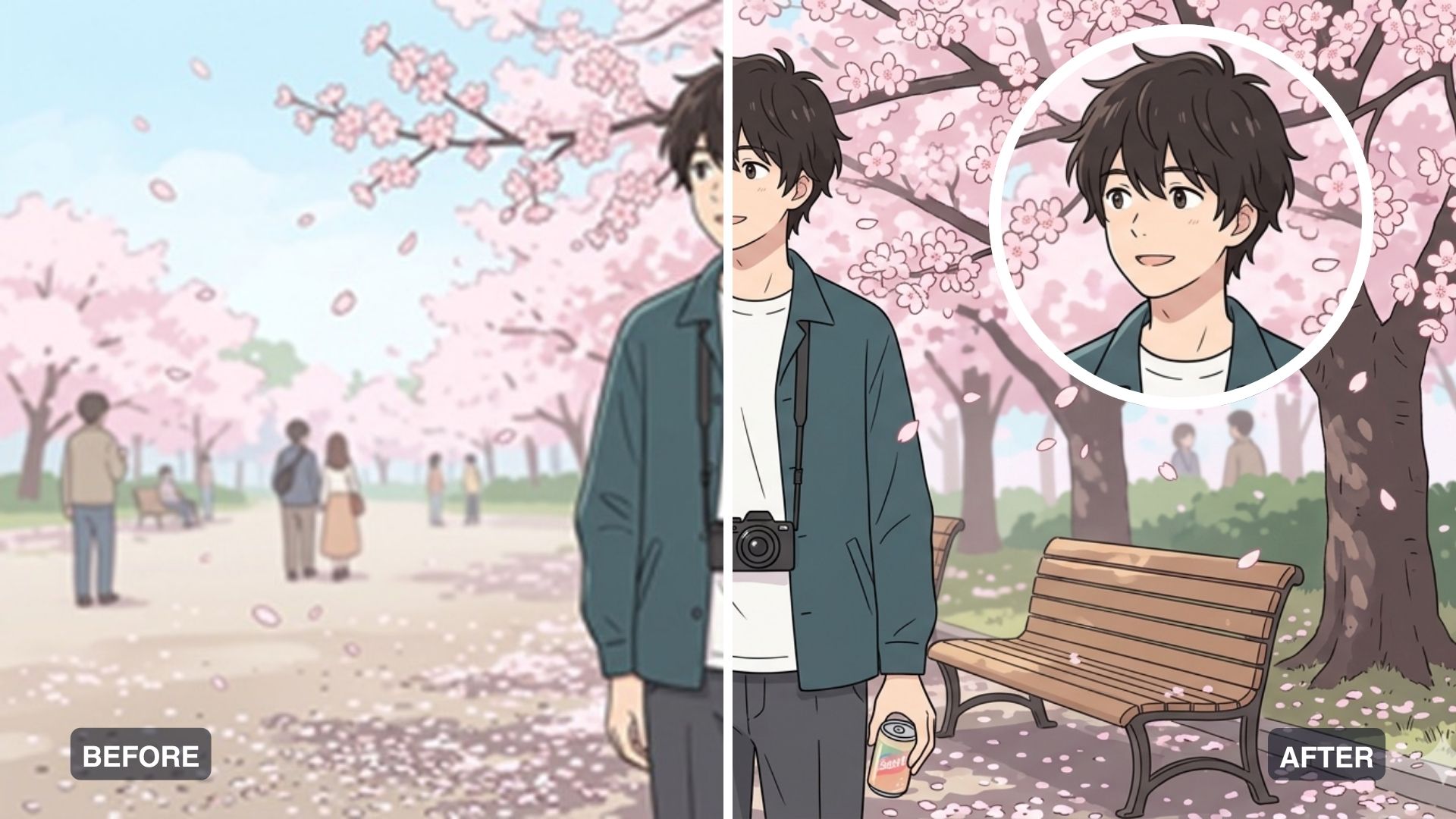
Wondershare Filmora - Upscale Anime Images and Videos in 4K
Wondershare Filmora is our top recommendation for anyone looking to upscale anime on both desktop and mobile. On top of its great reputation, where it is widely known as a friendly editor, its "AI Image Enhancer" is specifically tuned to transform low-resolution, blurry images into high-resolution visuals with cleaner lines and better detail retention.
Beyond just upscaling, it can also generate entirely new anime characters from text prompts using AI Image. You can take those generated images further by turning them into short videos, refining colors, or adding motion inside the same timeline.
- Smart Detail Recovery: Uses AI to fill in missing details so eyes and hair come out much clearer instead of just stretching the image.
- Built for Animation: Includes a special setting for cartoons and anime that keeps colors bright and lines sharp.
- Easy to Use: Drag and drop your video, click enhance, and let the software handle the rest. No professional experience needed.
- All-in-One Tool: Once quality is improved, you can edit the image in the same place.
- One of the few tools for anime upscale tasks that handles both image and video upscaling with equal quality.
- Includes a built-in AI art generator to create custom anime characters from scratch.
- Exports in multiple formats and resolutions, including 4K, without forcing you into a specific file type.
- Regularly updated with new AI features, meaning the upscaling model improves over time.
- The free trial adds a visible watermark to your exported videos.
- Requires AI Credits for upscaling with the AI Image Enhancer.
- Free Version: Available with watermarks.
- Subscription and perpetual plans are available.
How to Upscale Anime Images to 4K
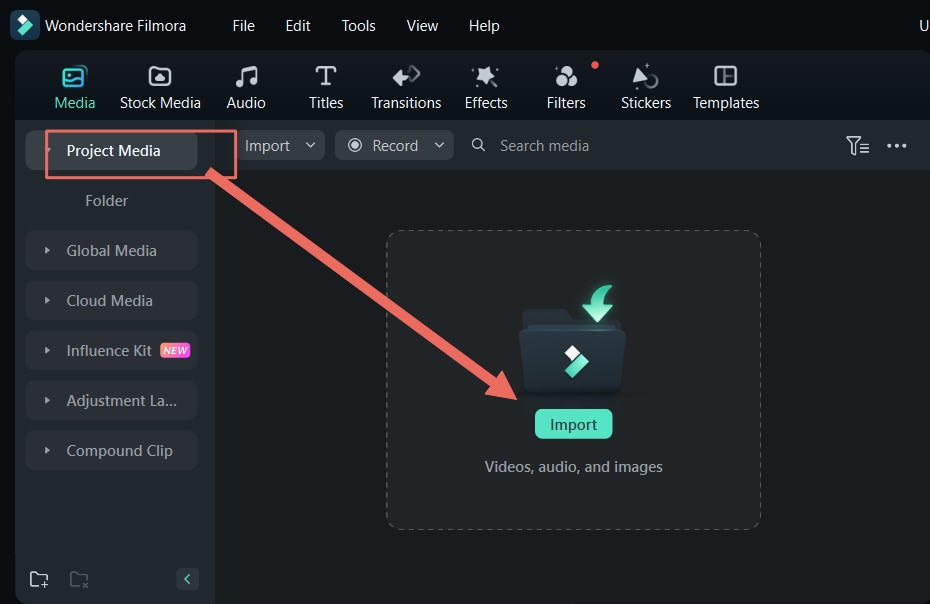
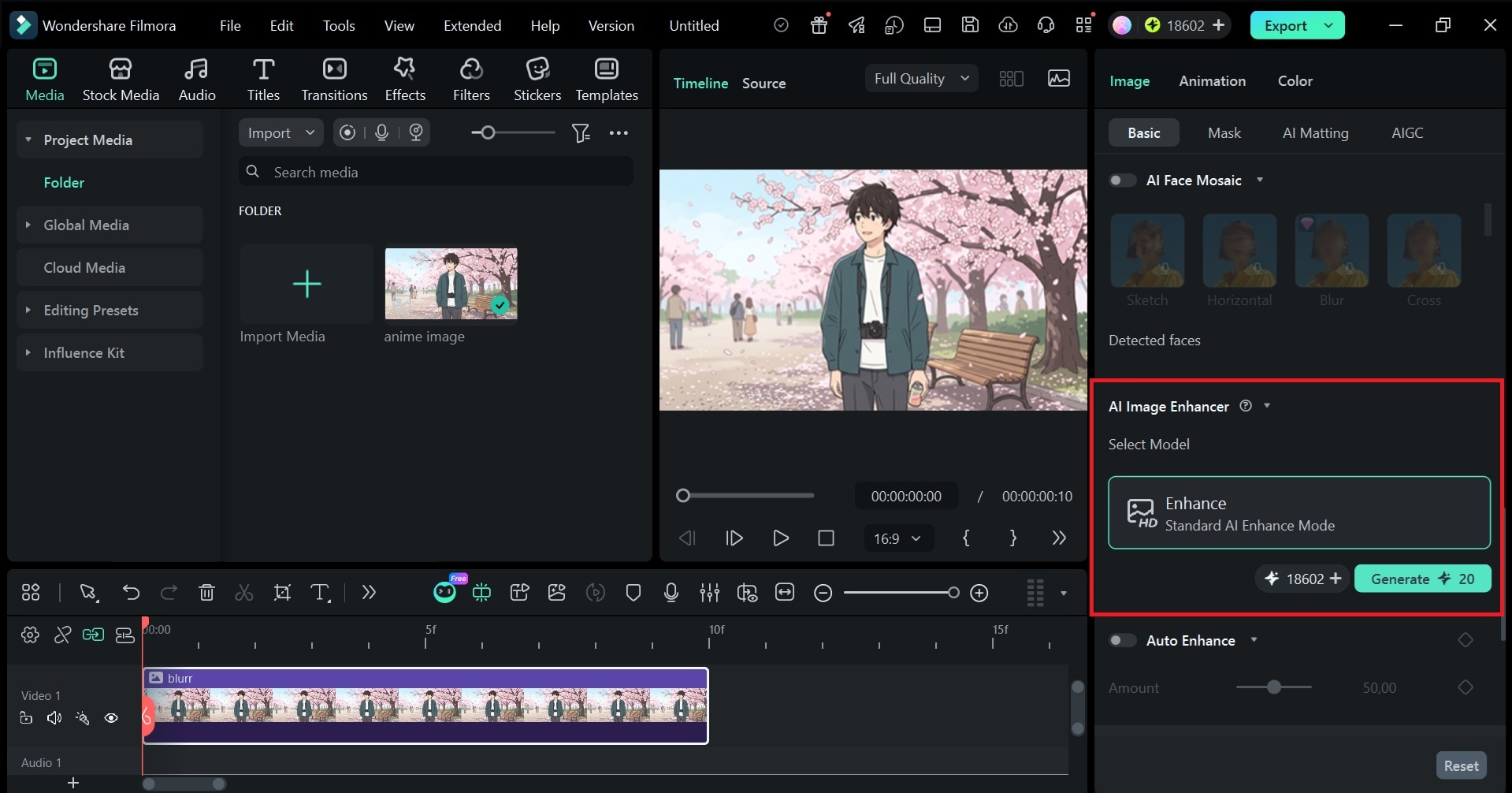
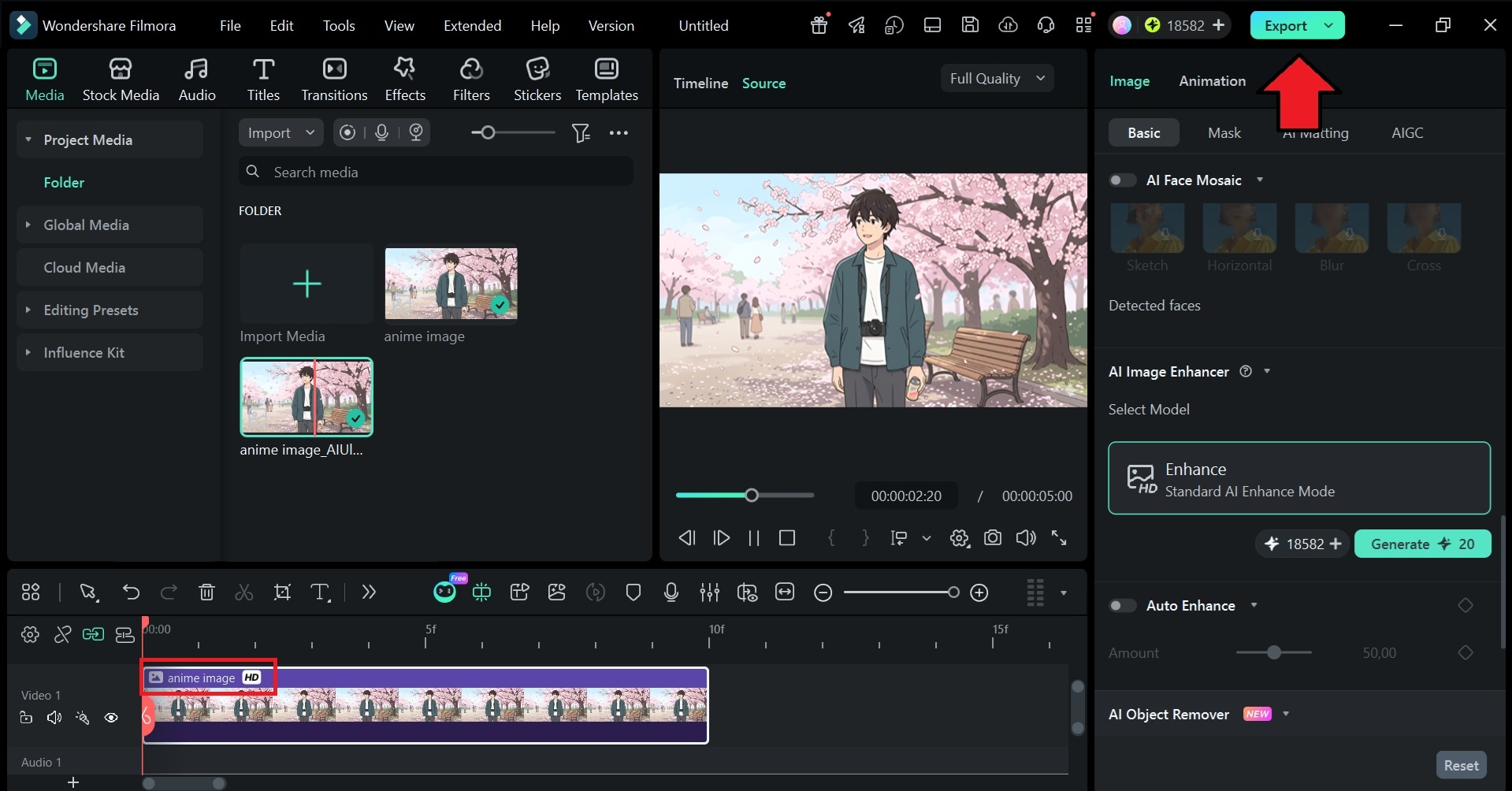
 Secure Download
Part 2. AI Anime Upscaler Online (Free & Paid)
While we recommend Filmora for upscaling on a desktop, online AI anime image upscalers can be an option if you want to upscale anime without a computer. These platforms do all the processing on their own servers, so you can AI upscale anime from any device that has a browser. You don't need to worry about storage or system requirements since everything happens in the cloud.
Before we get into each tool, here's a quick comparison:
| Tools | Free/Paid | Max Upscale | Customization | Best For |
| Pixelbin | Free (1/day, no login); paid from $10/mo | 4K | Turn image to video, text-based editing | Quick anime image upscale online, no install needed |
| TensorPix | Free (0.5 credits); paid from $5.50/mo | 4K | Frame rate control, upscaling level | Upscale anime video clips with frame rate control |
| Vidguru | Free (4 credits/day); paid from $9.99/mo | 4K | Text-based image editing, video generation | Fast anime photo enhancer for daily use |
| Imglarger | Free (100 credits/mo); paid from $4.90/mo | 8K (400%) | Batch processing | Manga/anime collections needing a large-scale upscale anime image |
| UniConverter | Free (3 uses); paid from $9.99/mo | 4K | Multiple scale options (desktop) | Users who need both desktop and online anime upscaler access |
| OpenArt AI | Free (40 credits, one-time); paid from $7/mo | 4K | Multiple upscale modes (Precise, Refined, Creative) | Restoring low-quality sketches with an AI anime enhancer |
| PicWish | Free (watermarked); paid from $5.99/mo | UHD | Multiple enhancement modes | Fast, simple anime picture upscaler across all platforms |
|
Show More
Show Less
|
||||
1. Pixelbin (Image)
Pixelbin Anime Upscaler is a highly efficient anime upscaler online that specializes in cleaning up digital artwork. It is particularly effective at identifying the blocky, blurry squares that ruin the look of older anime downloads.
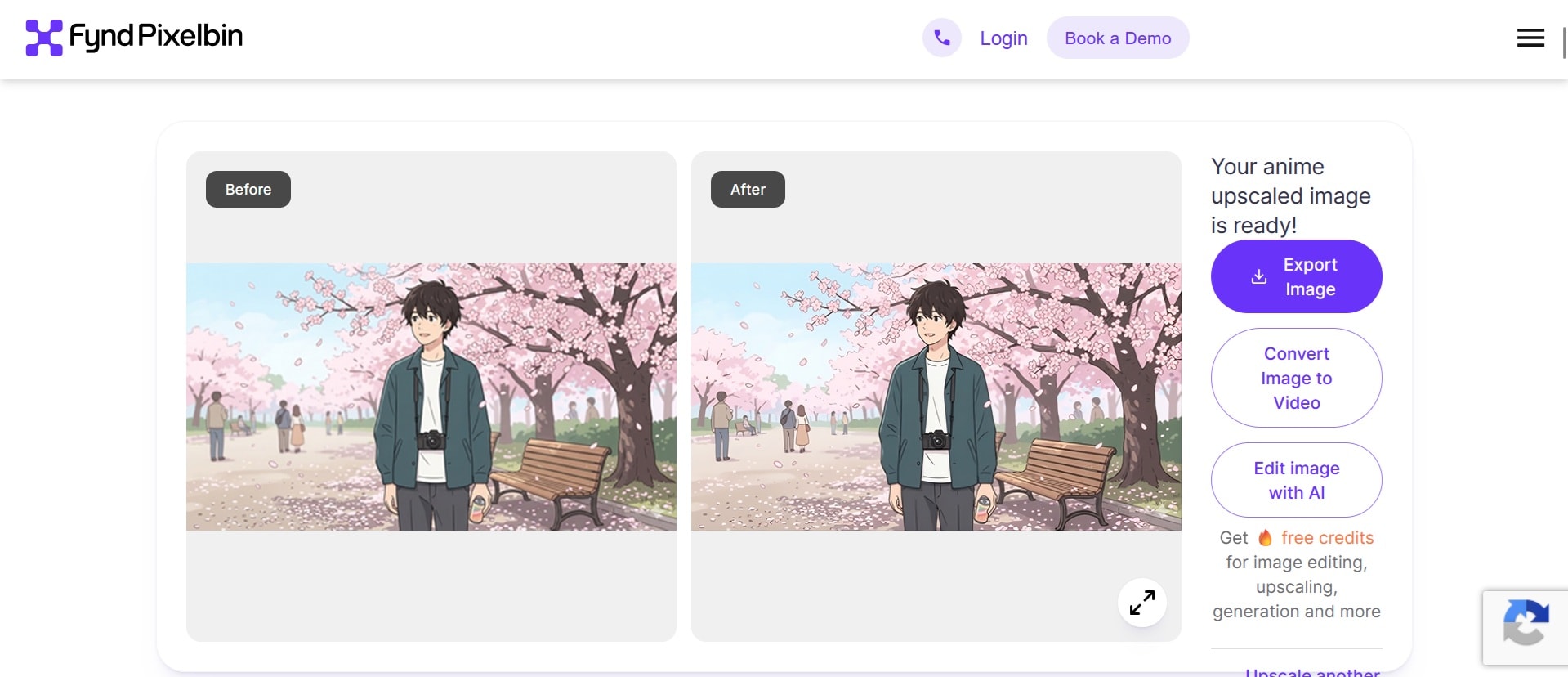
- One-click upscaling: AI-powered processing that analyzes and enhances anime images automatically, no manual adjustments needed.
- Built into a broader toolkit: After upscaling, you can continue editing the image with other AI tools or convert it to video, all within Pixelbin.
- Privacy: Images are processed on secure servers and are never shared or stored for third-party use.
- Extremely fast processing for single images
- Free to use without a watermark or login required
- Supports URL uploads, so you can paste an image link directly
- Without a login, you're limited to one generation per day
- Limited manual control over the enhancement process
- Results can look pixelated in some cases, particularly with very low-resolution source images
- Free Plan: One generation per day without login; registered free users get 10 credits
- Subscription: Starts at $10/month for unlimited upscaling access
2. TensorPix (Video)
TensorPix is an AI anime upscaler focused on video rather than still images. It's built for people who want to bring older anime footage up to 4K quality while also having control over technical settings like frame rate. Free users can collect 0.5 credits weekly just by logging in, which is enough for short clips.
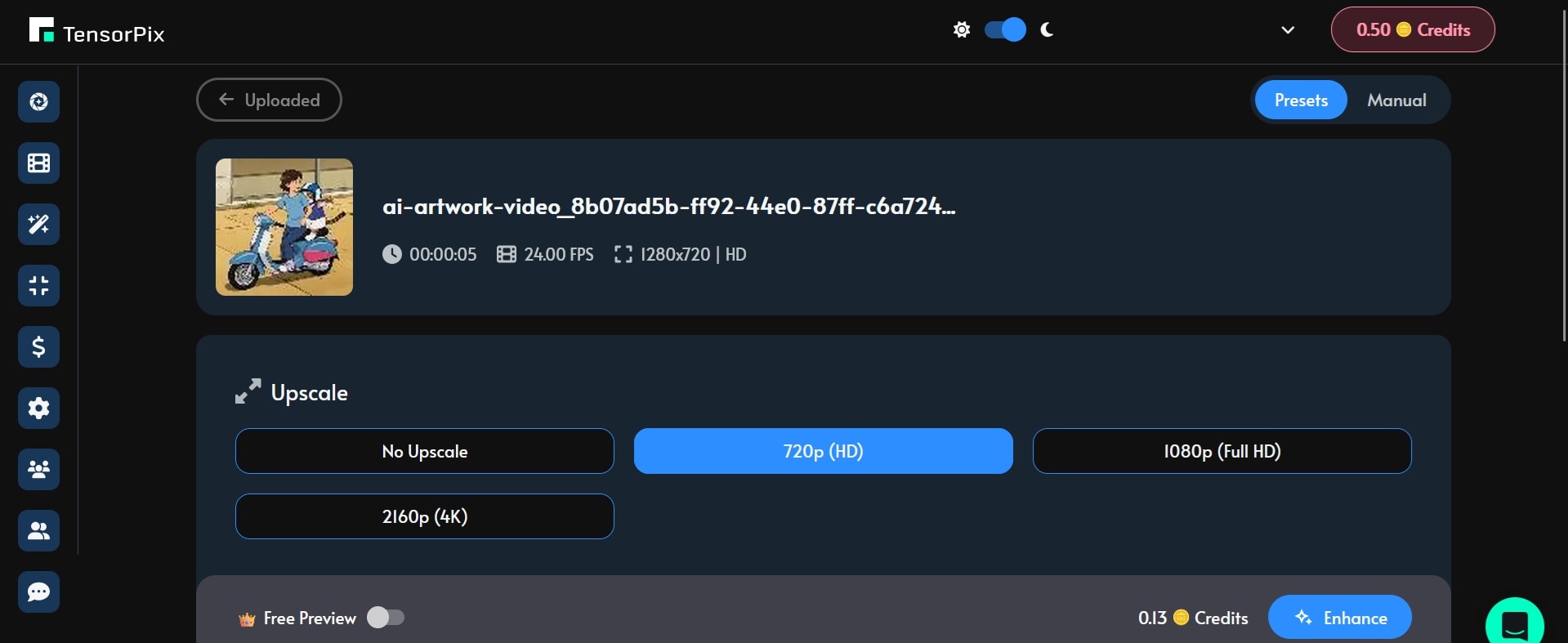
- Presets or Manual mode: Choose a preset matched to your video type for a faster output, or switch to manual mode to select exactly which enhancements to apply.
- Frame rate control: Adjust and set the output frame rate independently from the resolution upscale.
- Up to 4K output: Resolution options go up to 4K, though higher resolutions consume more credits.
- Cloud-based processing handles long video files reliably without crashing
- You can select a specific segment of a video to preview the enhancement before committing to the full file
- Free users receive 0.5 credits weekly, enough to upscale short Anime clips
- 4K upscaling eats through credits quickly, especially for longer videos
- Preview is only available to Pro subscribers
- Free: 0.5 credits (replenished weekly on login)
- Standard: $12/month, or $5.50/month billed annually, includes up to 4K resolution
- Pay-as-you-go: Starting from $3 for 1 credit
3. Vidguru (Image)
Vidguru is an emerging anime photo enhancer that is designed to be a "one-tap" solution for those who need their content to look high-resolution instantly. The upscale anime image is one feature inside a broader creative suite, and it does a solid job of maintaining character detail after processing.
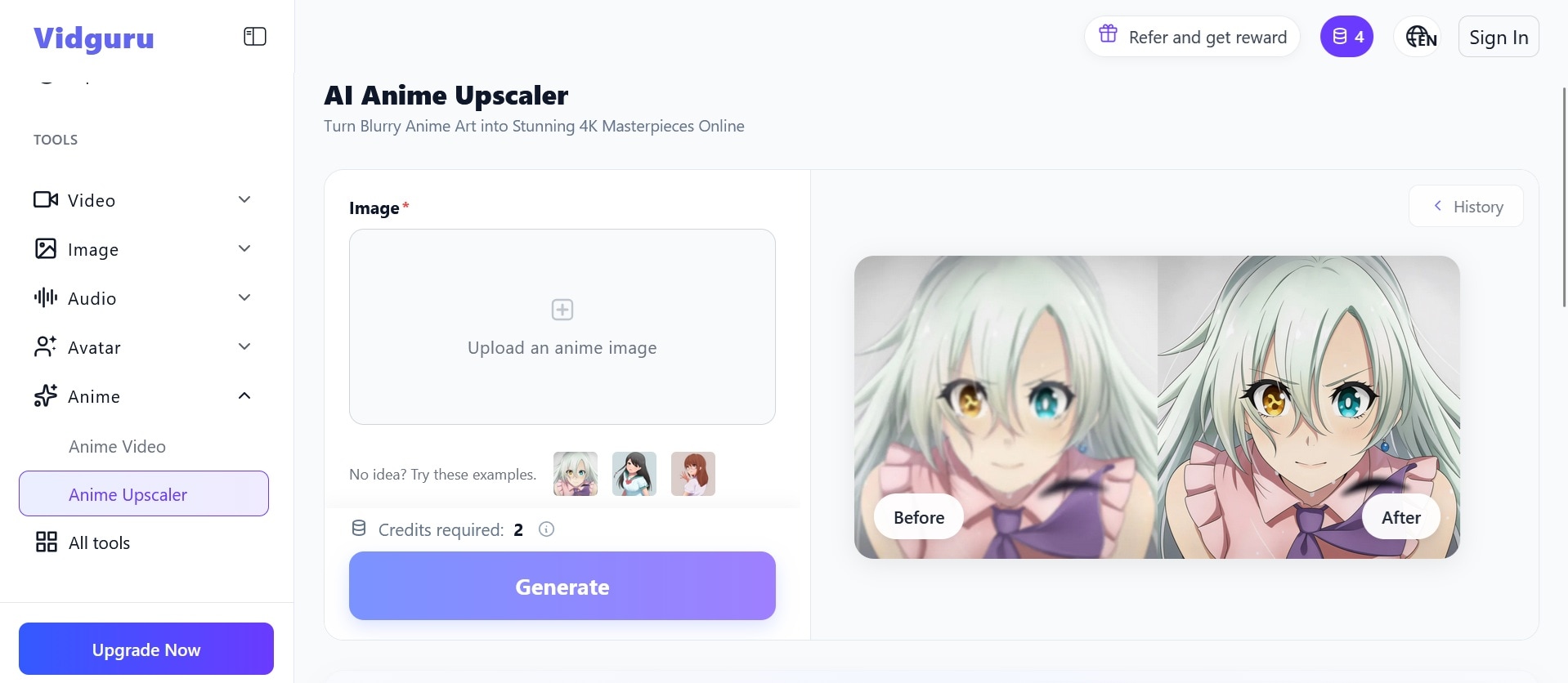
- Text-based image editor: After upscaling, edit the anime image using text prompts within the same platform.
- Anime video generator: Beyond upscaling, you can generate videos from a text prompt or turn your upscaled image into a video.
- 4K upscaling: Automatically upscales to 4K without manual resolution selection.
- Free users (login required) get 4 credits daily, enough to upscale up to 2 anime images
- Keeps character outlines sharp after enhancement
- No watermark on the free plan
- Processing is slower compared to similar tools
- Subscription pricing may be hard to justify for occasional upscaling
- Free: 4 free credits daily
- Pro: Starting at $9.99/month to access all tools
4. Imglarger (Image)
Imglarger is a general-purpose AI enlarger free online that can also be used as your waifu image enhancer. The main draw is its scaling range. You can go up to 400% enlargement, and resolution can reach up to 8K, which is rare for a free-tier tool. Uploaded and processed images are automatically deleted after 6 hours.
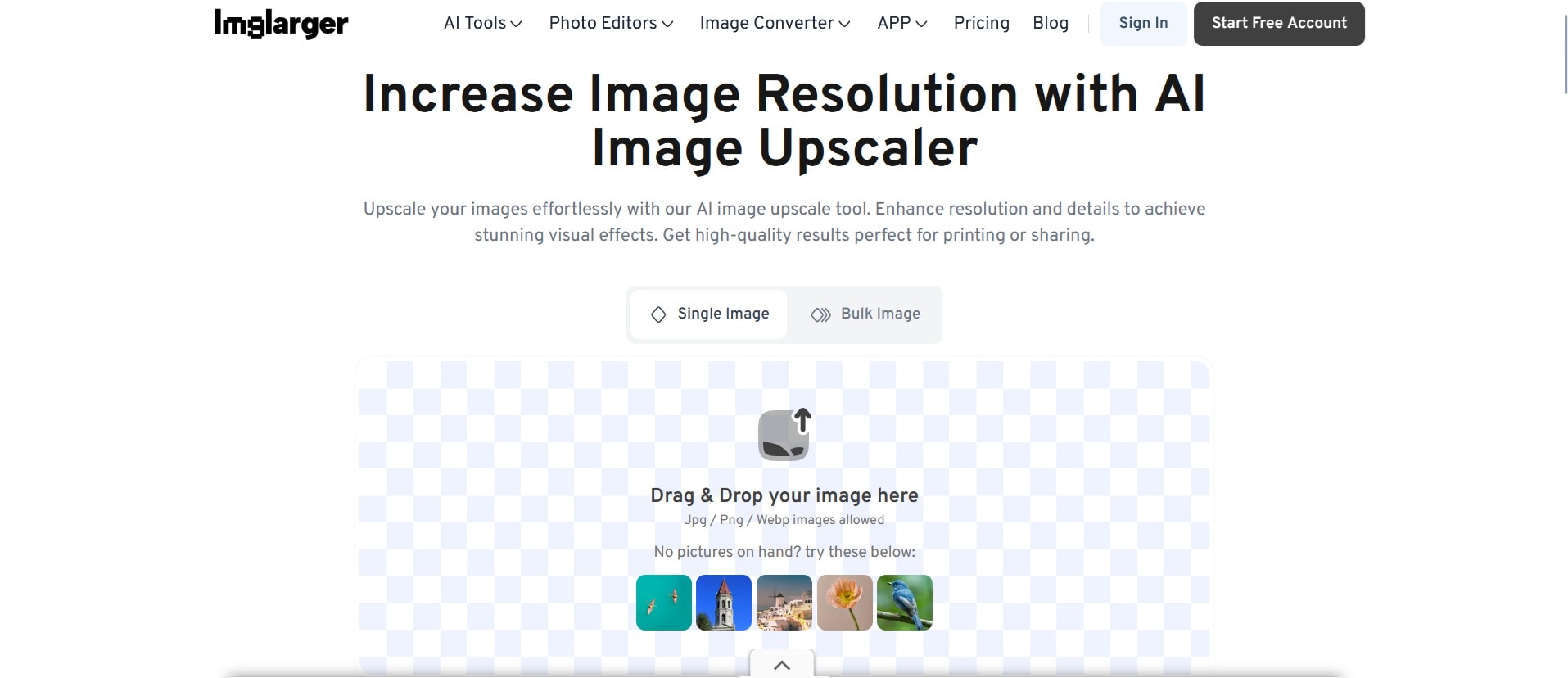
- Batch processing: Pro users can upload and process multiple images at once, useful for manga collections or large wallpaper sets.
- Up to 400% scaling: One of the few upscale image online AI free that supports 400% enlargement in a single pass.
- Up to 8K output: Resolution enhancement can push image quality up to 8K.
- Auto file cleanup: All uploaded and processed images are deleted from the server after 6 hours.
- Works without signing in on the free plan
- Batch processing is practical for large collections
- Free version includes ads that can interrupt the workflow
- Tends to leave compression artifacts visible on anime images and does not sharpen or refine line art well
- Free: 100 credits/month with ads; limited to images up to 800px
- Premium: Starting at $4.90/month or $29/year
5. UniConverter (Image and Video)
UniConverter is a full media toolkit with an anime upscaler as one of its editing features. It handles both images and video, and you get the choice of using it as desktop software or through the online version. The online version is capable yet less powerful than the desktop app, with more limited options and customization. It’s mainly suited for quick previews. You can try the anime upscaler free for 3 uses before committing to a plan.
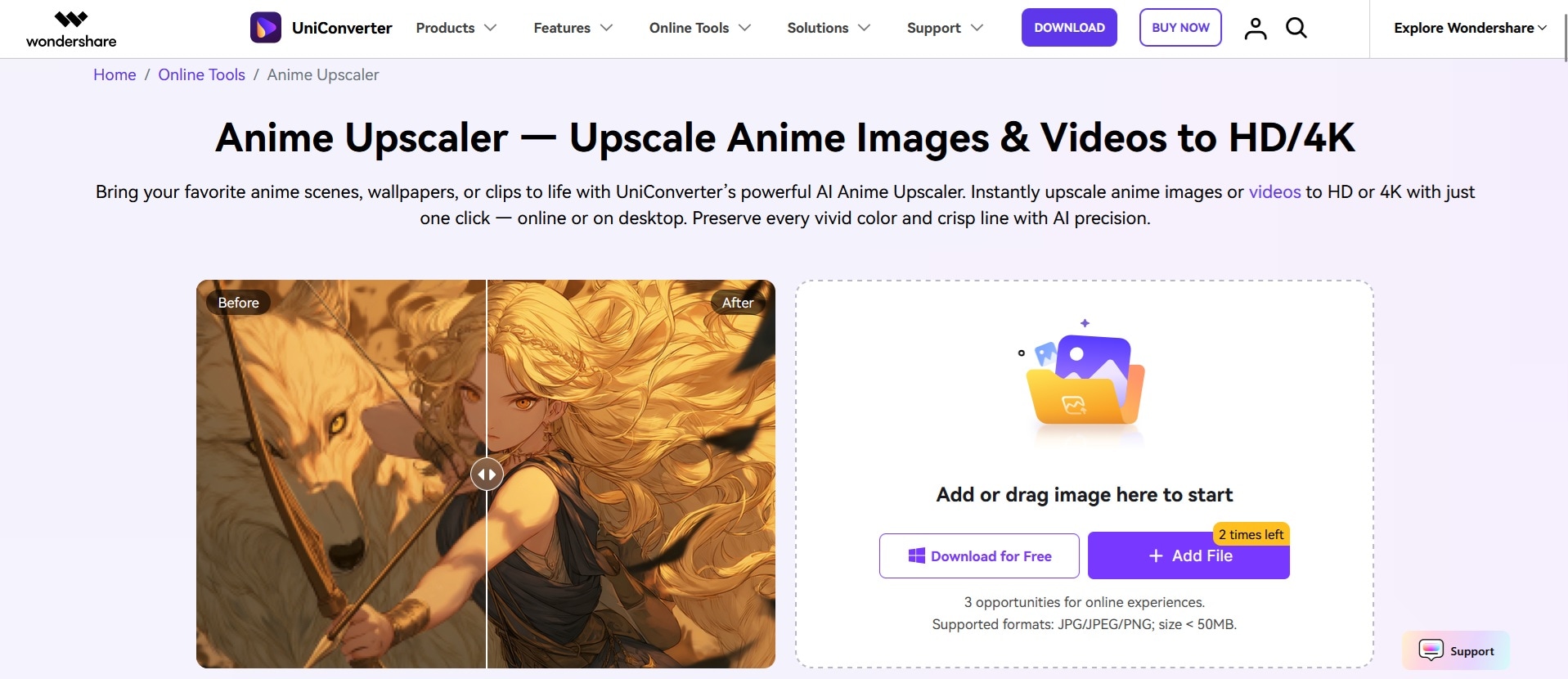
- All-in-One Toolkit: Comes with a video compressor, converter, burner, subtitle editor, and background remover alongside the anime upscaler.
- Advanced denoising: The AI video enhancer applies denoising and artifact-removal processing to clean up degraded footage.
- Anime-aware enhancement: The AI is designed to preserve the specific outlines, flat color palettes, and tones typical of anime, rather than applying generic sharpening.
- Local desktop processing: All desktop processing runs locally on your machine, so your files never leave your computer.
- Available both as a desktop app and an online tool, giving you flexibility depending on what you need
- Includes other tools like a subtitle editor and background remover
- Fast processing
- You can’t set resolution parameters manually on the online tool
- The upscaling quality is sometimes inconsistent in real use, introducing artifacts
- Free: 3 times upscaling without login
- Paid plans: Start at $9.99/month
6. OpenArt AI (Image)
OpenArt AI functions more like a creative sandbox, with tools for generating, editing, and enhancing images all in one place. Its "Creative Upscale" mode stands out from standard anime upscalers. Instead of just stretching existing pixels, it reconstructs and reimagines detail as it enlarges the image.
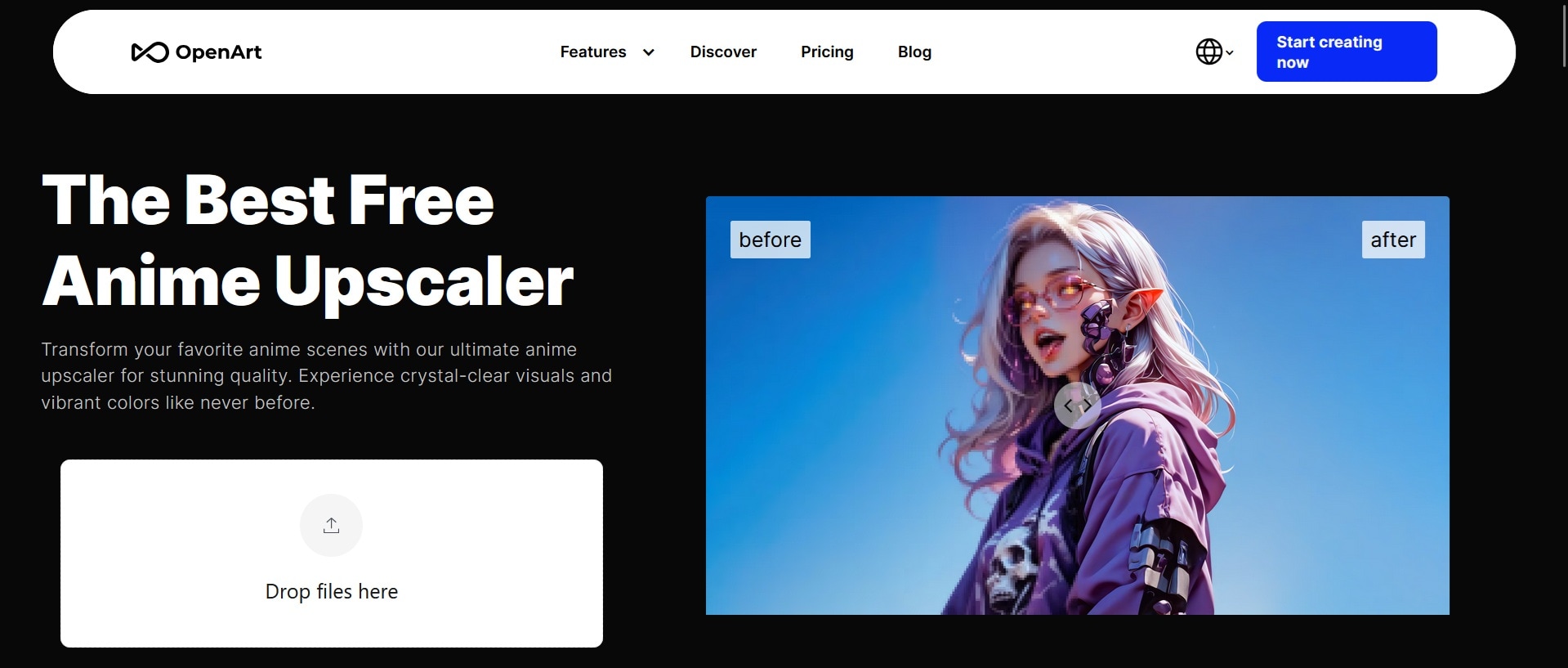
- Multiple upscale modes: Choose between Precise, Refined, and Creative modes based on how much detail you want in the reconstruction.
- Built-in creative toolkit: Beyond anime AI image upscaler, the platform includes inpainting, background removal, sketch-to-image, and image-to-video tools all under one roof.
- 40 trial credits for new users: Test the upscaler before committing to a paid plan.
- Produces the most artistically detailed results for low-quality anime images, especially in Creative mode
- Great for breathing new life into old sketches and turning rough artwork into high-resolution versions
- With only 40 free credits and at least 25 per upscale, you get just one test run
- High-resolution upscaling burns through credits quickly
- Free: 40 one-time trial credits.
- Paid plans: Starting at $14/month or $7/month if billed manually
7. PicWish (Image)
PicWish is a streamlined anime photo enhancer built around speed and simplicity. It uses a multi-model architecture to upscale anime images in one click, with no manual tweaking required. The output quality is generally clean, with well-preserved lineart for anime upscaling.
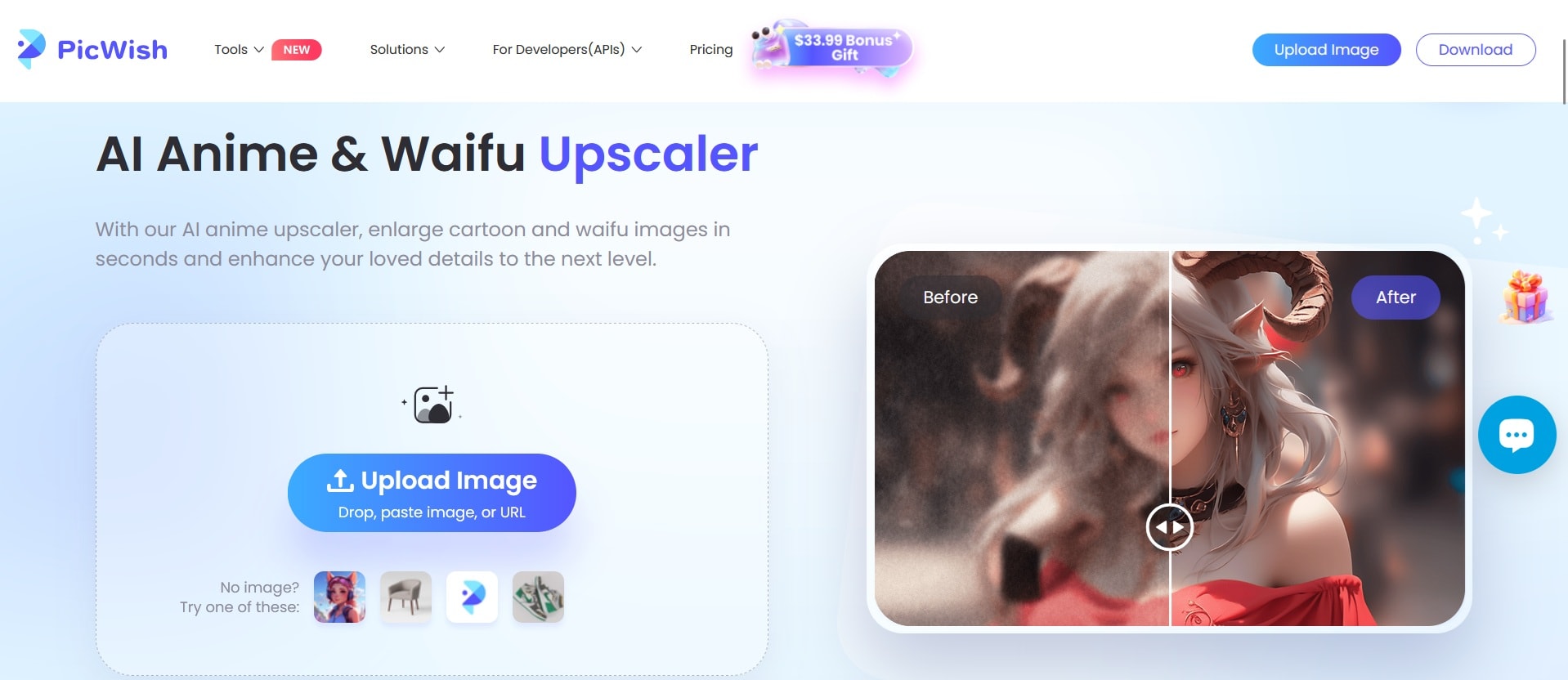
- Auto-enhancement: Automatically fixes blur, lighting, and resolution in a single click.
- Multiple modes: Choose from Standard, HD, Ultra HD, or Restoration (for repairing older or damaged images).
- Cross-platform: Available on web, Windows, Mac, iOS, and Android.
- PNG and JPG export: Both formats are supported, though full-resolution HD downloads are gated behind the Pro plan.
- URL upload is supported, so you don’t always have to download it first
- Very fast processing, most images are done within a few seconds
- No advanced manual controls to fine-tune results
- Batch processing is only available on the desktop app, not the web version
- Full-resolution HD output requires a Pro subscription
- Free generations include a watermark
- Saving images requires a login to the platform
- Free: Watermark on export and limited resolution
- Pro Plan: Starting at $5.99/month (50 credits/month)
- Pay as You Go: Starting at $17.99 for 300 credits
Part 3. How to Upscale Anime Image Online for Free
Most web-based tools are designed for speed and simplicity. While each site has a slightly different layout, the core process remains the same:
- Upload your file
- Make adjustments (if available)
- The AI anime upscaler processes your image in the cloud
- Download the result
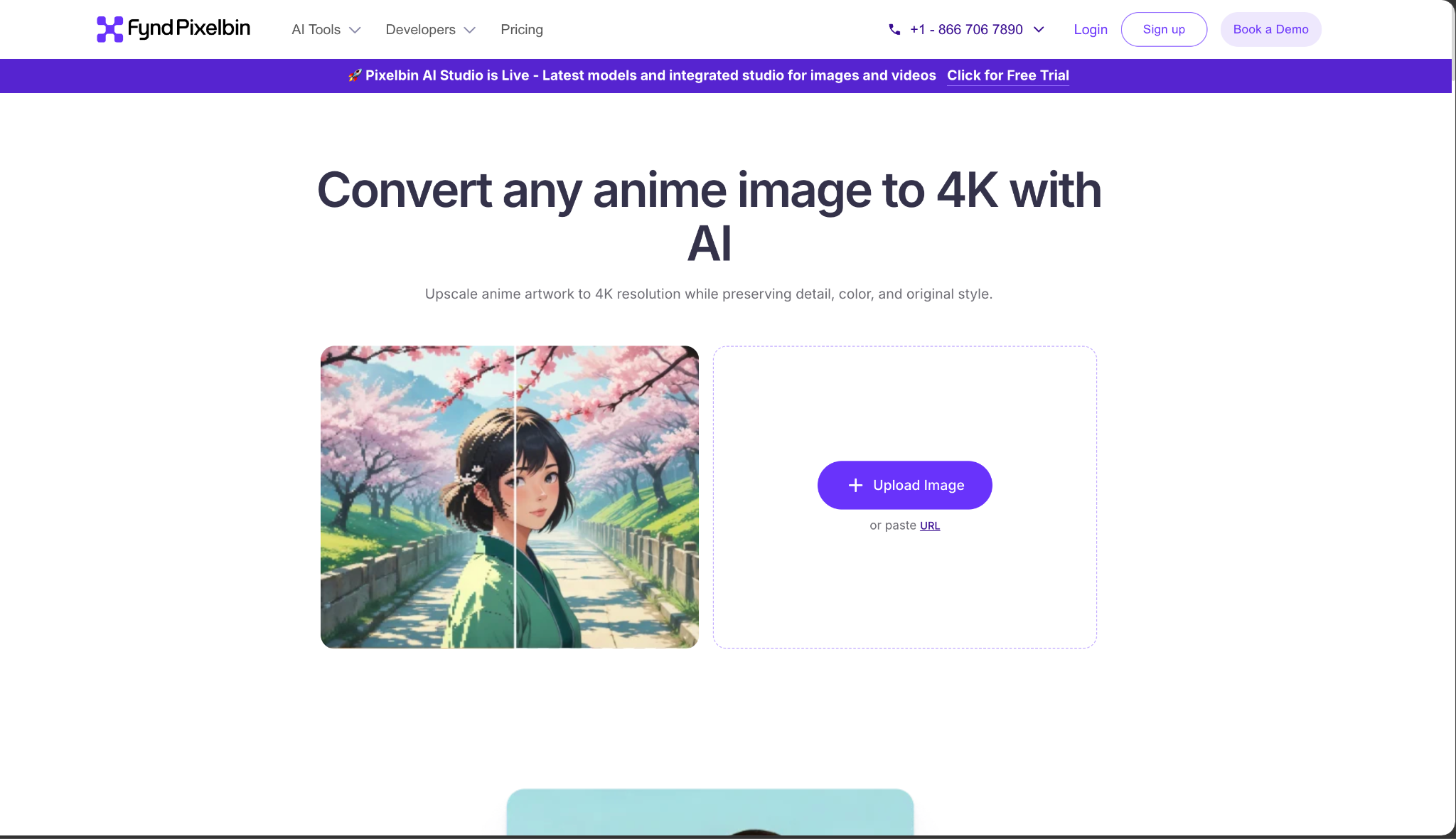
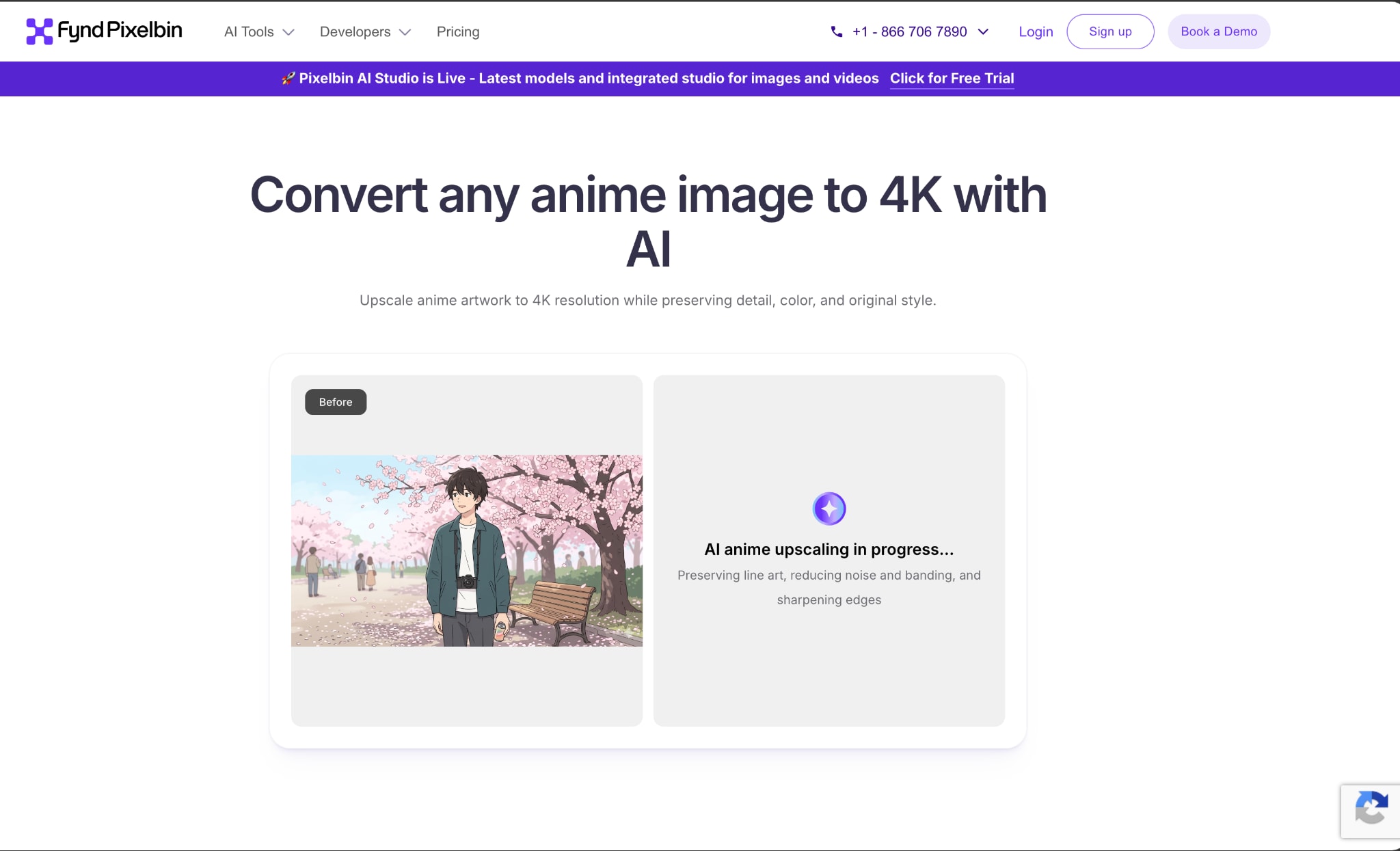
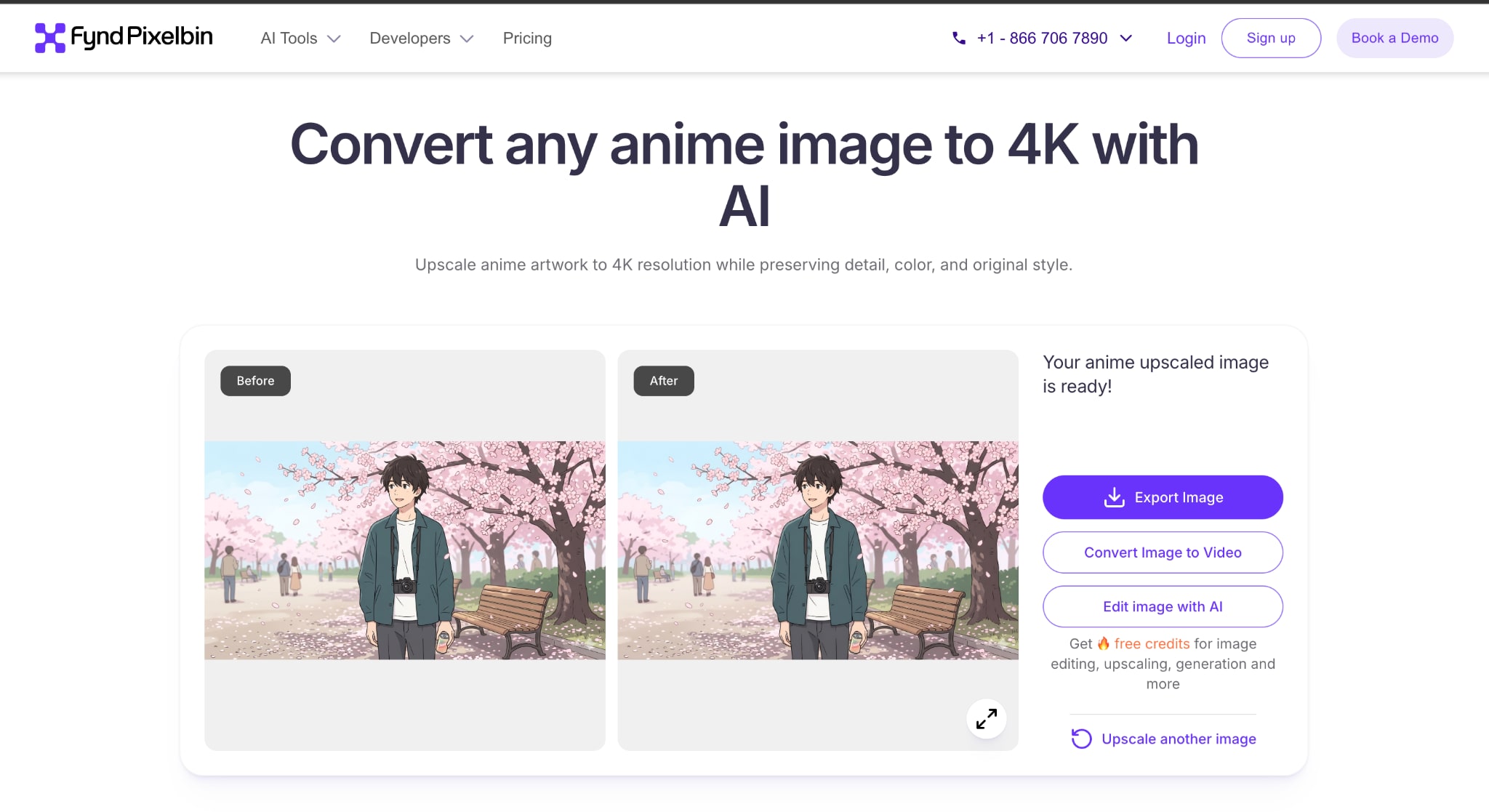
For this demonstration, we will use Pixelbin because it is widely considered the simplest anime upscaler for beginners and delivers solid upscaling quality for free without requiring an account.
Step-by-Step Guide to Upscale Anime Online
Conclusion
Choosing the right anime quality enhancer really comes down to what you are working on and what device you have available. If you need a stable and powerful solution for large video projects, something like Filmora works well as both a video editor and an anime photo enhancer in one package.
If you just need to do a quick anime image upscale without installing anything, browser-based tools like Pixelbin make the whole process surprisingly simple. Whatever your situation, a good AI anime upscaler lets you preserve the look and feel of your favorite series while pushing the quality up to 4K.
Secure DownloadFAQs
-
1. How much can you upscale an anime image without losing quality?
You can typically enlarge an image by 2x to 4x while keeping quality acceptable for most use cases when using an AI anime upscaler. Some tools offer up to 8x, but results at that scale vary a lot depending on the source resolution. The best balance of sharpness and accuracy usually sits at 4x. Beyond that, the AI is generating details that weren't there originally, which can distort the look of the original artwork.
-
2. Can I use an anime upscaler for manga panels?
Yes. An anime photo enhancer tends to work better on manga than a generic photo upscaler does. Because manga relies on sharp black ink lines and screentones, the algorithms are generally better tuned to keep those lines crisp compared to standard photo enlargement tools. Results still vary by tool, so test before processing a large batch.
-
3. Does upscaling increase file size?
Yes, significantly. When you upscale anime image files to 4K, you are essentially adding a lot of new pixels to the file. While the AI is very efficient, a 4K image contains much more data than a tiny thumbnail, so expect your file size to grow.
-
4. Why does my upscaled anime image look over-sharpened?
Oversharpened outputs usually happen when the anime quality enhancer engine is too aggressive with its sharpening pass. It can treat compression artifacts or grain as real detail and try to enhance them, which creates that harsh look. If your tool has an enhancement intensity slider or a "Smooth" model option, try lowering it. If there are no manual controls, try a different tool or start with a less compressed source file.
