AI Image Enhancer: Upscale Blurry Photos to 4K Instantly
 4.7
(15746 reviews)
4.7
(15746 reviews)
Enhance Photo Quality Across Every Scenario
- Facial Portraits
- Old Photos
- Low-Resolution
- Grainy Images
- Pixelated Images
- Low-Light Images
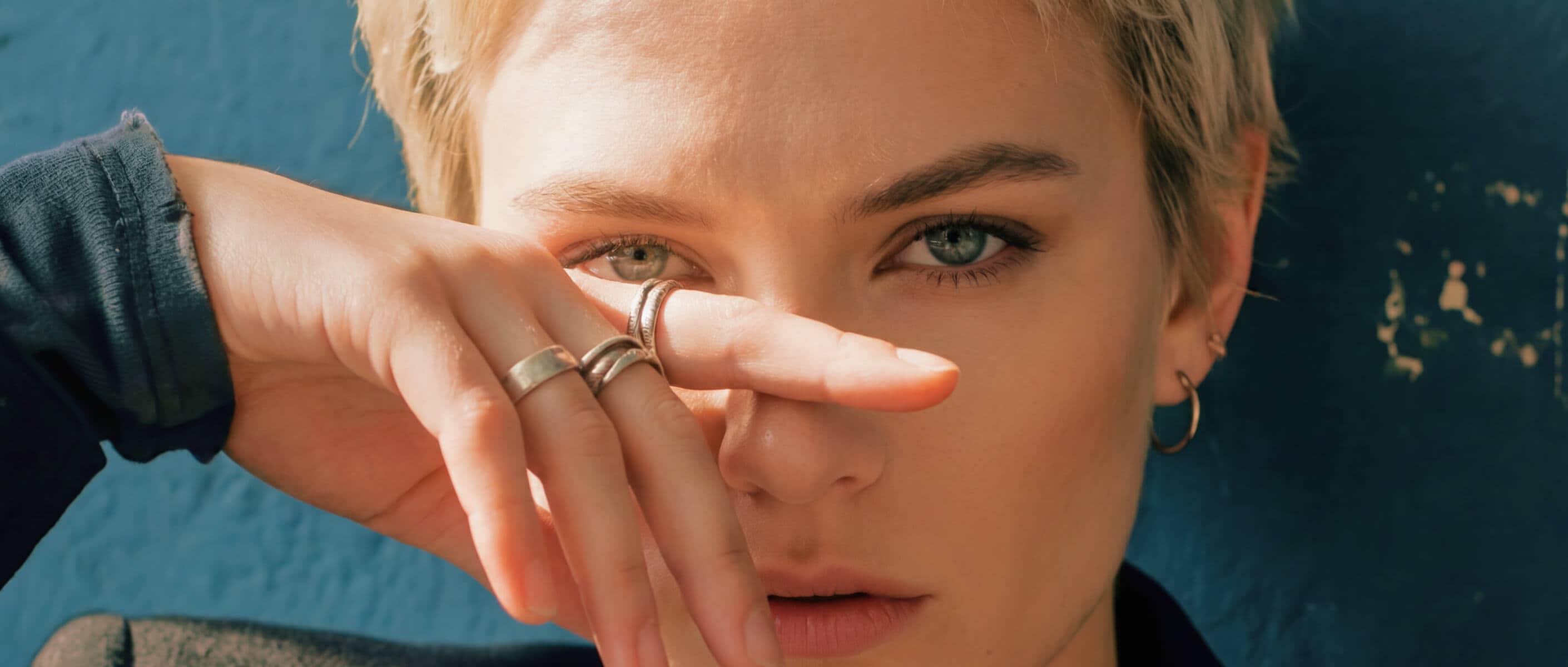
Refine Natural Portraits with AI Face Enhancer
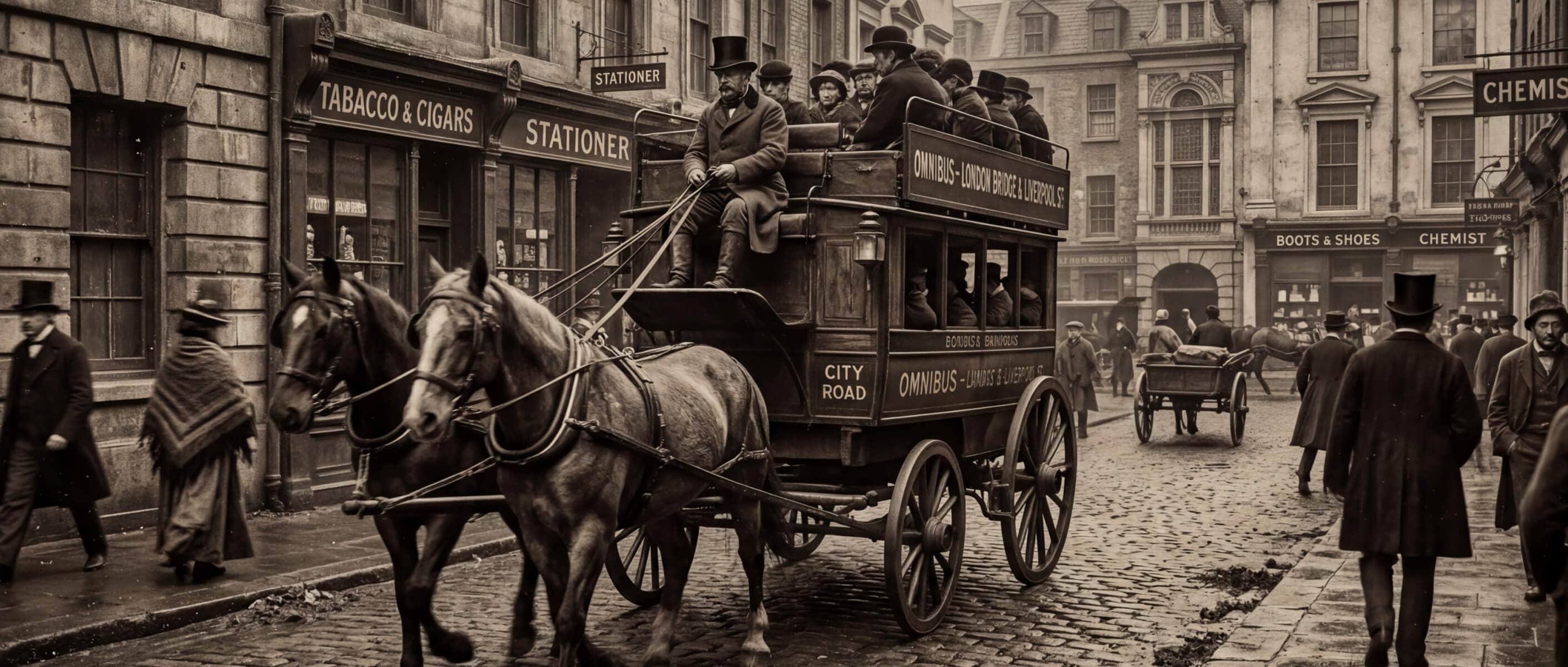
Restore Old Photo Quality with AI Image Enhancer
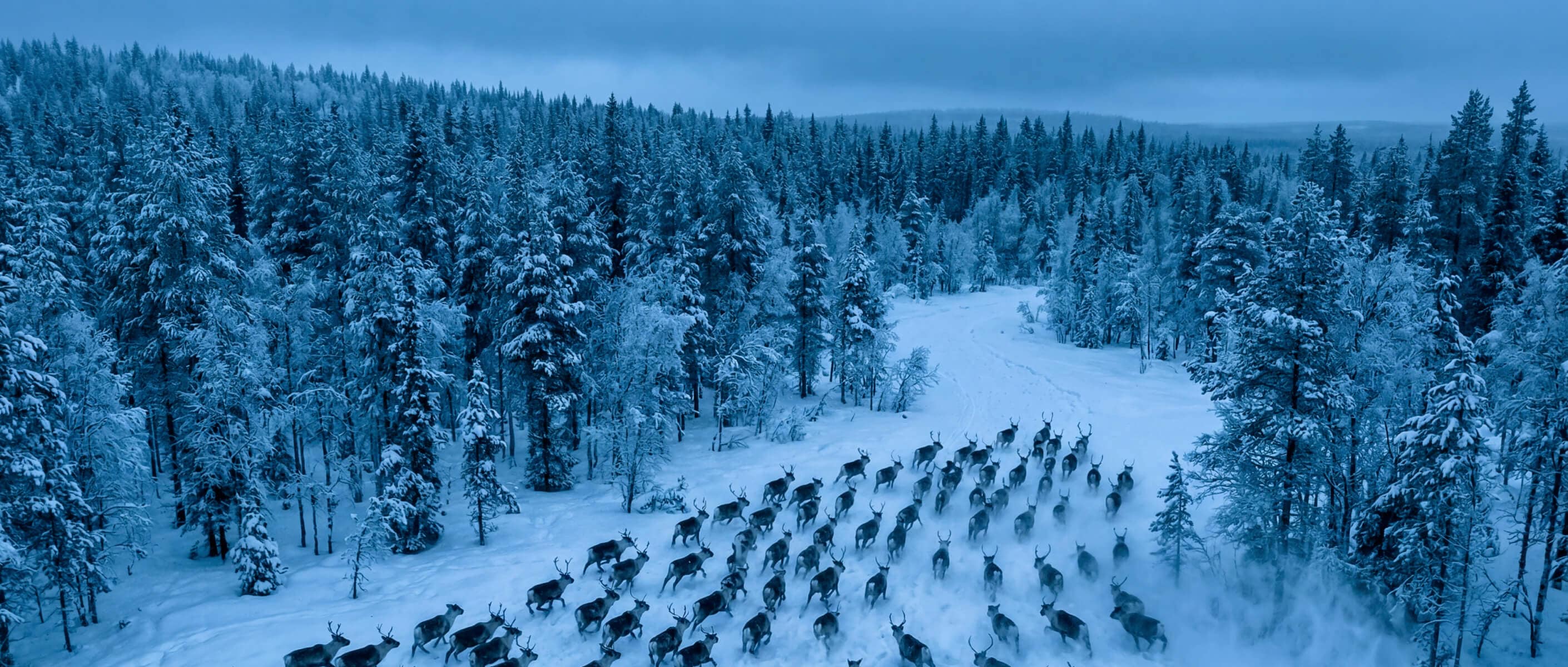
Sharpen Image Details and Upscale to 4K Instantly
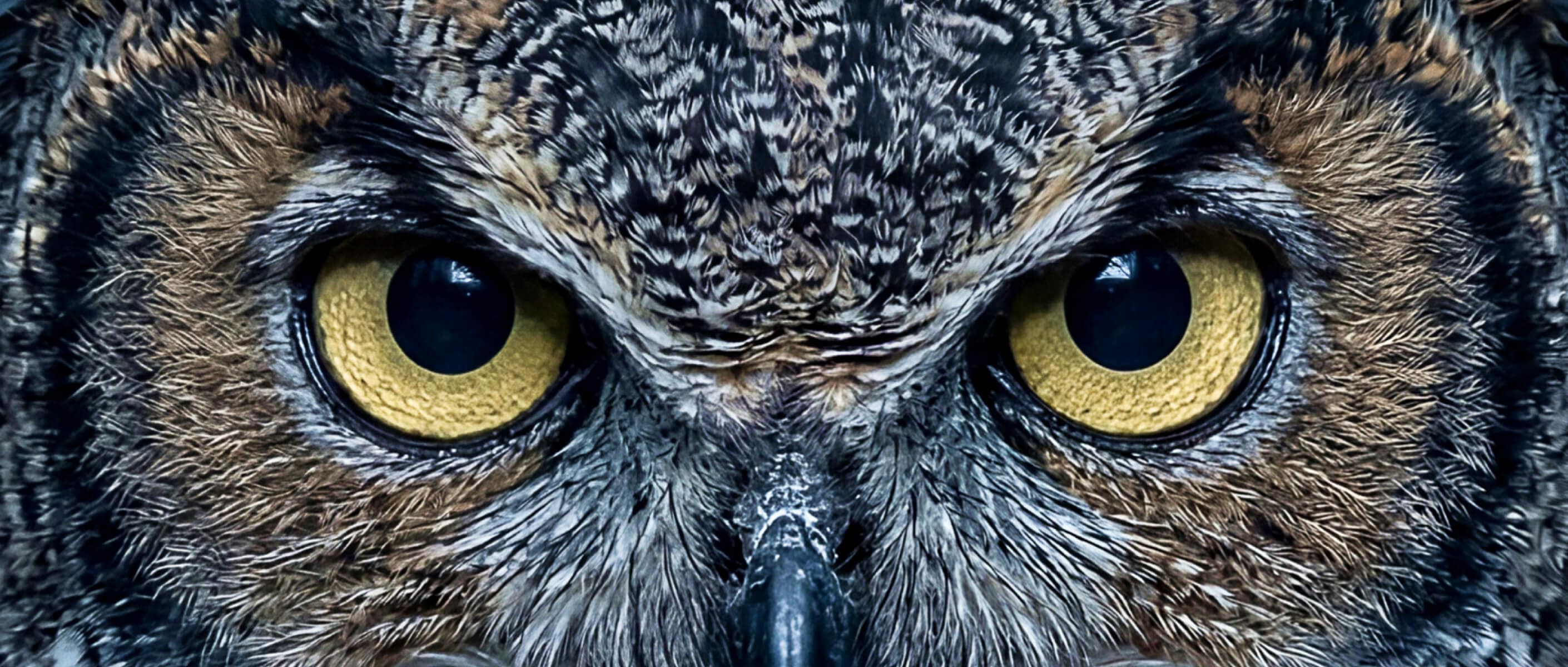
Denoise Image Files and Remove Digital Artifacts

Unpixelate Image Blocks for Cleaner Creative Assets
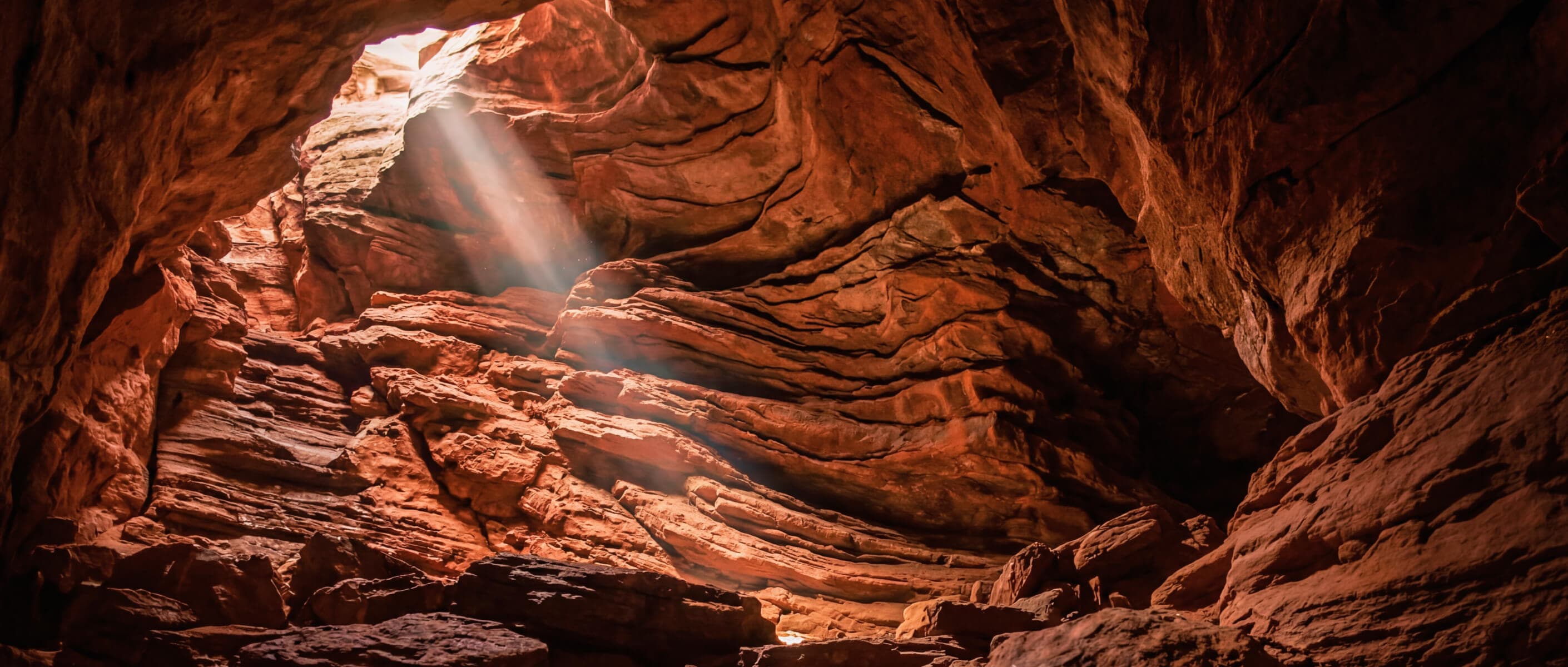
Brighten Image Details in Dark Photos
How does Filmora improve image quality with AI?
Improve Overall Image Clarity Instantly
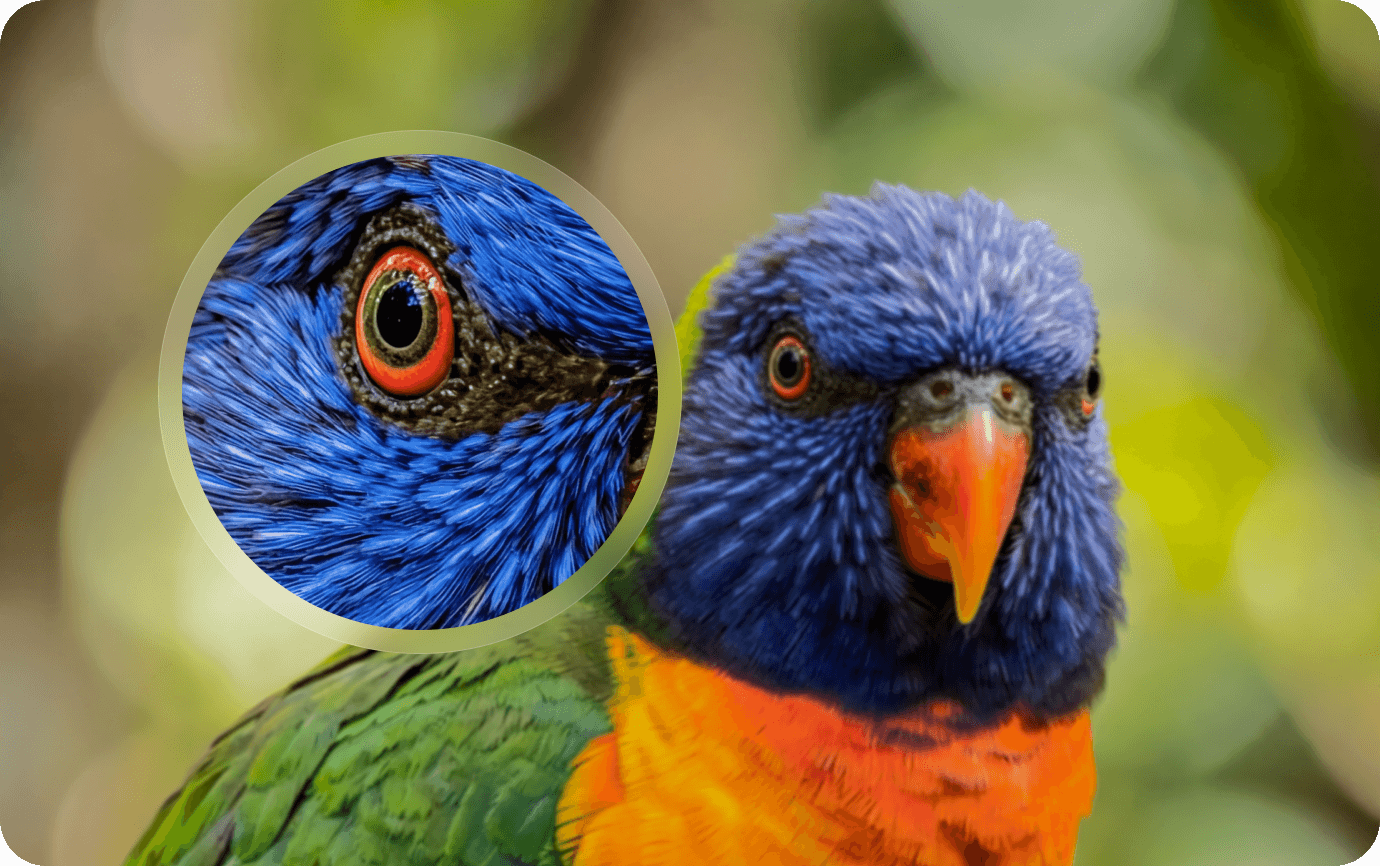
Restore Important Details Naturally
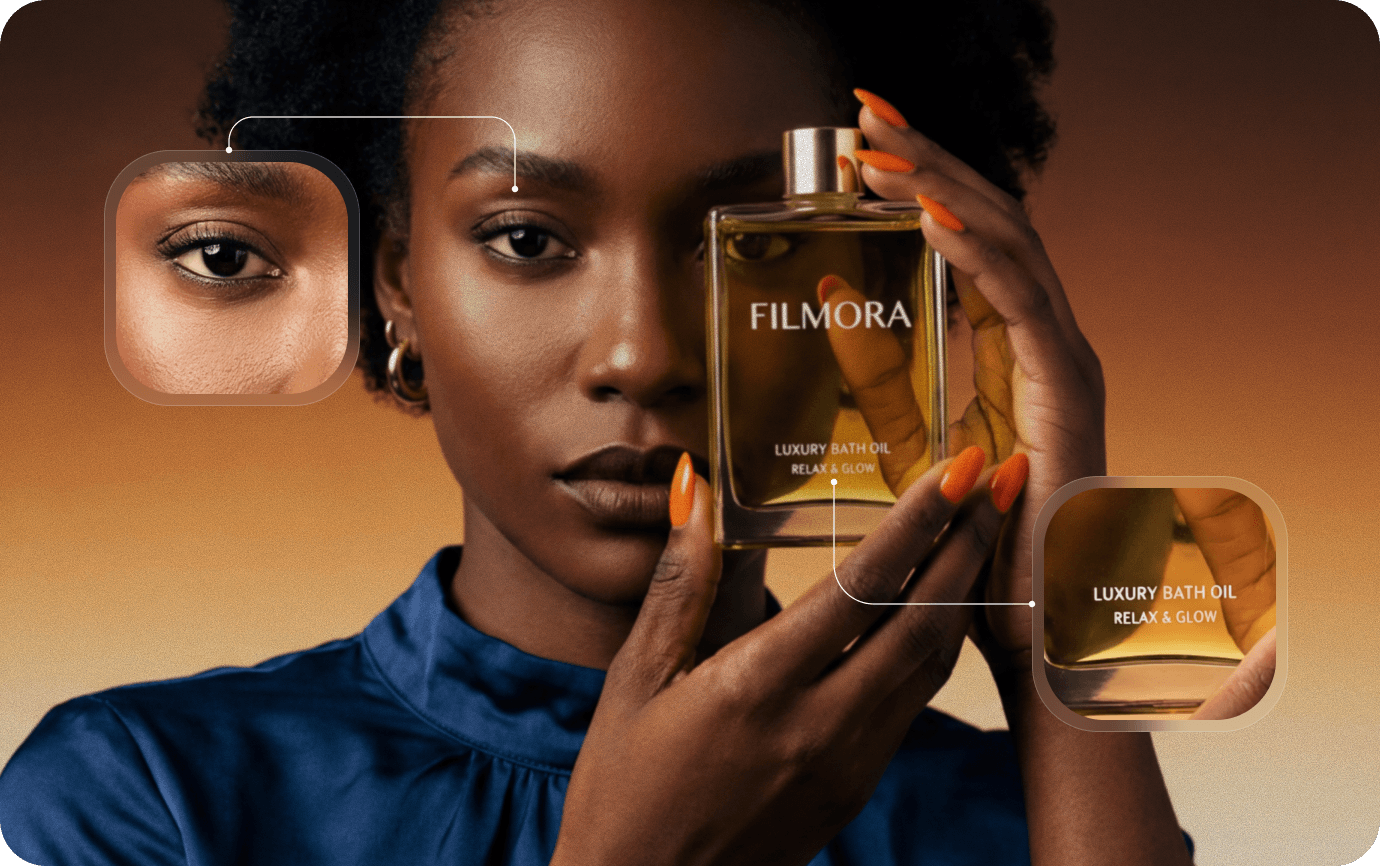
Unblur Images and Reduce Noise
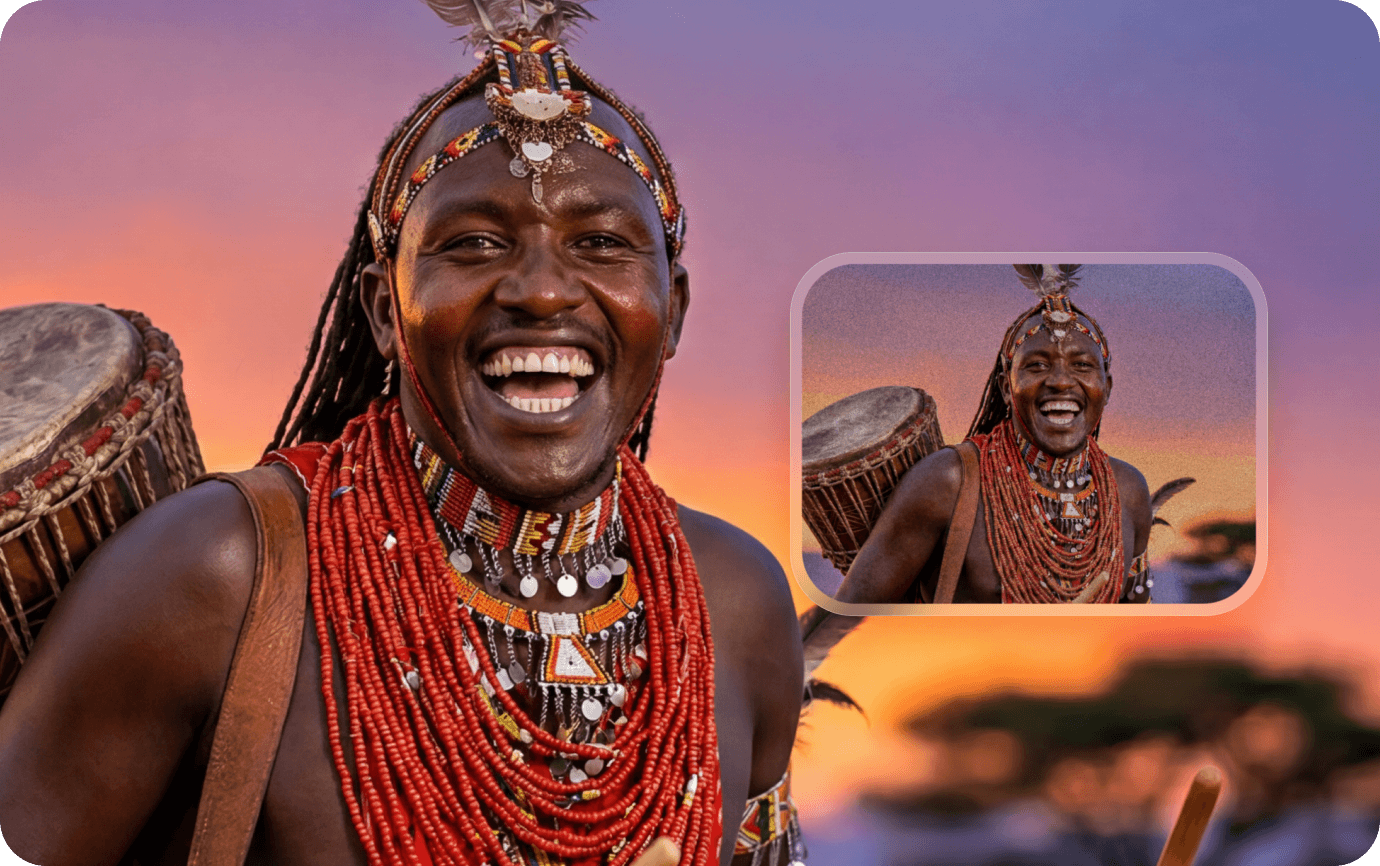
Make Low-Quality Images More Usable
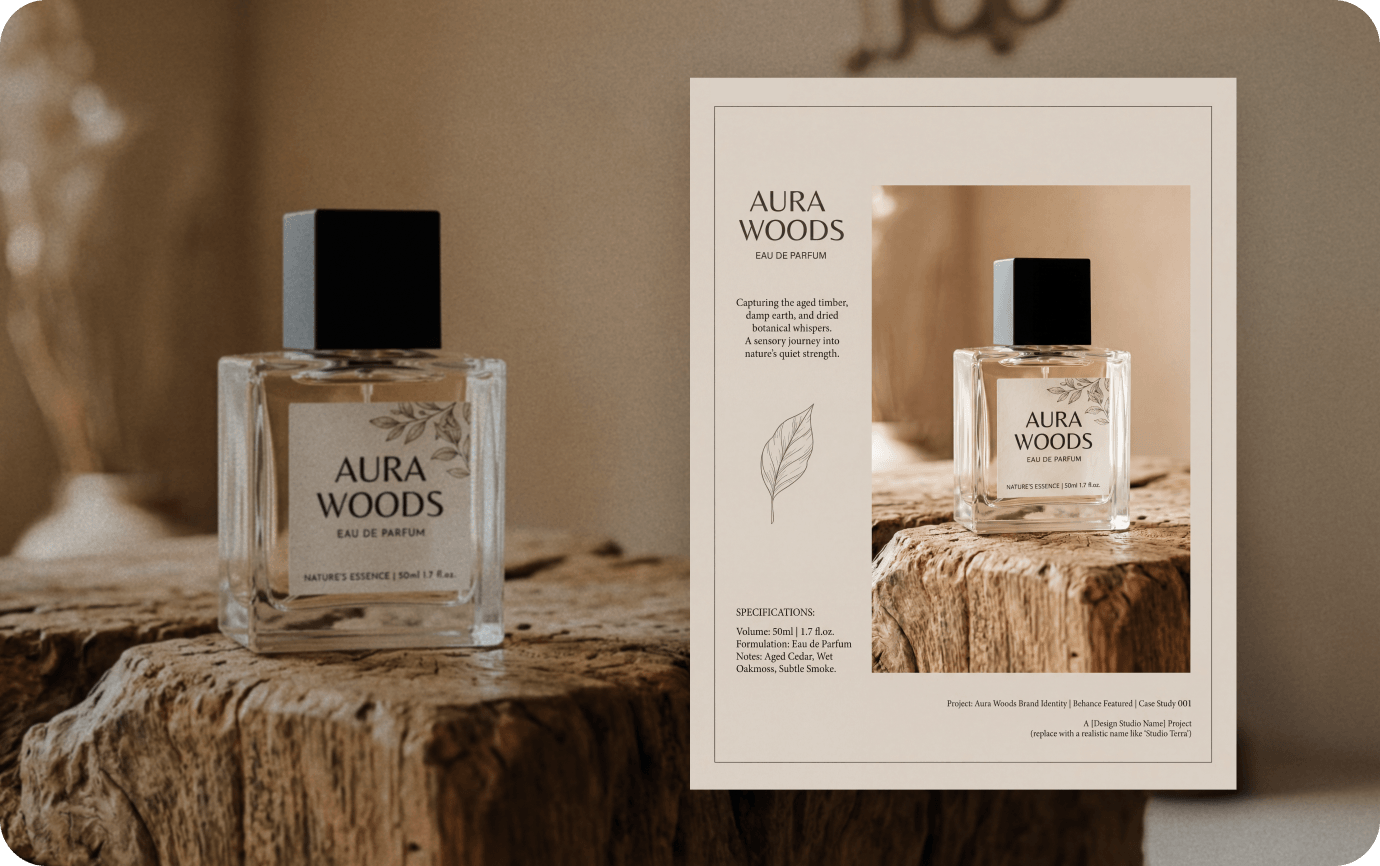
How Improve Picture Quality in Filmora
Enhance your image in just 3 steps—without manual parameter tuning and without leaving your creative workflow.
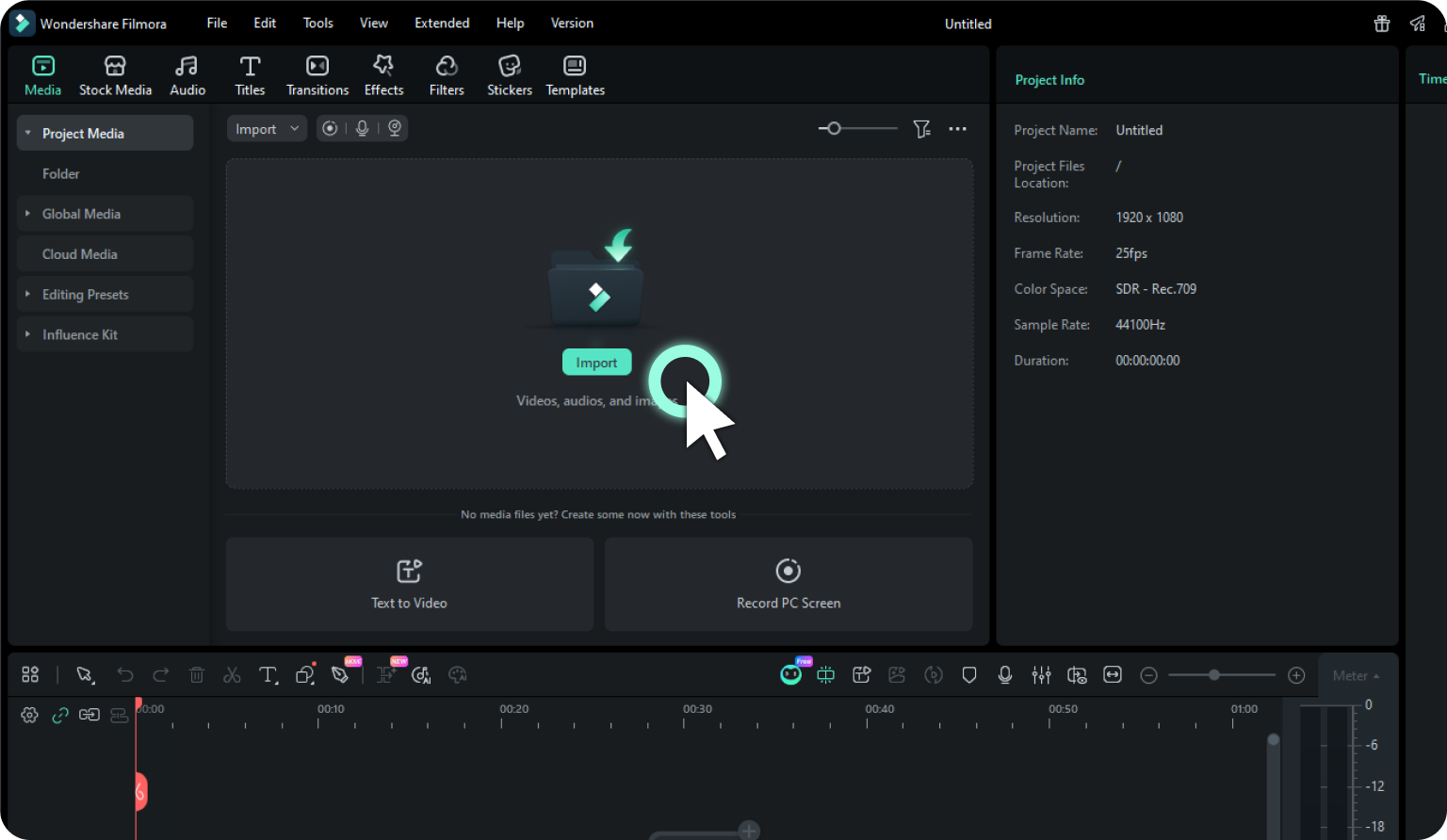
Step 1. Add Image to Project Media
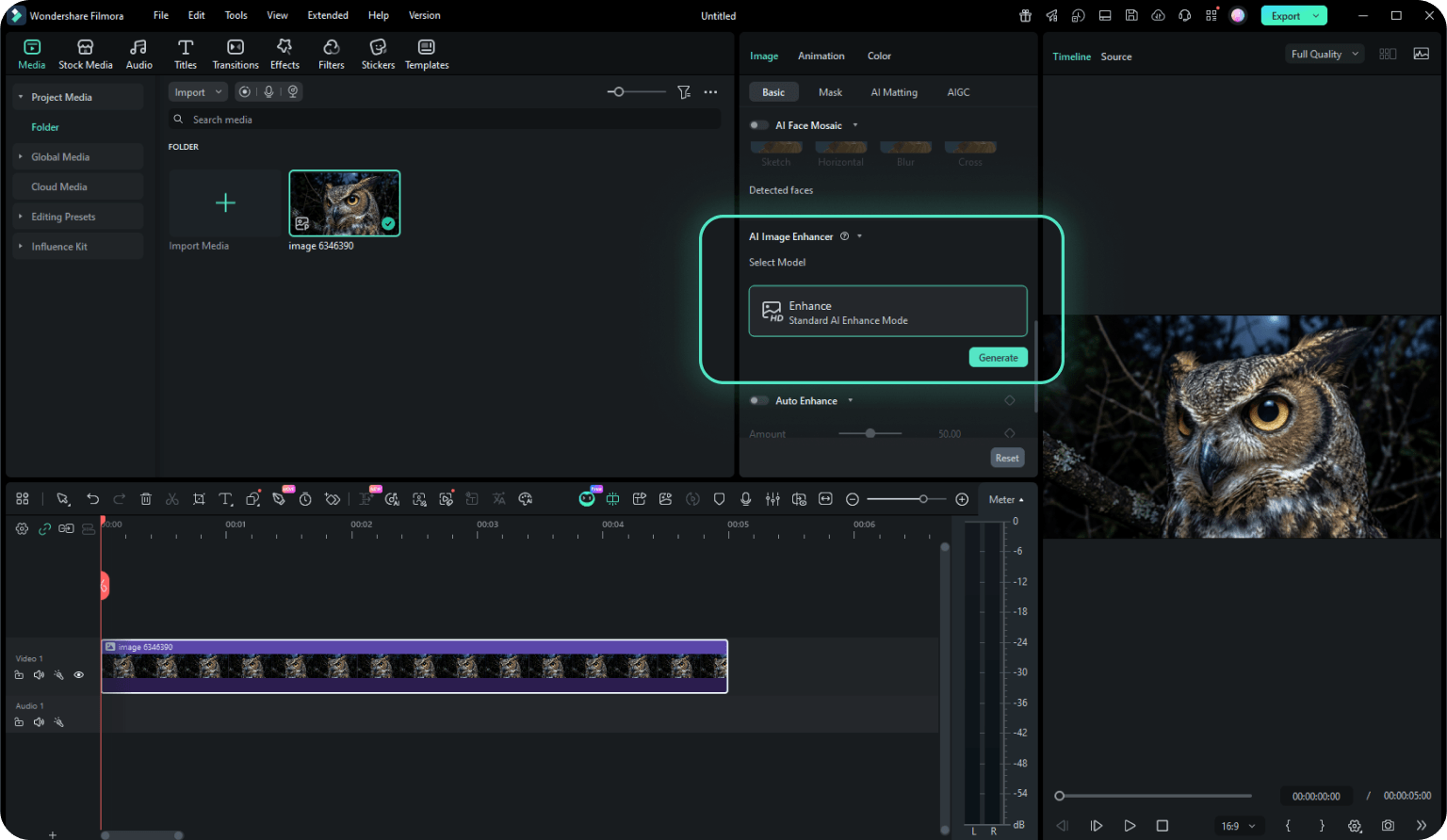
Step 2. Select AI Image Enhancer
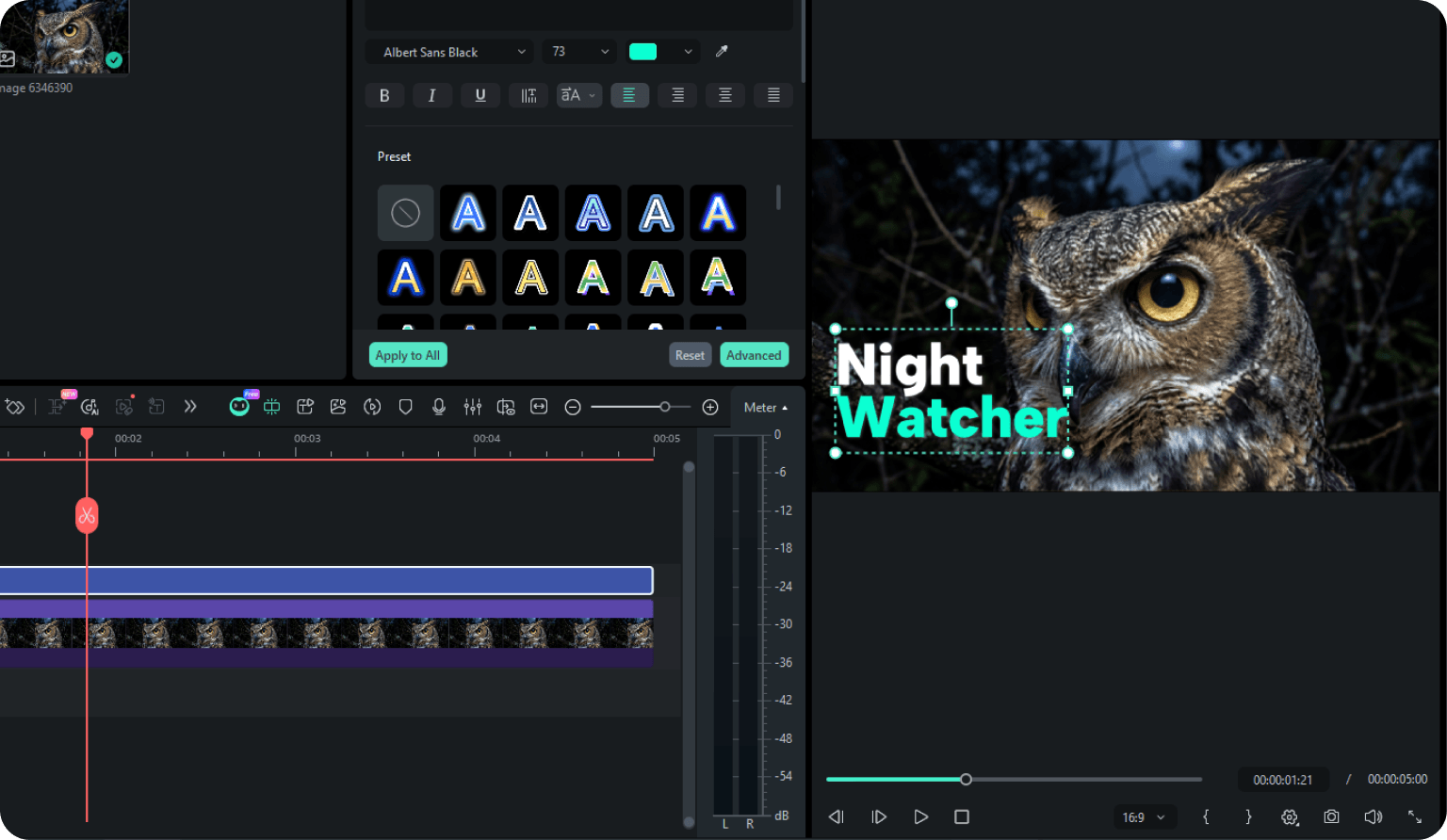
Step 3. Export or Edit
-
Step 1. Add Image to Project Media
Add your blurry or low-resolution image to the Project Media, then drag it onto the timeline. This integrates the asset directly into your editing workflow for quick enhancement. -
Step 2. Select AI Image Enhancer
Select the image on the timeline and find the AI Image Enhancer tool in the right-side panel. Simply click the Generate button to let the AI restore clarity and detail automatically. -
Step 3. Export or Edit
Instantly preview your clear, high-quality result. You can now continue editing the enhanced image on your timeline or export it as a professional asset for your project.
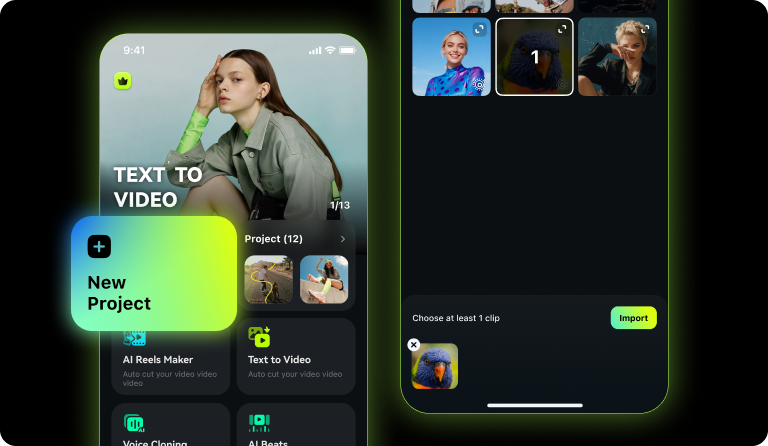
Step 1. Upload and Add to Image
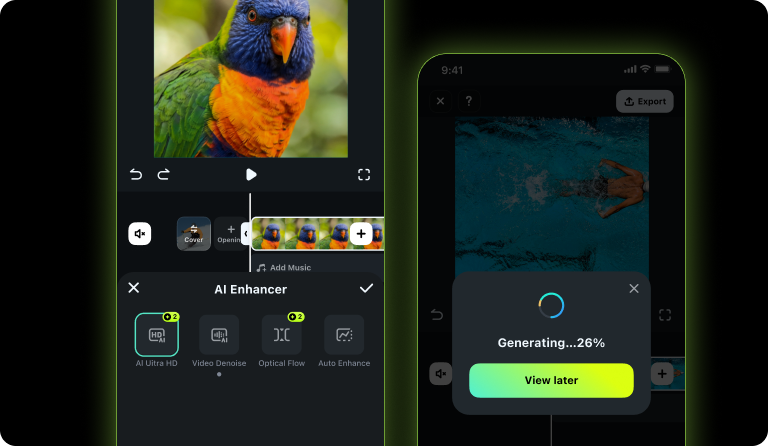
Step 2. Apply AI Ultra HD Fix
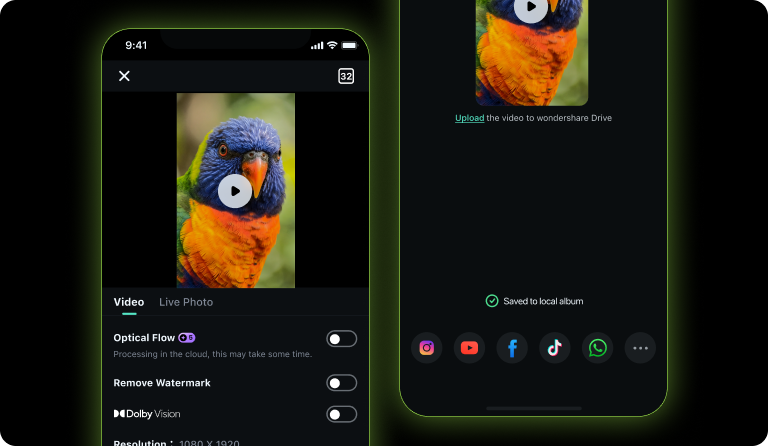
Step 3. Save and Share
-
Step 1. Upload and Add to Image
Open the Filmora app, create a new projet, Select and import the image you want to fix. -
Step 2. Apply AI Ultra HD Fix
Choose AI Enhancer > AI Ultra HD from the bottom menu. The tool will process the image immediately to remove noise and sharpen details in seconds. -
Step 3. Save and Share
Once the enhancement is complete, save the crisp image to your device. Your high-quality photo is now ready for social media or further editing.
Why Choose Filmora Over Online AI Image
Enhancers
All three models are available in Filmora. Compare capabilities side by side to find the right fit for your creative workflow.
| Category | Filmora AI Image Enhancer | Online AI Image Enhancers |
|---|---|---|
| Best for | High-frequency creative work |
Quick one-time enhancement |
| Workflow | Enhance and continue creating without leaving Filmora |
Upload, process, and download in the browser |
| Use cases | Content production, marketing visuals, product images, and video projects |
Simple image cleanup |
| Ease of use | One-click enhancement with no extra setup |
Easy to start, but often disconnected from later editing |
| Asset handling | Better for ongoing projects and repeated asset use |
Better for lightweight tasks |
| Creative continuity | Fits naturally into a creative workflow |
Usually stops at the enhanced download |
| Ideal users | Creators, teams, and professional users |
Casual users and occasional needs |
Who can benefit most from Filmora Photo
Quality Enhancer?
Whether you create for social media, e-commerce, marketing, business, or personal preservation, Filmora helps turn blurry, compressed, or old images into clearer, more usable visual assets with less work.

Enhance Images for Thumbnails, Covers, and Promo Content
Make thumbnails, covers, insert images, and promo visuals clearer faster—especially when your source images come from downloads, screenshots, or older files. Filmora helps creators improve first-impression quality without spending extra time replacing assets.
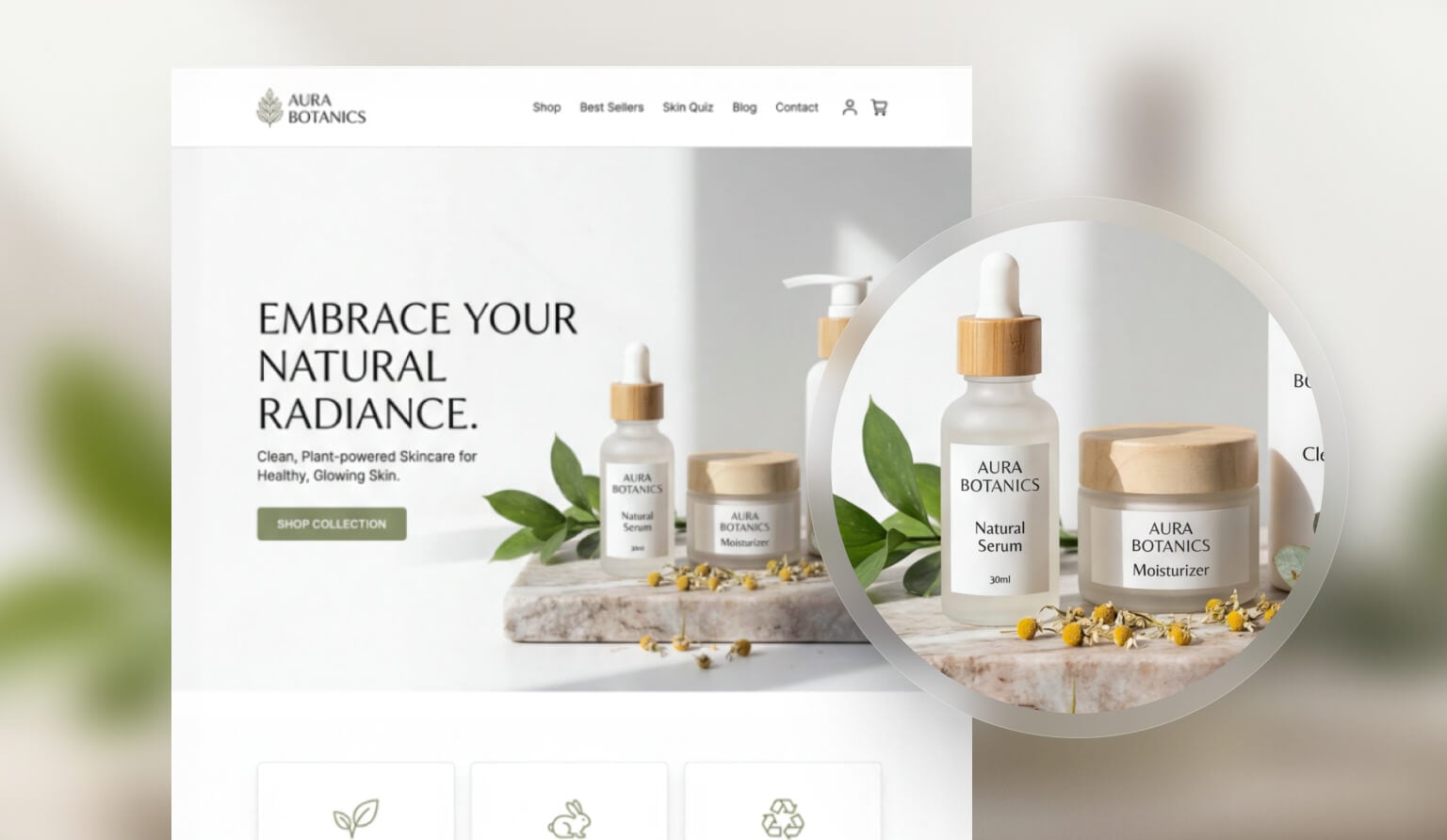
Restore Old, Blurry Photos for Saving, Sharing, and Reuse
Bring old, blurry, or heavily reused photos into a clearer and more shareable condition for saving, showing, and using again.
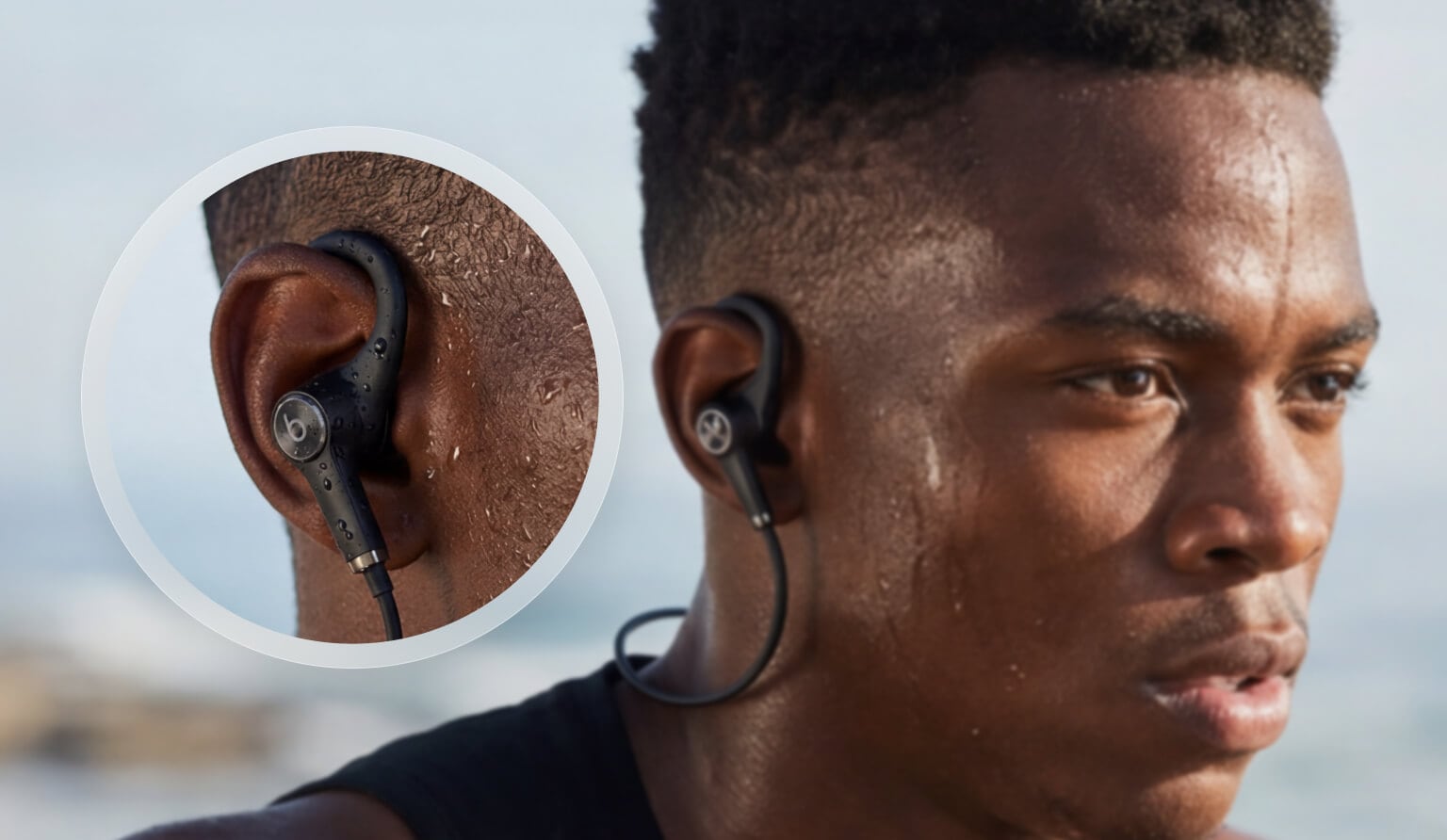
Improve Product Images for Listings, Campaigns, and Storefronts
Make product images look clearer, cleaner, and more professional for listings, campaign banners, storefront pages, and promo materials.
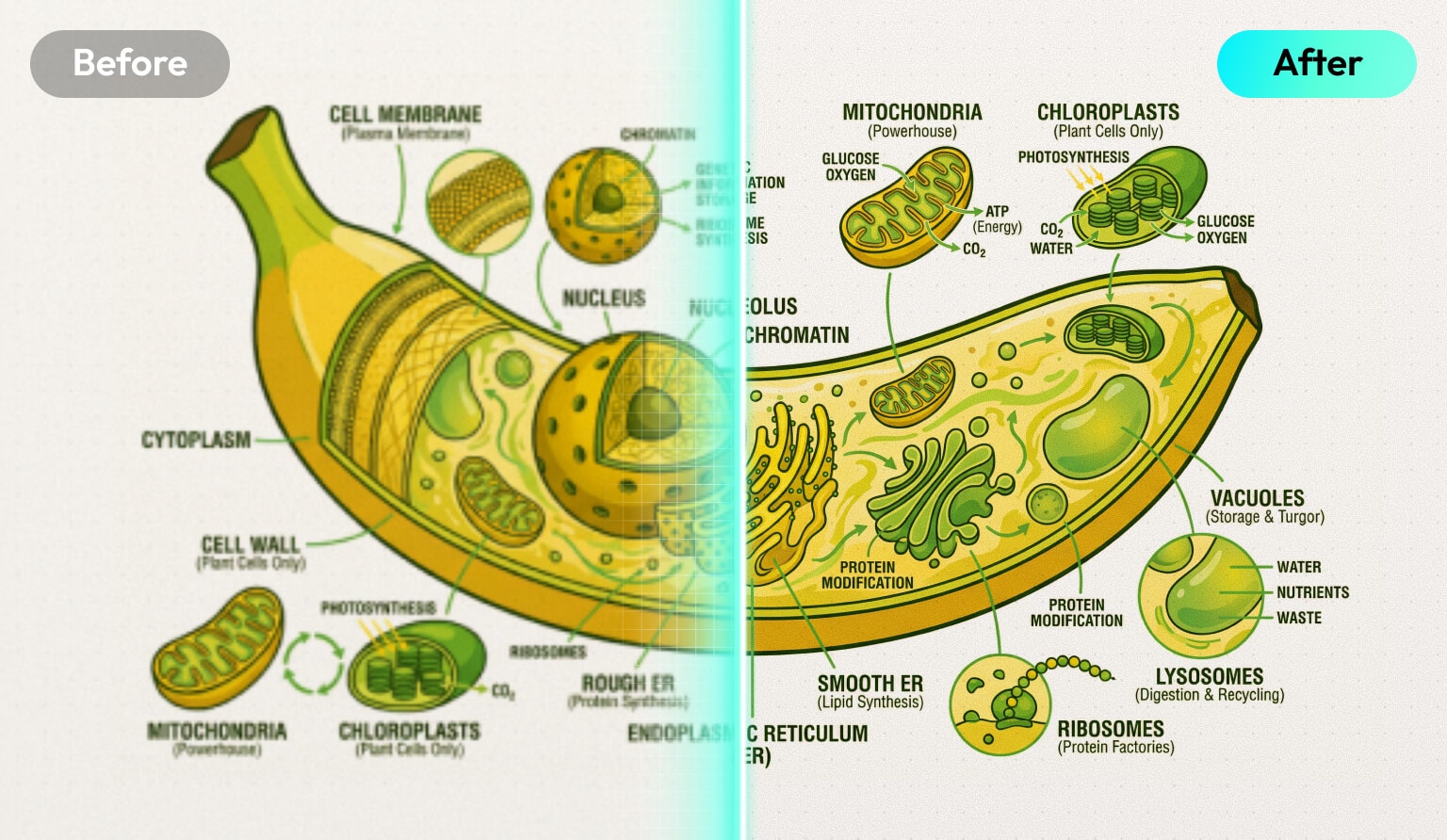
Improve Historical Materials, Lesson Visuals, and Presentation Assets
Enhance old materials, lesson visuals, internal presentation images, and reused project assets when quality matters but redesign time is limited.
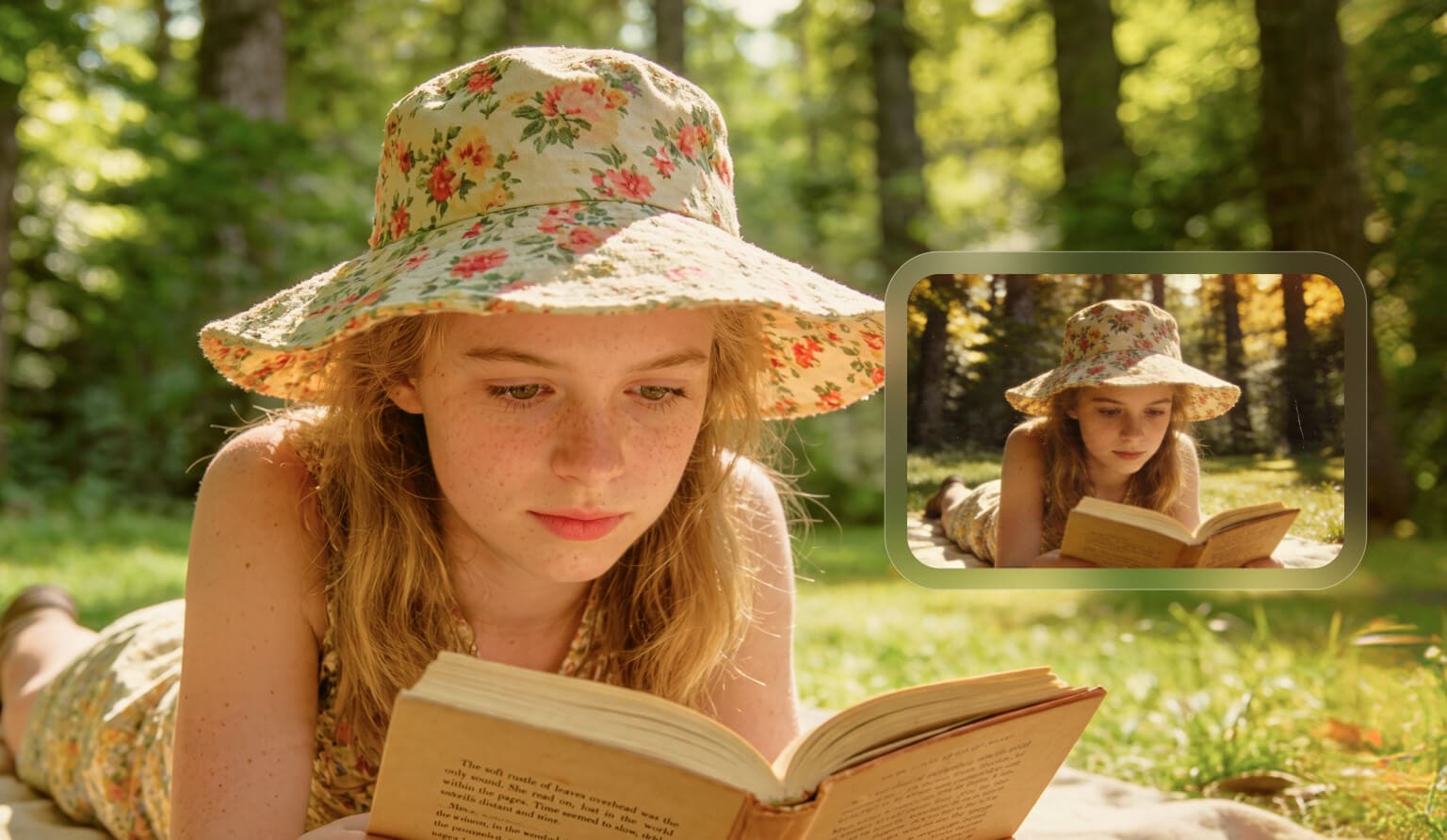
Upgrade Campaign Visuals, Banners, and Landing Page Assets
Refresh old, compressed, or inconsistent visuals for campaigns, activity pages, landing pages, and ads without starting from scratch.
What to Expect from Filmora picture quality enhancer
Set clear expectations for better results. Here's what the current version handles well and where results may vary.

Up to 4K input
Works with images up to 3840 × 2160.

Same output size
Your enhanced image keeps the same size as the original.

One-click workflow
No manual settings needed. Just select the image and start.

Good for portraits
Works well on portrait images and can improve face details.

Good for old and low-quality images
Helpful for old photos, blurry images, and compressed files

Results may vary
Text-heavy images or pictures with very dense grain may show less improvement.
Learn More Tips & Tricks About Image Enhancement
FAQs About Image Quality Enhancement
What Our Customers Say About Us

Sarah Jenkins

Editz_Pro_Mike

Marketing_Alex

Chloe Miller
Enhance Your Video Stablization Further