

 TL;DR:
AirBrush is an AI-driven photo editor that provides automated portrait retouching and resolution upscaling for static images, serving as a time-saving alternative to manual editing tools for everyday content creators.
● The free, browser-based Online version requires an account login to unlock enhancement modes like 4X AI Ultra HD upscaling, whereas the desktop application (AirBrush Studio) requires a premium subscription for project-based, non-destructive editing.
● Because AirBrush lacks video integration capabilities, creators needing to enhance frame captures, thumbnails, or overlays within a timeline workflow should use Wondershare Filmora to eliminate exporting and context switching.
● While AirBrush excels at delivering quick visual consistency across batches, Photoshop remains the mandatory choice for workflows requiring advanced compositing, commercial retouching, or precise pixel-level control.
Ask AI for a summary
 ChatGPT
 Perplexity
 Gemini
 Claude
 Grok
Grok
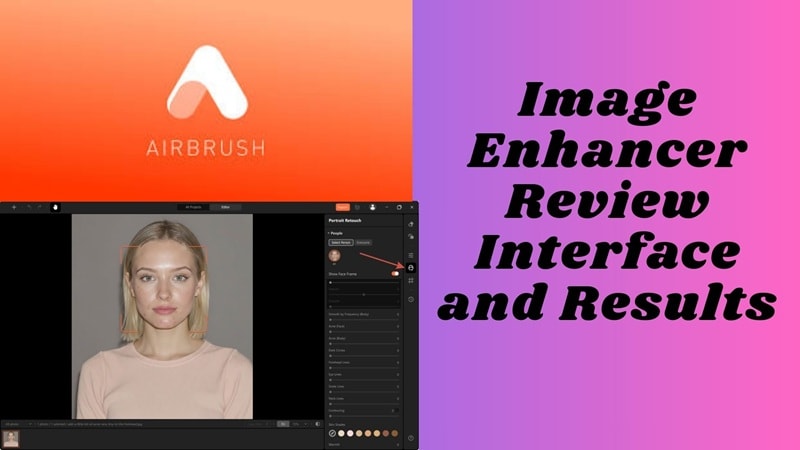
First impressions online start with a high-quality photo. Whether you are a creator or a business professional, using an AirBrush image enhancer has become a go-to solution for achieving polished results. In this 2026 review, we'll dive into the AirBrush photo editor online and PC versions, exploring how this AI photo editor scales your workflow and how it stacks up against professional tools like Photoshop.
AirBrush Image Enhancer Review: Is It the Best AI Photo Editor in 2026?
Just like any image enhancer, AirBrush photo editor is designed to improve photo quality automatically using AI analysis. In one step, AirBrush scans the picture and makes balanced changes to the light, color, and detail. The photo looks clearer, brighter, and more polished without any extra editing.
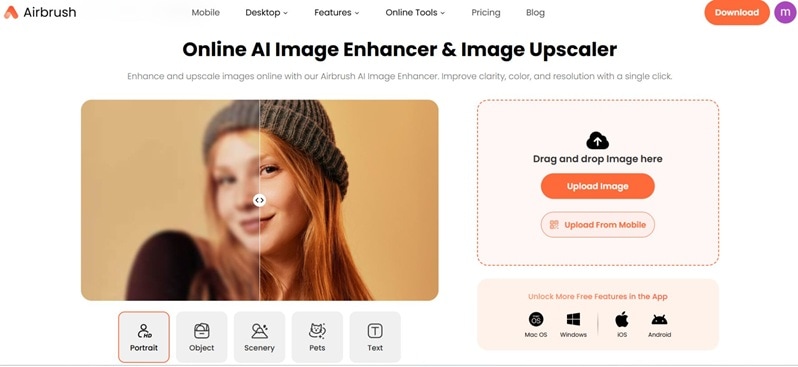
It adjusts tonal balance to yield greater contrast and color depth thus resulting in images that look natural and are pleasant to the eye. The clarity and sharpness are enhanced to better disclose the edges and textures, whereas the noise and grain are minimized for a cleaner result. This simplified procedure goes back to the real mission of the Airbrush image enhancer.
Key Features of AirBrush Image Enhancer: More Than Just Retouching
Visual consistency starts with capability. AirBrush photo editor focuses on features that affect how images hold up across platforms. Features You'll Love:
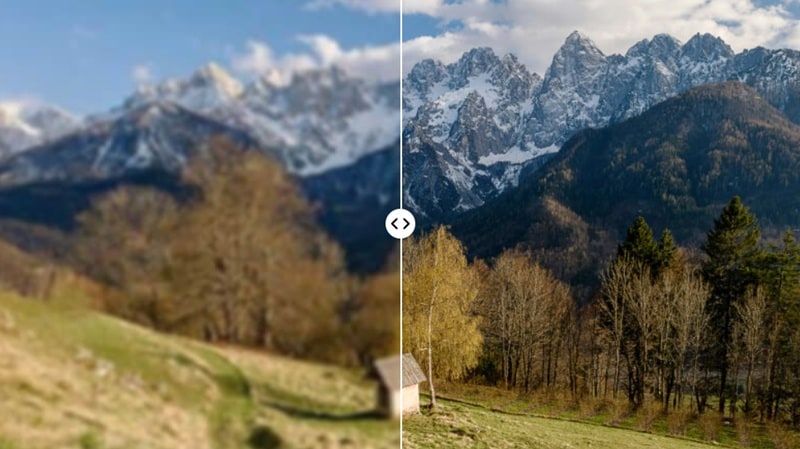
AI Image Upscaler
This feature increases image resolution without breaking detail. The AI rebuilds edges and textures instead of stretching pixels. Enlarged photos stay sharp, making them suitable for zooming, cropping, or large-format use.
One-Tap Skin Retouching
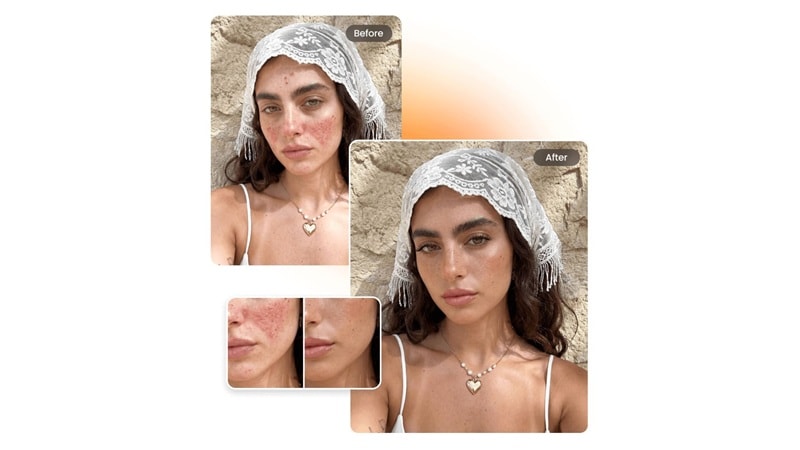
Portrait edits happen in a single action. The system smooths skin, balances tone, and reduces blemishes while preserving natural texture. Faces look refined, not artificial.
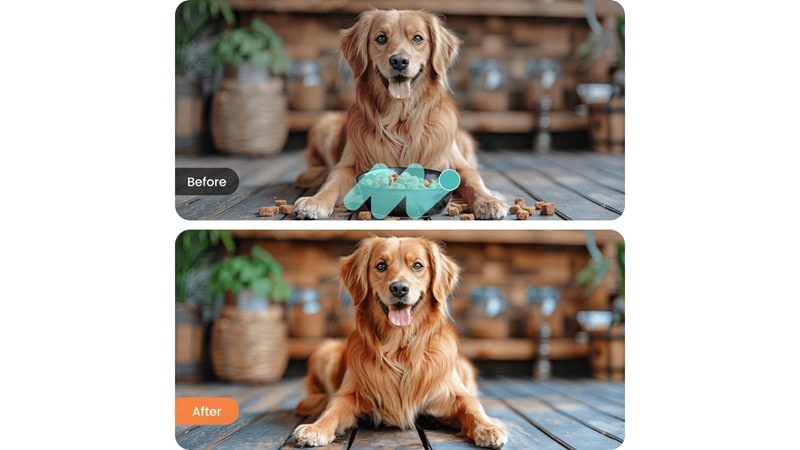
Object Removal
Unwanted elements are removed cleanly from images. The background fills naturally, leaving no visible traces. This keeps photos focused and visually professional, a core strength of an Airbrush image enhancer.
Part 3: AirBrush Photo Editor Online vs. PC vs. Mobile: Which One to Choose?
You can get AirBrush on your phone, online, or on your computer. Each version is made for a different type of editing. The core tools are the same, but the experience and workflow are different on each platform.
- Mobile version (iOS and Android): The app is made for quickly editing portraits. It has AI tools for things like removing objects and changing backgrounds, as well as face retouching, skin smoothing, blemish removal, and light reshaping. It works well for people who want results quickly and with little effort.
- Online version: You don't have to install anything to use the online editor. It has basic retouching, filters, lighting changes, background blur, and automatic improvement. It works best for quick edits on devices with little storage or that are shared, but it depends on how fast the internet is.
- PC version (AirBrush Studio): AirBrush Studio is for people who use desktops and want more control. As an Airbrush photo editor for PC, it can do portrait retouching, object removal, basic reshaping, filters, and non-destructive edits in a stable, project-based workspace.
Comparison Table: Online vs PC Version
The choice between online and desktop editing affects speed, stability, and the level of control you have over the results.
| Aspect | AirBrush Photo Editor Online (Free) | AirBrush Photo Editor for PC (AirBrush Studio) |
| Access Method | Browser-based | Desktop application |
| Installation | Not required | Required on Windows or macOS |
| Login Requirement | Not mandatory for basic use | Required to open and edit images |
| Internet Dependency | Fully internet-dependent | Internet required despite desktop install |
| Editing Focus | Quick portrait enhancement | Portrait retouching on larger screens |
| Core Tools | Skin retouching, filters, lighting fixes, background blur, auto enhance | Portrait retouching, object removal, basic reshaping, filters |
| Editing Control | Simple, limited precision | More precise control via mouse and keyboard |
| Workspace | Single-image editing | Project-based image management |
| Stability | Can vary with connection quality | More stable interface during longer sessions |
| Editing Style | Fast, convenience-driven | Careful, screen-based workflows |
| Best Use Case | Quick edits on shared or low-storage devices | Focused portrait editing using an Airbrush Photo Editor for PC |
|
Show More
Show Less
|
||
Part 4: AirBrush vs. Photoshop: Can AI Replace Manual Editing?
Photoshop has long been the industry standard for photo editing. It gives users full control for manual photo enhancement through layers, masks, healing tools, and detailed adjustments that often require hours of practice.
However, achieving polished results in Photoshop can take a while, as the workflow is very slow and navigating through the tools and menus can be challenging for first timers.
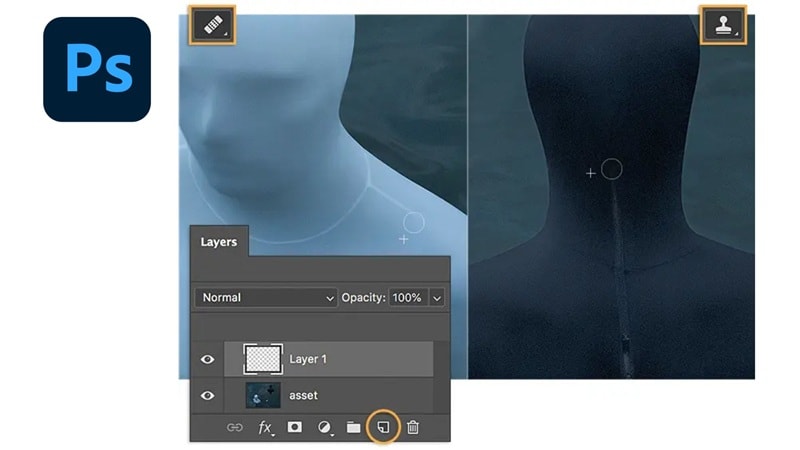
AirBrush changes this workflow. Rather than manipulating every single pixel, you let the AI decide how things are going to look for an aesthetic look – for countless creators, this is a worthwhile trade-off.
Why creators are shifting to AI tools:
- Speed over perfection
- Consistent results across batches
- Lower learning curve
Photoshop still wins for advanced compositing and commercial retouching. But for everyday content, AI-driven Airbrush photo editor online tools often deliver "good enough" results in a fraction of the time.
Part 5: Step-by-Step Guide: How to Use AirBrush Photo Editor Online Free
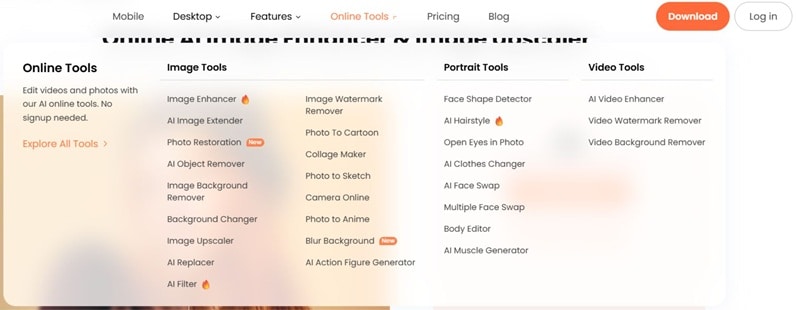
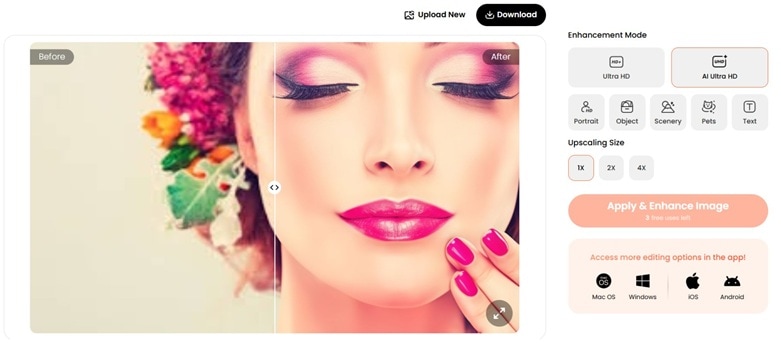
Start on the official AirBrush site. Look at the top-right corner. Click Log in. This helps you save actions and unlock the online tools menu.
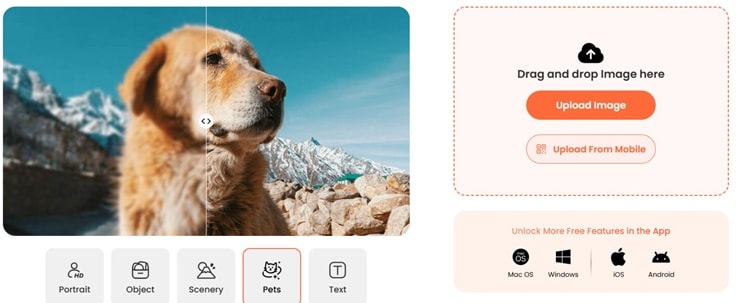
- Choose Ultra HD for a lighter upgrade.
- Choose AI Ultra HD for a stronger clarity boost.
Under Upscaling Size, select 1X, 2X, or 4X. Use 1X for quick fixes. Use 2X or 4X when you need more detail.
Part 6: From Static Images to Video: Where AirBrush Stops, Filmora Takes Over
AirBrush does one thing exceptionally well: making single images look polished and professional. But for creators who work with video, a polished photo is rarely the final destination—it's often just a starting point.
Thumbnails, overlays, promotional graphics, and frame captures all need to hold up on screens of all sizes. And when those images need to move, transition, or integrate into a video timeline, a dedicated photo editor like AirBrush reaches its limit.
That's where Wondershare Filmora comes in. Filmora doesn't replace AirBrush for quick portrait fixes. Instead, it picks up where AirBrush leaves off—taking your enhanced images and turning them into video assets, all while offering its own built-in AI Image Enhancer for when you want to keep everything inside a single workflow.
What Filmora Adds That AirBrush Can't
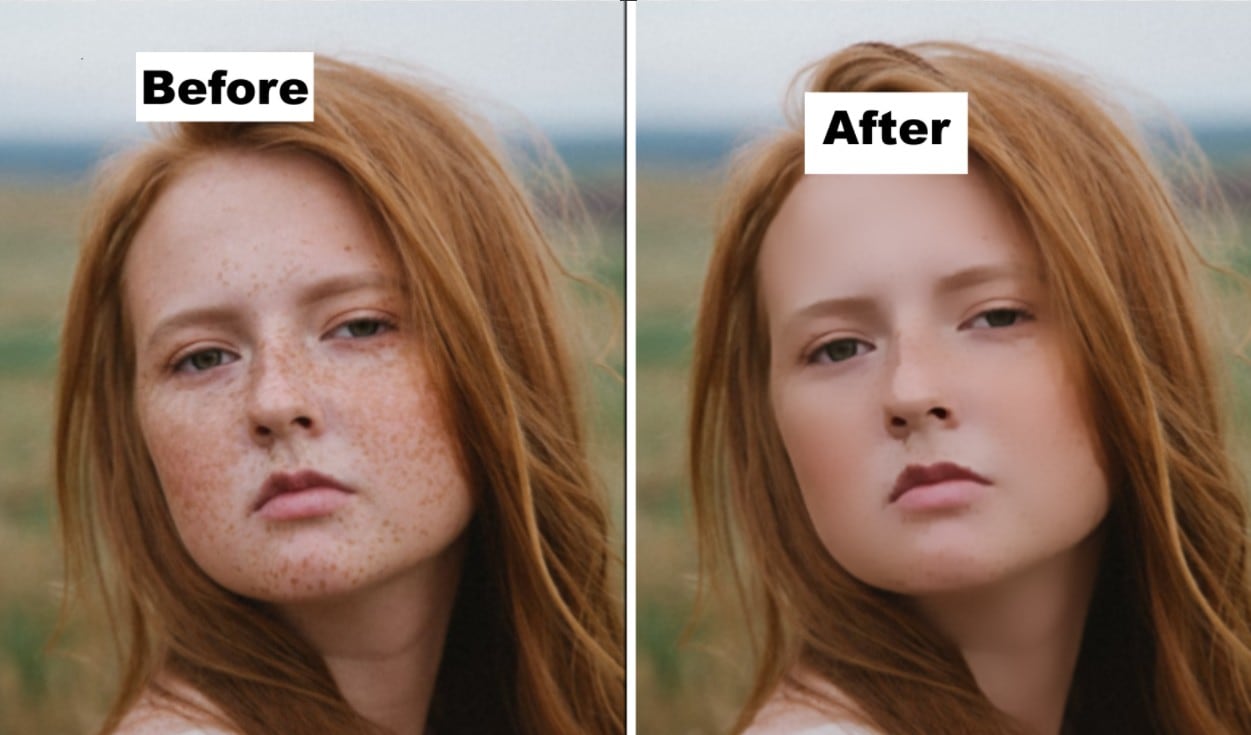
Filmora's AI Image Enhancer works directly on selected image assets inside your project. It sharpens low-resolution or blurry frames, restores facial details, reduces noise and compression artifacts, and boosts overall clarity—all without manual parameter adjustments. Simply select an image, choose the enhancement model, and click generate.
The key difference? You never leave your timeline. Enhance a still frame, turn it into a thumbnail, drop it into your video as an overlay—all in one place. No exporting, no re-importing, no context switching.
When to Use AirBrush vs. When to Use Filmora
- Use AirBrush when: You need a quick, standalone portrait retouch or object removal on a single image, and video editing isn't part of the plan.
- Use Filmora when: Your enhanced image needs to become a video thumbnail, a frame capture, an overlay, or part of a larger storytelling sequence. Or when you want to enhance images and edit video without switching tools.
For many creators, the two tools complement each other. But for those who want to streamline their workflow, Filmora's built-in AI Image Enhancer removes the need for a separate stop—especially when working with frame grabs, product shots, or vintage material that needs clarity restoration before hitting the timeline.
Part 7: Best Alternatives to AirBrush Photo Editor in 2026
In case the result from AirBrush image enhancer doesn't cut it, several other tools are available as alternatives. Some offer more editing control, support more file formats, or provide greater creative freedom.
1. Filmora
Wondershare Filmora is a full-featured editor built for creators who work with both images and video, not just portraits. It offers AI-powered tools for enhancing visuals, editing footage, and refining media in one place.
Unlike AirBrush, which mainly focuses on facial and portrait enhancement, Filmora supports a wider range of creative tasks such as video editing, motion effects, and color adjustment. Its new AI Image Enhancer brings professional-grade clarity recovery to still images: it can upscale low-resolution pictures, restore facial details, remove noise and compression artifacts, and sharpen textures—all with a single click and zero parameter tweaking. This makes it especially useful for creators dealing with legacy footage grabs, product close-ups, or any image that needs to look crisp on large displays.
 Secure Download
- AI Video Enhancer and AI Image Enhancer that improve both videos and photos with one-click clarity and detail restoration.
- AI Image Enhancer specifically targets low-resolution or blurry images: it restores facial details, reduces noise/artifacts, sharpens textures, and maintains high fidelity to the original content—perfect for cover images, product shots, or vintage material.
- AI Object Remover to erase unwanted elements from images or footage and make it clear and clean.
- AI Retouch for improving skin details, fixing imperfections, and enhancing overall appearance.
- AI Frame Interpolation to create smoother motion by adding extra frames.
- Object Replacement using reference images and text prompts for smarter edits.
- Wide format support for image and video files.
- Restoring low-quality or dark footage and images.
- Upscaling and sharpening low-resolution pictures, product close-ups, or vintage frames.
- Retouching facial details, skin imperfections, or unwanted objects in a photo or video.
- Editing with both manual controls and automatic AI tools for better flexibility.
- Creators who need more depth than Airbrush image enhancer.
2. Facetune
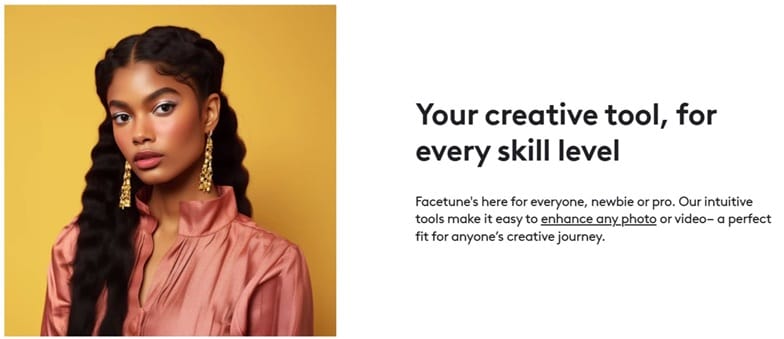
Facetune is a portrait-focused editor designed to refine faces quickly and naturally. This app provides more control than AirBrush over facial adjustments and detailed retouching. Users can reshape features, fix lighting, and fine-tune textures with greater precision.
- AI face and skin editing
- Blemish and object removal
- AI headshot generator
- Basic video editing and upscaling tools
- Profile photos and selfies
- Personal branding images
- Clean, realistic portrait enhancement
3. Snapseed
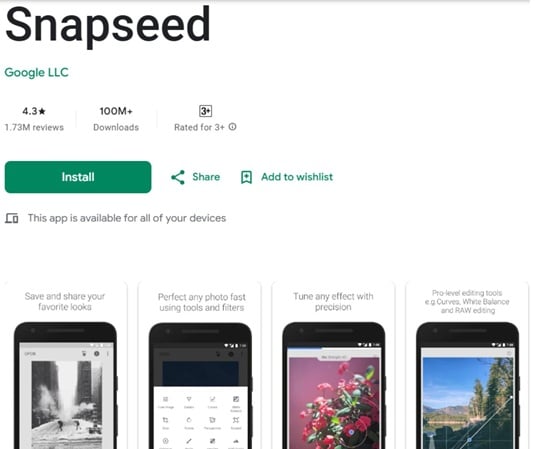
Snapseed is a professional-grade photo editor from Google with manual precision. It comes with detailed control over lighting, color, contrast, and sharpness through a wide range of adjustment tools for your photo.
- Support for JPG and RAW files
- Selective editing with control points
- Healing, structure, HDR, and perspective tools
- Full adjustment control without presets
- Detailed photo correction
- Architectural and landscape edits
- Users who prefer manual control over automation
4. Meitu
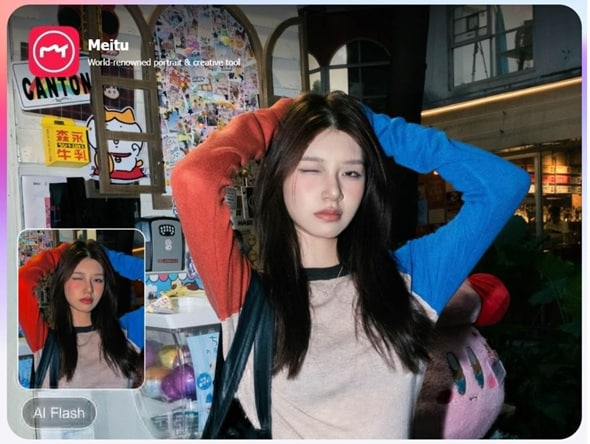
Meitu is a creative photo editor combining beautification and stylized effects. You may like it better if your goal is to create artistic edits for social media. There are tools for skin smoothing, face reshaping, makeup filters, and creative effects that can quickly change the look of your photo.
- AI facial recognition and beautification
- Filters, body editing, and background blur
- Artistic effects, stickers, and templates
- Stylized portraits
- Social media visuals
- Creative and expressive photo edits
5. piZap
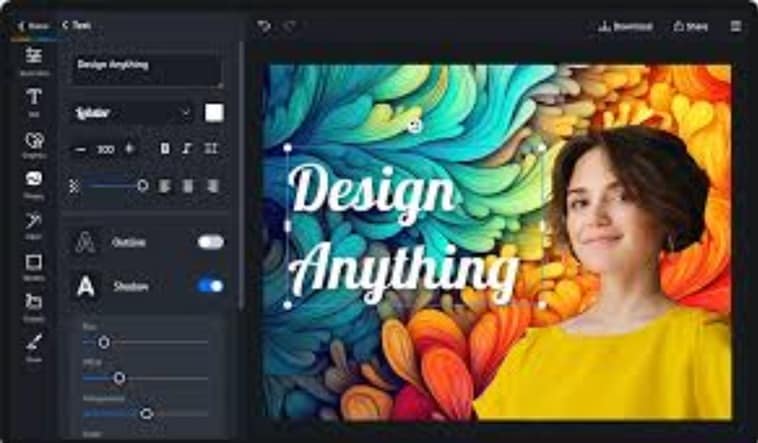
PiZap is an easy-to-use online editor focused on design and social content. If you are someone who want to create posters, thumbnails, or social media graphics rather than perform detailed photo retouching, this may be a better option.
- Photo editing with filters and effects
- Templates, stickers, fonts, and borders
- Simple resizing for social and print formats
- Social posts and memes
- Quick graphic layouts
- Users who want speed over precision
Conclusion
This article showed how AirBrush image enhancer delivers fast, clean results for portraits, quick fixes, and social visuals across online, mobile, and PC setups. It also highlighted the limits that appear once images need to support video, motion, or longer stories. Many creators reach a point where edits are only one part of the process.
In that case, Wondershare Filmora quietly becomes useful for handling enhanced images, video clarity, and presentation in one place. The shift is not about abandoning AirBrush, but about extending visual quality when content grows beyond a single frame.

FAQs
-
Is AirBrush image enhancer free?
AirBrush offers a free online version with basic tools, while the PC version and premium features require a subscription.
