


 TL;DR:
Wondershare Filmora is the top recommended green screen photo editor for balancing professional chroma key controls with AI automation on desktops, while Fotor and PicsArt serve as the most accessible alternatives for web and mobile users.
● Most free plans, including Fotor, Media.io, and Filmora, force watermarked exports or limit AI credits, whereas Canva restricts its background removal tool entirely to paid Pro subscribers.
● Adobe Photoshop requires a $22.99 monthly subscription but provides unmatched edge refinement and RAW file support for professionals, compared to Remove.bg which specializes in high-speed, 500-image-per-minute automated API cutouts.
● CapCut offers watermark-free basic auto-cutout features for social media creators, while Wondershare UniConverter targets users needing offline batch processing and 4K/8K file conversion for $9.99 a month.
Ask AI for a summary
 ChatGPT
 Perplexity
 Gemini
 Claude
 Grok
Grok
A green screen photo editor is a program that allows the user to change the background of an image that is either green or blue with any other image. Chroma keying is a widely used method for photographers, designers, and content creators to deliver visually compelling, creative, and marketing content without costly setups.
Some creators become angry when they must deal with low-quality or overly complicated tools that cause green spill, rough edges, or unnatural blending. Don’t worry! Green screen editors would be the perfect tool to elevate your photos whether you were simply adding cinematic backgrounds, creating thumbnails, or designing promotional content.
We will review green-screen photo editors available online for PC and mobile in this article. You will understand how each instrument performs chroma key — how it extracts the green screen —in a very smooth and accurate way.

We have evaluated each editor based on the following criteria:
- Background removal precision: We compared automated as well as human-assisted chroma-keying for both clean and accurate edge detection.
- Device compatibility: We assessed the accessibility of the editor via web, Windows, macOS, iOS, and Android platforms.
- Speed and ease of use: The tools were evaluated on how quickly and user-friendly the background replacement or editing process was.
- Pricing and availability of a free version: A comparison of free and paid plans has been done to point out the most cost-effective options.
Our Top 3 Green Screen Photo Editor Picks
Green Screen Photo Editor Comparison Chart
| Tool Name | Platform | Price | Best For | Highlights | Pros | Cons |
| Fotor | Web, Windows, Mac, iOS, Android | Free; Pro from $3.33/mo | Fast AI background removal | AI remover, templates, filters | Easy to use, supports HD export | Watermark in free plan |
| Canva | Web, Windows, Mac, iOS, Android | Free; Pro $12.99/mo | Social media designs & quick edits | Background Remover, Magic Eraser | Massive template library, easy UI | Background remover Pro-only |
| Remove.bg | Web, Windows, Mac, Linux, Android | Free preview; from $8.10/mo | Fast, precise AI background removal | AI remover, bulk edit, API | Very fast, accurate cutouts | Credit-based system |
| Media.io | Web, Windows, Mac, iOS, Android | Free; from $6.99/mo | Quick & private online edits | AI remover, batch processing | Secure, supports many formats | Watermark in free plan |
| Pixlr | Web, Windows, Mac, iOS, Android | Free; Premium $9.99/mo | Creative online photo edits | AI remover, filters, templates | Intuitive, multi-platform | Limited free AI credits |
| Wondershare Filmora | Windows, Mac, iOS, Android | Free; from $9.99/mo | Pro-level chroma key control | AI Smart Cutout, motion tracking | 4K export, pro effects | Watermark on free plan |
| Adobe Photoshop | Windows, Mac, Web, iOS, Android | $22.99/mo | Professional photo compositing | AI Generative Fill, masking | Industry standard, high precision | Expensive, complex UI |
| Wondershare UniConverter | Windows, Mac | $9.99/mo | Batch processing & AI green screen | AI remover, 4K/8K support | Fast, multi-tool platform | Paid only, AI credits required |
| PicsArt | iOS, Android, Web | Free; Plus $5/mo | Social creators & hobbyists | AI remover, batch edits | Cloud access, templates | Limited AI credits |
| CapCut | iOS, Android, Web, Windows, Mac | Free; Premium $9.99/mo | On-the-go green screen editing | Chroma Key, Auto Cutout, motion tracking | Easy UI, tons of effects | Some features premium-only |
|
Show more
Show less
|
||||||
Top 10 Green Screen Photo Editors
Is there a need for a flawless tool that can extract and put in place the background with minimum effort? Below are the 10 best green-screen photo editors, carefully selected.
Online Green Screen Photo Editors (No Installation Needed)
1. Fotor
Fotor is a powerful tool that can handle all your photo editing needs in the simplest way possible. By just one click, you will be able to change the background of your green screen photo to any other background that you like.
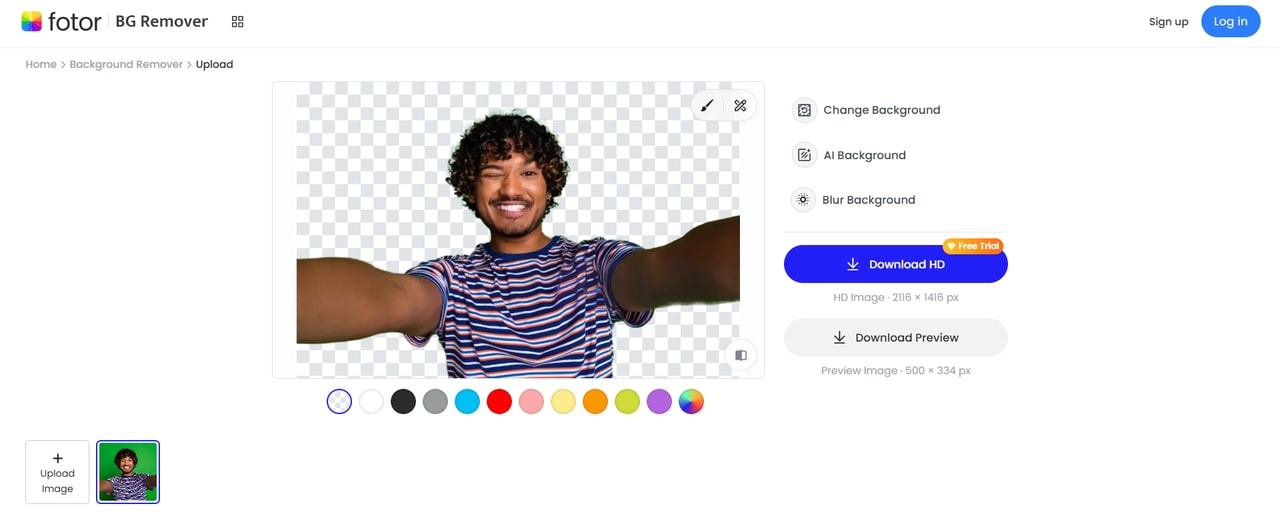
- AI background remover creates clean cutouts for portraits and products.
- Includes filters, retouching, and design templates for fast edits.
- Beginner-friendly interface suitable for quick green screen work.
- Works online and on mobile for easy access.
Windows/Mac/iOS/Android
Pro starting at $3.33/month
People with no prior knowledge who want quick AI-generated editing online
- User-friendly
- Supports HD export
- Provides AI editing features
- Number of free credits is limited
- Watermark on free plan exports
Fotor is a one-stop creative suite that offers AI green-screen editing, design templates, filters, and effects.
2. Canva
Canva is an extremely flexible online design platform, which makes it a perfect tool for photo editing of green screen backgrounds. The one-click option of the Background Remover tool in its interface is what really stands out, and then your imagination is the only limit with the thousands of templates, graphics, and stock images in their library to create a stunning background for your photos.
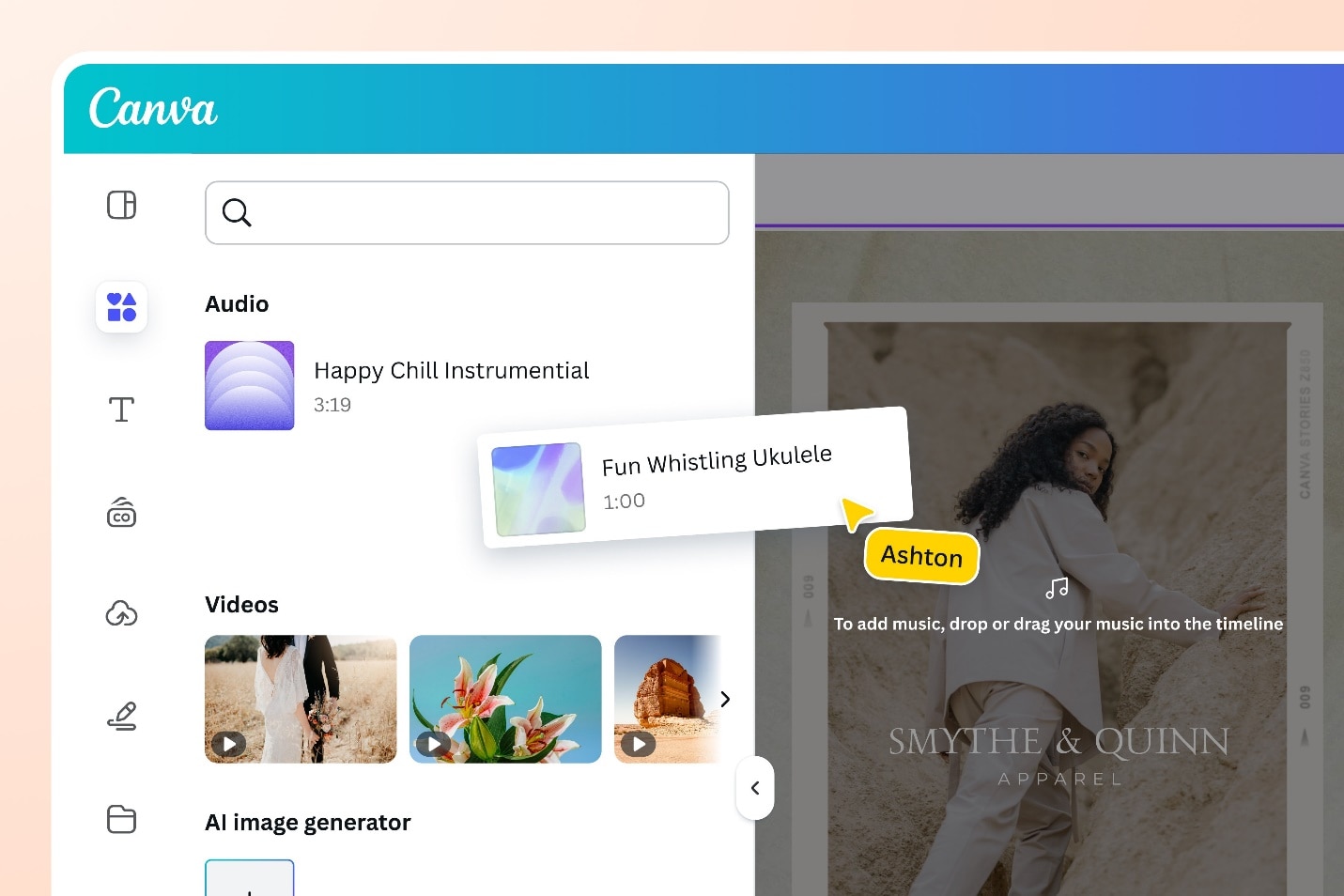
- Drag-and-drop editor with instant background removal tools.
- Huge library of templates, graphics, and backgrounds for creatives.
- Cloud-based platform ideal for social media visuals.
- Accessible on web and mobile with simple controls.
Windows/Mac/iOS/Android
Free plan available. Pro version starts at $12.99/month
Creators, educators, and businesses that want to achieve professional results fast with the help of customizable templates
- Extremely user-friendly
- Vast design library
- Supports both photo and video editing
- Background removal feature is only available in the Pro plan
- Limited amount of manual control for chroma key
Canva is an AI-powered green screen photo editing tool that offers thousands of ready-to-use templates.
3. Remove.bg
Remove.bg is arguably one of the most precise AI-powered photo green screen editors that you can find online. It automatically identifies the subject and removes the background.
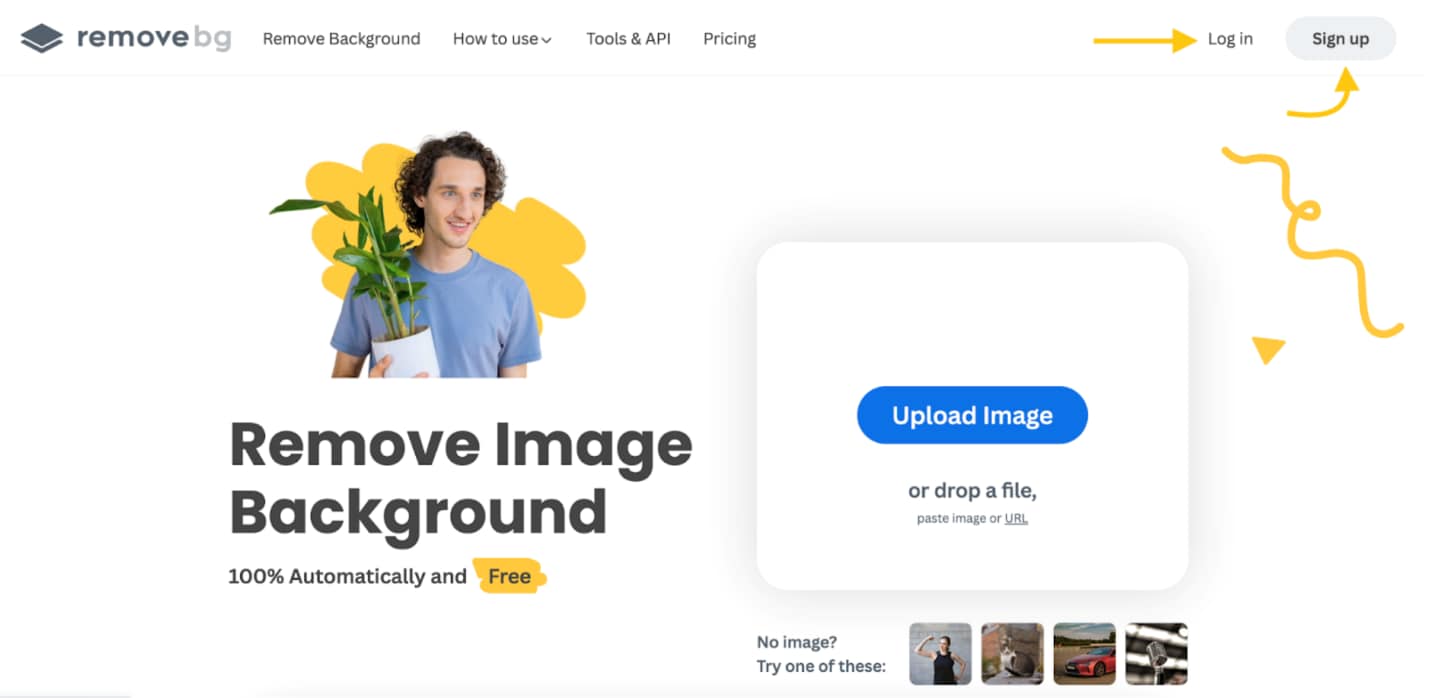
- One-click AI removes green backgrounds with high accuracy.
- Produces transparent PNGs perfect for digital designs.
- Extremely fast processing, even for batch images.
- Best for users needing quick, clean results.
- Magic Brush tool and bulk editing (up to 500 images/minute)
- Plugin support for Photoshop and Figma
Web, Windows, Mac, Linux, Android
A free preview is available; paid plans starting from $8.10/month (40 credits)
Professionals and businesses that require quick background removal
- Very fast, accurate to a great extent, even with hair and other fine details,
- Allows automation and API
- The credit-based pricing might be a little bit inconvenient for casual users
Remove.bg is very accurate and fast, which makes it perfect for professional use.
4. Media.io
Media.io provides a quick and simple AI-based green screen photo editing tool, which enables you to delete or change image backgrounds in just a few seconds right from your browser. The tool can visually find the object, even if the object is hair, glass, or fur.
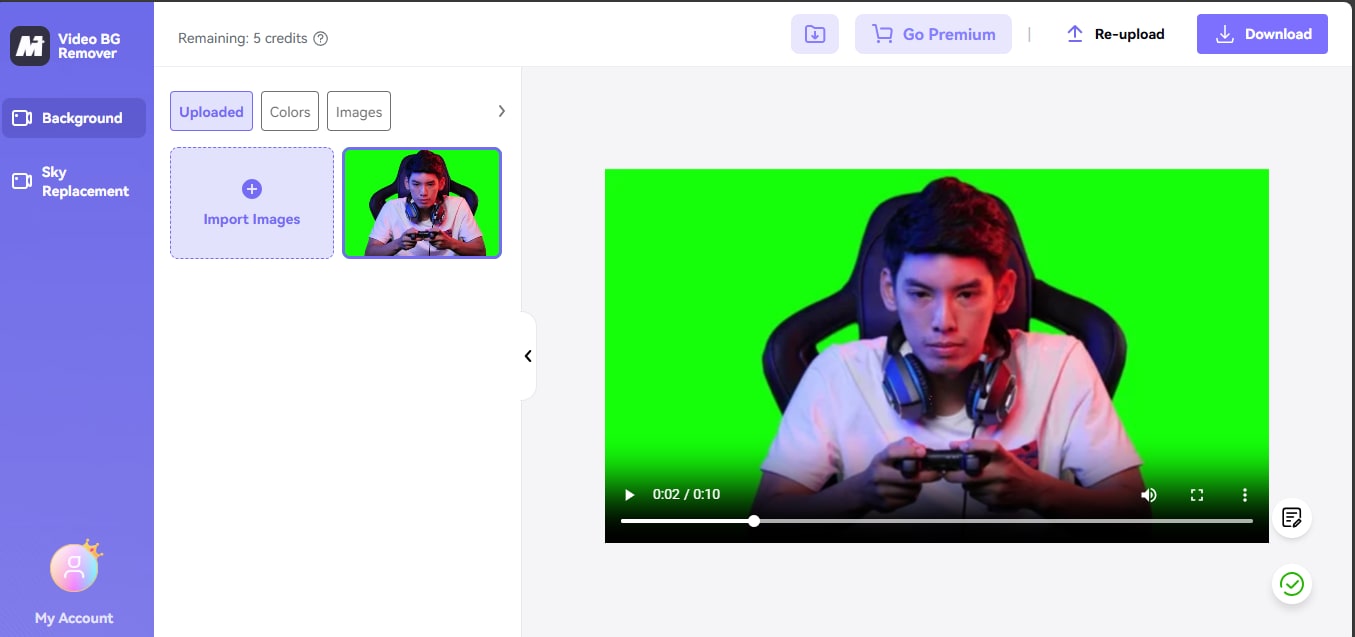
- AI green screen remover with batch image support.
- Includes enhancement, compression, and format conversion options.
- Works online without heavy system requirements.
- Great for photo editing and optimization in one place.
Web, Windows, Mac, iOS, Android
$6.99/month
Content creators and small business owners
- Easy interface
- Precise cutouts
- Safe uploads
- The free version places a watermark
- Advanced features are only available in the Premium plan
Media.io is a good option for those users who need green screen photo editing with a studio look done online.
5. Pixlr
Pixlr is an AI-powered green screen photo editing tool that is primarily used by professionals. With its one-step AI background removal feature, you are able to alter or edit green screen backdrops without the need of a Photoshop expert.
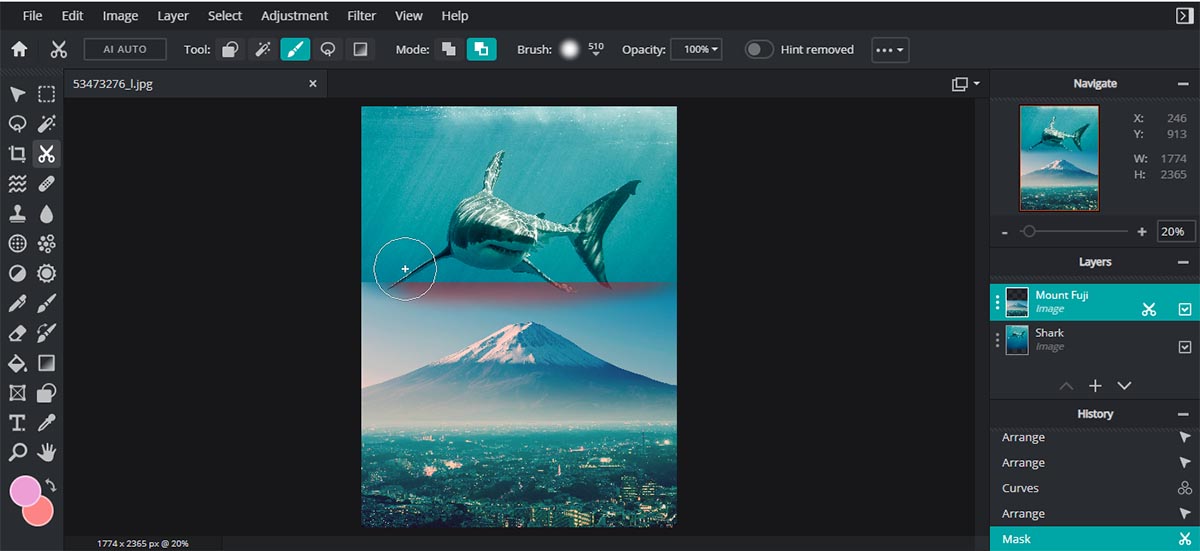
- Lightweight online editor with cutout, layers, and chroma-style tools.
- Fast performance is suitable for casual and creative edits.
- Supports overlays, effects, and design elements.
- No installation needed, works directly in browser.
- AI generative fill, face swap, batch editing and HDR filters
Web, Windows, Mac, Android, iOS
There is a free version; Premium starts at $9.99/month (7-day free trial)
Designers, marketers, and content creators who desire creative control without complex software
- Free access, user-friendly,
- Support multiple platforms,
- Large design library, no ads in premium
- Watermarks and limited AI credits in the free plan
Pixlr is the perfect solution for quick edits as well as professional-quality visuals, as it offers everything from AI green screen editing to full creative design tools.
Desktop Green Screen Software (For Advanced Control)
6. Wondershare Filmora
Filmora is not only a green screen photo and video editor capable of producing dazzling outputs but also a user-friendly tool that merges AI automation with pro-level creative tools.
 Secure Download
- Advanced chroma key controls for accurate background removal.
- Layer management and effects ideal for pro-level edits.
- Suitable for photo and video green screen workflows.
- Beginner-friendly with ready-made templates and presets.
- AI green screen removal, AI Smart Cutout, dual-timeline editing
- Motion tracking, keyframe animation, animated captions
Windows, Mac, iOS, Android
A free version exists, and Premium starts from $9.99/month (7-day free trial)
Creators seeking professional chroma key control combined with AI-powered features and multi-platform support
- Newcomer-friendly interface
- 4K export, wide variety of AI tools
- Creative asset library (2.9M+)
- Professional-grade effects
- The free plan has a watermark, and some AI features need credits
Wondershare Filmora is a professional yet easy-to-use software with a great set of features for stunning cinematic green screen videos.
Secure Download7. Adobe Photoshop
Photoshop is the go-to green screen software for photo editing in the professional sphere. It offers exceptionally smart AI tools for almost any type of edit, feature-rich, advanced compositing that lets you mix layers in special ways, and super-accurate control to create outstanding green-screen and photo editing.
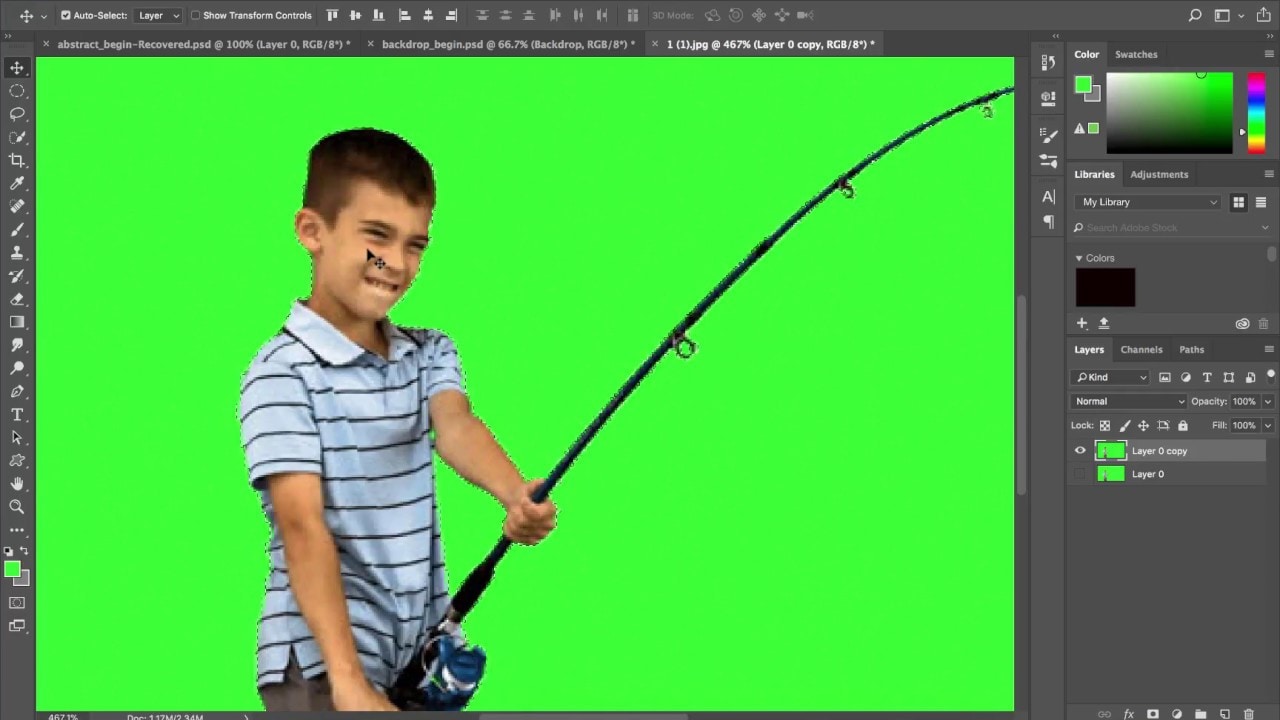
- Industry-standard tools for masking, spill suppression, and edge refinement.
- Allows full control over layers and complex compositions.
- Works with RAW files for professional-grade editing.
- Firefly Boards, advanced Remove Tool
- Layer masks, brushes, adjustment layers
- Topaz Labs AI integration, background removal
Windows, Mac, Web, iOS, Android
$22.99/month
Photographers, designers, and professional editors who require accurate green screen and image compositing tools
- Industry-leading tools
- Precise editing
- AI-powered automation and more
- Could be overly complicated for a novice user
- The cost is based on a subscription, and the advanced features are difficult to grasp.
Photoshop is the perfect combination of medium-grade green screen and compositing features enhanced by AI, which is just what the power users who want to have full creative control over every image or video edit need.
8. Wondershare UniConverter
Wondershare UniConverter is a single media processing tool that can do all kinds of tasks including AI-powered green screen removal, fast video conversion, batch editing, and advanced media enhancement for professional creators.
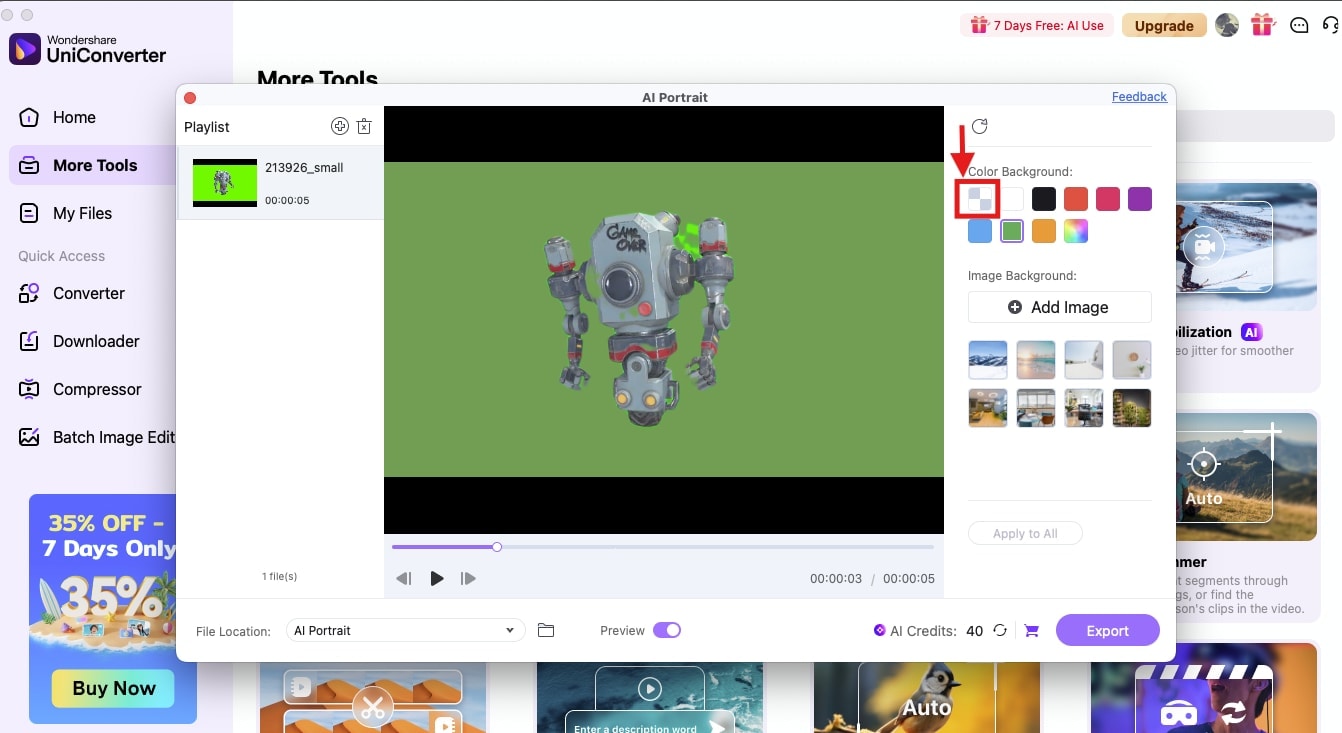
- Removes backgrounds while supporting image compression and resizing.
- Offers multiple export formats including PNG transparency.
- AI-powered green screen removal, batch photo and video processing,
- 4K/8K video conversion, trimming/cropping.
Windows, Mac
$9.99/month
Content creators, videographers, and professionals
- Quick AI processing
- Batch editing, simple interface,
- Supports high-resolution media, versatile all-in-one platform
- AI features need credits, and some advanced features require a subscription
UniConverter is a single platform that brings together green screen editing, video conversion, and AI-enhanced media tools.
Mobile Green Screen Photo Apps (Editing on the Go)
Mobile green screen photo apps give you the power to remove and change backgrounds in a flash, thus making it possible to create professional edits right from your smartphone.
9. PicsArt
Picsart is a powerful green screen photo app that works both on mobile and the web. It includes features powered by AI such as green screen removal, background editing, and a full range of creative tools for images and videos.
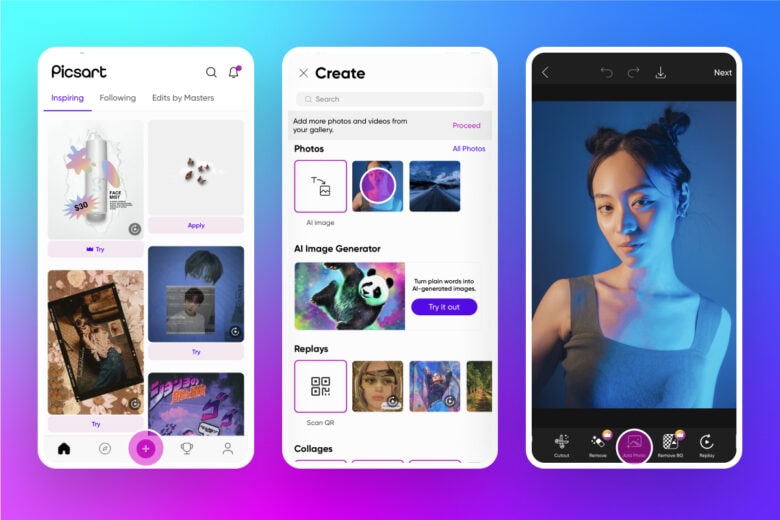
- Mobile editor with cutout, effects, stickers, and green screen tools.
- Social-media-ready templates for creative visuals.
- AI green screen removal, batch editing (up to 50 photos)
- Background changer, transparent PNG maker
- Photo enhancer, and an AI image generator.
iOS, Android, Web
$5/month or $60/year
Hobbyists, content creators, and social media designers
- Simple to use
- Works on mobile and web
- Lots of creative tools, and a free version is available.
- Some advanced features need a Pro plan,
PicsArt is a user-friendly app that offers professional green screen and background editing.
10. CapCut
CapCut is an easy-to-use video editing app that costs no money, and it allows users to do professional-level green screen removal along with a variety of creative effects both on the mobile and desktop.
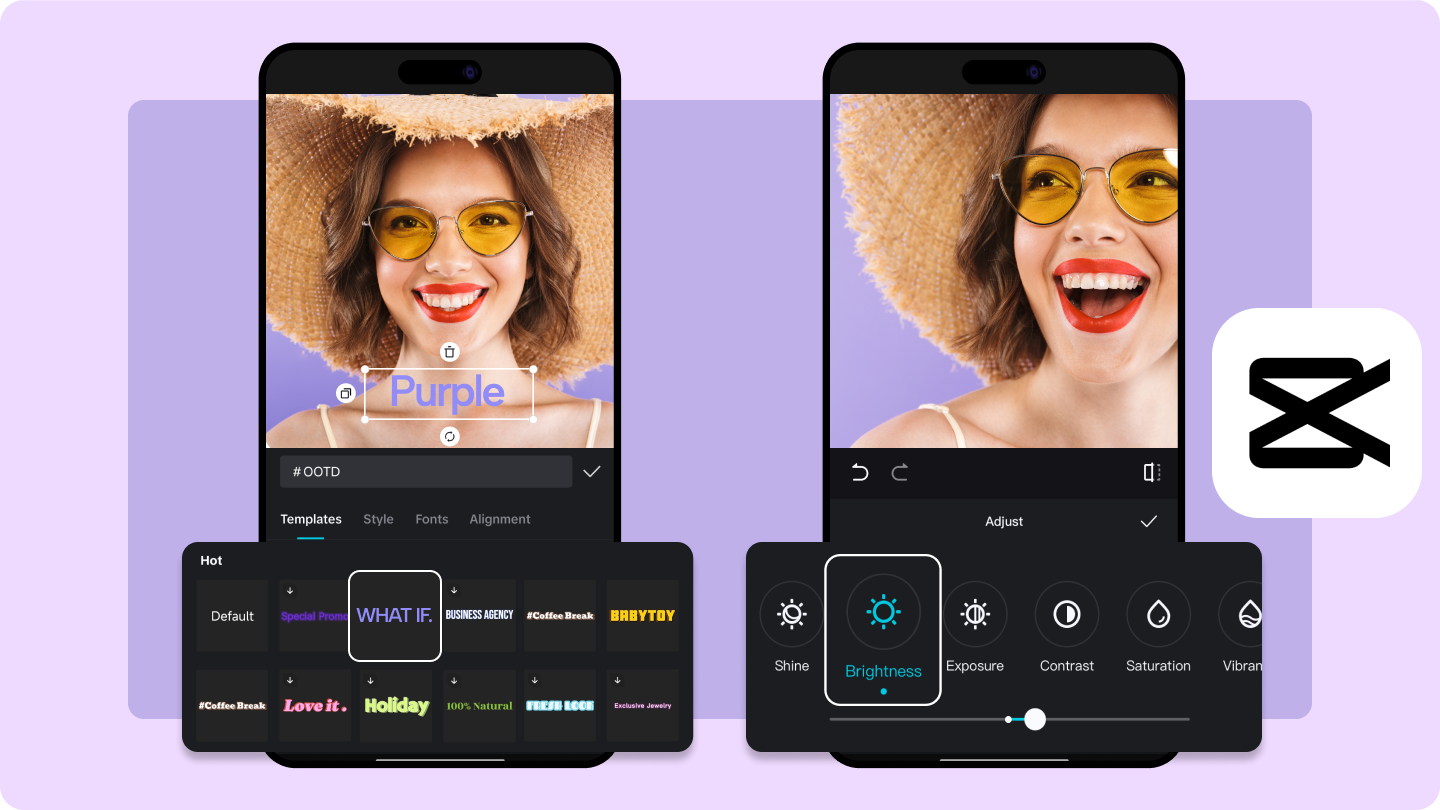
- One-click green screen removal
- Chroma Key and Auto Cutout tools
- AI background removal, motion tracking, built-in templates, no watermark (for basic use)
iOS, Android, Web, Windows, Mac
It is free to download and use. Premium features are available for $9.99
Social media creators, beginner editors, and content makers
- Very easy to use
- A lot of templates and effects
- Perfect for quick content creation
- Some advanced features are locked behind the premium version
CapCut offers you green screen editing in a studio-style manner without the need for complicated software.
How to Choose the Right Green Screen Photo Editor
Determining the best photo editor with green screen is a matter of considering your platform, skill level, and creative goals. The tools mentioned in this guide are neither one or the other; they are a mix of professional software and casual photo editing apps — therefore, total creators will find something for themselves.
- By Platform: Choose among online editors (that do not require installation), desktop software (for advanced control), or mobile apps (for editing on the go).
- By Skill Level: Novices can select easy-to-use tools with AI background removal, while experts can choose editors with precise manual controls.
- By Use Case: Decide what to use based on your goal — be it portrait retouching, product visuals, or social media content.
- By Budget: Tools that are free are only capable of simple edits, but premium options open to better AI accuracy, batch processing, and higher export quality.
Factors to consider:
- Ease of use & AI background removal accuracy: Pick a tool that you can easily figure out and that gives you a clean background removal automatically with very little work on your part.
- Supported formats (JPG, PNG, RAW): Make sure the editor is compatible with the most common file types, both for importing and exporting.
- Batch editing and layer support: Great for working with a large number of photos or for adding creative effects through layer-based editing.
- Free vs. paid options: Decide on a tool that matches your budget and at the same time provides you with the essential features for your editing needs.
Secure DownloadConclusion
Withthe help of green screen photo editors, you can have artistic liberty to transform simple pictures into visuals that look like they are taken from a movie and are of a high professional level. The tools you choose — whether online, desktop software, or mobile apps — each have different advantages, ranging from AI-driven background removal to highly advanced chroma key operations.
In case you are seeking a device that can provide you with a perfect combination of simplicity and results of the level of a professional, then Wondershare Filmora is the greenscreen photo editor that is the most notable. Its AI Smart Cutout, motion tracking, and pro-level chroma key tools enable background editing to be done very quickly and accurately, with a great visual effect.
