


There’s a lot you can create with AI, and AI-generated images are one of the most popular options. However, many mainstream tools come with filters and restrictions that can get in the way when you want more creative freedom.
If you’re tired of constant prompt refusals, we are here to help you bypass those guardrails. We’ve rounded up the 5 best unrestricted AI image generators so you can craft uncensored art on your own terms. Best of all, these picked tools offer guaranteed results, and several are completely free to use, so let’s dive right in!
An uncensored AI image generator isn't automatically the best choice just because it accepts more prompts. You also want decent image quality, useful controls, and a clear idea of what happens to your creations. So, we focused on five things when comparing these tools:
- Content restrictions: How restrictive are the platform's prompts, filters, and generation policies when testing complex, dark, or adult concepts?
- Image quality: Can it produce convincing details, coherent compositions, and images that match the requested style?
- Prompt Flexibility: How accurately does the tool follow fine details, negative prompts, or unusual creative phrasing?
- Image Styles: Does it support a useful range of looks, such as photorealism, anime, illustration, and fantasy art?
- Pricing and Value: Is there a free option? Are credits limited? Which features require payment?
⚠️Disclaimer
A more flexible uncensored image generator doesn't mean everything is allowed. Use these services only for lawful content involving consenting adults where applicable, and respect privacy, consent, age restrictions, copyright, and each platform's terms. Never create sexual images of minors or non-consensual intimate images of real people. Laws vary by country, so check the rules that apply to you.
Our 3 Favorite Unrestricted AI Image Generators
Short on time? Check out our quick overview of the top 3 best uncensored image generator tools, each selected for its standout features, performance, and approach to unfiltered creation.


Part 1. Uncensored AI Generators: At-a-Glance Comparison
Reading five full reviews takes time, so let's compare the basics first. The table below highlights each uncensored AI generator tool's main appeal and what you should check before using it.
| Tool | Free Option | NSFW / Filter Level | Image-to-Image Support | Best Use Case |
| Venice AI | Available (15 daily prompts) | Varies by model and plan | Available | Private, high-res power generation |
| TheUncensored AI | Available (15 daily credits) | Completely unfiltered | Available | Custom adult character & creative media |
| Kenerate AI | Available (25 sign-in credits) | Low Restrictions | Available | Multi-model visual & editing workflows |
| Perchance | 100% Free (Unlimited) | Zero Filters | Not available | Casual & budget-free generation |
| HACKAIGC | Available (6 daily credits) | Completely Uncensored | Available | Anonymous, privacy-first generation & video |
|
Show More
Show Less
|
||||
Part 2. Deep Dive: The 5 Best Uncensored AI Generators
Now, check out some of the best AI image generators with no restrictions worth checking out. Every review follows the same format so you can line them up easily.
Reminder: The tools in this list are not meant to create illegal content. We recommend them only so you can create with fewer limits while staying appropriate and lawful. Stick to adults-only, lawful, and consensual uses, and never generate images of real people without their permission.
1. Venice AI
To begin our list, we have Venice AI, one of the best uncensored AI art generators that also treats your privacy seriously. Venice is less a single image tool and more a private gateway to several image models, plus chat and video. On images, Venice says it doesn't add extra content restrictions beyond what's already in the model, but it still blocks illegal content.
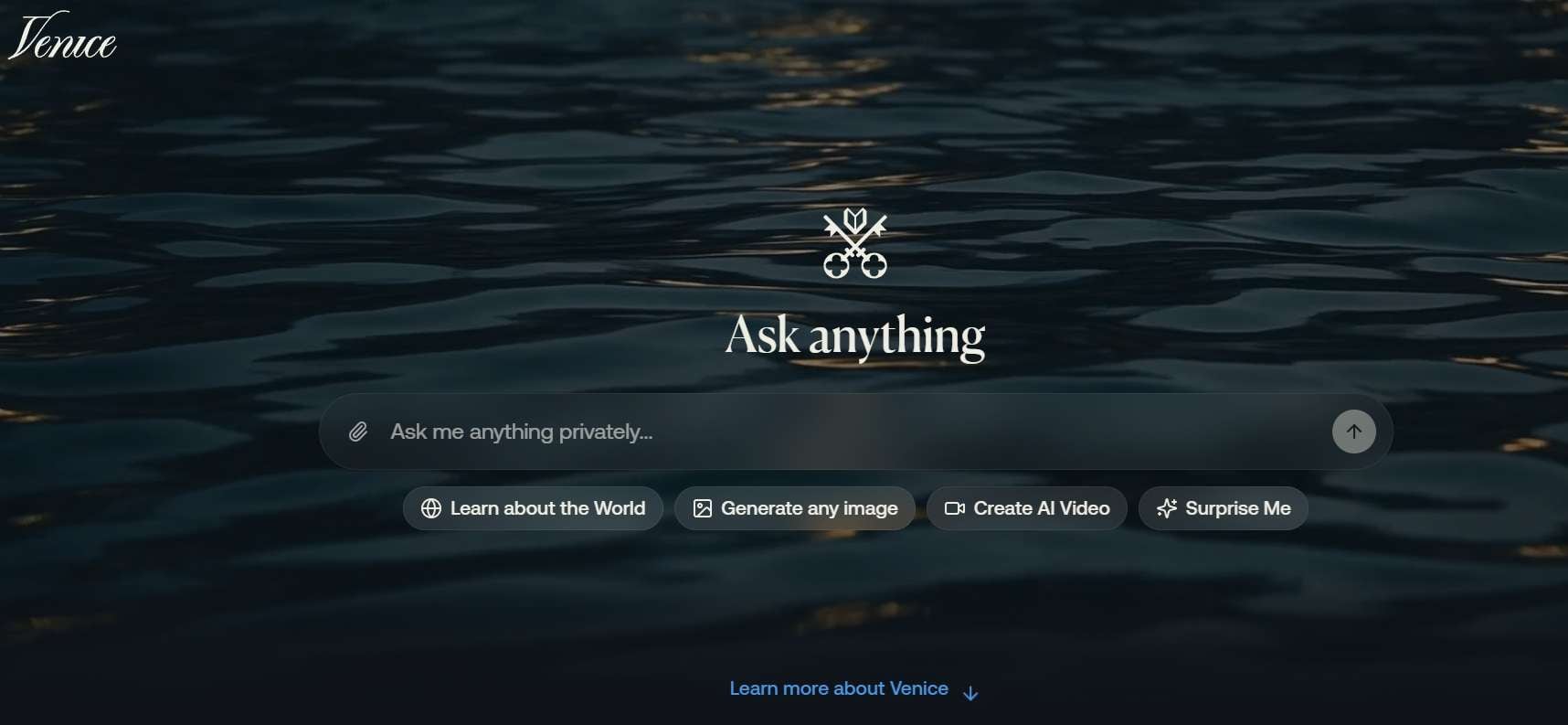
- Text-to-image with several models, including anime and realistic options.
- Local-first privacy, with chats kept in your browser.
- Pro tools like upscaling, background removal, and image editing.
- Image-to-video and other media tools in the same app.
- Top-tier privacy protection with no content monitoring.
- Clean, ad-free interface with fast generation speeds.
- The free tier is small, and uncensored image generation sits behind Pro.
- Third-party models inside Venice can still apply their own refusals.
Online, Android, iOS.
Free tier with about 15 image generations per day. Pro plan starts at $18 per month with up to 1,000 images per day, upscaling, and no watermarks.
2. TheUncensored AI
Another strong choice for creators seeking total artistic flexibility is TheUncensored AI. If you want an uncensored AI art generator explicitly designed to bypass standard corporate moderation rules, this tool offers direct pipelines tuned for artistic realism, fantasy, and character creation. It's worth knowing that the service was previously called OnlyFakes.app, so it's smart to read its terms and privacy policy before you commit.
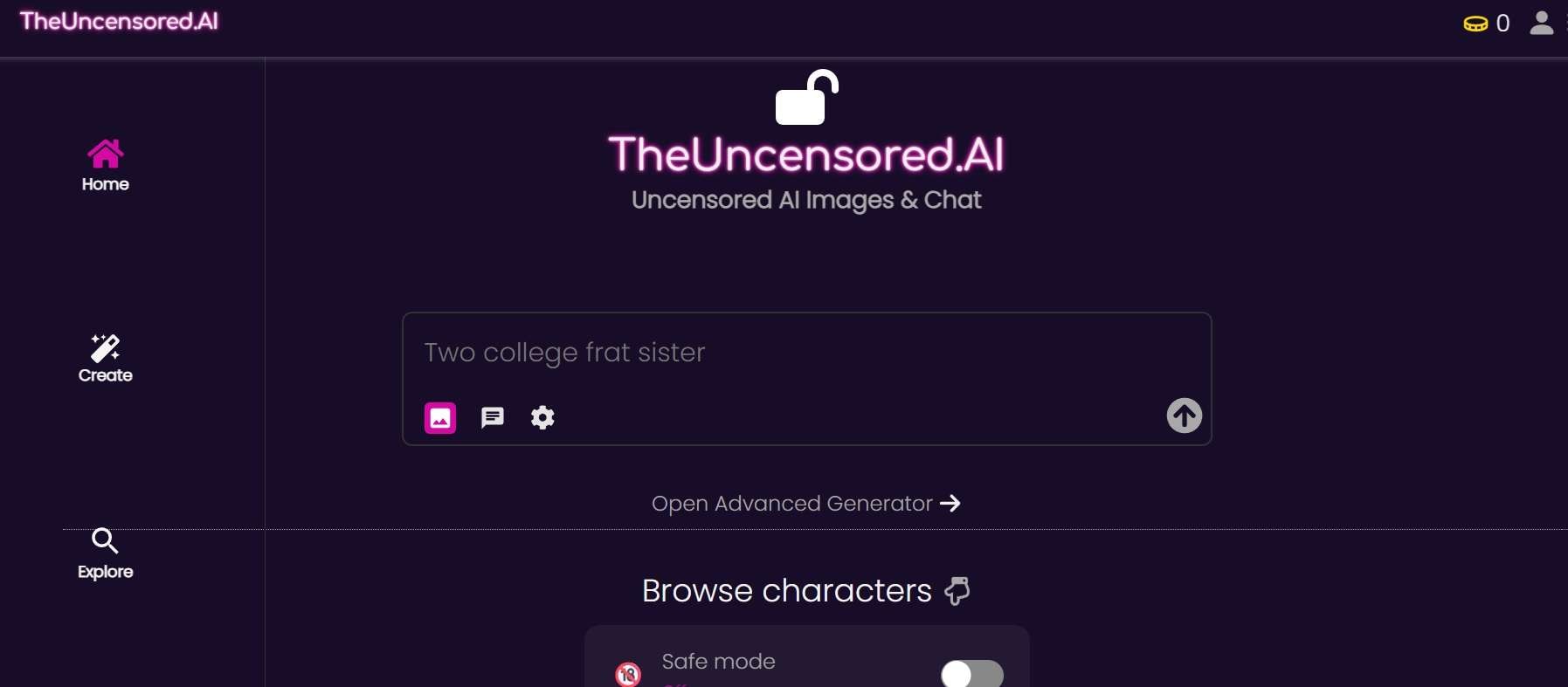
- Zero-filter text-to-image pipeline for uncensored artistic content.
- Specialized character and portrait generation tools.
- Image-to-image styling and prompt modification controls.
- Pre-configured aesthetic and atmospheric presets.
- Completely removes prompt refusals for artistic edge cases.
- Straightforward workflow that is friendly to beginners.
- Community content varies in quality.
- Its rebrand history calls for a careful read of the policies.
Online.
15 free credits every day. Upgrade credits start at $4.90 for 300 credits.
3. Kenerate AI
If you want to compare different models rather than rely on a single one, Kenerate AI is an interesting uncensored AI generator to explore. It lets you jump between text-to-image, photo editing, and short motion clips in one place without constant safety blocks getting in your way. Its open-model options differ from closed models that apply their own content restrictions. It also prohibits sexual images of real people and content involving minors.
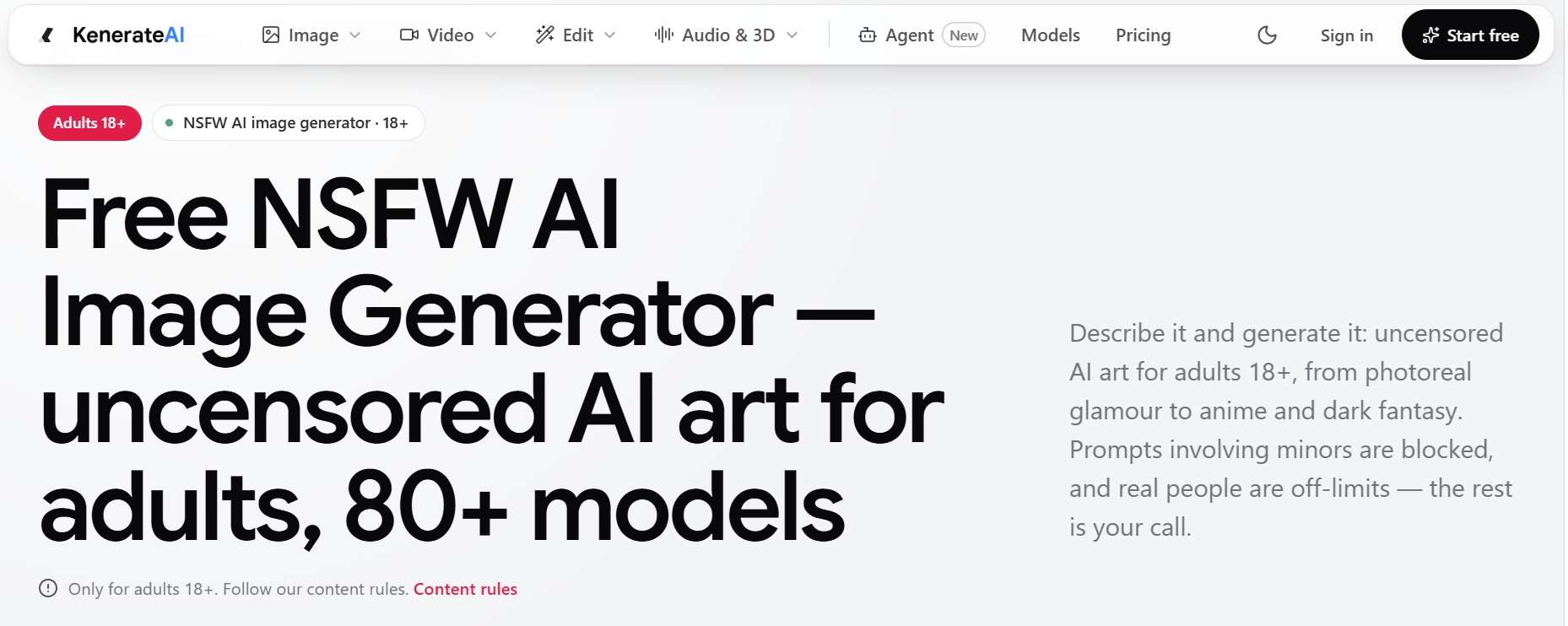
- 80+ image models in one studio, including uncensored options like Chroma
- No watermark on outputs.
- Photo editing and background transformation tools.
- Integrated text-to-image and image-to-video capabilities.
- Excellent variety of visual models and editing capabilities in a single tab.
- Flexible pay-as-you-go credit structure.
- Free starter credit allowance is limited for heavy testing.
- Interface features can feel slightly overwhelming for complete novices.
Online.
Free starter credits on sign-up (25 credits), then one-time credit packs from $15 for 1,300 credits.
4. Perchance
For anyone who wants the best uncensored AI art generator for free, with nothing to sign up for, Perchance is hard to beat. Because it runs open Stable Diffusion models directly in your browser without requiring an account, you can create AI generated images uncensored without paying a dime. They advertise no sign-up, no credits, no limits, and no watermarks, and the site is supported by ads.
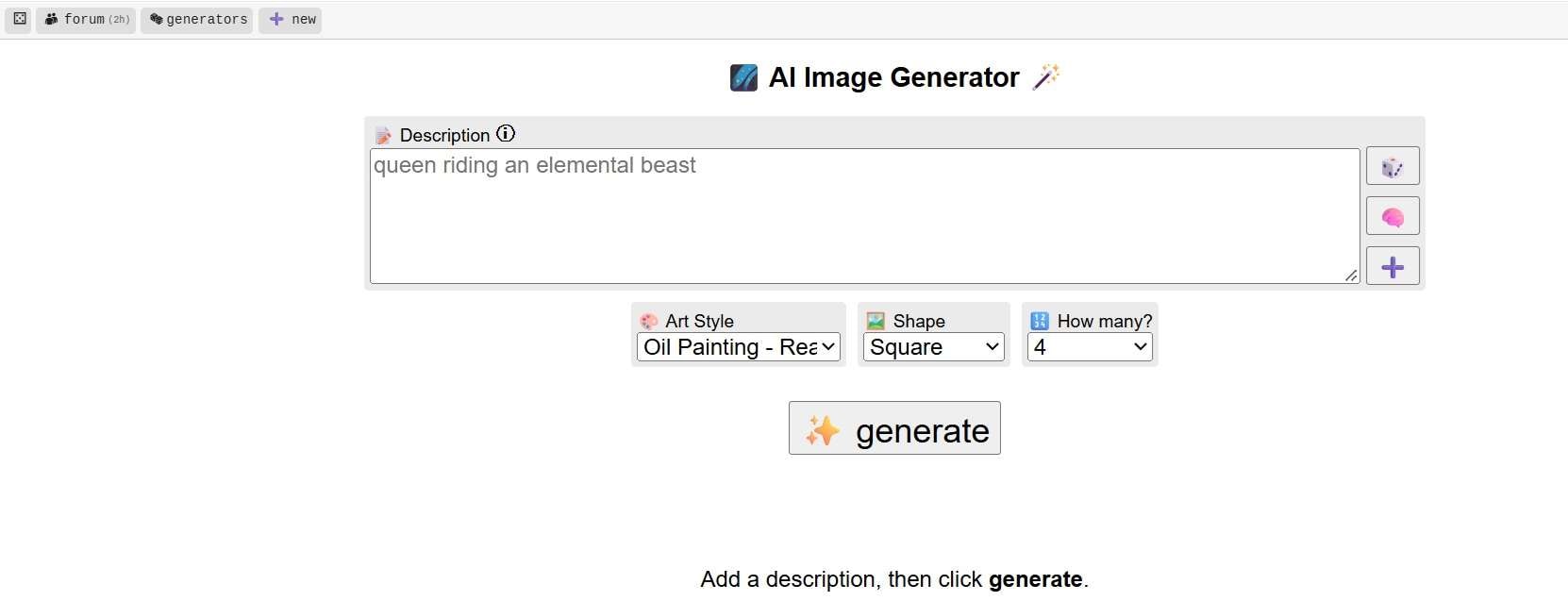
- No sign-up, registration, or credit system required.
- Raw Stable Diffusion engine with custom style and art tags.
- Adjustable anti-blur, negative prompt, and aspect ratio controls.
- Community-shared generator layouts and custom plugins.
- Quick and simple, so beginners can start immediately.
- You can download your images and post them to a gallery if you like.
- Page layout is basic and contains community ad modules.
- Lacks advanced fine-tuning controls like ControlNet or layer manipulation.
Online.
100% Free (Unlimited use) 901892814159 Seabank an marjaya
5. HACKAIGC
Rounding out our list, HACKAIGC is another platform to consider if you want an uncensored text-to-image AI tool with a straightforward prompt-based interface. You describe the image you want, add details such as style, lighting, or mood, and generate a result. It starts with 6 daily free credits, and generating one image only costs 2 credits.
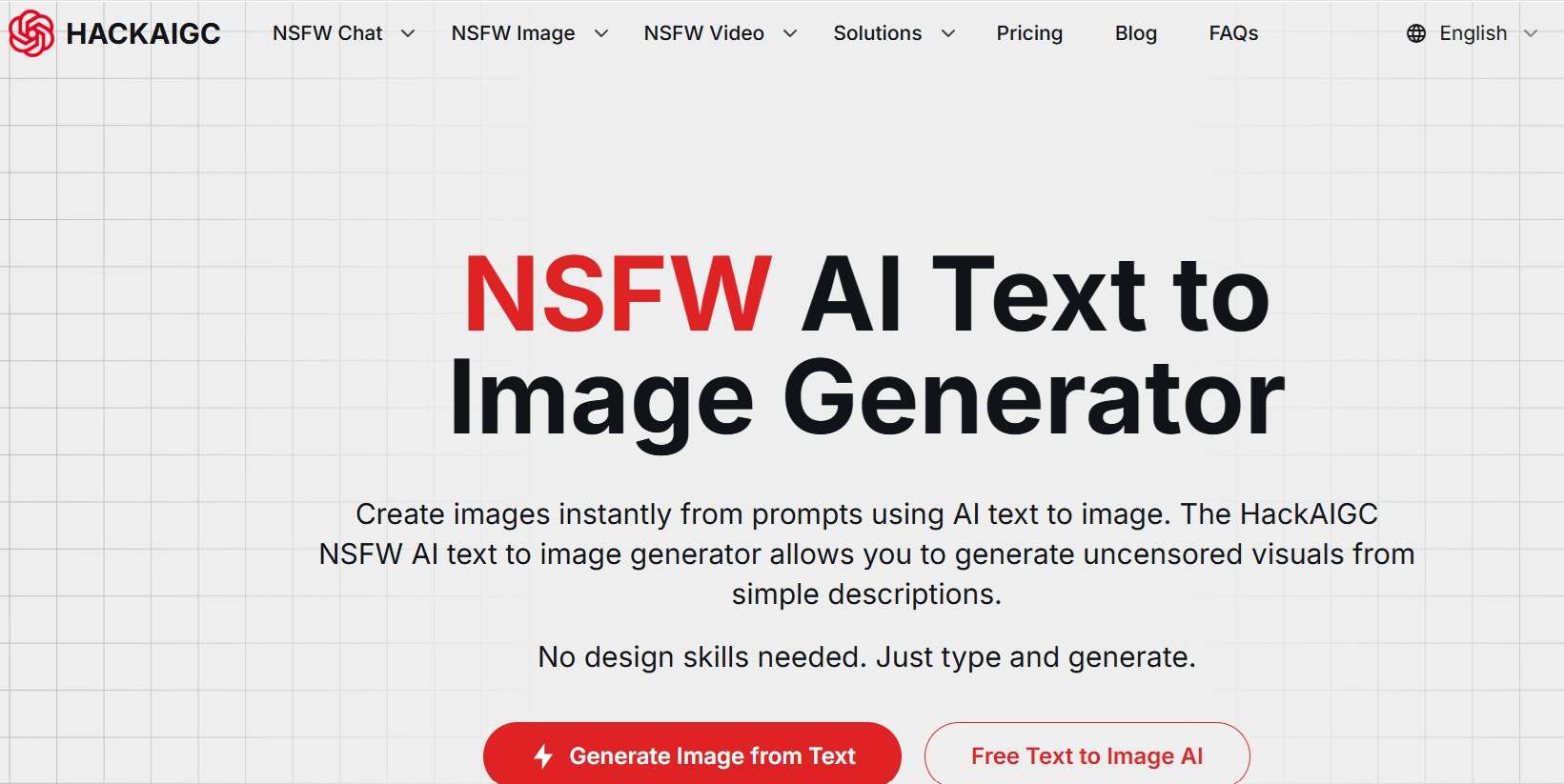
- Text-to-image generation in photorealistic and anime-style looks.
- Image editing and image-to-image tools.
- Text-to-video and image-to-video options.
- Unfiltered chat in the same app.
- Easy-to-understand text-to-image workflow.
- Offers additional AI media tools beyond image generation.
- Free daily allowance is low.
- Its no-log privacy promises are self-reported, so treat them with caution.
Online.
Free tier with 6 daily credits. Paid plans start at $20 per month for 3,000 credits.
Part 3. Which Uncensored AI Image Generator Is Right for You?
So, we just showed you our picks for text-to-image AI uncensored options. But at the end of the day, the best tool depends on what you actually want to create and how much control you need. Follow this simple guide to match your project needs with the ideal platform:
| Your Needs | Our Recommendations | Reasoning |
| For Beginners & Fast Creative Projects | Perchance | Requires zero account setup or technical configuration |
| For Advanced Users | Venice AI & Kenerate AI | Offers multiple models, reference-image support on selected models, and adjustable output settings |
| Best for Image + Video Creation | Kenerate AI or HACKAIGC | Both platforms combine unrestricted image engines with image-to-video pipelines |
| Best for AI Characters | TheUncensored AI | Features pre-tuned models specifically optimized for custom character consistency |
|
Show More
Show Less
|
||
Bonus: Turn Your Images Into Videos More Responsibly
A still image can look great on its own, but adding movement gives you another way to tell a story. To bring your artwork to life easily, a dedicated video editor like Wondershare Filmora is the perfect tool to pair with your uncensored AI art tools.
Filmora already includes its own AI image generators, which you can use normally, safely, and legitimately, so you can make lawful content without relying on risky uncensored AI image tools.
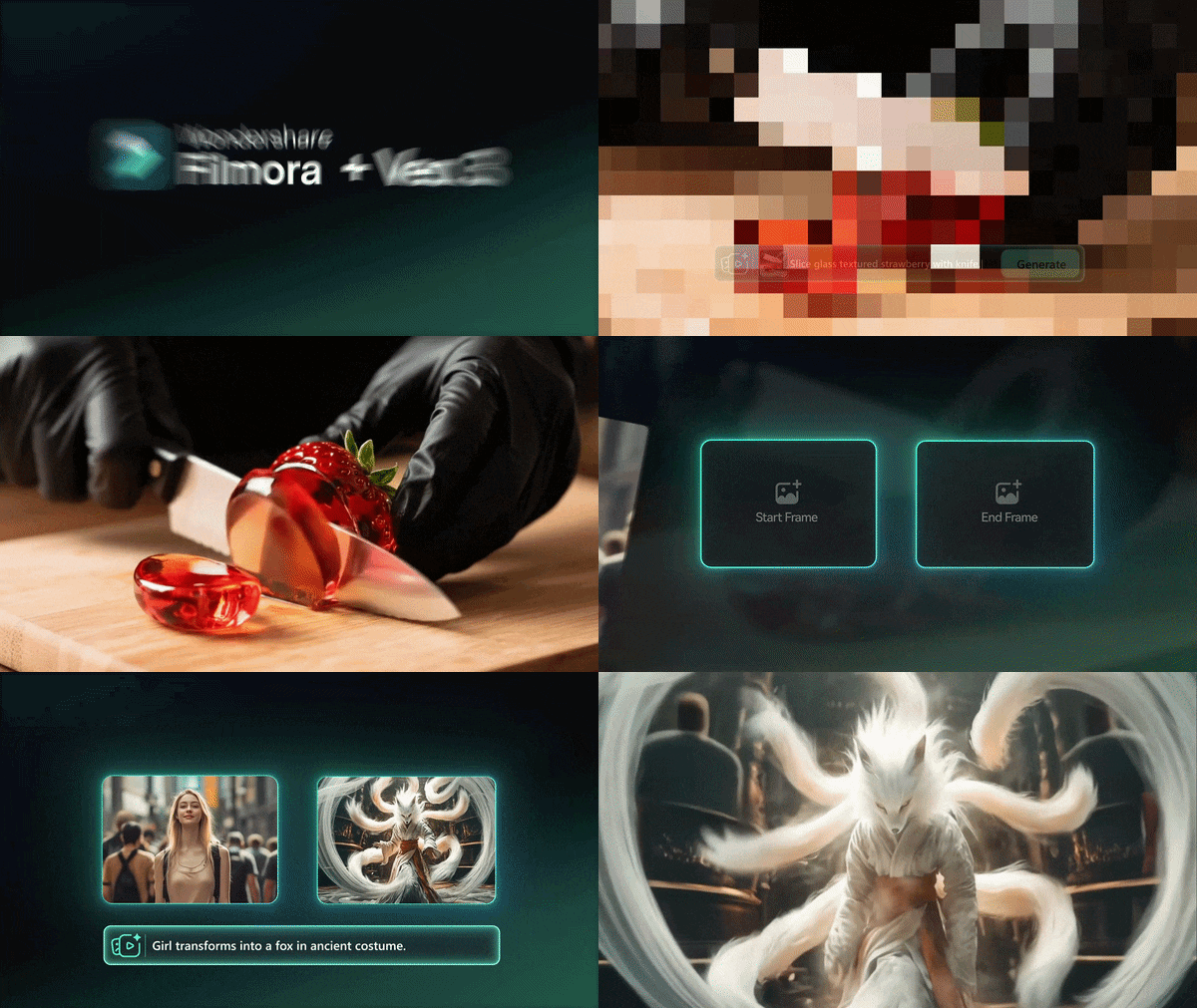
On top of that, Filmora's AI Image-to-Video feature can turn your still images into moving clips with AI, giving you a fresh, captivating way to repurpose the images you've already created.
Why Choose Filmora for AI Image-to-Video?
Built-In Safeguards to Create More Responsibly
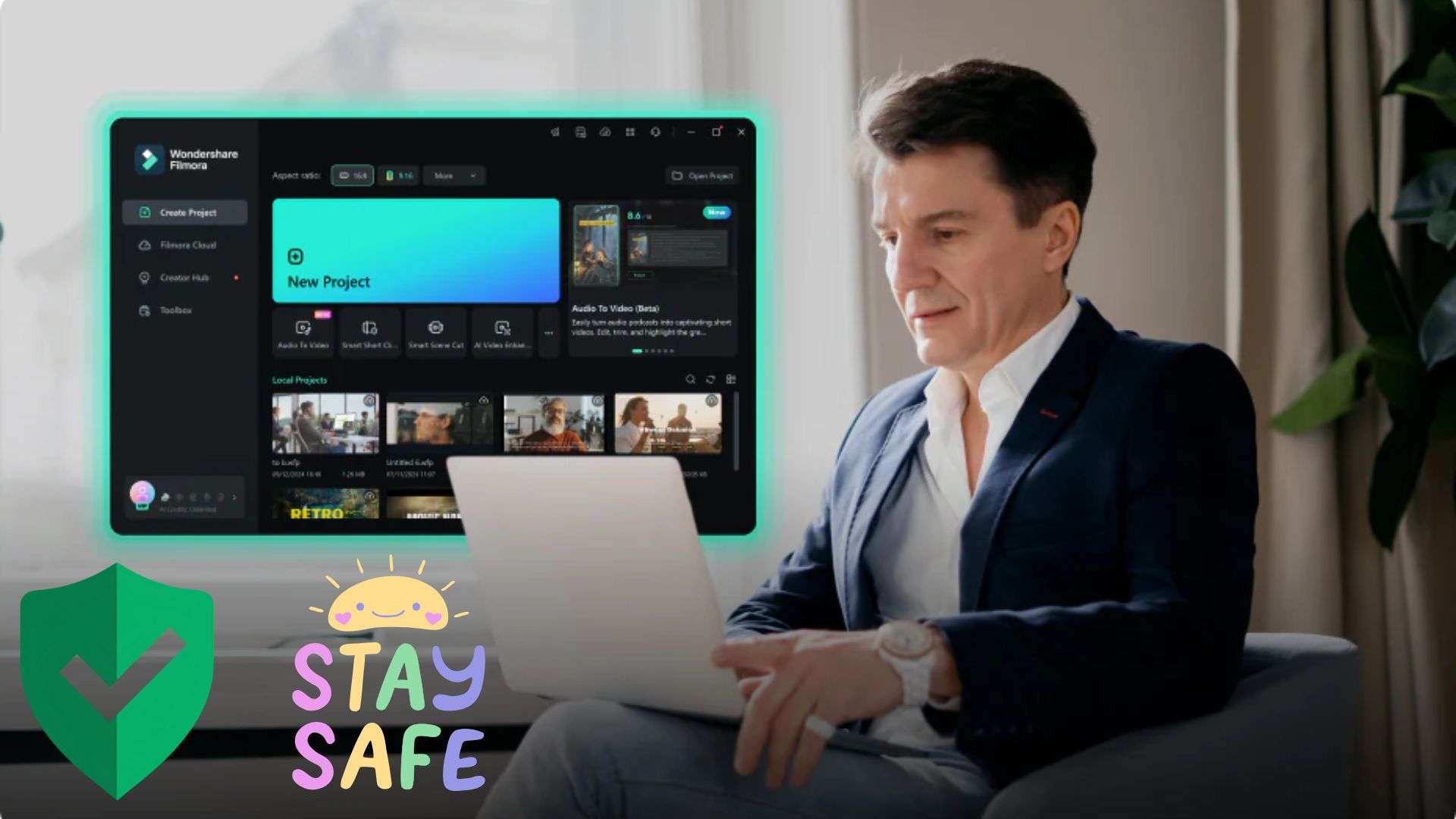
Filmora provides clear safeguards for its AI generation tools to help keep generated content within applicable content policies. This means you can turn your images into moving scenes while following clean usage guidelines, protecting your work from takedowns when publishing online.
Multiple AI Model Options
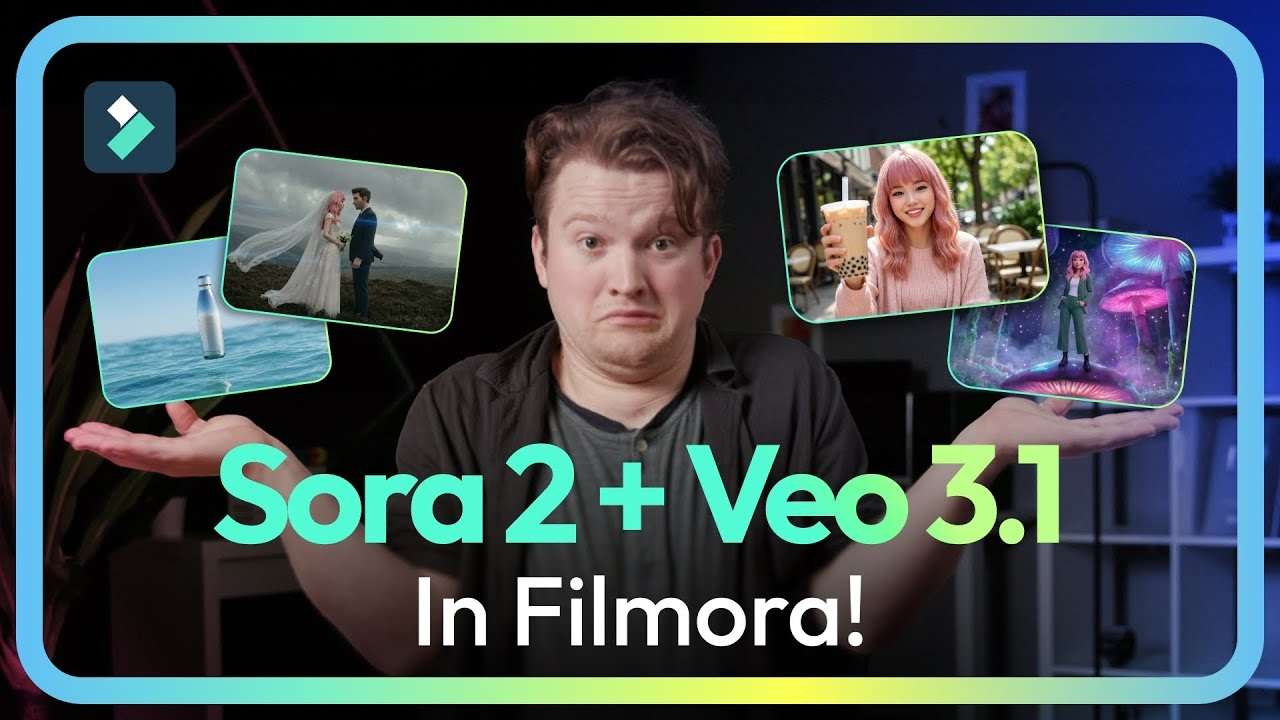
Instead of locking you into a single engine, Filmora builds several AI models into the editor, so you can pick the motion style that best suits your artwork. Right now, Filmora includes Seedance 2.0, Sora 2, and Google's Veo 3.1 when it comes to Image-to-Video models.
Creative Templates Across Niche Styles
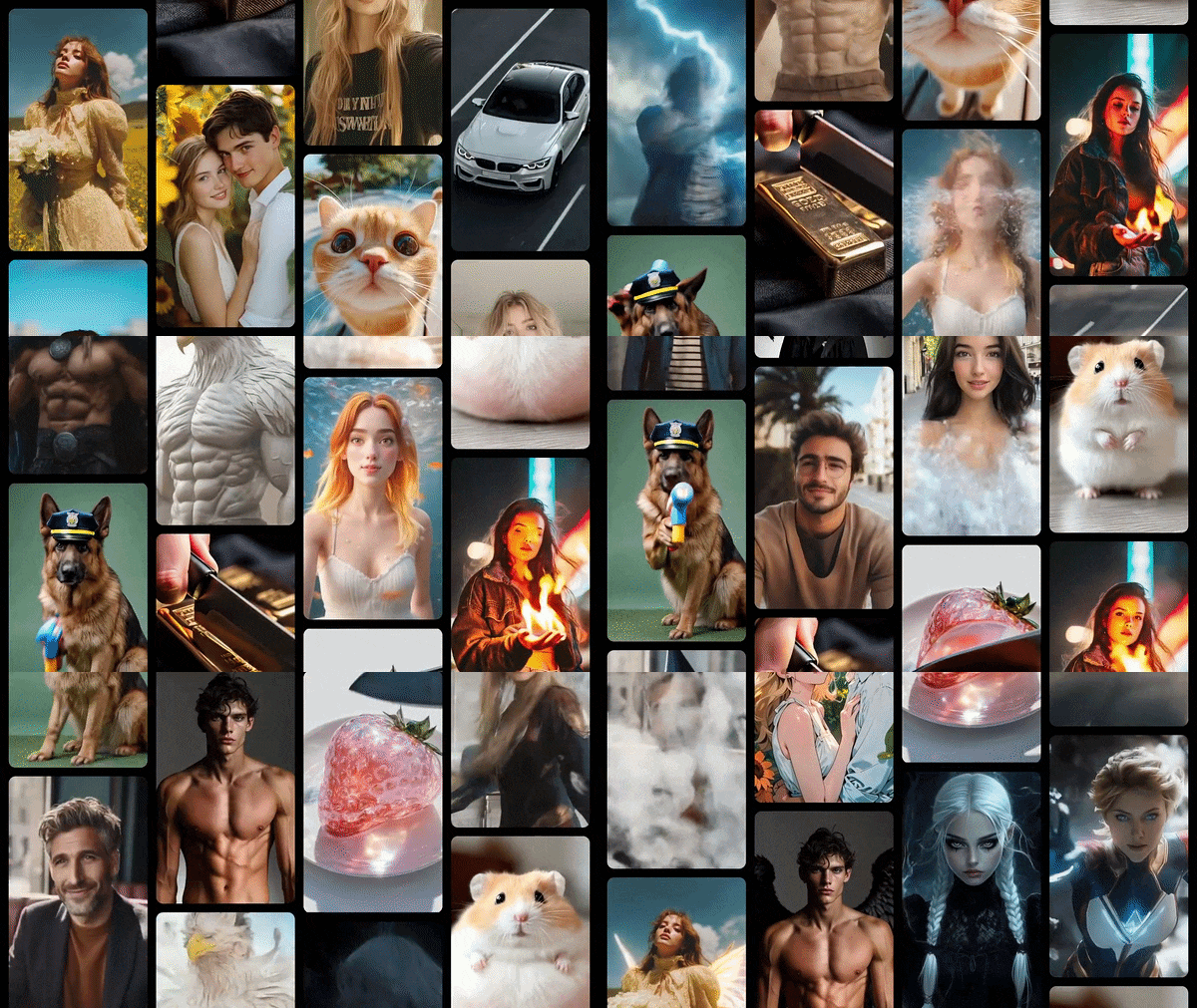
Filmora also offers a library of preset video templates, camera-movement effects, and atmospheric motion graphics made for different visual themes. Whether your art is moody fantasy, bright anime, or clean product imagery, you can start from a style that fits instead of building every move from scratch.
Stitch Projects for Longer Storytelling
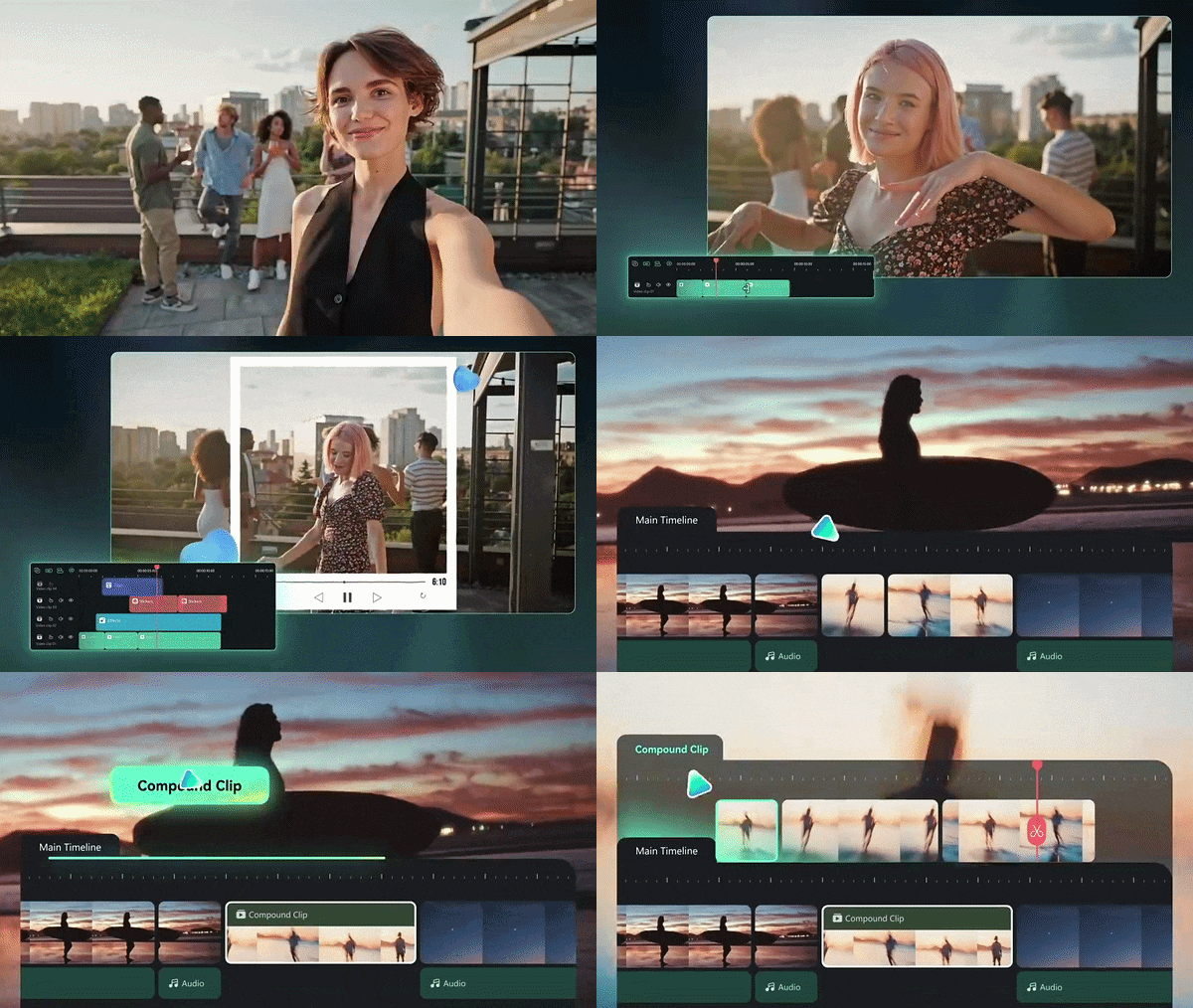
Want to make a short film instead of a single clip? Lining up several AI images on Filmora's multi-track timeline is easy. You can add AI motion to each one, then stitch them together with transitions, music, and captions into a cohesive short film or narrative video. It's a great way to turn a folder of separate images into a story.
 Secure Download
Conclusion
Creative guardrails shouldn't stand between you and your imagination. By using an uncensored AI image generator, you regain complete artistic control over your prompts, styles, and concepts without annoying moderation blocks. Pick one that fits your budget and privacy comfort, stay within the law, and never create content involving minors or real people without consent.
Once you've created images you're happy with, you can take them further with Wondershare Filmora. Its AI Image-to-Video feature can turn still artwork into moving clips, while the editing timeline lets you add music, text, and transitions to shape the final result.
FAQs
-
Why does the same prompt produce different results across AI image generators?
Each generator runs different models trained on different data, so they interpret words differently. Randomness (the seed), sampling settings, built-in style presets, and sometimes hidden prompt rewriting also change the outcome. Even within one tool, running the same prompt twice can give two different images unless you lock the seed. -
Do uncensored AI image generators work on phones?
Mostly yes. Perchance, TheUncensored AI, HACKAIGC, and Kenerate AI all run in a mobile browser, and Kenerate says there's no separate app to install. Venice also offers a mobile app. Results and speed depend on your connection rather than your phone, since generation happens in the cloud. -
Will generating uncensored AI images slow down or compromise my computer?
No, using reputable web-based generators poses no risk to your local hardware. Because the heavy computational work is processed either on remote server clusters or safely isolated inside your browser's sandboxed memory cache, it won't overheat your device or install unwanted files on your hard drive.
