

 TL;DR:
If you need to replace Viggle AI to avoid jittery motion and restrictive templates, Wondershare Filmora is the most balanced alternative for generating and editing platform-ready clips, while Kling AI and Runway are better suited for cinematic realism and advanced camera control.
● For quick motion-swap memes, Pika and PixVerse offer viral effects and swap-style tools, but expect inconsistent face generations, watermarks on free plans, and a strict 540p resolution limit for unpaid PixVerse users.
● Creators needing realistic output should use Kling AI for up to 3-minute 1080p videos or Runway for specific Motion Brush controls, though both require high credit usage for trial-and-error and Kling AI suffers from slow free queues.
● To test multiple video models in a single workflow, use the Pollo AI multi-model hub, or choose Filmora if you must generate AI clips and immediately apply Auto Reframe or Dynamic Captions within the same timeline editor across Windows, macOS, iOS, or Android.
Ask AI for a summary
 ChatGPT
 Perplexity
 Gemini
 Claude
 Grok
Grok
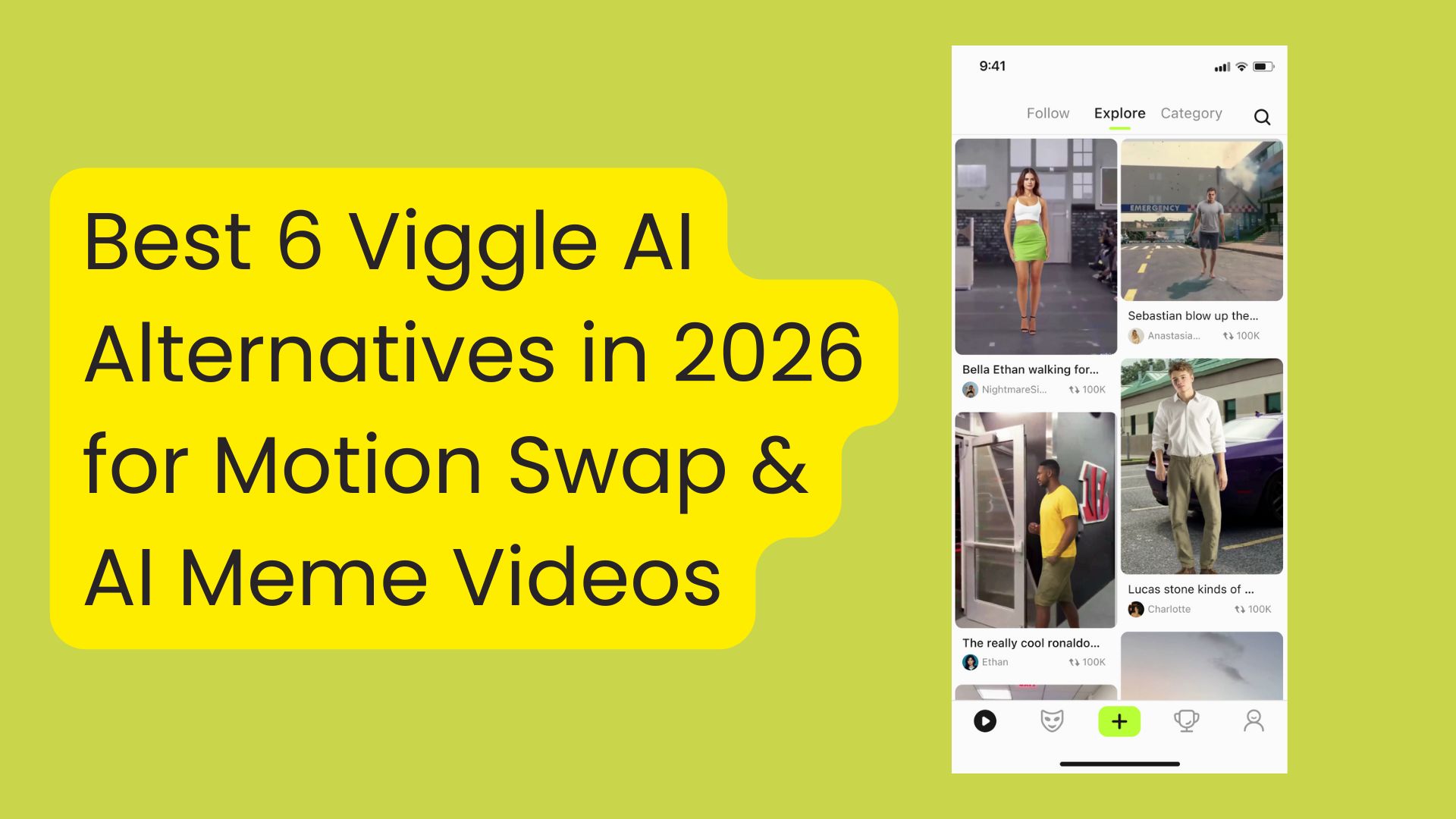
Motion swap videos have been hitting social media lately, Viggle AI is one of the most talked-about options for its ability to turn a single character image into an animated meme clip fast.
Before trying the tool yourself, this Viggle AI review will examine what it does well, where it struggles, and why you might want to consider other Viggle AI alternatives for different needs.
Part 1. What is Viggle AI and Why You Need an Alternative
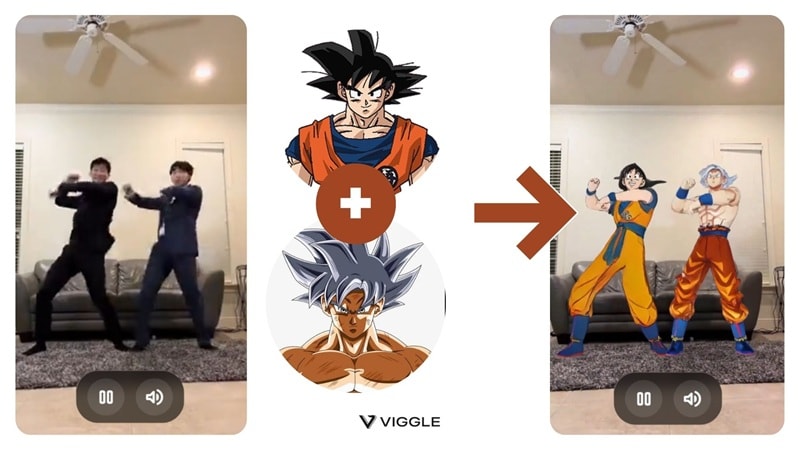
Viggle AI is an AI video meme maker that uses motion capture and motion transfer to animate a character image. In simple terms, you upload a photo, pick a template or motion source, and Viggle turns that still image into a moving character video. Many creators use it to create short viral clips.
Viggle is available on the web and as a mobile app. You can download the Viggle app on Android or iOS.
However, many users seek alternatives to Viggle AI. Some common reasons are:
- Limited control and customization: Templates are fast, but advanced controls can feel restricted if you want specific camera movement, timing, or a consistent style across multiple clips.
- Motion issues can happen: Results often show jitter, drifting faces, or awkward hands, especially if the input photo is not clean or the motion is complex.
- Heavy reliance on templates or existing footage: Viggle works best when you have a template or reference motion that matches what you want. If you want fully original scenes from text prompts, other tools can fit better.
- Free plan limits can slow your workflow: If you create a lot, daily limits and plan restrictions can push you to look for alternatives that match your posting schedule.
There are actually more options out there that can help you make viral videos. Let's start with our top picks.
Our Top 3 Picks for Viggle AI Alternatives

How We Test It
- Motion stability and subject consistency
- Artifacts and visual glitches
- Time to generate and retry reliability
- Export quality and posting readiness
- Pricing transparency and watermark
Part 2. Top 6 AI Video Meme Generators Like Viggle
Some of the Viggle AI alternatives we covered here focus on cinematic image-to-video, others lean into viral templates, and a few are best used as "finishers" to clean up AI clips before you post.
The comparison chart below gives a quick snapshot, and then you can expand each tool in the following section.
Viggle AI Alternatives Comparison Chart
| Tools | Best For | Standout Features | Pricing | Platform |
| Wondershare Filmora | Generate AI clips inside timeline-based editor | Image-to-Video, Video Element Editing, Auto Caption, AI Reframe, full timeline editing | Free version; subscription and perpetual license | Windows, macOS, iOS, Android |
| Kling AI | Cinematic, realistic motion and higher detail | Text & Image-to-Video, Multi-Element edits, Effects Library | Free to download; credit packs from $9.79 | Web, Android, iOS |
| Runway | Advanced AI video workflow and creative control | Text/Image-to-Video, Camera & Director controls, Workflows | Free plan with paid tiers to increase credit | Web, iOS |
| Pika | Short, creative clips with fun effects | Text & Image-to-Video, Pikaswaps, Pikaffects & Pikadditions | Free (125 credits); paid plans from $15/mo | Web, iOS |
| Pollo AI | One place to try multiple AI video modes | Multi-model hub, templates, text & image video | Offer free credits; paid plans from $10/mo | Web, iOS, Android. |
| PixVerse | Viral effects and fast AI video outputs | Text & Image-to-Video, Video extension, keyframe control | Free plan; paid plans from $10/mo | Web, Android |
|
Show More
Show Less
|
||||
1. Wondershare Filmora
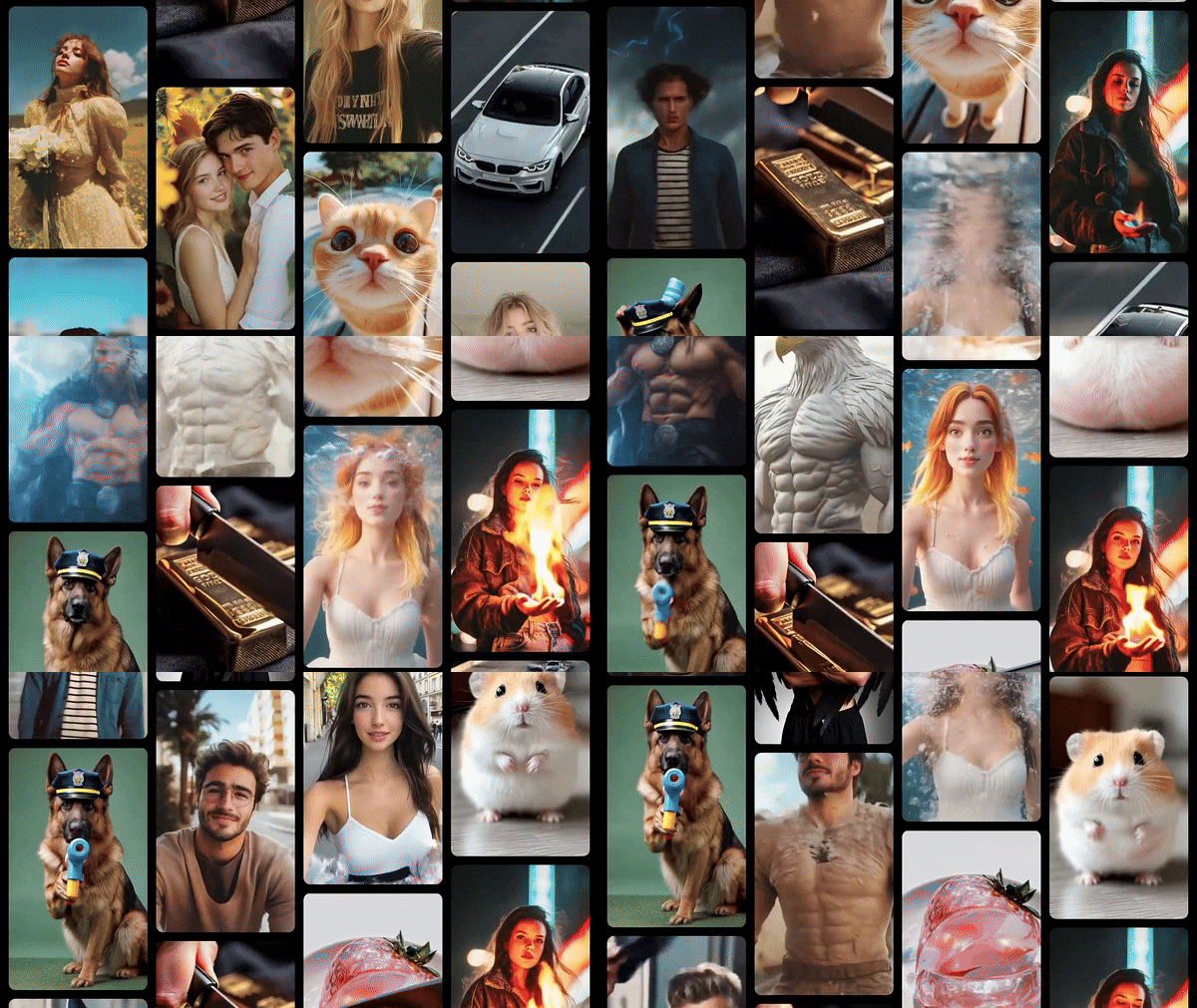
Filmora is an AI video editor packed with a wide range of smart tools that help creators turn ideas into finished videos quickly. It lets you animate still images through Image to Video, similar to how Viggle offers ready-made templates you can swap into, but with better detail, smoother motion, and more room for customization.
Plus, unlike most Viggle AI alternatives that focus only on generating motion, Filmora is built to take you beyond the first AI result. Because it works as a full video editor, you can handle last-minute edits like adding captions, timing fixes, and resizing in one place, so your video performs better on social feeds.
 Secure Download
- Image to Video: Turns a single image into a short animated clip using AI templates or text prompts, with smoother motion and better visual detail.
- Video Element Editing: Lets you add, replace, or remove elements like text, stickers, or objects, after the AI clip is generated.
- Video Editing Tools: Refine AI-generated clips by trimming or applying transitions, effects, music, and sound design until they're ready to share.
- Auto Reframe: Detects the focal point and reframes your video for different aspect ratios, so the subject stays in frame.
- Auto Caption and Dynamic Captions: Generates subtitles automatically, then lets you edit style, font, and timing.
Creators who want to create AI-generated clips into polished videos with full editing control, especially for social media content like TikTok, Reels, and YouTube Shorts.
- Its AI feature tends to produce more detailed outputs compared to Viggle
- Offers full timeline editing, where you can refine your AI-generated clips
- Fast workflow for short-form content, great for fixing awkward AI frames and pacing
- Auto Reframe and auto captions help a lot for TikTok, Reels, and Shorts workflows
- Using AI features requires AI credits
- You need a paid plan to export without a watermark
Free version available, with subscription plans and a perpetual license option. Check the full pricing plans.
4.7/5 on App Store; 4.6/5 on Google Play; 4.4/5 on G2.
Windows, macOS, iOS, Android.
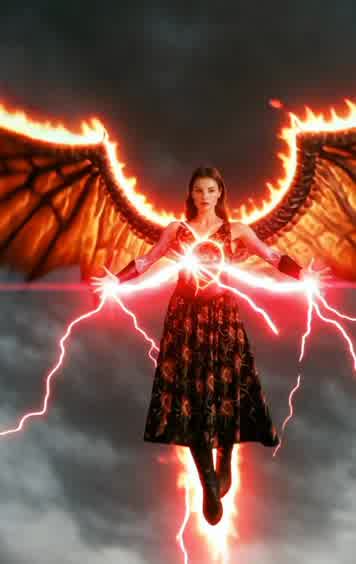
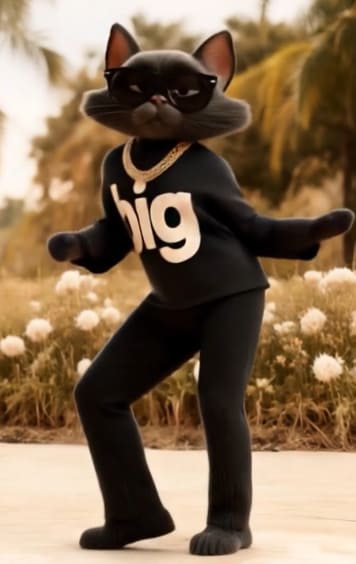
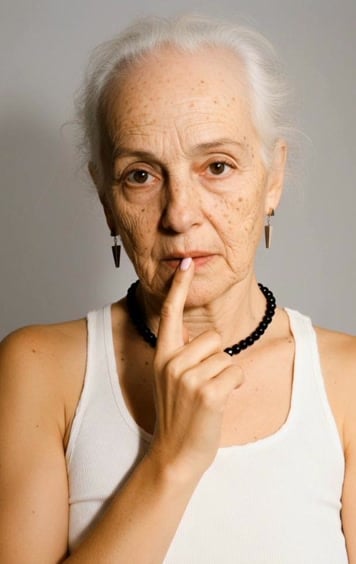
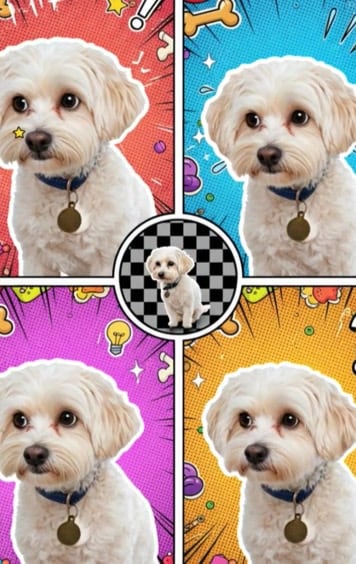
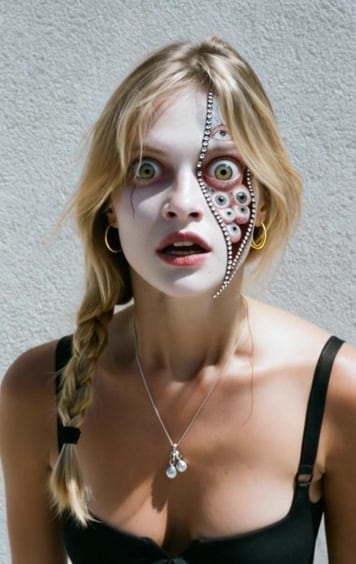
Popular AI Video Templates in Filmora 🎥✨
Experience these AI templates on Filmora mobile or desktop and turn ideas into videos with just a few taps 🚀🎬


2. Kling AI
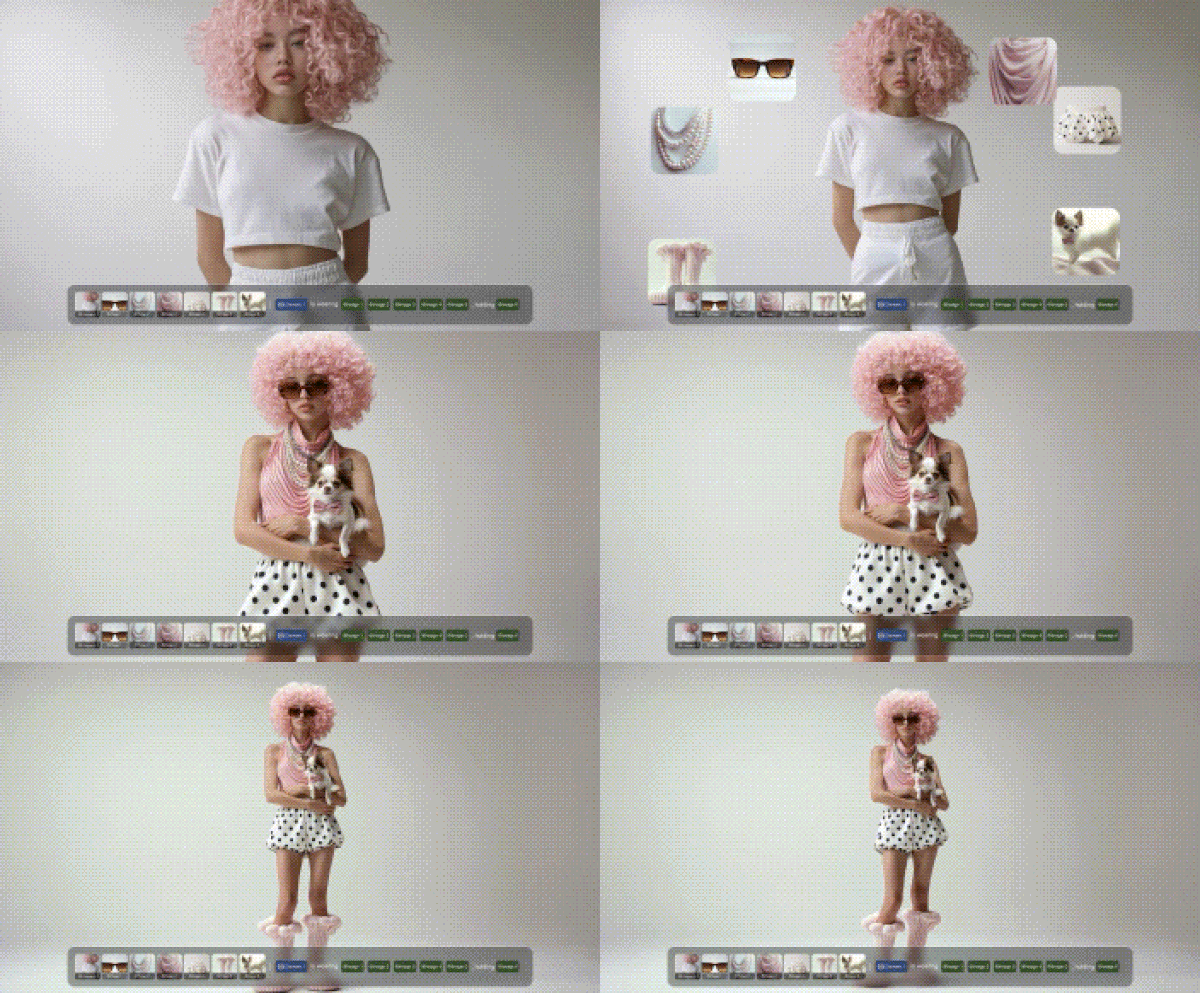
Kling AI is a video generator that aims for more cinematic results than many template-first apps like Viggle AI. It supports text-to-video and image-to-video, plus an effect library where you can browse popular creations and clone an idea to try it yourself.
- Text-to-Video and Image-to-Video: Generate videos from prompts or a reference image.
- Multi-Elements: Swap, add, or delete elements in a video by uploading the clip and describing what you want to change.
- AI Image Generation: Text-to-image and image-to-image are included, useful for creating a character image before animating it.
- Effects Library: Browse effects and apply it on your own project.
Cinematic, realistic motion with sharper detail, especially when you want more than a simple meme template.
- Up to 1080P output and extend up to 3 minutes
- Several version models to choose from, based on what you need.
- Free queue can be slow, so it may not fit time-sensitive posting.
- Credit spend can feel high for trial-and-error.
Free download. Paid packages start from $9.79 (100 units).
4.7/5 on Google Play; 4.7/ on App Store.
Web, Android, iOS
3. Runway
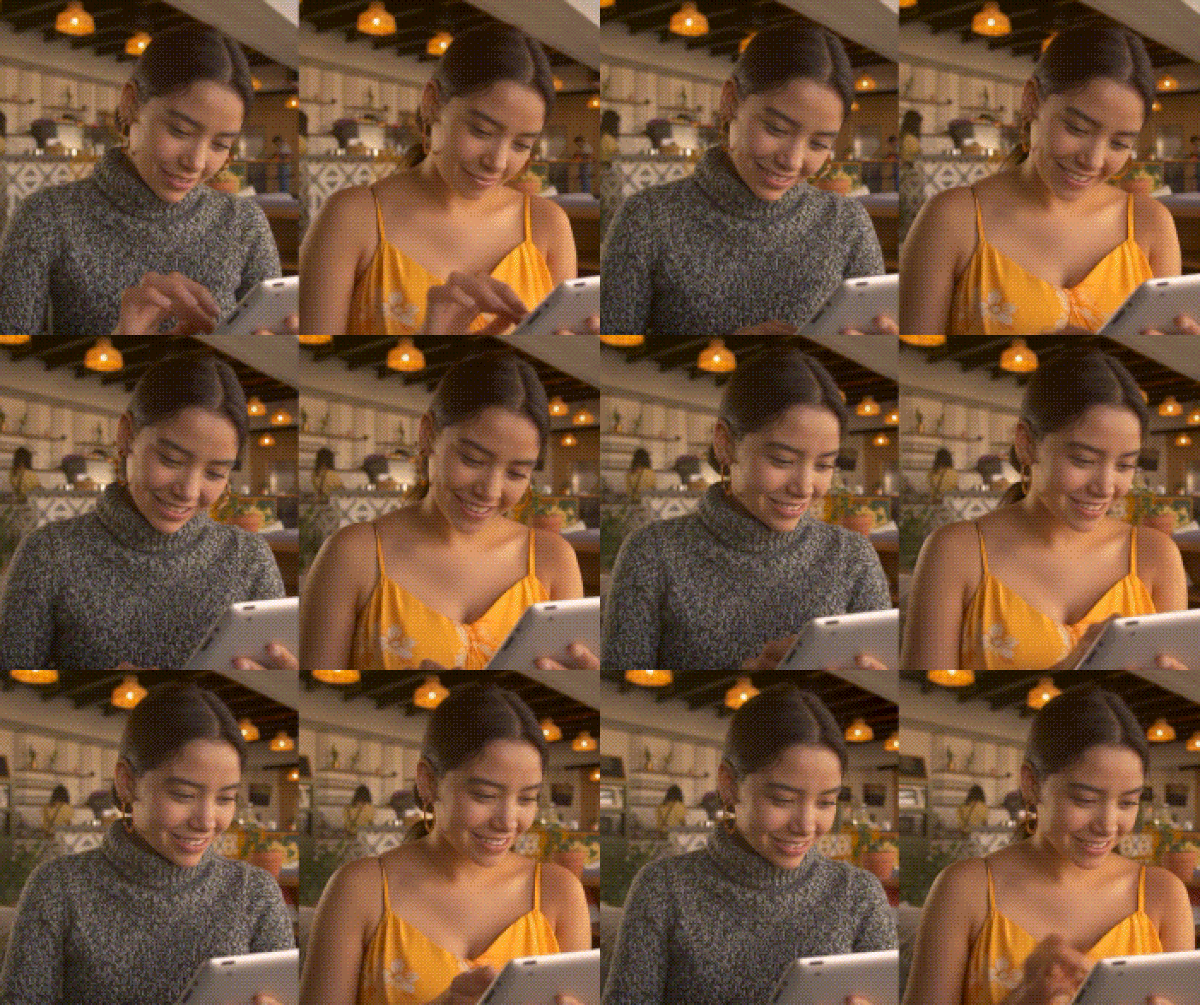
Runway is a web-based AI image and video creation platform that goes beyond meme templates. It focuses on generating and transforming video with more creative control, plus a growing set of tools and workflows for creators who want to iterate fast and refine results.
- Text to Video and Image to Video: Core generation modes built into the platform.
- Control tools: Runway highlights control modes like Motion Brush, Advanced Camera Controls, and Director Mode through its Gen-3 model ecosystem.
- Apps and Workflows: A library of task-specific apps, plus the ability to run Workflows that chain multiple steps for more control.
- Editing and transformation tools: Options to edit, transform, and modify video elements with prompts.
A more advanced AI video workflow and creative control, especially for text-to-video and image-to-video projects.
- Include strong control features like Motion Brush and camera controls for when you need more direct creative steering.
- Ability to generate intricate, multi-element scenes with Workflows.
- Lack of templates or effects that help you get started quickly.
- AI can misinterpret prompts at times.
- Watermarks appear on the free plan.
Free includes 125 one-time credits. Paid plans start from $15/month.
Web and iOS.
4. Pika
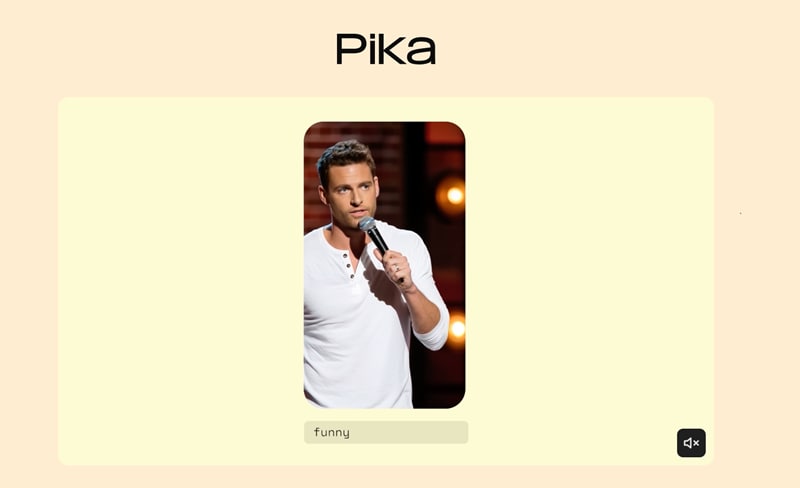
Pika is an AI video generator built for fast, meme-friendly clips from text and images. It is especially useful when you want quick variations, trending effects, or a swap-style result with Pikaswaps.
- Text-to-Video and Image-to-Video: Supports multiple qualities and durations depending on your plan and credits.
- Pikaswaps and Pikadditions: Tools aimed at swap-style and add-on style transformations, closer to the vibe people want from apps like Viggle AI.
- Pikaffects and Pikatwists: Effect-driven modes for punchy, viral clips.
- Pikaformance on web: Promotes hyper-real expressions synced to sound, designed for quick, expressive meme outputs.
Quick stylized AI meme videos, including image-to-video, text-to-video, and swap-style effects.
- Gives you free credits to try the AI tool.
- Effect-driven modes like Pikaswaps, Pikadditions, and Pikaffects are great for quick meme transformations.
- Clear credit costs per feature on the pricing page, so you can estimate usage before you subscribe.
- Swap and effects can produce inconsistent faces or edges.
- Reviews often complain about failed generations and support speed.
- The free version adds a watermark to your videos.
Free includes 80 monthly video credits. Paid plans start from $10/month.
4.9/5 on Product Hunt; 1.7/5 on Trustpilot.
Web, iOS (Pikaffects)
5. Pollo AI
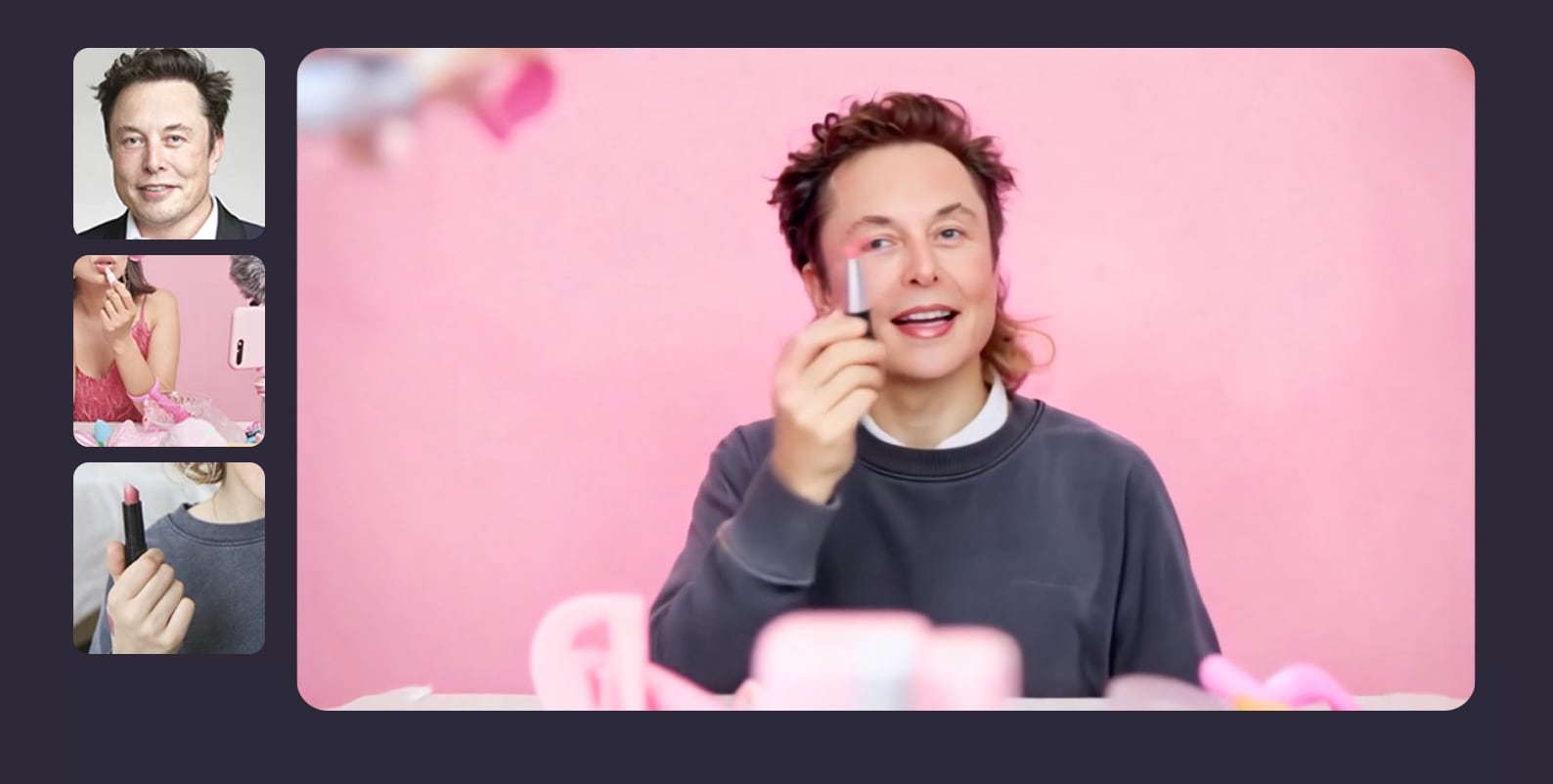
Pollo AI is an all-in-one AI video generator that bundles multiple video models and viral effects in one place. It can work as a Viggle AI alternative when you want motion mimic style content, plus extra tools like text to video, image to video, and quick social templates, without jumping between apps.
- Motion mimic and reference-based generation: Tools designed to mimic motion and keep subjects consistent, useful for dance-style or character action clips.
- Multi-model hub: Access to many video models from a single app, so you can switch style and output quality without changing platforms.
- Viral effects and templates: A large set of effects aimed at quick, trend-style content.
- Text to video and image to video: Core generators for turning prompts or images into short clips.
- AI Shorts and prompt-based editing: Short video workflows, plus "edit with a prompt" style features for fast variations.
Trying multiple AI video models and viral effects in one workflow, especially for short, shareable meme-style clips.
- Convenient "one app" approach, useful if you want to test different models and effects quickly.
- Strong for trend-driven clips thanks to motion mimic, templates, and short-form tools.
- Credit systems can feel confusing, and some users report mismatched credits or inconsistent behavior between the web and the app.
- Free outputs may include watermarks, so you may need a paid plan for clean exports.
Free plan available. Paid plans start from $10/month (Lite) or $25/month (Pro).
4.5/5 on the App Store; 4.4/5 on Google Play.
Web, iOS, Android.
6. PixVerse
PixVerse is a popular AI video generator that creates meme-ready clips from text prompts or images. It feels closer to "viral effects and templates" than classic motion-swap apps, and it also adds useful controls like video extension and key frame control for more stable results.
- Text to Video and Image to Video: Generate a clip from a prompt or animate a photo with AI motion.
- Video Extension: Extend clips while keeping continuity.
- Key Frame Control: Use the first and last frames to improve stability and consistency.
- Fusion Mode: Combine up to 3 images into one AI-generated video.
- Trending effects and templates: Built around viral formats like AI dance trends and themed transformations.
Fast viral-style AI meme videos, especially if you want text-to-video, image-to-video, and trending effects in one app.
- Lots of viral effects and quick templates, great for social-first content.
- Helpful control tools like keyframes and extensions, which many meme apps don't offer.
- You can modify the AI-generated video result using text prompts.
- Performance can feel inconsistent, with some users reporting occasional crashes.
- Free users are limited to low-resolution exports (up to 540p).
New users get free credits. Paid plans start from $10/month (Standard).
4.7/5 on Google Play; 4.3/5 Product Hunt.
Web, Android.
Part 3. How to Choose the Right Viggle AI Alternative
The best Viggle AI alternative depends on the kind of video you want to make. Below, we break down the best options based on common goals:
For motion swap memes with templates: Filmora, Pika, Pixverse
Choose tools that offer templates when you want quick results and minimal setup. Filmora, Pika, and Pixverse have ready-made dance, funny, and trending AI templates you can use immediately.
For a realistic, cinematic video: Kling AI, Runway, Pollo AI
If you would rather create realistic AI videos, image-to-video or text-to-video tools like Kling AI, Runway, or Pollo AI give you better motion, more detail, and a more "film-like" look.
For convenience and editing speed: Filmora
Pair a generator with a strong editor when you care about posting fast. In this case, Filmora fits this role well since it integrates AI features into its timeline-based editor. You can add manual adjustments without leaving the workspace.
Conclusion
Viggle AI is a fun way to create motion swap memes fast, but the best results often come from choosing the right alternative for your style. The tools we have covered above each bring something different to the table.
Out of all the options, Filmora stands out as the most balanced choice, combining AI generation with full editing features so you can turn quick ideas into videos that are actually ready to post. Some of them are a little "wacky," while others lean more on realism. Choose whichever fits you more and refine it on the same platform.
FAQs
-
Is Viggle AI free?
Yes, Viggle AI offers a Free plan at $0, and the official pricing page lists a limit of 5 relaxed-mode videos per day, with paid tiers like Pro and Live that add monthly credits and higher limits. -
Where can I download the Viggle app safely?
For a safe Viggle app download, use the official listings on the App Store (for iOS devices) and Google Play (for Android devices), or start from Viggle's official download page. Avoid APK sites and “mod” downloads. -
What are the best apps like Viggle AI for anime or stylized output?
If your goal is anime or cartoon looks, Filmora and PixVerse have various anime-style AI templates and effects that are easy to apply. Pollo AI also includes an AI Animation Generator with a library of cartoon and anime-inspired styles you can select to create similar videos. -
How can I make AI meme videos look more professional using Filmora?
After creating AI meme videos with Filmora, trim awkward frames, fix pacing, and then add Dynamic Captions for clean subtitles. After that, use Auto Reframe to resize to 9:16 so the subject stays centered, and export with social-ready settings.
