


 TL;DR:
Avoid downloading a GoPro Quik MOD APK to bypass subscription fees, as these unauthorized files expose your device to hidden malware, crypto miners, and the risk of permanent account suspension.
● Modified builds frequently crash following official GoPro system updates, fail to sync with cloud services, and offer no guarantee that projects can be safely transferred to the official app.
● GoPro removed the modern Quik for Mac app in early 2025 and canceled the Windows release, leaving the legacy 2016-2022 desktop app which lacks support for newer HERO11, HERO12, and HERO13 cameras.
● Choose the official GoPro Quik mobile app for quick, template-based auto-highlights, but switch to Wondershare Filmora if you need full manual timeline control, advanced AI tools, and cross-platform compatibility for complex or long-form projects.
Ask AI for a summary
 ChatGPT
 Perplexity
 Gemini
 Claude
 Grok
Grok
Many start thinking of installing the GoPro Quik APK to get premium features for free, along with capabilities to remove the watermark, unlock premium music and themes, and avoid monthly fees. As a result, demand for GoPro Quik MOD APK versions continues to rise.
But a random Quik APK download from unofficial sites comes with real risks. Modified APKs can carry malware, inject hidden code, or collect personal data without consent.
Before you install anything, read this guide to understand the risks and learn legal ways to use Quik without MODs.
Part 1. What Is GoPro Quik and Why Are People Searching for the MOD APK?
Interest in the GoPro Quik MOD APK keeps growing as users look for ways to unlock premium features without paying. Before you install any modified file, let’s discuss what it is and why mod versions attract so much attention.
What is GoPro Quik?
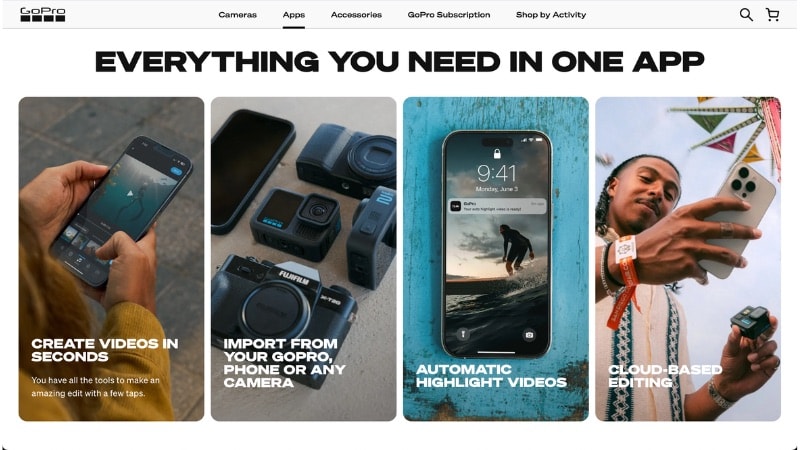
GoPro Quik is the official mobile video editor from GoPro. The app helps users create short videos with auto highlights, music sync, themes, and premium editing tools. You can trim clips, add transitions, apply filters, and export content in minutes.
The app runs on both iOS and Android devices. You can use it even if you do not own a GoPro device. You can import footage from your phone and edit it inside the app.
What is a MOD APK?
A MOD APK is a modified version of the original app. Third parties change the source code to unlock paid features or remove limits. They distribute these files through unofficial websites instead of the Google Play Store or Apple App Store.
Because unknown developers alter the code, users cannot verify what changes they include in the file.

Why Are People Looking for GoPro Quik MOD APK:
Most users search for GoPro Quik APK Premium versions for several reasons:
- Avoid monthly subscription fees to reduce ongoing costs.
- Unlock premium filters, themes, and templates not available in the free version.
- Get full access to the entire music library without restrictions.
- Remove the watermark from exported videos to keep content clean and free from branding.
Part 2. The Risks Behind "GoPro Quik Premium MOD APK" Downloads
Many sites promote GoPro Quik premium APK files as a free shortcut to paid features. What they rarely mention is the real cost behind those downloads. The biggest risk is not the subscription fee you avoid, but the security and control you give up.
Security Risks of Using GoPro Quik MOD APK
When you install a GoPro MOD APK from an unofficial source, you trust unknown developers with full access to your device. That decision can expose you to several threats:
- Malware or spyware can hide inside the app file and run once you install it.
- Hackers can capture login credentials for your GoPro account or linked social media accounts.
- The app can collect personal data in the background, including device details and usage patterns.
- Some modified apps include crypto miners that drain battery and slow down your phone.
- Attackers may insert backdoor access that allows remote control or file access without clear signs.
You can’t review the source code of a random mod file. You trust whoever changed it, and you have no way to confirm what they added or removed.
Legal and Account Risks of Using GoPro Quik MOD APK
Beyond security concerns, the GoPro Quik Video Editor MOD APK version also creates legal and account issues:
- Using a modified app breaks GoPro’s terms of service.
- GoPro can suspend or restrict your account if it detects unauthorized access.
- Official updates from the app store may not install over a modified version, leaving you stuck on an outdated version.
- "Premium unlocked" builds often crash or lose features after new official releases.
- Projects may fail to sync with GoPro’s cloud service, making you lose edits or missing backups.
At first glance, a GoPro Quik Premium MOD APK file may promise free access. But in practice, it can limit your access, disrupt your workflow, and expose your data. In the next section, we will look at safer ways to use GoPro Quik without taking these risks.
Part 3. How to Use GoPro Quik Without a MOD APK (Legal Options)
Before you look for a random Quik app download APK from third-party sites, consider the official options first. GoPro already offers safe ways to edit your videos without installing modified files. You can keep your device secure and still access the tools you need.
1. Use the Official GoPro Quik App (Free Version)
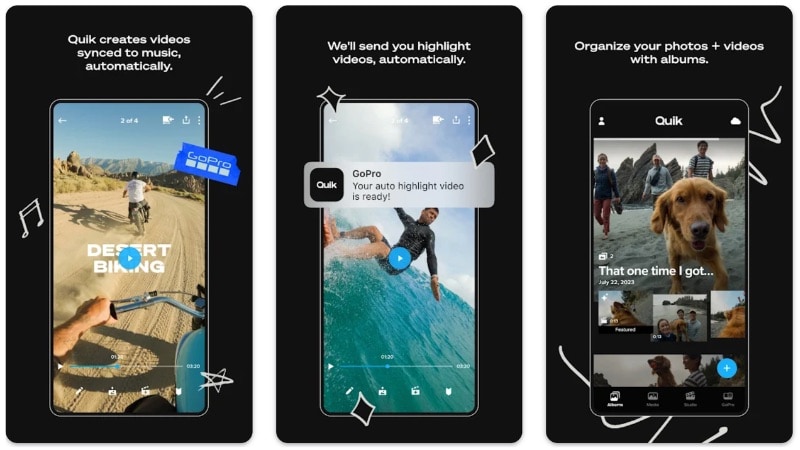
Rather than installing a Quik GoPro APK from unofficial sources, download the official app from the Play Store or App Store. The free version lets you import clips, trim footage, add stickers, apply themes, and sync your footage with music.
You also get access to basic editing tools from the media grid, such as frame adjustments, text overlays, and simple color tweaks. It works well for short social videos and quick highlight edits. You can test the workflow before deciding to upgrade.
2. Subscribe to GoPro Quik Premium
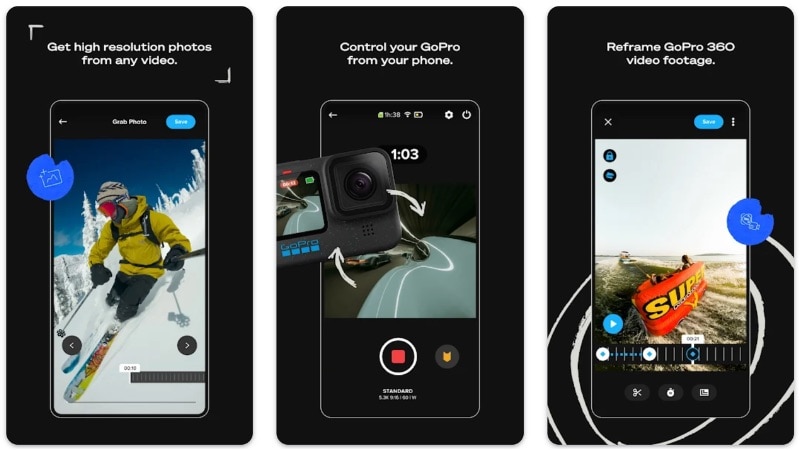
After you try the free version, upgrade to its subscription plans to get full access to more features. Instead of using a GoPro Quik APK MOD version, the premium plan unlocks more themes, filters, and music tracks. You also remove the watermark and gain access to more export options.
A subscription keeps your app up to date and connected to official support. You receive new features through regular updates, and your projects stay compatible with cloud sync services.
3. Alternative Approach: Use a More Flexible Editor
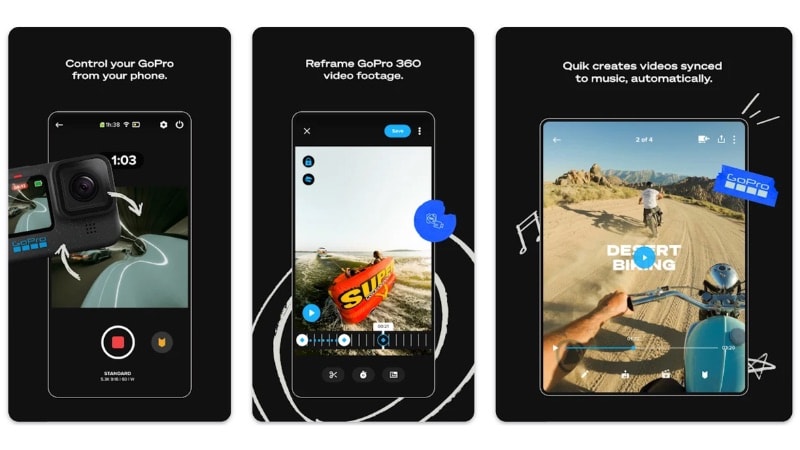
If you need desktop editing, keep in mind that GoPro Quik no longer offers full cross-platform support. As of early 2025, GoPro removed the modern Quik for Mac app from the App Store. GoPro also canceled the planned Windows version.
The older Quik for Desktop app version from 2016-2022 still exists. But it no longer supports newer cameras such as HERO11, HERO12, or HERO13.
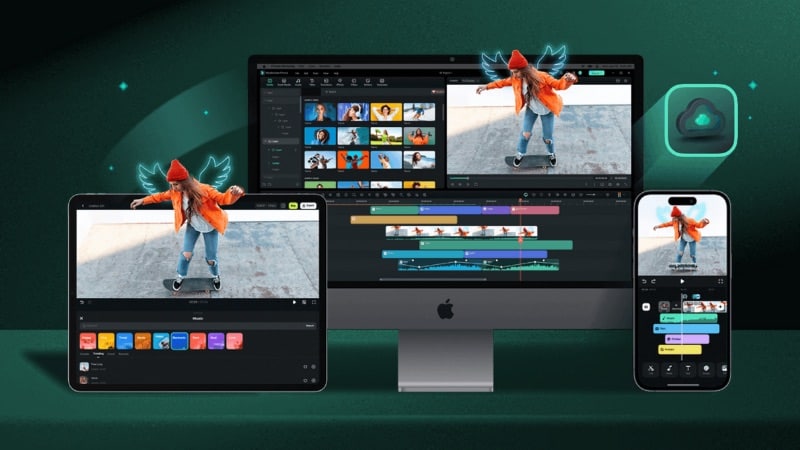
Instead of searching for a GoPro Quik Video Editor APK or unofficial desktop builds, a cross-platform editor such as Wondershare Filmora. It runs on Windows, Mac, Android, and iOS devices. It offers full timeline control and supports advanced tools such as AI, keyframing, and deeper editing features.
Bonus: Want More Creative Control? Try Wondershare Filmora Instead
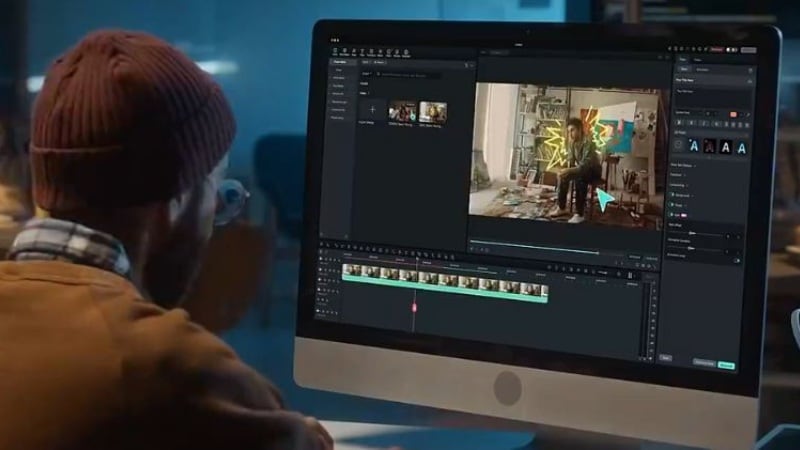
Rather than downloading the GoPro Quik APK to unlock more features, use an editor that already includes advanced tools. Filmora provides more flexibility without violating the terms of service or exposing your device to risk.
 Secure Download
Why Filmora Is a Better Long-Term Choice
- Cross-platform availability: You can edit on mobile for quick drafts and move to a desktop for detailed work. To sync projects across devices, you need to save them to Filmora Cloud.
- No need for cracked APKs: Install Filmora through official sources and receive updates, feature improvements, and technical support. Your projects stay stable across versions.
- More editing control: Filmora provides deeper manual control than Quik. You can adjust keyframes frame by frame, manage multiple audio tracks, control speed ramps, and refine transitions.
- Built-in AI tools: Filmora includes many AI-powered tools to reduce manual work while keeping full editing control.
Key Features of Filmora
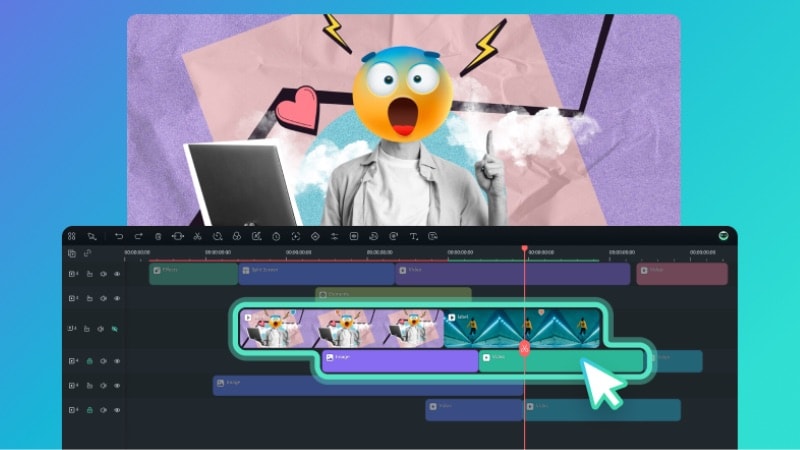
Below are the core features that make it suitable for both short-form and long-form projects:
- Full Timeline Editor
Edit clips with a traditional timeline interface where you can trim, split, cut, and arrange clips with frame-level accuracy.
- Multi-Layer Editing
Stack multiple video, audio, text, and effect layers to create more complex scenes and transitions. Adjust individual layers without affecting the rest of your project.
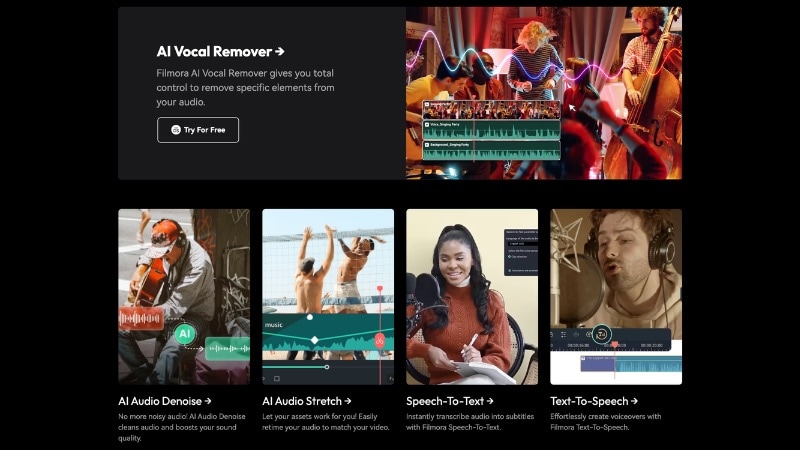
- AI Tools
Filmora includes built-in AI features such as background removal, AI Text to Video, Auto Captions, and Audio Enhancement. These tools reduce manual work and speed up editing tasks while keeping manual adjustment options available for more control.
- Advanced Color Correction
Access color wheels, HSL controls, curves, white balance settings, and LUT support to refine exposure and match shots.
- Custom Text Animations
Create animated text using keyframes and motion presets for lower thirds, intros, and branded captions.
- Extensive Stock Asset Library
Filmora also has a built-in Assets Library, where you can choose music, transitions, titles, stickers, and templates. Use these assets to enhance your videos without searching for external assets.
Secure DownloadComparison: Filmora vs. GoPro Quik
See the table below to compare GoPro Quik and Wondershare Filmora side by side:
| Feature | GoPro Quik | Wondershare Filmora |
| Platform | iOS and Android | Windows, macOS, iOS, and Android. |
| Editing Style | Template-based and auto highlights. | Full manual timeline control. |
| Multi-layer Editing | Limited. | Supports multiple tracks. |
| AI Tools | Basic auto-edit and music sync. | Many advanced AI tools for video and audio. |
| Long-form Projects | Limited support. | Suitable for longer and more complex projects. |
Secure DownloadConclusion
Before installing the GoPro Quik APK from an unofficial source, consider the risks behind modified files. Free access may sound appealing, but it can expose your device, data, and account to serious problems.
If you need more features, use the official app and subscribe to a premium plan instead of risking a random Quik APK download. If you need a cross-platform editor with advanced tools, try Filmora.
Choose a secure and legal option that protects your projects. Start with the official version and edit with tools you can trust.
FAQs
-
Is there a safe GoPro Quik MOD APK without a watermark?
No. MOD APK files come from unofficial sources, and you cannot verify the code inside them. Even if they remove the watermark, they can expose your device and account to security risks. -
Why does my Quik MOD APK stop working?
MOD versions often break after official updates. When GoPro changes its system or adds new security checks, modified builds may crash, lose features, or block access. -
Can I transfer projects from a modded Quik APK to the official app?
There is no guarantee. File formats or cloud sync may not work between modified and official versions, which can result in lost or incompatible projects.
