


 TL;DR:
Muvee Reveal lacks major updates since 2017 and presents malware risks through unofficial third-party installers, making Wondershare Filmora the primary recommended replacement that balances Muvee's automated template simplicity with modern AI tools and manual editing control.
● Proprietary .muvee project files cannot be opened in alternative software and must be exported as standard video files like MP4 using the original Muvee program before transitioning to a new editor.
● Wondershare Filmora's Auto Beat Sync directly replaces Muvee's automated Cinematic Intelligence by syncing clips to audio, but crucially allows creators to manually tweak the results instead of forcing a rigid automated output.
● For specific hardware or budget constraints, iMovie offers built-in cinematic transitions exclusively for Apple users, OpenShot provides watermark-free open-source desktop editing, Adobe Express enables browser-based social media formatting, and Lightworks supports professional multi-track timeline precision.
Ask AI for a summary
 ChatGPT
 Perplexity
 Gemini
 Claude
 Grok
Grok
Muvee Reveal’s biggest strength is that it could turn photos and clips into polished videos, but it’s also its biggest limitation for those who expect more control, modern effects, and AI-powered editing. Even though the software has been downloaded over a million times, its last major update dates back to 2017, leading many users to seek better alternatives.
In this article, you’ll find modern Muvee alternatives that offer better flexibility, updated features, and AI-powered tools like Wondershare Filmora that go beyond basic automation.
Part 1. Muvee Reveal Explained: Is It Still Active in 2026?
Muvee Reveal was part of the broader Muvee software ecosystem, developed by Muvee Technologies, a company known for early innovation in automated video editing. The concept was simple; it works just like any other AI video generation tool:
Upload your media > choose a style > let the software generate a finished video.
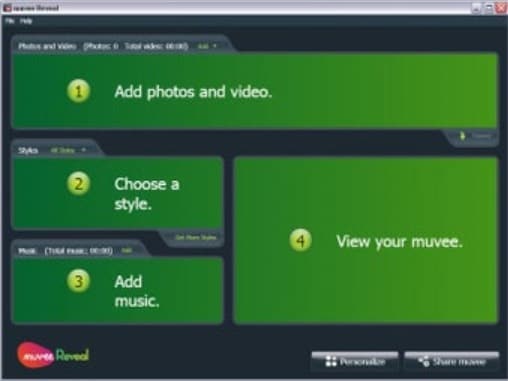
That workflow made Muvee highly popular for:
- Slideshow-style videos for personal memories
- Quick home video creation without editing skills
- Automated editing that required almost zero effort
However, as of 2026, Muvee Reveal is no longer actively maintained. The desktop version hasn’t received significant updates in years, and the ecosystem around it has slowly faded away. Even Muvee Technologies itself is no longer visible as an active player in the consumer video editing space.
This puts users in a difficult position. You might still come across searches like “Muvee Reveal free download” or “Muvee Reveal download,” but what you’ll find is essentially outdated software. This software doesn’t support modern formats, lacks AI features, and isn’t compatible with current workflows.
Part 2. Can You (Safely) Still Download Muvee?
At this point, you might be wondering if you can still get your hands on Muvee Reveal. Technically, yes. But it's not recommended since you'll have to download from third-party sources that have no accountability.
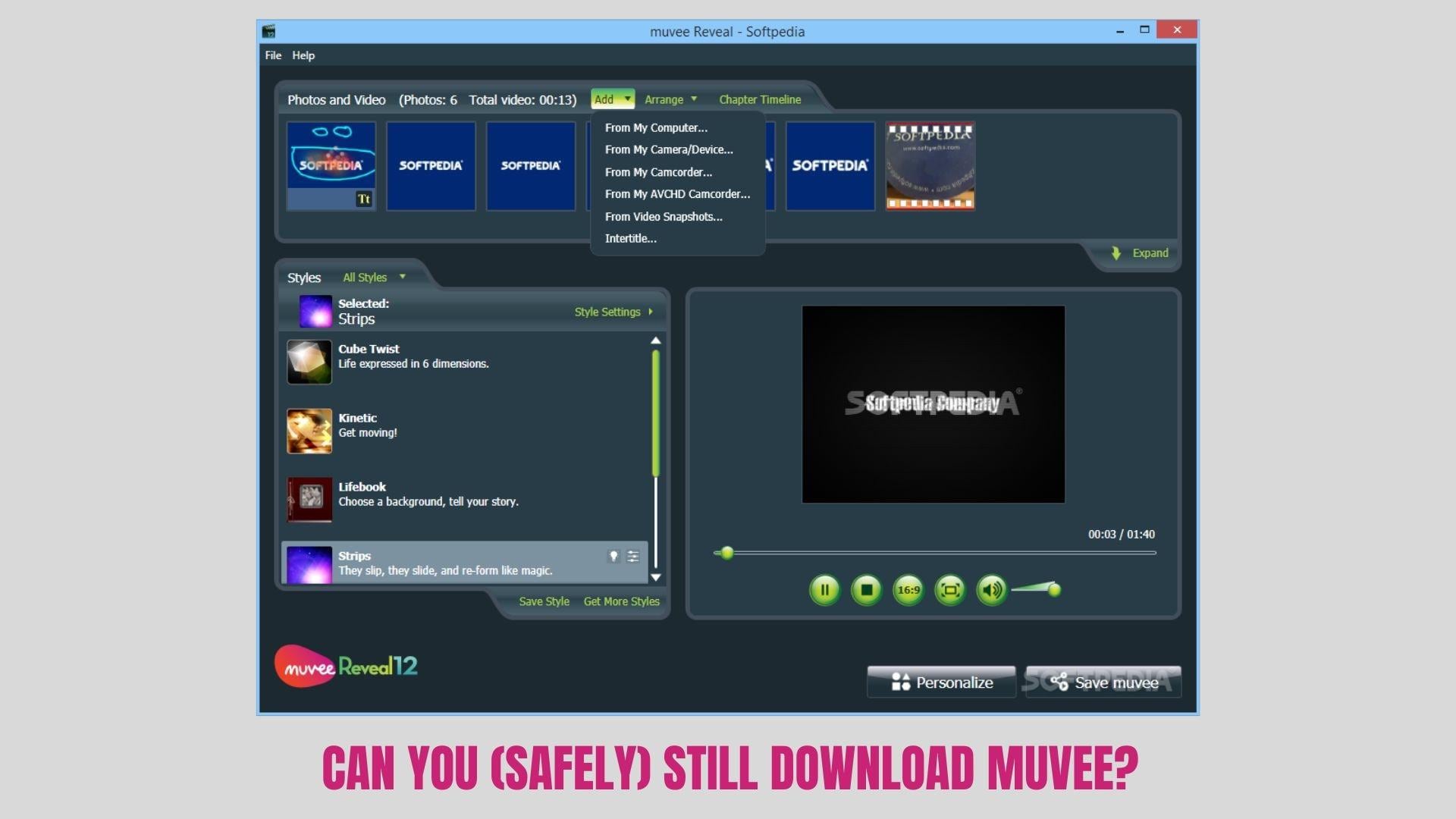
The original official site no longer provides clear or reliable download links. So when users search for terms like Muvee Reveal download, it often redirects to third-party websites that claim to host the installer.
Many of these unofficial versions may contain:
- Malware or bundled software you didn’t ask for
- Outdated or partially corrupted versions
- Security vulnerabilities that haven’t been patched in years
Even worse, downloading from these sources means you’re completely on your own. There’s no official support, no updates, and no guarantee the software will even run properly on modern systems.

You might also come across searches like Muvee Reveal free download with crack, which brings even bigger concerns. Beyond legal issues, cracked software is one of the most common ways users unknowingly install harmful programs that can compromise files or personal data.
So, while it’s still technically possible to find Muvee Reveal online, it’s no longer safe. Rather than trying to force outdated software to keep working, it makes much more sense to switch to a modern alternative designed specifically for today’s editing needs.
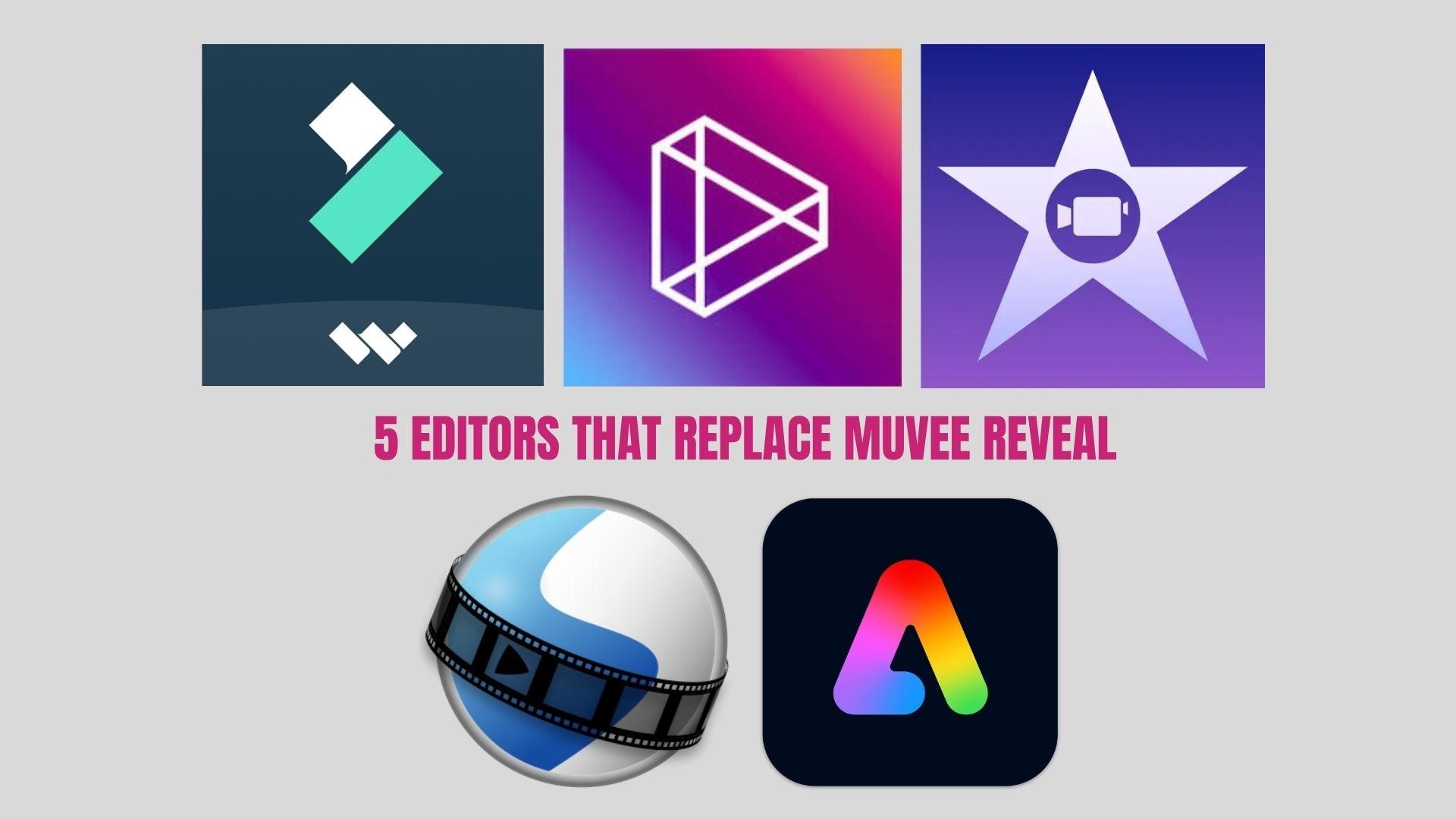
Part 3. Better Options Today: 5 Editors That Replace Muvee Reveal
Since it’s clear that downloading Muvee Reveal is no longer a safe or practical option, the next step is finding tools that can actually keep up with today’s editing needs. Modern editing tools are now faster, more advanced, and far more flexible, especially as AI is playing a bigger role in video creation. They can do everything Muvee could, and much more.
1. Wondershare Filmora (Best Overall)
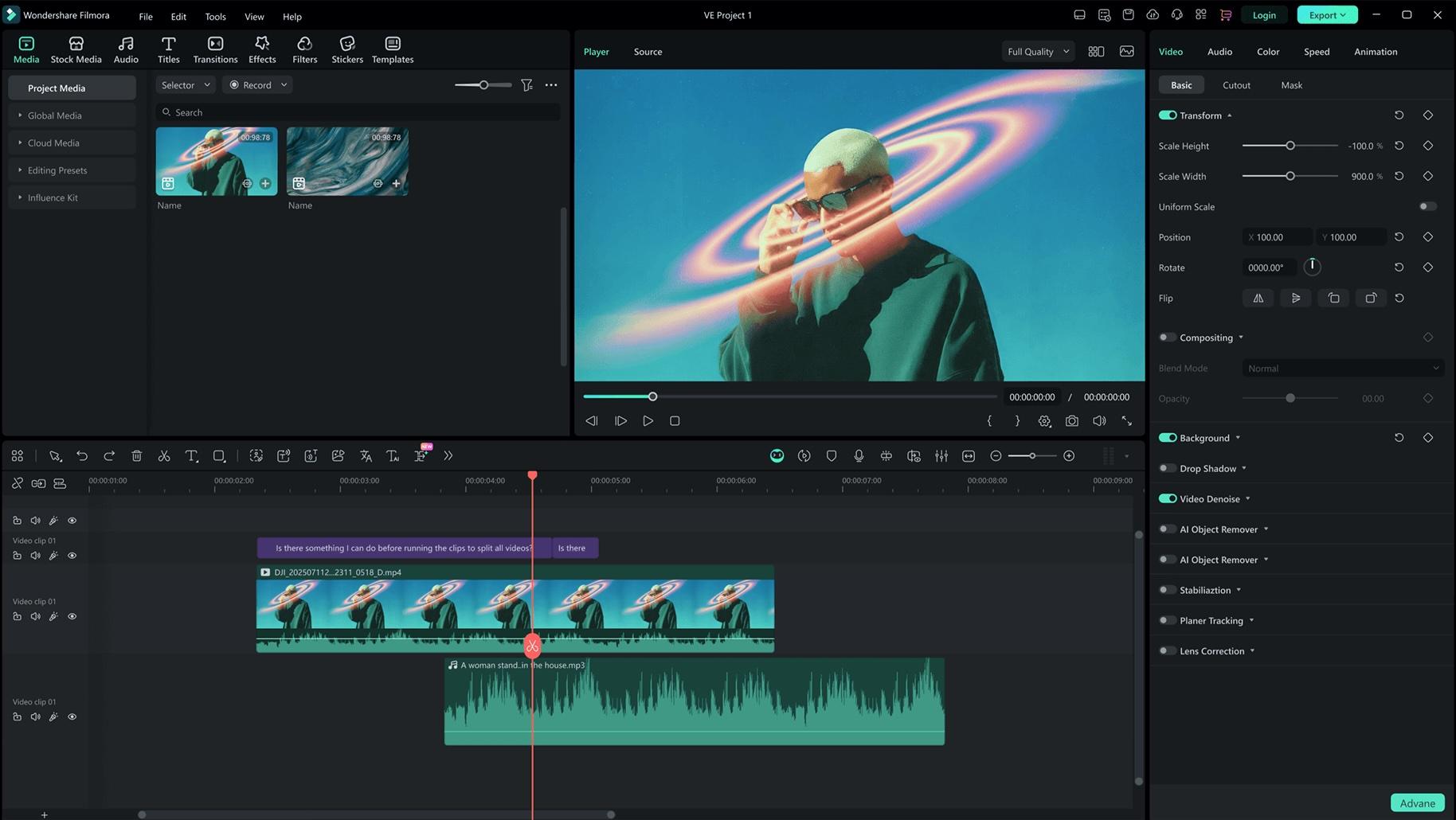
Filmora keeps the simplicity Muvee was known for, while adding modern editing tools and AI features. It's designed for users who want quick results without losing creative control. The drag-and-drop interface with magnetic snapping keeps editing simple, while AI tools like Smart Cutout, Vocal Remover, and Speech-to-Text handle the heavy lifting.
- AI image, video, and audio generators included
- Auto-cut, smart short clips, and AI copywriting tools that speed up editing tasks
- Drag-and-drop timeline with customizable effects
- Built-in templates similar to Muvee, but fully editable
- Large library of transitions, music, and effects
- Easy to learn but not limiting
- Strong balance between automation and manual editing
- Regular updates with new AI features
- Works well for both short-form and long-form content
- Free version includes a watermark
- Some advanced features require paid plans
 Secure Download
2. OpenShot (Best Open-Source Option)
OpenShot is a free and open-source editor that gives you full control without locking features behind paywalls. It’s a good step up if you want more flexibility than Muvee, but it still keeps things relatively simple in the editing process.
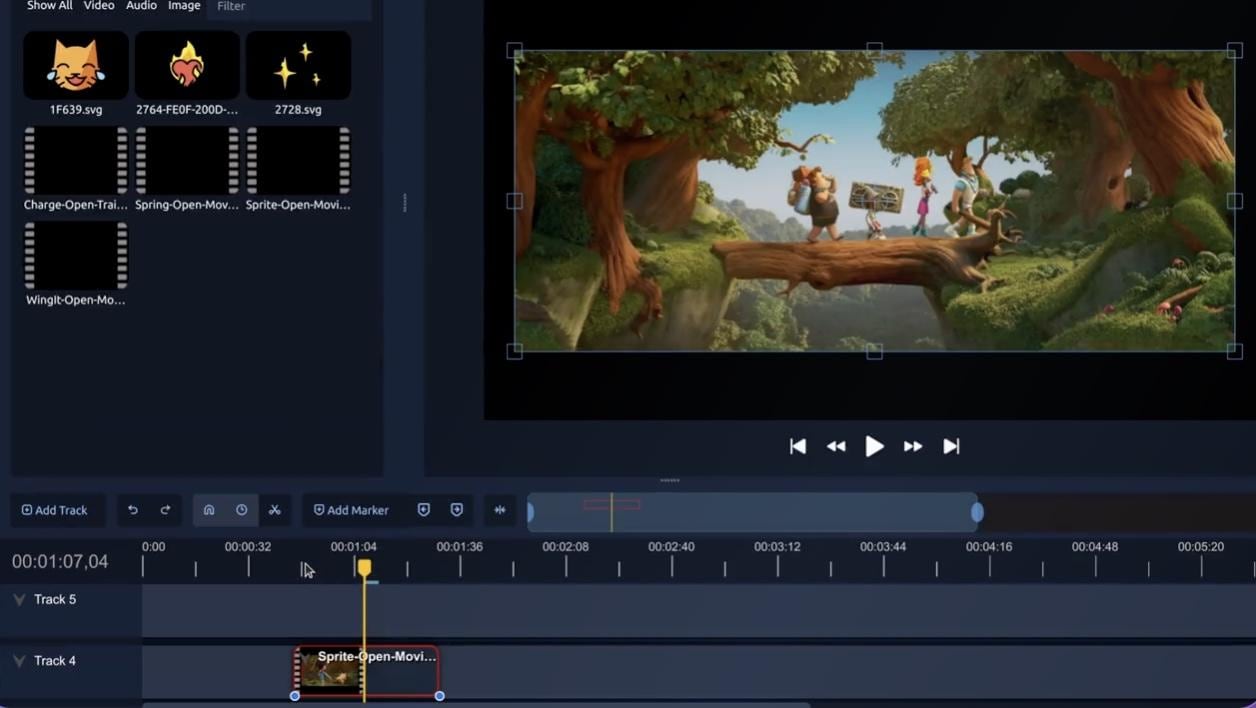
- Unlimited tracks and a simple drag-and-drop interface
- Keyframe animations and basic effects
- Open-source with active community support
- Completely free with no watermark
- Lightweight and beginner-friendly
- Decent control over edits
- The interface can feel outdated
- Performance can be inconsistent on large projects
3. iMovie (Best for Mac Users)
For Apple users, iMovie is the built-in alternative that comes closest to Muvee’s simplicity. It focuses on quick editing with polished results, especially for personal or casual projects.
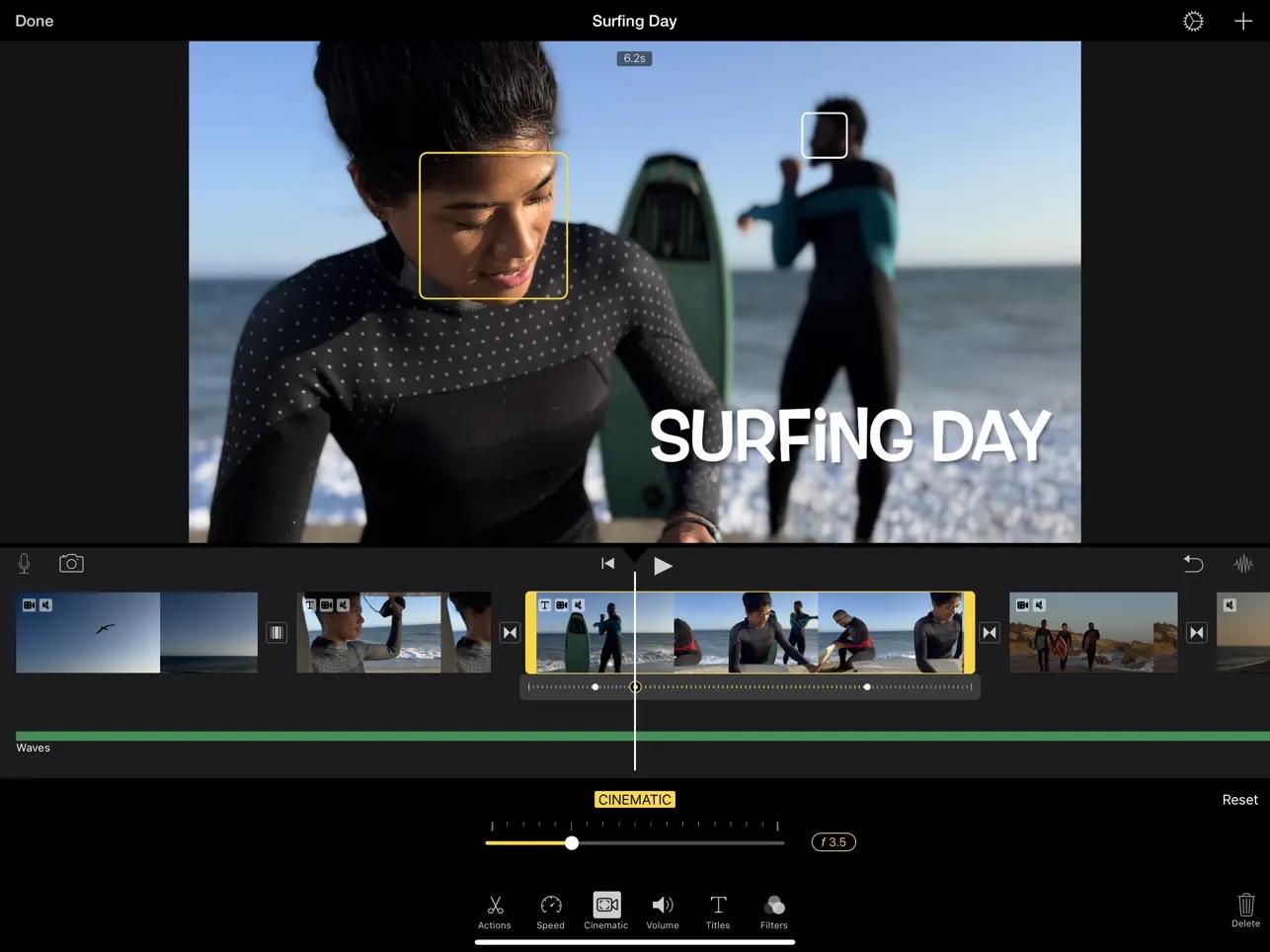
- Ready-made templates and cinematic transitions
- Smooth integration with the Apple ecosystem
- Simple timeline editing
- Extremely easy to use
- Optimized performance on Apple devices
- Great for quick storytelling videos
- Limited customization compared to advanced editors
- Only available on Apple devices
4. Adobe Express (Best for Online Editing)
Adobe Express is ideal if you want something quick, browser-based, and accessible from anywhere. It combines video editing with design tools, so it’s ideal for creating social media content.
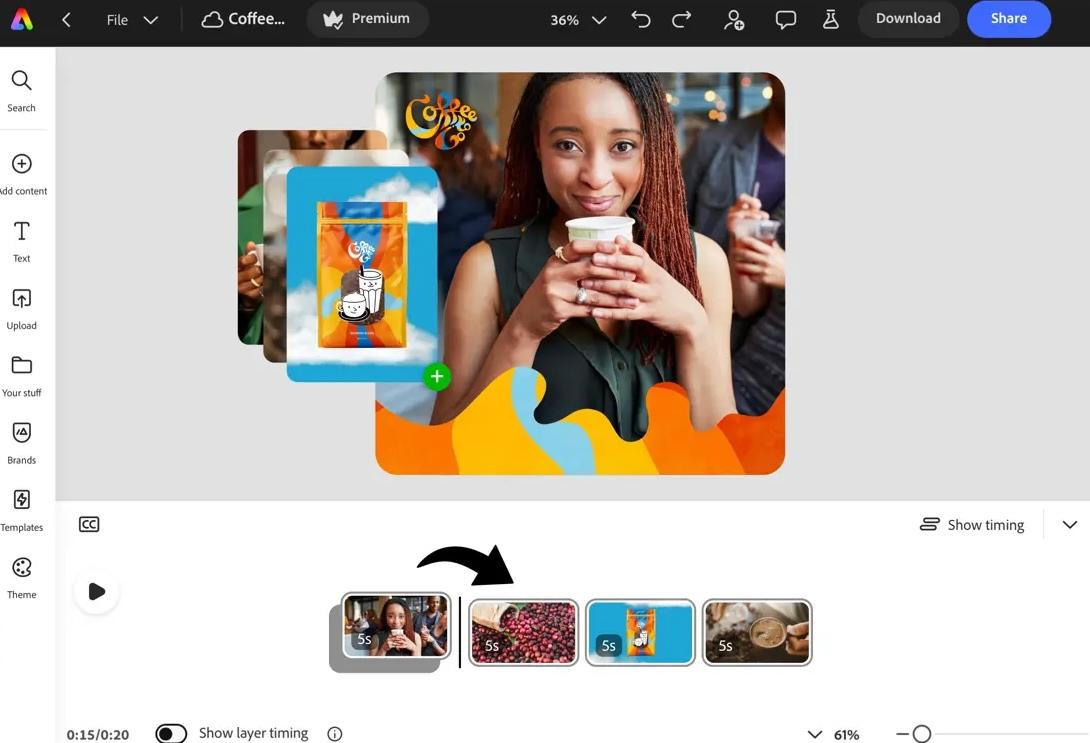
- Template-based video creation
- Cloud-based editing with no installation required
- Integration with the Adobe ecosystem
- Fast and convenient
- Great for short-form content
- Easy-to-use templates
- Limited control compared to desktop editors
- Requires an internet connection
5. Lightworks (More Advanced Editing Option)
If you’ve outgrown simple tools like Muvee and want something closer to professional editing, Lightworks is a powerful upgrade. It offers precision editing without being overly overwhelming.
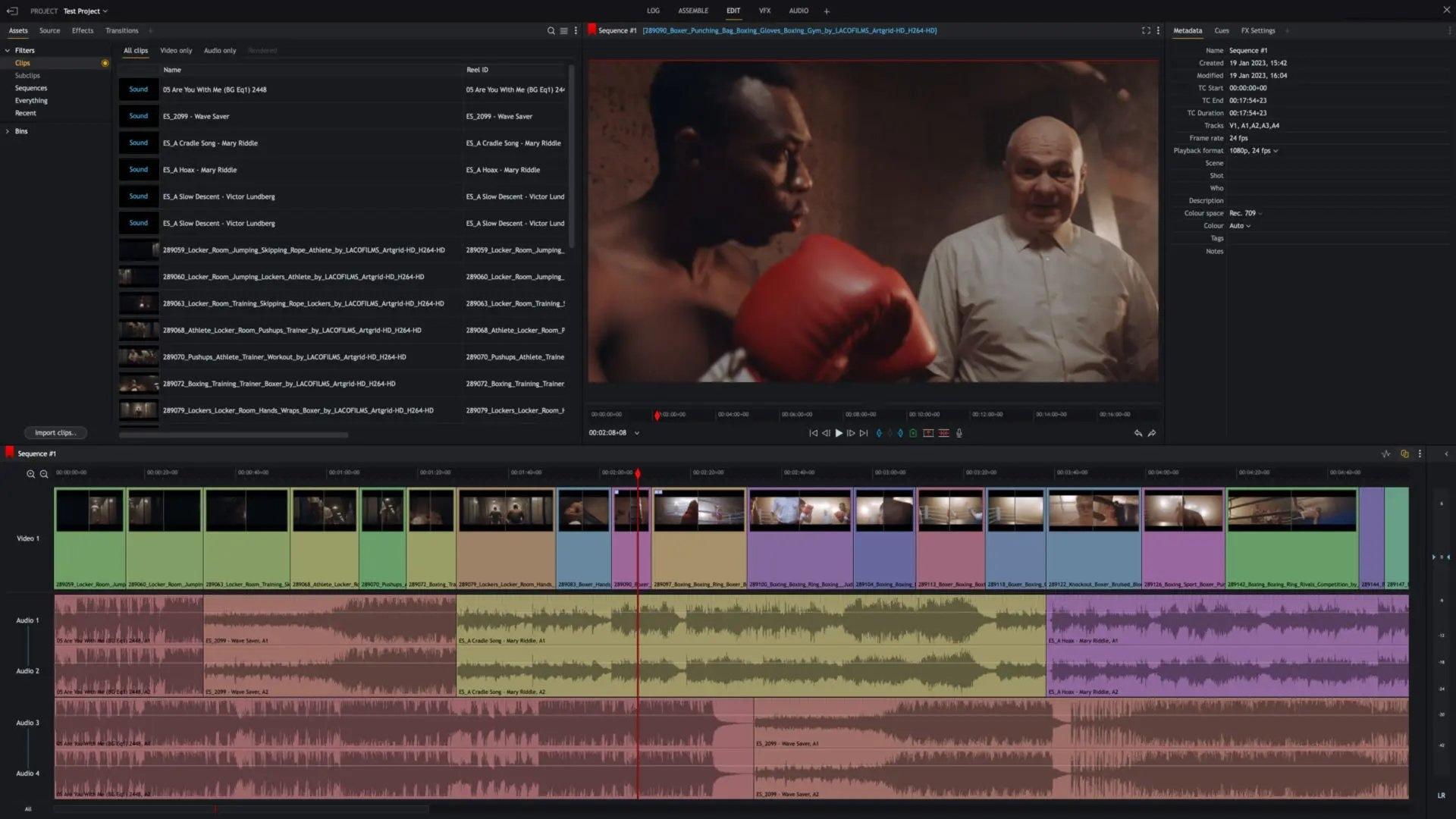
- Professional-grade timeline editing
- Advanced trimming tools and real-time effects
- Export options for higher-quality production
- Powerful editing capabilities
- Suitable for more serious projects
- Flexible workflow
- Steeper learning curve
- The interface may feel complex for beginners
Part 4. How to Pick the Right Muvee Reveal Alternative for You
It’s now clear that there are many options to replace Muvee Reveal. However, choosing the right one isn’t about picking the most popular tool, but rather finding an editor that fits the way you create videos. Here’s an easier way to make a choice based on your needs.

If You Want Muvee-Like Simplicity
If you liked Muvee because it “just worked” without much effort, go for tools that keep that ease but feel more modern.
- Filmora gives you templates and automation, but lets you tweak things when needed
- Adobe Express is even more straightforward, especially for quick, template-based videos
If You Want Free Options
Not ready to spend anything? You still have solid choices.
- OpenShot offers full editing features without a paywall
- iMovie is perfect if you’re already in the Apple ecosystem
If You Want More Control
If Muvee ever feels too restrictive, it’s time to step up.
- Filmora balances ease of use and creative control
- Lightworks gives you deeper and more precise editing tools
If You Want AI-Powered Editing Power
This is where modern tools really pull ahead. Filmora stands out with features like auto-cut, AI text-to-video, and smart editing tools that save hours of work.
If You Want an Editor that Grows With You
Some tools are great at the start, but quickly feel limiting. Others evolve with your skills. Filmora is one of the few that works for beginners today and still feels capable months later as your editing becomes more advanced
Secure DownloadConclusion
Muvee Reveal had its moment by making video creation fast and effortless, but those days are clearly behind us. Today’s content demands more than automated slideshows. It requires flexibility, speed, and smarter tools that adapt to different styles and platforms.
Instead of clinging to outdated software, it makes more sense to switch to an editor that truly supports modern video creation. If you want the closest modern evolution of Muvee’s ease with far more power, Wondershare Filmora stands out as the most comprehensive choice to grow with.
FAQs
-
What is the closest alternative to Muvee Reveal?
The closest alternative to Muvee Reveal is Wondershare Filmora. It offers the same quick, template-based editing but with more features and flexibility. If you want something even simpler, Adobe Express is also a good option. -
Is Filmora’s "Auto Beat Sync" the same as Muvee’s Cinematic Intelligence?
They work similarly. Both automatically sync your video clips to music. The difference is that Wondershare Filmora lets you adjust the result, while Muvee mostly handles everything on its own. -
Can I open my old .muvee project files in other editors?
No, you can’t. Muvee Reveal project files only work in Muvee. If you still have access, export your project as a video file (like MP4) first, then edit it in another tool.
