


 TL;DR:
Despite aggressive marketing for a fully automated, web-based video editor with an unrestricted free tier, Seamcut AI is currently a completely non-functional platform, making Wondershare Filmora the required alternative for creators seeking usable AI editing tools.
● Accessing the Seamcut AI dashboard yields an empty interface lacking an upload button or editing timeline, accompanied by broken navigation links and 404 error tutorial pages that prevent any actual video processing.
● Wondershare Filmora provides the functional environment Seamcut fails to deliver, supporting Windows, macOS, Android, and iOS with stable AI silence detection, smart short clip generation for social media, and full multi-track timeline control.
Ask AI for a summary
 ChatGPT
 Perplexity
 Gemini
 Claude
 Grok
Grok
A report from Wyzowl found that 91% of businesses use video as a marketing tool in 2024, which explains why demand for faster editing tools keeps rising. Among these tools, the Seamcut video editor comes out with bold claims about fully automated editing.
But here’s the thing: if you search online, there’s barely any real breakdown of how it actually performs. So in this review, we’re going to look past the promises and see what Seamcut really delivers.
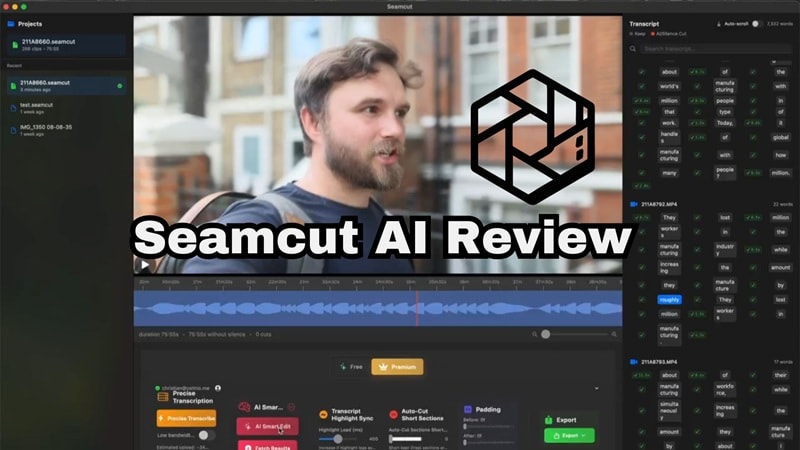
Part 1. About Seamcut AI: What's the Deal With It
Before getting into features, it helps to understand what Seamcut is aiming for. Basically, Seamcut AI is marketed as a fully online video editing tool designed to automatically clean up raw footage, especially talking videos like podcasts, interviews, or YouTube content.
There's no software to download, no mobile app to install, and no complicated setup. The goal is simple: Upload your video → let AI edit → export.
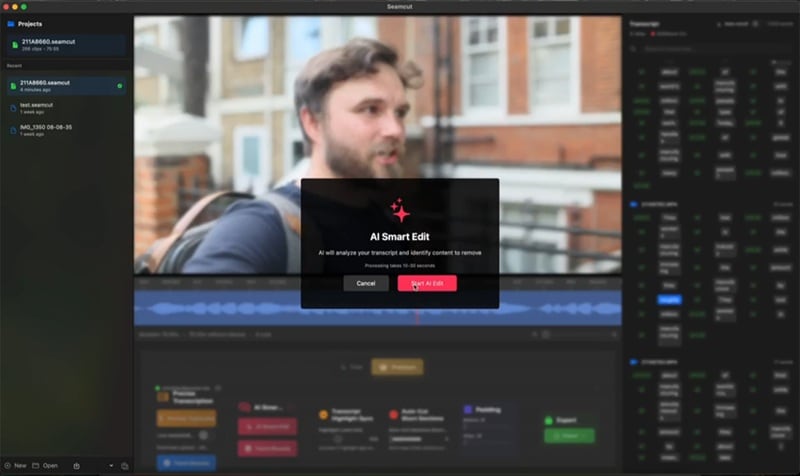
Seamcut Pricing Model
Seamcut markets itself aggressively on its free forever plan, and it does sound genuinely impressive at first glance. Here's how the two tiers break down:
| Free Plan (Forever Free) | Pro Plan ($29/month) |
| Full video editor access | Everything in Free |
| AI silence removal | AI filler word removal (ums, uhs, likes) |
| Unlimited projects | AI retake detection |
| No watermark | AI scene detection |
| No resolution limits | AI effects generator |
| No hidden restrictions | AI color correction + audio enhancement |
|
Show More
Show Less
|
|
On paper, the Free Forever plan alone would make most editors nervous. Full access, no watermarks, no resolution cap? That's a lot to give away for free. But we'll get to why those promises may not matter much.
Part 2. Inside Seamcut AI Features
Seamcut has a compelling pitch. But what does the tool actually claim to do once your footage is uploaded? Here's a full breakdown of what the Seamcut video editor claims to do:
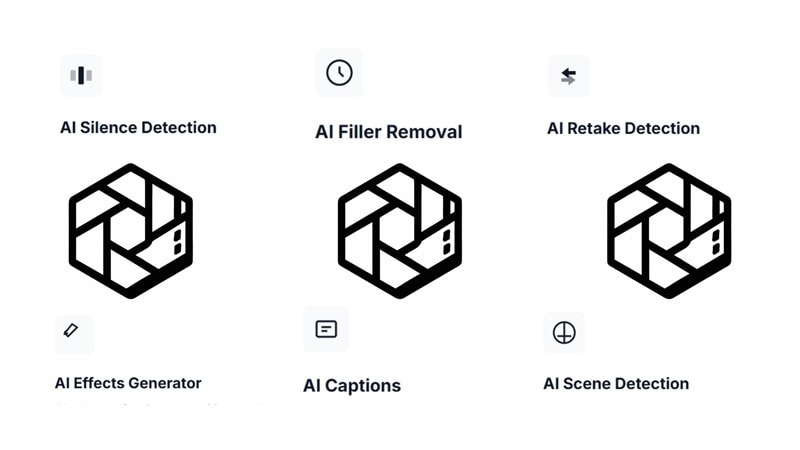
- ✂️ AI Silence Detection: Instead of you hunting for flat lines in a waveform, the AI snips out dead air while keeping the rhythm of your speech feeling natural.
- 🗣️ AI Filler Removal: It listens for those "ums," "uhs," and "likes" that we all hate, deleting them automatically across 20+ languages.
- 🔄 AI Retake Detection: If you mess up a line and say it three times, the AI compares the takes and automatically keeps the one where you sounded the most confident.
- 🎨 AI Effects Generator: It’s like having a tiny director; it adds transitions and color grading based on the "vibe" of your video.
- 📝 AI Captions: It generates timed, formatted subtitles in 40+ languages so you don't have to type a single word.
- 🎬 AI Scene Detection: It finds the natural breaks in your footage and applies cuts or transitions where they make the most sense visually.
Part 3. Seamcut AI Review: The Reality Behind It
At this point, everything sounds almost too good. A free tool, powerful AI, and fully automated editing. Naturally, you’d expect it to be everywhere. But it’s not.
Despite the polished marketing, the ambitious feature list, and the eye-catching free plan, Seamcut AI has a pretty critical problem: the tool simply doesn't function.

What Actually Happens When You Try to Use It:
To even access the Seamcut video editor, you need to sign in. Fair enough, most tools require an account. But once you're inside the dashboard, there's nothing there. No editor, no upload button, no timeline. Just an empty account statistics page with generic data.
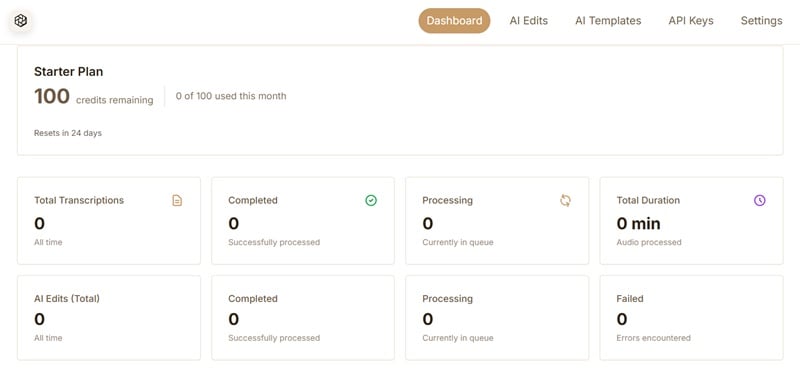
It gets worse. Here's what we encounter when we try to navigate the platform:
- Clicking "Get Started" on the homepage leads to a dead end, the button goes nowhere.
- Tutorial pages that are supposed to help new users get familiar with the tool? All return a 404 Not Found error.
- There are no YouTube tutorials for Seamcut AI, because no one has been able to actually use it to make a video.
- The internet is almost completely silent about real user experiences, which is a major red flag for any tool claiming to be production-ready.
Seamcut AI, as of the time of this review, is essentially a non-functioning product. So, what should you do if you were banking on Seamcut to handle your video editing? The answer is simple: move on to something that actually delivers.
Part 4: A Pro Tool That Actually Works: Wondershare Filmora
Why keep chasing a ghost when a proven, polished, genuinely powerful alternative already exists? If you came to Seamcut looking for AI-powered editing that actually saves you time, Wondershare Filmora is the tool you should have been using all along. It's been around for years, it's actively developed, and it has a massive global community of creators who rely on it every single day.
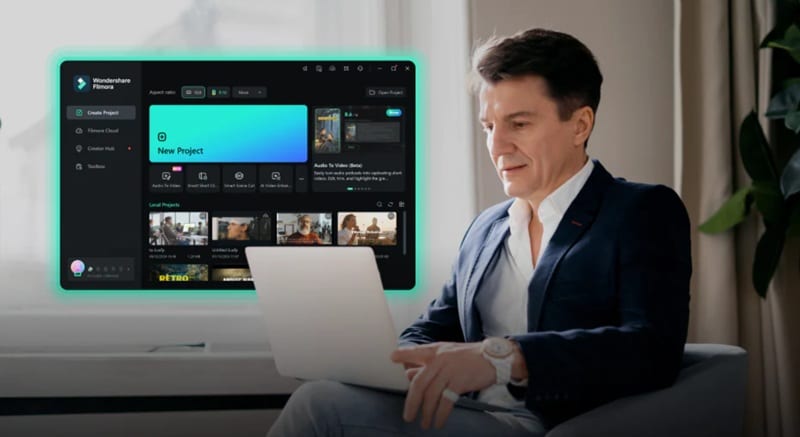
Filmora bridges the gap that most editors struggle with, it's beginner-friendly enough that you can get results in minutes, yet powerful enough that professional YouTubers, filmmakers, and marketers use it for serious production work. And unlike Seamcut, everything actually works.
 Secure Download
What You Get with Filmora
Here's a feature-by-feature look at why Filmora doesn't just match what Seamcut AI promised, it flat-out exceeds it:
AI Smart Short Clips
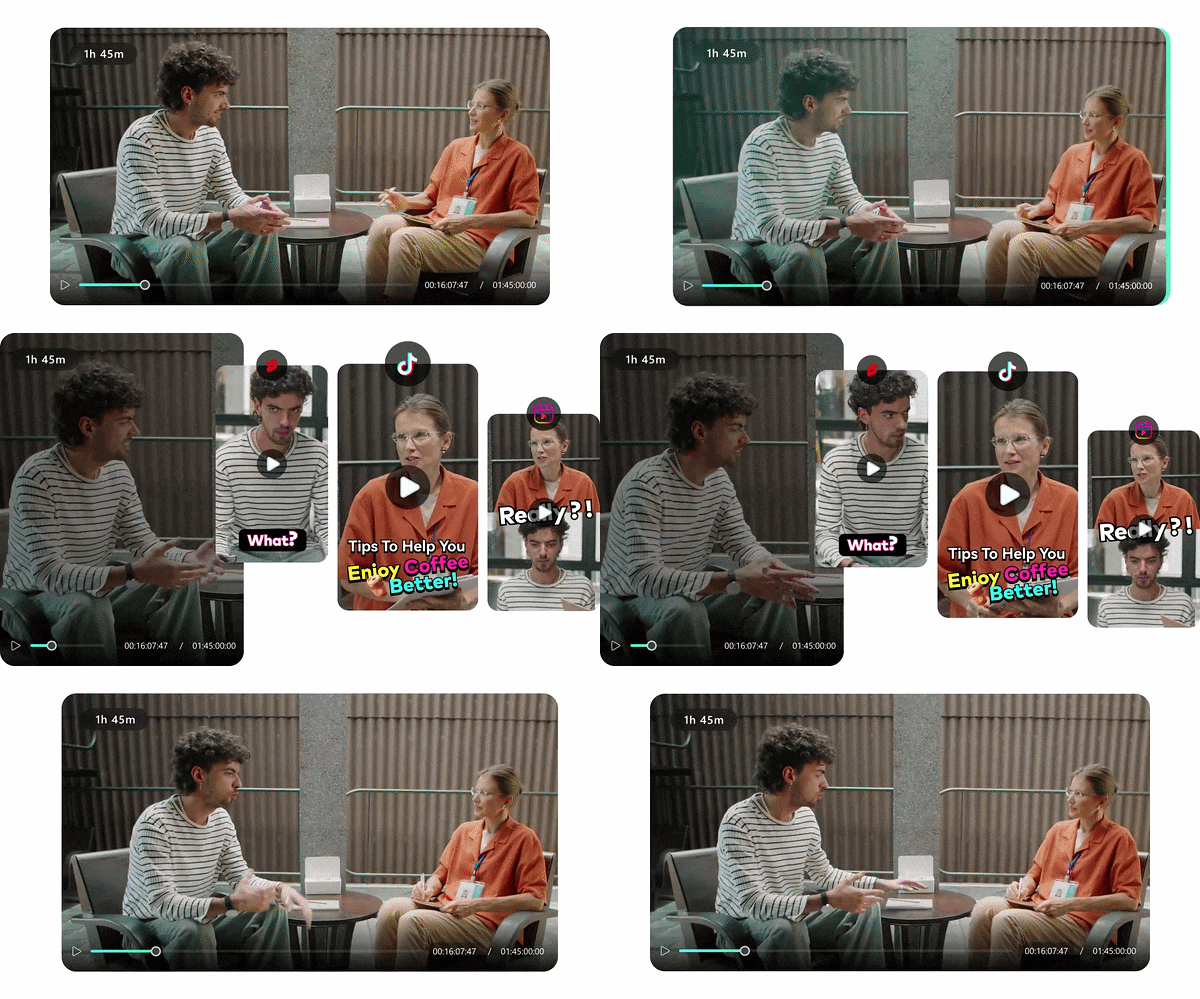
This is exactly what Seamcut promised. It takes your long video and automatically finds the most engaging moments, trims them, and formats them for TikTok or Reels in one click.
Instant AI Video Generation
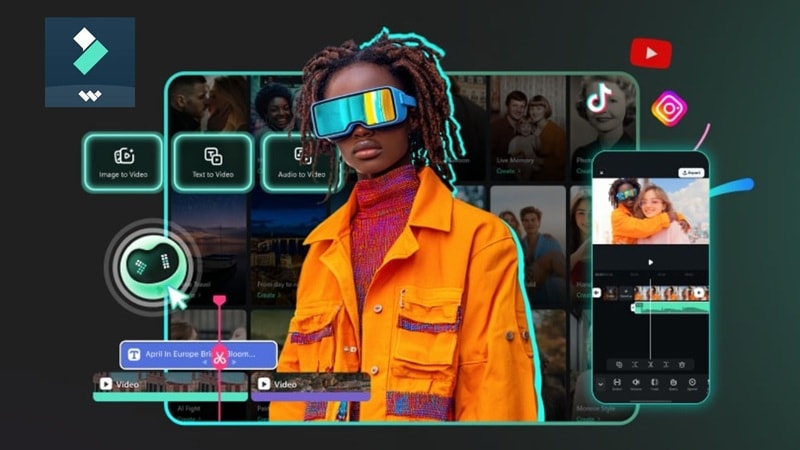
Feeling uninspired? Well, you create videos from scratch with Filmora, not just edit them. Use these features to generate AI videos in an instant!
Advanced AI Toolkit
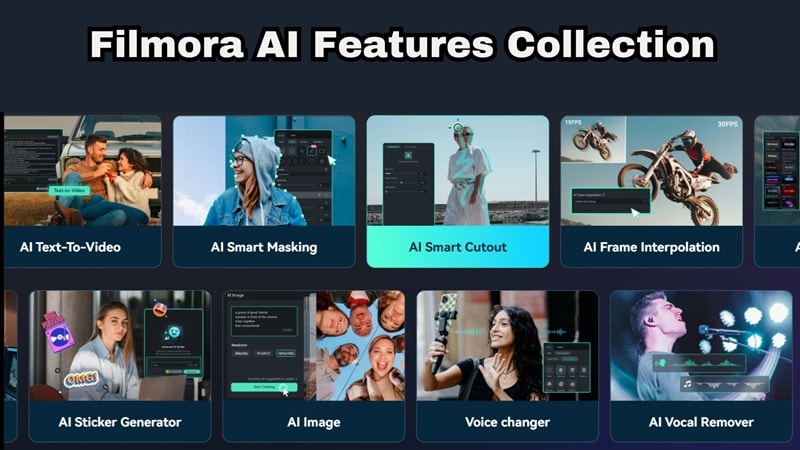
Beyond just cutting, Filmora is filled with a wide range of AI features to enhance your project. Here are some features that are worth a try!
- AI Portrait Cutout: Removes backgrounds without a green screen. Perfect for home studio setups.
- AI Audio Stretch: Makes any song fit your video length perfectly, no awkward cuts or fades.
- AI Image Upscaling: Transforms low-quality images into sharp, high-resolution visuals without blurring.
Traditional Timeline Editing
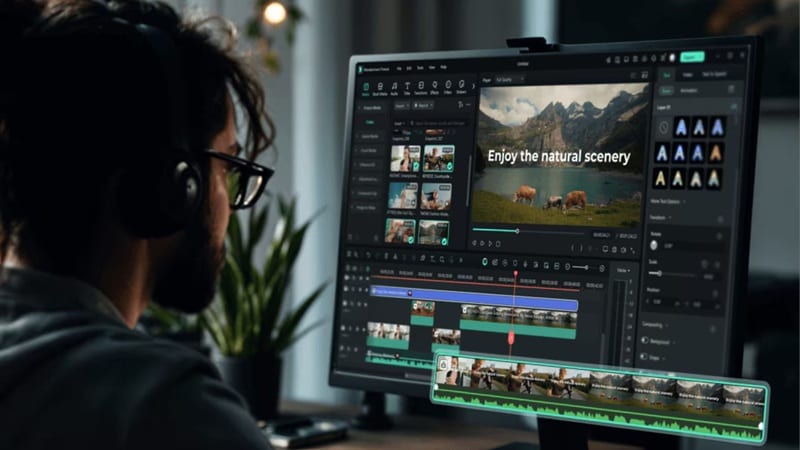
A full, traditional editing timeline gives you complete creative control. You aren't locked into what the AI decides. You have a professional timeline to tweak every single frame. You get complete control with:
- Multi-track editing.
- Keyframes.
- Effects customization.
Extensive Media Library

If you work on your project in Filmora, you won't have to worry about copyright strikes, ever. That's because Filmora is filled with millions of royalty-free stock photos, videos, and music tracks built in.
Desktop & Mobile Access
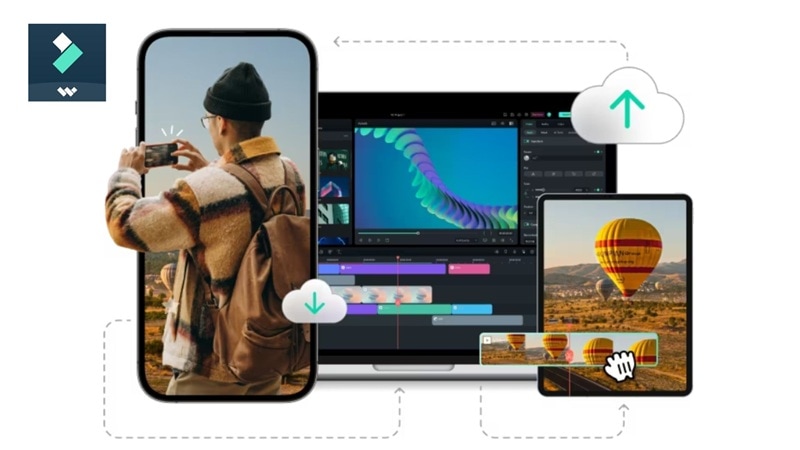
Filmora is available on Windows, macOS, Android, and iOS. Meaning, you can start a project on your PC, then finish it on your phone. It’s a seamless ecosystem that actually exists.
The Face-Off: Seamcut vs. Filmora
It might feel unfair to compare a tool that doesn't work against one that does — but that's exactly the point. When creators go looking for an AI video editor, they deserve to know what they're getting into before they waste hours trying to figure out why nothing loads.
The comparison below isn't just about features; it's about what actually exists versus what's just a promise on a landing page. Seamcut AI promises automation, but Filmora already delivers it in a stable and usable way.
| Feature | Seamcut AI | Filmora |
| Accessibility | Web only | Desktop + Mobile |
| AI Editing | Promised | Fully working |
| Stock Media Library | None mentioned | Millions of royalty-free assets built in |
| Timeline Control | Promised | Full control |
| Stability | Not functional | Stable |
| Free Plan | Claimed (inaccessible) | Yes — functional free tier available |
| Technical Support | 404 Pages | 24/7 Professional Support |
| Content Creation | Editing only | Editing + AI generation |
|
Show More
Show Less
|
||
The verdict isn't even close. Seamcut video editor may have the ambitious-sounding feature list on paper, but Filmora actually delivers, and then some.
Secure DownloadConclusion
Seamcut AI has a strong concept behind it. But at the end of the day, a tool that doesn't work isn't a tool at all. Broken links, empty dashboards, and missing tutorials aren't just bugs; they're a sign that the product simply isn't ready for real creators.
If you want something that actually saves time and delivers results, Filmora is the safer choice. It delivers everything Seamcut promised and more: real AI features that function, a massive built-in media library, mobile and desktop support, and a community of millions of creators who trust it every day. Stop chasing what could be and start editing with what works.
FAQs About Seamcut and AI Editing
-
Does Seamcut AI work for all types of videos?
No, it’s mainly designed for talking videos like podcasts and interviews, not complex or cinematic edits. But in practice, that distinction doesn't matter much right now, because the tool isn't functioning for any type of video at the moment. -
Why are there no YouTube tutorials for Seamcut AI?
Most "real" reviews or tutorials are missing because the tool is currently non-functional. Creators can't showcase a product that doesn't load or allow for video exports. -
What should you use instead of Seamcut AI?
Filmora is the clear, no-brainer alternative. It covers everything Seamcut promised: AI silence removal, automated editing, captions in multiple languages, while also offering features Seamcut never mentioned, like AI Text-to-Video, AI Portrait background removal, short clip generation for social media, and access to a massive royalty-free media library.
