Filmora
Filmora - AI Video Editor
Edit Faster, Smarter and Easier!
OPEN

How Jordan Creates Social Media Content for Every Platform

One of 20+ creator stories · YouTubers, students, businesses & content creators

Meet Jordan, a Content Creator Creating Social Media Content

Jordan creates frequent short-form content for YouTube, TikTok, and Instagram. The core idea may be the same, but each platform has different viewing habits, layouts, captions, and publishing schedules.

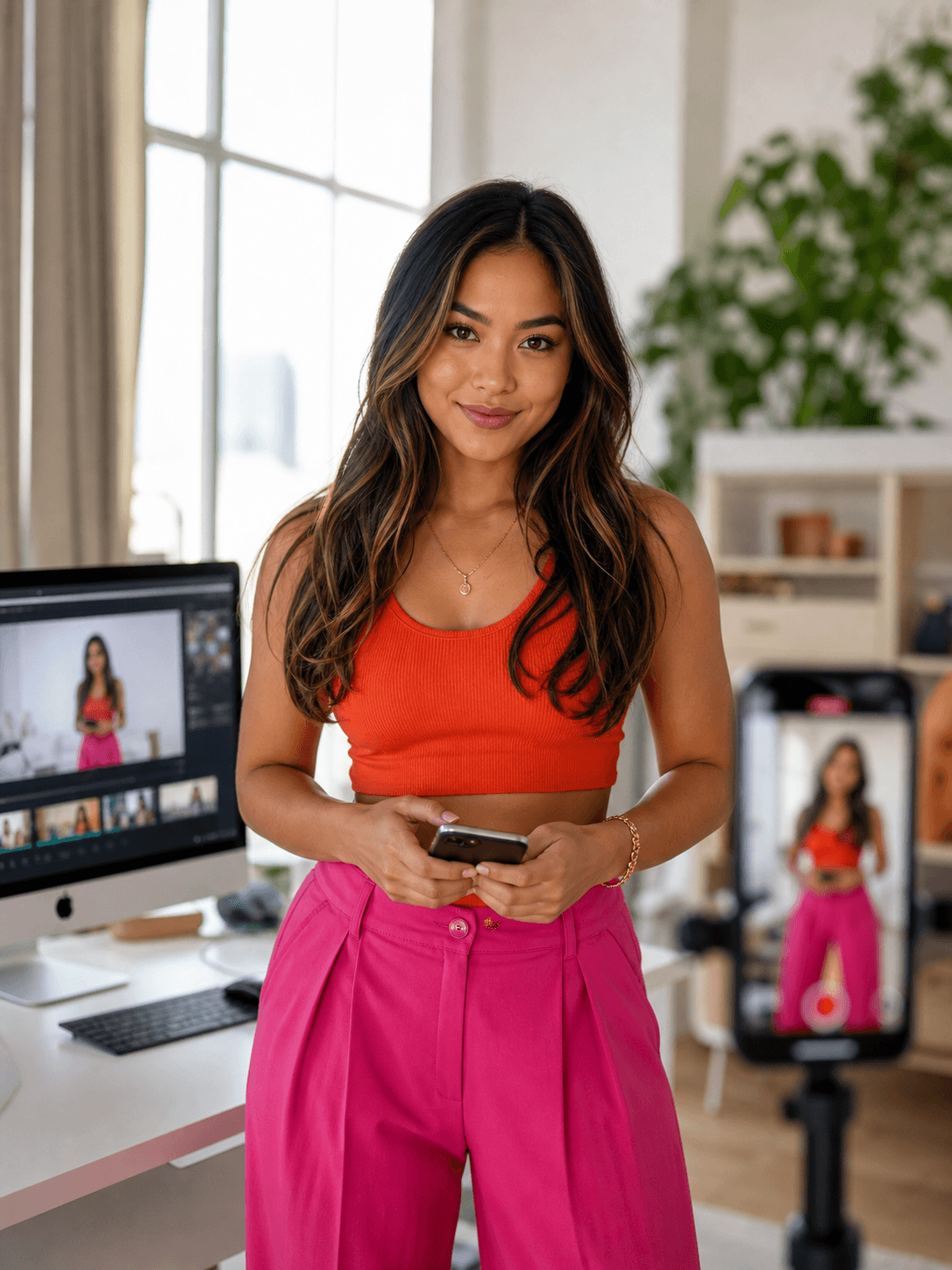
Jordan Lee, a content creator creating social media content

Turning One Idea into Multiple Social Posts

Jordan starts with one clear hook and a focused edit, then prepares vertical, square, and landscape versions. Captions need to work on small screens, and the publishing plan must remain manageable across several channels.

Inside Filmora, Jordan can adapt the main edit to different aspect ratios, turn spoken audio into readable animated captions, and organize publishing across social channels. Together, these tools help her maintain a steady publishing rhythm with content adapted for each social platform.

Jordan Lee

challenge

Challenge

Reframing, captioning, exporting, and scheduling every platform version creates repetitive work. Without a consistent process, daily content can become rushed or miss the ideal publishing window.

solution

Solution

Filmora keeps the essential work in one project. Auto Reframe, Auto Caption Generator, and Social Content Planner give Jordan a practical way to maintain a steady publishing rhythm with content adapted for each social platform, with fewer repeated setup and revision steps.

What Changed for Jordan

One finished idea becomes several platform-ready posts without rebuilding the edit from scratch.

Aspect ratios

Manual layout changes

arrow

Automatic subject reframing

Silent viewing

Message lost without audio

arrow

Mobile-friendly captions

Publishing schedule

Separate platform planning

arrow

Organized content calendar

Jordan's Video Tips & Tools

Jordan builds the strongest version first, keeps captions concise, and prepares all platform formats before scheduling the content.

Auto Reframe

Jordan adapts the same edit to different aspect ratios while keeping the main subject visible, preparing social media content for multiple platforms.

Explore Auto Reframe →

Auto Caption Generator

Jordan generates animated captions from spoken audio, making social media content easier to follow on mobile and when viewers watch without sound.

Explore Auto Caption Generator →

Social Content Planner

Jordan plans and schedules social media content across key social platforms from one workspace, keeping publishing organized and timely.

Explore Social Content Planner →

“I find Filmora easy to use, especially when I need to export content for different social platforms.”

Jordan Lee · Content Creator

More Content Creators Stories

Explore more Filmora user stories and discover practical video workflows for different creators, projects, and publishing goals.

Isabella Moore, an influencer creating brand collaboration videos
Content Creators

How Isabella Creates Brand Collaboration Videos That Feel Authentic

Read story →
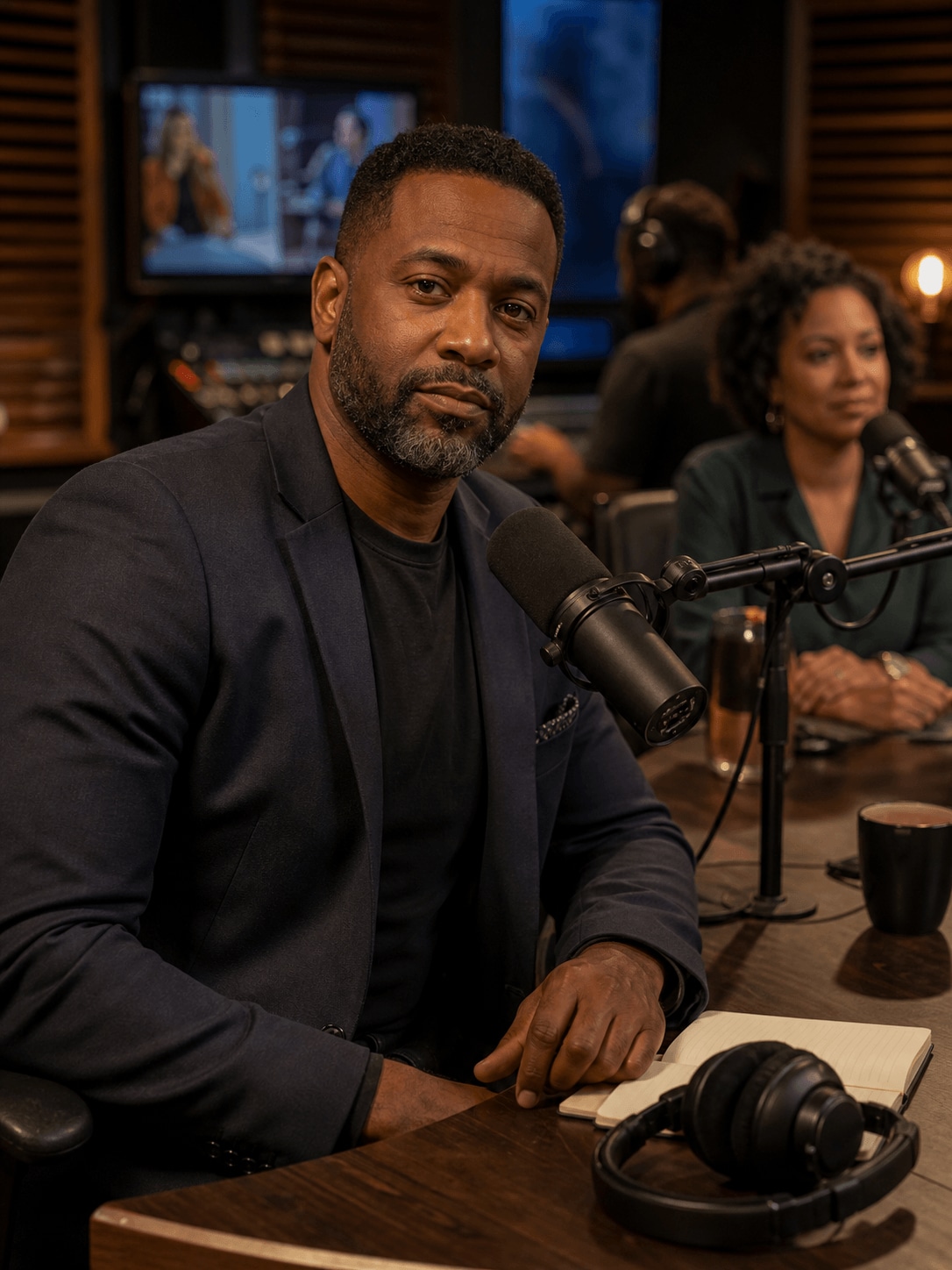
Michael Hayes, a podcaster creating podcast videos
Content Creators

How Michael Turns Long Podcast Episodes into Video Clips

Read story →
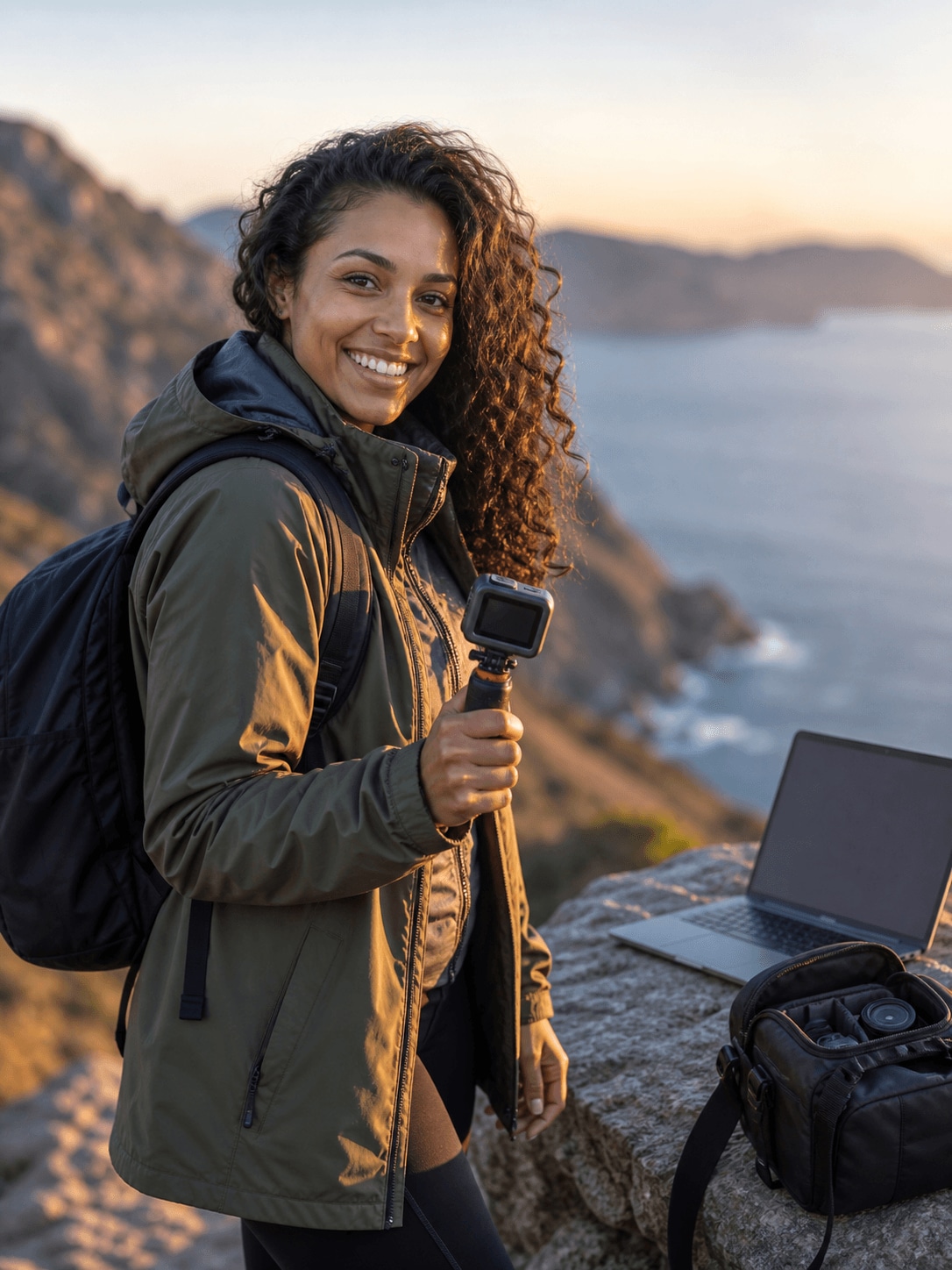
Natalie Green, an adventure creator creating travel videos
Content Creators

How Natalie Creates Smooth and Cinematic Travel Videos

Read story →
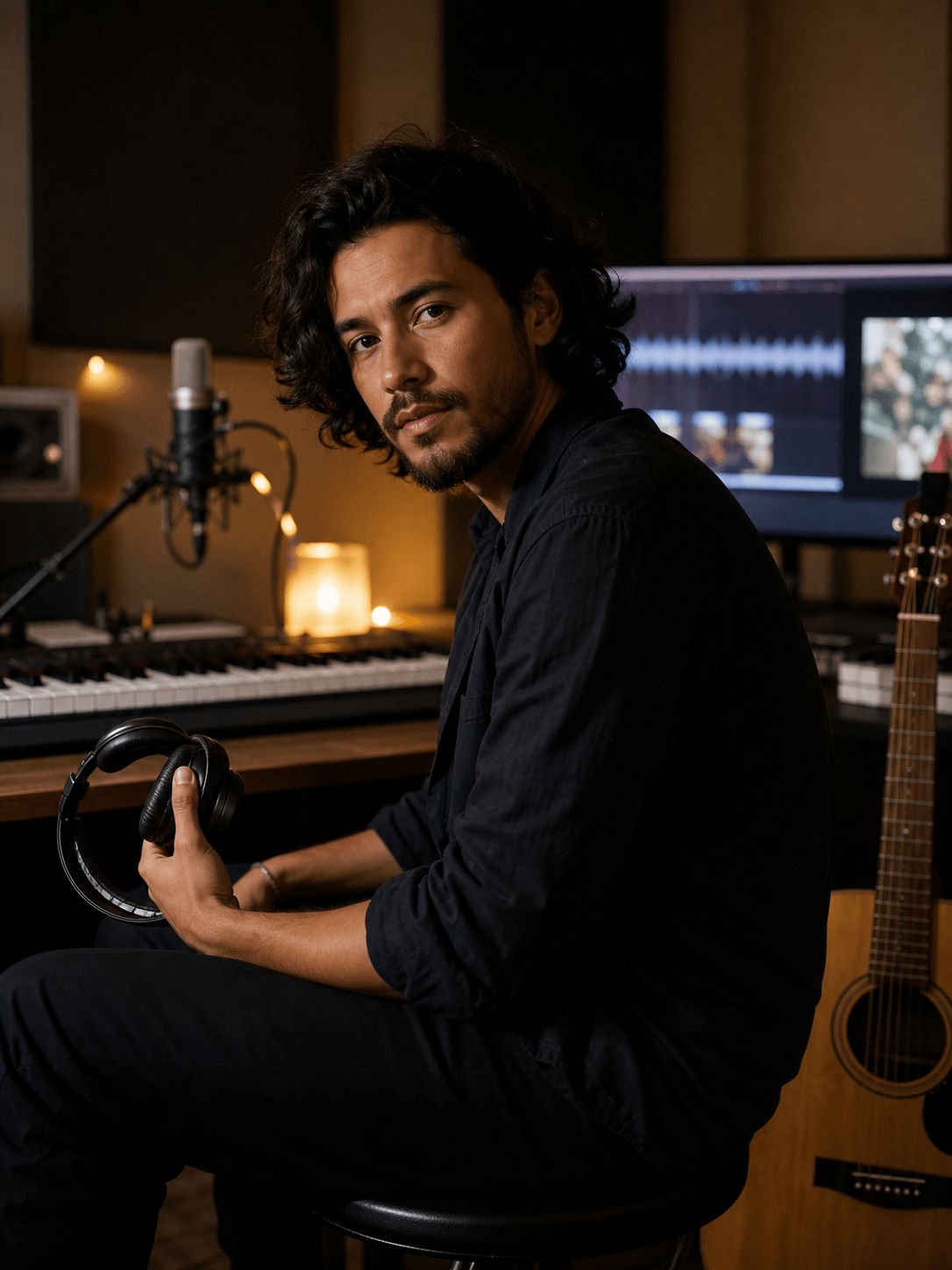
Ryan Cooper, an independent musician creating music videos
Content Creators

How Ryan Creates Music Videos That Move with the Beat

Read story →

Create Better Videos with Filmora

Turn your ideas into polished videos with an intuitive editing workflow and powerful creative tools.