
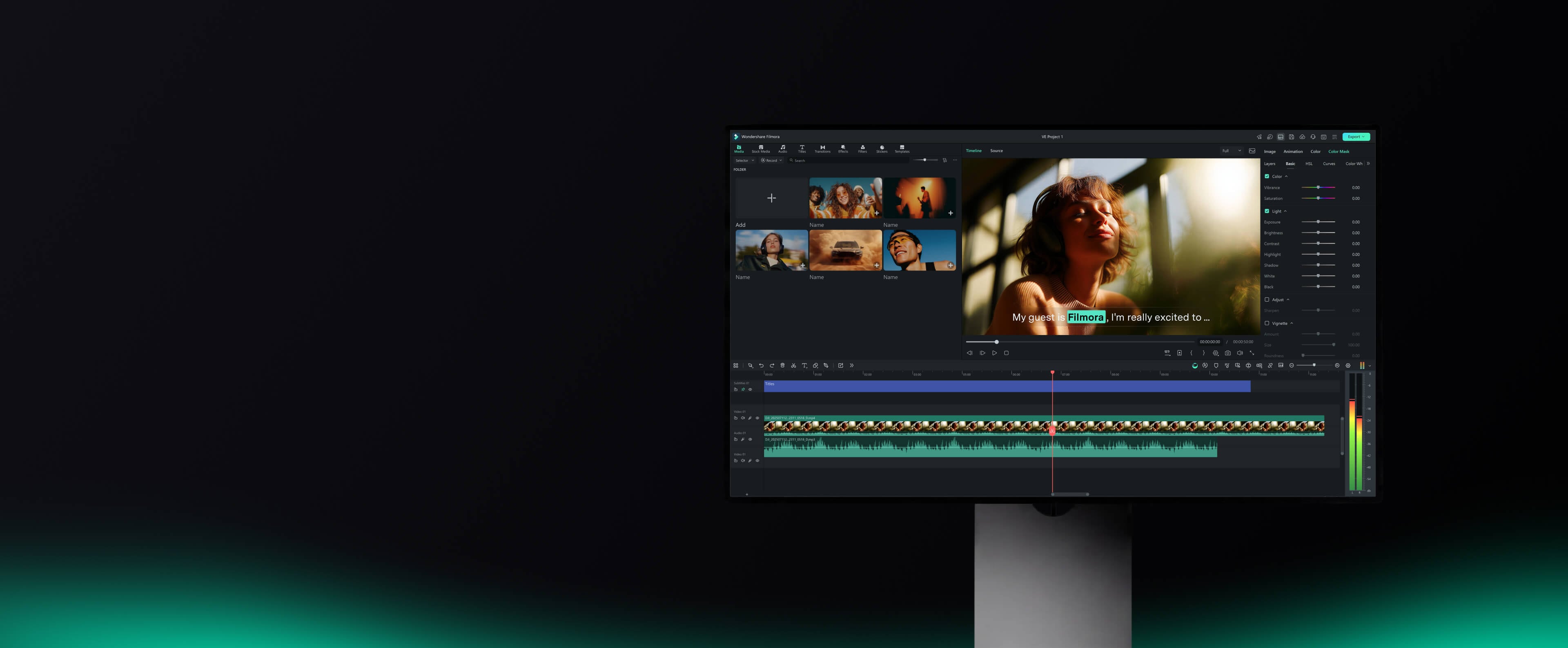
Trusted by creators worldwide — from Mumbai to New York
-
 Windows 11 / 10 PC Support
 -
 Intel·NVIDIA·AMD GPU Support
 -
 G2 Crowd
-
 Capterra
-
 GetApp
-
Windows 11 / 10 PC Support
-
Intel·NVIDIA·AMD GPU Support
-
G2 Crowd
-
Capterra
-
GetApp
Powerful Video Editing. Made Easier.
Bring your ideas to life with powerful, easy-to-use video editing software powered by AI.
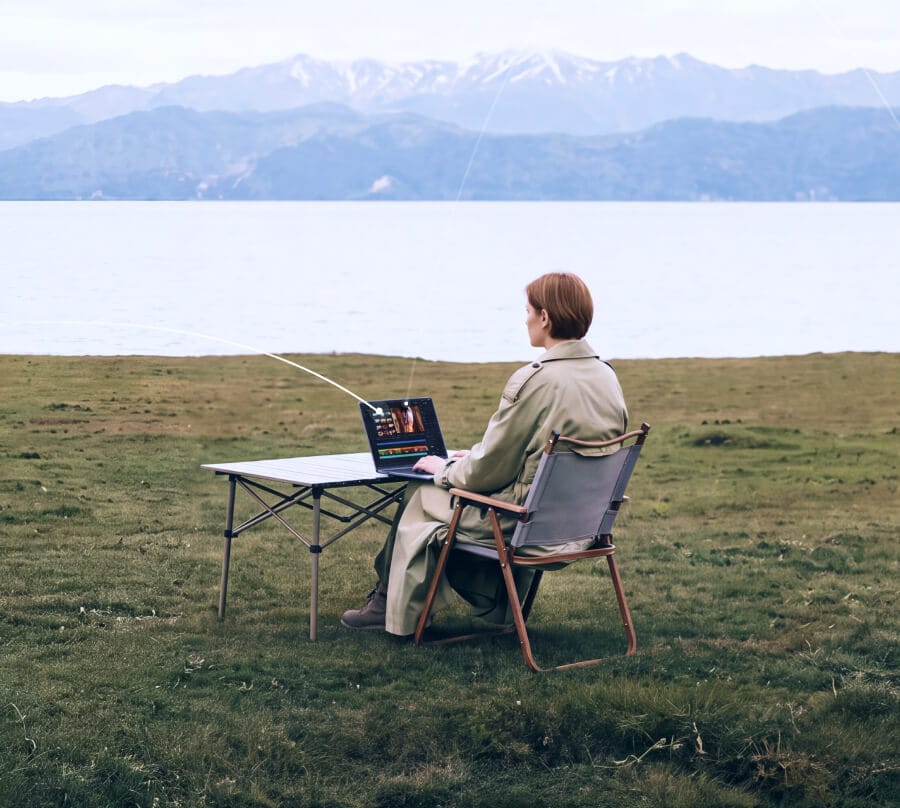
Easy to Start. Ready to Grow.
Filmora makes professional-level video editing simple — even if it's your first time. Start with a clear timeline, drag-and-drop editing, and familiar controls, then add more advanced tools as your projects grow.
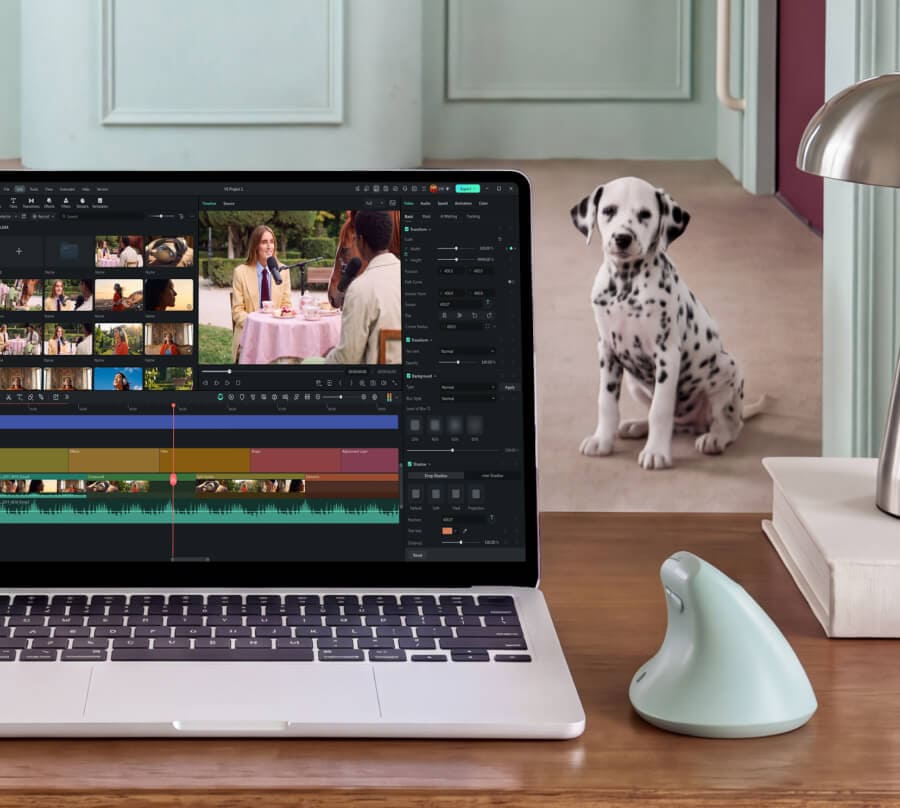
Professional Control, Made Simple.
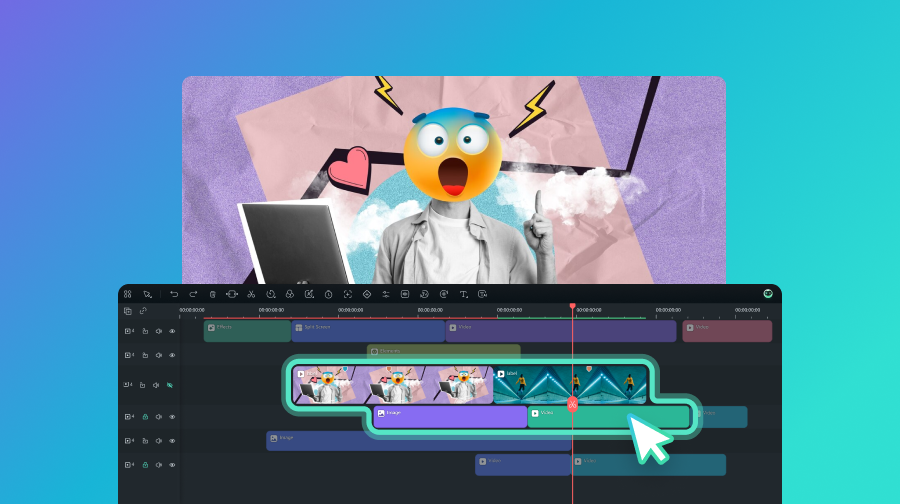
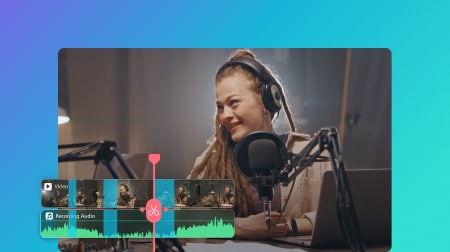
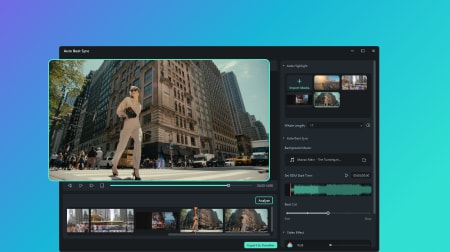
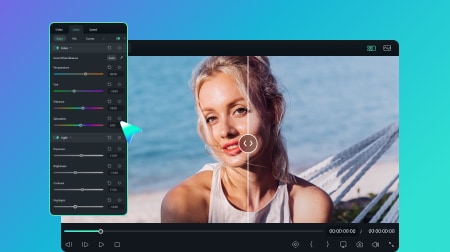
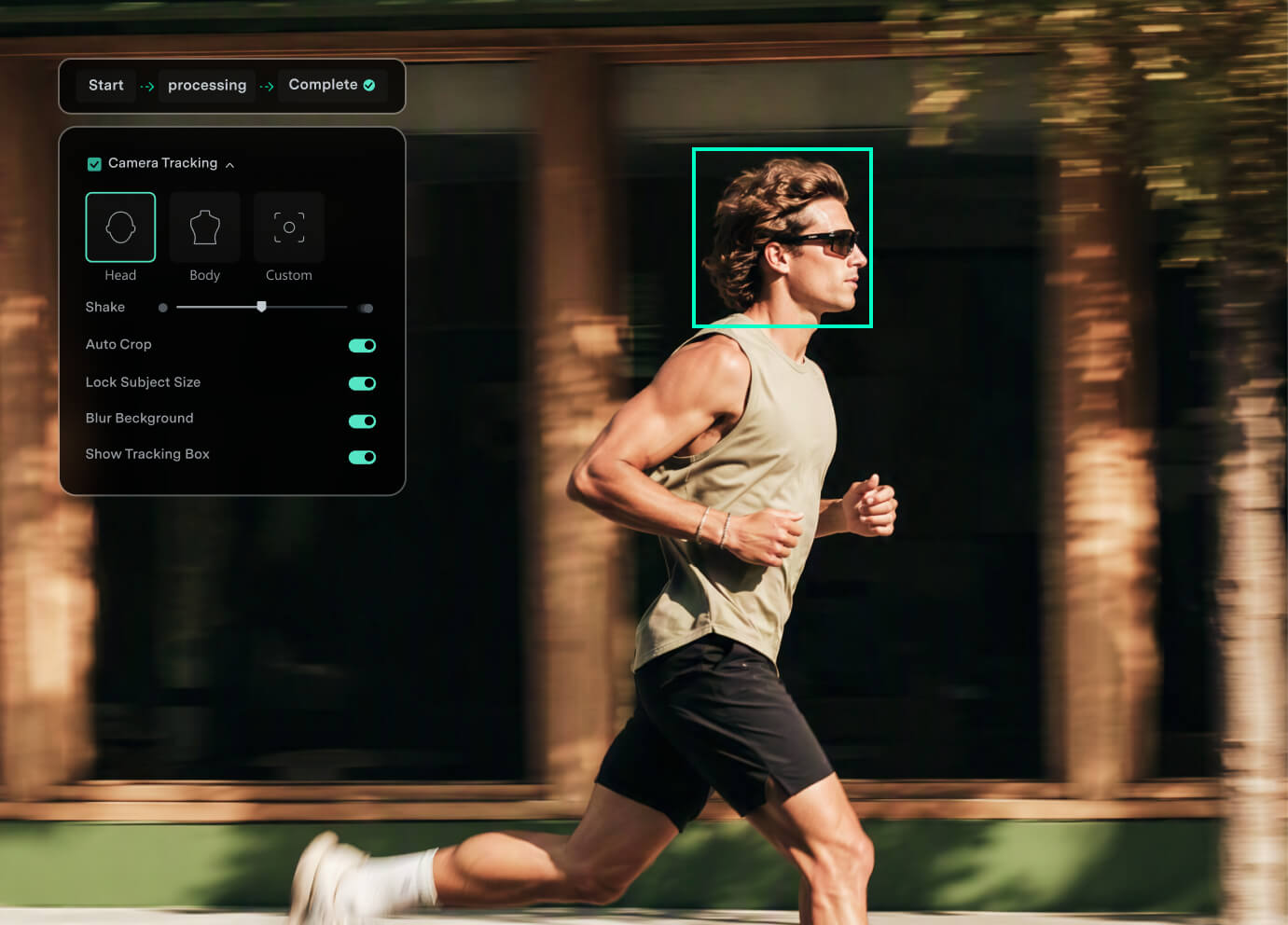
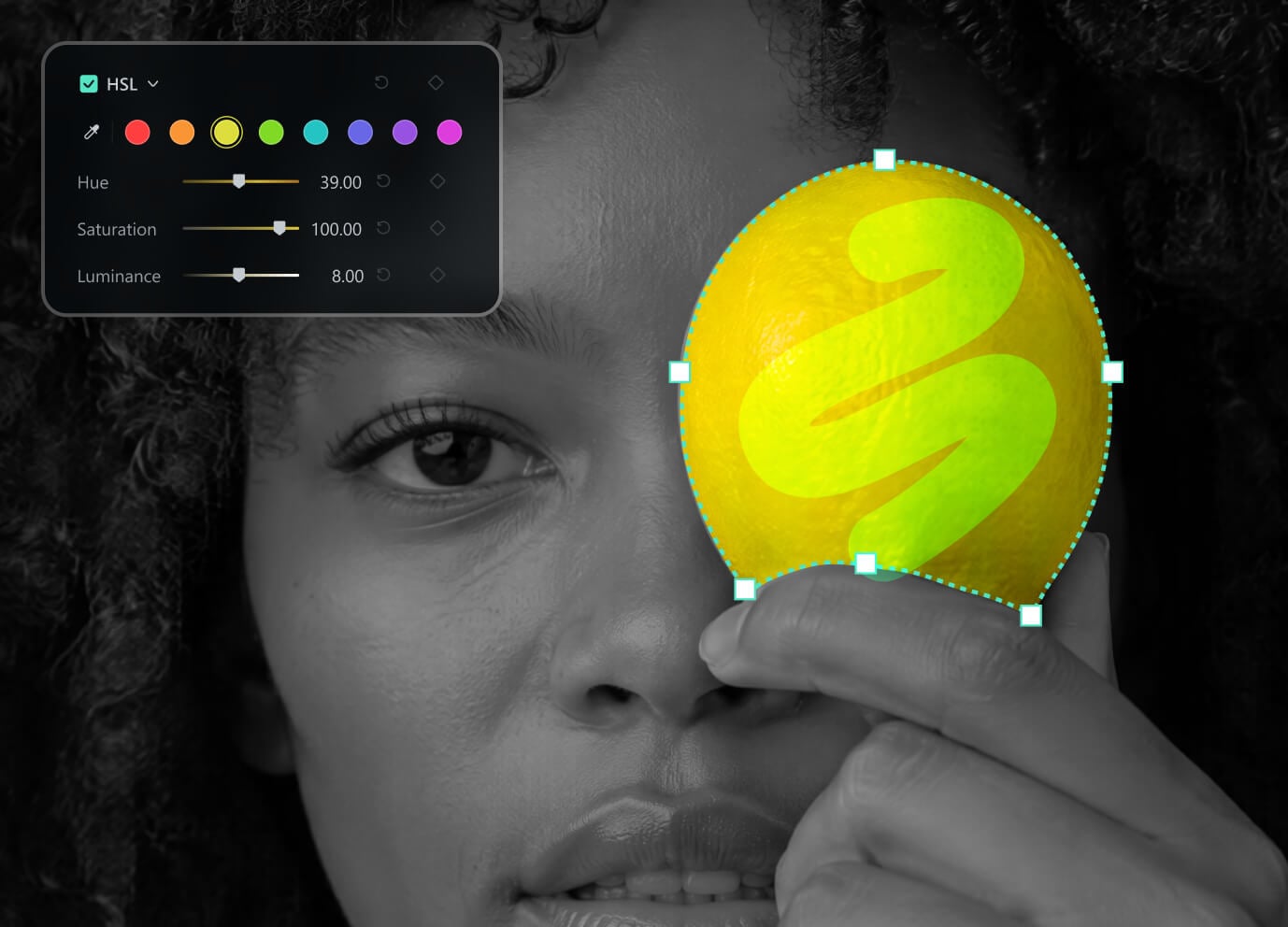
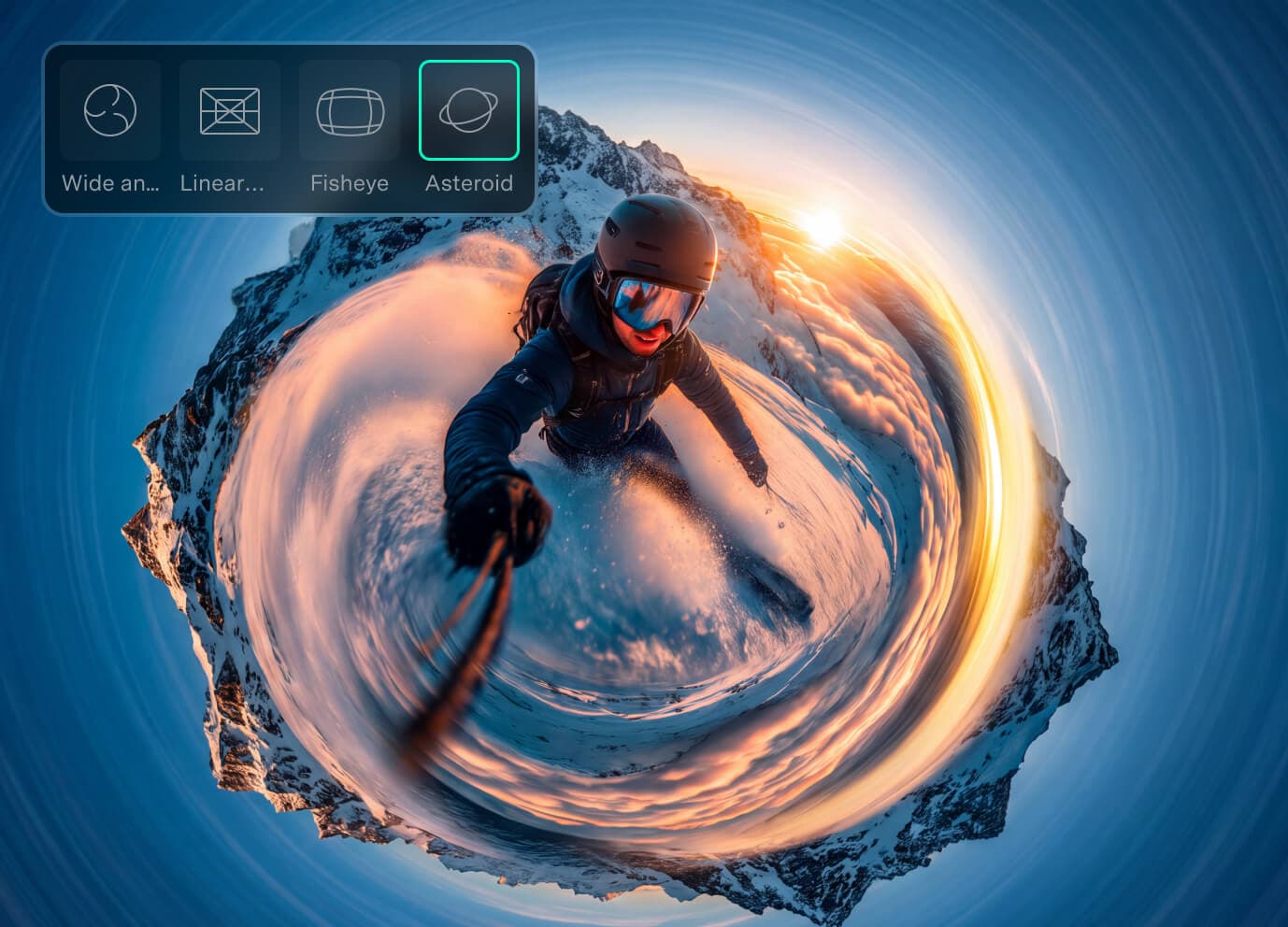
Move beyond basic cuts with timeline control, keyframes, masking, speed controls, color, audio, compositing, and customizable video editing keyboard shortcuts—all in one workspace.

AI Where It Saves Time
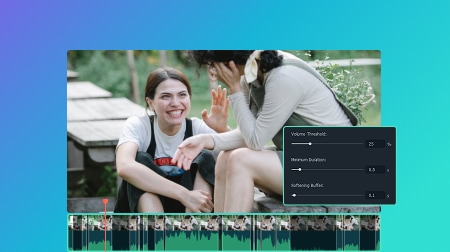
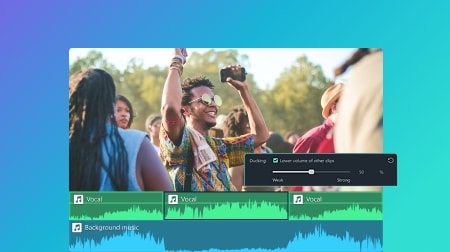
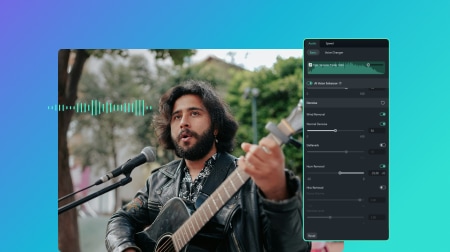
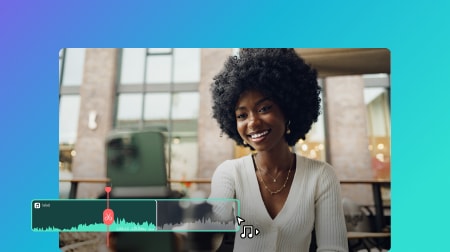
Use AI to reduce repetitive work across captions, spoken-content editing, cleanup, and enhancement while keeping the final creative decisions in your hands.
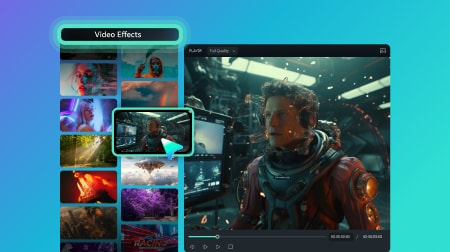
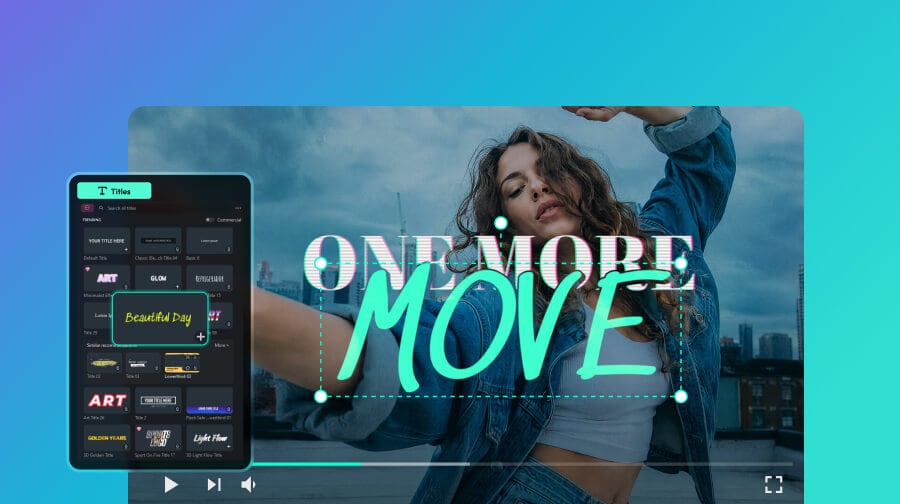
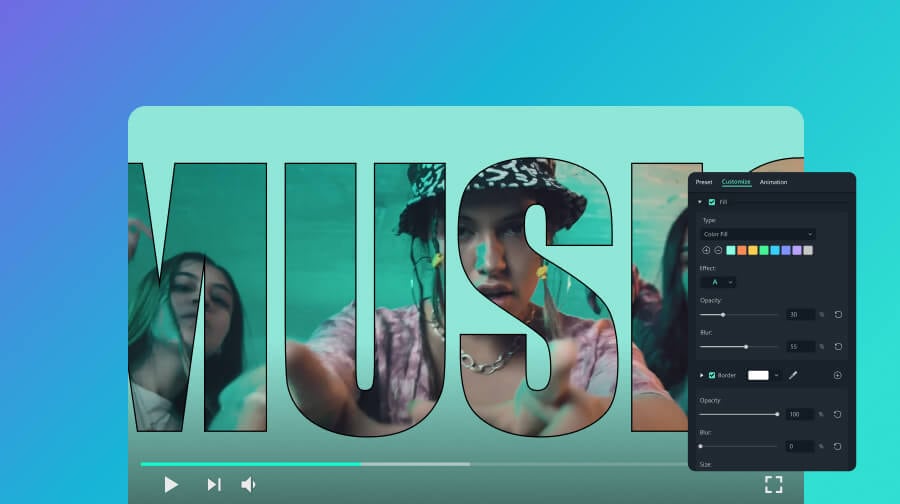
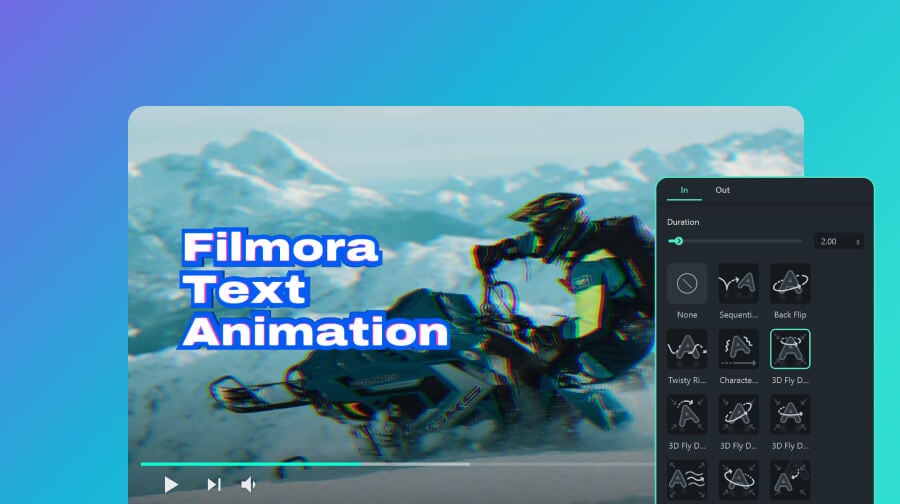
All the Video Editing Tools You Need.
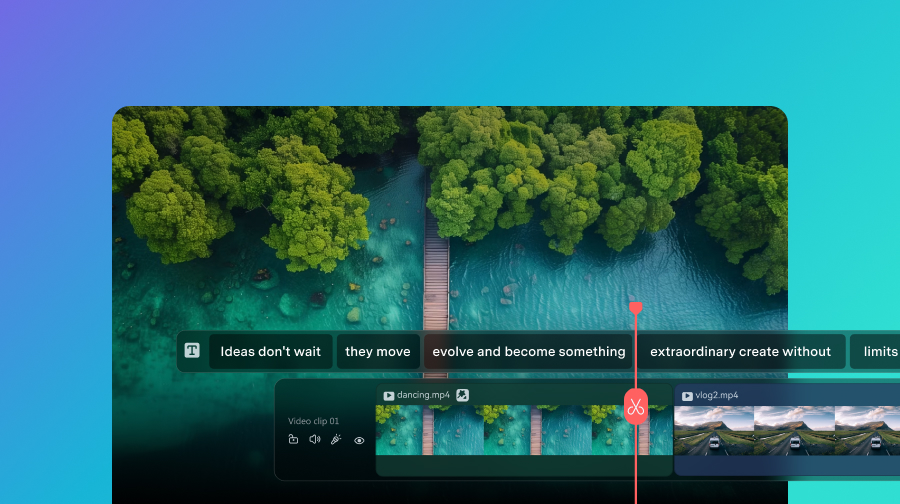
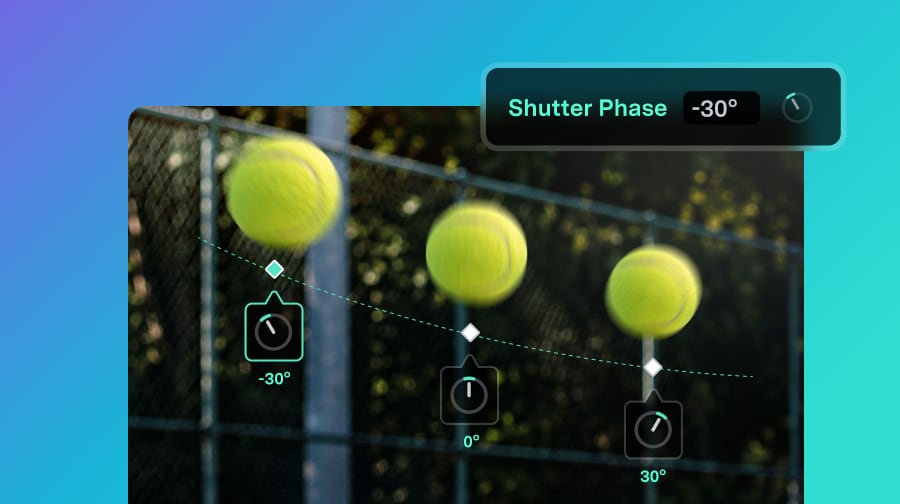
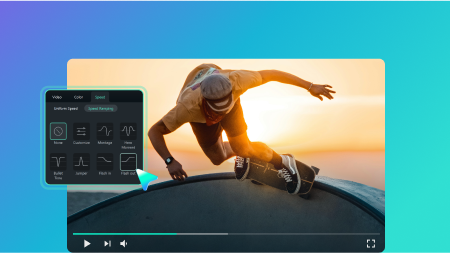
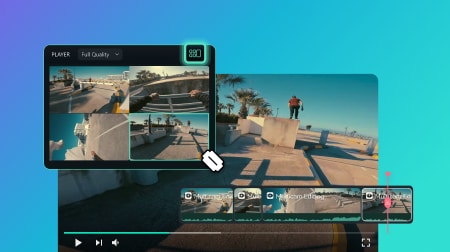
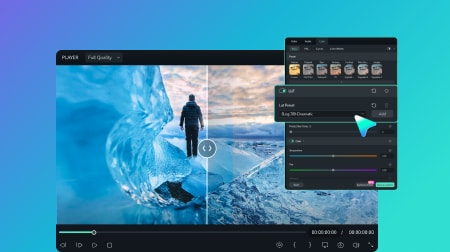
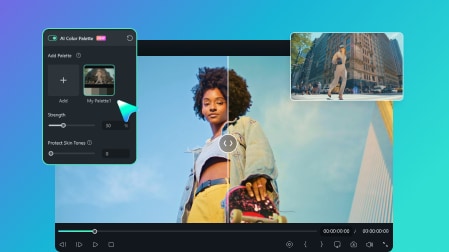
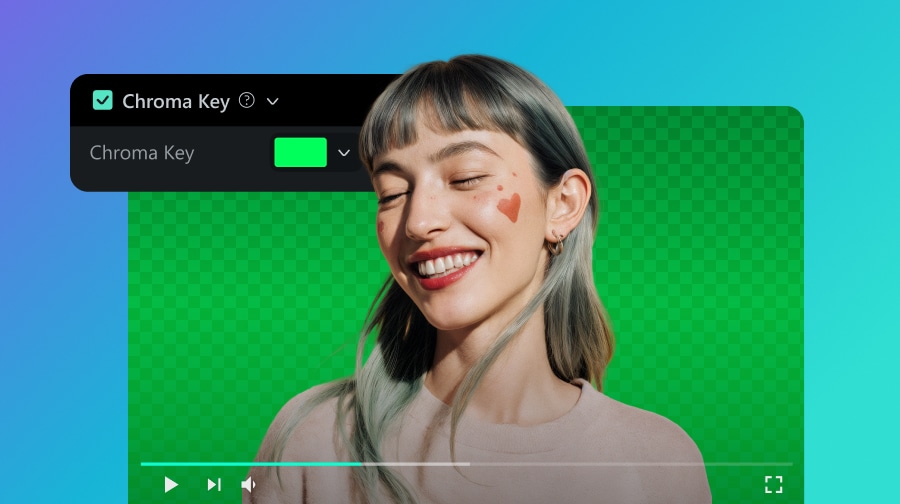
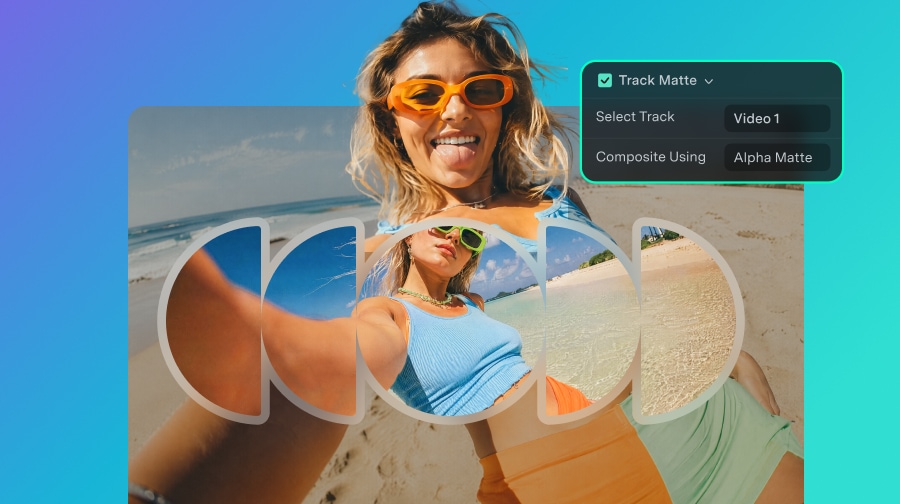
What's New in Filmora 16.
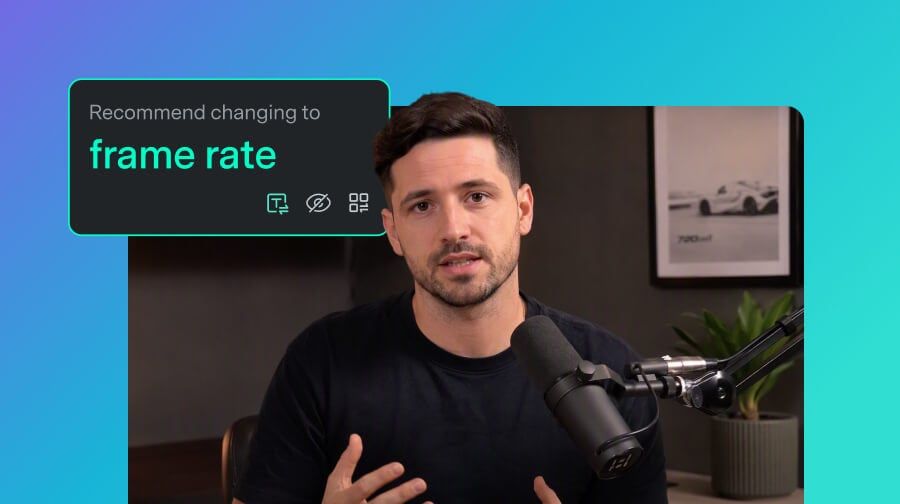
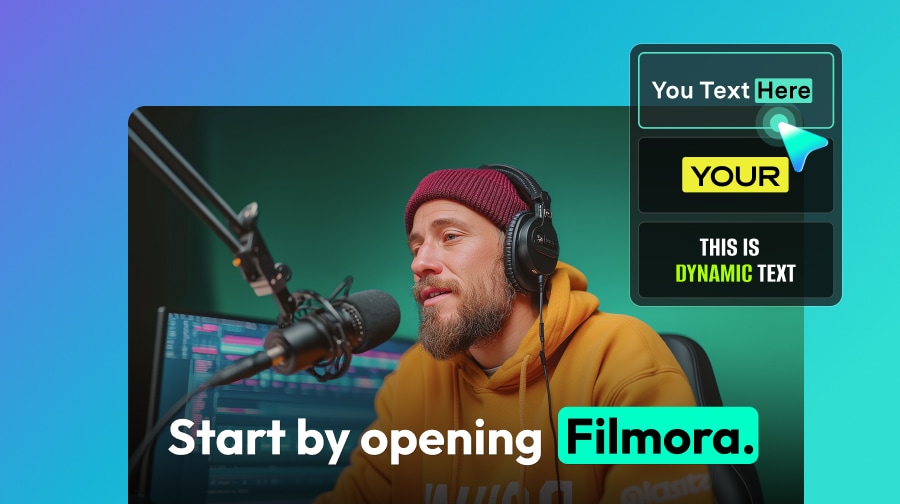
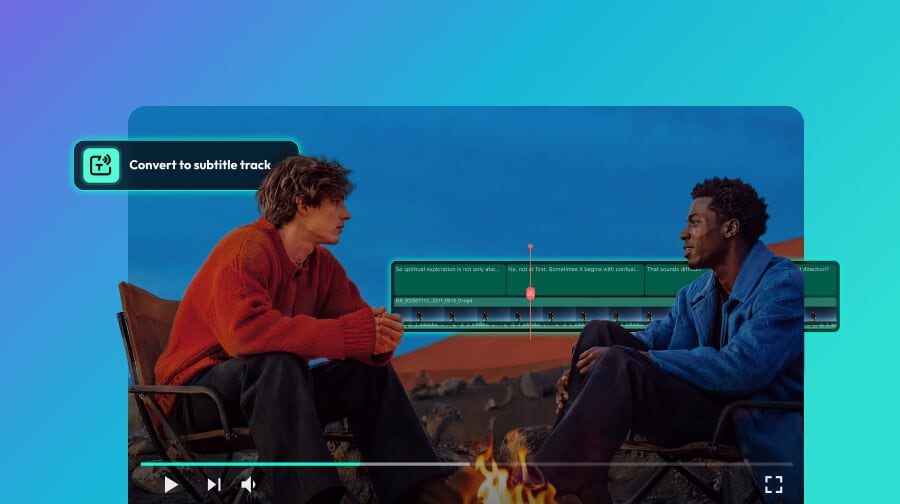
Filmora 16 brings AI deeper into the professional editing workflow to help you understand footage faster, make smarter adjustments, and create more polished results with less manual work.
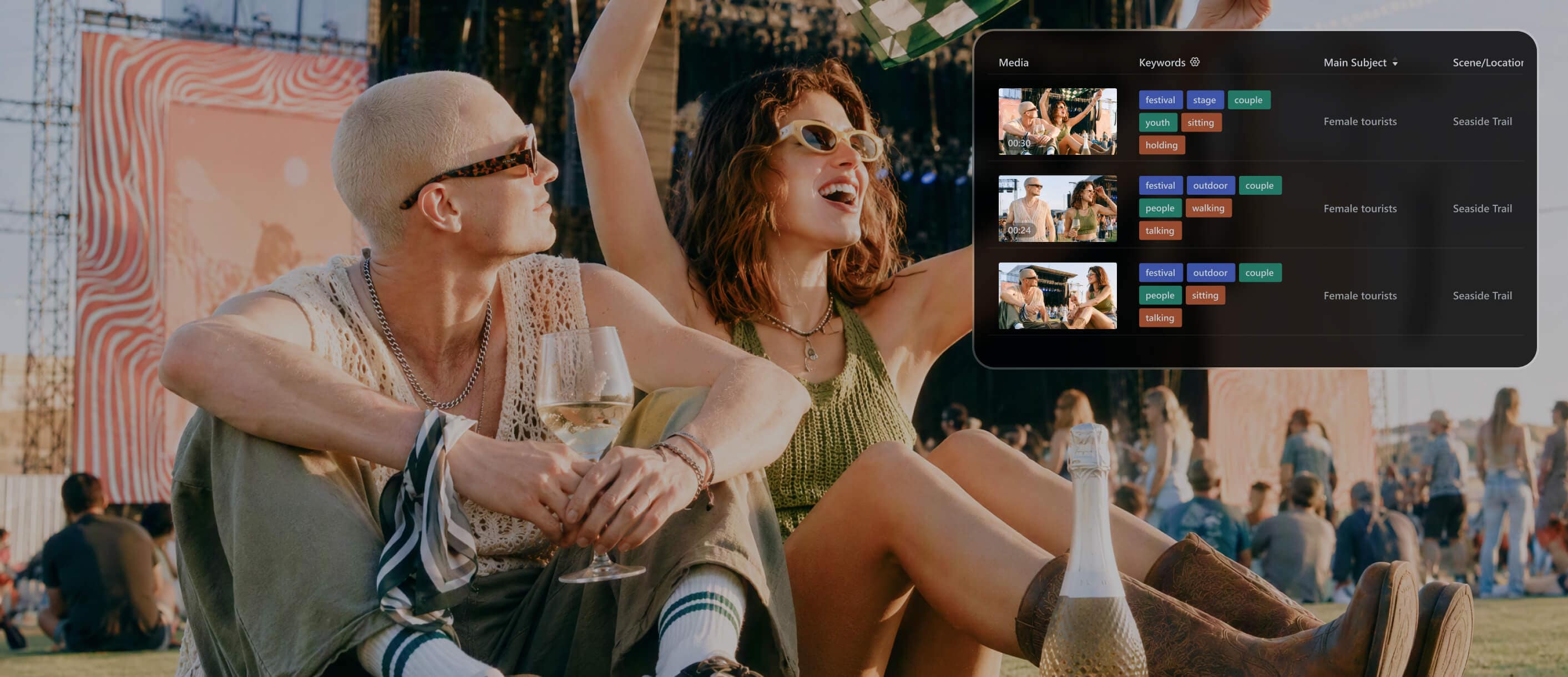
Understand & Organize Footage Faster
Analyze video and image assets for people, scenes, locations, actions, and key information. Filmora generates tags, descriptions, and edit-suggestion timestamps, then helps organize your footage with Smart Media Bin so you can narrow down useful media and find clips faster.
Made for the Way You Create on PC.
From YouTube videos and tutorials to gaming, social content, marketing, and client work,
Filmora fits the way you create on Windows.
- YouTube & Long-Form Creators
- Tutorials & Education
- Gaming & Tech
- Social, Vlog & Travel
- Business & Client Videos
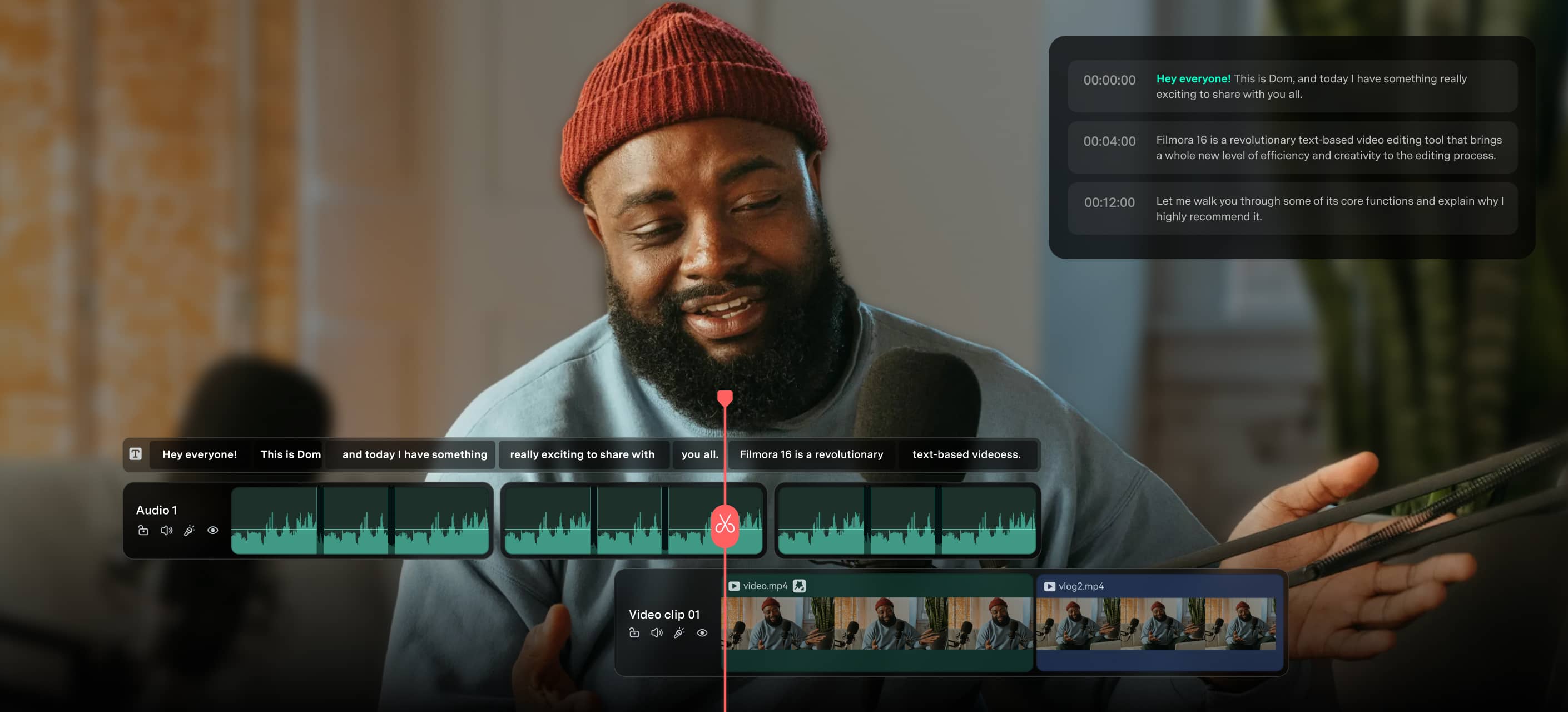
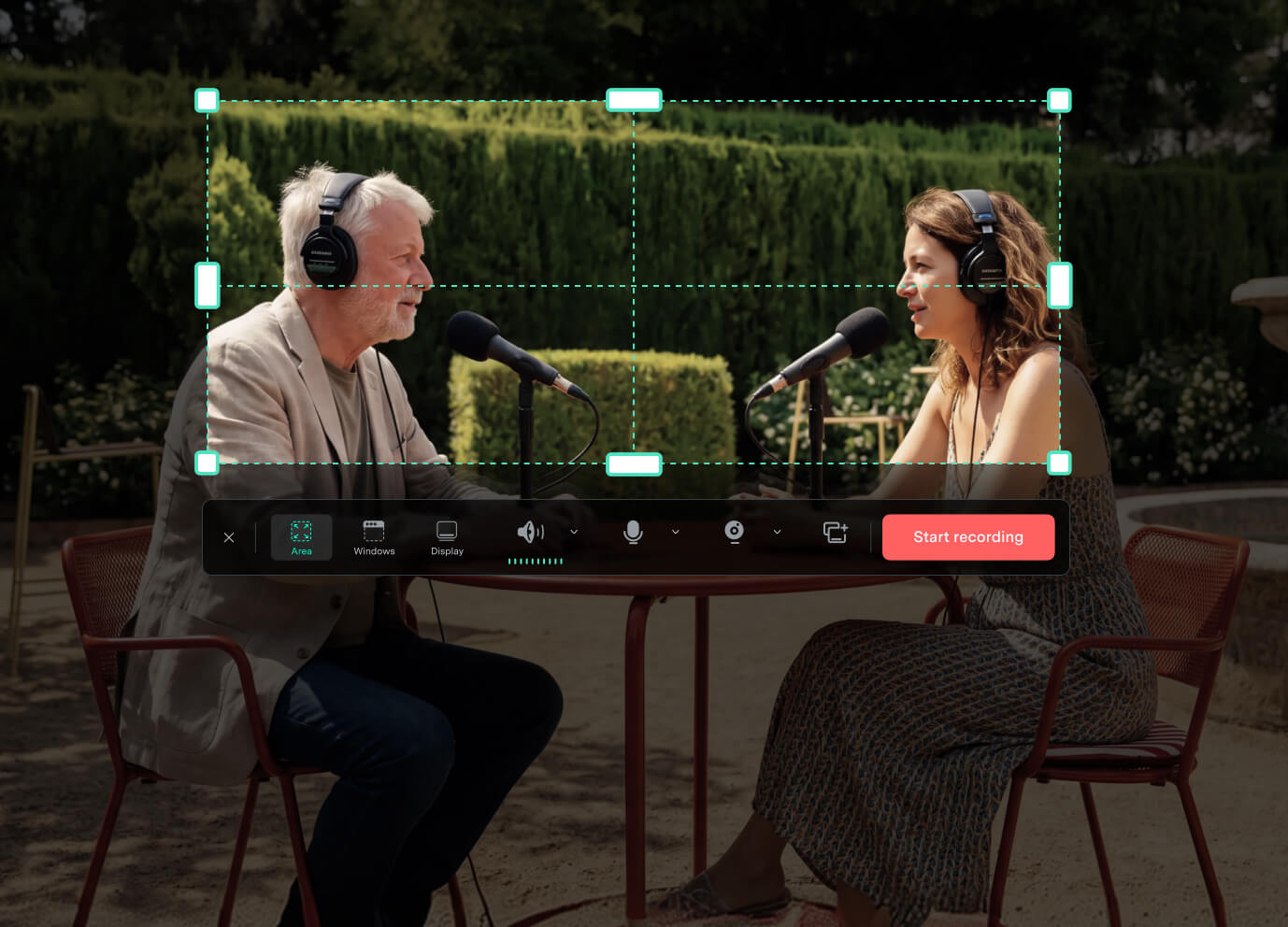
Shape long recordings into focused videos, improve speech, add captions and B-roll, and keep recurring channel edits moving.
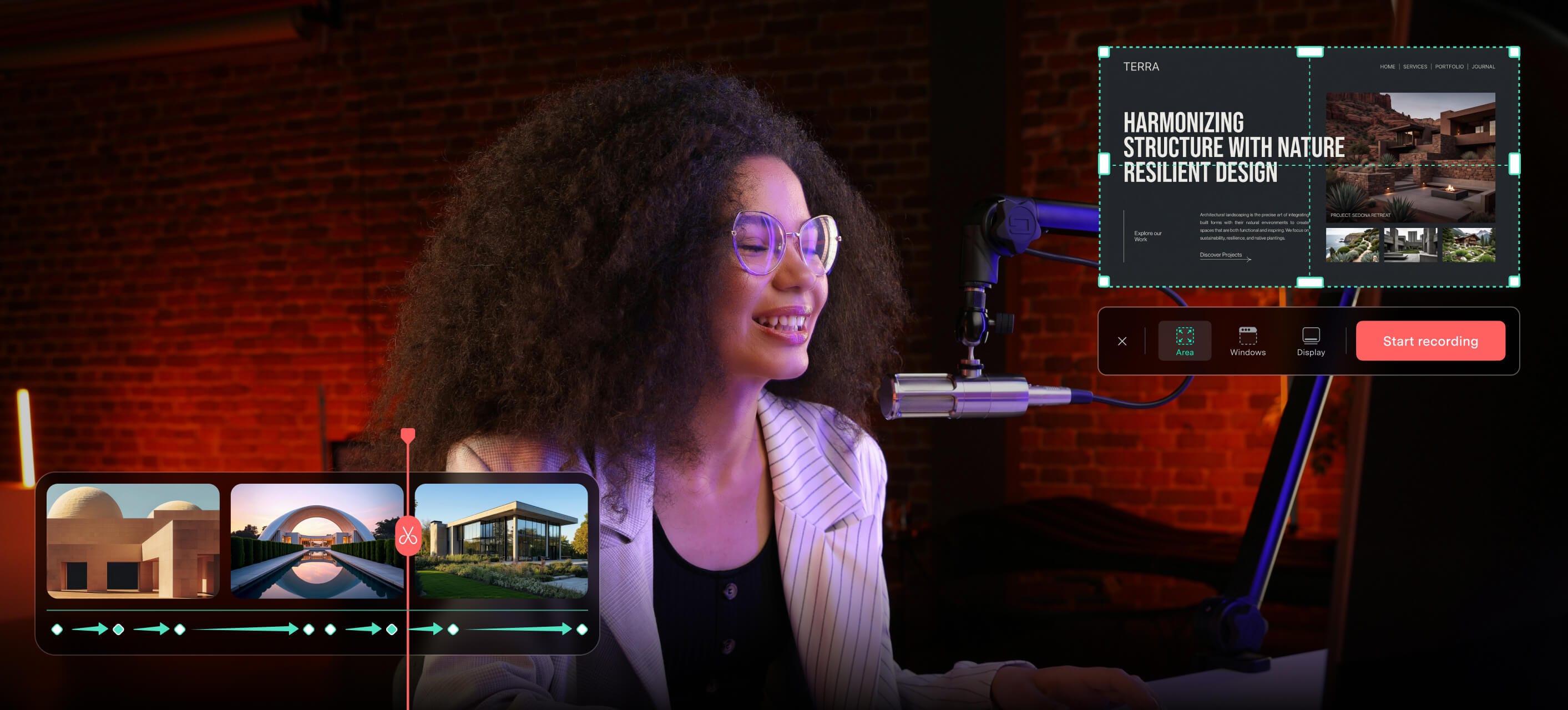
Turn lessons, software demonstrations, and course content into clear videos with narration, captions, callouts, and polished pacing.
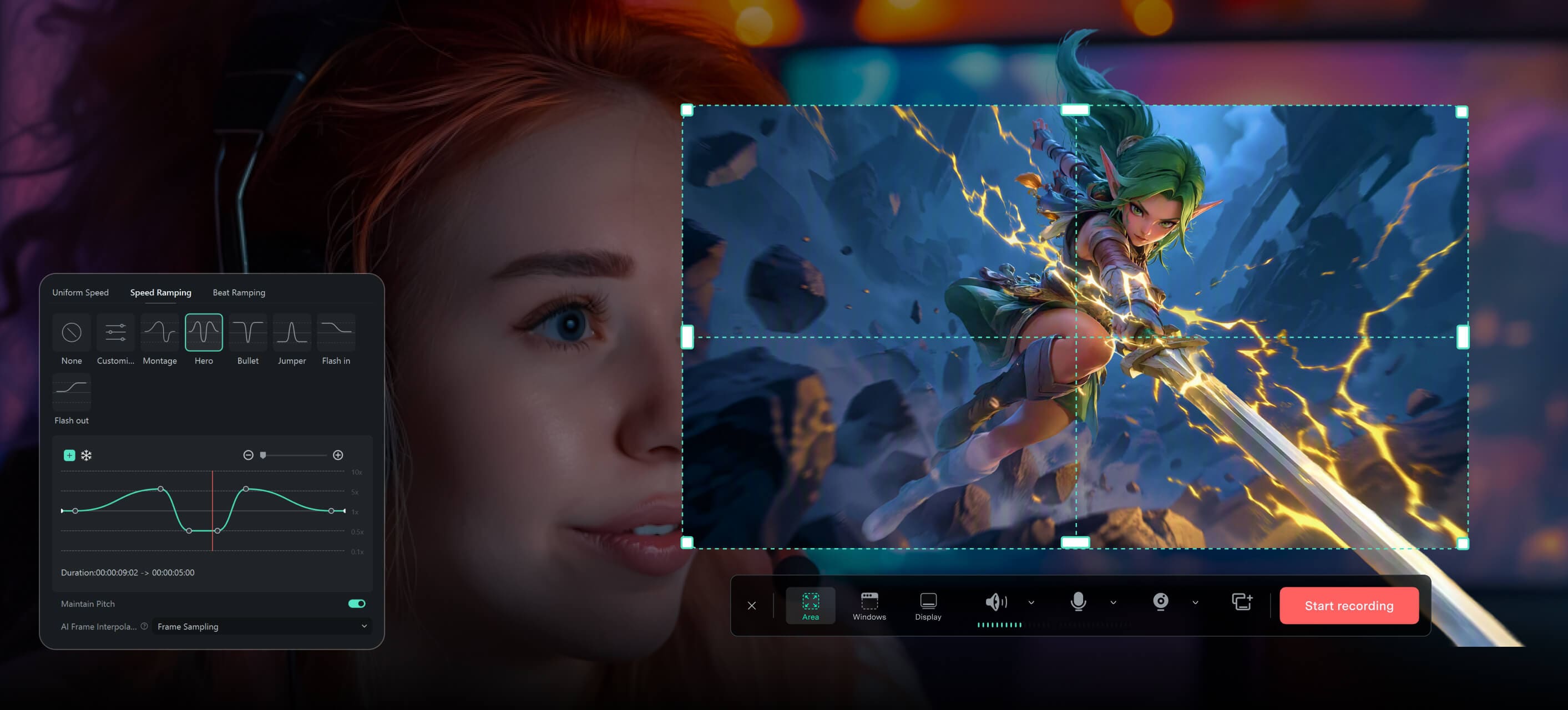
Turn gameplay, commentary, reviews, and walkthroughs into highlights and polished videos ready to share.
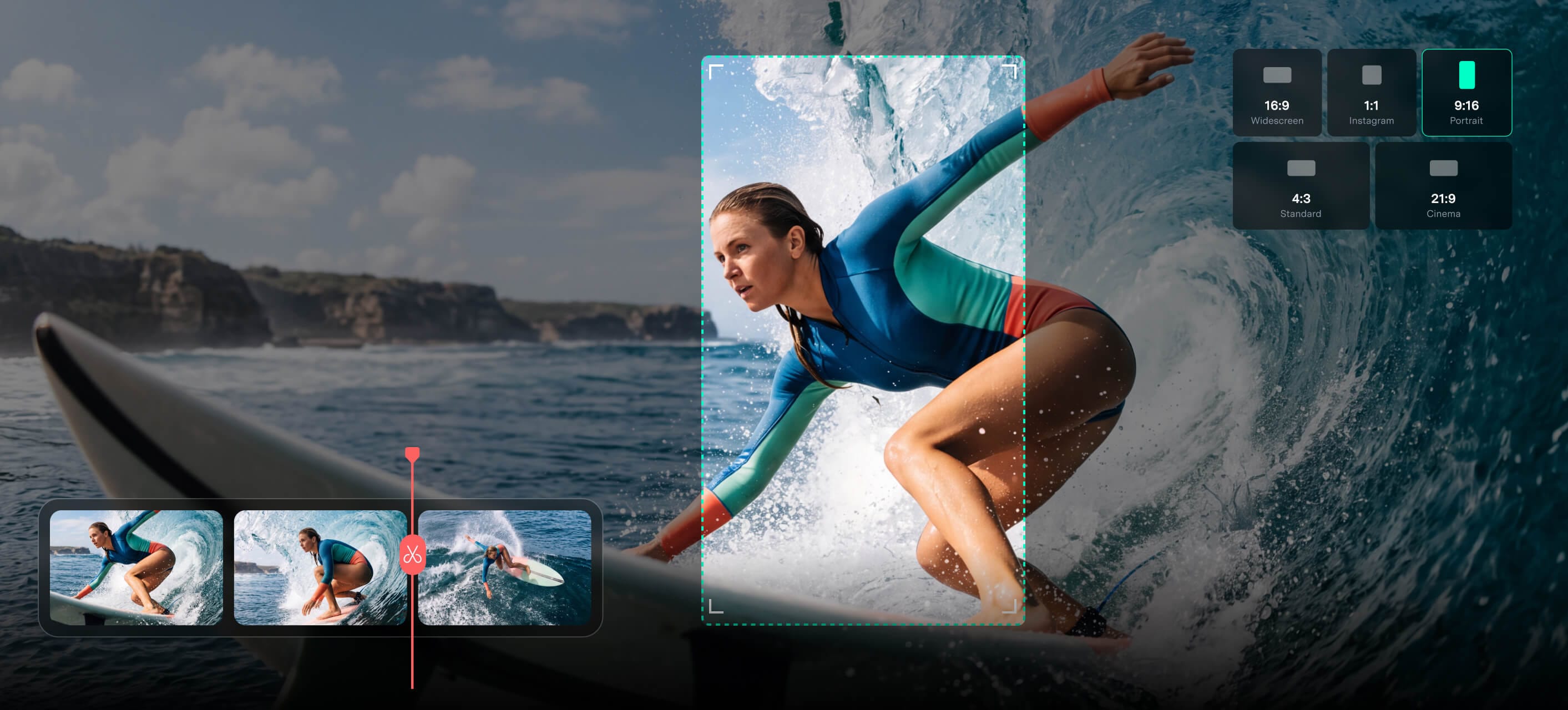
Turn everyday footage, travel clips, and longer recordings into polished stories and short-form versions for different platforms.
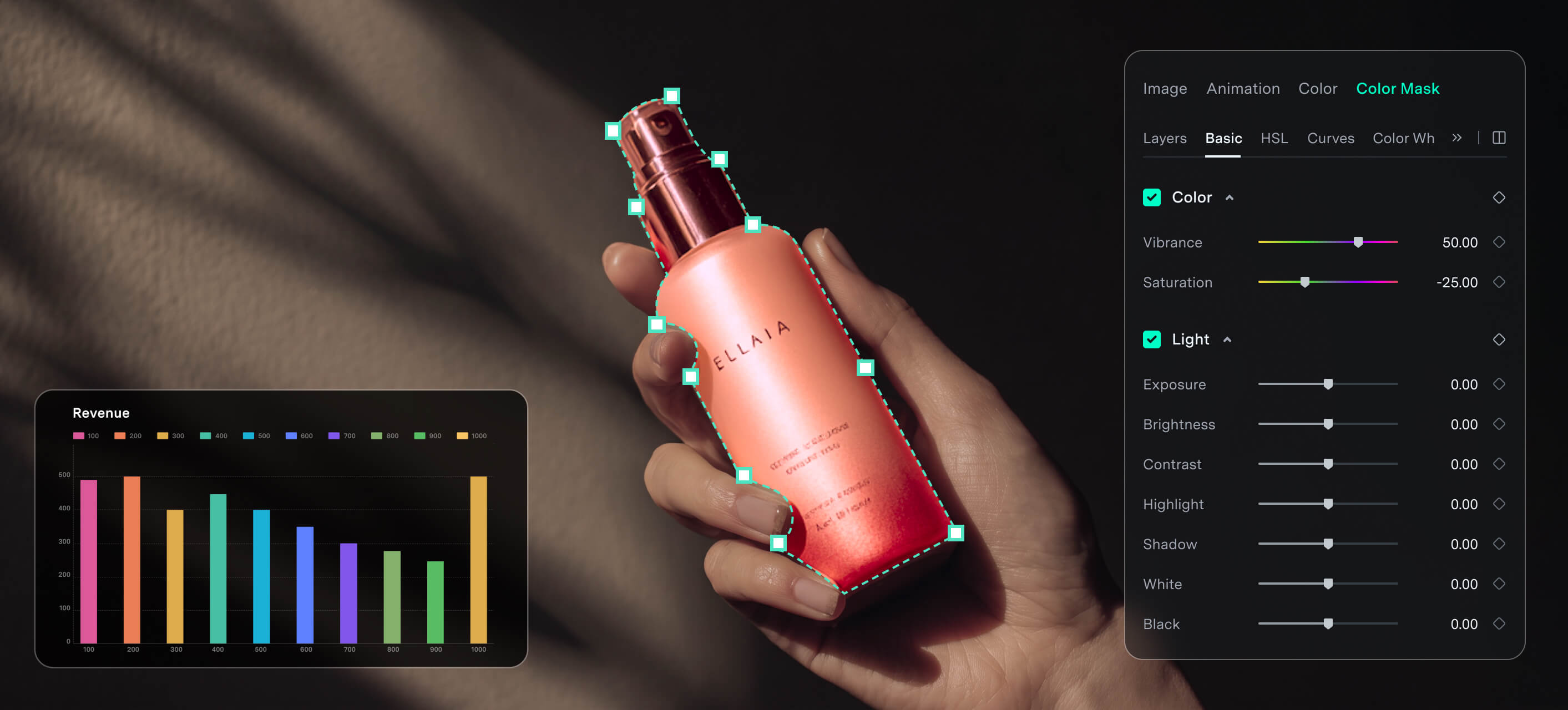
Create product demos, explainers, ads, training videos, branded content, and client deliverables in one flexible desktop workflow.
See What Filmora Creators Have Achieved.


 Join Our Social Community.
Create More with AI
and Creative Assets.
Filmora brings AI video editor tools into one workflow to help you generate, enhance, and finish videos faster.
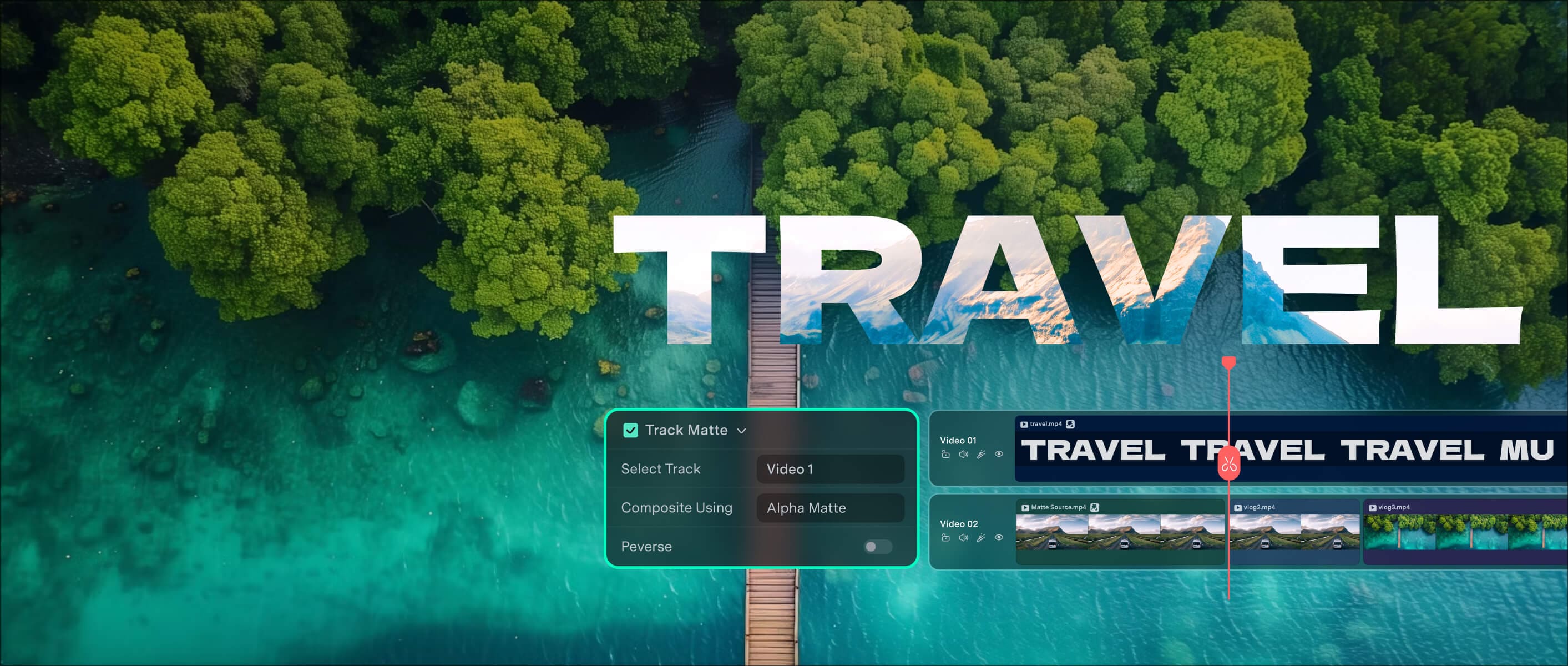
-
AI Video Generator >
AI Video Generator >
Turn text, images, or audio into editable video content for storytelling and social media.
-
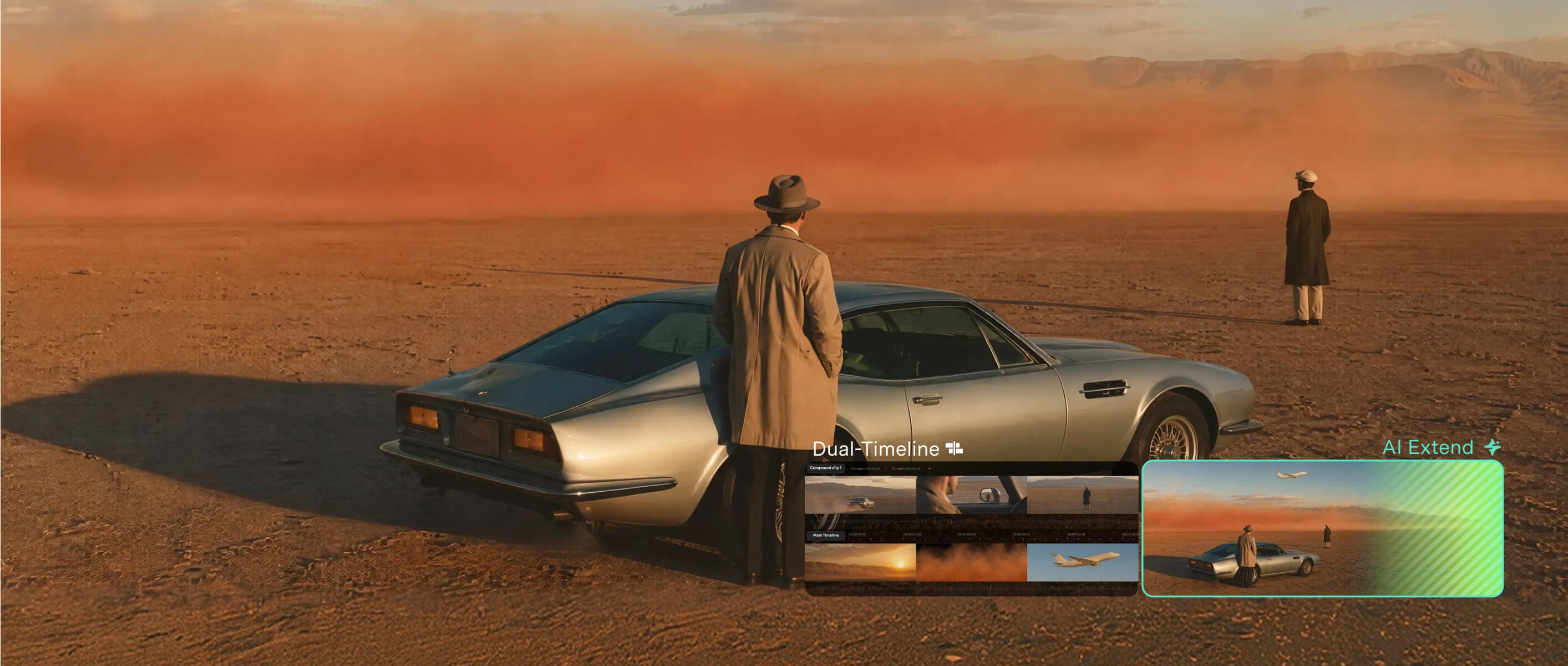
AI Video Extender
AI Video Extender >
Extend existing shots when you need more footage or additional duration.
-
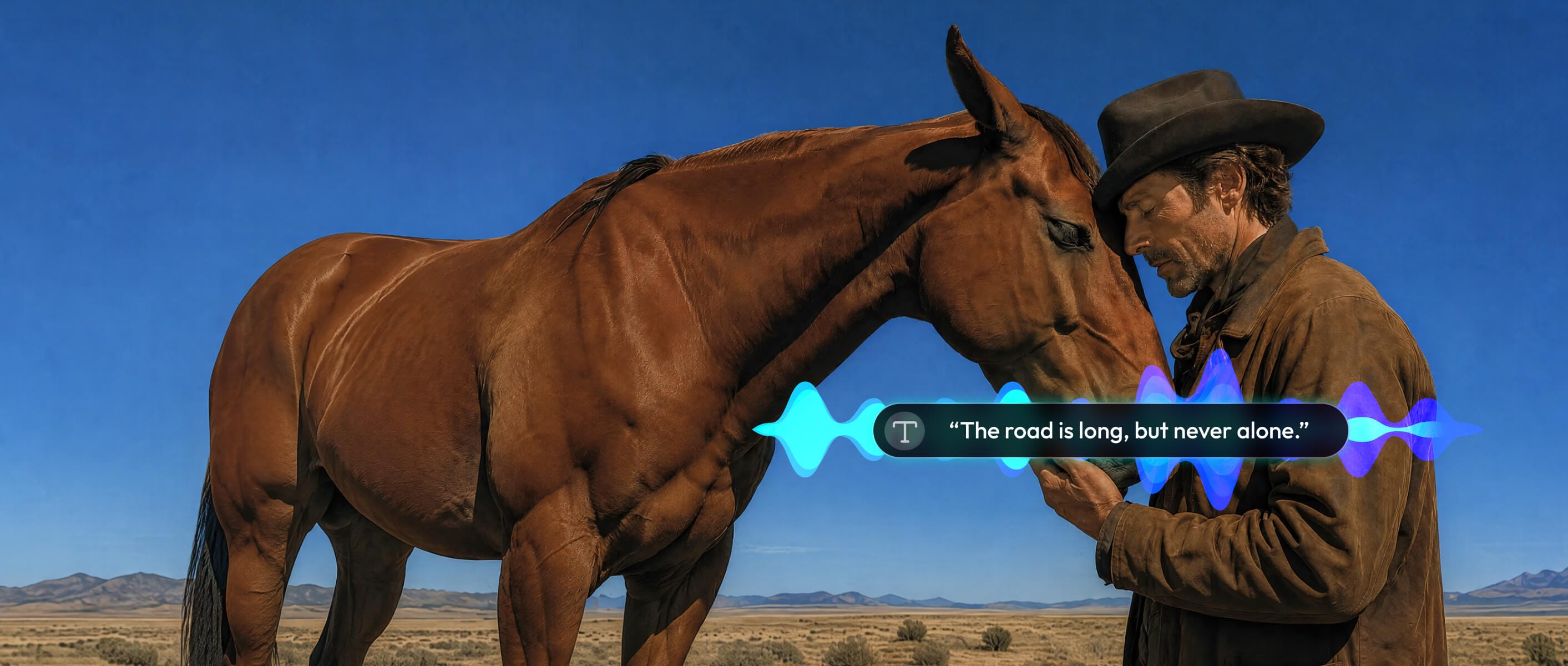
Text to Speech
Text to Speech >
Turn written text into voiceovers with supported voices, tones, and languages.
Create with AI
From Idea to Video in Minutes.
Create, enhance, and finish videos faster with AI-assisted tools and millions of ready-to-use creative assets inside Filmora.
-
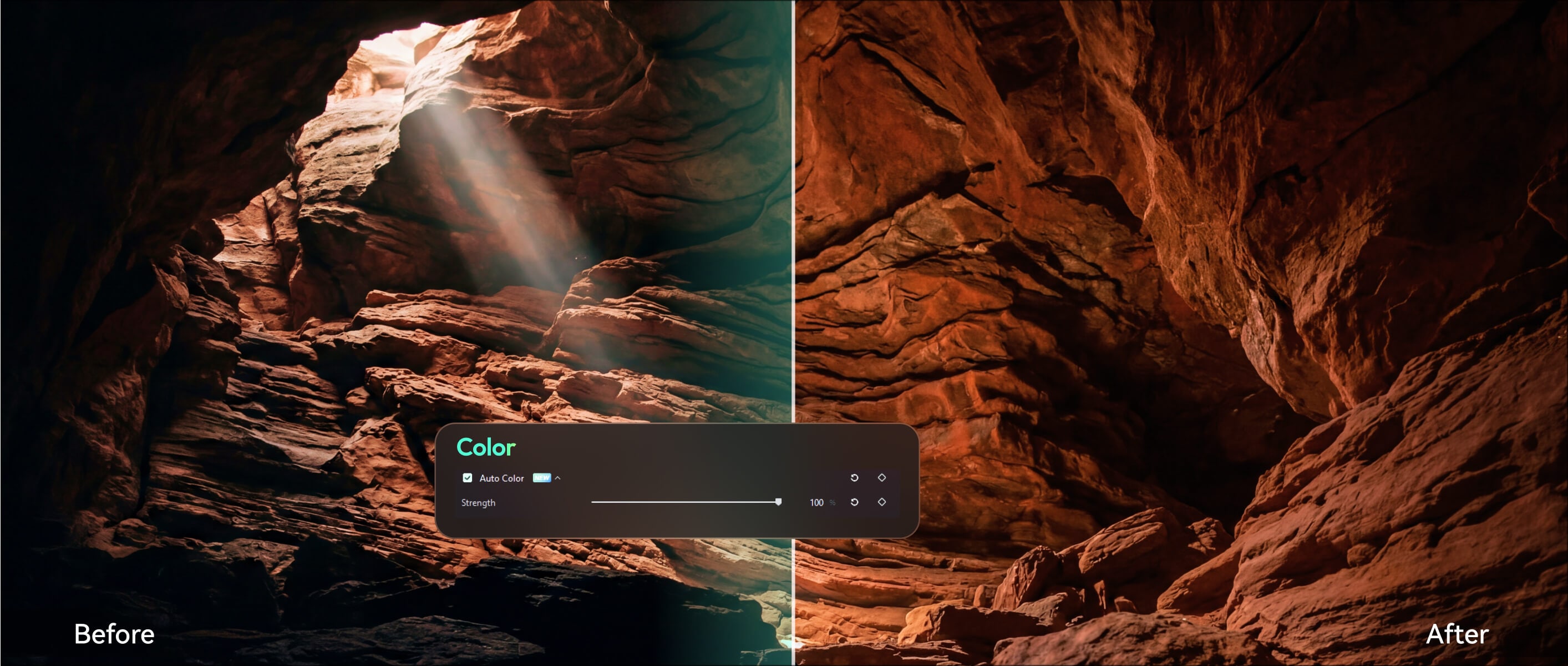
AI Video Enhancer >
AI Video Enhancer >
Improve video quality with AI-assisted enhancement for detail, color, and clarity.
-
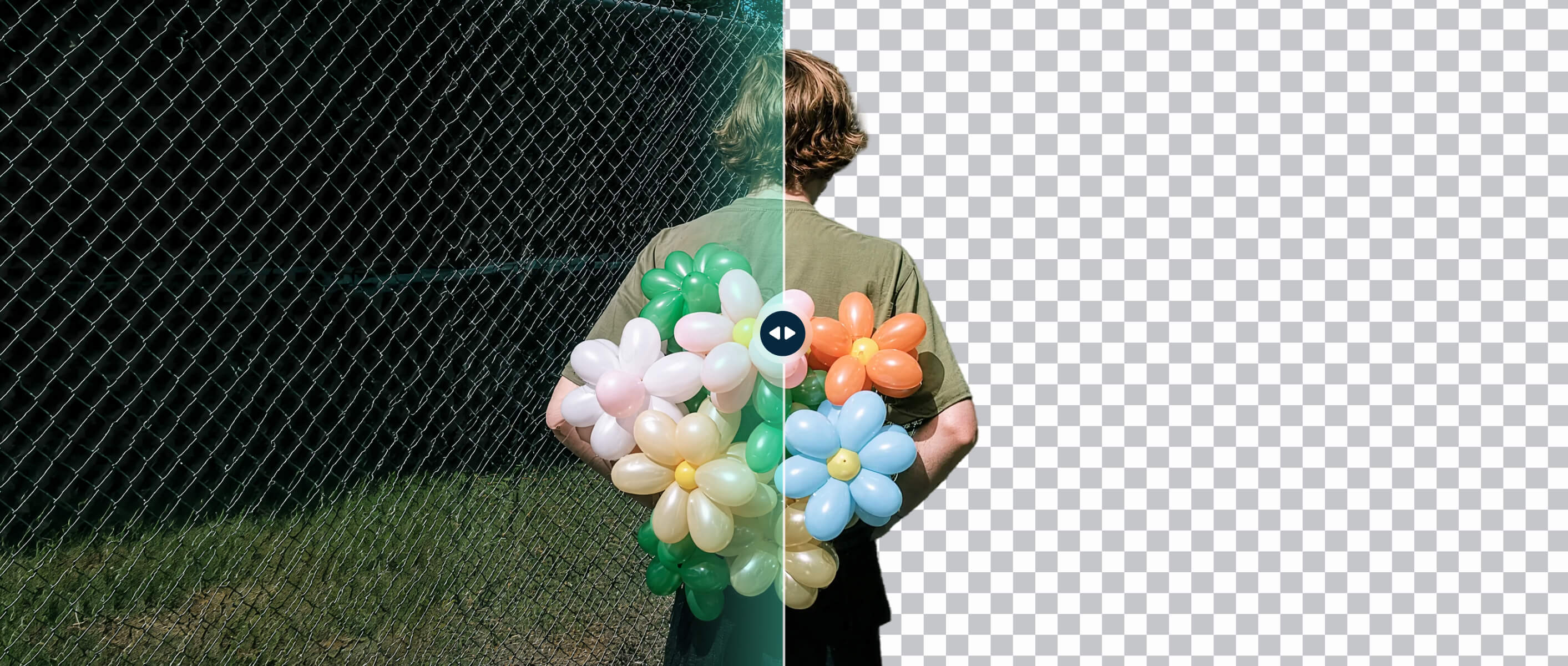
AI Smart Cutout
AI Smart Cutout >
Remove backgrounds or isolate subjects without requiring a green screen.
-
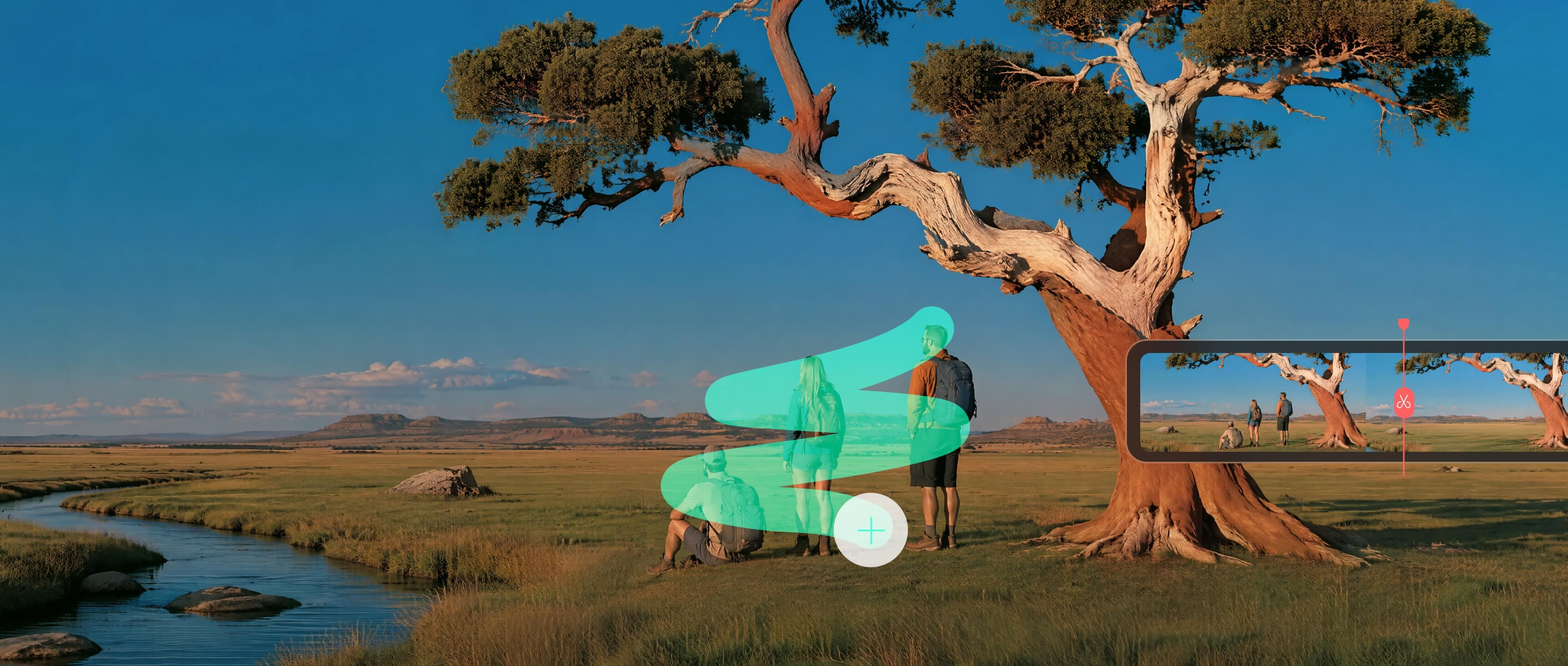
AI Object Remover
AI Object Remover >
Remove unwanted objects and visual distractions from supported footage.
Enhance with AI
Clean Up and Enhance Footage Faster.
Improve footage, isolate subjects, remove distractions, and refine audio with AI-assisted tools that reduce repetitive cleanup work.
Enrich Your Video Content With Creative Assets.
Create standout videos for any platform with 2.9M+ creative assets, from effects to ready-made templates.
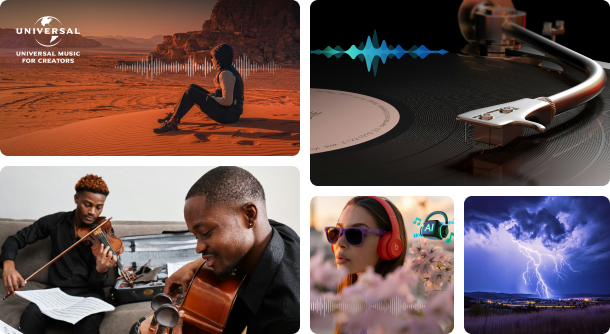
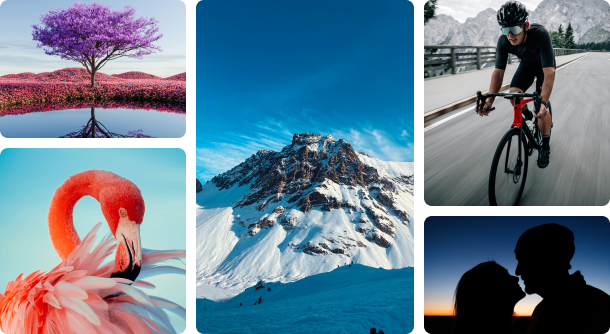
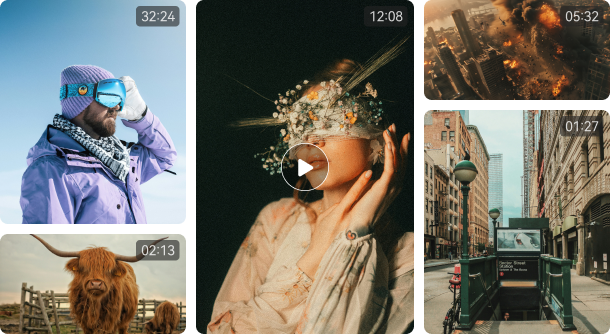
Ready-to-use Video Templates
Built for Real Editing
on Windows.
As a Windows video editor, Filmora handles high-resolution footage and larger projects with GPU acceleration, proxy editing, and broad media compatibility.

GPU-Accelerated Editing
Use compatible Intel, NVIDIA, and AMD graphics hardware to accelerate supported playback, decoding, encoding, and rendering tasks.

4K & High-Resolution Editing
Edit supported 4K, high-resolution, and high-frame-rate footage with a desktop workflow designed for more demanding projects.

Proxy Editing
Create lightweight proxy files for demanding footage, edit with smoother playback, then export using the original full-quality media.

Broad Format & Codec Support
Work with widely used video formats and codecs across import, editing, and export workflows.
Edit Your First Video
in 3 Simple Steps.
-
Upload Media
Launch our video editing software and start a new project. Import your media files or use built-in resources to begin editing. -
Edit Your Videos
Cut, crop and trim your videos. Drag and drop elements, texts, audio and more into the timeline to create your videos. -
Review and Export
Preview your videos and finalize changes, then export the finished files or share them on social media.

Frequently Asked Questions.
Get Started with
Filmora Today.
Bring your ideas to life with powerful, easy-to-use video editing software powered by AI.

"Filmora hasn't just made my filmmaking journey smoother, it's also been financially rewarding."
"Wondershare Filmora has definitely enhanced my creativity while making my video-making process more efficient."
"I became a content creator but also became a freelancer with the use of Filmora Video Editor. I gained clients and they loved what I did."
"I have been able to build my YouTube channel to over 10,000 subscribers as well as a blog, and even my own courses."
"With Filmora, I have achieved my personal goal to promote my business, create art and to express myself through content creation."
"Filmora hasn't just made my filmmaking journey smoother, it's also been financially rewarding."
"Wondershare Filmora has definitely enhanced my creativity while making my video-making process more efficient."
"I became a content creator but also became a freelancer with the use of Filmora Video Editor. I gained clients and they loved what I did."
"I have been able to build my YouTube channel to over 10,000 subscribers as well as a blog, and even my own courses."
"With Filmora, I have achieved my personal goal to promote my business, create art and to express myself through content creation."