


 TL;DR:
Downloading unofficial AndroVid Mod APKs to bypass subscription fees exposes your device to critical security and performance risks, making it safer to utilize the official Google Play version or a trusted cross-platform alternative.
● Repackaged mod files frequently embed silent malware, tracking scripts used for targeted phishing, and unwarranted requests for access to your contacts, location, and storage.
● The verified AndroVid app is an Android-only editor that removes export watermarks and ads through a $1.99 monthly subscription or a $19.99 one-time purchase after a 7-day free trial.
● Wondershare Filmora functions as a secure replacement for both Android and PC users, offering cloud syncing between devices, built-in AI tools, and an achievement program to earn watermark-free exports without sideloading unauthorized files.
Ask AI for a summary
 ChatGPT
 Perplexity
 Gemini
 Claude
 Grok
Grok
What is AndroVid APK?
AndroVid APK is the installation file format for the AndroVid video editor on Android. While official APKs from Google Play are safe, "Pro APK" or "Mod APK" versions found on third-party sites are often modified by unauthorized users to bypass subscriptions, posing significant security risks.
Searching for AndroVid APK Pro usually means one thing: you want premium features without paying for the subscription cost. However, going down with the APK or mod isn’t actually as harmless as it seems. What you’re risking is your device, data, and even your accounts.
Many people brush this off as no big deal and end up regretting it when something goes south. So, before you download anything strange and end up paying for it later, this article will show you what those files actually contain, why the risks aren't worth it, and what safer options you can use instead.
Downloading AndroVid Pro APK files from unofficial sources exposes your device to malware, data theft, and instability. This guide explains why modded versions are dangerous and recommends verified editing tools like the official AndroVid app and Wondershare Filmora.
Part 1. A Quick Look at AndroVid
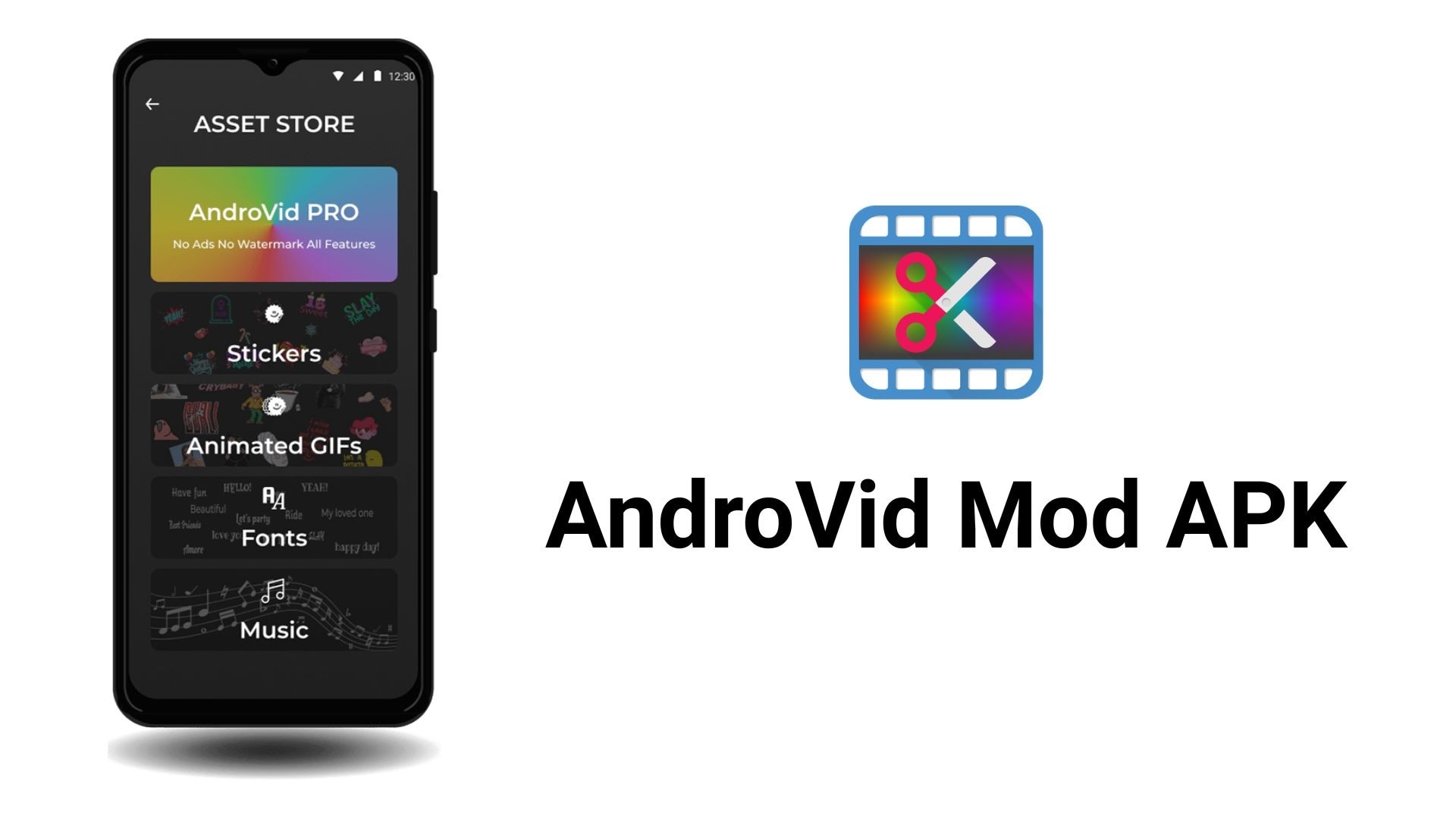
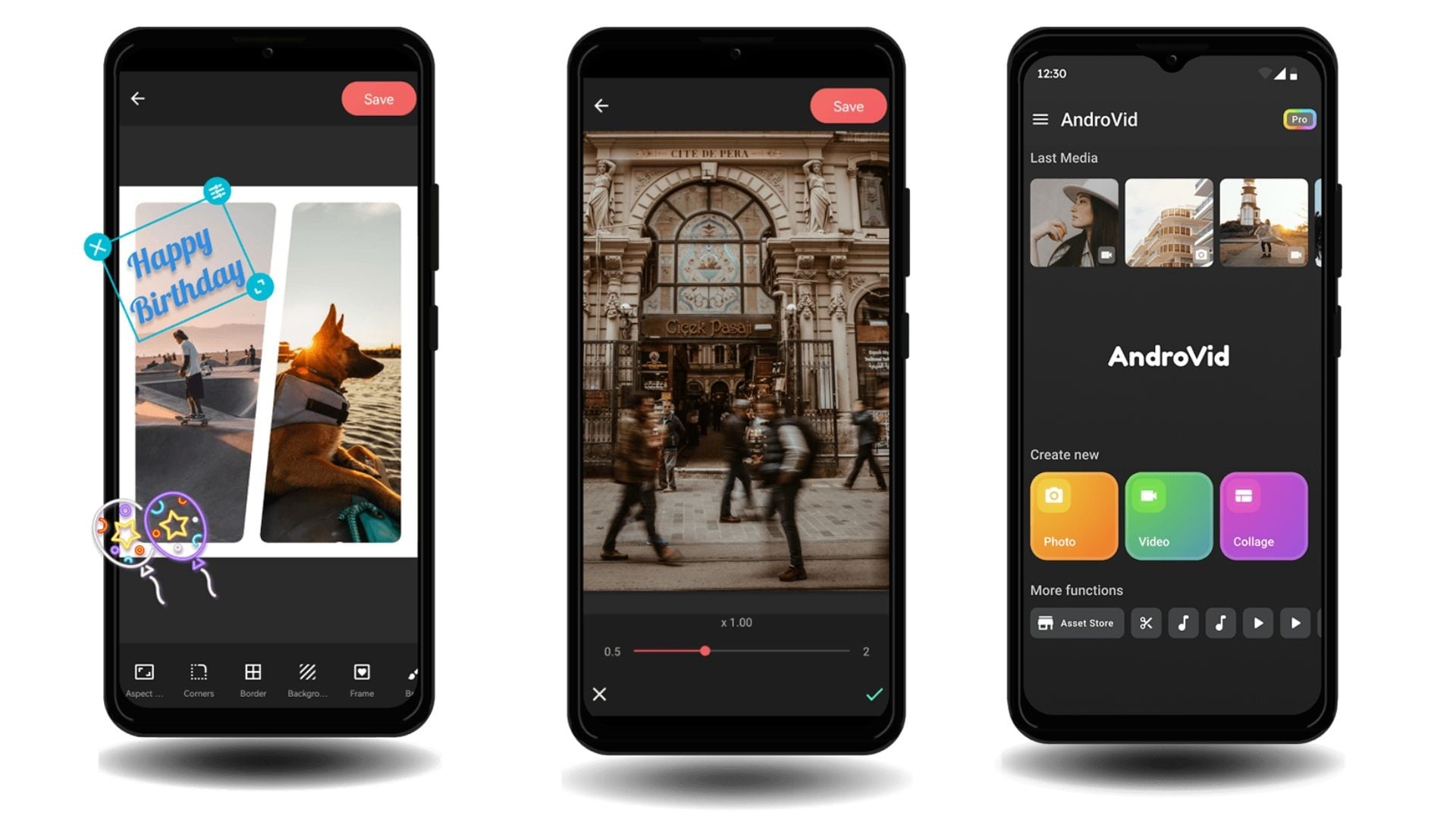
AndroVid is a video editor for Android developed by Fogosoft Ltd. It's been on Google Play since 2012 and has crossed 50 million installs as of April 2026. The app is built around simple editing, like trimming, cutting, merging clips, adding music, applying filters, and exporting in HD or 4K. It also includes a GIF maker, slideshow builder, photo collage tool, and video format converter.
The interface is basic compared to more advanced editors, but that's kind of the point. You don't need experience to start using it. Most editing tasks just need a few taps.
Download official AndroVid Video Editor & Maker on Google Play here.
AndroVid Pro Pricing
AndroVid is free to download and offers a 7-day free trial for first-time users who want to try the AndroVid Pro version. It’s a better option than risking your device with a mod APK. After the trial, you can choose:
- Monthly subscription at $1.99/month
- One-time purchase at $19.99
The free version is open to anyone without a trial, though it comes with some limitations:
- Ads during editing session
- Watermarks on exported videos
- Limited effects, assets, and templates
- Some advanced features are locked behind a paid plan
Part 2. Why People Want to Download AndroVid APK
An APK (Android Package Kit) is actually the file format used to install apps on Android. When an app is on Google Play, you install it normally. But when you download an APK file from outside official platforms, it's called “sideloading,” and it's not always safe.
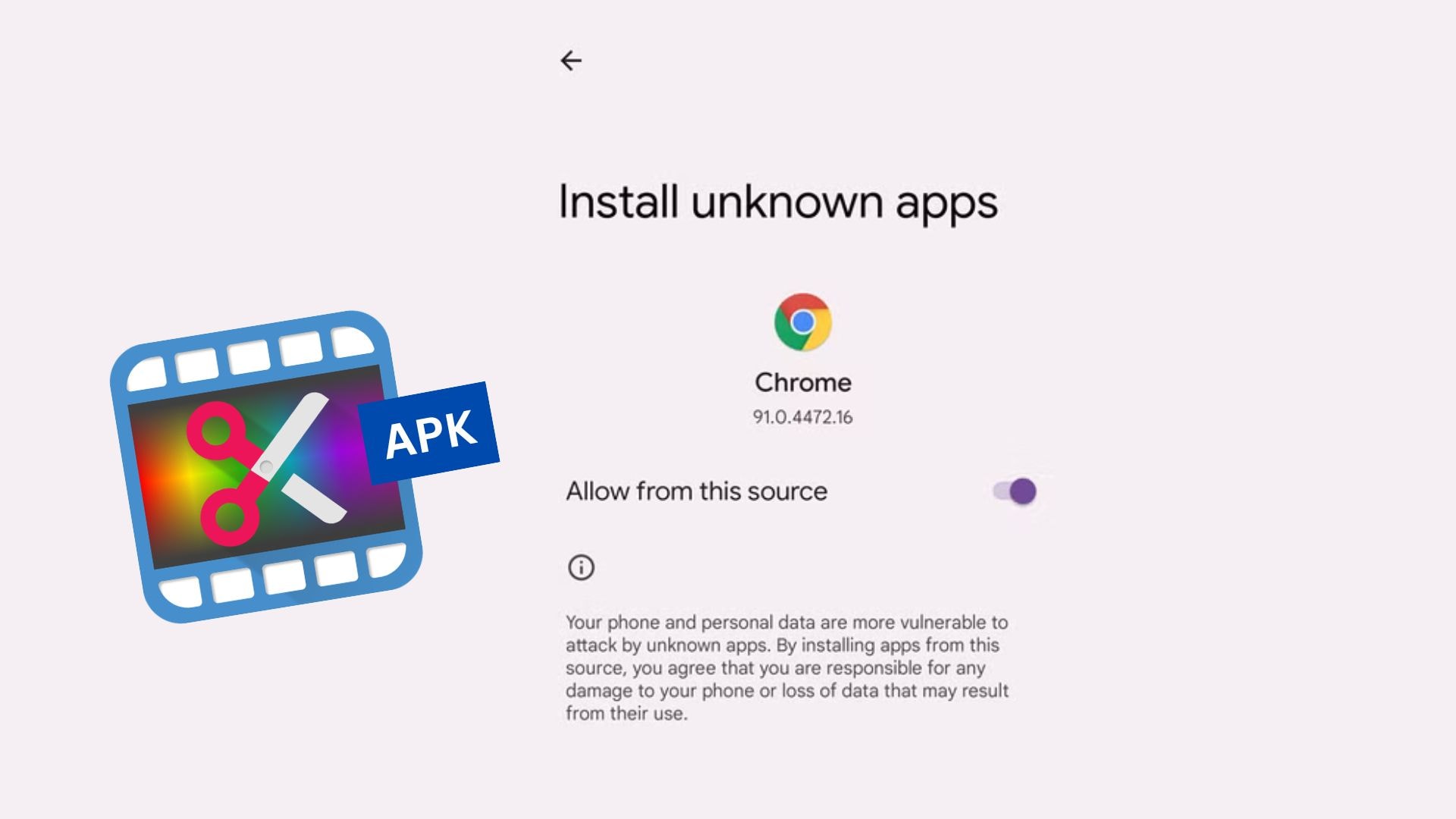
Most of these AndroVid APKs are mod APKs, which are modified versions of the app by a third party you know nothing about. Even so, people are still looking for AndroVid Pro APK for these reasons:
- Unlock premium features and assets for free
- Remove annoying ads that come with the official free version of the app without spending anything
Basically, most people download AndroVid Pro APK to enjoy what the Pro version offers without paying for it. It sounds like a win, but what you're actually downloading is a different story.
Part 3. What You Actually Get from Androvid Mod APK
For the mod to actually unlock AndroVid Pro for free, the third party has to crack open the original app and repackage it. And for the effort they put in, they usually do it to gain something in return. That something comes at your expense.
You won't see anything wrong until the damage is already done. Some of the things they quietly slip into these AndroVid mod files include:
- ⚠️ Malware hidden in APK files. When someone repackages an APK, they can insert anything into the code. Mod APKs frequently carry malware, spyware, or trojans that run silently in the background.
- ⚠️ Data tracking and theft. Many mod APKs embed tracking scripts that collect your activity, login credentials, and personal information. These data are sold later or used for targeted phishing attacks.
- ⚠️ Access to your files, media, and accounts. Mod APKs often request permissions that have nothing to do with video editing, including your contacts, messages, location, and storage. Once granted, that access doesn't go away.
Since it's not official, you'll also run into performance problems, such as:
- Crashes and bugs. A modified version with altered code is more prone to freezing, crashing mid-export, or corrupting your video files.
- No updates. When Fogosoft pushes a bug fix or a new feature, mod APKs don't receive it. You're stuck on whatever version was cracked.
- Broken features. The Pro feature you’ve been wanting to use may not work correctly in a modded version, and there's no support to turn to when they don't.
Part 4. A Safer and More Powerful Alternative to Androvid APK
Since mod APK is doing more harm than good, you're better off sticking with official and trusted tools instead. For the features it offers, the Android app’s pricing is actually reasonable. And you can make use of the free trial first to see if it covers what you need before spending anything.
But if you need more advanced features, there are better options for a similar price. One worth considering is Wondershare Filmora. It's available on both Android and PC, which also makes it a solid answer for anyone searching for an AndroVid video editor for PC alternative.
Why We Recommend Filmora?
Filmora is a full-featured video editor that gives you more for your money without requiring you to sideload anything or compromise your device's security.
Free Download with a Flexible Free Plan
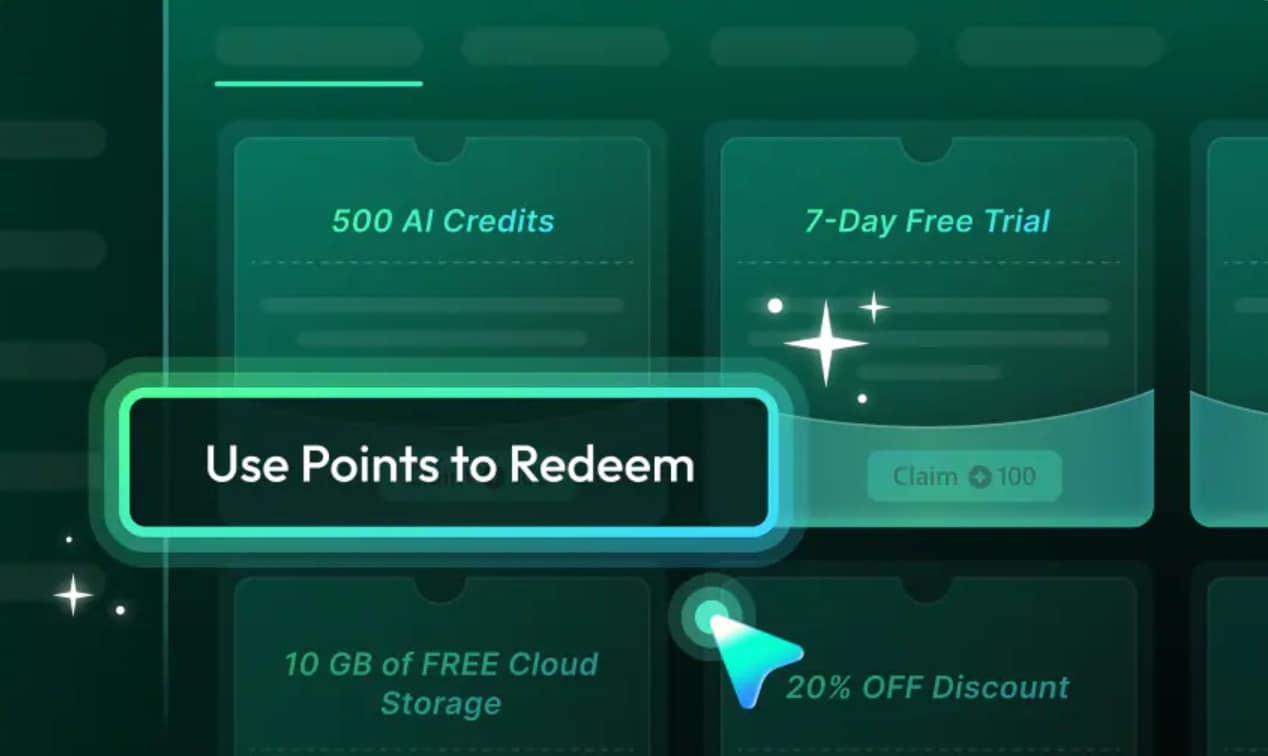
Filmora is free to download on both mobile and PC. The free plan lets you edit and export right away, though exports include a watermark. But you can check and join the achievement program, where you can earn credits through simple in-app tasks and redeem them for free exports, AI credits, and more.
Built-In AI Tools for Faster Editing
Filmora comes with AI tools built directly into the app, including AI background removal, Auto Cut (Instant Reels Maker), video enhancer, noise remover, as well as AI generation features like Text-to-Video, Image-to-Video, and more. For what you get, the AI feature set alone makes Filmora a better overall value than AndroVid Pro video editor.
Cross-Platform Editing Across Mobile and PC
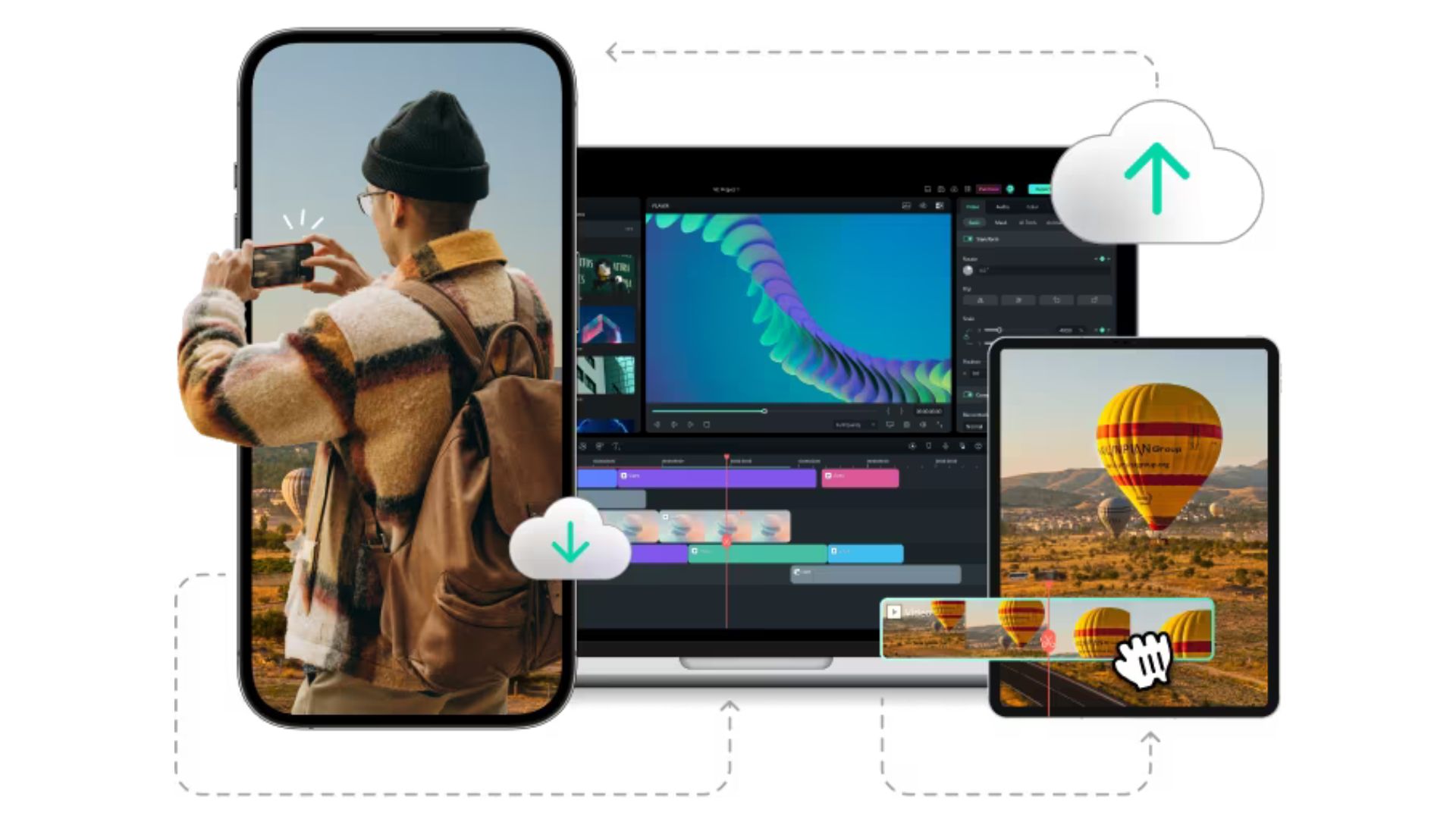
Filmora syncs projects between its mobile and PC versions through the cloud. You can start editing on your Android phone and continue on your desktop without re-importing files or starting over. AndroVid is Android-only, so this kind of flexibility simply isn't available there.
Higher Quality Output, Up to 4K Export
Filmora supports 4K export on both mobile and PC, with full control over resolution, frame rate, and bitrate. AndroVid Pro offers 4K export too, but Filmora gives you more granular control over the final output quality, which matters if you're producing content for YouTube or any platform that requires high-quality videos.
 Secure Download
Conclusion
AndroVid is a pretty good choice for basic video editing on Android, and its pricing is reasonable, especially with a free trial available. There’s really no need to risk using a mod APK. The risks that come with AndroVid mod APKs are real — malware, data theft, and broken features that nobody fixes.
If the Pro plan still feels like too much, use the free trial first. And if you need more editing power, Filmora can be your option. It's free to download, packed with AI tools, and works on both Android and PC.
FAQs
-
1. Does AndroVid add a watermark?
Yes, the free version adds a watermark to exported videos. To remove it, you need to upgrade to the Pro plan. -
2. Is AndroVid available for PC?
No, there is no AndroVid Pro video editor for PC. AndroVid is Android-only. If you need a video editor that works on both Android and PC, Filmora supports cross-platform editing and lets you sync projects between devices through the cloud. -
3. How do I download AndroVid safely?
To use AndroVid safely, you need to download it directly from Google Play. That's the only version that's verified and regularly updated by the developer. Avoid any AndroVid APK files from third-party sites. -
4. Is AndroVid good for beginners?
Yes. The interface is straightforward and doesn't require any editing experience. Basic tasks like trimming, cutting, merging clips, and adding music only take a few taps and are easy to figure out.
