



Filmora
Filmora - AI Video Editor
Edit Faster, Smarter and Easier!
OPEN
  • G2 Crowd
    2026 Spring Leader
  • Shorty Awards
    Best in Photo and Video
  • GetApp
    Video Editing Leaders
  • Intel IPA
    Intel IPA member gold badge

Choose Your Filmora Experience

Explore Filmora for desktop and mobile, and choose the editing experience that fits your workflow.

Edit on Your Phone or iPad?

Filmora for Android

Edit videos on the go with AI-powered tools.

Get it on Google Play

Filmora for iOS

Create and edit videos on your iPhone.

Download on the App Store

Filmora for iPad

Enjoy timeline editing on a larger screen.

Download on the App Store

How to Download & Install Filmora Video Editor for Free? [Windows & Mac]

Getting started with Wondershare Filmora is easy. Follow these three simple steps to download and install Filmora on your computer.

  1. Check Compatibility

    Review the Windows system requirements or Mac system requirements to make sure your computer is compatible.

  2. Download Filmora

    Click the download button for your operating system to get the latest official Filmora installer.

  3. Install & Launch

    Open the installer, follow the on-screen instructions, and launch Filmora to start editing.

Why Download Filmora from the Official Site?

Get Filmora directly from Wondershare for the latest official installer, reliable updates, and access to official support.

  • Official & Reliable Downloads

    Download Filmora directly from Wondershare instead of relying on third-party installers that may be outdated or modified.

  • Stay Up to Date

    Get the latest Filmora release and check for new updates directly within the software.

  • Official Support & Resources

    Access Wondershare's official installation guides, system requirements, and support resources whenever you need help.

Download Older Filmora Versions (15, 14, 13 & Earlier)

Looking for Filmora 15, Filmora 14, Filmora 13, or an earlier release? Browse the official version archive.

Download Older Filmora Versions
Filmora  Official Download

FAQs About Filmora Video Editor

How can I download Filmora for free?

You can download the latest version of Filmora for free from the official Wondershare website. Choose Windows or Mac, then click the download button to get started.

Is Filmora free to use? Will my videos have a watermark?

Filmora is free to download and try. Videos exported with the free version include a Filmora watermark. A paid plan allows watermark-free exports. Some AI features and premium assets may have additional usage limits or require credits.

Where can I download Filmora 15, 14, 13, or older versions?

You can find Filmora 15, Filmora 14, Filmora 13, and earlier releases on the official Filmora Old Version Download page. Choose the version you need and check system compatibility before installing.

What is the latest version of Wondershare Filmora?

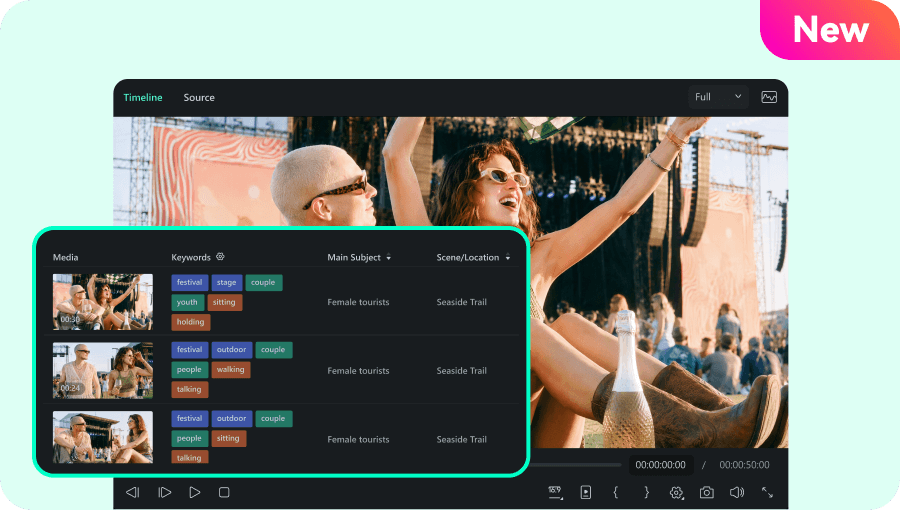
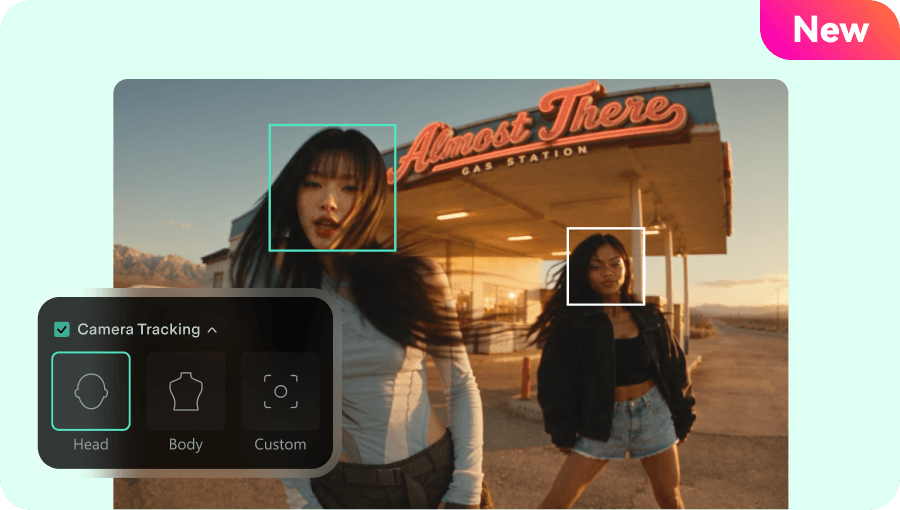
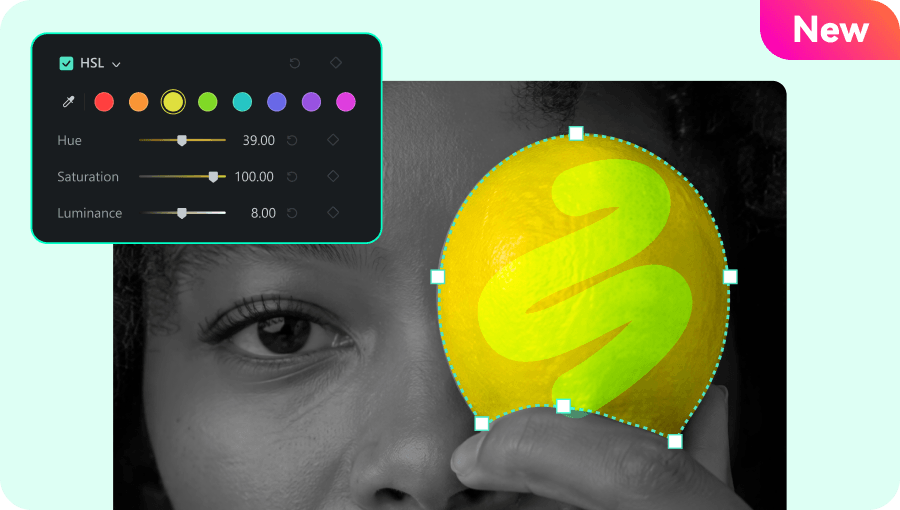
Filmora 16 is the latest major version, introducing features such as AI Media Analysis, Camera Tracking, and Color Mask. Visit the What's New page to explore the latest features and updates.

Is it safe to download Filmora?

For the most reliable download, get Filmora directly from the official Wondershare website. This helps you avoid unofficial installers that may be outdated or modified. Always verify the download source before installing software.

Can I download a Filmora APK for Windows PC?

A Filmora APK is an Android app installation file, not a native Windows installer. To use Filmora on your Windows PC, download the official Windows installer from this page. For Android, use the Google Play download option above.

What are the system requirements for Filmora?

Filmora supports Windows 7, 8.1, 10, and 11 on compatible x64 systems, Windows 10 or 11 on ARM devices, and macOS 10.15 or later. Minimum requirements include 8 GB of RAM and 10 GB of free disk space. For complete compatibility details, check the Windows system requirements or Mac system requirements.

Does Filmora support Apple Silicon Macs and Windows ARM devices?

Yes. Filmora supports Macs with Apple M-series chips and compatible Windows 10 or 11 devices running on ARM architecture. It also supports compatible Intel-based Macs. Check the official system requirements for detailed compatibility information. To learn more about the editing experience on each platform, explore Filmora Video Editor for Windows or Filmora Video Editor for Mac.

Can I download Filmora for iPhone, Android, or iPad?

Yes. Filmora offers mobile video editing apps for iPhone, Android, and iPad. Choose your device from the download options above to access the corresponding App Store or Google Play download.

Your Next Great Video Starts with Filmora.

Professional video editing made easier with AI.

Download the Latest Version for Free Download the Latest Version for Free Download the Latest Version for Free