
Trending Friendsgiving AI Visual Concepts
Set a nostalgic mood using tested friendsgiving ai photo prompts. From rustic farmhouse dinner tables to rooftop dessert parties, pick a style below and render your seasonal snapshots instantly.
Loading more Friendsgiving creative prompt cards...
 Category:
 Duration:
 Aspect Ratio:
All-in-One Friendsgiving Visual Creation in Filmora
Combine descriptive friendsgiving photo prompts for chatgpt with Filmora's built-in generation and video editing tools to produce heartfelt posts, reels, and greeting cards. 🥧
Multiple AI Image Engines Under One Roof
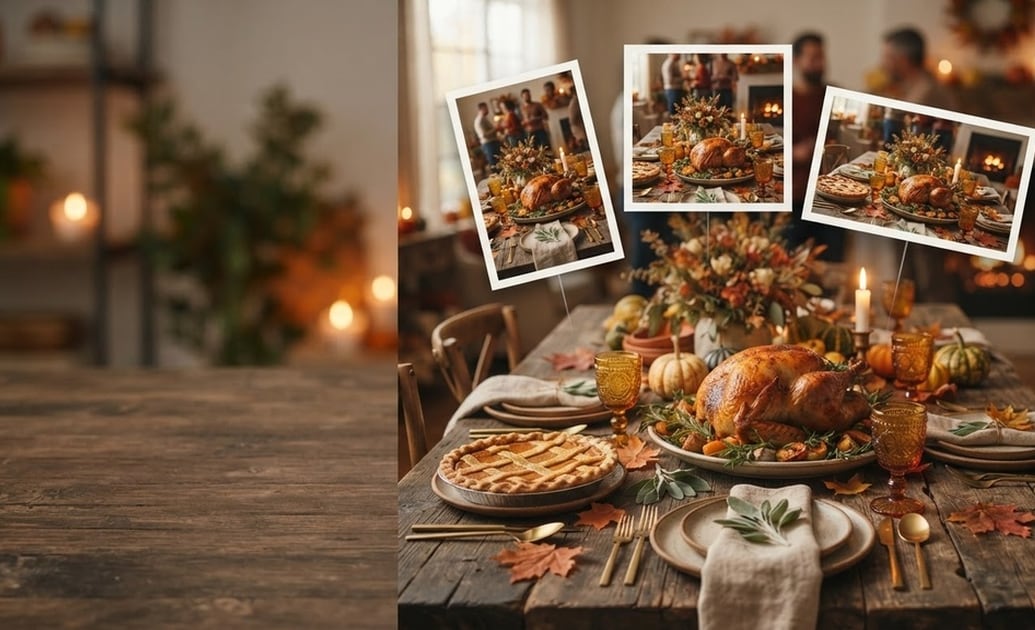
Multiple AI Image Engines Under One Roof
You don't have to bounce between different websites. Filmora embeds top generation tech including ChatGPT/DALL-E 3, as well as Nano Banana 2 and Nano Banana Pro models directly into its AI Image Generator for smooth workflow control.
- Built-in Model Flexibility - Toggle between DALL-E 3, Nano Banana 2, and Nano Banana Pro right in the editor interface.
- Accurate Detail Handling - Accurately render roast turkeys, pumpkin pies, autumn foliage, and rustic dinnerware.
- Custom Aspect Ratios - Produce square feed posts, 9:16 vertical stories, or wide 16:9 banner shots instantly.
Autumn Color Grading and Cozy Atmosphere
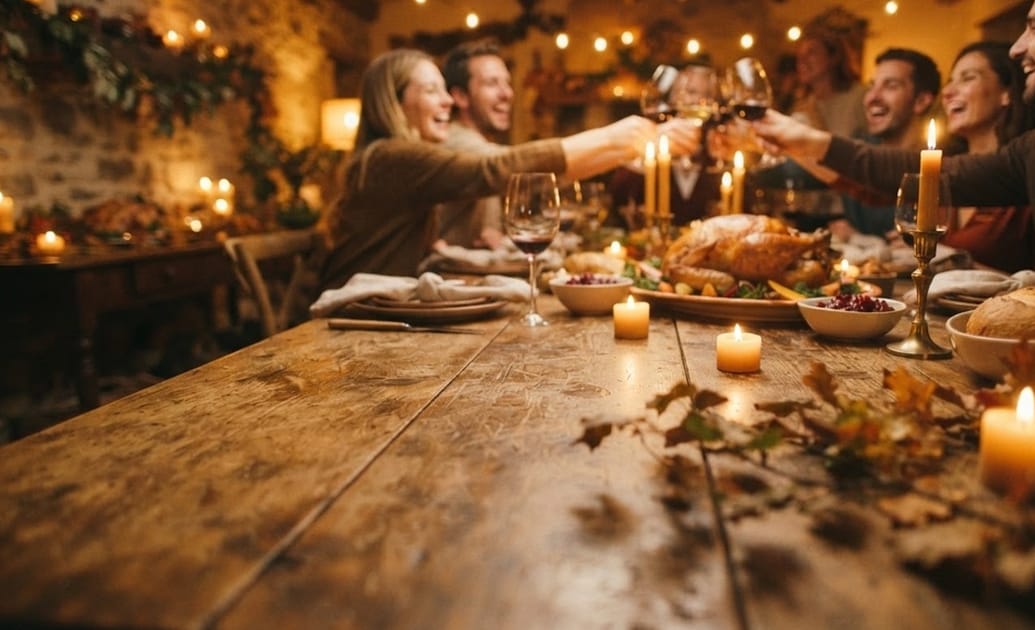
Autumn Color Grading and Cozy Atmosphere
Pair your prompt results with Filmora's color wheels and 3D LUT presets. Give every picture the warm, golden glow of candlelight and falling leaves without needing complex manual retouches.
- Warm Preset LUTs - Apply amber, terracotta, and soft vintage film looks with single-click ease.
- Lighting and Glow Adjustments - Soften high-contrast flash lighting for a welcoming holiday ambiance.
- Photo-to-Video Ken Burns Effects - Animate static photos into cinematic pans and zooms for TikTok and Reels.
AI Stickers, Titles, and Festive Captions
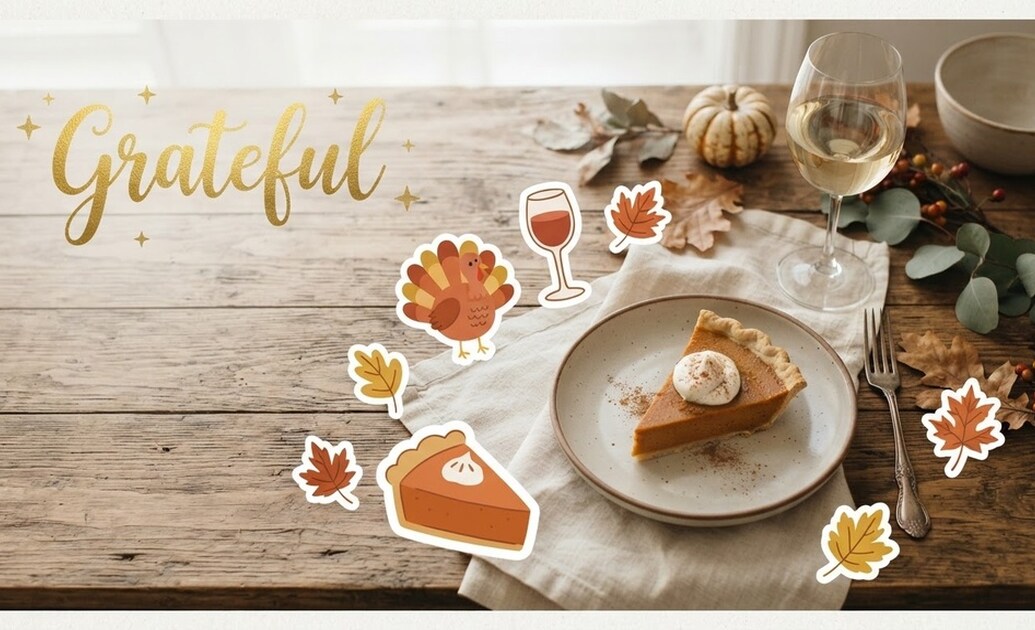
AI Stickers, Titles, and Festive Captions
Take prompts further using Filmora's AI Copywriting and AI Sticker generator. Write heartfelt toast speeches, witty party captions, and customized decorative autumn graphics to stamp across your photos.
- AI Sticker Maker - Turn simple text ideas into custom turkey, wine glass, and pie graphics.
- AI Copywriting Support - Formulate touching Friendsgiving gratitude quotes and social captions in seconds.
- Animated Fall Typography - Decorate table shots with elegant cursive text, drop shadows, and subtle animations.
Turn Party Photos into Viral Holiday Recaps
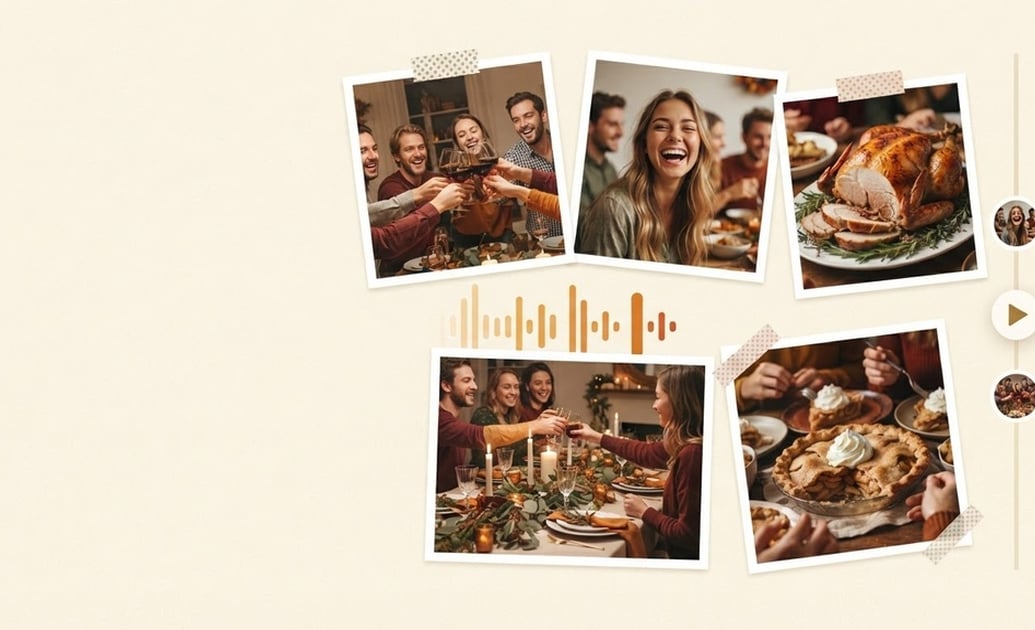
Turn Party Photos into Viral Holiday Recaps
Do not let your holiday captures sit neglected on camera rolls. Import prompt-assisted portraits and candid phone shots into Filmora's timeline, sync them to festive beats, and publish your holiday recap quickly.
- Auto Beat Sync - Align photo transitions perfectly with lively acoustic and jazz background songs.
- Quick Collage Splits - Assemble 4-way, side-by-side, or scrapbook layouts for party member spotlights.
- One-Click Social Sharing - Export optimized files directly to YouTube Shorts, Instagram Reels, and TikTok.
Frequently Asked Questions About Friendsgiving Prompts
How to Create Warm Friendsgiving Photos with Prompts
Transform your seasonal gatherings into cozy autumn portraits using Filmora's integrated AI engines with chatgpt friendsgiving photo prompts. 🍁
Step 1 Select Your Friendsgiving Prompt

Step 2 Choose Your Model in Filmora

Step 3 Generate, Polish, and Share

-
1:Select Your Friendsgiving Prompt
Pick a ready-to-use prompt recipe — rustic table feast, wine toast candid, or warm sweater group selfie. 🍂 -
2:Choose Your Model in Filmora
Paste your prompt into Filmora's AI Image Generator and pick from ChatGPT/DALL-E 3, Nano Banana 2, or Nano Banana Pro. 🎨 -
3:Generate, Polish, and Share
Render your image, drop it on Filmora's timeline to apply warm autumn LUTs or music, and export directly for social feeds. 🥂
