
Explore Popular Dark Aesthetic Prompts
Uncover the perfect dark aesthetic ai prompts to elevate your creative projects. From moody lighting concepts to deep contrast effects, find everything you need to bring your shadowy visions to life. Check out our video templates to enhance your generated art further.
Loading more dark aesthetic guides...
 Category:
 Duration:
 Aspect Ratio:
Why Choose Filmora for Dark Aesthetics?
Generating a dark aesthetic image goes beyond simple text input; it requires precision, versatile modeling, and robust post-processing. With our all-in-one suite, your shadowy visions transform into striking realities.
Master Shadow and Contrast Elements
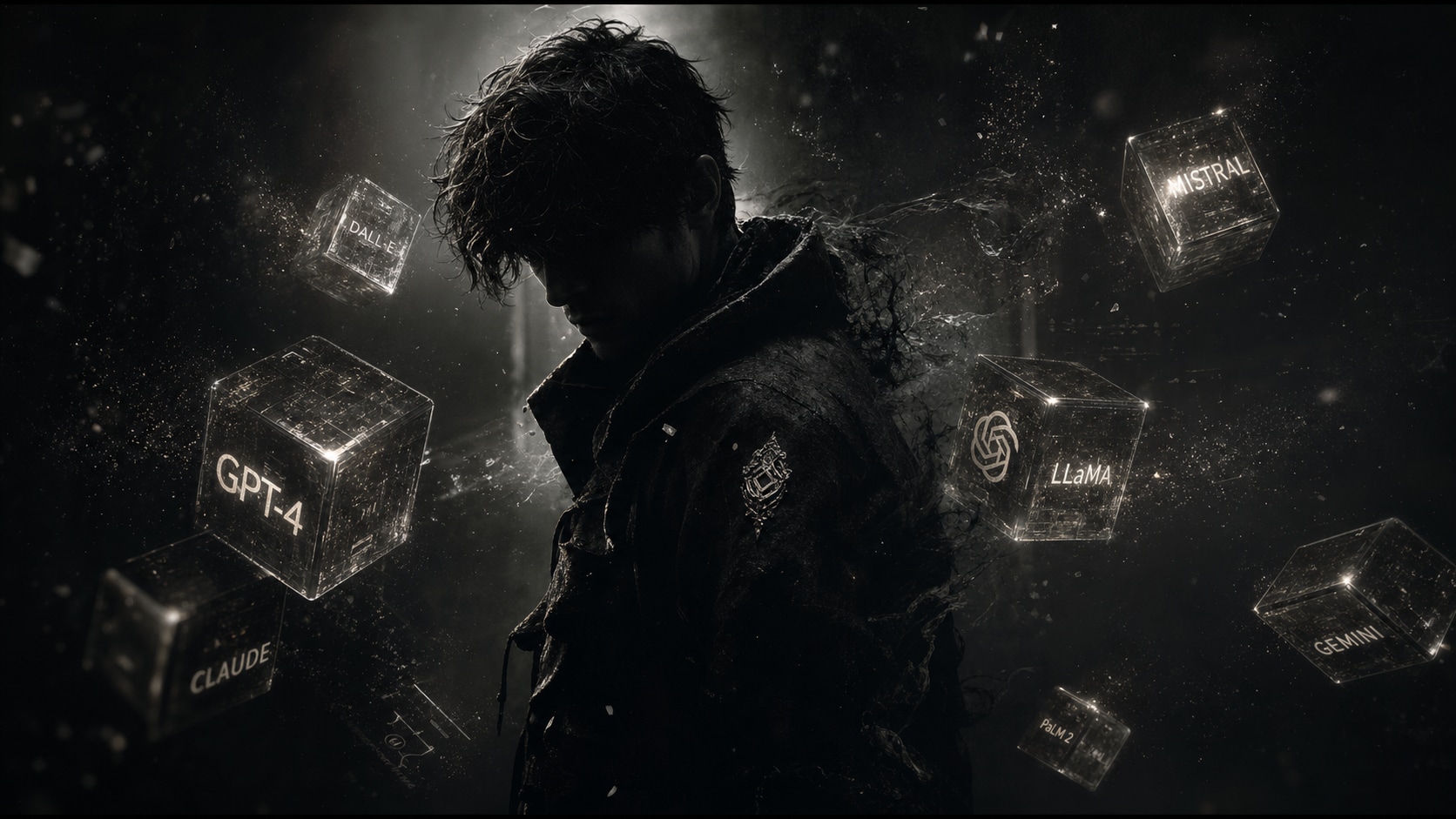
Master Shadow and Contrast Elements
Filmora's AI image generator gives you the ultimate control over cinematic lighting. By leveraging detailed photo prompts for dark aesthetic ai portraits, you can effortlessly achieve the perfect balance of deep blacks and subtle highlights.
- Versatile Models - Choose seamlessly between GPT image 2, Nano Banana 2, or Nano Banana Pro directly within the interface.
- Precise Textures - Add grunge or grain effects using specialized text inputs via dark prompts ai.
- High Resolution - Export crisp, moody visuals ideal for high-end digital art.
Animate Your Eerie Masterpieces
Animate Your Eerie Masterpieces
Take your still images further by transforming them into captivating short clips. With our AI image to video feature, those viral dark portrait ai photo prompts can come alive with subtle motion, fog, and atmospheric particle effects.
- Dynamic Transitions - Move smoothly between different shadowy scenes using dark theme prompts.
- Atmospheric Effects - Overlay fog, rain, or dust using our video effects library.
- Immersive Audio - Pair your animated visuals with chilling background scores.
Utilize Advanced Prompt Engineering
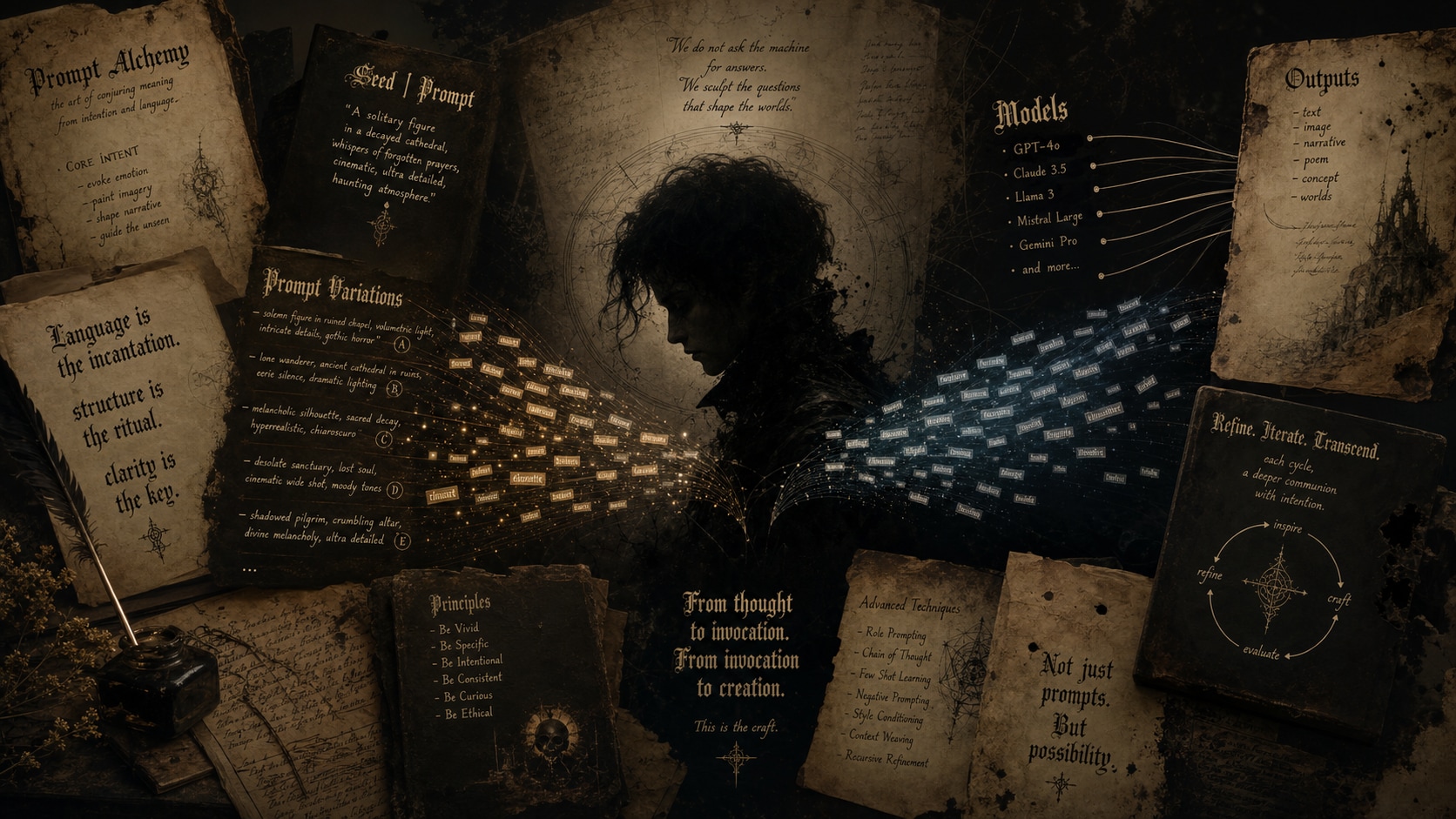
Utilize Advanced Prompt Engineering
Whether you are crafting a simple concept or experimenting with complex text inputs, Filmora's built-in AI Copywriting tool can assist you in refining your ideas for the perfect dark aesthetic output.
- Intelligent Suggestions - Let AI enhance your base concepts into richer, darker descriptions.
- Flexible Model Choice - Test your dark aesthetic image prompts across multiple integrated engines for the best cinematic output.
- Rapid Iteration - Generate variations quickly without leaving the editing timeline.
Seamless Post-Processing Integration
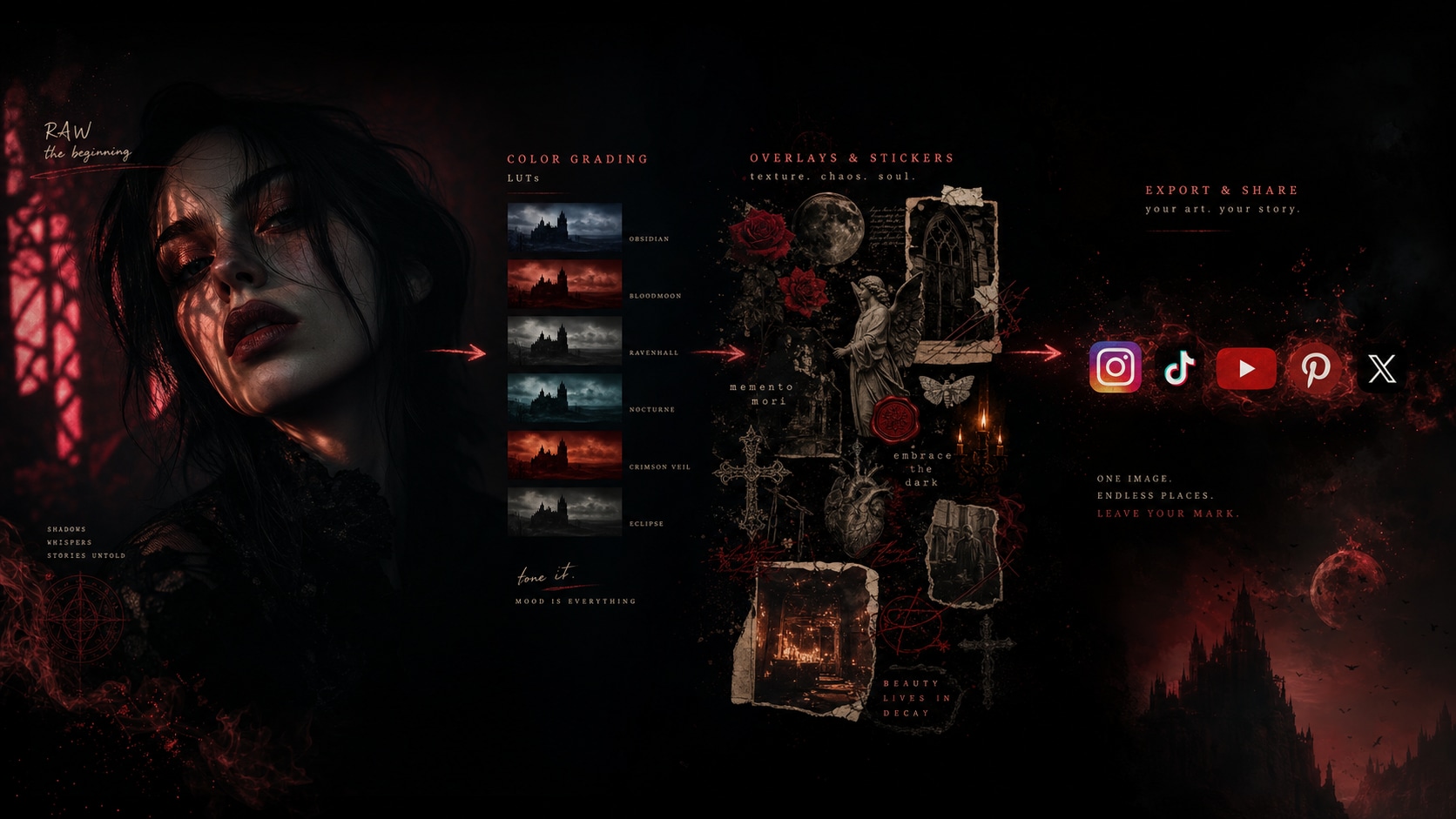
Seamless Post-Processing Integration
Generating the image is just step one. Filmora offers an all-in-one suite to color grade, crop, and finalize your work. Even if you utilize GPT image 2 capabilities natively integrated, you can push the boundaries of creativity further.
- Advanced Color Grading - Deepen the shadows and adjust the tint perfectly for your dark aesthetic portrait prompts.
- Custom Overlays - Utilize AI Stickers to add mystical or gothic elements directly onto your photos.
- Direct Export - Share your finalized eerie creations straight to social media seamlessly.
Frequently Asked Questions About Dark Aesthetic Prompts
How to Generate Stunning Dark Aesthetic Portraits
Transform your vague ideas into striking, shadowy masterpieces using Filmora's integrated AI image generators and curated dark aesthetic prompts.
Step 1 Choose Your AI Model

Step 2 Input Your Dark Prompts

Step 3 Generate & Edit

-
1: Choose Your AI Model
Open Filmora and navigate to the AI Image tool. Select from powerful integrated engines like ChatGPT (GPT image 2), or Nano Banana Pro to match your desired moody style perfectly 🖤. -
2: Input Your Dark Prompts
Paste your detailed dark photo prompt for ChatGPT or your preferred model into the text box. Include keywords like "cinematic lighting" or "gothic vibes" for the best atmospheric results 🌑. -
3: Generate & Edit
Generate your high-resolution image, then drag it onto your timeline. Apply advanced color grading, video effects, or AI stickers to perfect the eerie atmosphere before exporting ✨.
Dark Aesthetic Prompts: Create Moody & Dramatic AI Portraits
Looking for the perfect dark aesthetic prompt for AI image generation? From dramatic chiaroscuro lighting and moody shadowy atmospheres to gothic-inspired fashion and mysterious cinematic vibes — Filmora helps you transform your portraits into stunning dark aesthetic visuals. Generate, edit, and enhance your moody dramatic portraits all in one seamless workflow.




