
Find Spooky Ghost Images for Halloween
Browse our collection of prompts to generate the perfect halloween ghost photo. Add haunting effects and scary background music to make your ghost pictures for halloween stand out.
Loading more spooky ghost prompts...
 Category:
 Duration:
 Aspect Ratio:
Why Make a Spooky Halloween Video?
A haunting halloween ghost photo is the perfect way to grab attention online. Whether you want to send a jump scare to your friends or post chilling content, ghost images for halloween always stop scrollers in their tracks.
Turn Selfies Into Phantoms
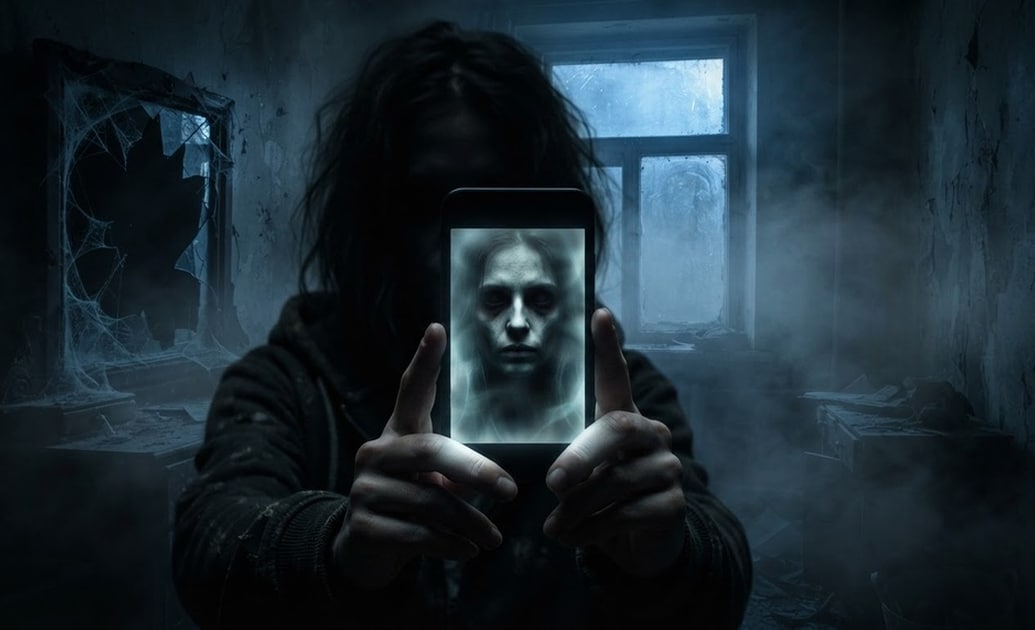
Turn Selfies Into Phantoms
Creating a scary halloween ghost photo is incredibly easy with the Filmora AI Image Generator. Choose between powerful models like ChatGPT/DALL-E 3, Nano Banana 2, or Nano Banana Pro to turn your everyday selfies into terrifying specters.
- Instant Scares - Generate ghost halloween images in seconds using advanced AI models.
- Multiple Styles - Pick Nano Banana Pro for hyper-realistic ghost pictures for halloween.
- Easy Adjustments - Tweak your prompts to get the exact eerie vibe you want.
Add Chilling Elements With AI Stickers
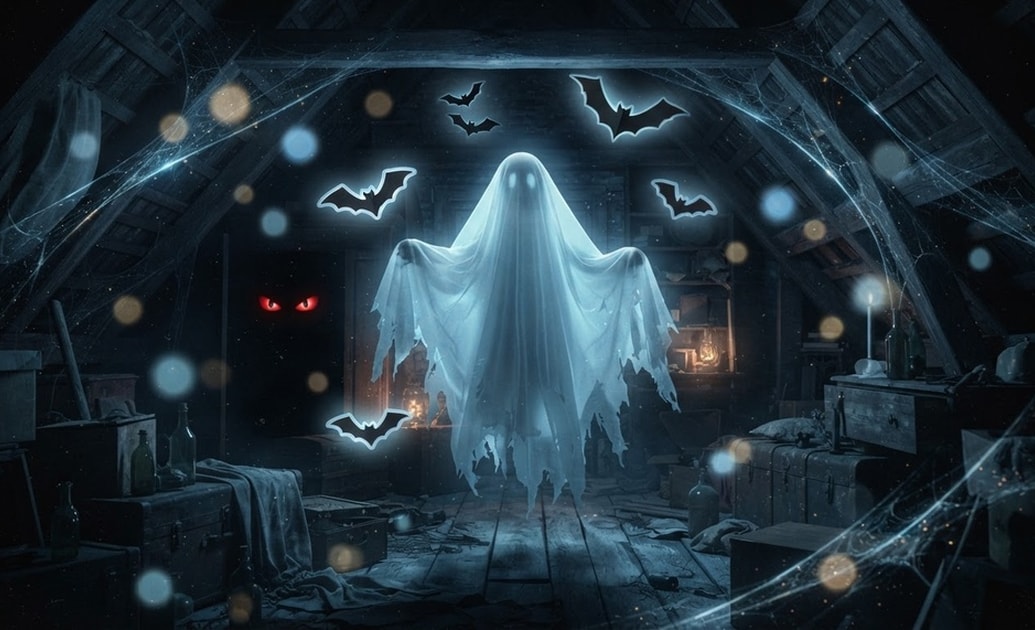
Add Chilling Elements With AI Stickers
Your ghost images for halloween need the perfect finishing touches. Use the Filmora AI Sticker tool to generate custom bats, glowing eyes, or floating orbs that match your haunting theme perfectly.
- Custom Assets - Generate unique stickers instead of searching for stock graphics.
- Perfect Placement - Drag and drop your creepy additions right onto your timeline.
- Dynamic Animation - Make your custom AI stickers move across the screen for jump scares.
Write Scary Captions With AI Copywriting
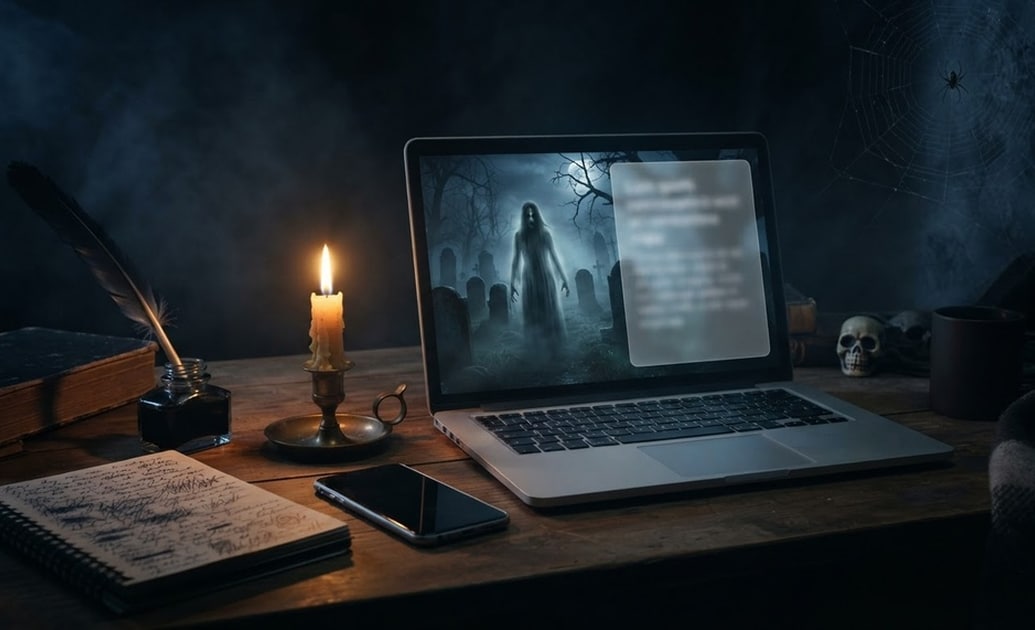
Write Scary Captions With AI Copywriting
A great halloween ghost photo needs a matching story. The built-in Filmora AI Copywriting feature helps you generate terrifying captions, spooky hashtags, and engaging video titles for your social media posts.
- Engaging Hooks - Hook your viewers with chilling opening lines.
- Hashtag Generation - Find the best tags for your ghost halloween images.
- Time Saving - Get your text ready in one click without leaving the editor.
Build the Ultimate Haunted Video
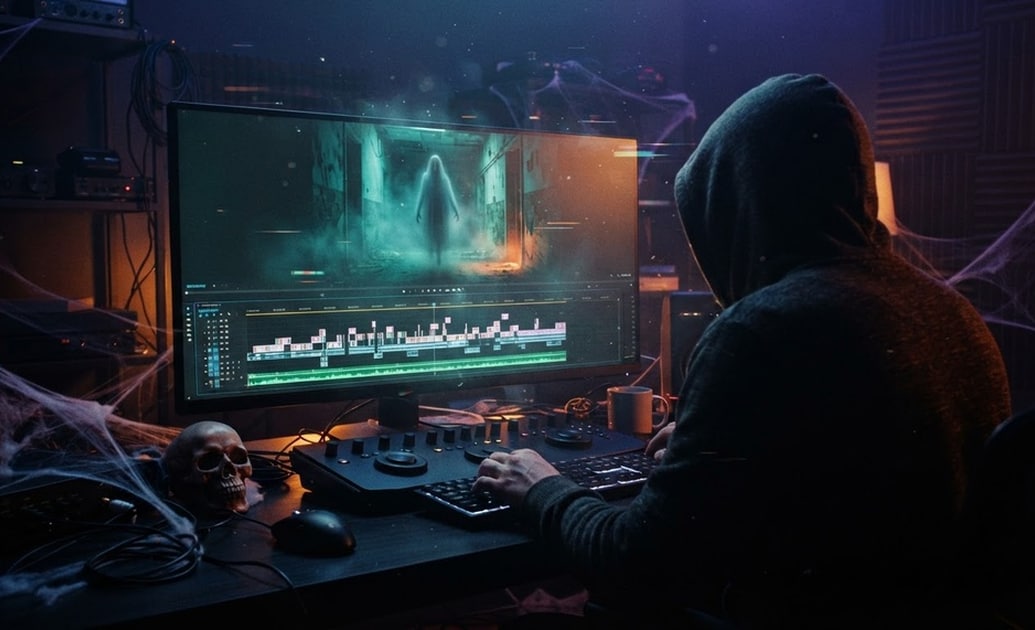
Build the Ultimate Haunted Video
Filmora is the ultimate all-in-one tool for creating your spooky content. Combine your generated ghost pictures for halloween with creepy sound effects, dark color grading, and terrifying transitions to make a complete horror short.
- All-in-One Editor - Generate images and edit your final video in the exact same workspace.
- Color Grading - Apply dark, moody filters to enhance the spooky atmosphere.
- Sound Effects - Access a massive library of royalty-free screams and whispers.
Frequently Asked Questions About Ghost Halloween Images
How to Create a Halloween Ghost Photo With Prompts
Turn your ordinary pictures into terrifying ghost images for halloween using Filmora's powerful AI prompt collection.
Step 1 Choose Your Spooky Prompt

Step 2 Generate With Advanced Models

Step 3 Edit and Share the Fright

-
1: Choose Your Spooky Prompt
Browse our horror-themed prompt library and pick a style — whether you want a transparent phantom, a classic sheet ghost, or a realistic haunting figure. 👻 -
2: Generate With Advanced Models
Enter your prompt into the Filmora AI Image Generator. Select your preferred engine, like Nano Banana Pro or DALL-E 3, to create high-quality ghost pictures for halloween. 🧠 -
3: Edit and Share the Fright
Place your new halloween ghost photo onto the timeline. Add creepy AI Stickers, spooky text, and terrifying sound effects before exporting your final video. 🦇
