
Browse Halloween Pumpkin Templates
Find a variety of designs to highlight your festive moments. From moody transitions to spooky backgrounds, get everything you need for your next halloween pumpkin photo.
Loading more halloween pumpkin images...
 Category:
 Duration:
 Aspect Ratio:
Why Create Halloween Pumpkin Images?
A halloween pumpkin photo is an excellent way to connect with the festive October mood online. Whether you are sharing a fun graphic or a chilling scene, these visuals consistently attract attention from viewers worldwide.
Generate Spooky Visuals Instantly
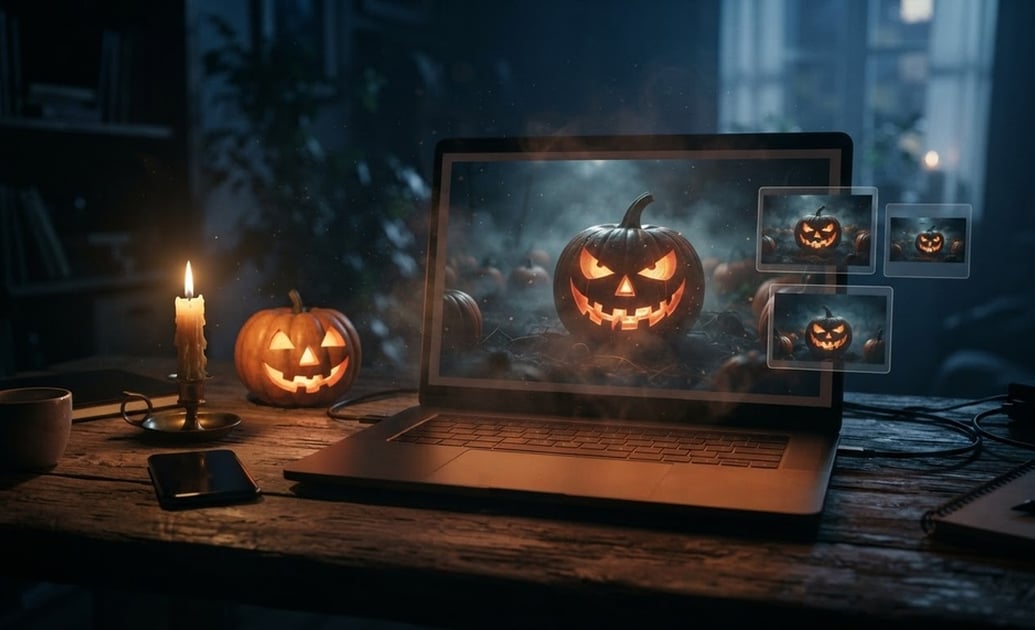
Generate Spooky Visuals Instantly
You can quickly produce pictures of scary pumpkins using the Filmora AI Image Generator. By selecting built-in models like ChatGPT, DALL-E 3, or Nano Banana Pro, creating the exact festive mood takes only a few clicks.
- Multiple Models - Choose Nano Banana 2 or DALL-E 3 for your desired art style.
- Fast Generation - Turn text descriptions into a high-quality halloween pumpkin photo fast.
- High Resolution - Share your spooky creations clearly on Instagram or TikTok.
Edit and Animate Your Pumpkins
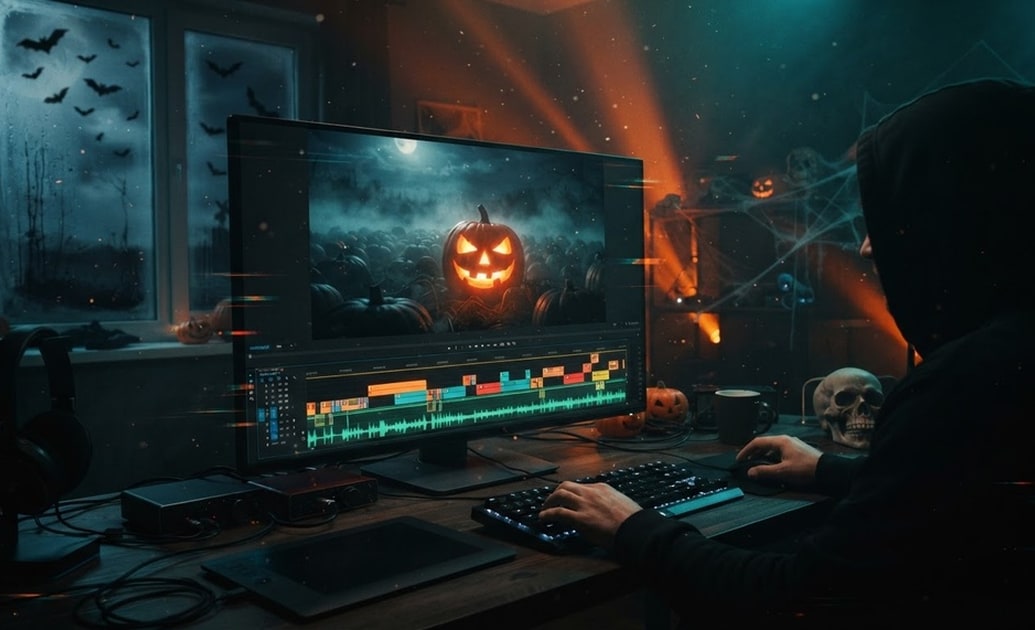
Edit and Animate Your Pumpkins
A static image is just the beginning. Add motion to your halloween pumpkin images with Filmora's built-in video editing tools, applying spooky sound effects and moody color grading to set a chilling atmosphere. 🦇
- Dynamic Effects - Add fog, glowing lights, or glitch effects to your pumpkins.
- Spooky Audio - Sync your pictures of halloween pumpkins with thrilling background music.
- Color Correction - Adjust the contrast to make the orange and black tones pop.
Add Festive Stickers and Text
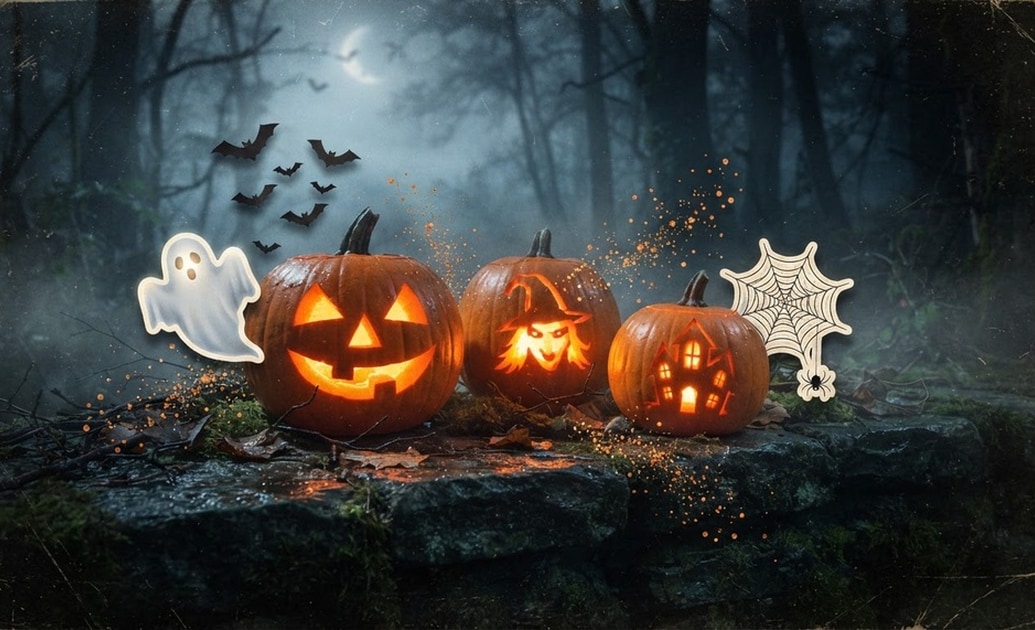
Add Festive Stickers and Text
Personalize your pictures of halloween pumpkins by inserting thematic stickers and custom typography. The AI Sticker tool in Filmora provides instant graphic elements like bats, ghosts, and spiderwebs. 🕸️
- Custom Typography - Write spooky messages using built-in festive fonts.
- AI Stickers - Generate unique decorations to place over your pumpkins.
- Easy Placement - Drag and drop elements exactly where you want them.
Write Spooky Captions Easily
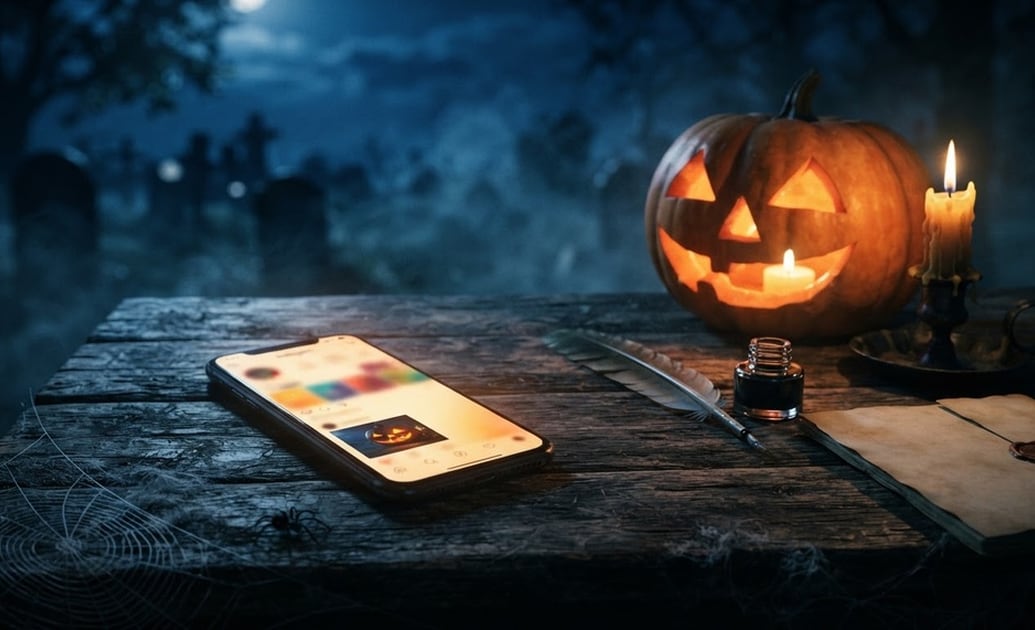
Write Spooky Captions Easily
Struggling to find the right words for your post? The Filmora AI Copywriting feature helps you write engaging captions and hashtags to pair with your halloween pumpkin photo, saving you time before you publish. 🕷️
- Instant Captions - Generate text that matches your pictures of scary pumpkins.
- Hashtag Ideas - Get relevant tags to increase your social media reach.
- Time Saving - Focus on editing while the AI handles your written content.
Frequently Asked Questions About Halloween Pumpkin Images
How to Create Halloween Pumpkin Images
Make high-quality pictures of halloween pumpkins using the Filmora AI Image Generator and advanced built-in models.
Step 1 Write a Spooky Description

Step 2 Select an Image Model

Step 3 Generate and Edit

-
1: Write a Spooky Description
Open the Filmora AI Image tool and type exactly what you want. Describe the lighting, the carving style, and the background to start creating your halloween pumpkin photo. 🎃 -
2: Select an Image Model
Choose from powerful internal models like ChatGPT, DALL-E 3, Nano Banana 2, or Nano Banana Pro to match the specific art style of your pictures of scary pumpkins. -
3: Generate and Edit
Hit generate and wait a few seconds. Once your images are ready, drag them to the timeline to add spooky music, text, and effects before sharing them online. 👻
