
Trending Lookbook AI Photo Prompts
Browse a curated collection of styles to refine your aesthetic. Find the perfect lookbook photo editing prompt to make your Instagram lookbook fashion grid stand out 📸.
Loading more lookbook templates...
 Category:
 Duration:
 Aspect Ratio:
Why Try the Lookbook Photo Trend?
Transforming simple shots into a cohesive Instagram lookbook fashion grid brings a high-end editorial feel to your profile. It grabs attention and builds a strong personal or brand aesthetic.
Generate High-End Fashion Editorials
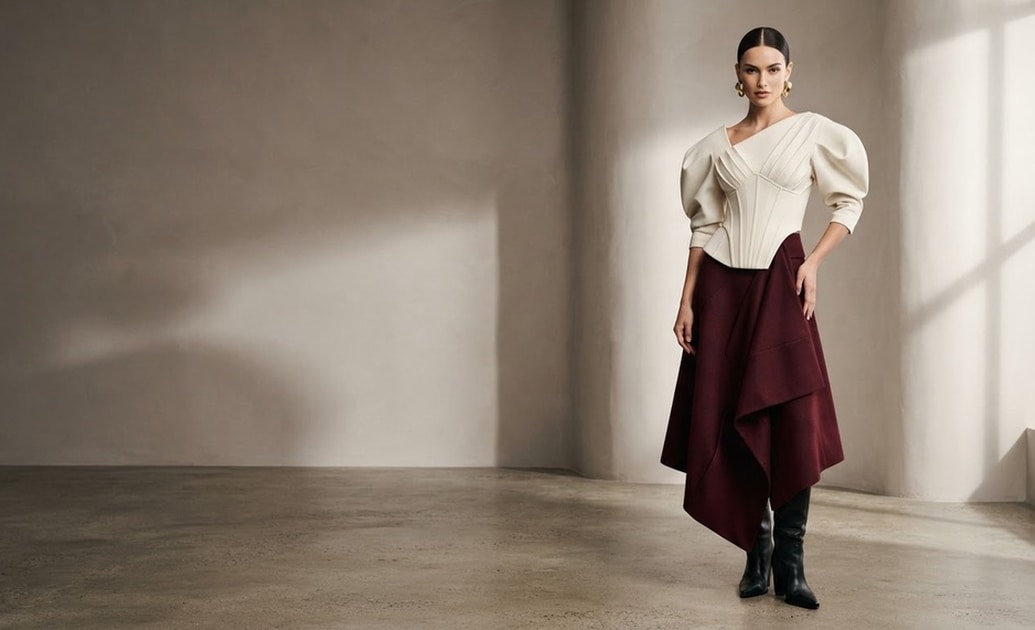
Generate High-End Fashion Editorials
You can easily produce magazine-quality visuals. Filmora's AI Image Generator incorporates ChatGPT, DALL-E 3, Nano Banana 2, and Nano Banana Pro internally, letting you choose the perfect model to generate distinct fashion aesthetics.
- Versatile AI Models - Switch between Nano Banana Pro and DALL-E 3 for varying artistic styles.
- Instant Styling - Apply a lookbook AI photo prompt to change outfits virtually.
- High Resolution - Export crisp, clear images ready for any platform.
Build the Perfect Instagram Fashion Grid
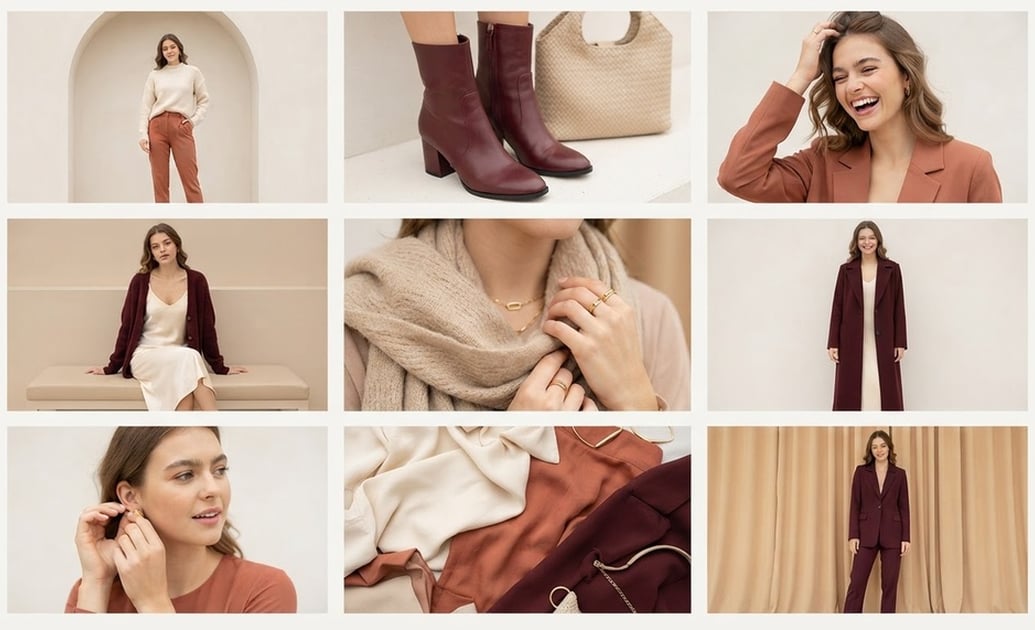
Build the Perfect Instagram Fashion Grid
A messy feed can turn away potential followers. Planning an Instagram lookbook fashion grid ensures your profile looks incredibly cohesive and professionally curated.
- Visual Consistency - Keep your color palette strictly unified.
- Grid Planning - Visualize how your photos sit together before posting.
- Engaging Aesthetics - Catch the eye of brands and collaborators.
Edit With Smart AI Prompts
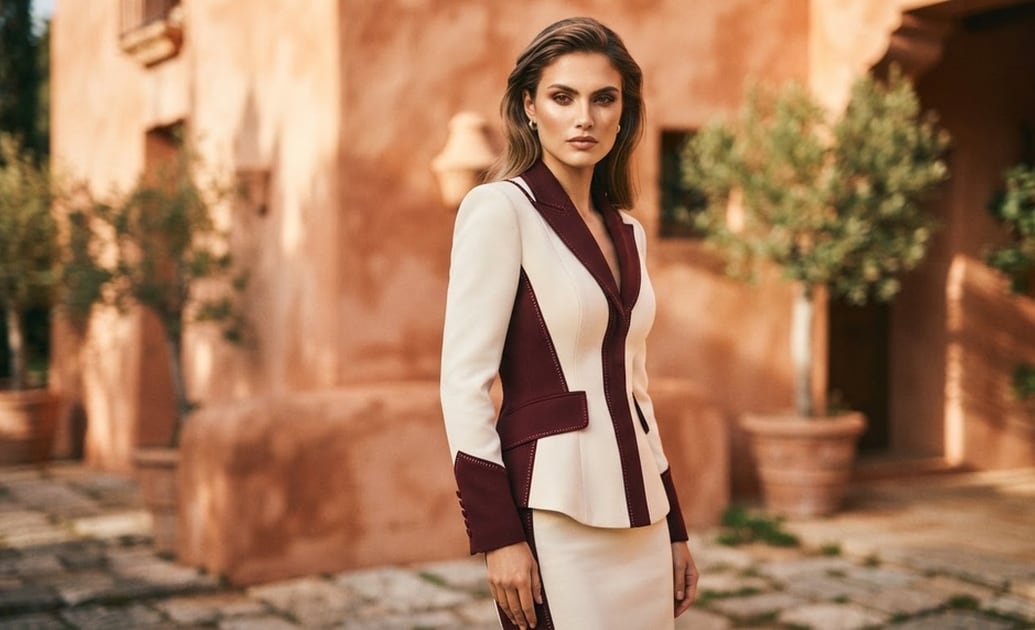
Edit With Smart AI Prompts
Skip the hours of manual adjustments. By utilizing a precise lookbook photo editing prompt, you can instantly apply mood-enhancing filters and dynamic background replacements inside Filmora.
- Text-Based Editing - Just type your vision using the AI Copywriting tool.
- Smart Cutouts - Isolate your subject and drop them into high-fashion backgrounds.
- Vibrant Filters - Achieve that authentic vintage or modern editorial vibe.
Add Trendy Details and Text
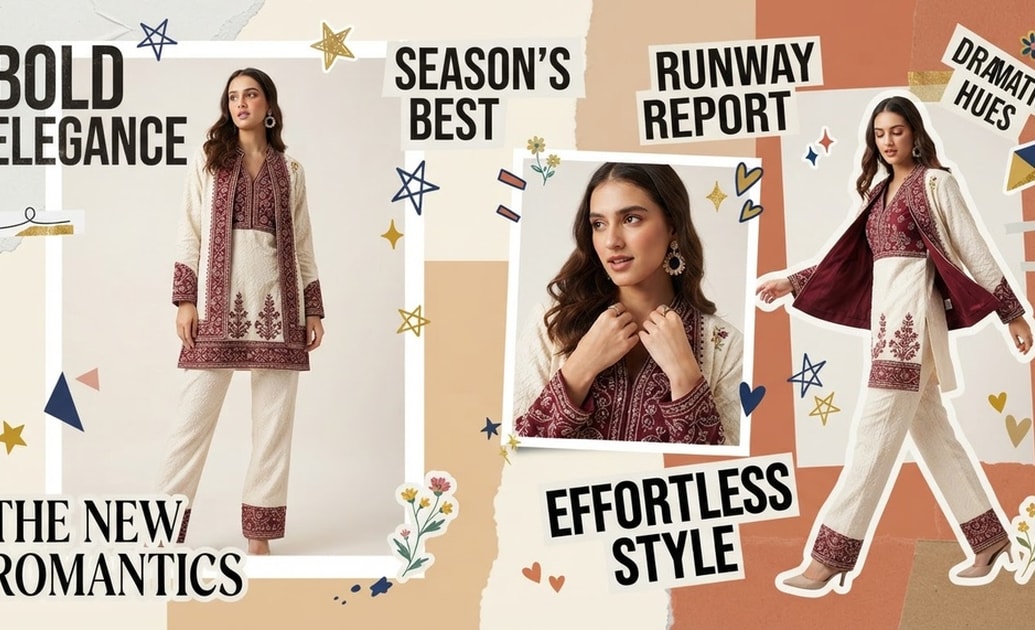
Add Trendy Details and Text
Elevate your lookbook photo trend with typography and graphics. Use Filmora AI Sticker to craft custom decorative elements that perfectly complement your chosen aesthetic.
- AI Stickers - Generate unique visual accents on demand.
- Bold Typography - Frame your shots with editorial text overlays.
- Creative Layouts - Piece together collages that tell a complete style story.
Frequently Asked Questions About the Lookbook Photo Trend
How to Join the Lookbook Photo Trend With AI Prompts
Turn your basic portraits into a high-end Instagram lookbook fashion grid using Filmora's versatile AI Image Generator 📸.
Step 1 Choose Your Model and Prompt

Step 2 Adjust and Refine the Aesthetic

Step 3 Generate and Arrange Your Grid

-
1: Choose Your Model and Prompt
Open Filmora's AI Image feature and select from Nano Banana Pro, DALL-E 3, or others. Paste your lookbook AI photo prompt to define the mood. -
2: Adjust and Refine the Aesthetic
Use a lookbook photo editing prompt to tweak lighting, add AI Stickers, or use AI Copywriting to generate stylish text overlays for your fashion layout. -
3: Generate and Arrange Your Grid
Export your stunning high-resolution images. Arrange them carefully to build the ultimate Instagram lookbook fashion grid and share your style with the world.
