Explore Popular Pop Art Poster Prompts
Discover top-tier prompts for generating stunning visuals. Whether you're looking for an andy warhol style pop art poster prompt or exploring video templates to animate your designs, find exactly what you need to make your art shine. ✨
Loading more pop art prompts...
 Category:
 Duration:
 Aspect Ratio:
Why Use Pop Art Poster Prompts?
Generating vibrant, retro-styled art has never been easier. Learn how to write pop art poster prompts for typography and striking portraits, making your social media feeds pop with brilliant colors. 🌈
Perfect for Multi-Platform Creation
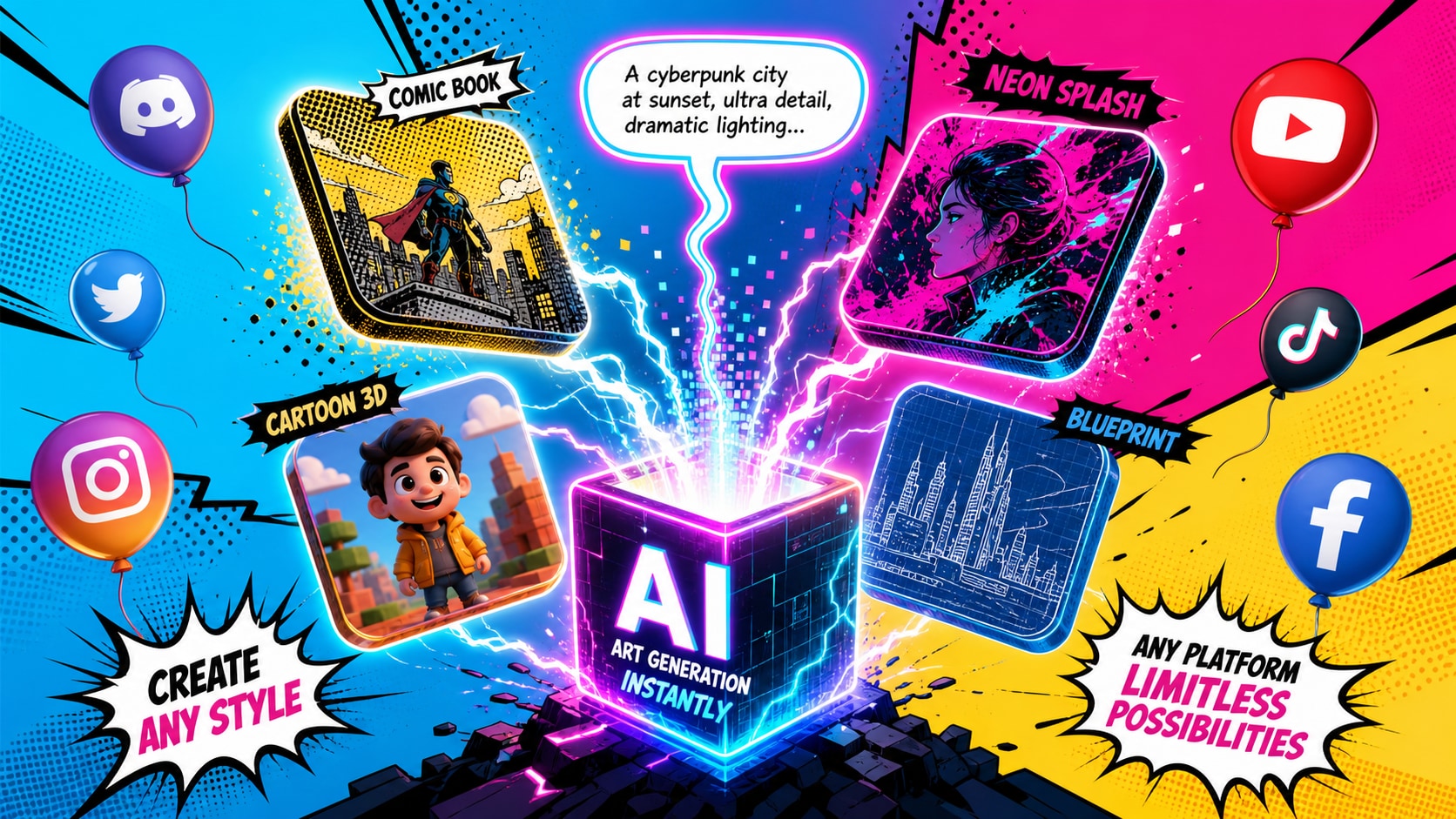
Perfect for Multi-Platform Creation
Whether you are using pop art poster prompts midjourney copy paste methods or Filmora's built-in GPT image 2 model, creating striking visuals is a breeze. Filmora acts as an all-in-one hub for generating and refining your artwork seamlessly.
- Versatile AI Models - Choose between ChatGPT (GPT image 2), Nano Banana 2, and Nano Banana Pro .
- Quick Generation - Paste your text and watch your creative ideas come to life instantly.
- Limitless Styles - From comic-book halftone dots to neon contrasting hues.
Effortless Portrait Conversions
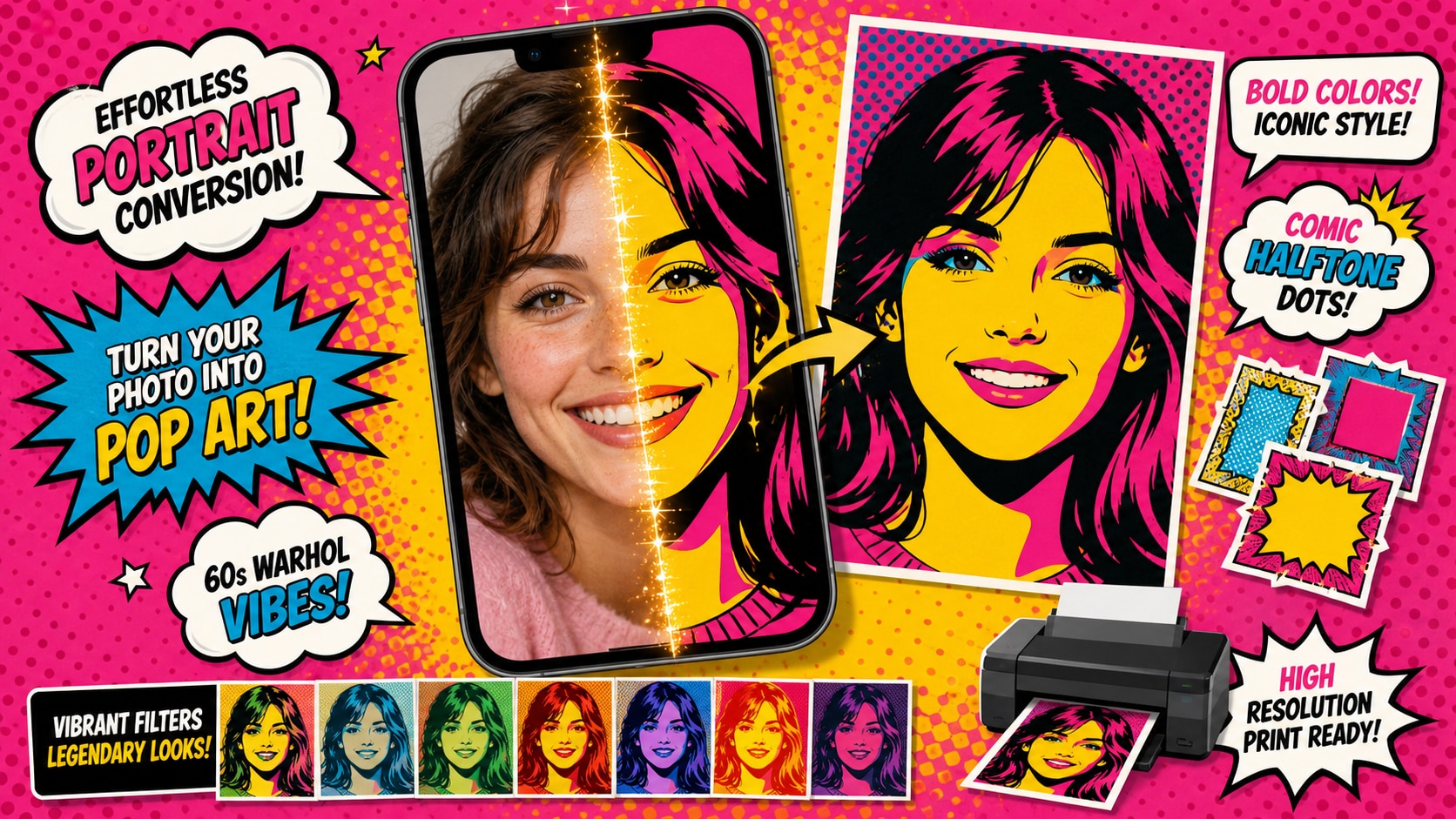
Effortless Portrait Conversions
Want to turn a simple selfie into a bold statement piece? Using pop art portrait poster prompts from a photo allows you to apply iconic 60s aesthetics to modern images directly inside Filmora. 📸
- AI Stickers - Easily cut out portraits and add customized comic-style borders.
- Vibrant Filters - Enhance your generations with dynamic video effects and bright LUTs.
- High-Resolution Output - Export your posters in crisp quality suitable for printing.
Elevate Your Text Design
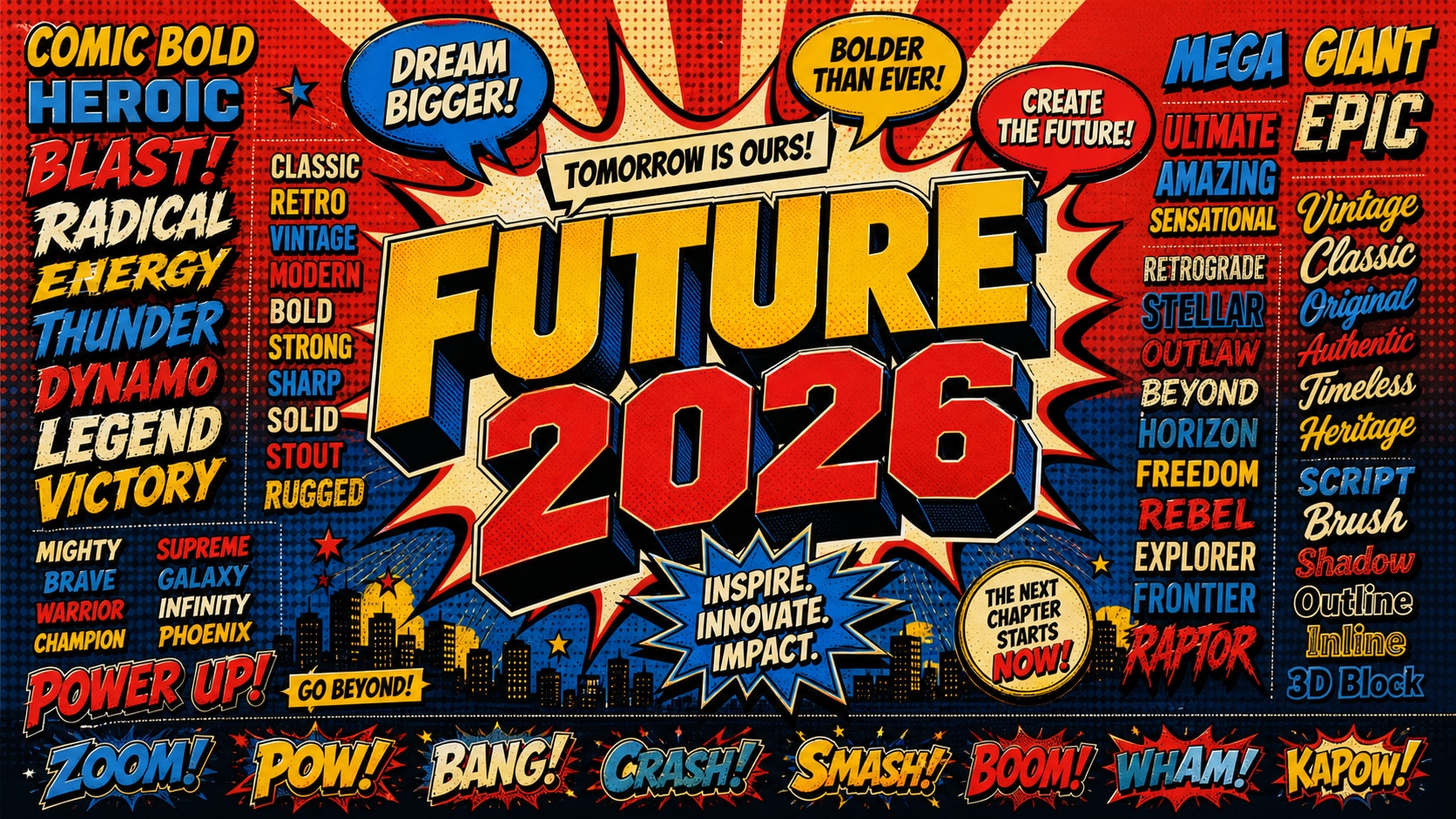
Elevate Your Text Design
A true vintage poster isn't just about the image; the text matters! Master how to write pop art poster prompts for typography to seamlessly blend bold, comic-sans style lettering with your generated artwork.
- AI Copywriting - Let Filmora's AI suggest catchy, retro slogans for your art.
- Bold Fonts - Access hundreds of pre-installed fonts perfect for the pop art vibe.
- Speech Bubbles - Overlay classic comic book dialogue boxes on your images.
Animate Your Pop Art Creations
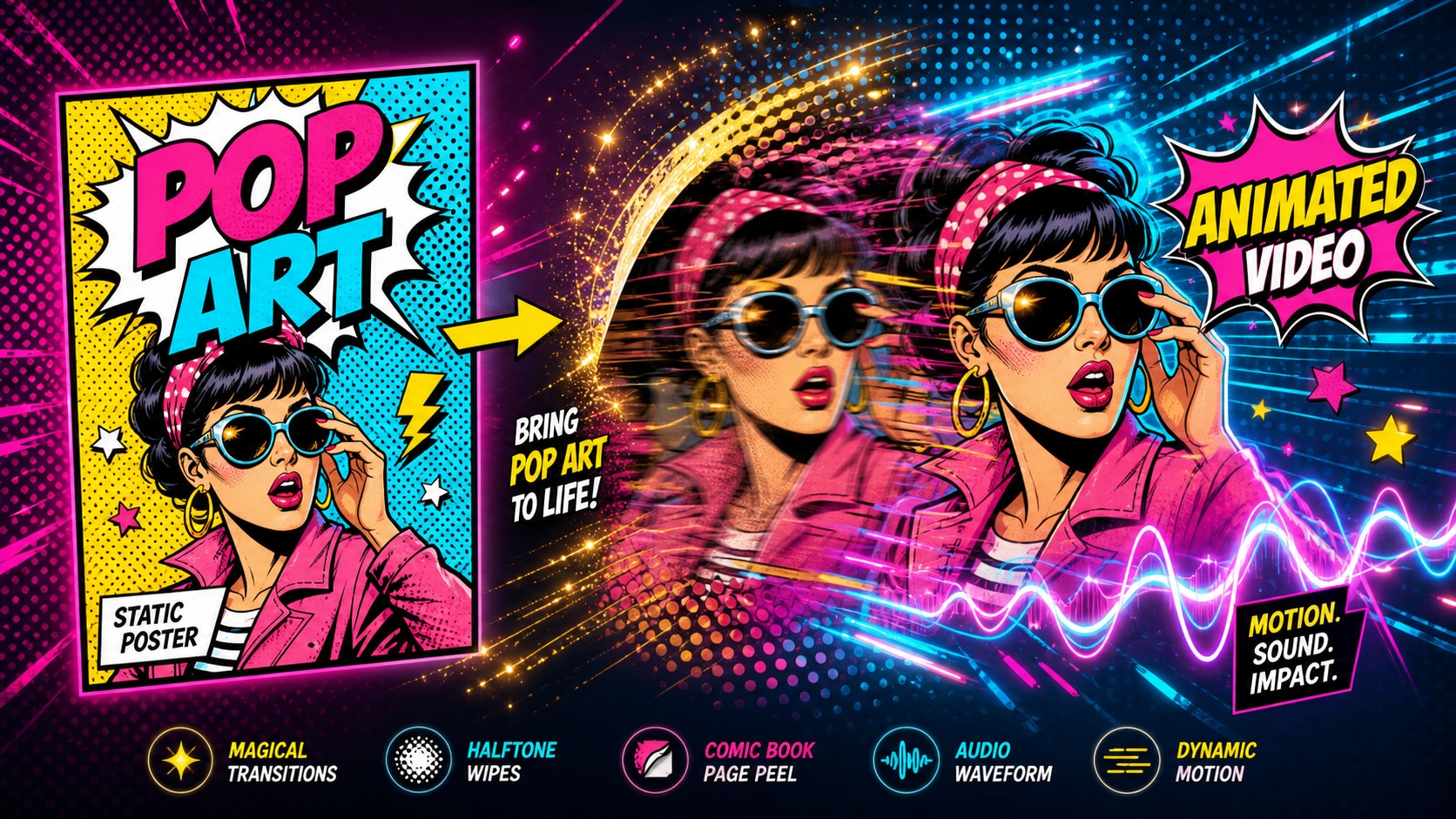
Animate Your Pop Art Creations
Don't just stop at static images. With Filmora's AI image to video capabilities, you can turn your vibrant pop art poster prompts into dynamic, animated sequences for TikTok and Instagram. 🎬
- Motion Tracking - Add moving elements to your retro posters seamlessly.
- Audio Sync - Match your pop art animations to funky, upbeat soundtracks.
- Seamless Transitions - Use comic-book page peels and halftone wipe effects.
Frequently Asked Questions About Pop Art Prompts
How to Use Pop Art Poster Prompts
Turn blank canvases into colorful masterpieces using pop art poster prompts within Filmora's powerful AI image suite. 🎨
Step 1 Choose Your Prompt Style

Step 2 Generate the Artwork

Step 3 Edit and Export

-
1:Choose Your Prompt Style
Select from a variety of pop art poster prompts for ai art generators. Decide if you want an andy warhol style pop art poster prompt or a classic comic-book look. -
2:Generate the Artwork
Open Filmora's AI Image Generator. You can even paste pop art poster prompts midjourney copy paste style directly into the prompt box. Choose models like Nano Banana 2 or GPT image 2. -
3:Edit and Export
Refine your image. If you used pop art portrait poster prompts from a photo, add AI Stickers, bold typography, and cool effects before sharing your vibrant masterpiece on social media.
Pop Art Poster Prompts: Make Bold Posters With AI
Use pop art poster prompts to create bold portraits, comic dots, product graphics, social covers, and campaign-ready poster visuals that are easy to polish in Filmora.