
15+ IPL Sports Poster Prompts:
Instant AI Copy & Paste
Going viral isn't just about having the right angle — it's about the full composition. Filmora's IPL Sports Poster Prompts let you craft professional cricket posters with stadium backgrounds, action poses, and cinematic lighting. Whether you're a solo player, part of a team montage, or making a creative spin on cricket action, these prompts turn your selfie into a polished, shareable cricket superstar image.
Loading more templates...
 Category:
 Duration:
 Aspect Ratio:
Turn Your Selfie into a Professional IPL Cricket Poster
Filmora's Sports Poster Prompts make it easy to transform your uploaded photo into a realistic cricket poster. Customize poses, jerseys, stadium lighting, and action effects to get your cricket image ready for Instagram, TikTok, or your personal portfolio. Using Filmora's AI video generator technology, you can even animate these static posters into high-energy reels that capture every stadium vibration.
✨ Edit Your Cricket Poster with Drag-and-Drop Simplicity
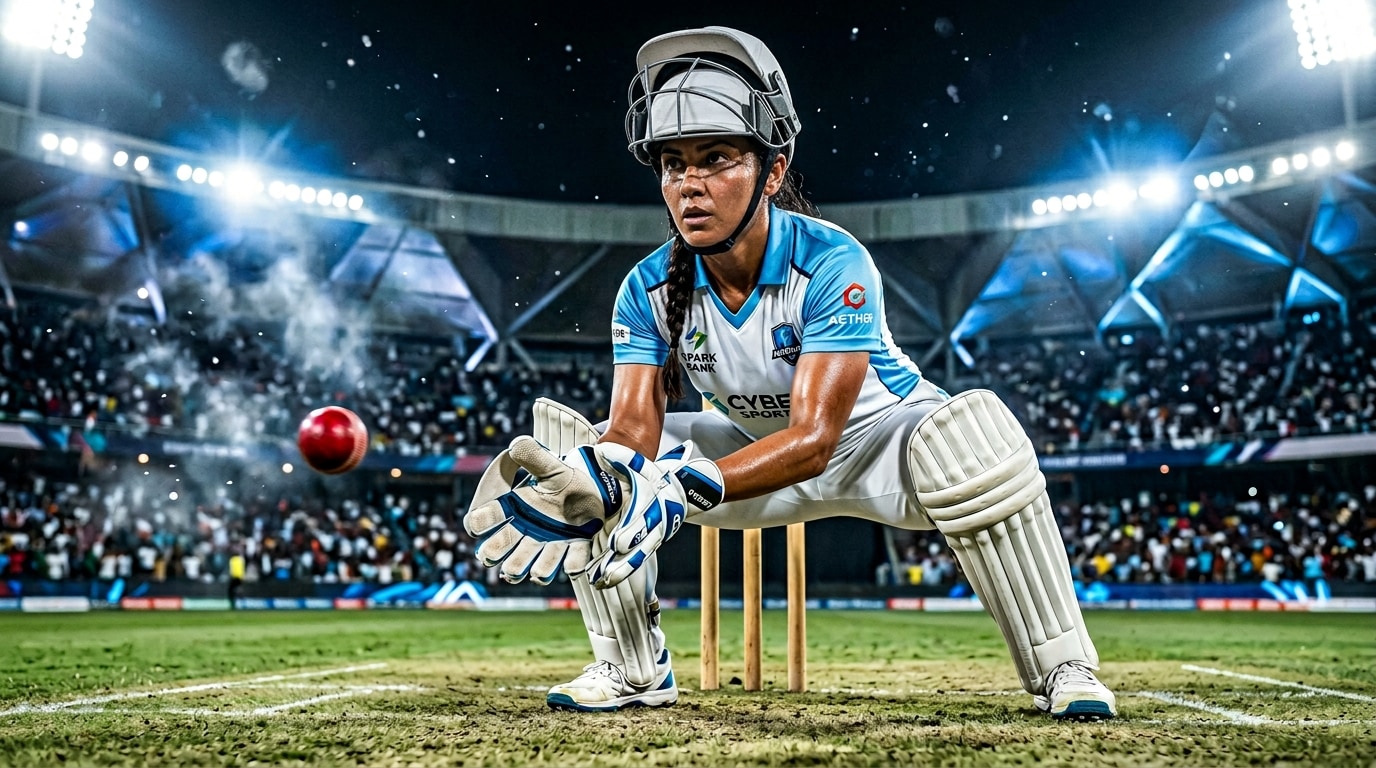
✨ Edit Your Cricket Poster with Drag-and-Drop Simplicity
You don't need to be a professional designer to make a viral cricket poster. Simply select a Sports Poster Prompt, replace the placeholder with your photo, and Filmora automatically adjusts pose, lighting, and effects. Your selfie remains recognizable while being stylized as a cricket superstar.
- Smart Photo Replacement - Instantly swap in your selfie to become the star of your IPL poster.
- Action Pose Adjustments - Automatic alignment to cricket poses, from batting to fielding, without manual editing.
- Custom Text & team logos - Add your name, team tag, or hashtags directly on the poster with one click.
🎬 Bring Your Cricket Poster to Life with Cinematic Stadium Effects
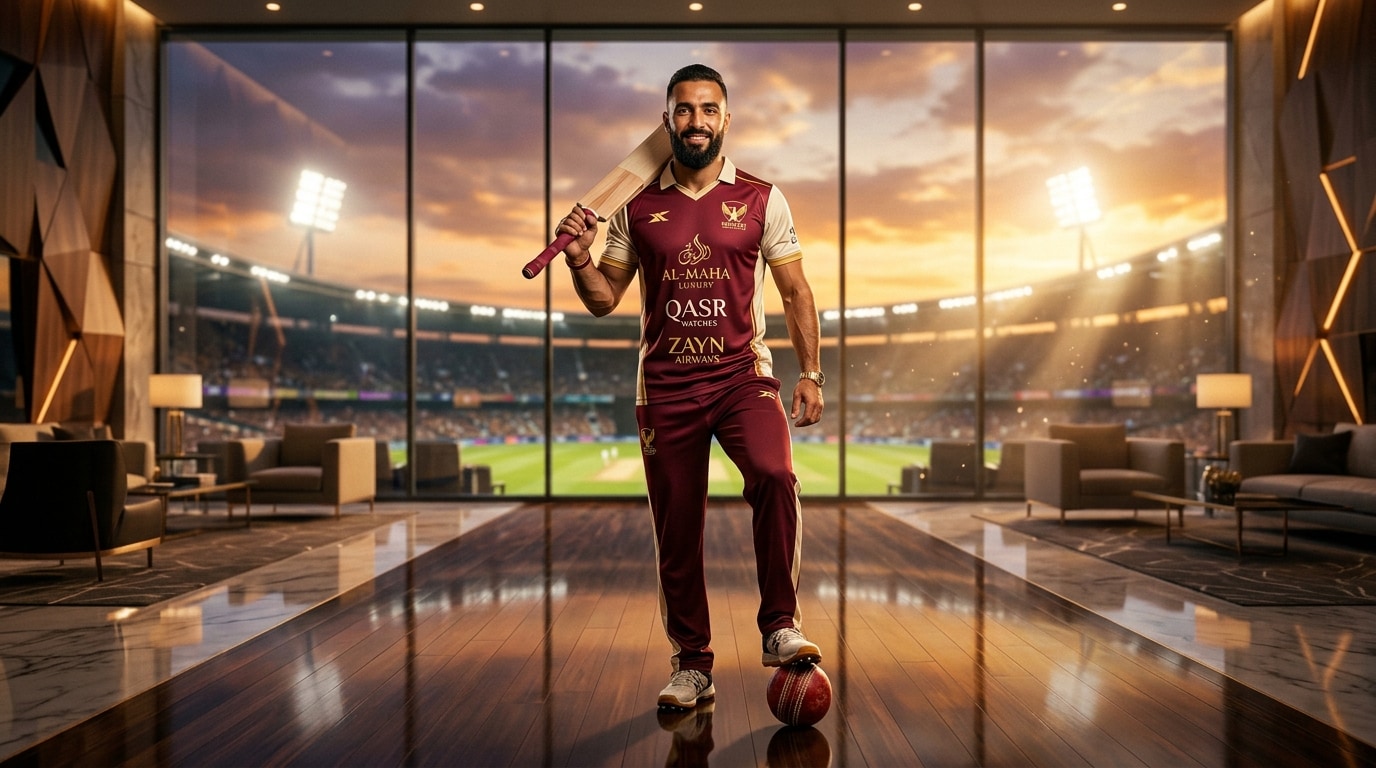
🎬 Bring Your Cricket Poster to Life with Cinematic Stadium Effects
Filmora's preset effect layers enhance your poster with stadium lighting, dynamic motion blur, and cinematic depth. Whether you want a realistic match-day atmosphere or a high-gloss, stylized cricket legend look, these effects make every poster feel professional.
- Cinematic Stadium Lighting - Lights, shadows, and crowd glow effects to match IPL match vibes.
- Dynamic Action Overlays - Motion streaks, particle effects, and energy lines for every shot.
- Stylized color grading - Dramatic contrast, vibrant jerseys, and team-themed palettes.
- Social-Ready Export - One-click export optimized for vertical or square formats.
🎨 Turn Your Cricket Poster into an Animated Video
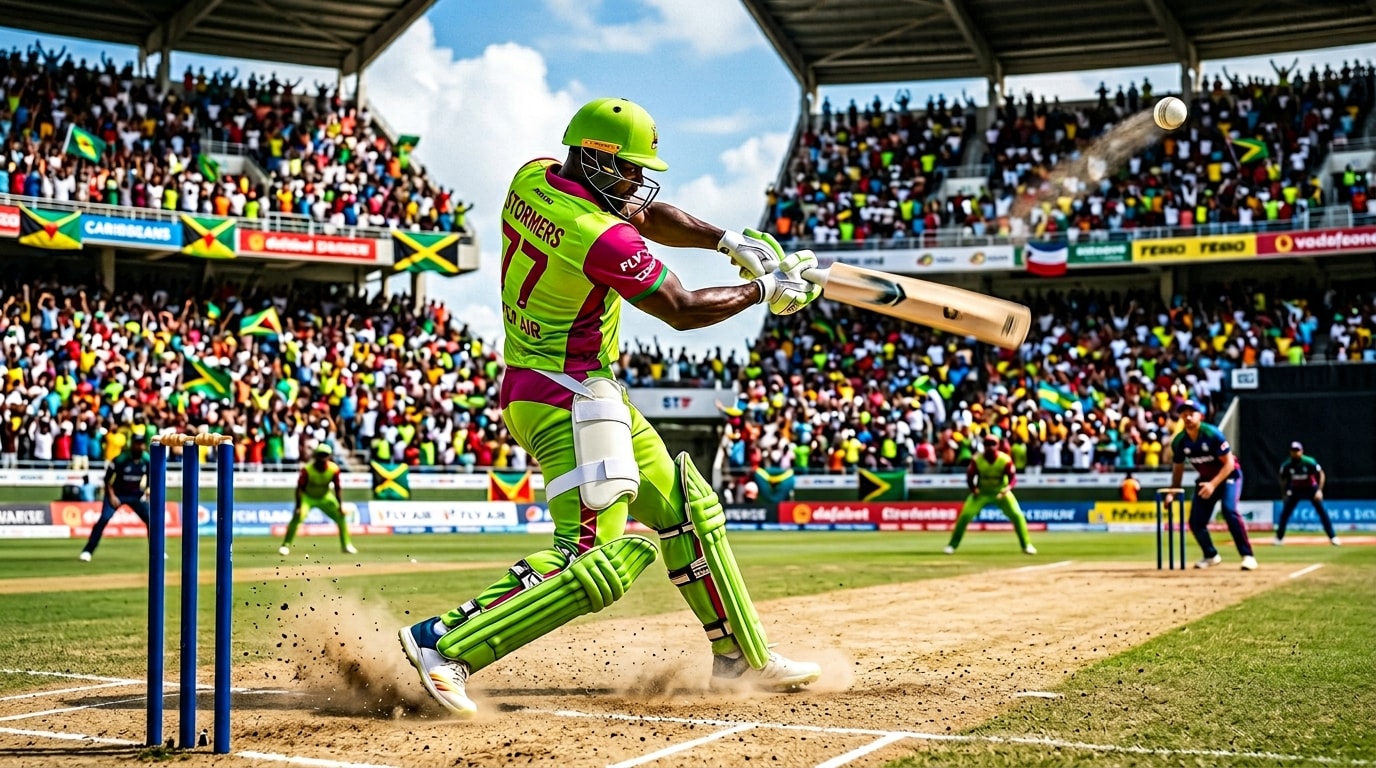
🎨 Turn Your Cricket Poster into an Animated Video
Filmora can transform your cricket poster into a short, animated video to increase social engagement. Add dynamic zoom motion, action streaks, and particle effects to make your poster come alive as a cinematic clip.
- Animated Poster Effects - Motion zoom, action lines, and crowd flare animations via One-Tap Photo Animation.
- Beat-Sync Transitions - Optional music overlay synced to movement for high engagement.
- Custom text overlays - Add your name, match highlights, or viral hashtags easily.
- Single-Click Video Export - Convert your poster to HD or 4K video in seconds.
FAQs About Sports Poster Prompts & IPL Cricket Editing
How to Create an IPL Cricket Poster with Sports Poster Prompts
Transform your selfie into a viral stadium-ready poster in minutes. This guide shows how to generate a professional sports image using AI prompts—no graphic design skills required!
Step 1 Select a Prompt

Step 2 Import Your Photo
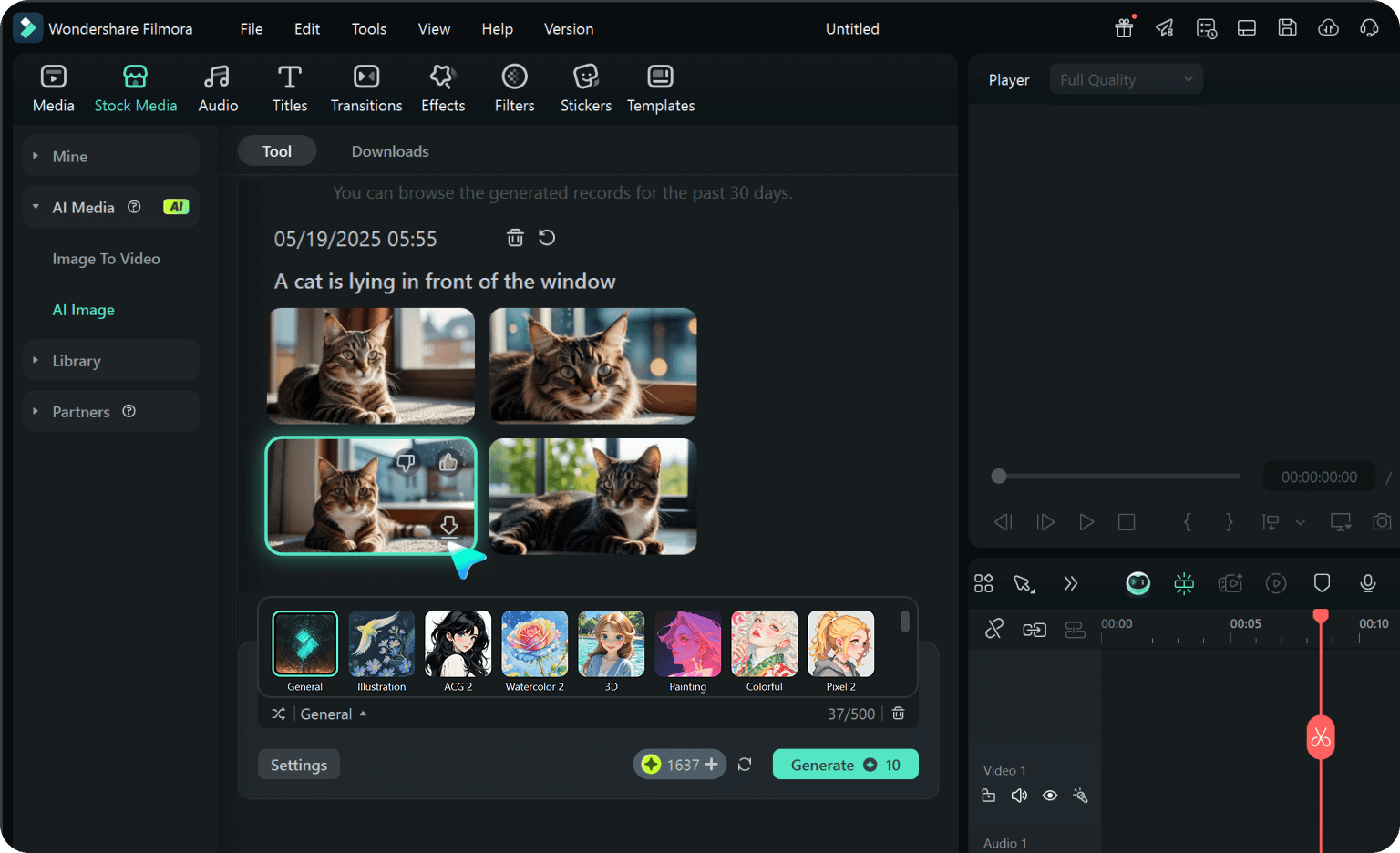
Step 3 Customize & Animate
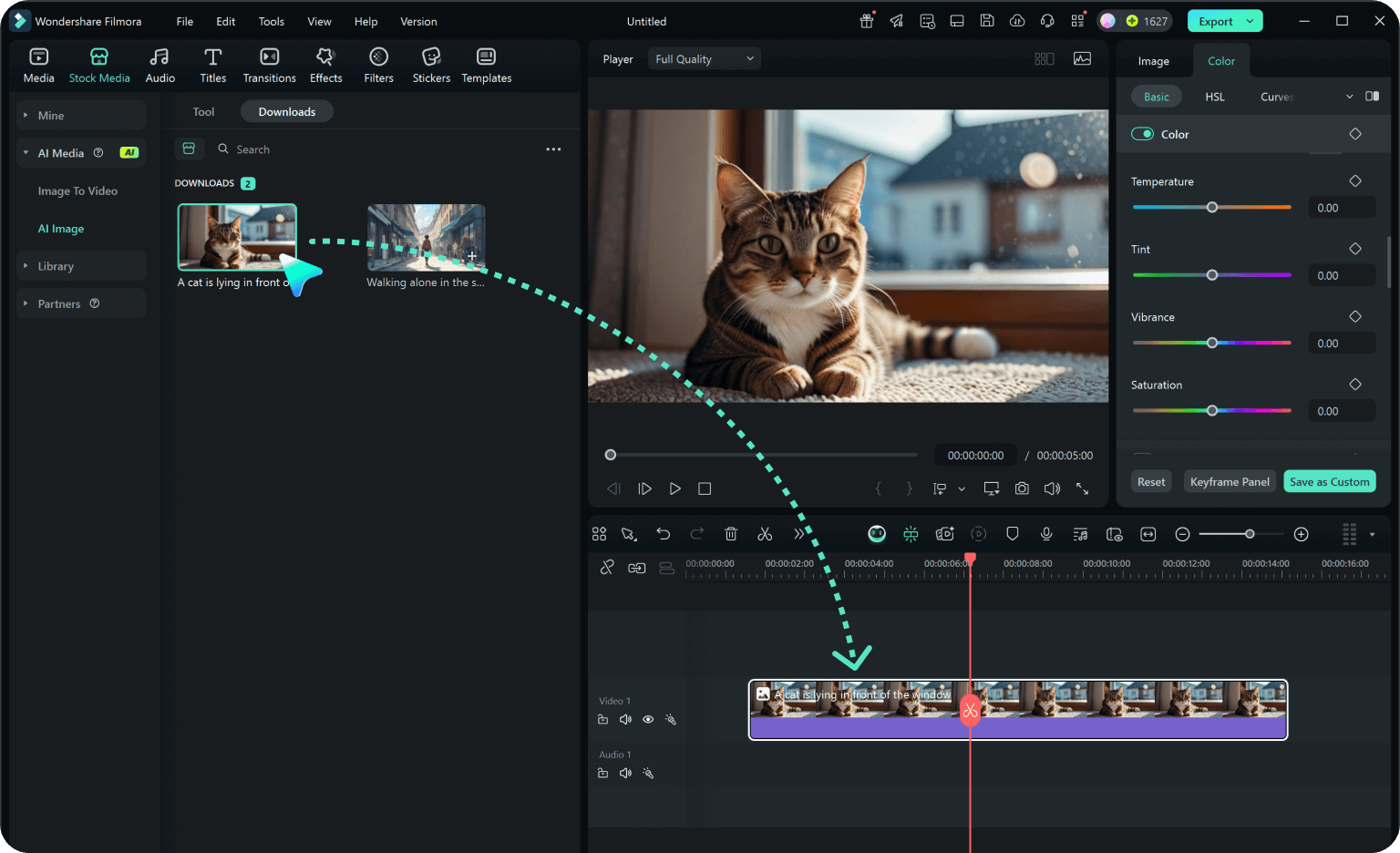
-
1:Select a Prompt
Open Filmora and navigate to the Sports Poster Prompts category. Choose from solo cricket shots, action swings, or team-style montage prompts. -
2:Import Your Photo
Click “Use Prompt” and upload your selfie. Filmora automatically places you in the cricket pose, applies stadium lighting, and adds cinematic effects. -
3:Customize & Animate
Adjust colors, add your name or hashtags, and optionally animate your poster with motion effects. Export as HD/4K image or animated video ready for social media sharing.
More Than Just IPL Sports Posters
Filmora isn't just for making cricket posters—it also generates stunning sports highlights, AI-powered action videos, and lets you edit viral moments all in one simple tool.








