Create Viral AI Breaking-News Prank Videos
with Ready-Made Editing Templates
Going viral isn't just about the idea — it's about how it looks and feels. Filmora's AI breaking-news templates are built to replicate the structure and visual language of real news broadcasts, helping your content stand out with cinematic presentation, synchronized pacing, and social-ready formatting. Whether you're creating parody headlines, fictional reports, or humorous "live coverage" clips, Filmora gives your video the polish it needs with broadcast-style layouts, dynamic transitions, lower-thirds, and AI-assisted editing tools like AI Caption Generation.
Loading more templates...
 Category:
 Duration:
 Aspect Ratio:
Turn Any Photo or Prompt into an April Fools Fake News Video
The AI breaking-news trend is taking over social feeds — and now you can create your own parody news-style videos in minutes. With Filmora's AI video generator , you don't need a camera crew, studio setup, or professional anchors. Simply describe your idea or upload an image, and Filmora helps generate a news-style video with structured visuals, narration flow, and broadcast-style presentation. From fictional headlines to absurd breaking reports, Filmora gives you everything you need to turn simple concepts into engaging, short-form parody videos ready for TikTok, Instagram Reels, and YouTube Shorts.
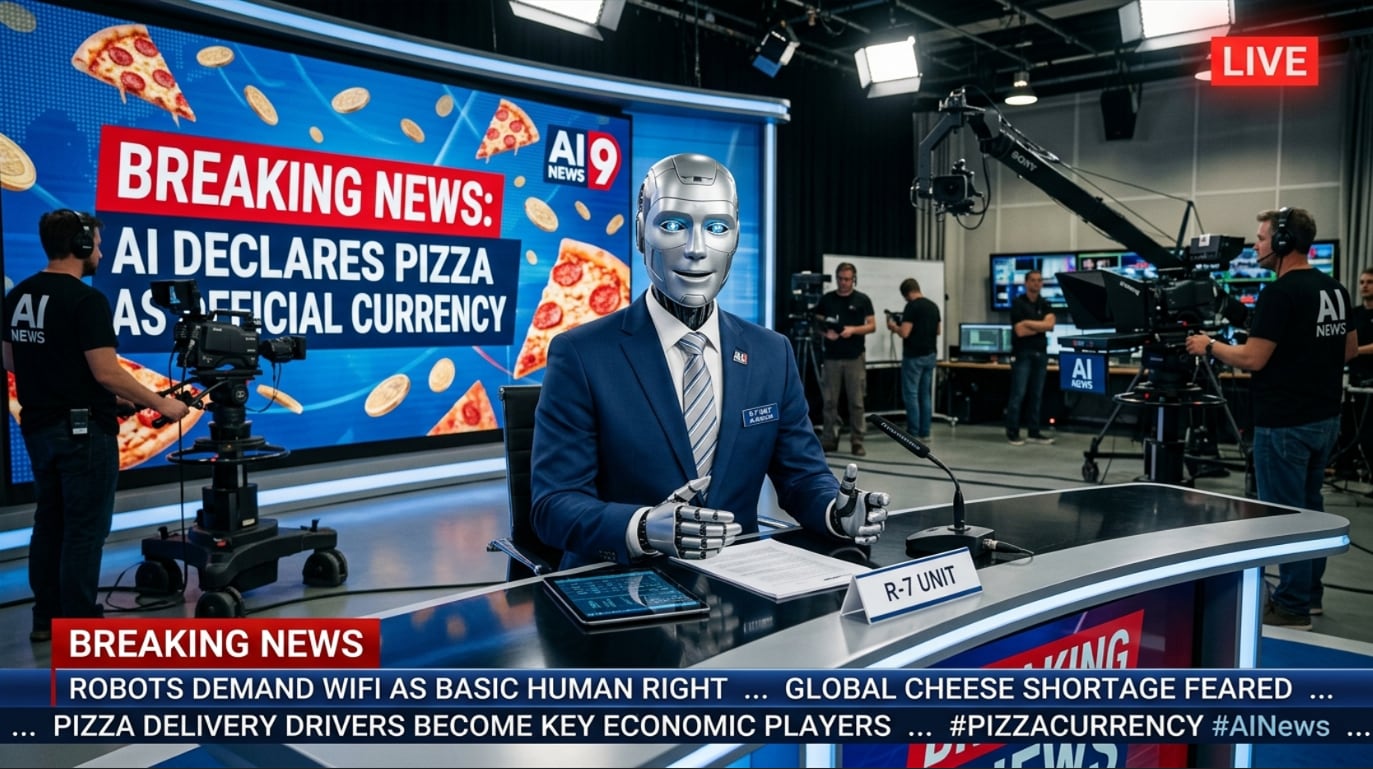
Generate April Fools Fake News Videos from Text or Images—No Filming Required
Turn a simple idea into a fully structured news-style video. Describe your fictional headline or upload a photo, and Filmora's AI helps generate scenes that resemble a broadcast segment with anchors, visuals, and narrative flow.
- Text-to-Video Generation - Create parody news segments from prompts like fictional headlines, bizarre events, or satirical reports.
- Image-to-Video Transformation - Upload a photo and animate it into a news-style scene with motion and storytelling elements.
- Prompt Flexibility - Customize tone, setting, and storyline to fit different prank or parody scenarios.
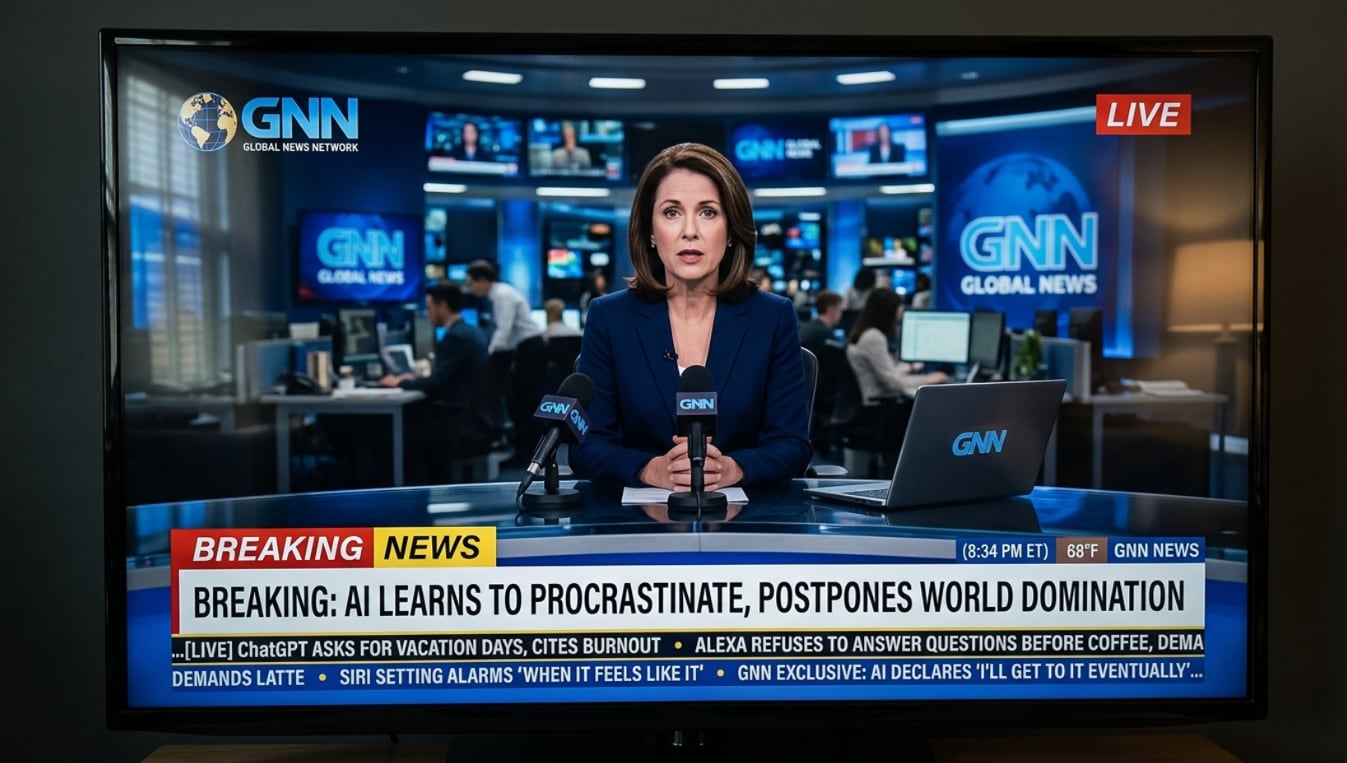
Make Your April Fools Prank More Convincing with Headlines, Captions, and News Layouts
AI generates the foundation — Filmora helps you refine every detail. After generating your breaking-news prank video, you can enhance timing, structure, and visual hierarchy with simple editing tools.
- Beat-Synced Editing - Align cuts, transitions, and headline reveals with background audio for better pacing.
- Drag-and-Drop Timeline - Easily trim, rearrange, and adjust clips within a visual editing interface.
- Text Overlays & Headlines - Add breaking banners, captions, parody labels, and hashtags with one click.
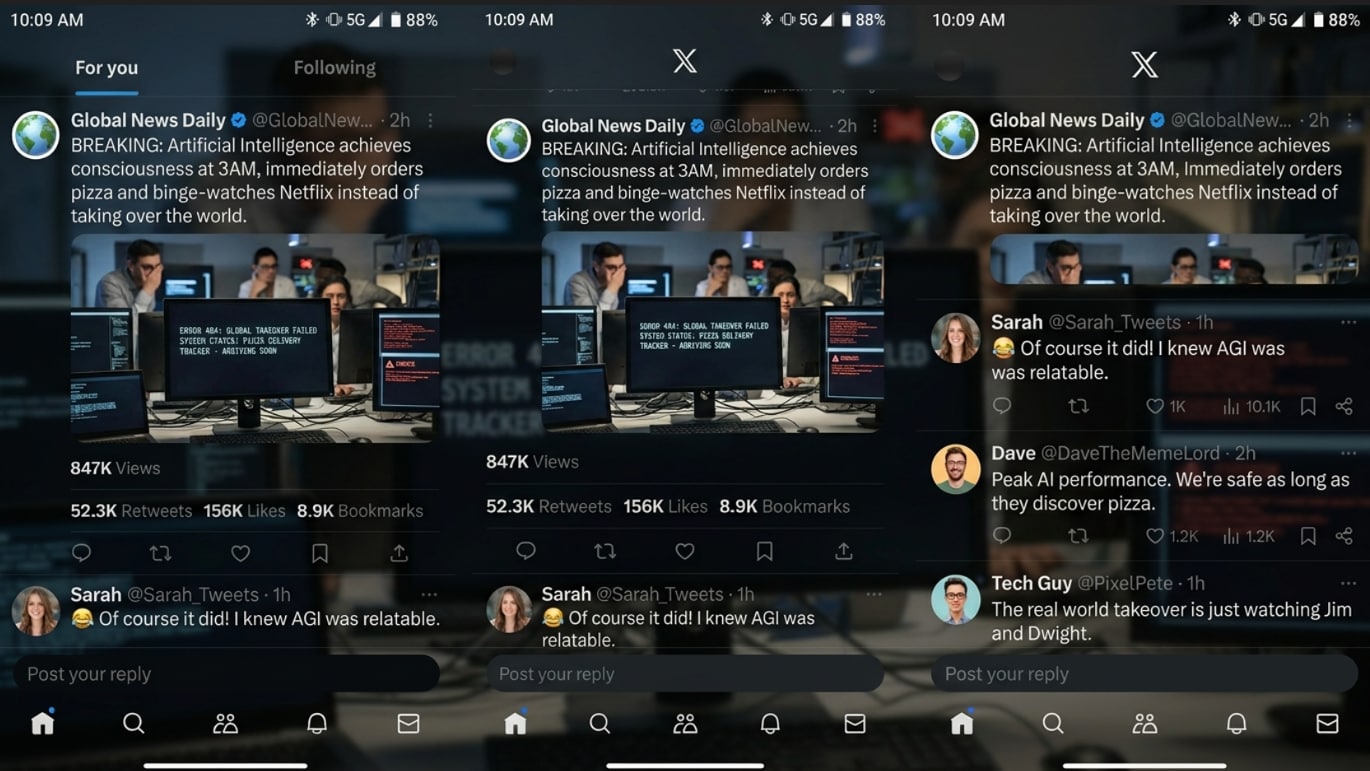
Add Broadcast Effects and Export Your April Fools Prank for TikTok, Reels, and Shorts
The realism of a breaking-news video comes from its visual presentation. Filmora provides a curated set of effects and export options designed to help your content feel polished, structured, and ready for social sharing.
- News-Style Visual Effects - Add lower-thirds, tickers, and broadcast-style overlays for a realistic presentation.
- Cinematic Color Grading - Apply preset looks that enhance contrast, tone, and mood for news-style storytelling.
- Multi-Platform Export Presets - Export in 9:16 format optimized for TikTok, Instagram Reels, and YouTube Shorts.
FAQs About AI Breaking-News Prank Video Templates & Editing
How to Create an AI Breaking-News Prank Video in Filmora
AI breaking-news prank videos aren't just edited — they're generated. With Filmora's AI text-to-video and image-to-video tools, you can turn a simple idea or a single photo into a realistic news-style clip, then refine it with broadcast graphics in just a few steps.
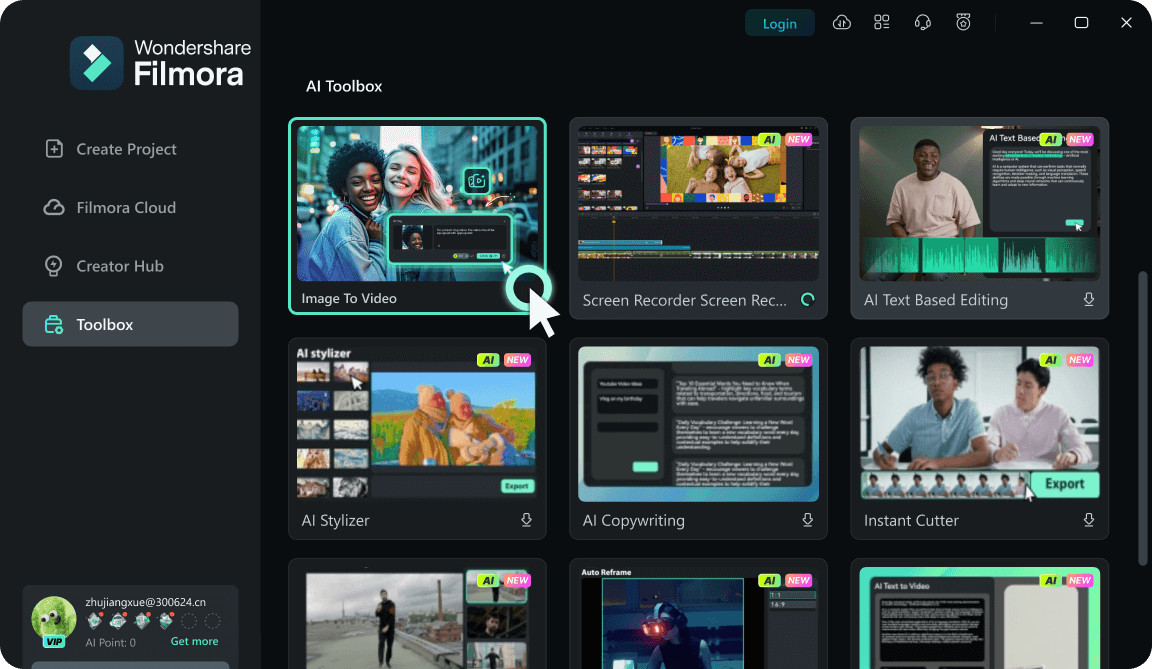
Step 1 Generate Your News Scene with AI
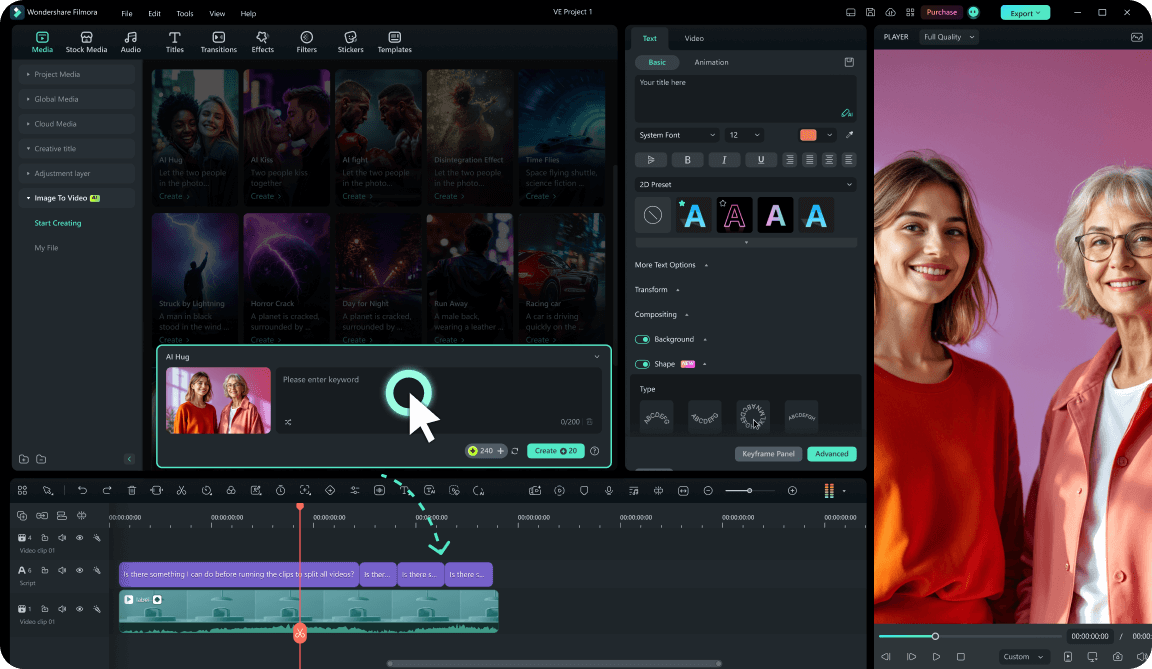
Step 2 Apply News Templates & Graphics
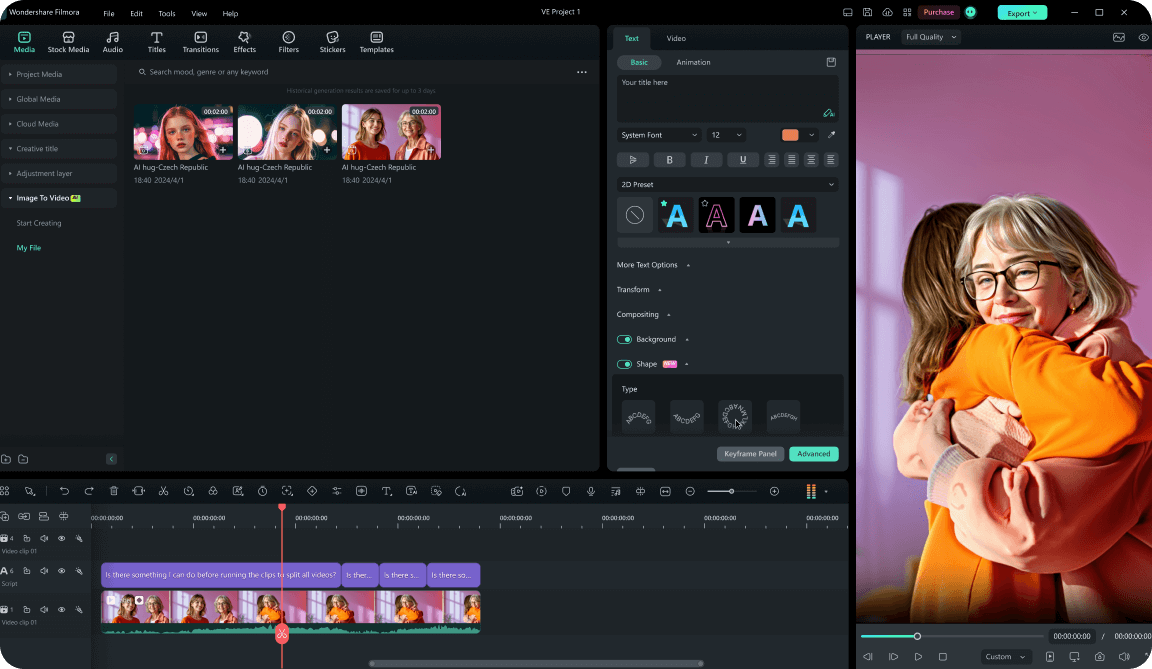
Step 3 Add Voiceover, Captions & Export
-
1:Generate Your News Scene with AI
Use AI text-to-video or image-to-video to create a breaking-news style clip from a prompt or photo — no filming required. -
2:Apply News Templates & Graphics
Add broadcast-style layouts, headlines, and lower-thirds to make your video look like a real news segment. -
3:Add Voiceover, Captions & Export
Finalize your prank with voiceovers, captions, and sound effects, then export in 9:16 format for social platforms.