
20+ Happy Holi Poster Prompts:
Instant AI Copy & Paste
Want something more than a generic greeting card? These AI prompts are inspired by the most searched Holi celebration aesthetics—from explosion of colors to traditional Indian art styles. Simply pick your favorite Holi festival poster template, paste it into the Nano Banana Pro generator, and create a masterpiece that captures the spirit of the festival. Perfect for social posts, party invitations, or a vibrant Happy Holi poster.
Loading more templates...
 Category:
 Duration:
 Aspect Ratio:
Create Trending Holi Festival Posters
with Nano Banana Pro Prompts
A perfect Holi celebration visual isn’t just about random colors—it’s about capturing the joy and energy of the festival. With Filmora’s AI tools and Nano Banana Pro mode, you can create everything from hyper-realistic powder explosions to artistic cultural illustrations. Generate a stunning Holi festival poster, then refine it with vibrant color grading, festive text, and dynamic effects.
Generate Authentic Holi Festival Posters with Nano Banana Pro
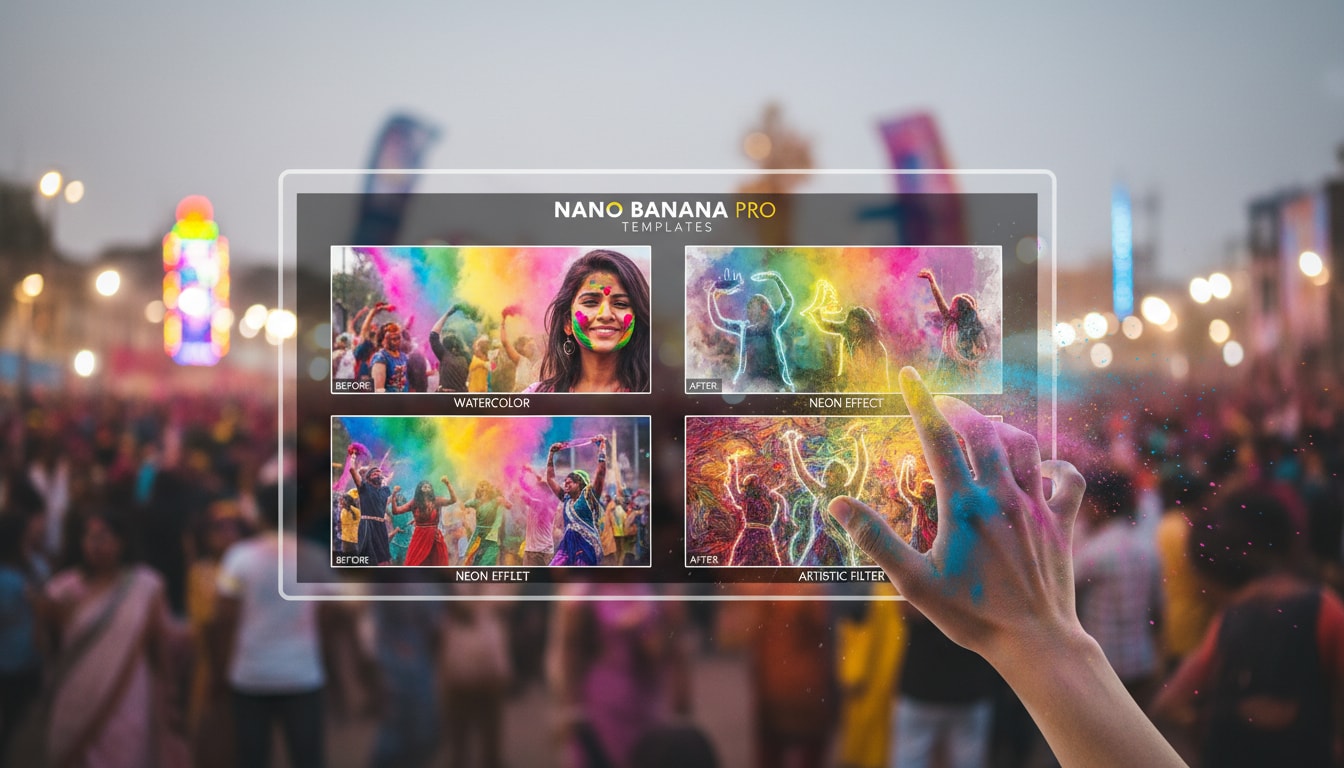
Generate Authentic Holi Festival Posters with Nano Banana Pro
Forget generic stock photos. Create a unique Happy Holi poster that stands out with AI-generated art. Whether you want a cinematic shot of people playing with Gulal or a spiritual depiction of Holika Dahan, the Nano Banana Pro mode understands complex textures and vibrant color palettes, delivering high-resolution results instantly.
- Realistic Powder Textures – Generate images where the Gulal looks tangible and the colors blend naturally.
- Cultural Accuracy – Create scenes with traditional elements like pichkaris, sweets, and festive attire.
- High-Res Export – Perfect for printing large Holi festival posters or high-quality digital banners.
Transform Static Holi Posters into Viral Celebration Videos
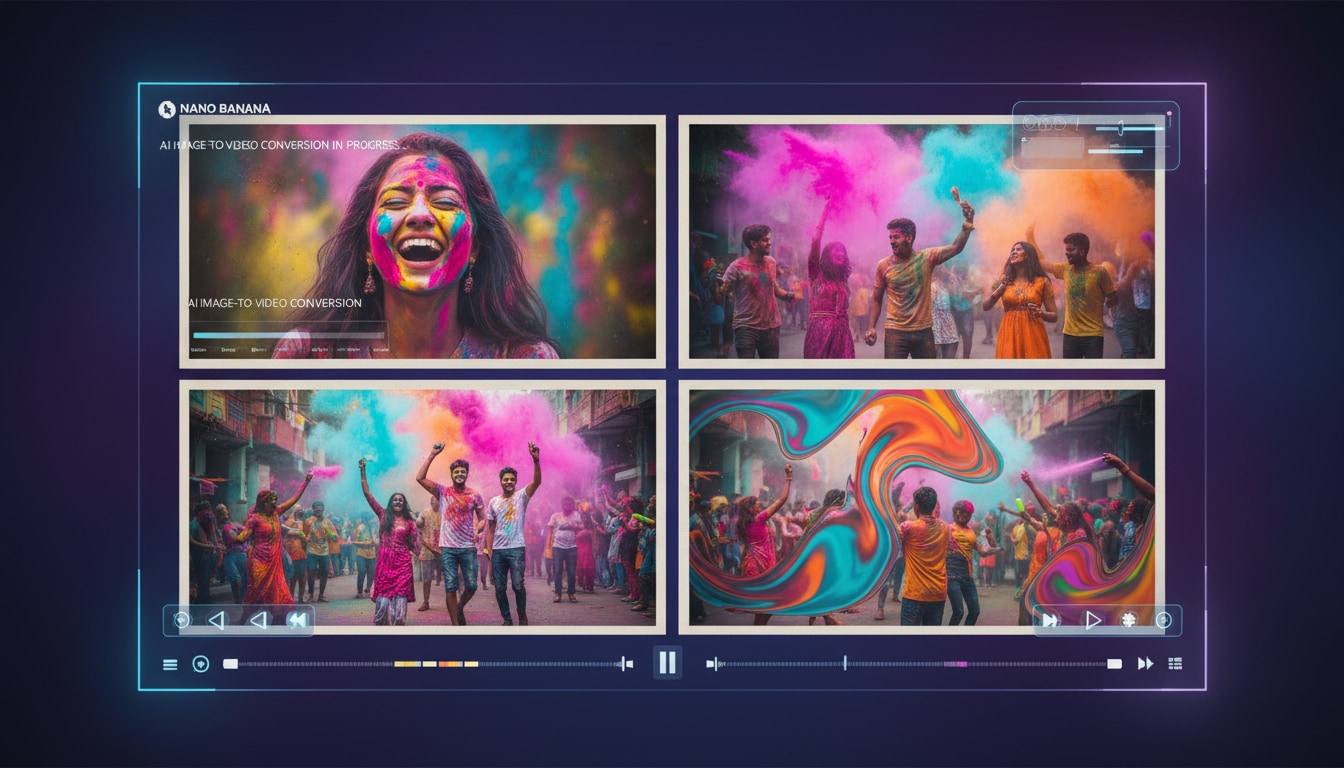
Transform Static Holi Posters into Viral Celebration Videos
Why stop at a static image? Turn your Happy Holi poster into a dynamic video reel that captures the movement of the festival. Filmora’s AI Image to Video feature brings your posters to life with swirling colors, animated water splashes, and festive energy, making them perfect for sharing on WhatsApp Status, Instagram Reels, or TikTok.
- Dynamic Motion Effects – Add movement to powder clouds and water streams for a cinematic feel.
- Music Synchronization – Automatically sync your Holi celebration video to trending Bollywood or traditional tracks.
- Viral Ready – Create engaging short-form content that grabs attention instantly on social media.
- Image-to-Video Magic – Seamlessly convert any AI-generated art into a moving masterpiece.
- Festive Overlays – Add animated layers of falling colors or sparkles to enhance the mood.
Customize Happy Holi Posters with Festive Typography
Customize Happy Holi Posters with Festive Typography
A great Happy Holi ka poster needs the right message. Filmora allows you to add beautiful Hindi and English typography, festive stickers, and custom greetings to your AI-generated images. Whether it's a formal invitation or a fun meme, our Nano Banana Pro Templates give you a professional head start.
- 💬 Festive Fonts & Calligraphy – Choose from a wide range of fonts that match the playful spirit of Holi.
- 🔤 Smart Text Effects – Apply 3D colorful text, animated titles, and glowing styles to make your wishes pop.
- 🎨 Sticker Library – Drag and drop elements like pichkaris, balloons, and sweets to complete your design.
FAQs About Creating Holi Festival Posters
How to Create a Happy Holi Poster with Filmora
Design trending Holi festival posters and videos in seconds. This guide shows beginners how to generate a personalized Holi celebration image using AI tools—no graphic design experience required!
Step 1 Open the AI Image Generator

Step 2 Enter Your Holi Poster Prompt

Step 3 Download and Edit Your Holi Poster

-
1:Open the AI Image Generator
Start Filmora, create a new project, go to "Stock Media", and select "AI Image" to get started. -
2:Enter Your Holi Poster Prompt
Select the AI model, enter your Happy Holi poster prompt (such as a vibrant celebration theme), and click "Generate" to instantly create your image. -
3:Download and Edit Your Holi Poster
Preview the generated poster, click download, drag it into your project for further editing with text and stickers, or export/share it directly.
More Than Just Holi Festival Posters
Filmora isn’t just for making Happy Holi posters—it also generates stunning photos for every occasion, AI-powered videos, and lets you edit heartfelt moments all in one simple tool.








