
Discover Thanksgiving Turkey Costume Prompts and Visual Guides
Need visual previews before you commit to a look? Test each turkey costume ai prompt inside Filmora's AI Image Generator—housing top-tier models like ChatGPT, DALL-E 3, Nano Banana 2, and Nano Banana Pro—to render realistic feathered costumes, thanksgiving turkey filters, and backdrop concepts in seconds.
Loading more turkey costume ai prompts and styling guides...
 Category:
 Duration:
 Aspect Ratio:
Why Is the Thanksgiving Turkey Costume AI Trend Everywhere?
A thanksgiving turkey transformation ai photo brings instant humor and warmth to your holiday albums without any clumsy handmade costumes. With one prompt and Filmora's visual tools, you can transform yourself and the whole family, test different feather styles, and turn raw snaps into heart-warming holiday keepsakes.
Pick a Turkey Costume Palette That Pops
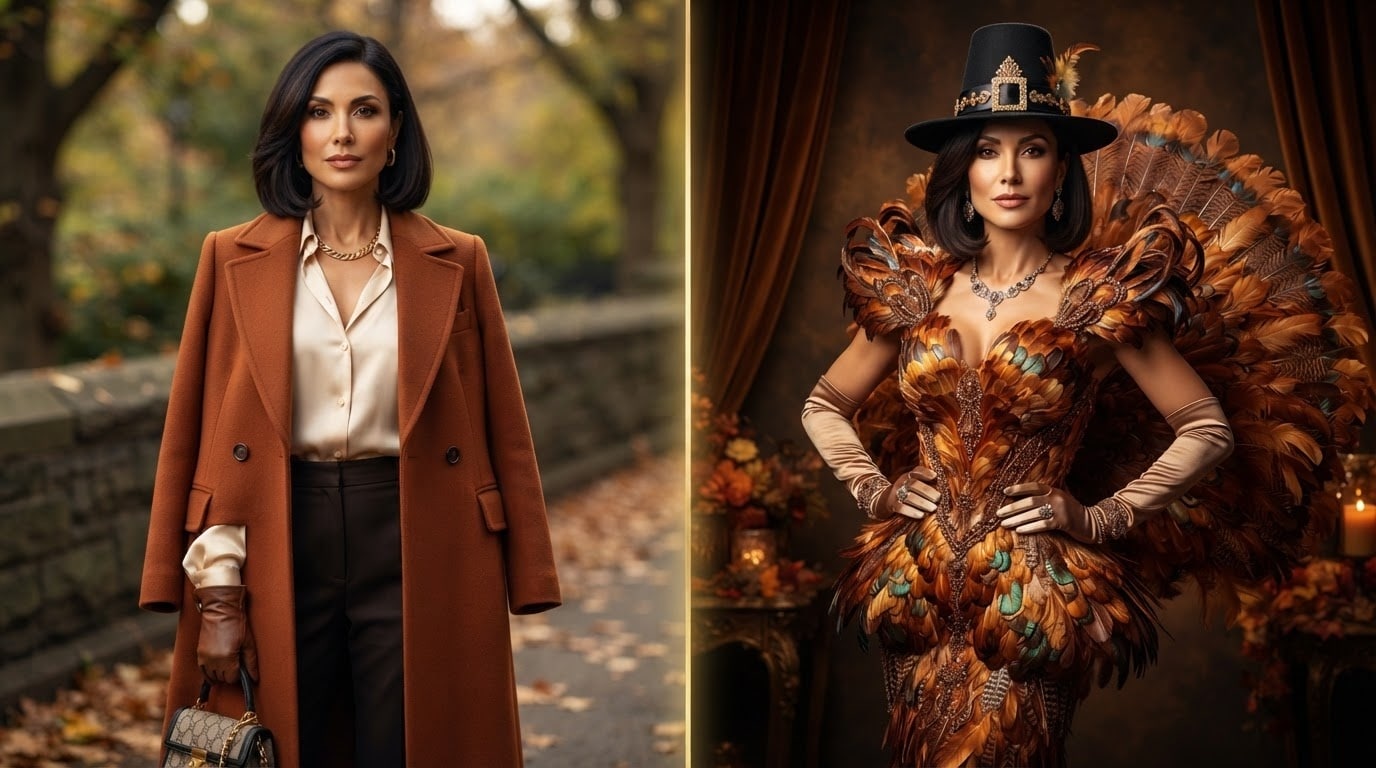
Pick a Turkey Costume Palette That Pops
The secret to a great turkey costume photo lies in a rich, cohesive palette. A classic thanksgiving turkey filter look leans into feather tones like burnt orange, warm cream, olive, mustard, and chocolate brown, so the costume feels warm rather than cartoonish. Filmora's color correction and LUT presets make it simple to harmonize colors across every snapshot.
- Warm Feather Tones - Build around shades of bronze, terracotta, and deep forest green.
- Feather Texture Mixes - Pair soft plum layers, felt headpieces, and flowy autumn fabrics.
- Pro LUT Grading - Apply cohesive autumn color grades inside Filmora with one click.
Preview Your Turkey Transformation with Filmora AI Image
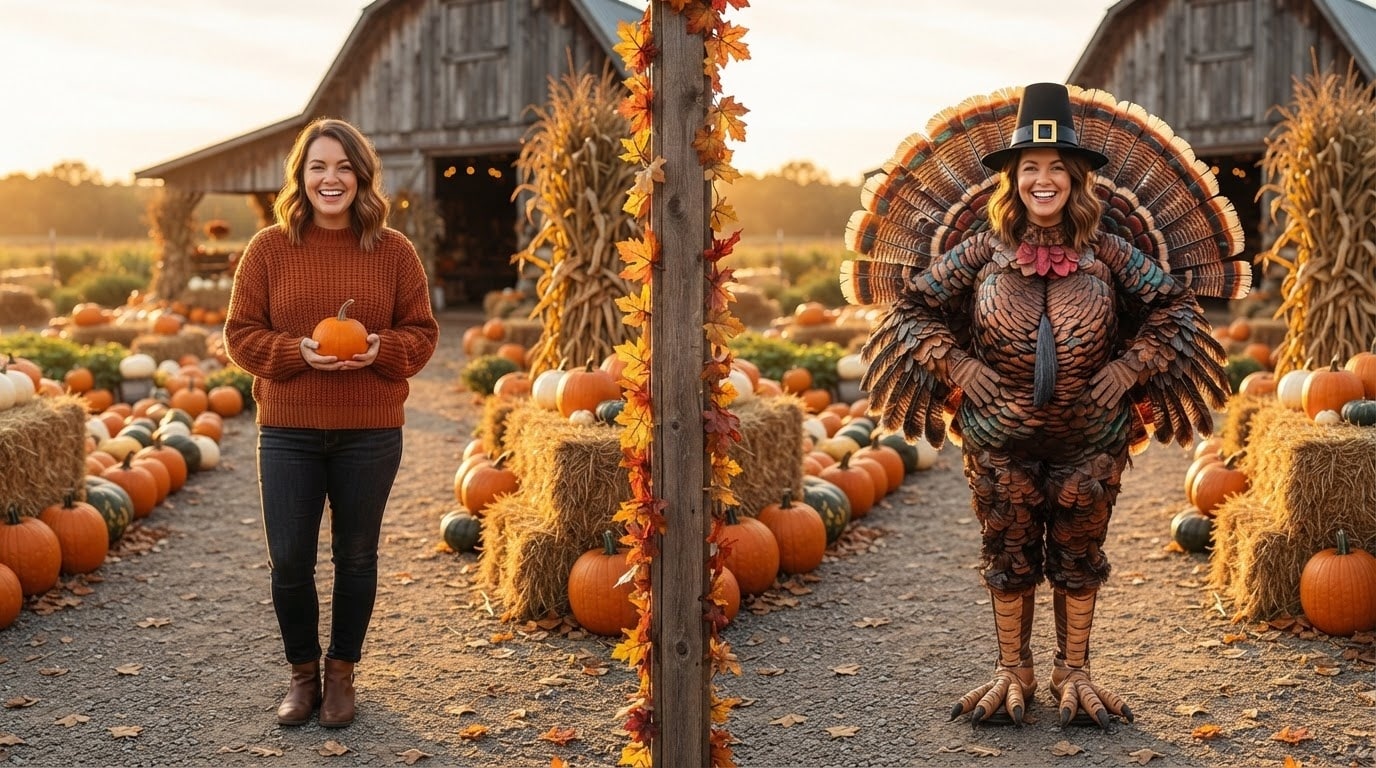
Preview Your Turkey Transformation with Filmora AI Image
Before waddling into a sewing project, test your vision. Filmora includes an AI Image Generator powered by leading engines including ChatGPT, DALL-E 3, Nano Banana 2, and Nano Banana Pro. Paste your turkey costume ai prompt, select your preferred model, and generate realistic mockups of your thanksgiving turkey transformation in outdoor parks or dining rooms.
- Multi-Model Flexibility - Switch easily between ChatGPT/DALL-E 3, Nano Banana 2, and Nano Banana Pro.
- Costume Ideation - Compare a full turkey suit, a feather cape, and a classic turkey headband side-by-side.
- Mood Board Creation - Share generated concepts directly with family members to get everyone on board.
Polish Group Lighting and Remove Background Clutter
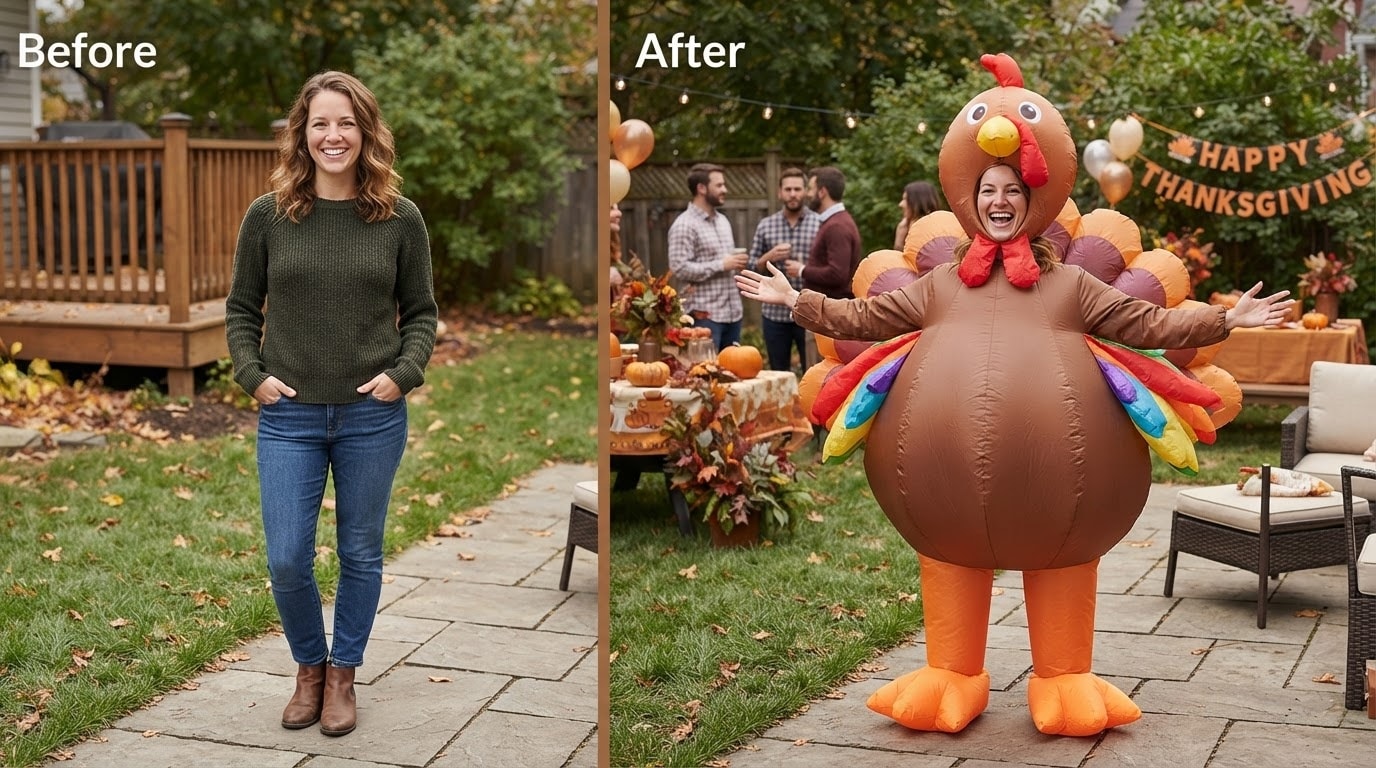
Polish Group Lighting and Remove Background Clutter
Family sessions can get chaotic with kids running around or overcast weather dulling your turkey costume colors. Filmora's portrait retouching and AI background tools help balance uneven shadows, remove photo-bombers, and sharpen feather and facial details so everyone looks their absolute best.
- AI Smart Cutout - Cleanly isolate your family members from messy backdrops.
- Facial Retouching - Smooth skin tones naturally without artificial blur.
- Dynamic Relighting - Bring golden hour warmth into indoor and cloudy outdoor shots.
Build Turkey-Themed Greeting Cards and Social Reels
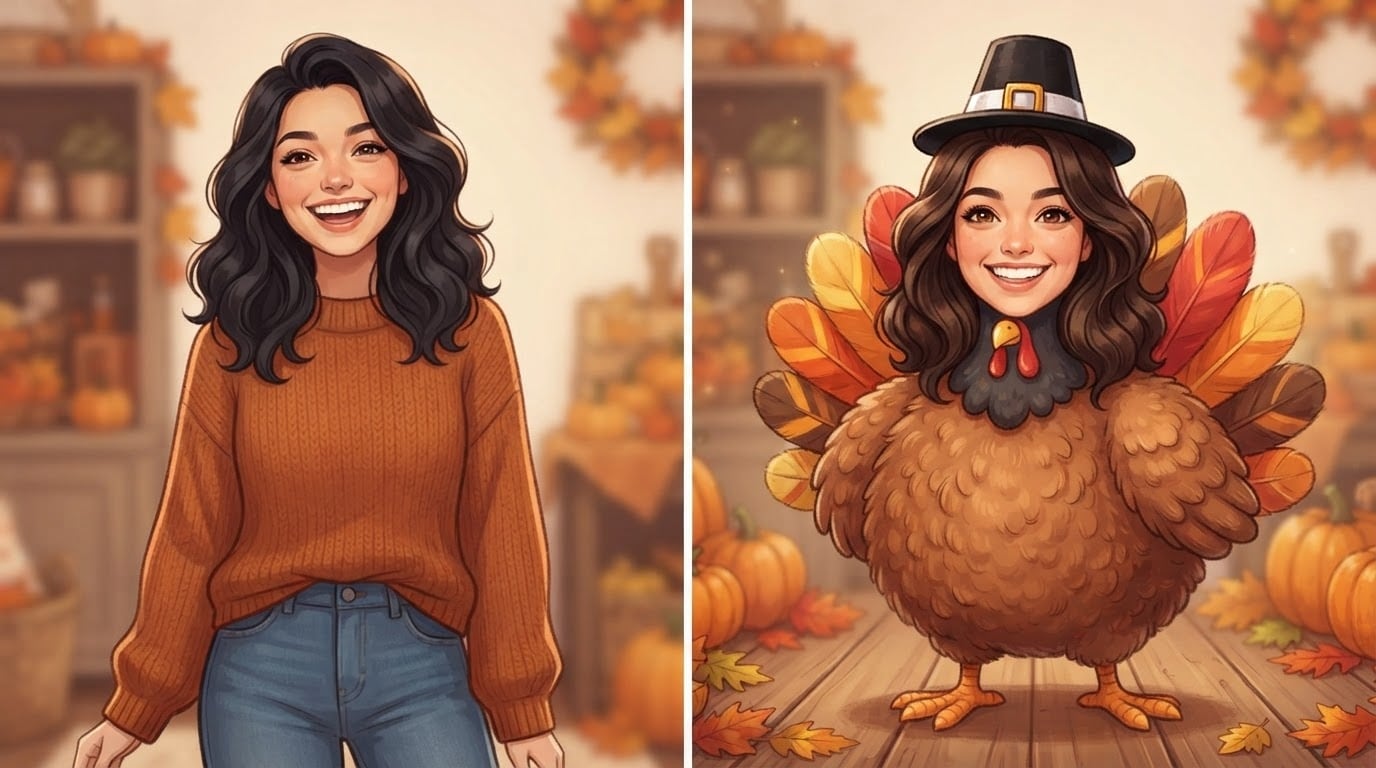
Build Turkey-Themed Greeting Cards and Social Reels
Do not let your turkey costume photos sit forgotten on your camera roll. Bring them into Filmora to design animated slideshows, reels for Instagram and TikTok, or personalized digital greeting cards set to heartwarming acoustic music.
- Holiday Stickers & Titles - Add festive Thanksgiving typography and playful AI Stickers.
- Royalty-Free Music - Browse comforting acoustic guitar and seasonal ambient tracks.
- Format for Any Screen - Crop swiftly to 9:16 for Reels or 16:9 for living room television displays.
Frequently Asked Questions About Thanksgiving Turkey Costume AI
How to Create a Thanksgiving Turkey Costume Photo with Filmora
Generate turkey costume mood boards, refine your portraits, and turn the thanksgiving turkey transformation into heartwarming keepsakes using Filmora's AI toolkit.
Step 1 Select a Turkey Costume Prompt

Step 2 Generate Ideas or Import Your Photos

Step 3 Fine-Tune, Color Grade & Export

-
1:Select a Turkey Costume Prompt
Browse turkey costume ai prompt concepts and pick your preferred style — a full feathered suit, a classic turkey headband, or a funny thanksgiving turkey filter look. 🍂 -
2:Generate Ideas or Import Your Photos
Use Filmora AI Image Generator — choosing between ChatGPT/DALL-E 3, Nano Banana 2, or Nano Banana Pro — or import your selfie and let the AI handle the turn me into a turkey transformation right onto the timeline. 📸 -
3:Fine-Tune, Color Grade & Export
Apply warm fall LUTs, retouch portrait lighting, add holiday greetings with AI Copywriting, and export in 4K or vertical format for Instagram and family groups. ✨
