


Cameras today can do much more than simply capture what’s in front of the lens. Some can automatically follow a person or object as it moves, while keeping it in frame without constantly adjusting the camera. These types of cameras are commonly called tracking cameras, and they’ve become common in everything from live streaming and content creation to sports, events, and even security.
Not every tracking camera works the same way, though. And picking the wrong type can mean overpaying for features you don’t need. Read our full breakdown to understand how tracking cameras work and which one fits your setup.
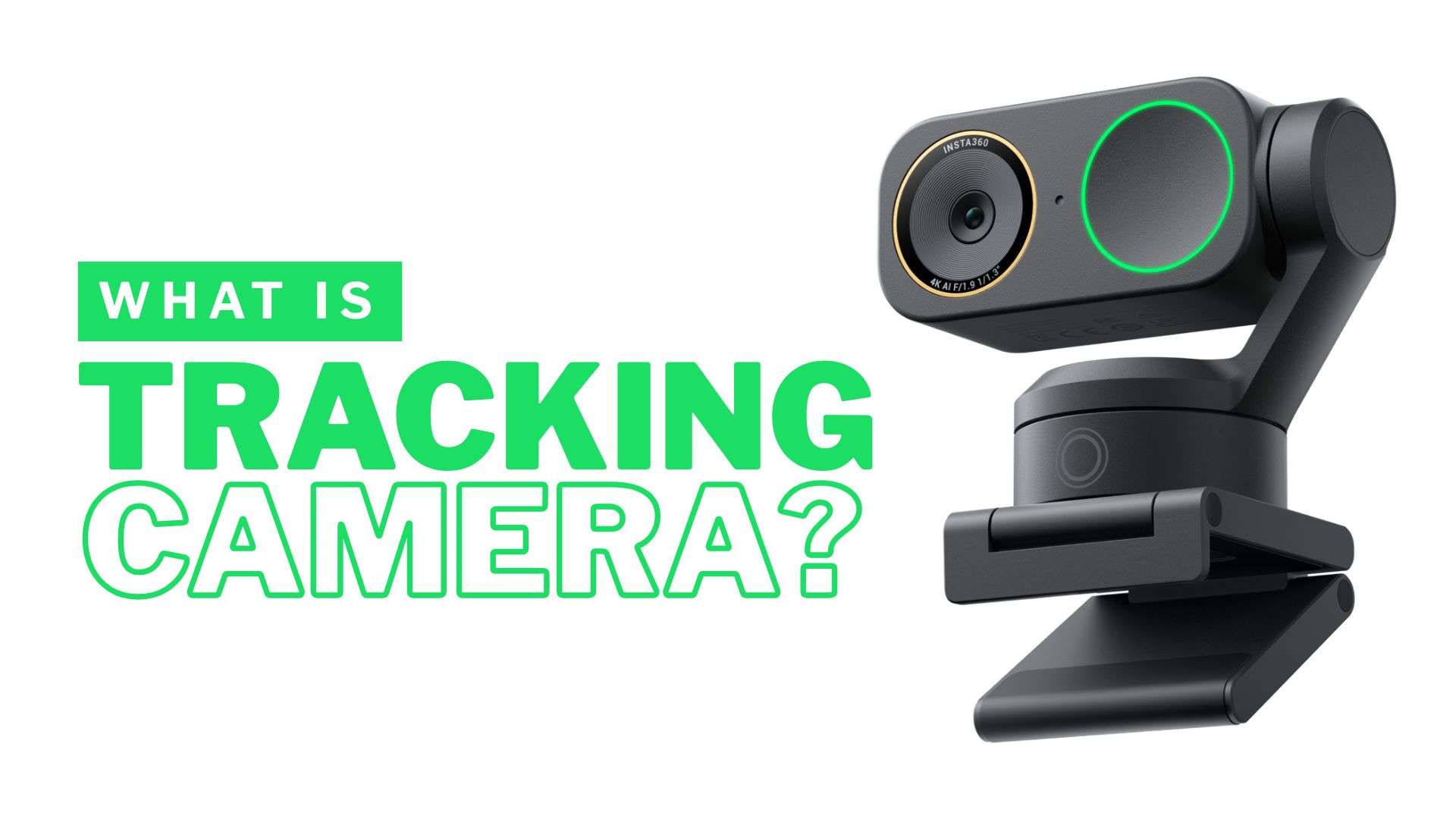
Part 1. What is a Tracking Camera?
In simple terms, a tracking camera is a camera that follows you as you move. It uses a physical or software-based tracking system to detect a subject and adjust the frame to keep them visible. Some tracking cameras physically pan, tilt, or zoom, while others use digital cropping or reframing. Either way, the goal is to keep the subject in the shot without someone manually operating the camera.
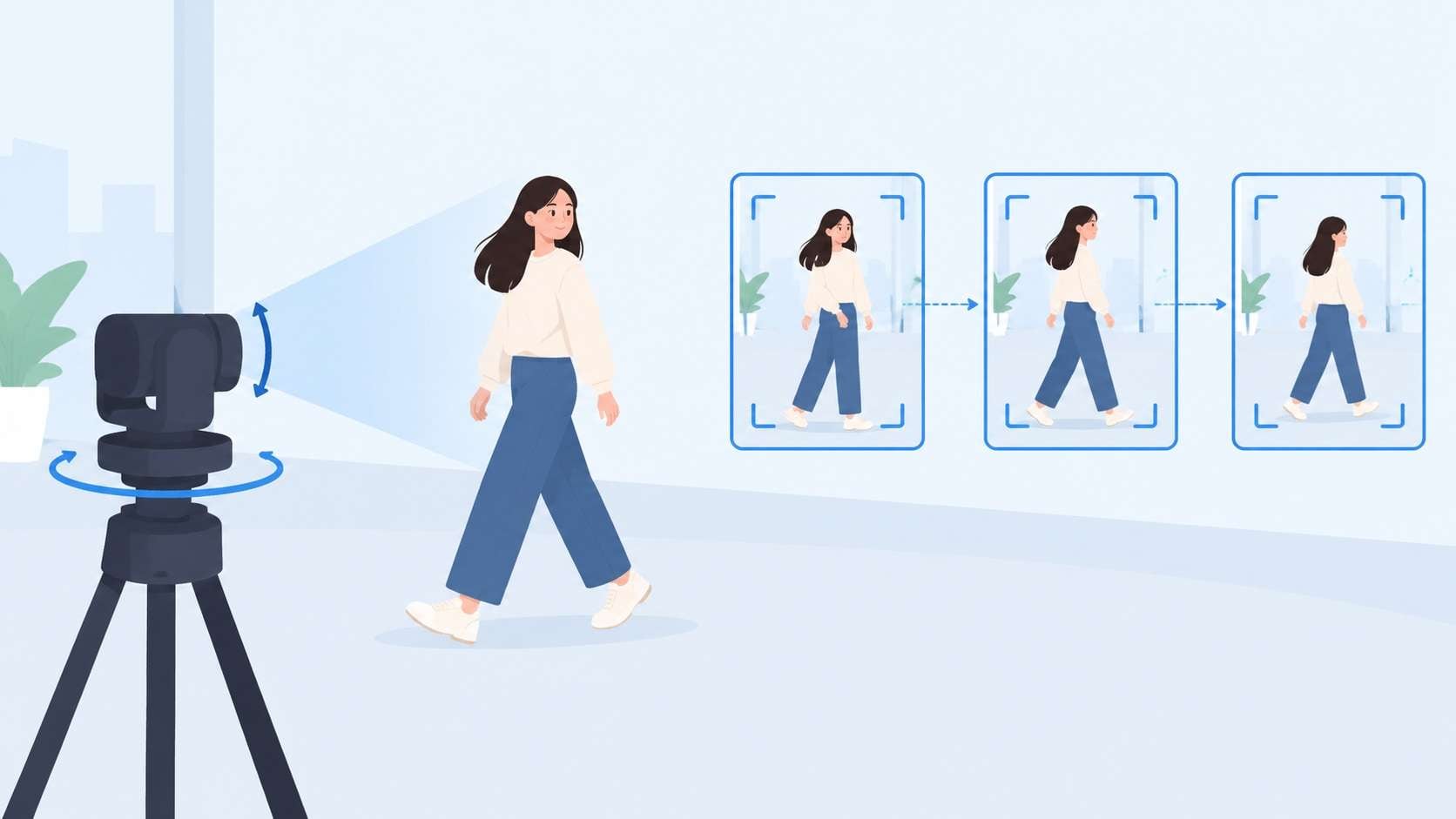
How Does a Tracking Camera Work?
When you use a camera for tracking, the process is generally the same regardless of its design or tracking method:
- Identify the Subject: The camera starts by detecting the person, object, or area that needs to be followed. AI-powered cameras may use face, body, or object recognition to identify the target.
- Follow the Subject's Movement: After detecting the target, the camera continuously monitors its position as it moves. Depending on the camera, it may physically move or adjust the digital frame to follow the subject.
- Adjust the Camera Frame: The camera then changes its position, zoom, or digital crop to keep the subject properly framed. This process continues as the subject moves.
Types of Tracking Cameras
Although they share the same goal of keeping a subject in frame, auto tracking cameras aren't all built the same way. Here’s how the main types compare.
| Type | How It Tracks | Use Cases | Key Features |
| AI Tracking Camera Webcam | Detects and follows people using AI | Video calls, streaming, presentations | Face/body tracking, auto framing, compact design |
| PTZ Tracking Camera | Uses motorized pan, tilt, and zoom | Events, classrooms, broadcasts, churches | Long-range zoom, presets, remote control |
| Security Tracking Camera | Detects motion and follows moving subjects | Homes, offices, stores, outdoor areas | Motion detection, pan/tilt, alerts |
| Gimbal Camera | Uses a motorized gimbal to follow a subject | Vlogging, travel, walking videos | Stabilization, compact design, subject tracking |
| Sports Tracking Camera | Tracks athletes or sporting action | Training, sports recording, live coverage | Fast subject tracking, wide coverage |
| Object Tracking Camera | Detects and follows a selected object | Product demos, vehicles, specialized filming | Object recognition, customizable tracking |
|
Show More
Show Less
|
|||
Part 2. Where Are Tracking Cameras Used?
Tracking cameras are commonly used in situations where the subject needs to move around while staying in the frame. Below are some of the most common use cases of an auto follow camera.
1. Live Streaming
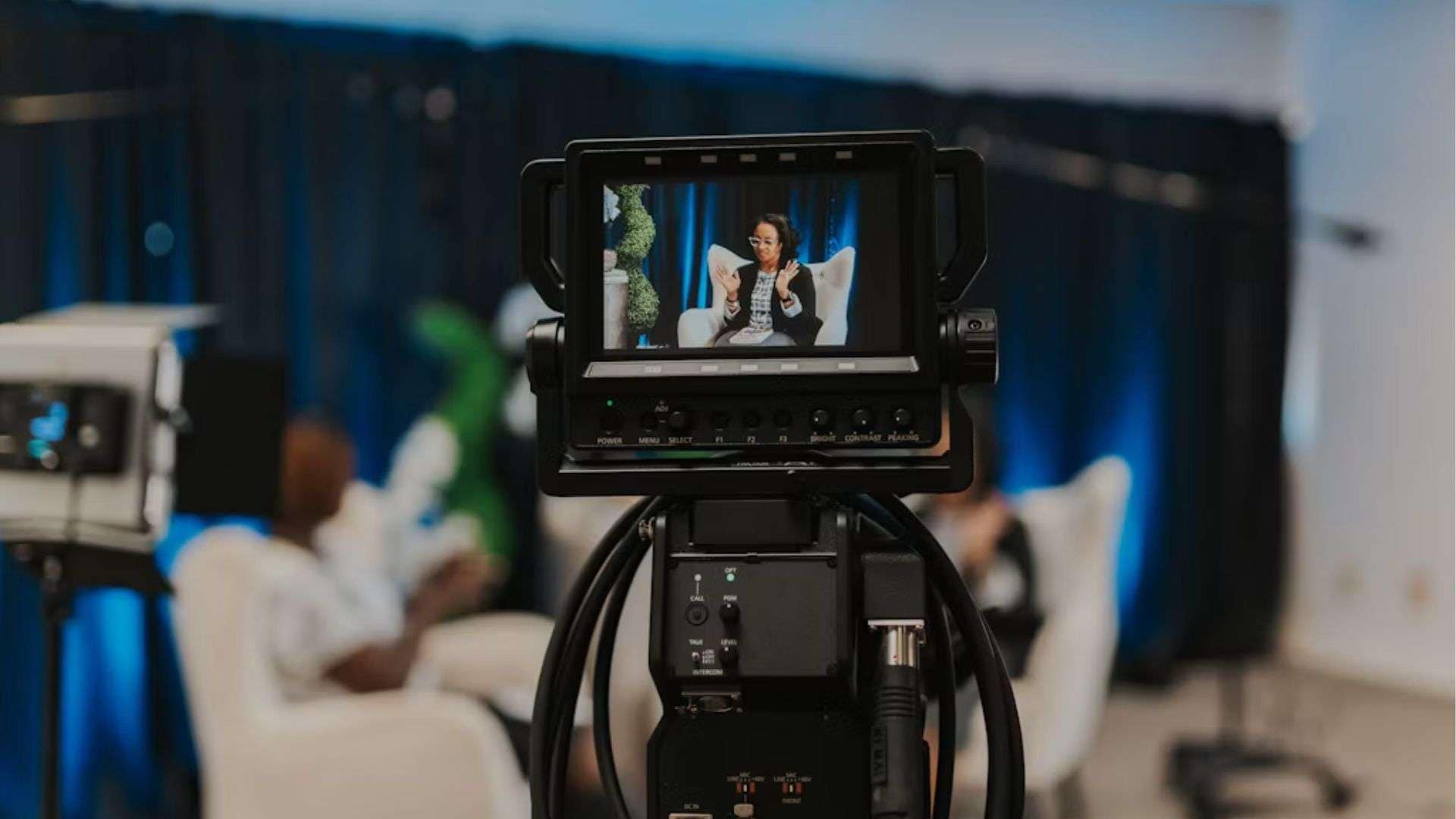
Not every streamer just sits behind a desk. Some cook, work out, or walk around the room while they talk. With a standard fixed camera, they would have to stay in one spot or keep moving back into frame. An auto tracking camera for live streaming can follow them around, so they can focus on the stream.
2. Sports
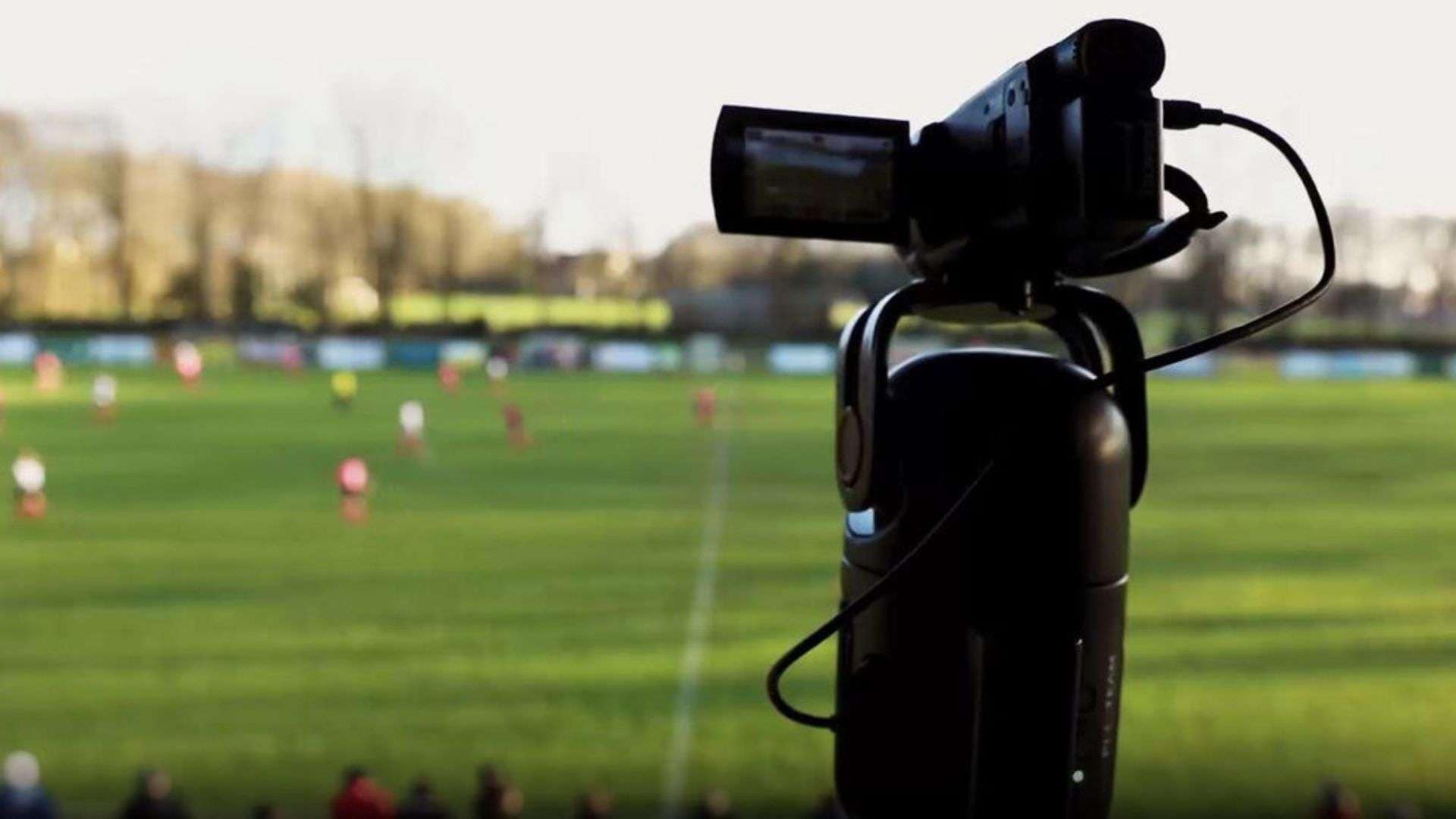
Image: News Shooter
Filming a full match usually means either paying someone to run a camera for the entire game or setting up something automated instead. A lot of school teams, clubs, and rec leagues go with automated sports tracking cameras for exactly that reason. These cameras can follow the ball or players on their own without anyone attending to them for two hours straight.
3. Content Creation
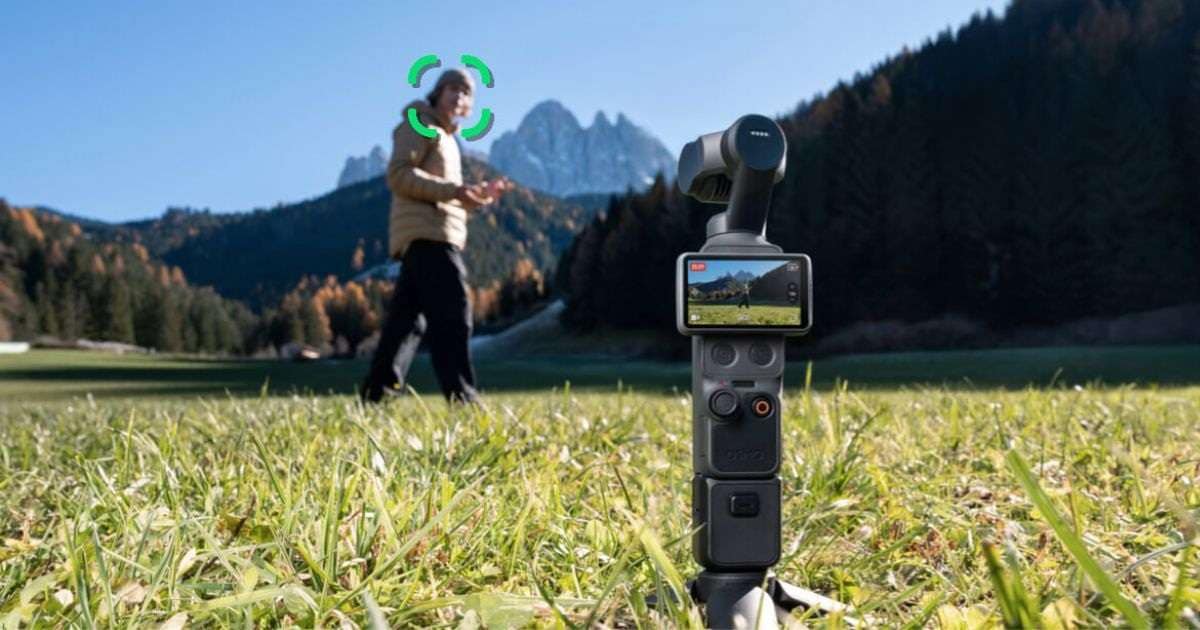
Image: DJI
With a fixed camera, creators who do vlogs, walkthroughs, or product demos may need to stay in one spot or keep checking their position in the frame. But an automatic tracking camera, especially a gimbal camera that combines tracking with stabilization, can follow you across the room instead and keep the shot smooth at the same time.
4. Events
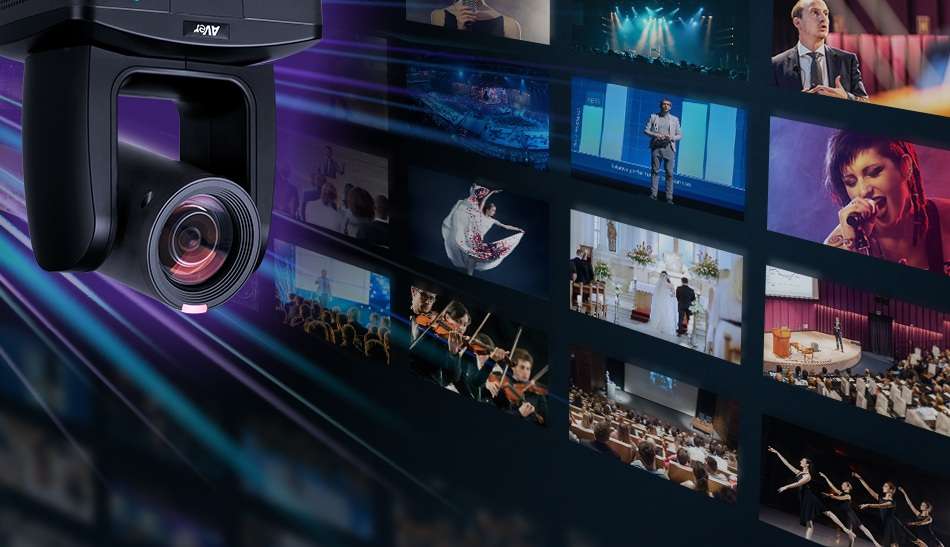
Image: AVer
Corporate AV setups have leaned toward auto-tracking PTZ units over the last few years, mainly to cut down on staffing without losing production quality. Conferences, webinars, and houses of worship now use object tracking cameras regularly, letting them follow a speaker across a stage without needing a dedicated camera operator for every session.
5. Security
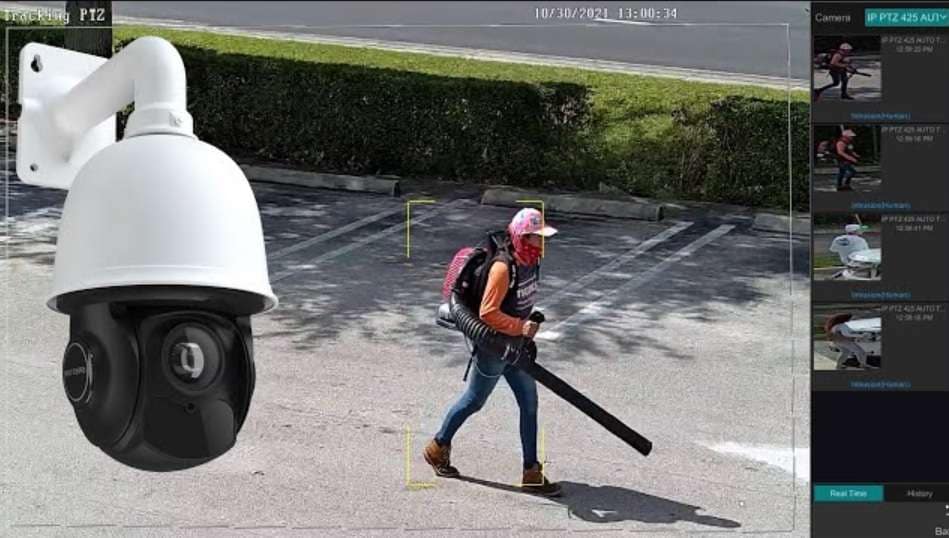
Image: CCTV Camera Pros
If you’ve ever seen how modern security cameras work, you may have noticed that many models can automatically detect and follow people or vehicles as they move. The use of tracking technology lets these cameras cover a wider area, reduce blind spots, and keep an eye on moving activity without someone having to control them manually.
Part 3. Best Tracking Camera Examples for Different Uses
When choosing a tracking camera, the right one depends on what you plan to record and where you’ll use it. Check out our tracking camera recommendations, with different tracking methods and features for specific shooting needs.
Quick Comparison
| Type | Pricing Range | Tracking Method | Camera Movement | |
| Insta360 Link Series | AI tracking webcam | Around $150-$200+ | AI person tracking and auto framing | 2-axis gimbal pan and tilt on Link 2 |
| PTZOptics Move Series | PTZ tracking camera | Around $999-$2,700+ | AI auto-tracking (Presenter-Lock) & auto framing | Motorized pan, tilt, and zoom |
| DJI Osmo Pocket Series | Gimbal camera | Around $400-$550+ | ActiveTrack AI subject recognition | 3-axis gimbal |
| Veo Cam | Sports tracking camera | Around $1,000-$1,500 (camera only, before subscription) | AI Follow-cam with software cropping | Fixed wide-angle camera with digital tracking |
| Sony PTZ Cameras | PTZ tracking camera | Around $3,000–$5,000 | PTZ Auto Framing and AI-based subject detection on selected models | Motorized pan, tilt, and zoom |
|
Show More
Show Less
|
||||
1. Insta360 Link Series
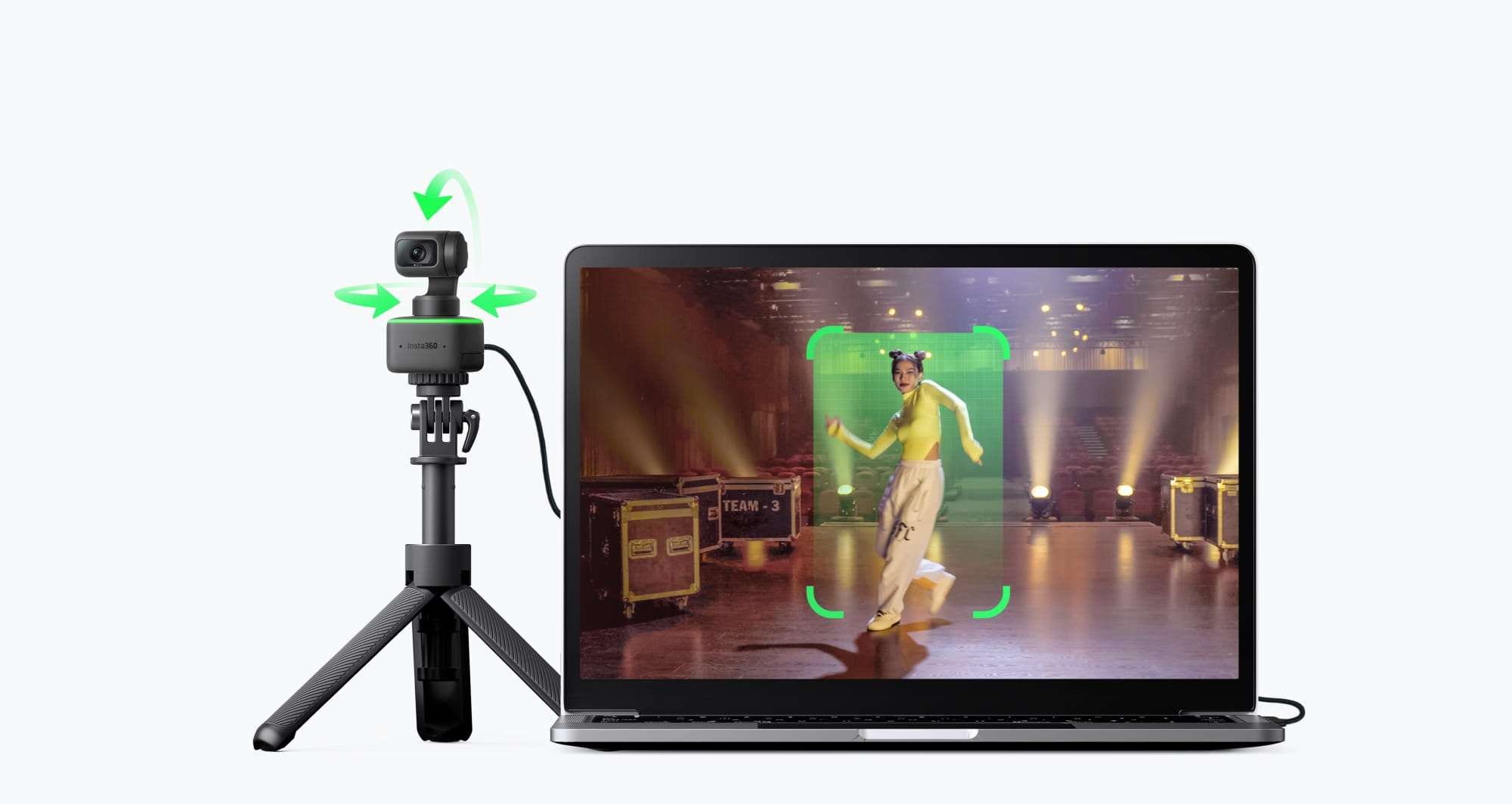
The Insta360 Link series is a good example of a small tracking camera built for desks and smaller setups. The Link 2 uses AI tracking and auto-framing to keep people in view, while its gimbal physically moves to follow the subject. It shoots in 4K and includes modes like DeskView and whiteboard tracking.
Recommended for: Remote workers, educators, and solo streamers who want auto-tracking without buying a full PTZ setup.
2. PTZOptics Move Series
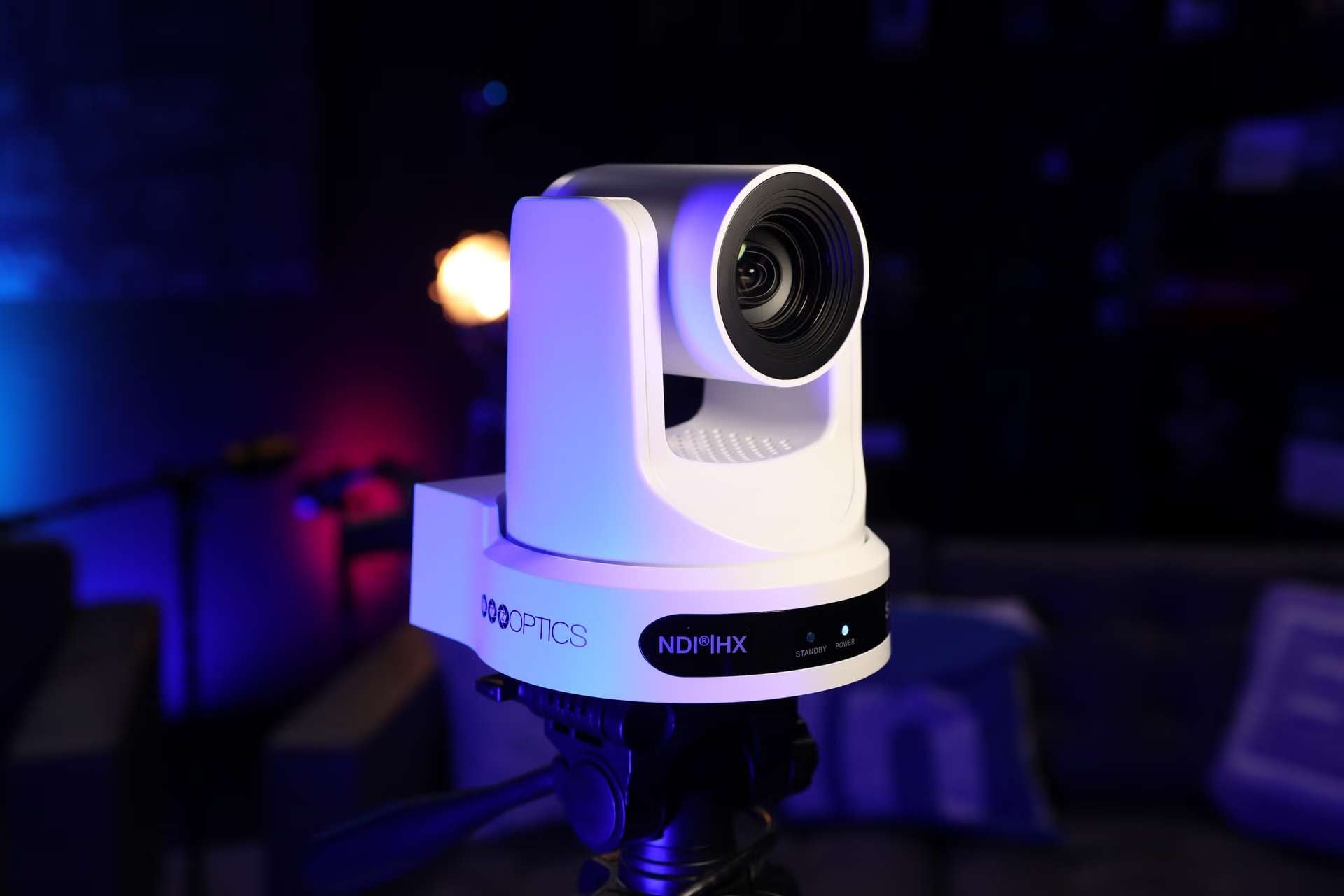
The PTZOptics Move series takes tracking a step further with a motorized PTZ design. The Move SE, for example, has built-in auto-tracking and can pan, tilt, and zoom to keep a person in frame. There’s also a feature called Presenter-Lock, which sticks the camera to one specific speaker even when other people walk into frame.
Recommended for: Classrooms, churches, and conference rooms that need dedicated auto-tracking.
3. DJI Osmo Pocket Series
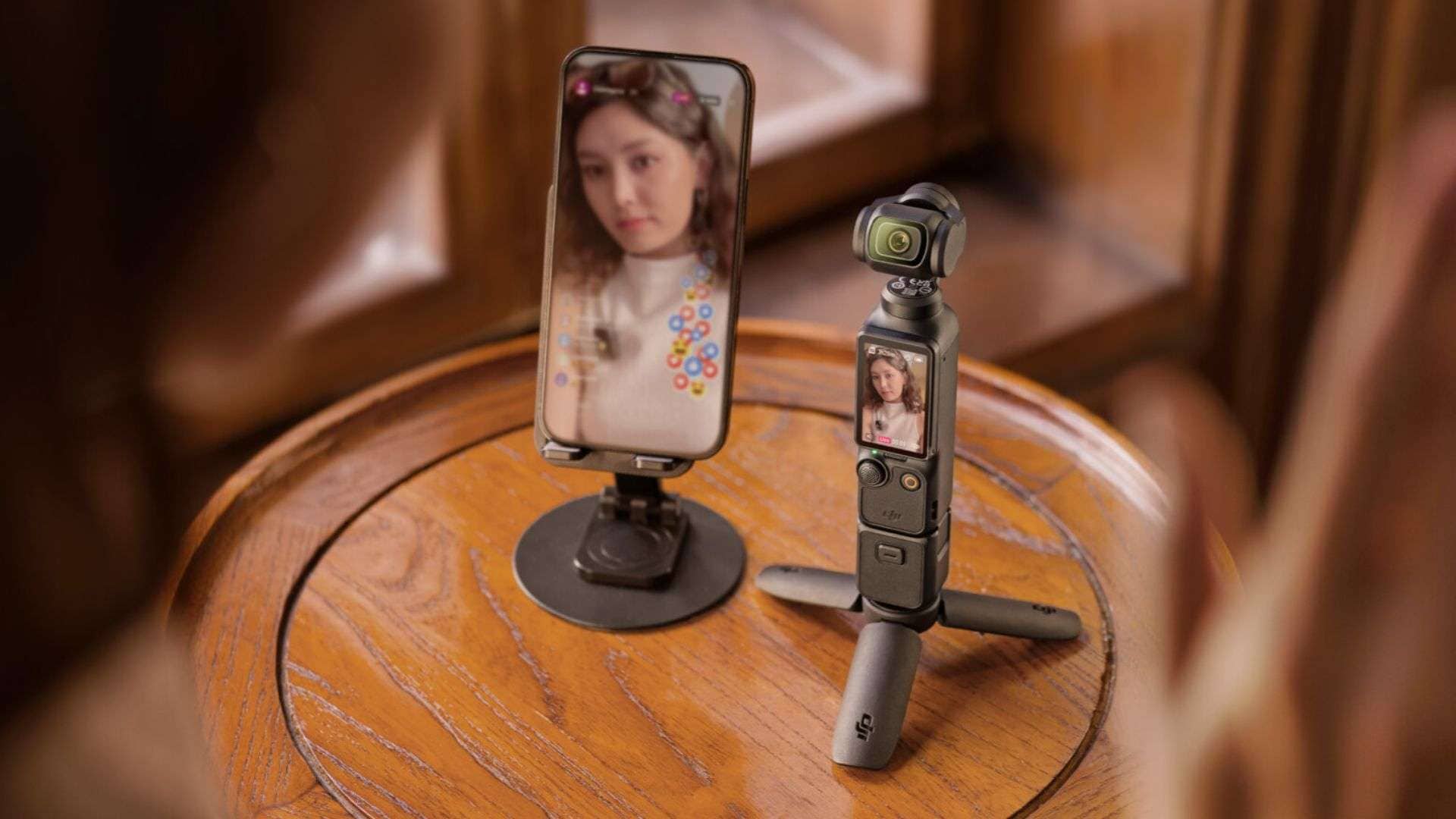
The Osmo Pocket 3 has been a favorite among vloggers and run-and-gun creators since it launched. It's a handheld gimbal camera built for filming while you're the one moving. Its ActiveTrack feature keeps a subject centered even as you carry the camera around, walk, or turn to a different angle mid-shot.
Recommended for: Solo creators, bloggers, product demo creators, and anyone filming on the move without a second person operating the camera.
4. Veo Cam
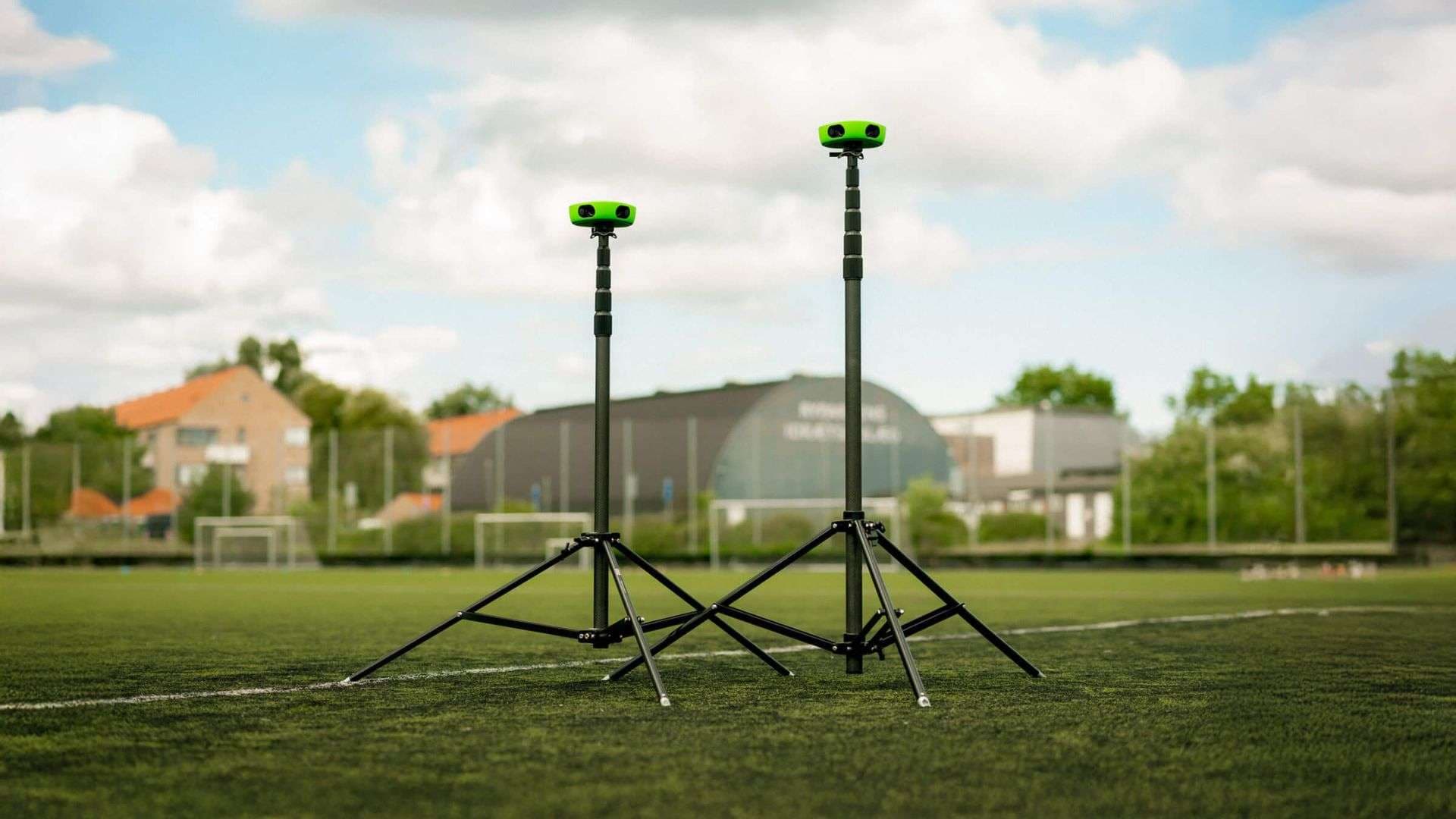
Veo Cam is widely considered the best auto-tracking camera for sports among smaller teams and clubs. It doesn't use the pan-and-zoom mechanics of a typical PTZ setup, and instead relies on dual 4K lenses to capture the whole field in one wide shot while AI software crops and follows the ball and players within that footage.
Recommended for: Youth and amateur sports clubs that want reliable match footage without assigning someone to film every game.
5. Sony PTZ Cameras
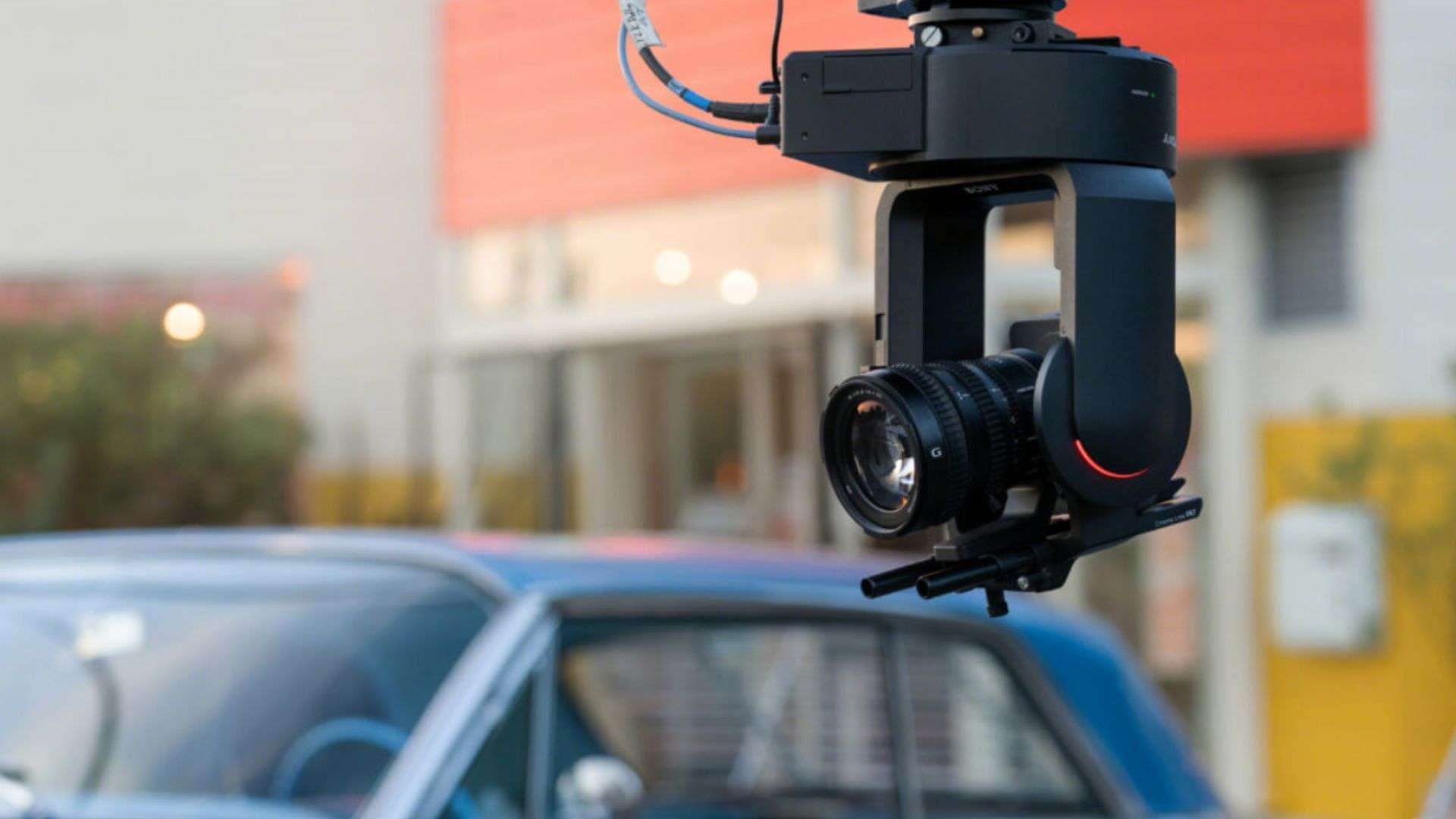
Sony's PTZ cameras cover a lot of ground, from cheap desktop units to broadcast rigs with 20x-30x zoom. But the AI auto-framing only shows up on newer models like the SRG-A40 and SRG-A12. Older or lower-tier Sony PTZ cameras still need someone (or something else) to handle the tracking, so don't assume every camera in the lineup does this out of the box.
Recommended for: Schools and studios that want a dependable PTZ camera.
Part 4. No Tracking Camera? Use Filmora to Track Your Subject
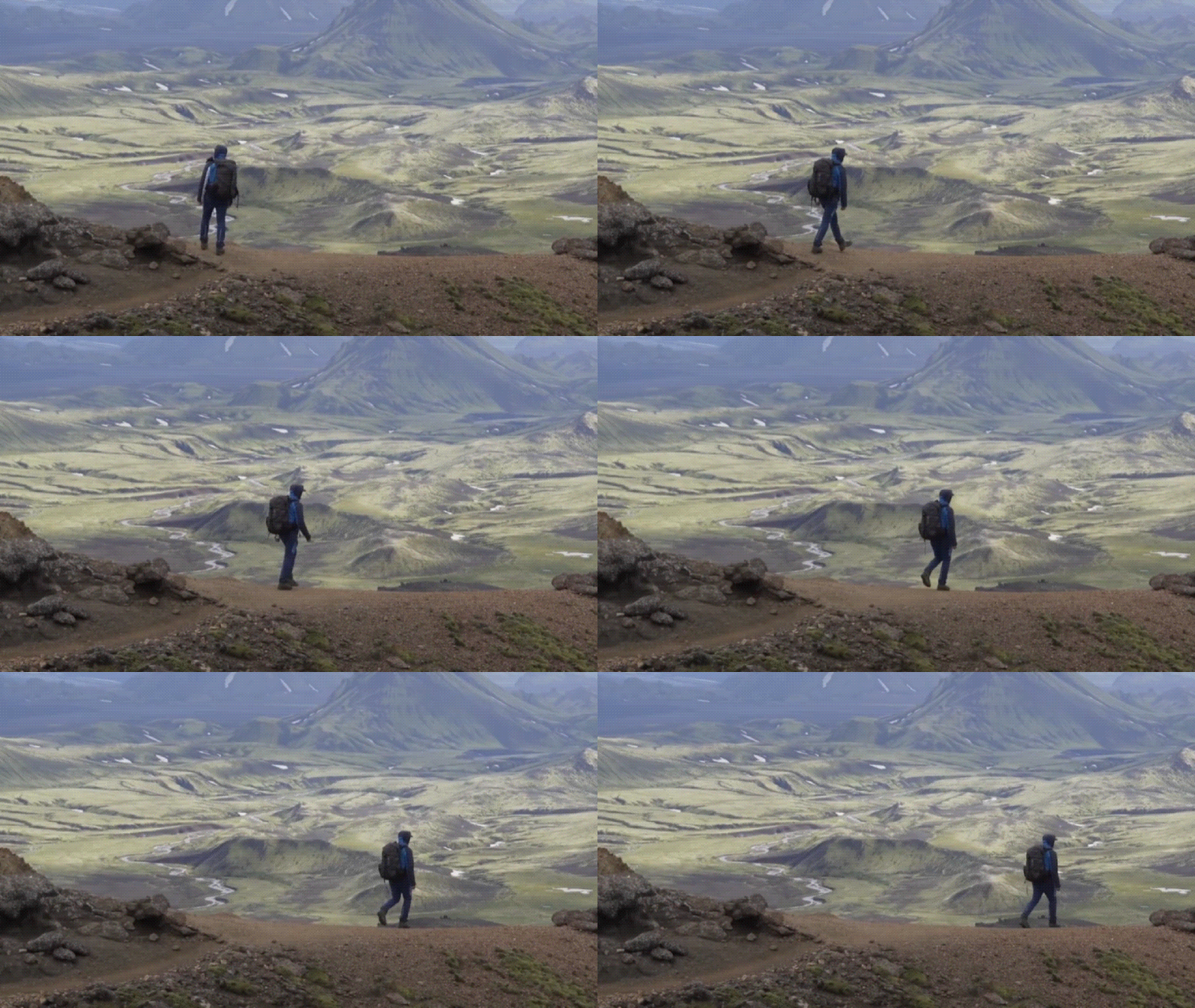
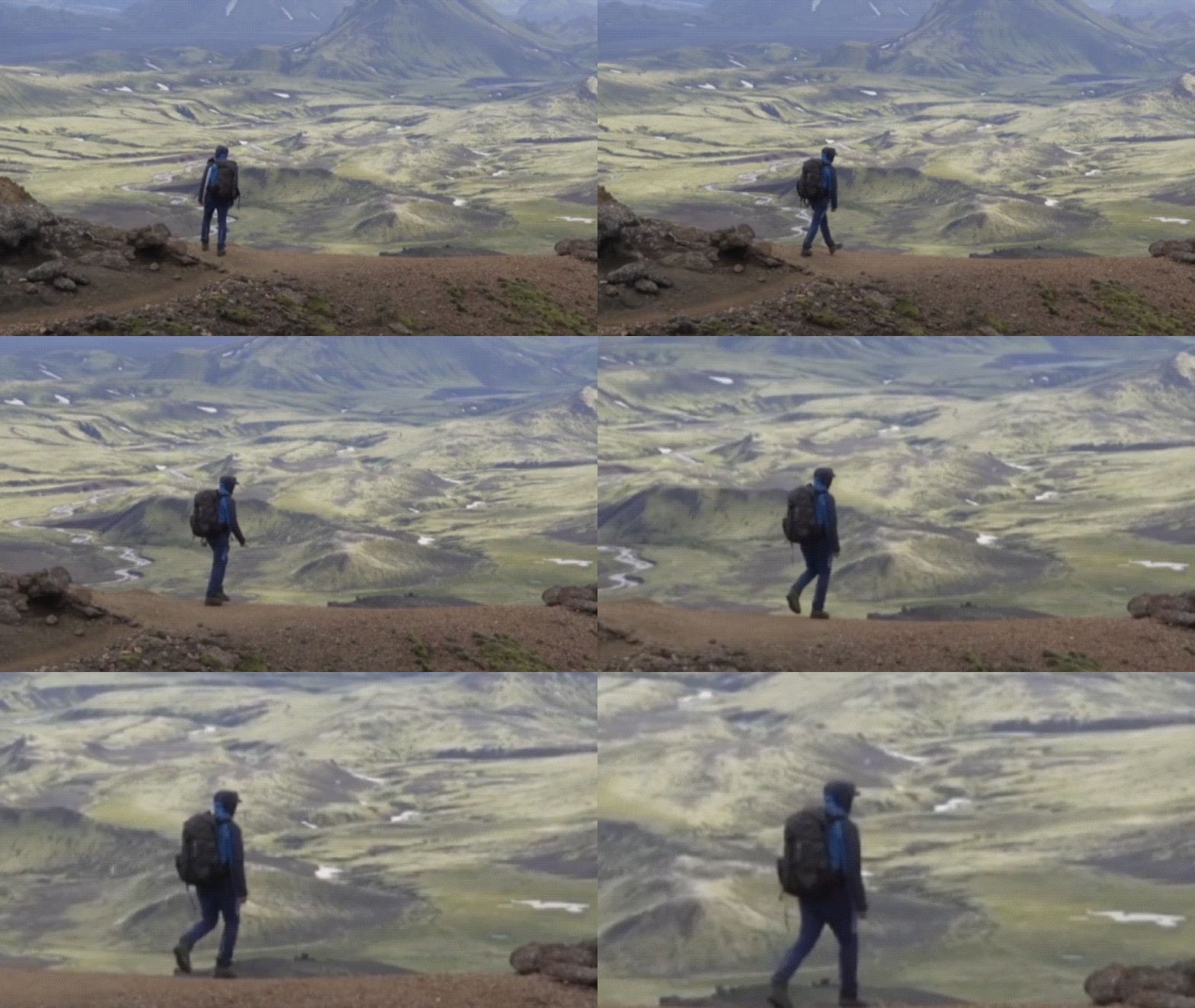
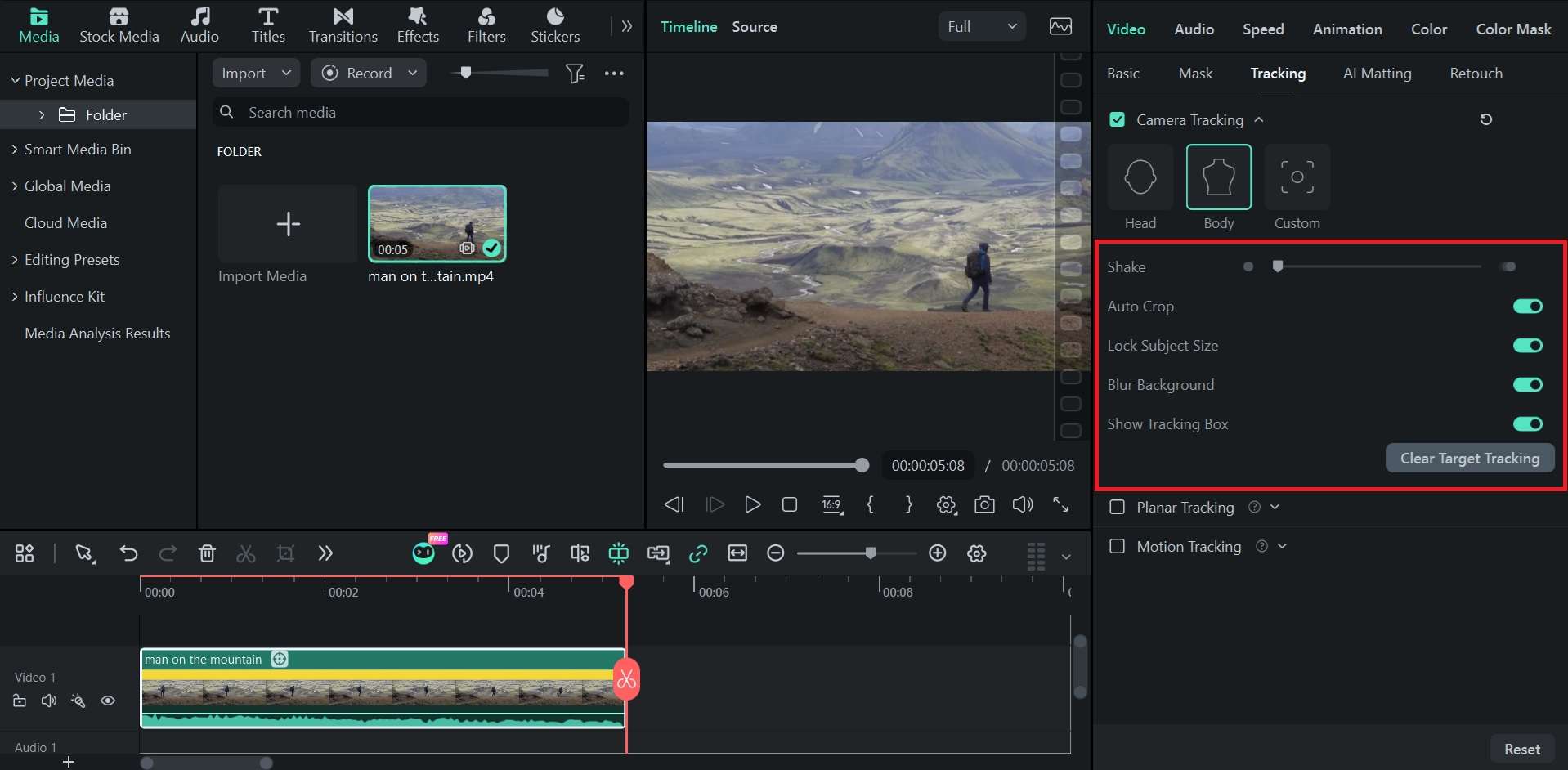
You don’t always need an automatic tracking camera to keep a subject centered in your video. If you already have footage you wish to reframe or recenter, Wondershare Filmora can automatically adjust the framing around a selected subject using its Camera Tracking feature.
Filmora Camera Tracking works by detecting and following a selected subject throughout the clip, then dynamically adjusting the frame to keep them centered. You can choose the area you want to follow, along with built-in controls to refine the result.
Before:
After:
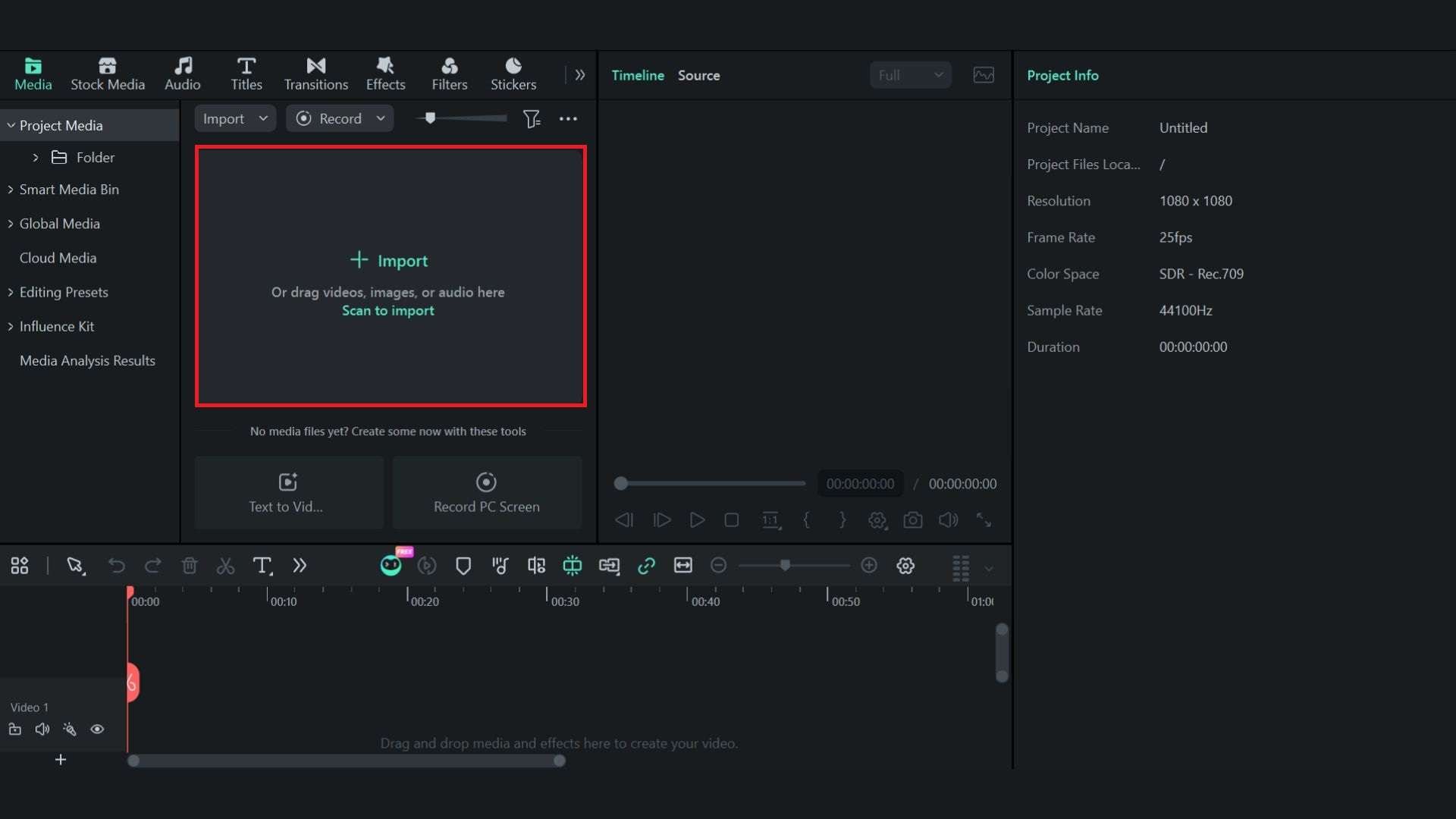
How to Use Filmora Camera Tracking
Make sure you have updated Filmora to the latest version, and follow the step-by-step tutorial below.
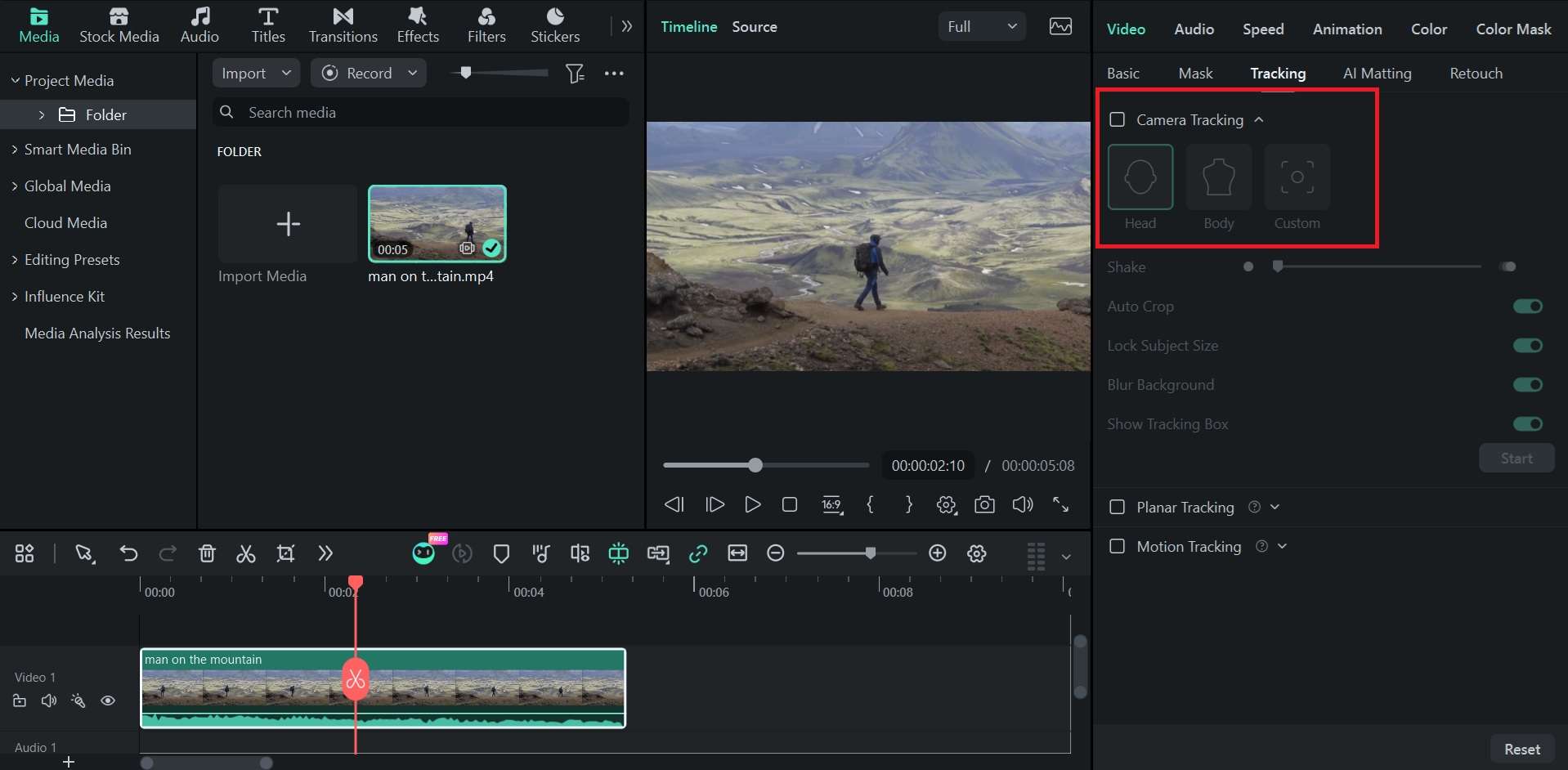
Crop Compensation
Subject Size Lock
Background Blur Fill
 Secure Download
Conclusion
Tracking cameras are a big help when you need to keep a moving subject in frame without constantly adjusting the camera yourself. They’re useful for everything from live streams and sports to events and content creation, with different types suited to different setups.
But if a tracking camera isn't in your budget right now, you can still get a similar framing effect with Filmora's Camera Tracking. This feature lets you track a subject in your footage and automatically adjust the frame to keep them in view.
FAQs About Tracking Camera
-
Can a tracking camera follow a moving object?
Yes, as long as the camera or software is built to track objects rather than just faces. Most consumer AI webcams (like the Insta360 Link) are tuned specifically for faces and bodies, while object tracking cameras and some PTZ systems can lock onto other subjects, like a product, a vehicle, or an animal, and follow that instead. -
Can a tracking camera follow multiple people?
It depends on the model. Some AI tracking cameras and PTZ cameras can widen the frame to keep a small group in view, but they generally won't follow two people moving in opposite directions at the same time. -
Can I turn a normal camera into a tracking camera?
Not in the sense of adding physical auto-tracking to a camera that doesn't have it. But you can add tracking-style effects to footage you've already recorded using video editing software like Filmora. -
What is the best auto-tracking camera for sports?
Veo Cam is generally considered the best auto-tracking camera for sports, especially for smaller teams and clubs. It uses dual 4K lenses to capture the whole field and AI software to follow the ball and players within that footage. Another good option is Pixellot, best suited for larger organizations. -
Is tracking camera the same as motion tracking camera?
No, they’re related but not the same thing. A tracking camera is the broader term. It covers any camera system built to follow a subject and keep it framed. Meanwhile, a motion tracking camera refers to something more specific, which is a camera that detects motion within its field of view and reacts to it.
So, every motion tracking camera is a type of tracking camera, but not every tracking camera relies on motion detection.
