Filmora
Filmora - AI Video Editor
Edit Faster, Smarter and Easier!
OPEN

AI Image to Prompt: Turn Any Image into a Video-Ready Prompt

Use Filmora's free AI image to prompt generator to reverse-engineer images into cinematic text prompts for AI video models like Seedance, Veo 3.1, and Sora. Try it now!
Win 11 /Win 10 / Win 8 / Win7 (64 bit OS) | System Requirements
macOS 10.15 - macOS 15 (10.14 or earlier? Click here) | Apple M1, M2, M3 & M4 compatible
Unlock professional prompts without the learning curve. Filmora's AI vision reverse-engineers any image into a structured, cinematic prompt—ready to power Seedance 2.0, Veo 3, and Sora, all inside Filmora.

Reverse Engineer Any Visual with AI Image to Prompt

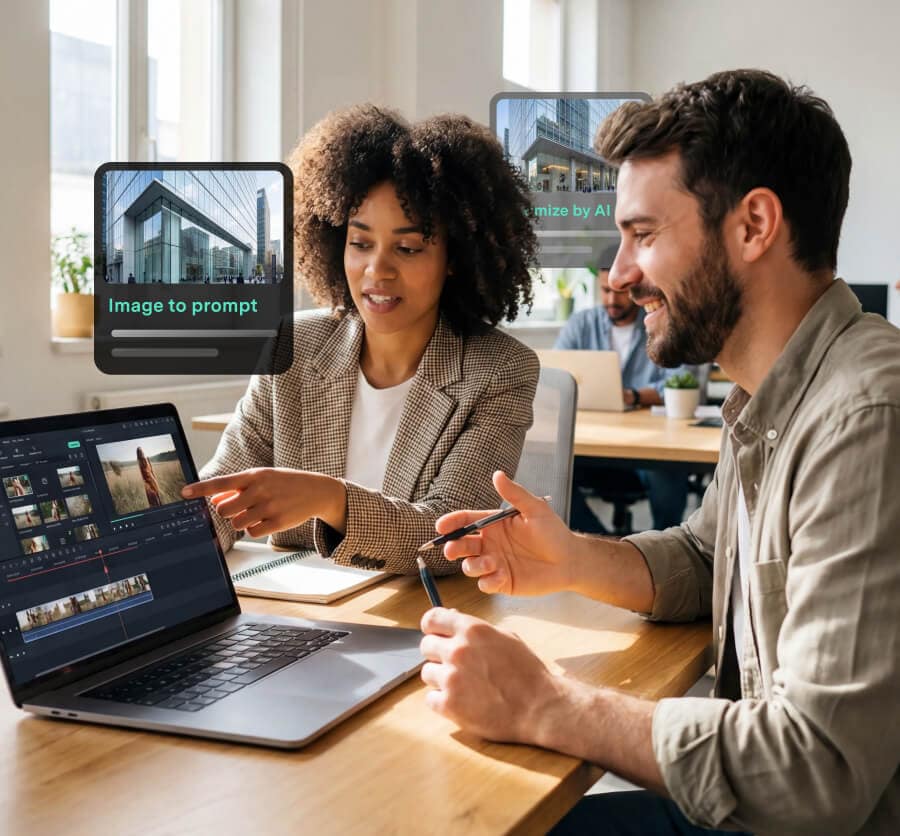
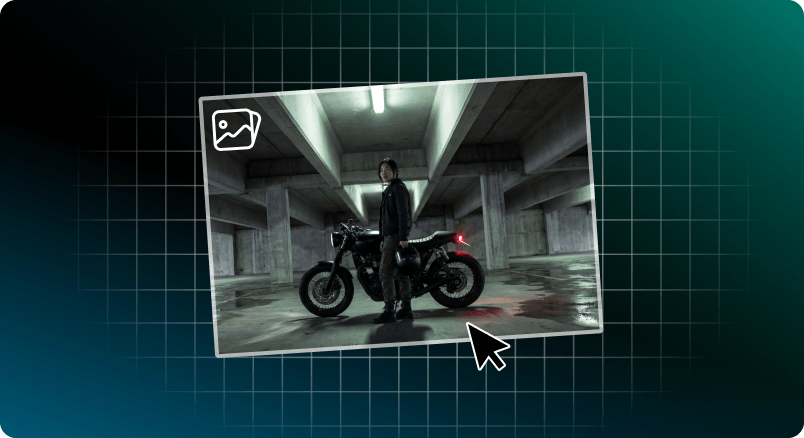
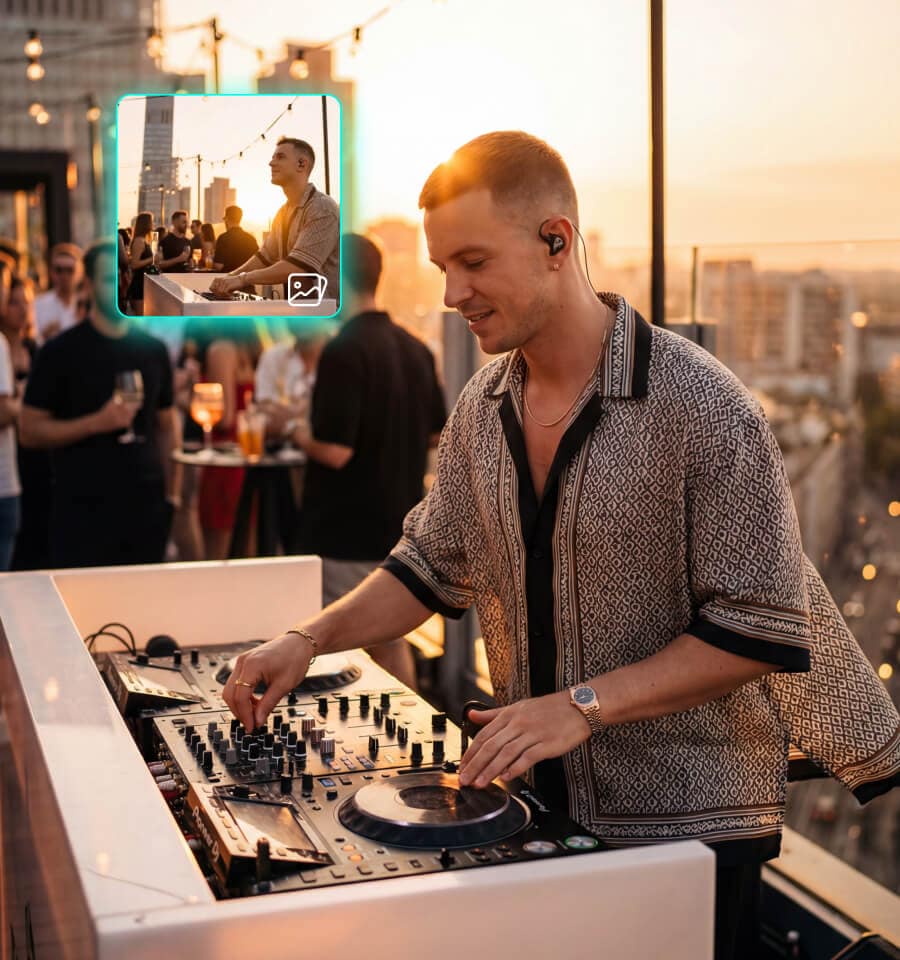
Upload any image. Filmora's AI image to prompt engine reads it the way an editor would — style, composition, lighting, motion logic — and writes the prompt for you.

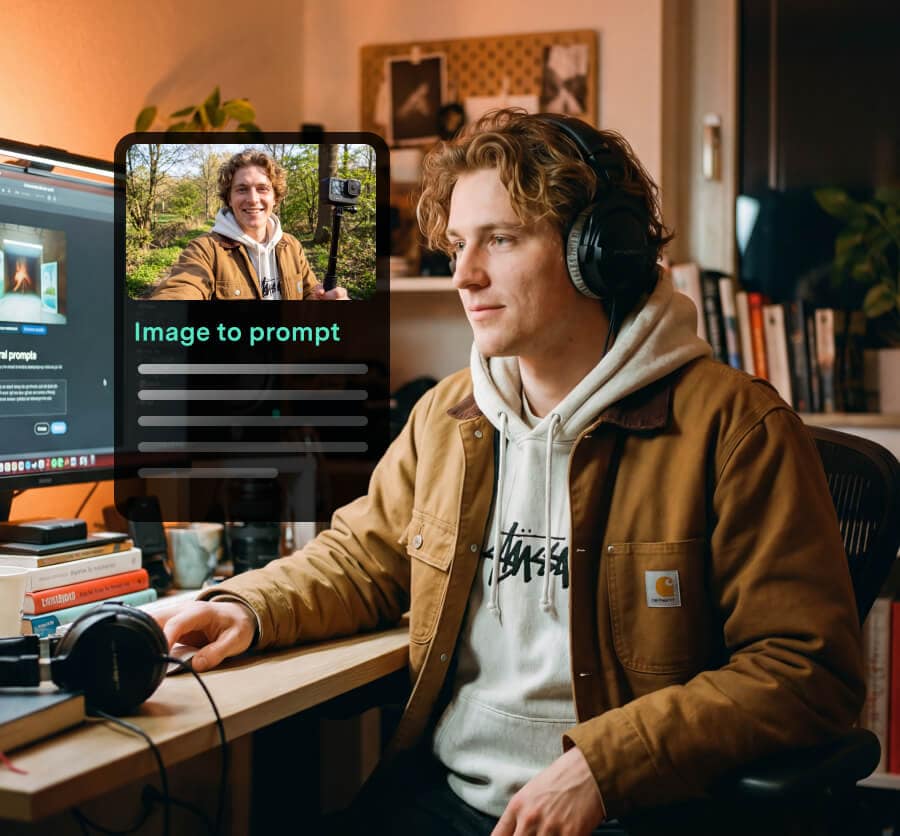
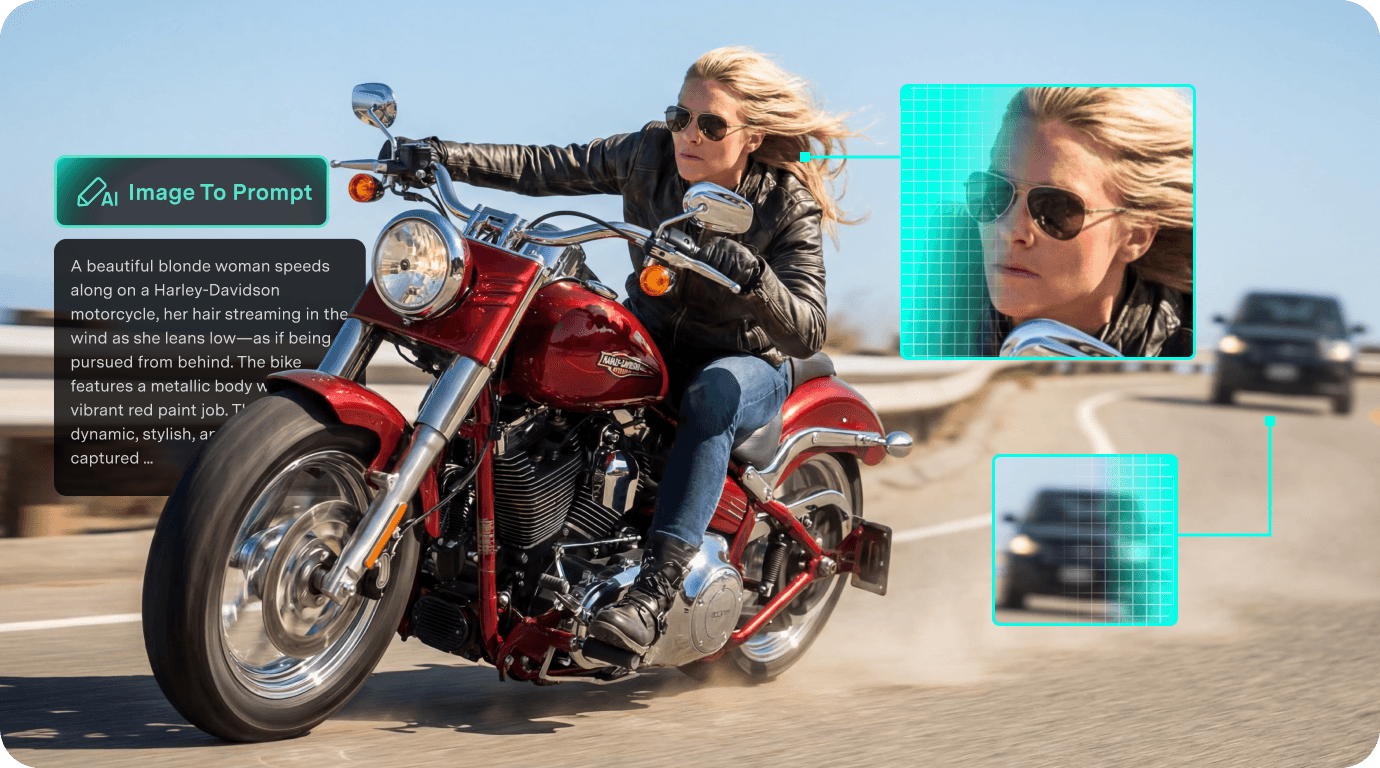
Extract Professional Prompts from Static Images

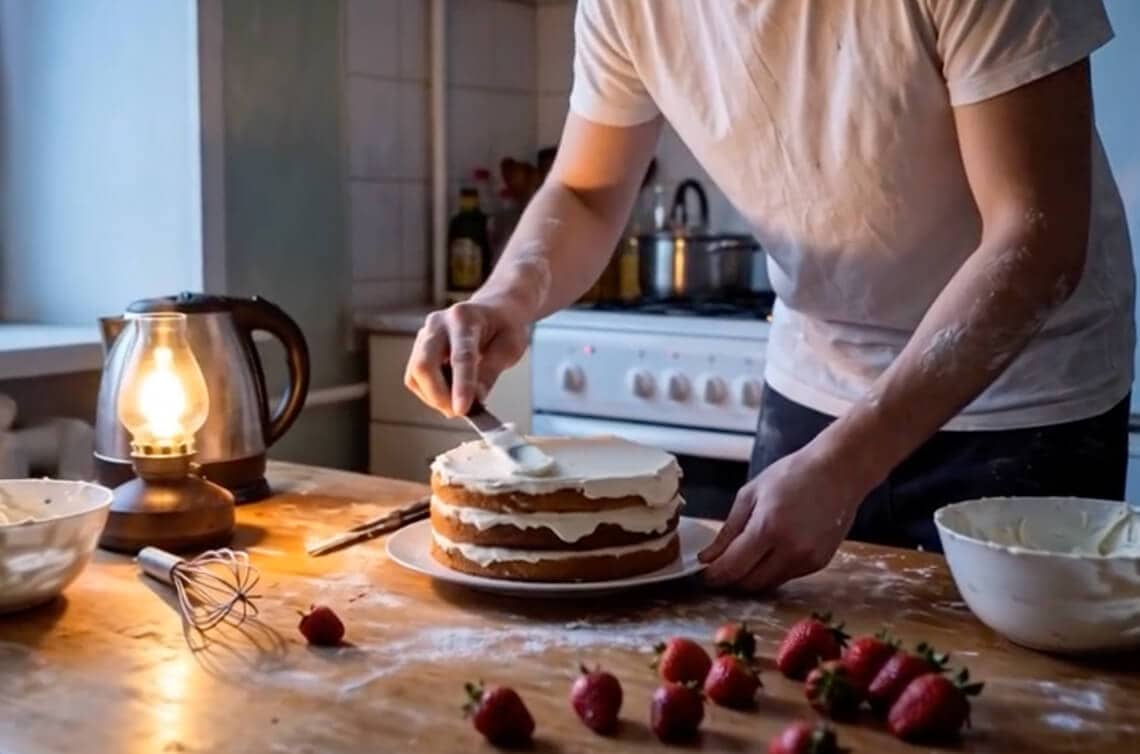
Stop guessing how to describe your ideas. Filmora's AI deeply analyzes any reference image, instantly translating vague inspiration into structured prompts that capture every nuance of style, texture, and composition.

  • Recognize artistic genres, camera angles, and color palettes automatically
  • Detailed scene parsing optimized for high-quality video generation
  • Eliminate the learning curve for professional prompt engineering
Extract Professional Prompts from Static Images

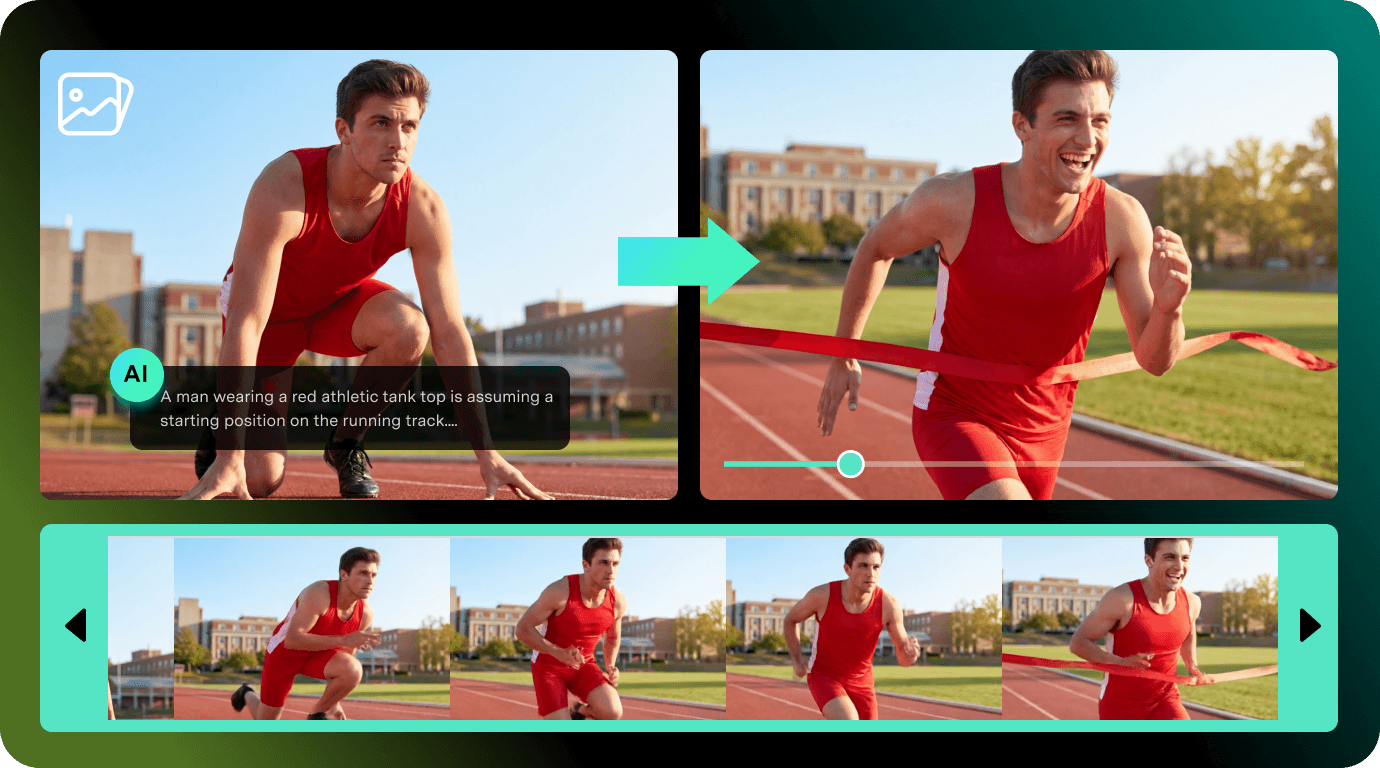
Bridge Two Frames into One Motion Prompt

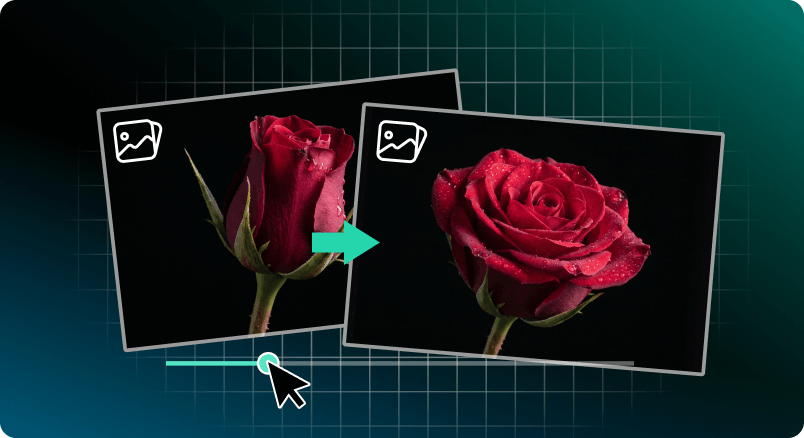
Take the randomness out of AI video. By analyzing the logical connection between your starting and ending frames, Filmora generates prompts that define a smooth, realistic physical evolution for your subjects.

  • Ideal for logo reveals, product morphing, and character transitions
  • AI-inferred motion paths ensure realistic physical consistency
  • Prevent random jump cuts or visual distortions in your output
Bridge Two Frames into One Motion Prompt

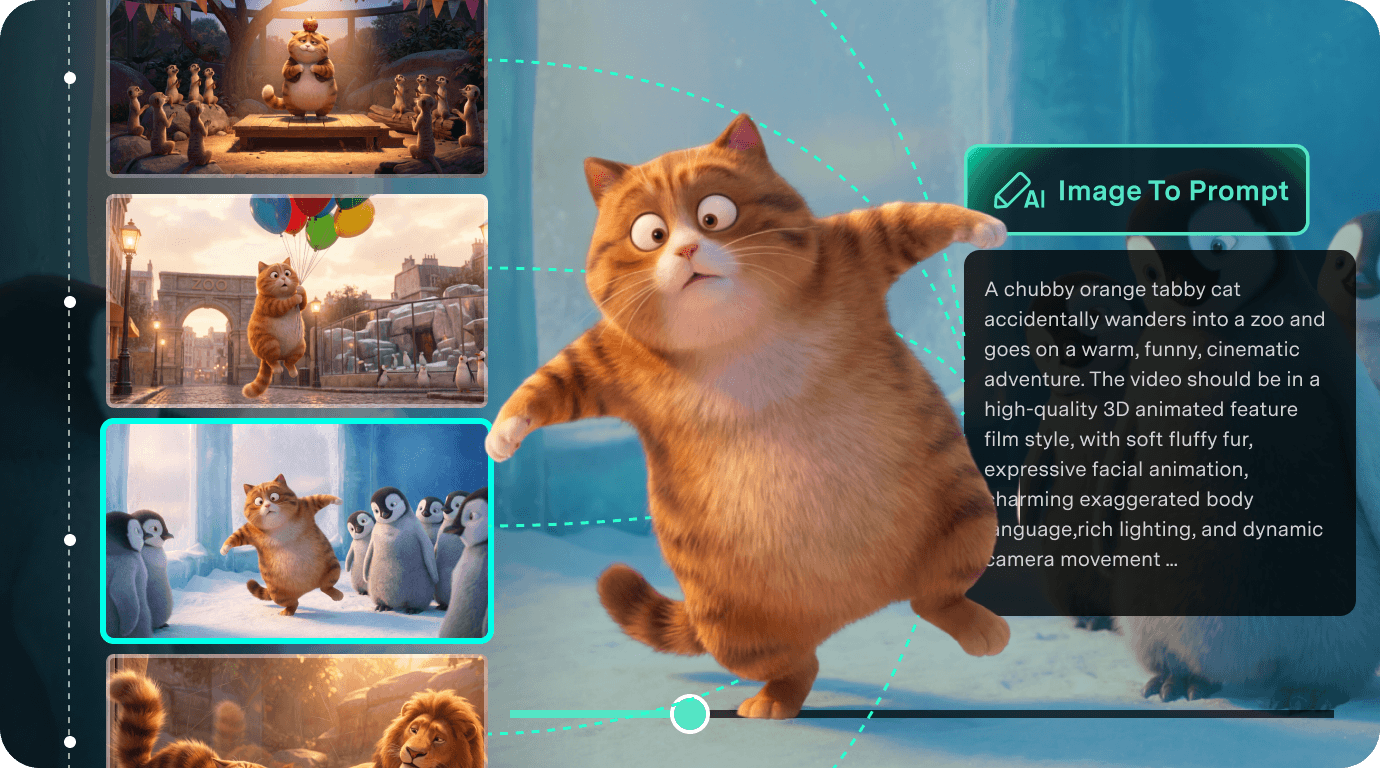
Weave Multiple Images into One Story Prompt

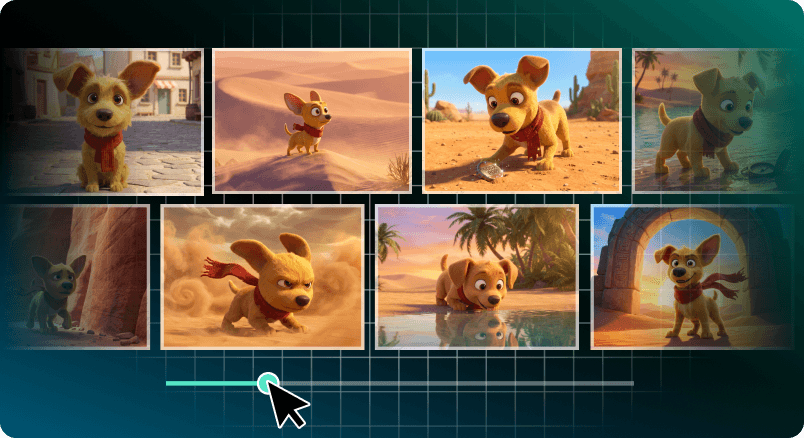
Move beyond single clips to coherent narratives. Upload a sequence of related images — like storyboards or concept sketches — and let AI reverse-engineer a unified prompt that maintains visual logic across the entire story.

  • Connect multiple frames into a single, coherent narrative prompt
  • Maintain consistent character appearance and atmosphere across shots
  • Perfect for creating short films, comic animations, and complex ads
Weave Multiple Images into One Story Prompt

All-in-One AI Workflow from Prompt to Timeline

Why switch between tools when you can do it all in one place? From reverse-prompting and video generation to professional editing and beat-syncing, the entire creation cycle stays within Filmora.

  • Generate, edit, and export without ever leaving the application
  • Directly apply generated prompts to Filmora's AI Video engine
  • Skip the export-import loop between separate tools
All-in-One AI Workflow from Prompt to Timeline

Compare AI Image to Prompt Modes for Your
Creative Workflow

Filmora offers 3 intelligent extraction modes tailored for your video editing workflow. Whether you're animating a single photo, creating a seamless transition, or directing a multi-scene short film, pick the right mode to generate highly accurate, model-ready prompts.

AI Image to Prompt Mode Comparison
Input Mode
Best For
Output Prompt Focus
Single Image Photo-to-Video, Style Replication (Veo 3.1, Seedance 2.0) Camera Movement, Lighting, Cinematic Mood
Start / End Frame Logo Reveals, Smooth Transitions (Sora-style) Motion Paths, Physical Evolution
Multi-Image Storyboards, Short Films (ToMoviee) Narrative Flow, Character Consistency

Image to Prompt for
Every Creator

convert-pic-up

YouTube / Shorts Creators

Skip the prompt‑writing learning curve — drop any image and get a structured prompt in seconds.

convert-pic-up

TikTok / Reels Creators

Can't replicate that viral look? Reverse any screenshot into a prompt and copy the style instantly.
convert-pic-up

Filmmakers & Video Editors

Turn your past edits into reusable prompts — build a creative asset library you actually own.

convert-pic-up

Marketing & Ad Teams

Turn past ad creatives into fresh prompts, then batch‑generate new variations for faster A/B testing.

Accuracy You Can See. Prompts You Can Copy.

See how Filmora reverse-engineers your images into precise prompts — then generates videos that match your visual intent.

See The Accuracy In Action

Your image → AI-reversed prompt → Generated video by leading models

prompt-seedance2-img
prompt-ai-icon
prompt-seedance2-img
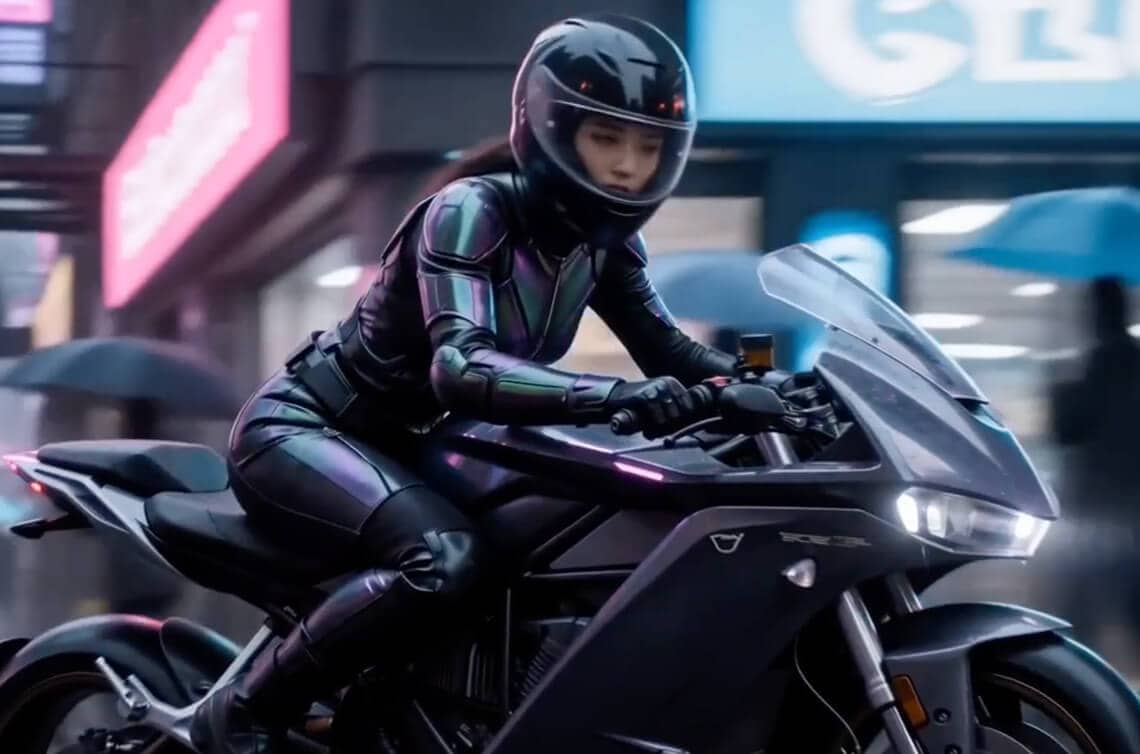
Seedance 2.0

AI-REVERSED PROMPT:

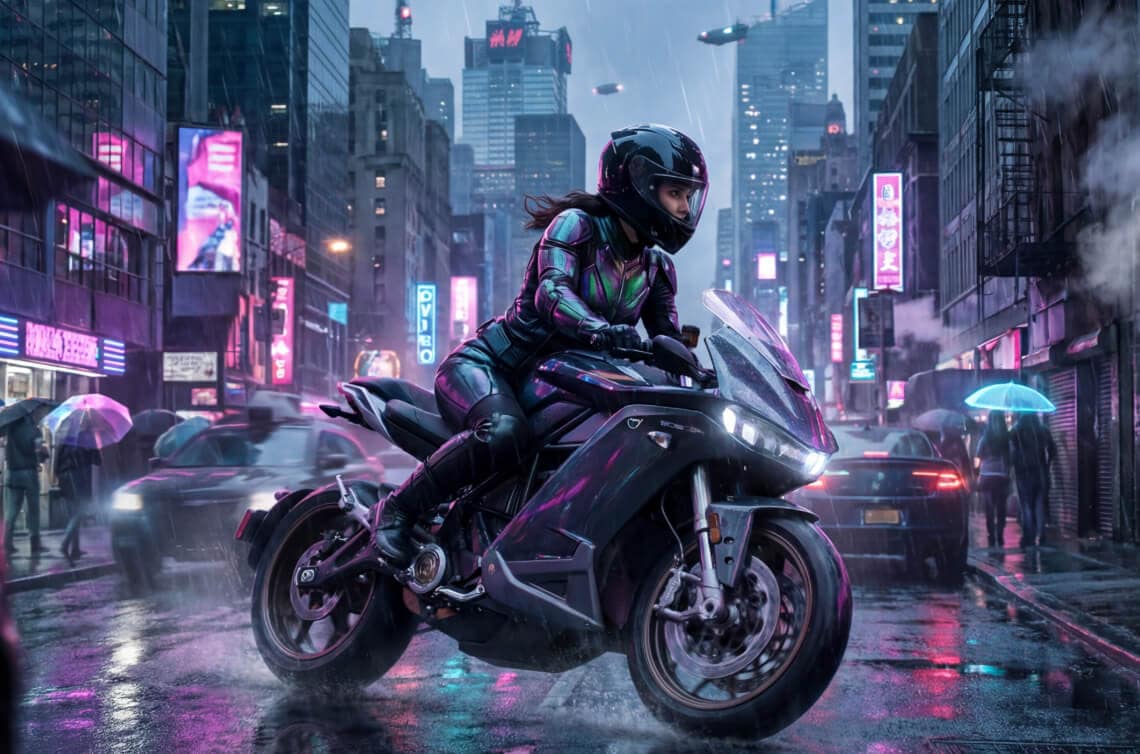
Slow tracking shot, female rider in futuristic armored suit and helmet, riding a sleek black motorcycle with glowing purple accents through a neon-lit city

Copy Copied!
prompt-veo3-img
prompt-ai-icon
prompt-veo3-img
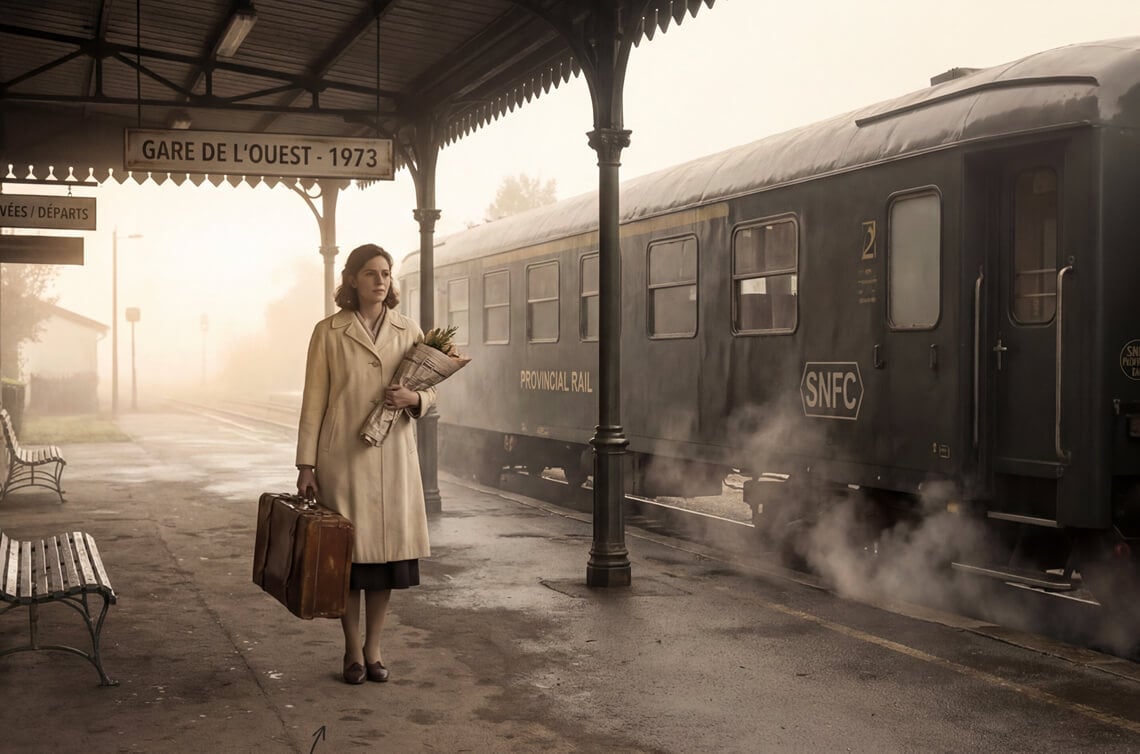
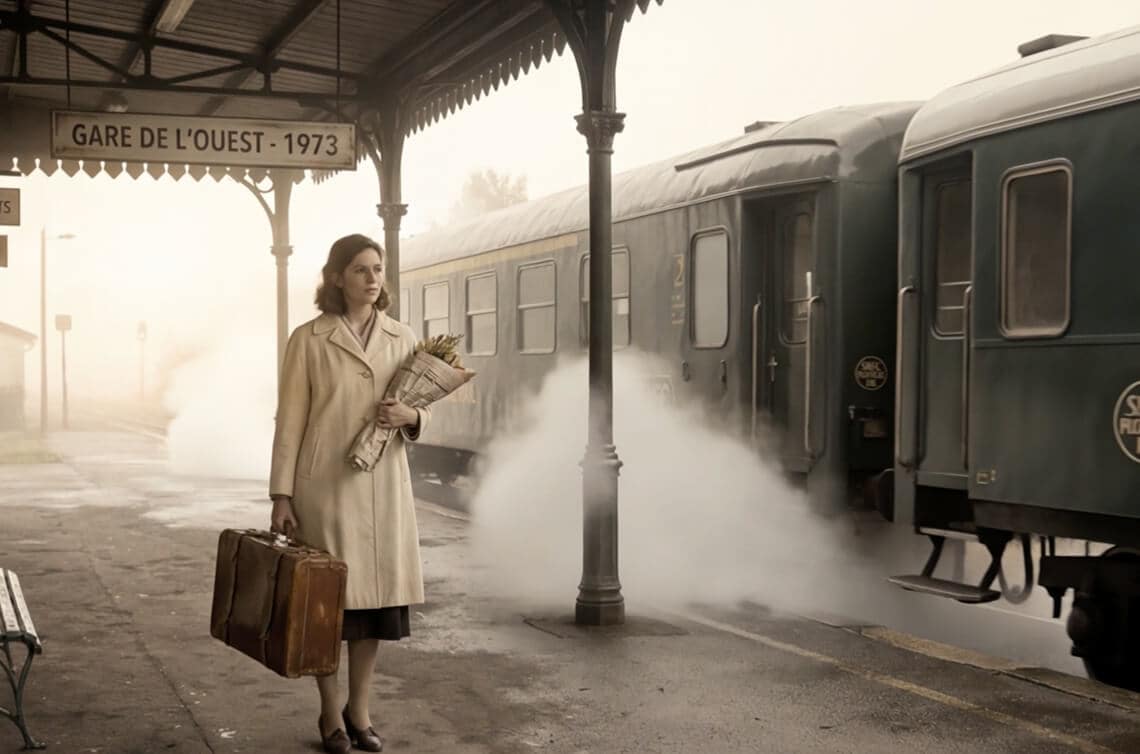
Veo 3.1

AI-REVERSED PROMPT:

Slow pan across the platform, A woman in a cream coat holding a vintage suitcase and a bouquet of flowers stands at Gare de l'Ouest 1973, her gaze fixed ahead as

Copy Copied!
prompt-sora-img
prompt-ai-icon
prompt-sora-img
Sora

AI-REVERSED PROMPT:

Slow tracking shot, female rider in futuristic armored suit and helmet, riding a sleek black motorcycle with glowing purple accents through a neon-lit city

Copy Copied!

Match the Mode to Your Vision

Filmora offers three intelligent ways to reverse-engineer your visuals. Choose the input that fits your creative goal.

Single Image

Turn a single static reference into a cinematic moving scene.

Single Image mode preview
BEST FOR
AI Photo-to-Video Exact Style Replication Scene Recreation

Start/End Frame

Control the exact motion path and physical evolution from the first frame to the last.

Start / End Frame mode preview
BEST FOR
Seamless Transitions Logo Reveals Sora-Style Morphing

Multi-Image Reference

Weave multiple visual sources into one coherent narrative prompt.

Multi-Image Reference mode preview
BEST FOR
Storyboard Sequences Character + Scene Fusion Consistent Short Films

No prompt needed — AI writes it for you.

How To Convert Image to Prompt in Filmora

Follow these quick steps to extract prompts from your images and start creating.

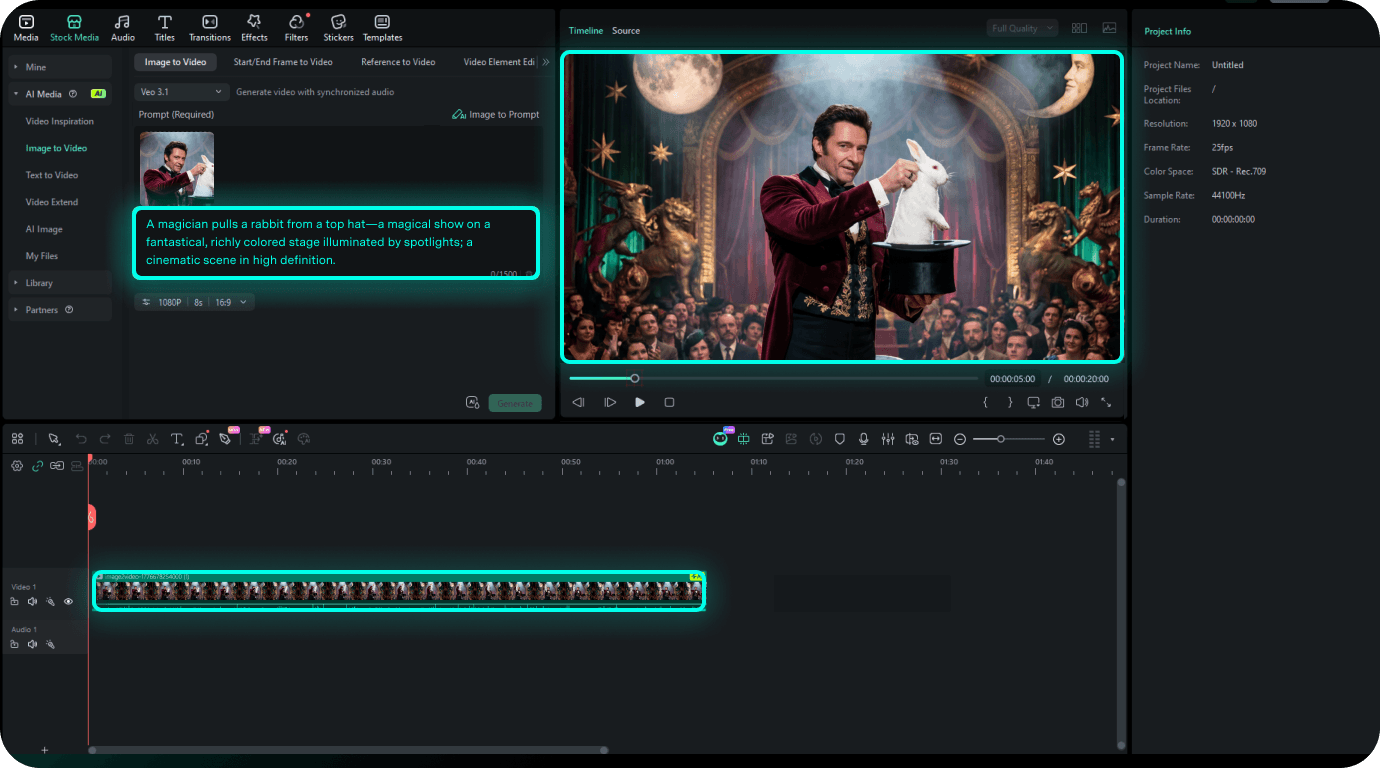
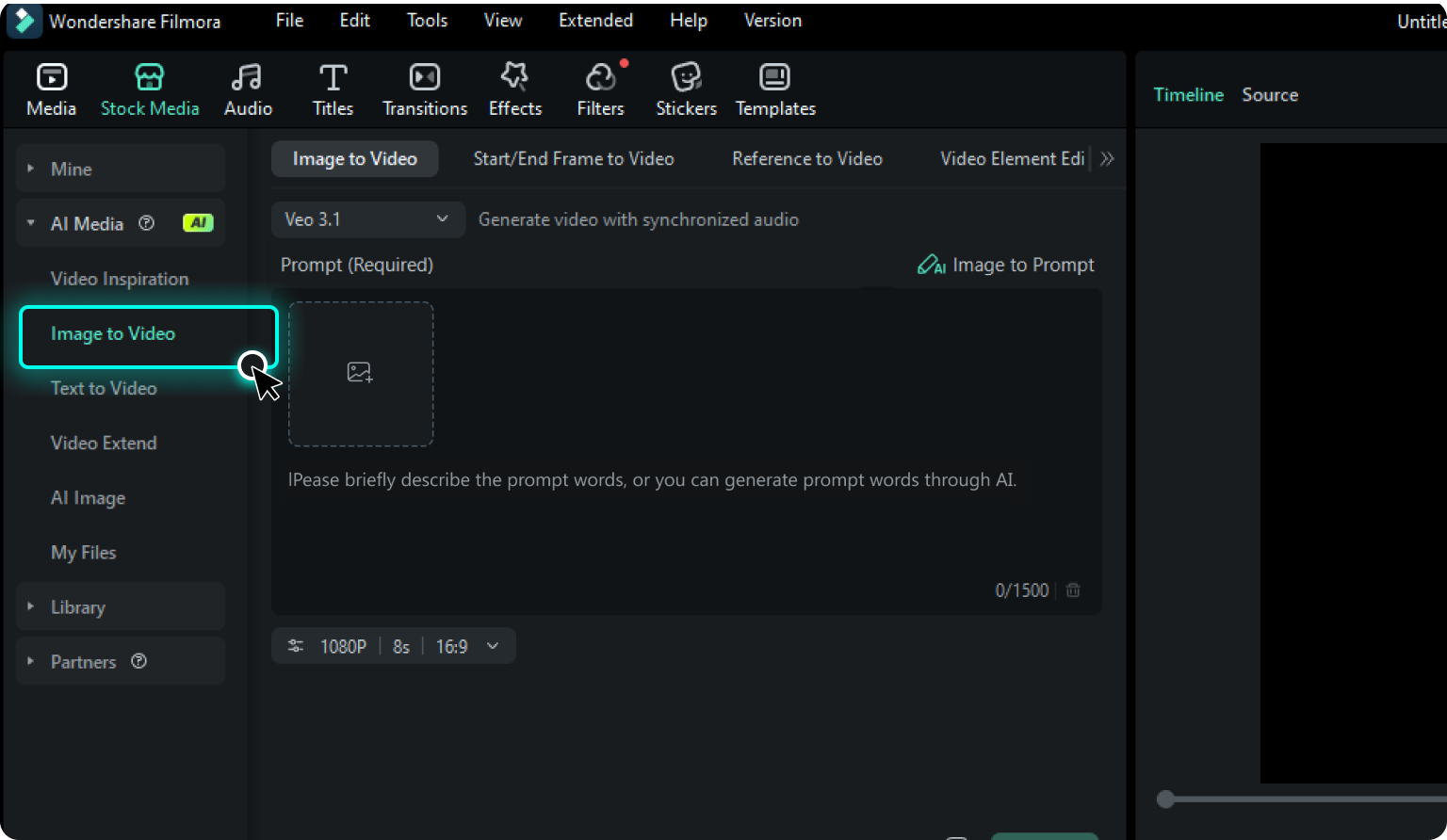
Step 1. Open Image to Video

Launch Filmora and navigate to Stock Media > AI Media > Image to Video to open the creation workspace.

Open Image to Video
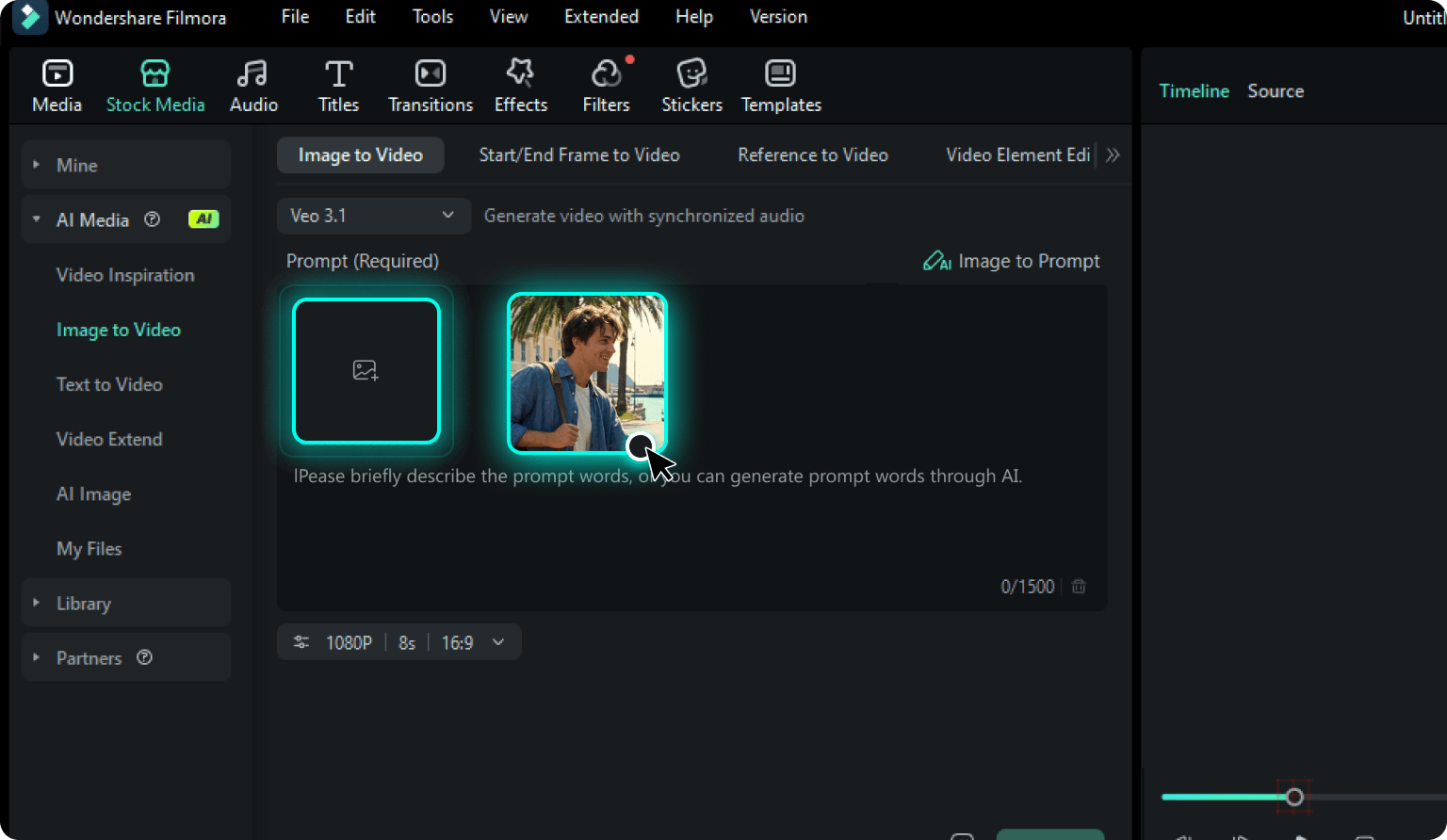
Step 2. Upload Your Reference

Select your preferred entry point—Image to Video, Start/End Frame to Video, or Reference to Video—and upload your visual assets.

Upload Your Reference
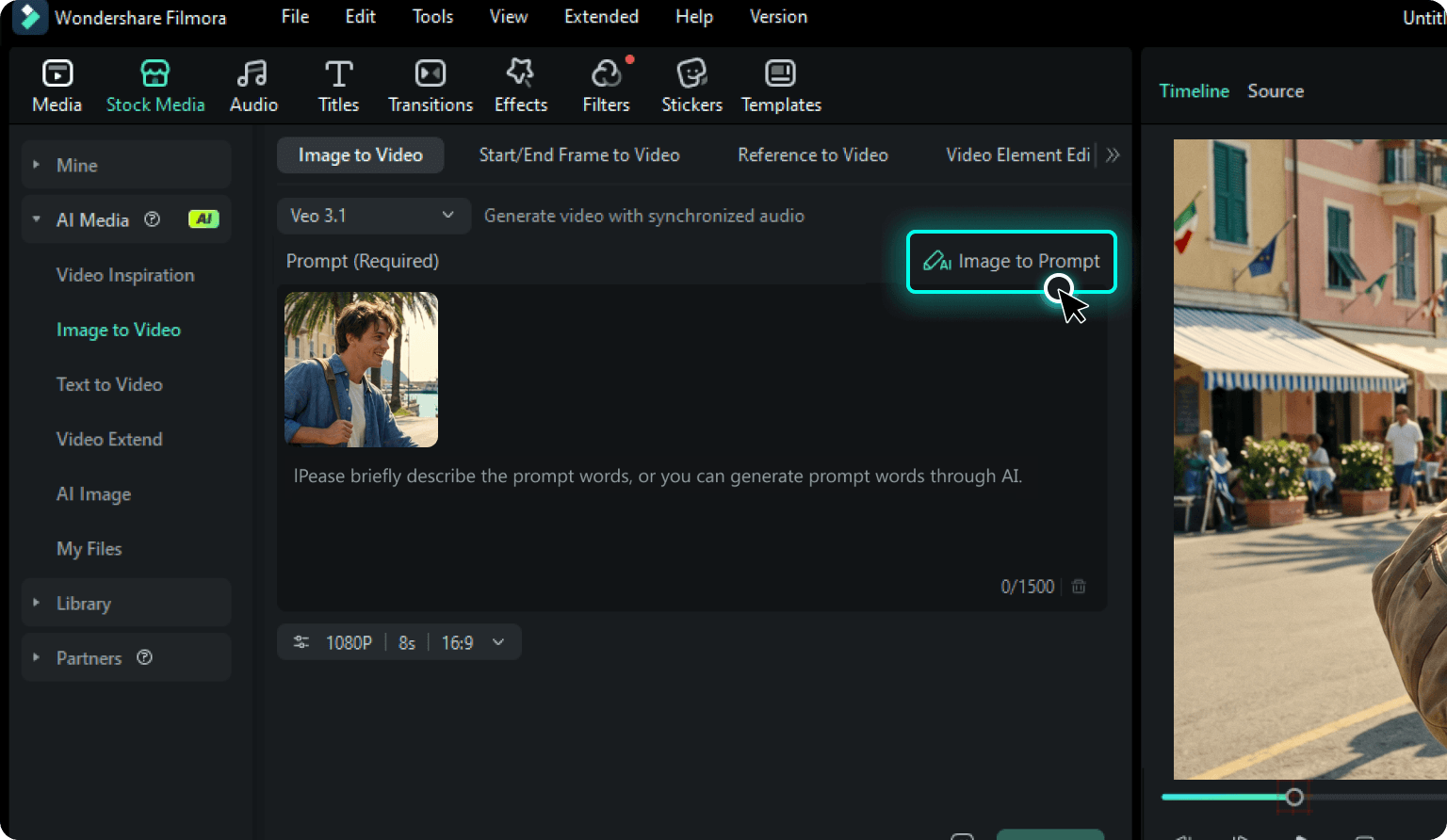
Step 3. Extract the AI Prompt

Choose your preferred AI video model (like Veo 3.1 or Seedance 2.0) first, then click the "AI Image to Prompt" button. Filmora's AI will instantly analyze the image and auto-generate a highly detailed prompt tailored specifically to your chosen model's logic.

Extract the AI Prompt
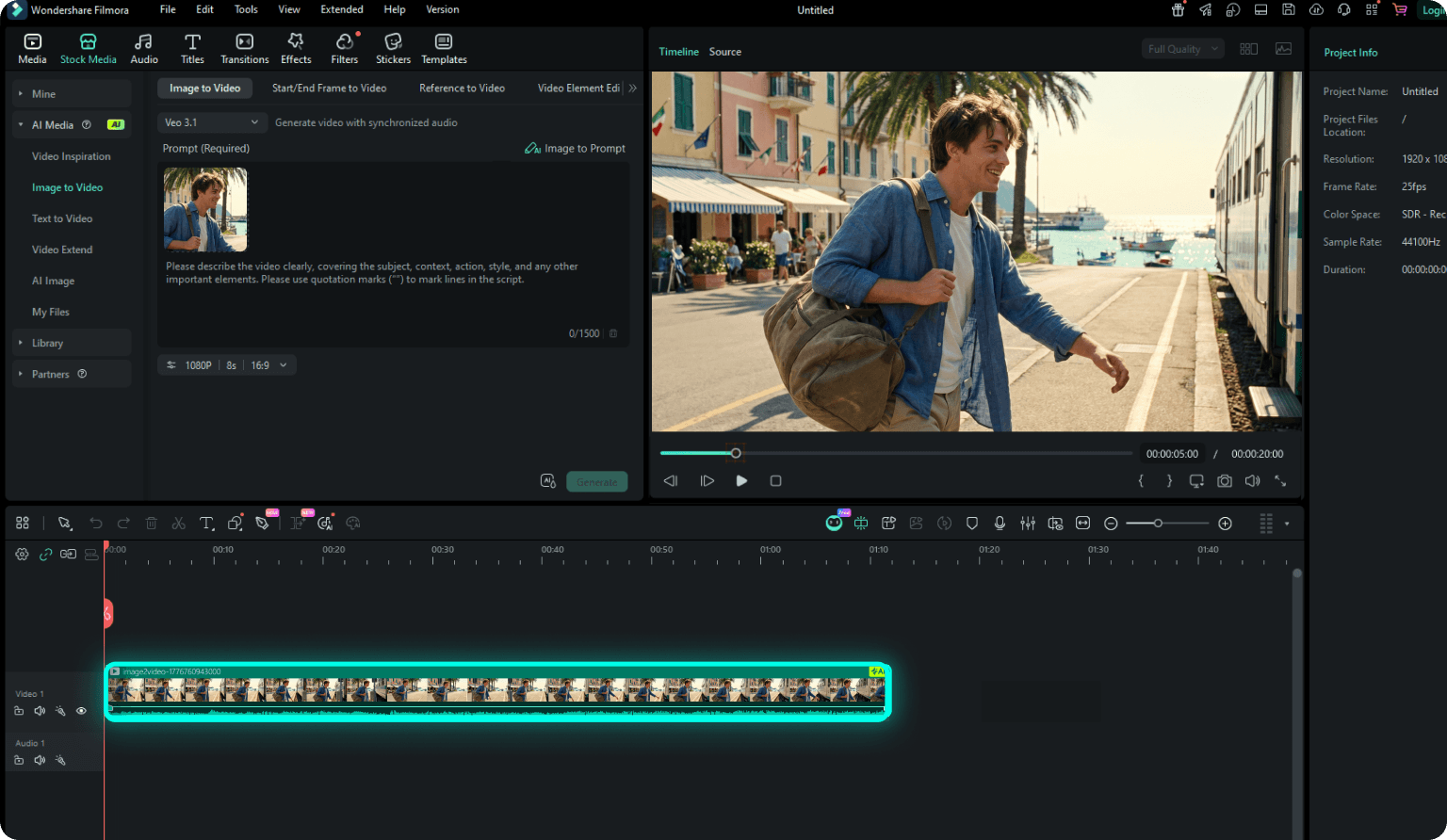
Step 4. Generate & Edit Video

Review the tailored prompt, make any tweaks if needed, and hit Generate. Finally, drag the generated video directly onto your timeline for seamless editing.

Generate & Edit Video
  1. Step 1: Open Image to Video

    Launch Filmora and navigate to Stock Media > AI Media > Image to Video to open the creation workspace.

  2. Step 2: Upload Your Reference

    Select your preferred entry point—Image to Video, Start/End Frame to Video, or Reference to Video—and upload your visual assets.

  3. Step 3: Extract the AI Prompt

    Choose your preferred AI video model (like Veo 3.1 or Seedance 2.0) first, then click the "AI Image to Prompt" button. Filmora's AI will instantly analyze the image and auto-generate a highly detailed prompt tailored specifically to your chosen model's logic.

  4. Step 4: Generate & Edit Video

    Review the tailored prompt, make any tweaks if needed, and hit Generate. Finally, drag the generated video directly onto your timeline for seamless editing.

Frequently Asked Questions

Filmora's Image to Prompt tool uses multi-modal AI vision to reverse-engineer images into high-quality descriptive text. It analyzes:

  • Visual Elements: Composition, lighting, and textures.
  • Cinematic Cues: Camera angles and motion potential.
  • Style Metadata: Artistic genres (e.g., Cyberpunk, Ghibli) for precise AI video generation.

Yes, Filmora's Image to Prompt feature is completely free to use. You can easily upload your images, reverse-engineer them, and generate professional AI prompts without any extra cost.

Yes. While the generated prompts are highly detailed and versatile, they are specifically optimized for advanced AI video generation models like Seedance 2.0, Veo 3.1, Sora, and so on. This ensures you get cinematic motion, consistent physics, and accurate camera movements.

Yes. The generated prompts are fully editable, allowing you to refine styles or camera movements to match your vision. While precision-tuned for Filmora's native engines like Seedance 2.0 and Veo 3.1, these prompts use a standardized, professional structure that is highly effective across various AI generation workflows. Additionally, the tool supports multi-language flexibility, letting you easily guide the output in your preferred language.

Absolutely. Prompts are written in a flexible, professional format. While they are built to drive Filmora's native AI video engines, you can easily copy and paste them into any other AI video or image generators (like Midjourney or Stable Diffusion) if needed.

The tool intelligently adapts its "prompting language" based on the AI model you choose to maximize its potential:

  • For Seedance 2.0: It specializes in dynamic pacing and multi-shot narratives. The generated prompts are structured to direct scene changes (often utilizing [CUT] tags) to help you generate longer, multi-angle videos with perfectly synced auto-audio.
  • For Veo 3.1: It generates "storyboard-style" scripts, focusing heavily on rigorous cinematic camera movements (e.g., "slow push-in", "pan right") and precise audio-visual alignment.
  • For Sora-style Models: It uses natural, flowing language to describe hyper-realistic physical details and complex lighting (e.g., "neon reflections in puddles") for flawless, lifelike generation.

What Creators Say About Image to Prompt Generator

customer Daniel
Daniel Moore

Video Editor

Image to Prompt saves me from rewriting the same descriptions over and over. I just drop a reference and get something usable immediately.

customer Emily
Emily Carter

YouTube Creator

I don't know how to write prompts, but this makes it irrelevant. The results actually match what I upload.

customer Lucas
Lucas Bennett

Performance Marketer

We reuse old ad visuals to generate new variations fast. This cuts our creative turnaround time in half.

customer Sophia
Sophia Reynolds

Short‑Form Creator

It finally feels like AI understands visuals the way humans do, not just keywords.