
Animation Effects & Video Guides
Browse animation effects and video animation effects for your next project
Loading more animation effects...
 Category:
 Duration:
 Aspect Ratio:
Everything You Need for Video Animation
Filmora provides a range of animation effects for videos that you can apply directly to your projects. Use motion animation, motion effects, combo animation, and other animated effects to add movement and visual interest to clips, text, and graphics.
Whether you are browsing built-in assets or combining different effects, Filmora gives you flexible ways to create video animation that fits your project.
Add Motion with Animation Effects
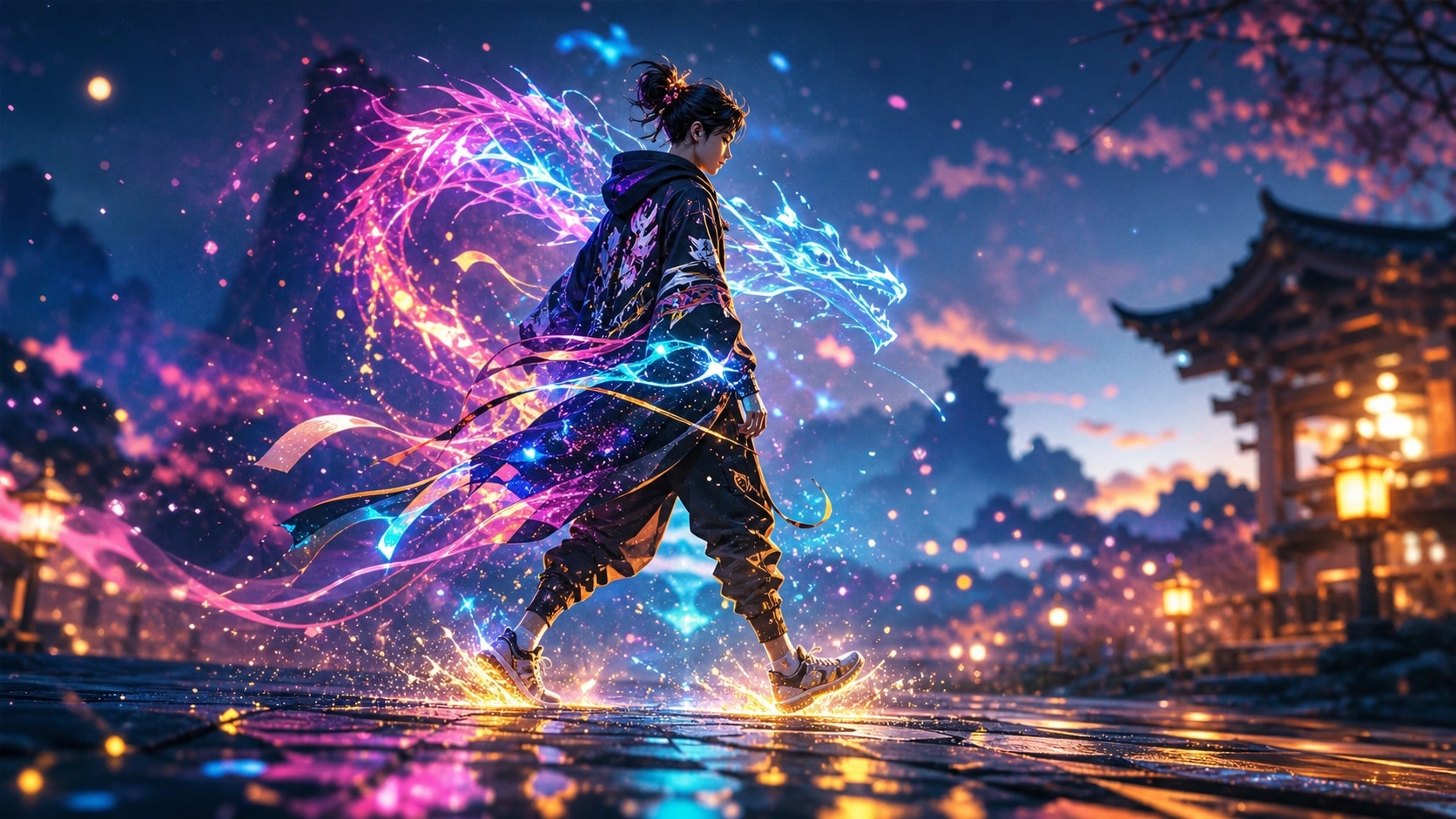
Add Motion with Animation Effects
Filmora makes it easy to add animation effects for videos without building every movement from scratch. Apply built-in effects and motion tools directly to your timeline, then adjust them to fit your footage.
- Use motion tracking to keep animated effects aligned with moving objects.
- Apply combo animation presets to combine multiple movements and effects in one sequence.
- Create additional visual elements with Filmora's AI image generation tools and incorporate them into your video animation.
Explore Animated Effects for Videos
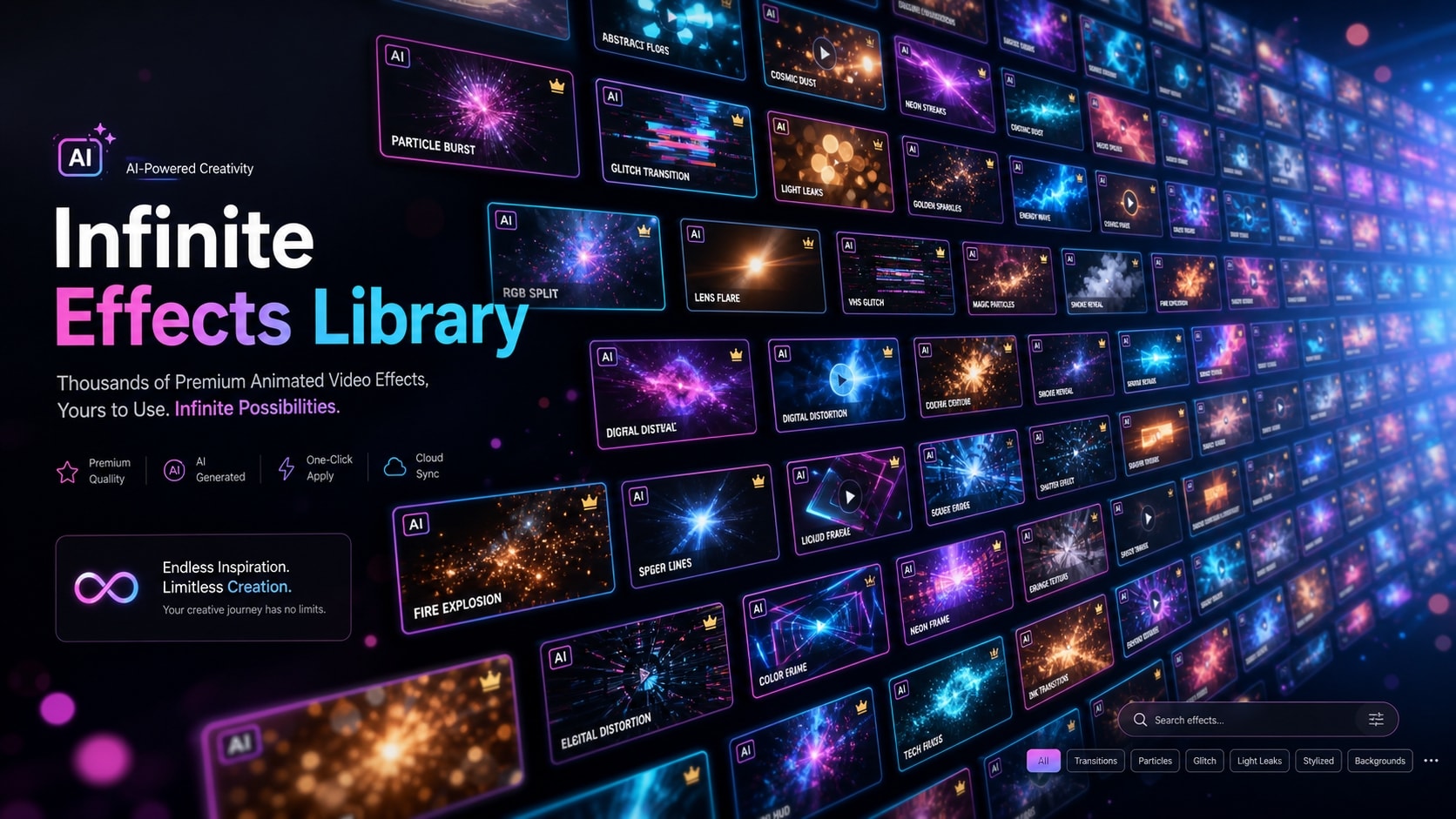
Explore Animated Effects for Videos
Explore Filmora's creative assets and tools to build animated videos with less manual work. Choose motion effects and animated effects from the library, or create visual assets with Filmora's AI Image Generator for use in your video animation.
- Choose from a variety of motion effects to add movement and style to your clips.
- Create original visual assets with Filmora's integrated AI image generation tools.
- Combine multiple animated elements to build video animation sequences that fit your edit.
Enhance Videos with Motion Effects

Enhance Videos with Motion Effects
Animation effects can shape the visual style and pacing of a scene. Combine motion animation with Filmora's video filters and color correction tools to create a consistent look across your video.
- Combine animated effects with other visual adjustments to match the style of your footage.
- Use cinematic presets to complement your video animation effects.
- Pair motion effects with color adjustments to change the visual tone of your clips.
Frequently Asked Questions About Animation Effects
How to Apply Animation Effects in Filmora
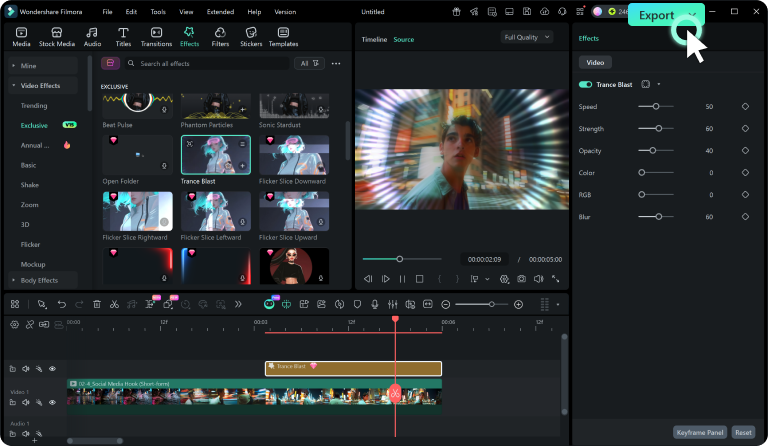
Browse Filmora's animation effects, preview the available assets, and apply your chosen motion effects to the timeline.
Step 1 Browse & Preview
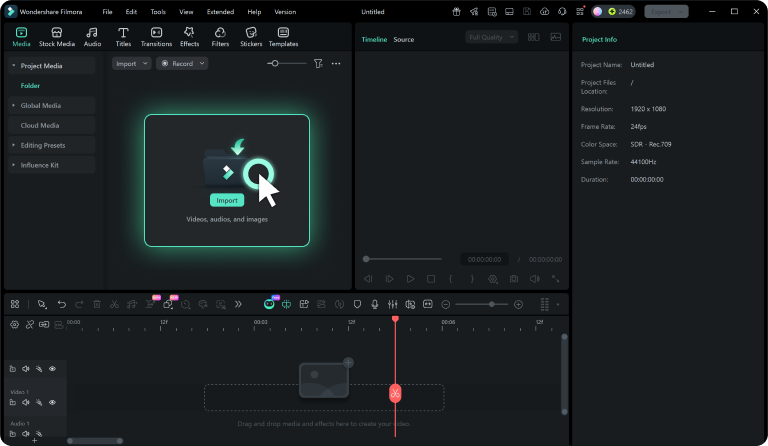
Step 2 Add the Effect to Your Project
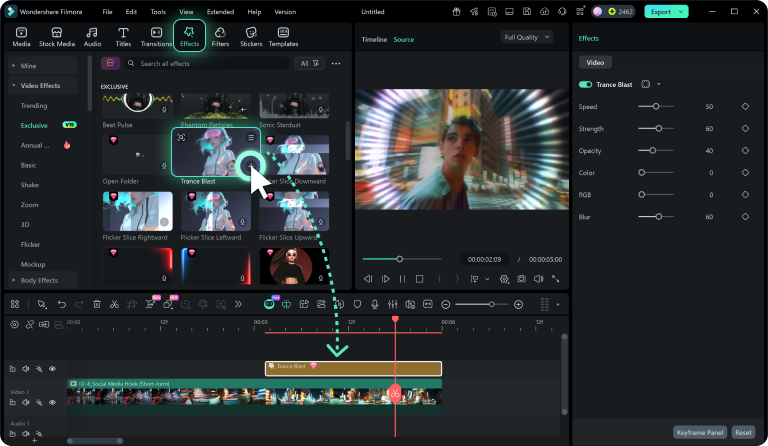
Step 3 Apply and Customize
-
1: Browse & Preview
Browse the animation effects available in Filmora and select a preset to preview its motion. Explore different effects to find a style that fits your video. -
2: Add the Effect to Your Project
Select the animation effect you want to use and add it to your project. The effect becomes available to apply directly to the relevant clip or element on your timeline. -
3: Apply and Customize
Apply the motion effects to your timeline and adjust the available settings to fit your footage. Preview the result and fine-tune the animation as needed.
