Trending Butterfly Effect Resources:
Ethereal Wings, Glowing Swarms & Angelic Overlays
From viral selfie butterfly effect filters to cinematic swarms that surround you, these various resources let you create a dreamy butterfly effect with massive resources available at your fingertips. Simply select an ai butterfly effect template, drop your video onto the timeline, and let the AI handle the complex tracking and layering for a professional result.
Loading more templates...
 Category:
 Duration:
 Aspect Ratio:
Master the ai butterfly effect
with Smart AI Tracking and Aesthetic Styles
Creating a professional butterfly overlay effect no longer requires manual keyframing or complex masking. Filmora's intelligent engine recognizes human subjects to ensure butterflies around face areas look natural and reactive. Whether you want a high-energy ai butterfly video effect for music videos or a soft, aesthetic butterfly effect for a lifestyle vlog, our tools provide the precision and variety needed to make your vision flutter to life.
Intelligent Swarm Dynamics: AI-Driven Wing Movements
Intelligent Swarm Dynamics: AI-Driven Wing Movements
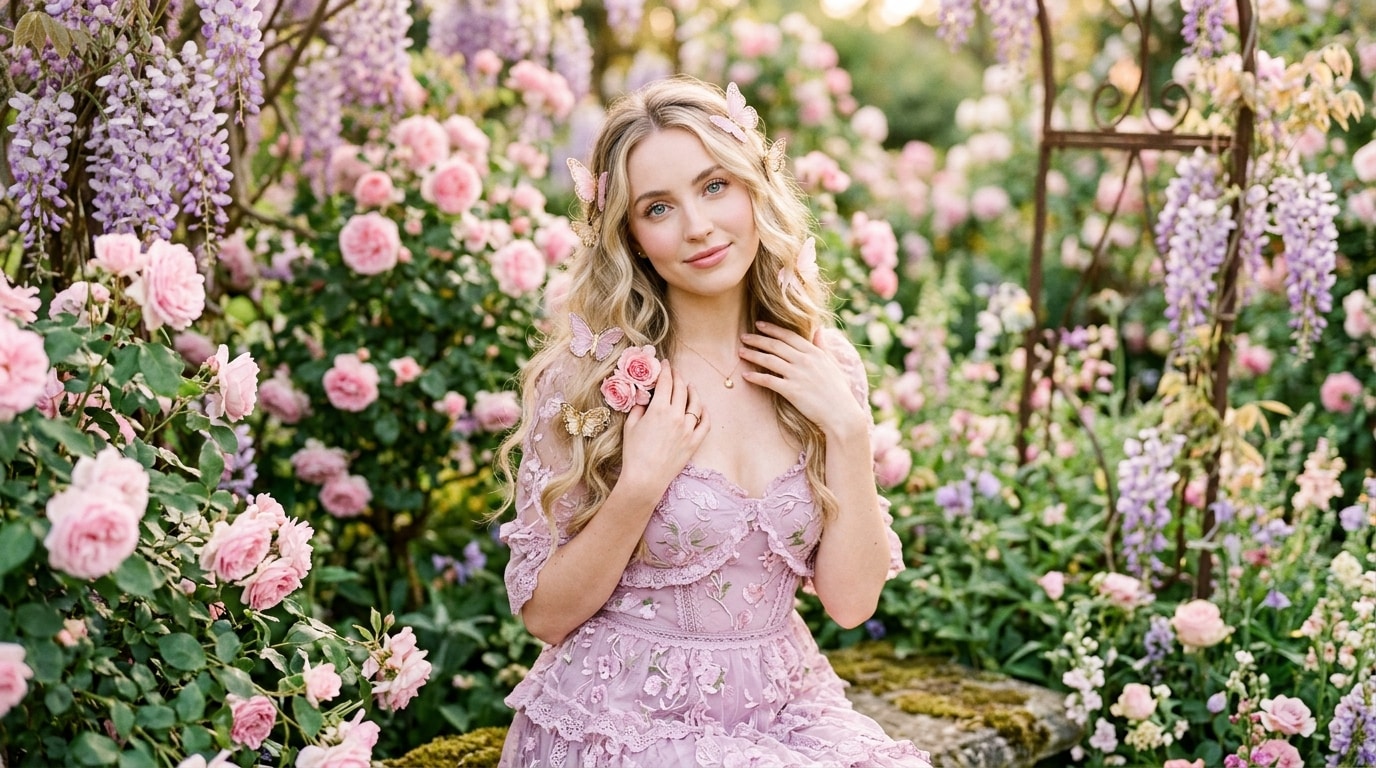
Experience the most realistic ai butterfly effect ever. The system uses advanced particle effects logic to simulate how butterflies move in nature. Instead of static overlays, these wings react to your subject's motion, creating a dynamic environment where the butterflies appear to truly inhabit your scene.
- 🦋 Adaptive Flight Paths – Butterflies don't just hover; they fly in unique patterns that shift based on the movement of the person in the frame.
- ✨ Luminous Wing Glow – Every white butterflies effect features customizable luminescence, allowing you to match the lighting of your original footage.
- 🔄 Interactive Swarms – When you move, the ai butterfly video effect adjusts, ensuring the wings never clip awkwardly through your subject.
Portrait Precision: Perfect Butterflies Around Face Tracking
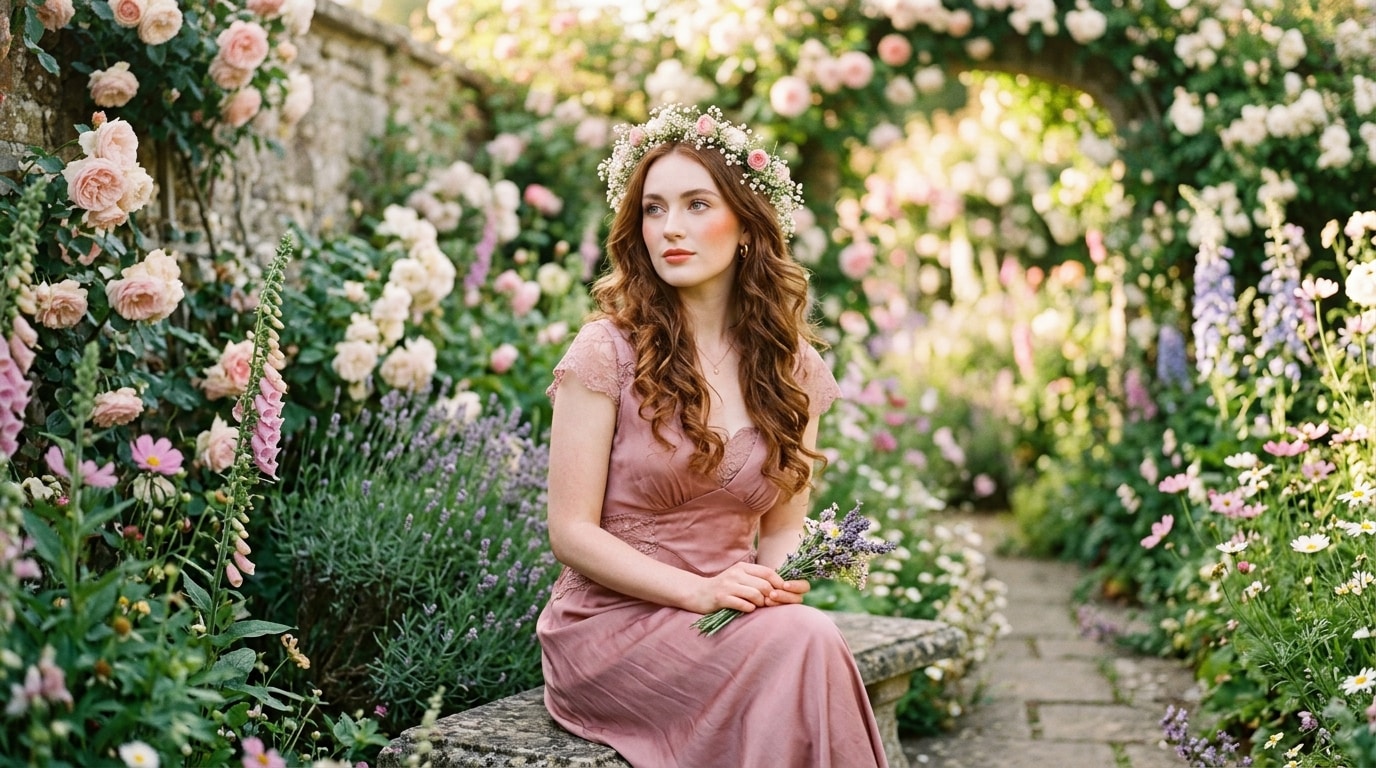
Portrait Precision: Perfect Butterflies Around Face Tracking
Elevate your selfies with a selfie butterfly effect that understands facial geometry. Our AI portrait tracking ensures that the portrait butterfly overlay stays locked onto your subject even during movement, allowing for a seamless blend that looks like a high-end Snapchat or Instagram filter but with cinematic quality.
- 🎯 Smart Face Anchoring – The AI specifically targets butterflies around face areas to create an angelic crown or a surrounding halo of wings.
- 🤳 Vlog-Ready Stability – Perfect for handheld shots, the aesthetic butterfly effect remains stable even if the camera shakes or moves.
- 🎭 Depth Perception – The effect intelligently layers some butterflies in front of and some behind the subject for a 3D portrait butterfly overlay.
Customizable Aesthetic Styles: From Dreamy to Angelic
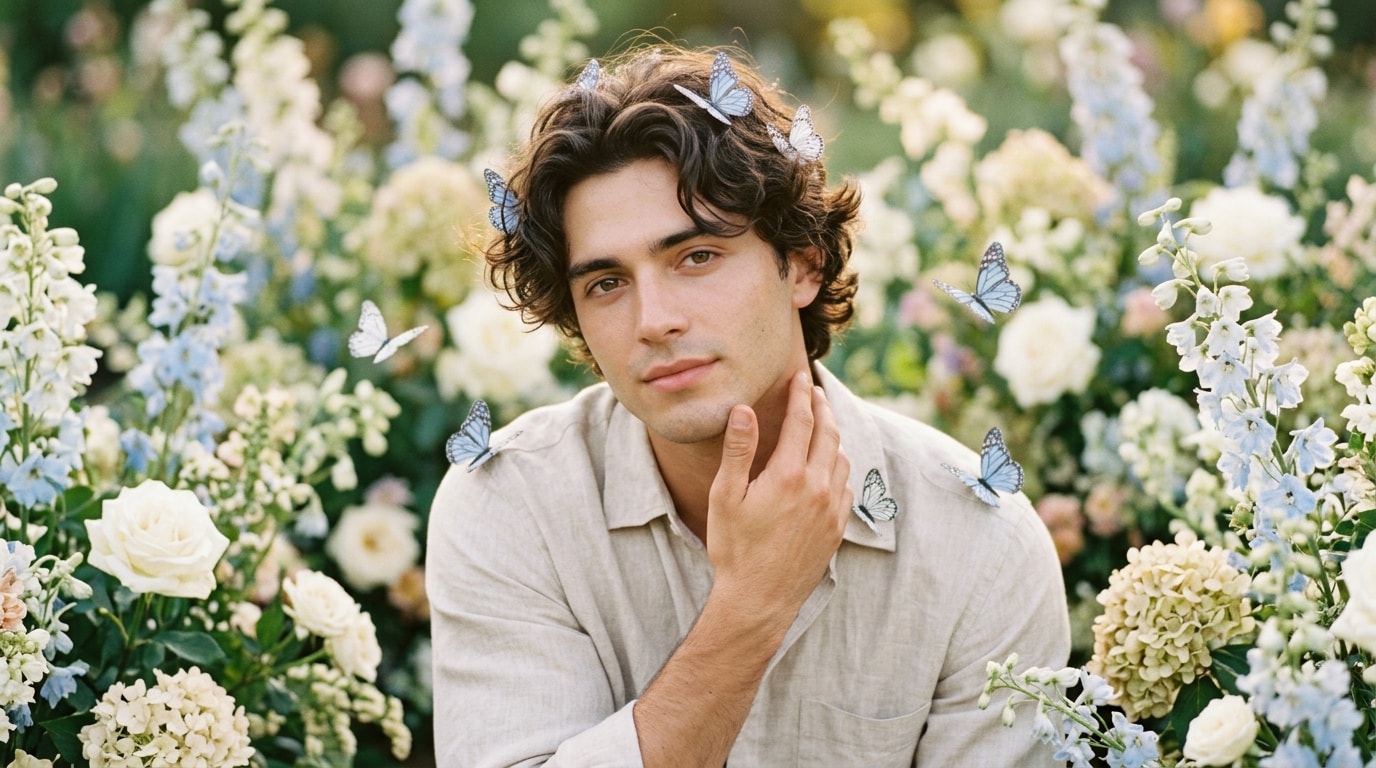
Customizable Aesthetic Styles: From Dreamy to Angelic
Every creator has a unique voice. Filmora offers a wide range of styles to ensure your angelic butterfly overlay matches your personal aesthetic. You can adjust the opacity, color, and speed of the wings, creating a dreamy butterfly effect combined with glow effects that truly stand out.
- 🤍 Ethereal White Themes – Use the white butterflies effect for clean, minimalist, or bridal-style video edits.
- 🌈 Holographic & Neon – Switch to vibrant colors for music videos or futuristic edits that go beyond a simple butterfly overlay effect.
- 🌬️ Soft Motion Blur – Apply cinematic blur to the wings to make the ai butterfly video effect feel more integrated into the scene's movement.
How to Apply the AI Butterfly Effect with Filmora
Whether you want a simple white butterflies effect or a complex swarm, this guide shows you how to add magical wings to your video in three easy steps.
Step 1 Select an Aesthetic Butterfly Overlay
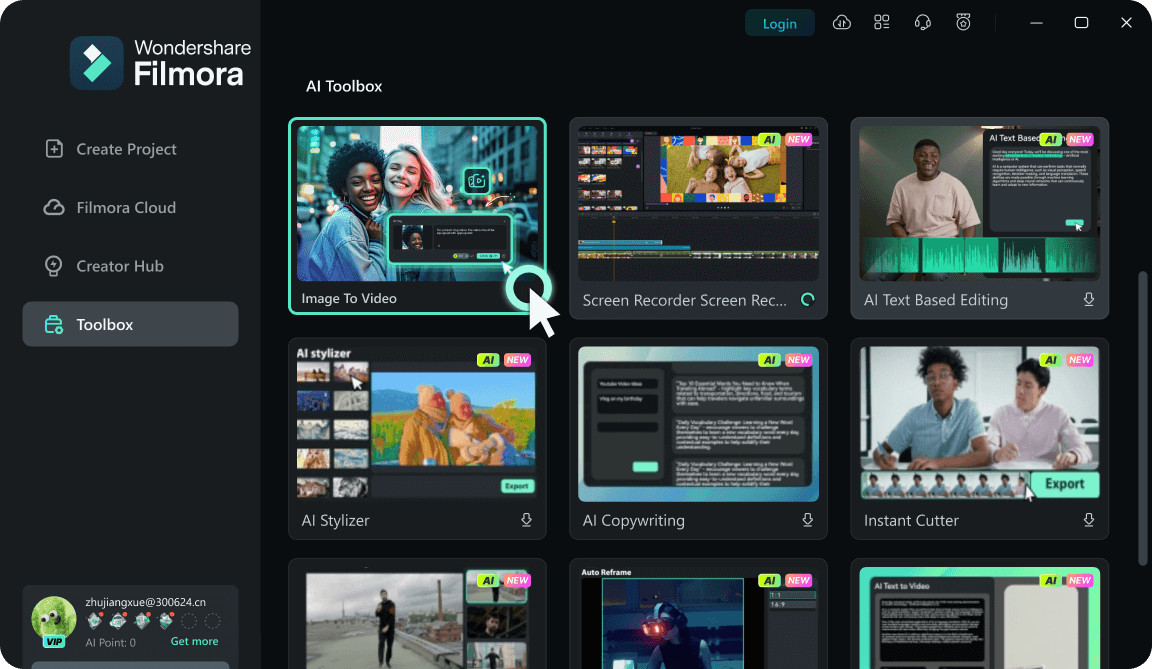
Step 2 Refine the AI Butterfly Video Effect
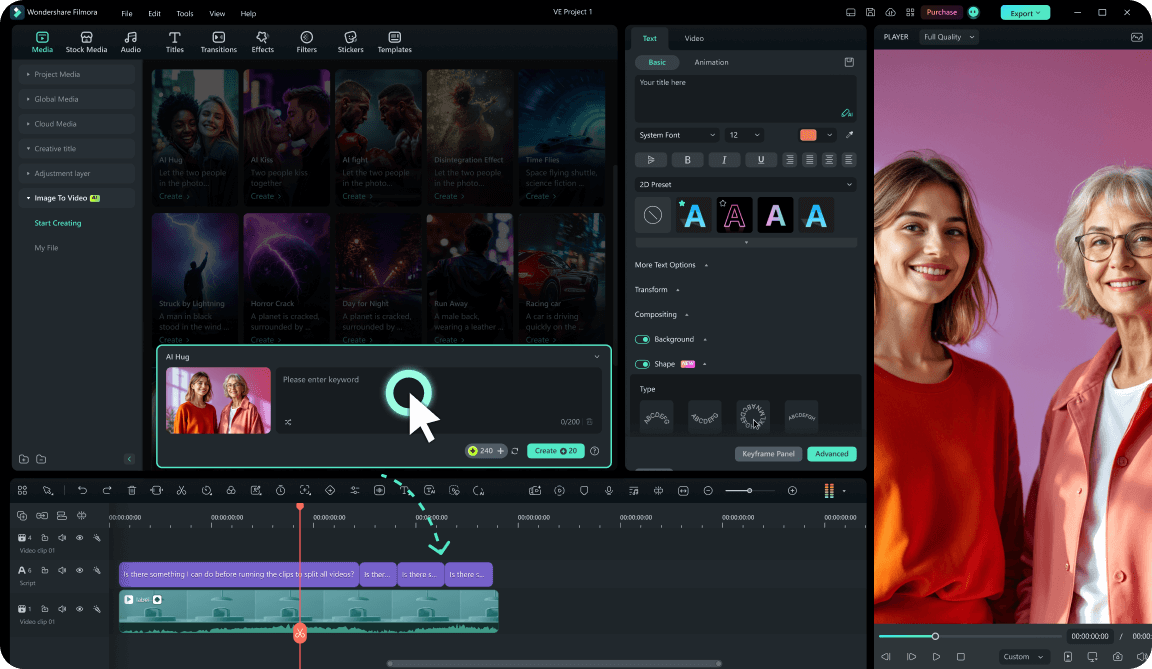
Step 3 Add Final Touches and Export
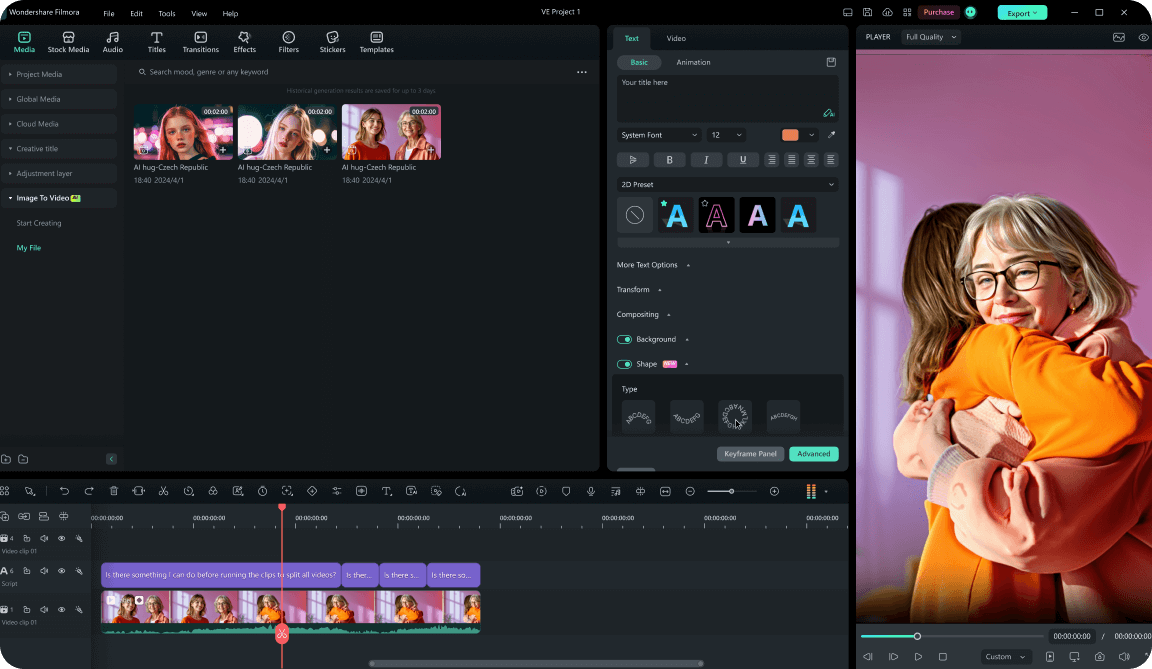
-
1:Select an Aesthetic Butterfly Overlay
Open Filmora and browse the effects library for butterfly styles. Choose from options like angelic butterfly overlay or white butterflies effect and drag them onto your timeline above your video. -
2:Refine the AI Butterfly Video Effect
Use the AI Portrait tool to ensure the butterflies track your movement perfectly. After applying your butterfly overlay effect, you can use color grading tools to match the glow. -
3:Add Final Touches and Export
Preview your dreamy butterfly effect and adjust the opacity or speed of the wings. Once you're happy with the portrait butterfly overlay, hit Export to share your magic on TikTok or Instagram.
FAQs About the AI Butterfly Effect
Explore More Aesthetic Video Effects & Templates
From magical butterfly swarms to cinematic filters — explore Filmora's full library of effects, templates, and AI-powered creative tools.