
50+ Portrait Video Filters & Effects:
Flawless Looks for Every Frame
Transform your footage with our professional collection of portrait video effects. From AI-powered beauty retouching and skin smoothing to artistic AR stickers and cinematic color grades, these assets are designed to make your subject shine. Simply browse the library, drag your favorite portrait filter onto the timeline, and create polished, influencer-ready videos in seconds. Perfect for vloggers, interviewers, and social media creators looking for that studio-quality finish.
Loading more Portrait filters...
 Category:
 Duration:
 Aspect Ratio:
Why Use Filmora Portrait Effects?
Transform your on-camera presence effortlessly—professional beauty tools and creative filters that make every shot picture-perfect!
Radiate Confidence with Professional AI Beauty Retouching

Radiate Confidence with Professional AI Beauty Retouching
Say goodbye to frame-by-frame editing and hello to instant, natural-looking enhancement. Filmora's intelligent facial recognition automatically detects features to smooth skin, brighten eyes, and whiten teeth while preserving natural skin texture, ensuring you look flawless in every frame.
- One-click skin smoothing and blemish removal for a flawless complexion
- Adjustable face shaping tools to refine jawlines, eyes, and nose width
- Real-time rendering ensures your subject looks perfect in motion
Unleash Creativity with Dynamic AR & Stylized Portrait Effects

Unleash Creativity with Dynamic AR & Stylized Portrait Effects
Transform ordinary footage into trend-setting content using our vast library of Augmented Reality (AR) stickers and artistic filters. Whether you need a cyberpunk aesthetic, vintage film looks, or interactive face accessories, these effects track with the subject's movement for a seamless, professional finish.
- Massive collection of AR stickers: cute animals, glasses, and motion accessories
- Artistic style transfers including sketch, glitch, and neon portrait effects
- Automatic face tracking ensures effects stay perfectly aligned with movement
Spotlight Your Subject with AI Portrait Isolation & Bokeh

Spotlight Your Subject with AI Portrait Isolation & Bokeh
Create depth and focus without expensive lenses or green screens. Our AI Portrait engine creates precise segmentation, allowing you to blur background, add glitch borders, or completely replace the environment behind your subject to keep all eyes on you.
- Instantly apply "Human Segmentation" to remove or replace video backgrounds
- Add cinematic depth-of-field with adjustable bokeh blur intensity
- Creative silhouette and glowing border effects to make subjects pop
FAQs About Portrait Filters
How To Add Portrait Effects to Videos
Whether you're a beginner or experienced creator, adding beauty and portrait effects to your videos is intuitive and fast.
Follow these simple steps to enhance your subjects with Filmora's extensive effect collection.
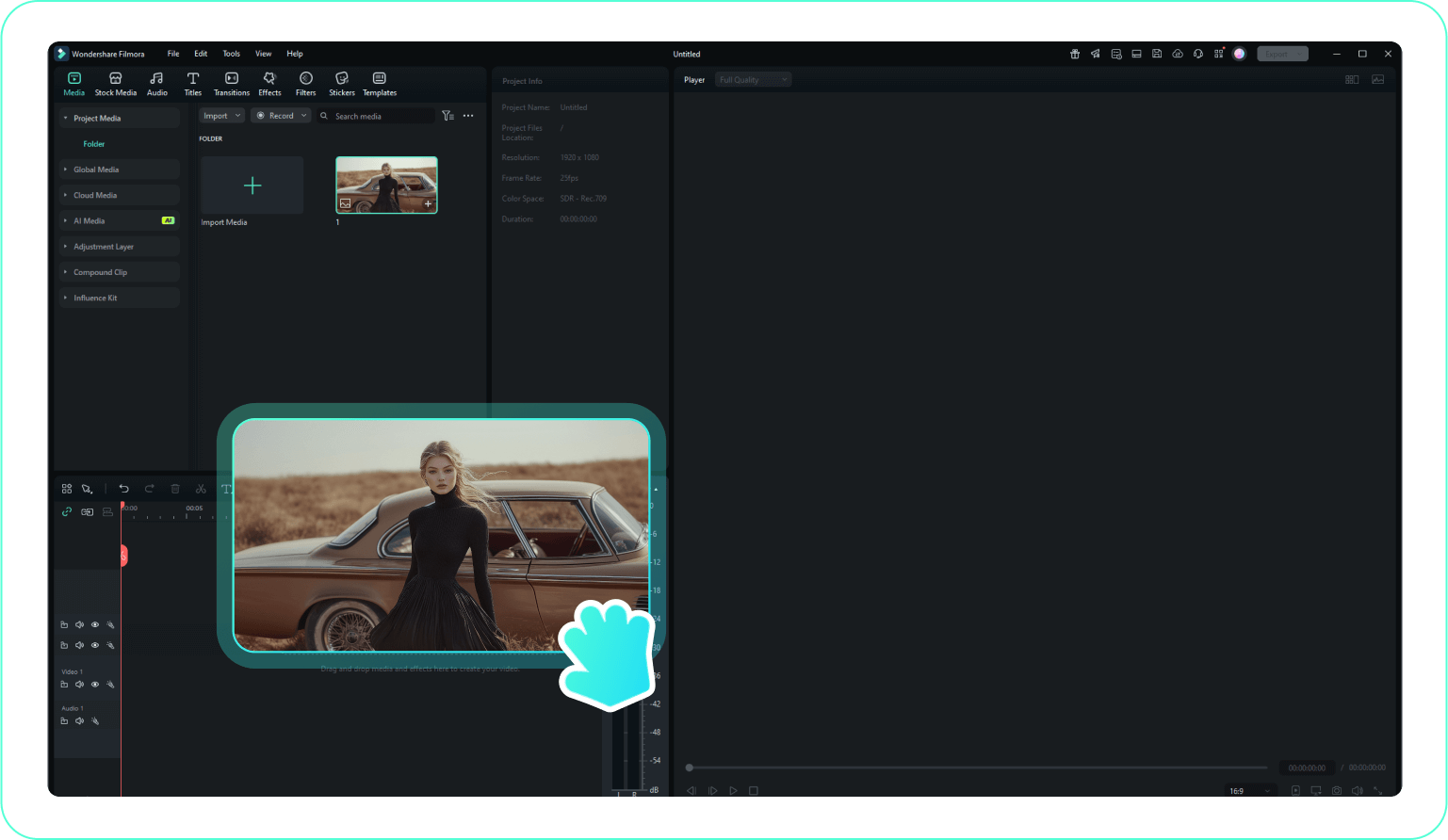
Step 1 Open Filmora and Import Your Video
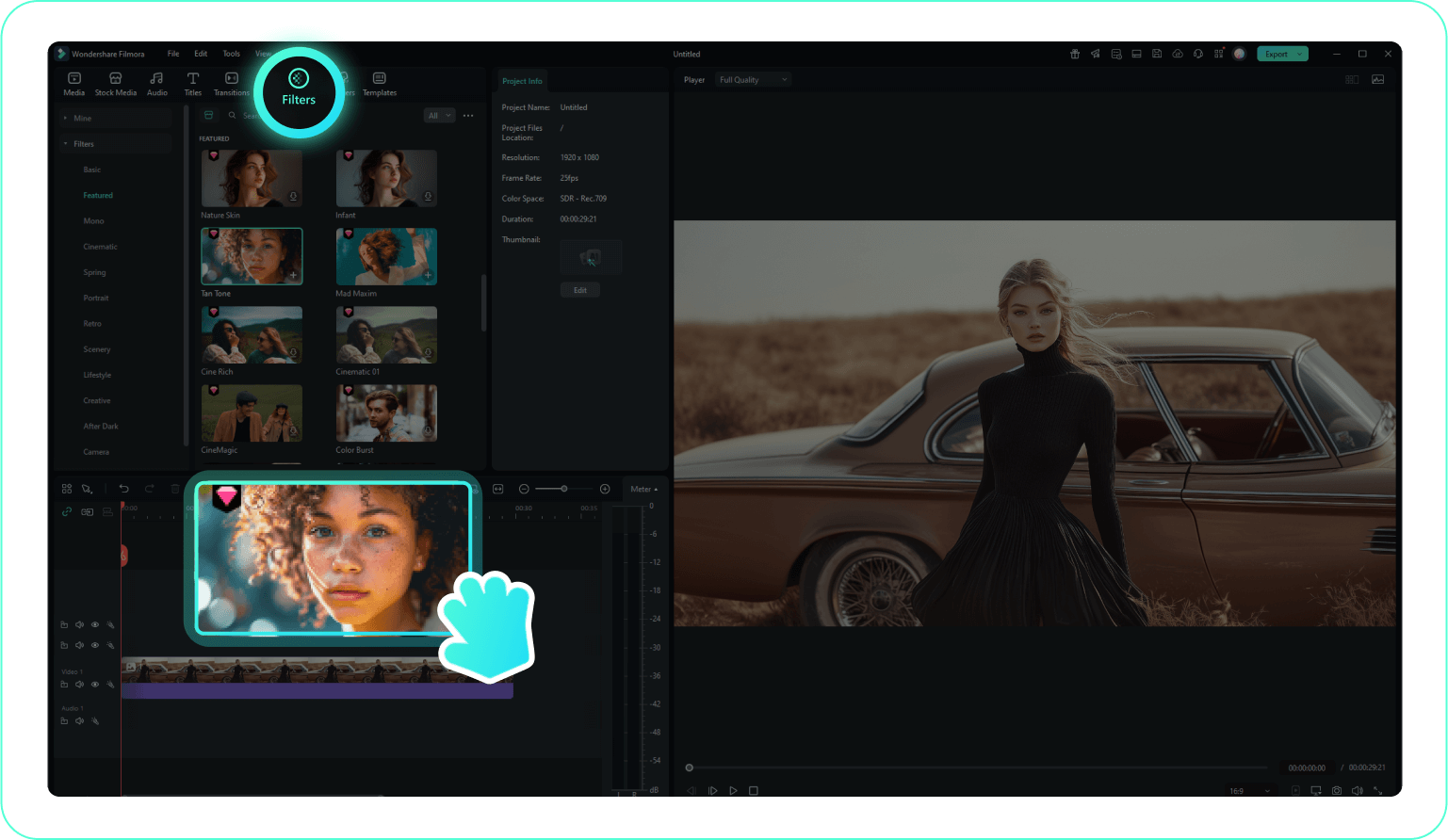
Step 2 Choose and Apply Portrait Effects
Step 3 Customize and Export
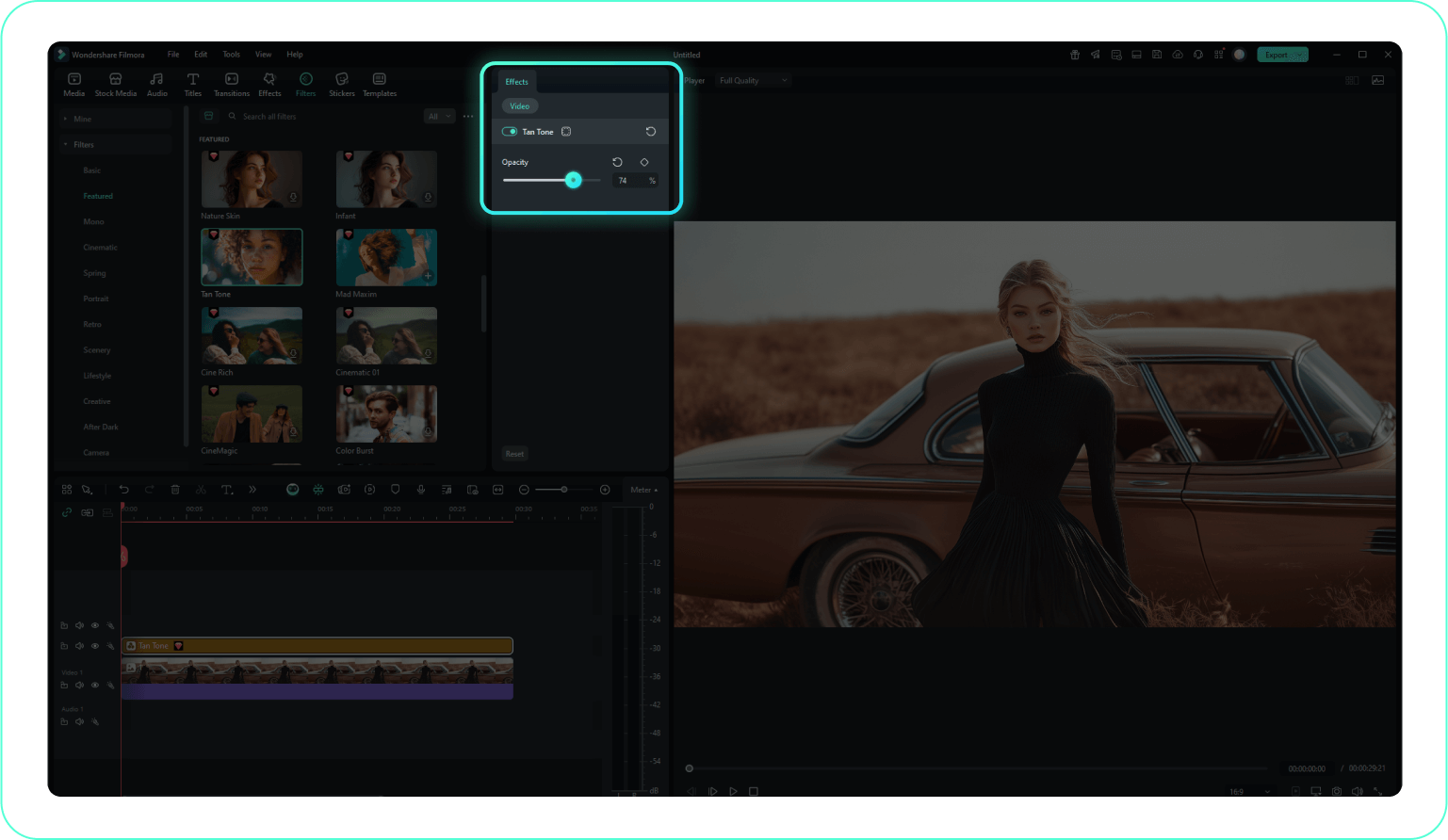
Step 1: Open Filmora and Import Your Video
Launch Filmora on your computer and import the video file you want to edit into the media library. Then, drag it to the timeline to start editing.Step 2: Choose and Apply Portrait Effects
Click the Effects tab in the top toolbar. Navigate to "Portrait" or "AI Portrait" categories. Select a beauty filter or effect and drag it directly onto your video clip in the timeline.Step 3: Customize and Export
Double-click the clip to adjust the intensity of the effect (e.g., skin smoothing level). Once satisfied, export your polished video or continue editing.
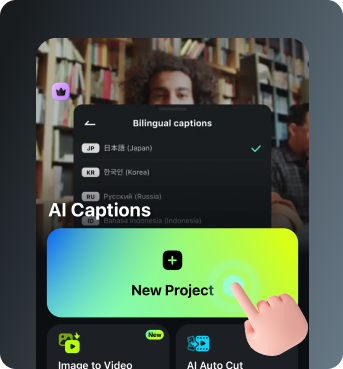
Step 1 Open Filmora and Import Your Video
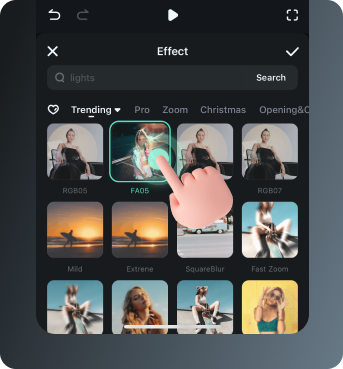
Step 2 Access and Select Portrait Effects
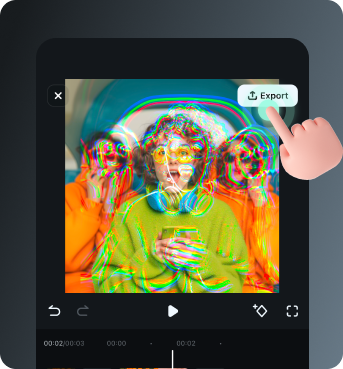
Step 3 Export or Keep Editing
Step 1: Open Filmora and Import Your Video
Open the Filmora app on your phone and import the video you want to edit. The clip will be added to your editing timeline automatically.Step 2: Access and Select Portrait Effects
Tap "Effects" or "Retouch" to browse preset beauty filters and animations. Choose a style you like and apply it to enhance your subject instantly.Step 3: Export or Keep Editing
After applying the effects, export your video or continue editing with additional animations, stickers, or adjustments.
Explore More Creative Video Templates
Discover other professional template categories to complement your aesthetic filters




