
Trending Arrow Stickers
Discover our most popular arrow stickers for social media
Loading more arrow stickers...
 Category:
 Duration:
 Aspect Ratio:
Why Use Our Arrow Stickers?
Professional quality meets effortless creativity for your content
Boost Engagement
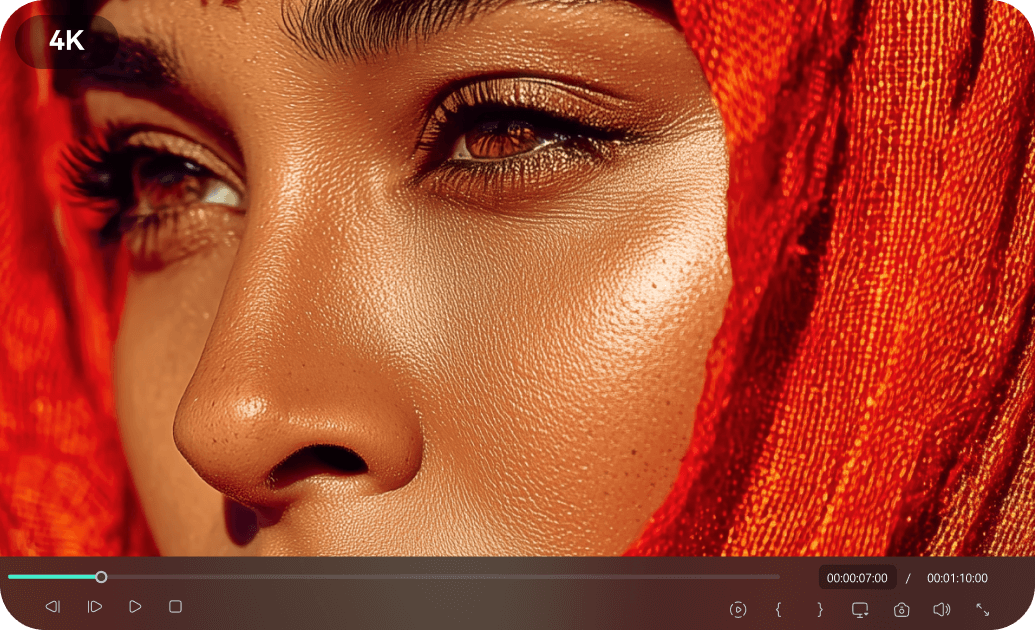
Boost Engagement
Guide your audience's eyes and highlight key information with eye-catching arrow stickers. Perfect for tutorials, product reviews, and call-to-action prompts across all platforms.
- Direct viewer attention to important details
- Increase watch time and click-through rates
- Create clear and concise visual instructions
Easy to Apply
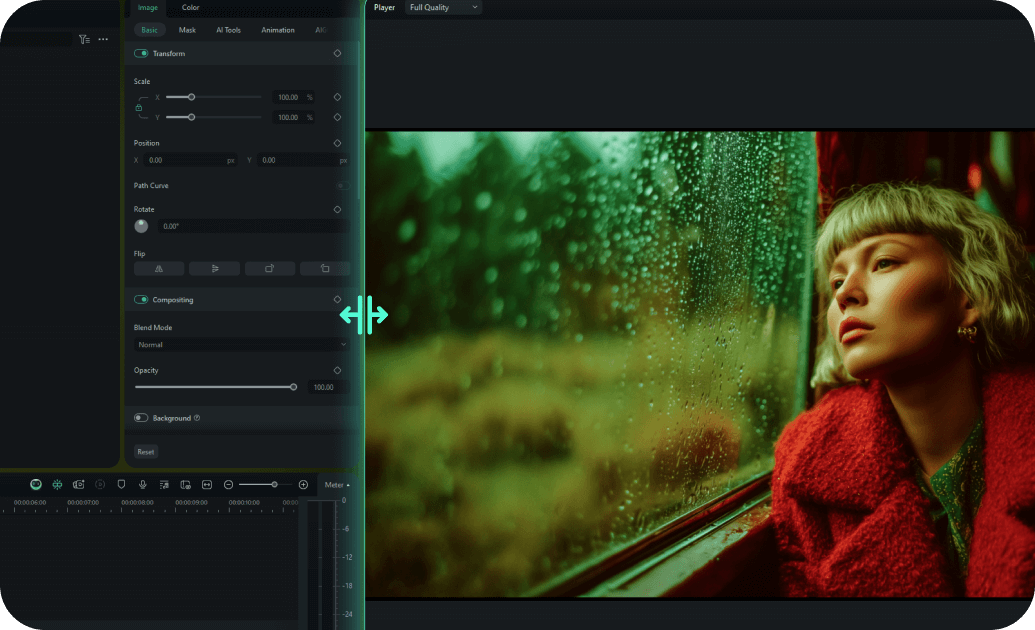
Easy to Apply
Our arrow stickers are designed for quick and intuitive application. Simply drag and drop them onto your footage in Filmora and customize their appearance in seconds.
- One-click placement and resizing
- Customizable colors, sizes, and animation styles
- Real-time preview for instant feedback
- No advanced editing skills required
Versatile Styles

Versatile Styles
Choose from a wide range of arrow sticker designs, including animated, static, neon, and hand-drawn styles. Find the perfect arrow to match your content's aesthetic, whether it's for TikTok, Instagram, or YouTube.
- Animated arrow stickers for dynamic effects
- Static arrows for subtle guidance
- Trendy neon and glitch arrow stickers
- Cross-platform compatibility guaranteed
Instant Access

Instant Access
Download and start using arrow stickers immediately with Filmora. No waiting, no complex installations – just instant access to a growing library of engaging visual elements.
- Immediate download after selection
- Regular updates with new arrow stickers
- Seamless integration with Filmora
- No recurring fees or subscription requirements
Frequently Asked Questions about Arrow Stickers
How to Add Arrow Stickers in Filmora
Create professional-looking content with arrow stickers in just a few simple steps, no advanced technical skills required.
Step 1 Browse & Select
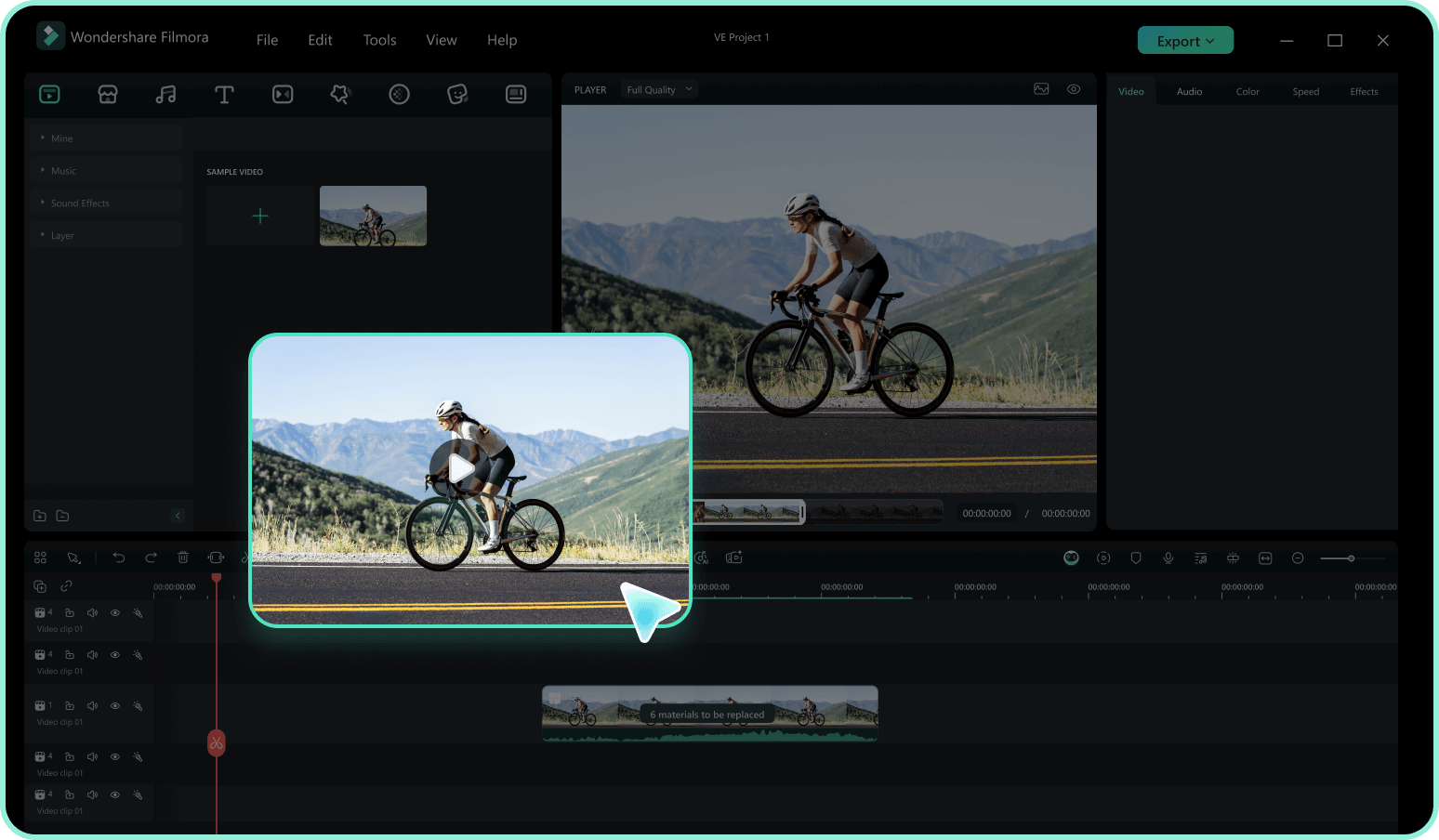
Step 2 Download Arrow Sticker
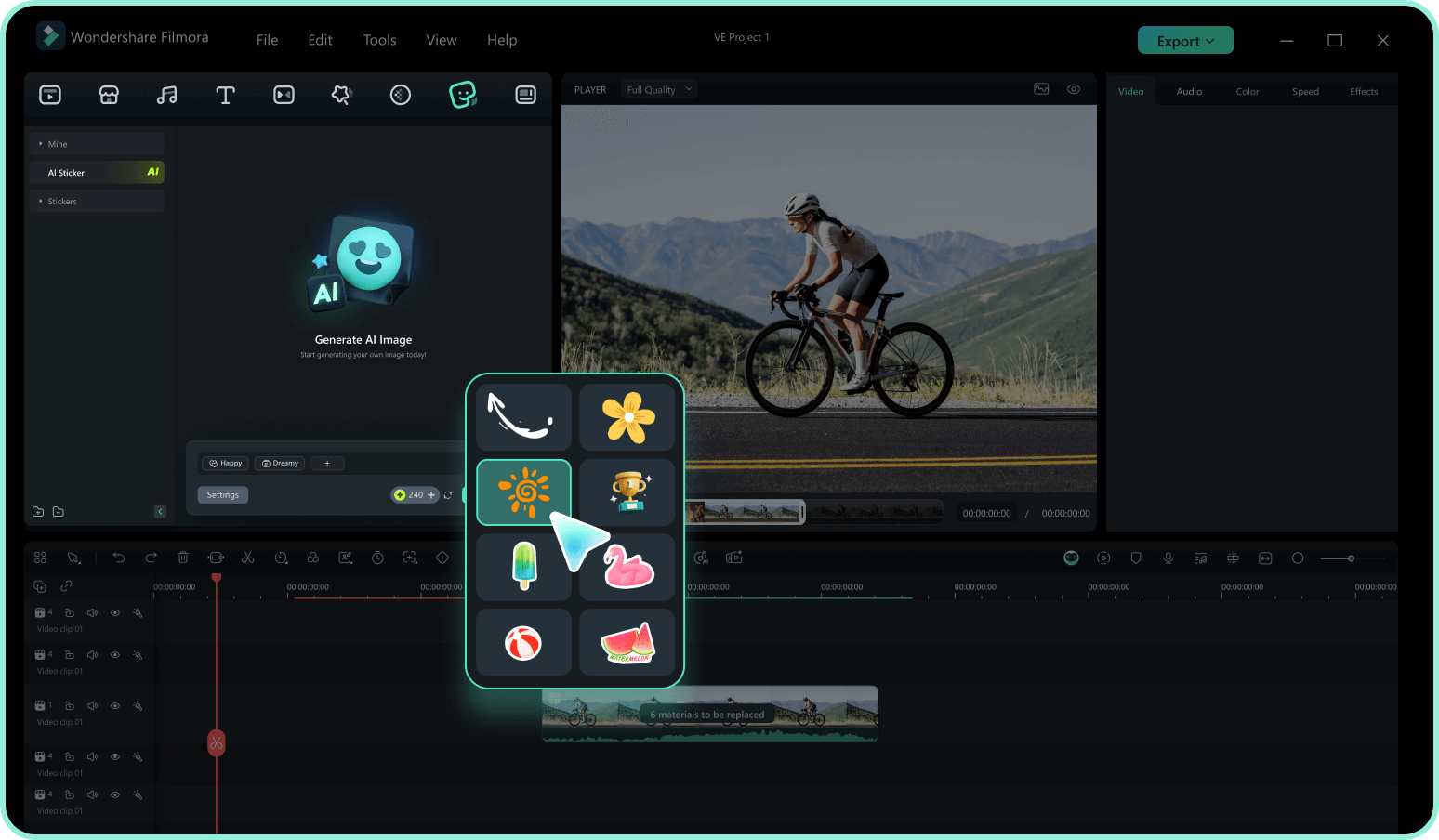
Step 3 Apply in Filmora
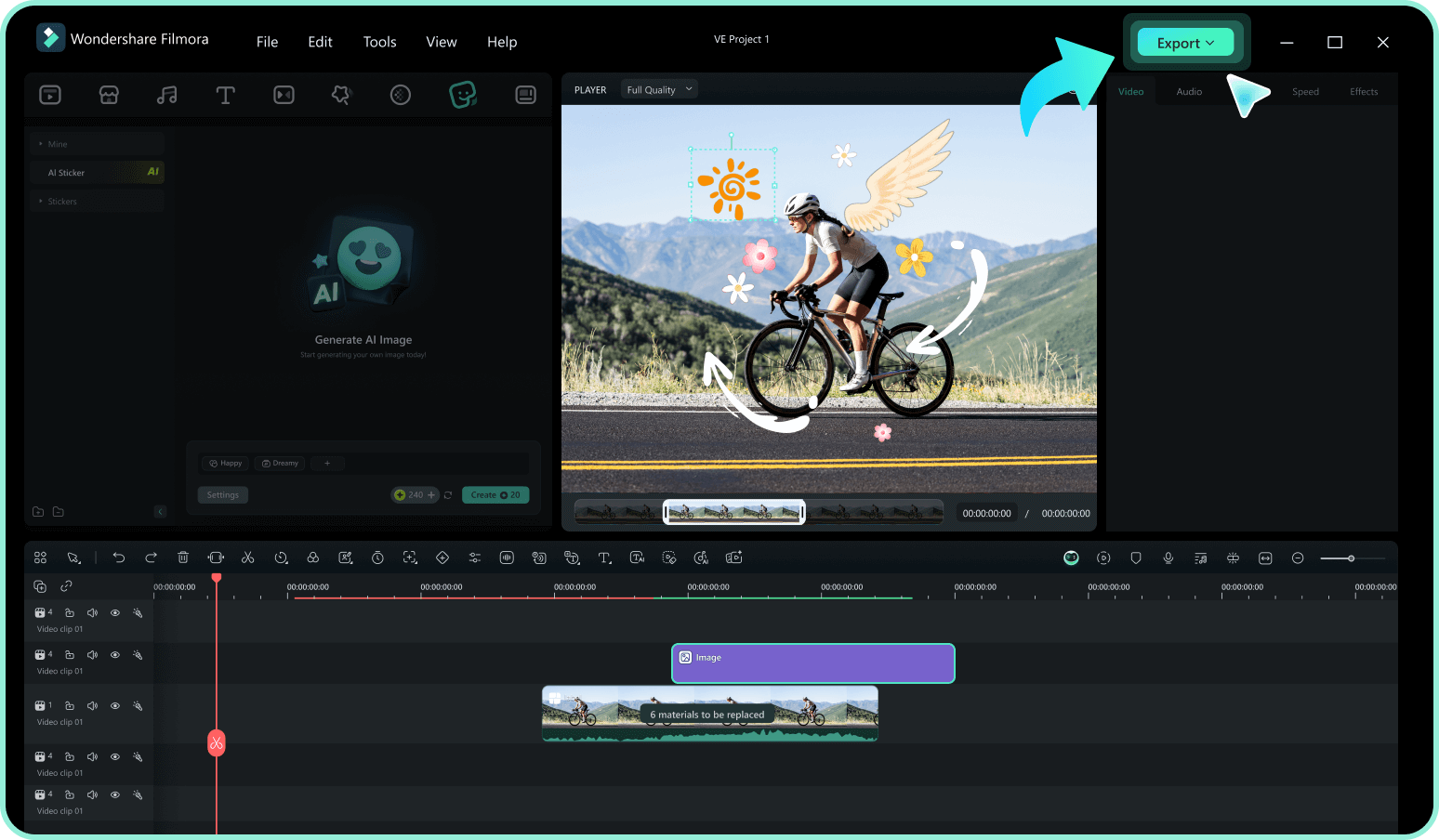
-
1:Browse & Select
Browse our arrow sticker collection and click on any sticker to preview it. Use filters to find arrow stickers by style, animation, or platform compatibility. -
2:Download Arrow Sticker
Click the download button to get the arrow sticker file and ready to import into videos. -
3:Apply in Filmora
Drag arrow sticker to your timeline, adjust its position, size, and customize its appearance to match your content.
Explore More Sticker Themes
Discover other sticker categories for every occasion




