


 TL;DR:
Bypassing subscription fees with an unofficial Unfold Mod APK exposes your device to injected malware and stolen social media credentials, making it significantly safer to utilize the official app's free tier or the seven-day Unfold Plus trial.
● These modified files are exclusively compatible with Android devices and remain permanently frozen at their cracked version, leaving them highly vulnerable to unpatched security flaws and prone to frequent app crashes.
● Download sites distributing these cracked apps commonly use deceptive buttons or explicitly instruct users to disable device security settings like Play Protect, signaling that the file likely contains harmful hidden code.
● If the official app's free templates are insufficient, Wondershare Filmora provides a safer cross-platform alternative tailored for Instagram and TikTok creators, offering a broader free template library, cloud sync, and direct content scheduling without the risks of a modified file.
Ask AI for a summary
 ChatGPT
 Perplexity
 Gemini
 Claude
 Grok
Grok
When you see premium templates or features locked behind the Unfold Plus subscription, it can feel tempting to download an Unfold Mod APK that claims to unlock everything for free. The problem is that most of you download these files without realizing the security risks that come with them.
Modified apps are not distributed by the original developer, which means there is no guarantee the file is safe or even works as advertised. So, before regretting installing a suspicious Unfold Mod APK, we’ll walk through the risks they can bring and safer ways to use Unfold or similar editing tools without exposing your phone to dangerous files.
Part 1. Unfold App vs Unfold Mod APK: What’s the Difference?
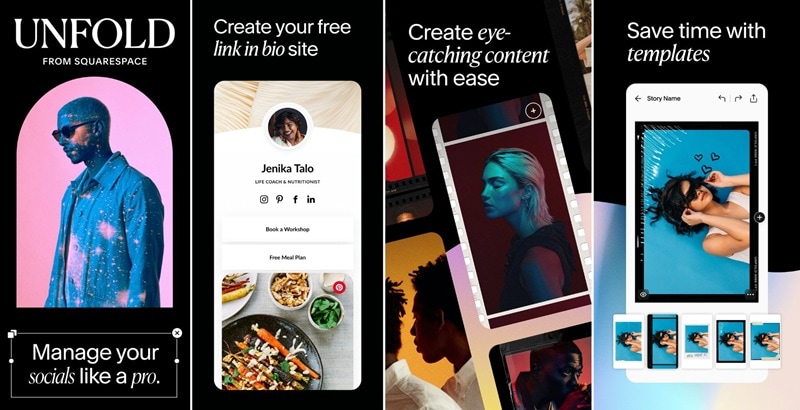
Unfold is a story, reels, and content creation app built for Instagram, TikTok, and other social platforms. It gives you access to professionally designed templates, fonts, and editing tools to make your videos and posts look polished, even if you don’t have any design experience.
While it's free to download, Unfold locks most of its best templates and features behind a paid subscription. That paywall is one of the main reasons a lot of people look for an Unfold Pro APK as a free workaround.
What is Unfold Mod?
Unfold mod APK is actually a modified version of the original app. It’s repackaged by an unknown third party to bypass the app’s built-in payment system and unlock premium features without authorization.
What they don't tell you is that cracking open an APK means having full access to its code, and that's what makes it dangerous. This kind of tampering opens the door to:
- Malware and Hidden Code: Mod APKs are a common disguise for distributing malicious software. The person repackaging the file can inject malware, spyware, or keyloggers directly into the code, and you'd never know because the app still opens and works like expected.
- Privacy Risks: Unfold is an app you use while logged into your social media accounts. A compromised APK can silently capture your login credentials, read your clipboard, and access your camera and microphone without triggering any alerts. Don’t be surprised if your accounts and personal data are stolen.
- Security Vulnerabilities: Mod APKs are frozen at the version they were cracked from. No patches, no updates, no fixes. Every known security flaw in that version stays permanently open, and the only way to get a newer one is to download another unverified file from another unknown source all over again.
These are the risks no APK site will put on their download page. Downloading Unfold fullpack is only safe through official sources like the Google Play Store and the App Store. Compare that to using the official app, and the difference comes down to what you value more.
| Official Unfold App | Unfold Mod APK | |
| Developer | Squarespace (verified) | Unknown third party |
| Cost (Starting Price) | $4.99/mo (Plus) or $12.99/mo (Pro) | Free, but risky |
| Updates | Regularly through Google Play and App Store | None |
| Security | Patched and verified | Unverified |
| Premium features | Available through Unfold+ or Unfold Pro subscription | Available for free with risks |
| Stability | Stable, QA tested | Unpredictable, prone to crashes |
Part 2. Red Flags That an Unfold APK Download Site Is Unsafe
APK is actually just the file format Android uses to install apps, the same way Windows uses .exe files. It's not inherently "dangerous," but the risks come when the file has been modified and is distributed through sources that offer no way to verify what’s actually inside.
Most of these Unfold APK sites are designed to look credible enough that you don't think twice before hitting download. But several signs tell you the file and the site behind it can't be trusted.
1. Unrealistic Feature Claims
If a site promises that their version of Unfold fullpack includes "all premium templates unlocked forever" or features that don't exist in the official app, that's a red flag. Mod APKs can only modify what's already in the app. Claims that go beyond the actual feature set of Unfold+ and Pro are either fabricated or indicate the file has been heavily tampered with for reasons unrelated to improving the app.
2. Requests to Disable Security Settings
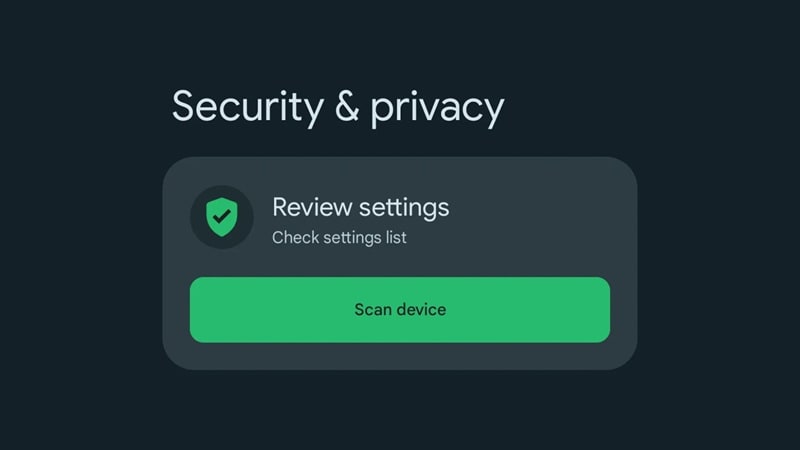
Legitimate apps never ask you to disable your phone's security settings before installing. If a site instructs you to do this as a required step, the app they're distributing is almost certainly fishy. It must’ve triggered security warnings for a reason. Services like Play Protect flag files that contain suspicious code. Disabling it means you are removing the very first layer of protection your device has against harmful apps.
3. Fake Download Buttons
Many Unfold mod sites load multiple download buttons on the same page, and most of them don't point to the file at all. They're ads designed to look like buttons, or they trigger automatic downloads of something else entirely. If a page has more than one "Download Now" button, that’s a strong indication the site is only trying to mislead you.
Part 3. Safe Ways to Use Unfold Without Downloading APK Mods
If it's not safe to download Unfold Pro APK, what you can do is get the most out of the official app instead. The free version actually covers more than you can expect, and the free trial can be your way to access premium features before spending anything.
1. Use the Official Unfold Free Version
The free version of Unfold comes with a solid selection of templates, basic text and layout tools, and core editing features. Although the final export has a watermark, you can always work around it by planning your layout carefully. It’s still better than risking your device, data, or accounts through the Unfold mod APK just to avoid paying for a subscription.
2. Try the Official Unfold Plus Trial
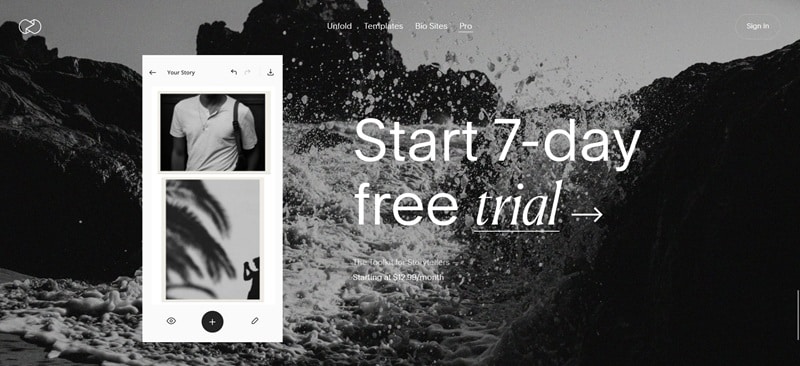
If you really want to try the premium templates, tracks, filters, and brand kit features, Unfold usually offers a seven-day free trial for new users. Prepare your content in advance and use that window to make the most of everything the paid version includes.
Don't forget to cancel before the trial ends if you don't plan to continue, or it will roll into a paid subscription automatically.
Part 4. Try Unfold Alternative for More Templates and Features
If the free version or the trial is still barely enough to cover your needs, you can consider switching to a different app entirely. If you search for Unfold mod APK simply because you want more templates, fonts, and editing tools than the free tier provides, then it doesn’t always need to be Unfold.
One app you can try is Wondershare Filmora, a full video editing app with a free tier that gives you access to a much wider set of tools. Filmora is built specifically for the kind of short-form content that performs well on Instagram and TikTok.
It’s available on both desktop and mobile, with a cloud sync that lets you start a project on one device and pick it up on the other without losing your progress. Standout features in Filmora include:
- AI Tools for Creating Short Videos or Reels: Social media right now is all about funny AI-generated videos, and Filmora gives you the tools to create them as well as the editor to polish everything before it goes live.
- Built-in Template Library: Filmora comes with a large collection of ready-to-use templates across different styles, themes, and formats, so you don’t always need to start from a blank canvas.
- Social Media Planner: On Filmora for Desktop, you can schedule and publish content directly from the software. Edit, post, and Track Your Video Success Across Platforms with In-Depth Data Insights inside the same platform.
- Instant Reels Maker: Using Filmora on mobile, you can put together a Reel in minutes using preset templates, auto-sync music, and ready-to-use transitions. No spending hours editing a dozen pieces of footage.
Filmora can be the next app to try if Unfold's free tier isn't cutting it for you, and you get all of that without any of the risk that comes with downloading an Unfold mod APK.
 Secure Download
Conclusion
Unfold mod APK is not an official app, and it comes with many hidden dangers. What you risk when downloading an Unfold mod APK is malware, stolen credentials, and a permanently vulnerable app that probably will cost you more than a subscription fee.
If Unfold's free tier still falls short, Filmora is a solid alternative for broader options of templates, editing features, and even AI-powered tools. It's available to download for free, with options to upgrade when you need more out of your content creation.
FAQs
-
1. Why does the Unfold Mod APK stop working after updates?
Mod APKs don't receive updates because they aren't maintained by the original developer. When the official Unfold releases a new version, the Unfold mod gets left behind and eventually stops working. -
2. Can Unfold Mod APK affect phone performance?
Yes, it can. Since mod APKs aren't properly tested, they tend to crash more often and drain your battery faster than the official app. If the file also contains hidden malware running in the background, your phone will slow down even more over time without any obvious reason why. -
3. Can you install Unfold Mod APK on iPhone?
APK is an Android file, so it only works on Android. iPhones use a completely different system and only install apps through the App Store. There’s no such thing as "Unfold mod APK for iOS."
